Week 4 Challenge : CFD Meshing for BMW car
Aim/Objective : To check and solve all geometrical errors on half portion and Assign appropriate PIDs for the given model, Perform meshing with the given Target length and element Quality criteria and do symmetry to the other side, performing surface mesh to Wind tunnel surfaces. Also our model should clear the quality criteria i.e. Off elements should be zero.
Procedure :
- Import the given model onto the ANSA software. No need to go for the geometry check as we can visualize the errors.
- If the geometry looks distorted, then in the Mesh module apply mesh of minimum target length so as to avoid this distortion.
- Delete the half portion of the model as we would be performing meshing on one half of the model and then applying the same on the other half using Transform operation.
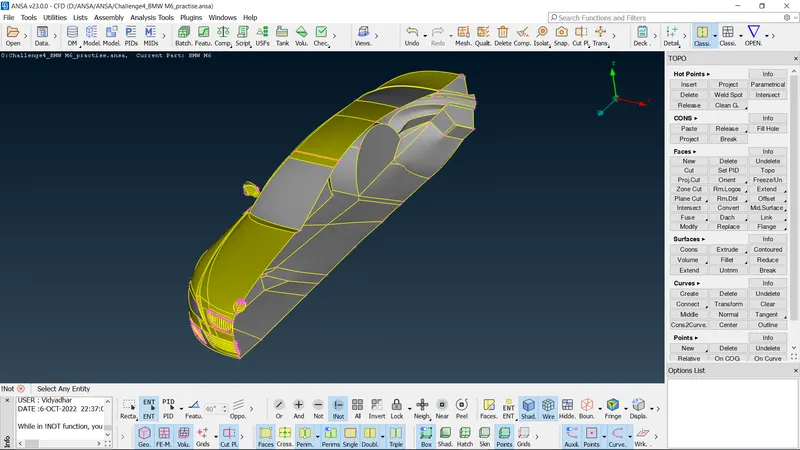
- Now individually go on deleting the internal surfaces as these would create unnecessary volumes. Also check for each and every entity so as to eliminate single cons and unnecessary triple cons.
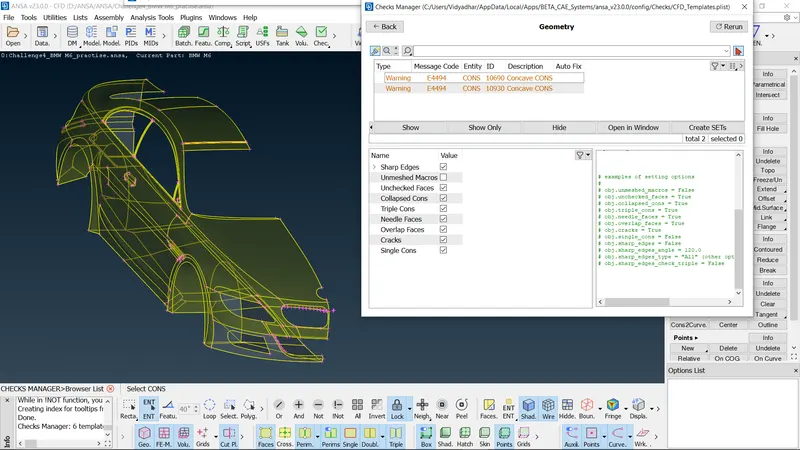
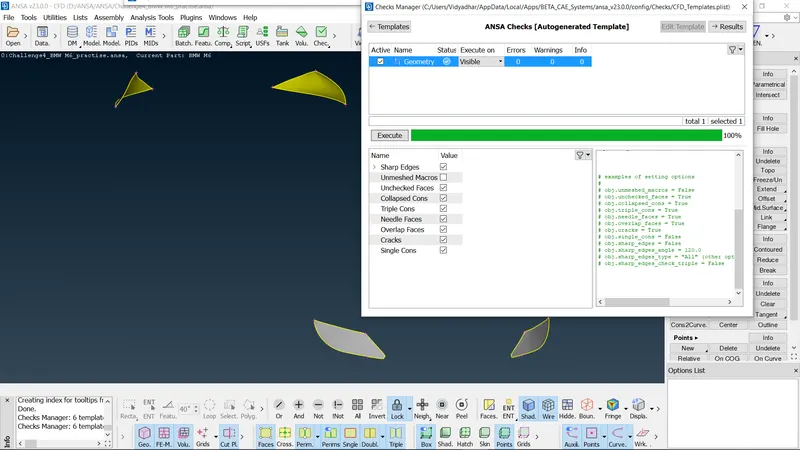
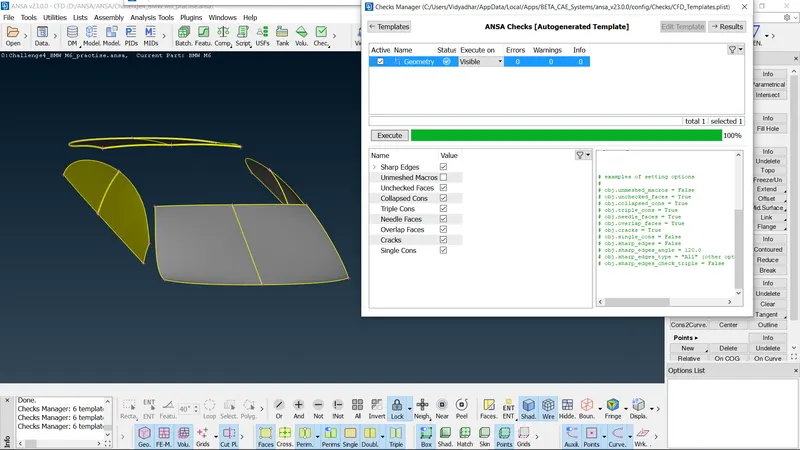
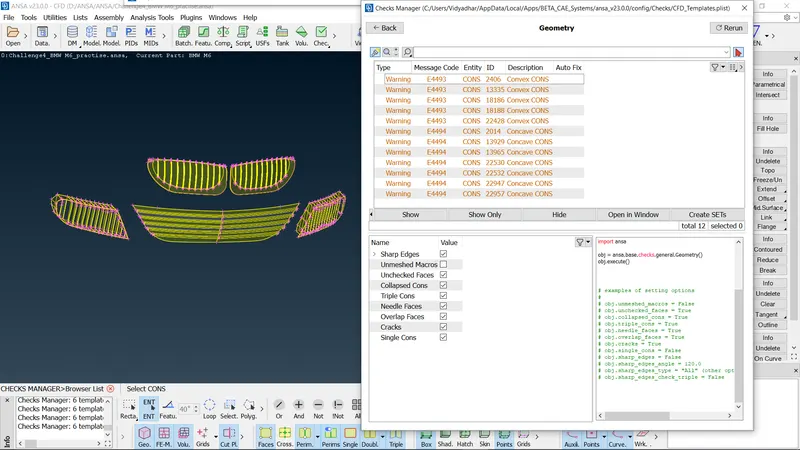
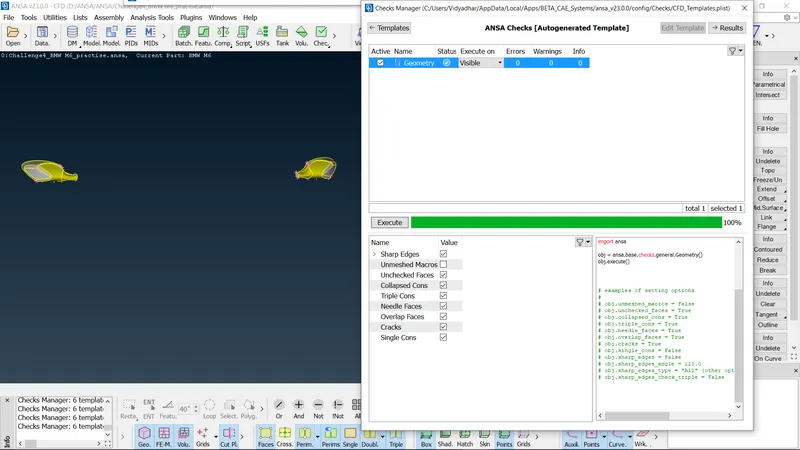
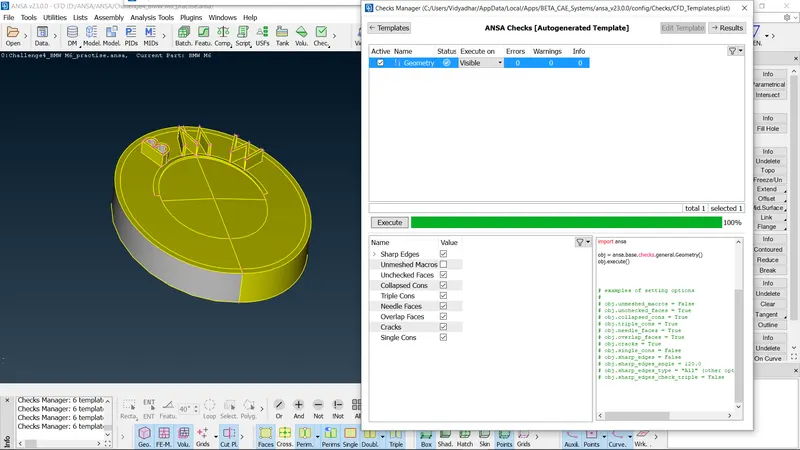
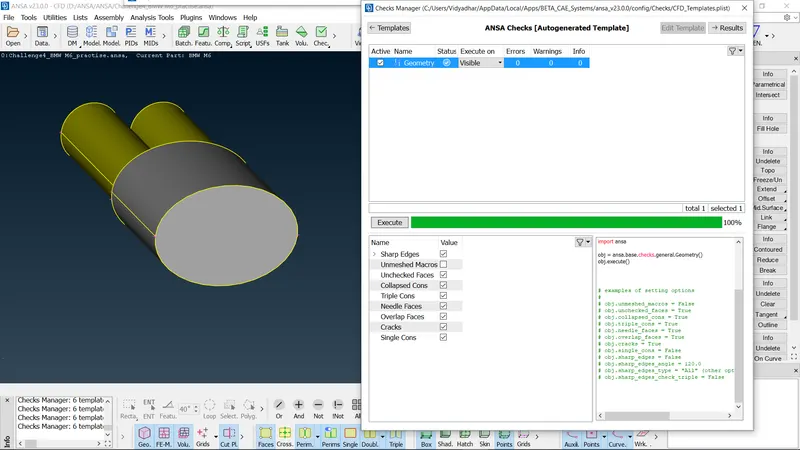
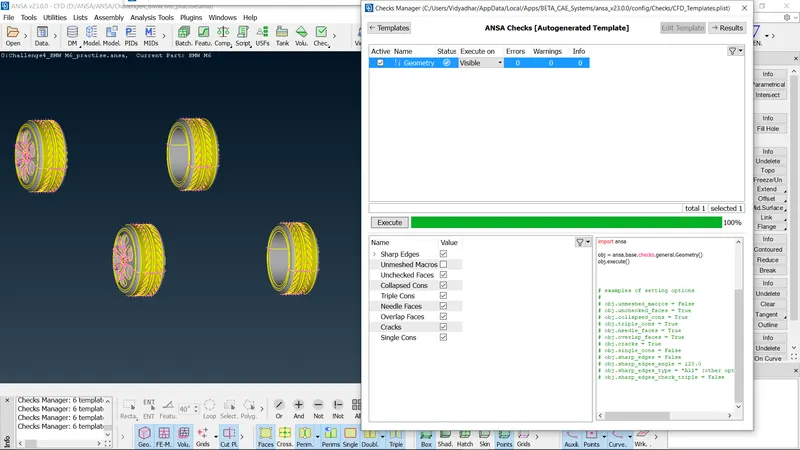
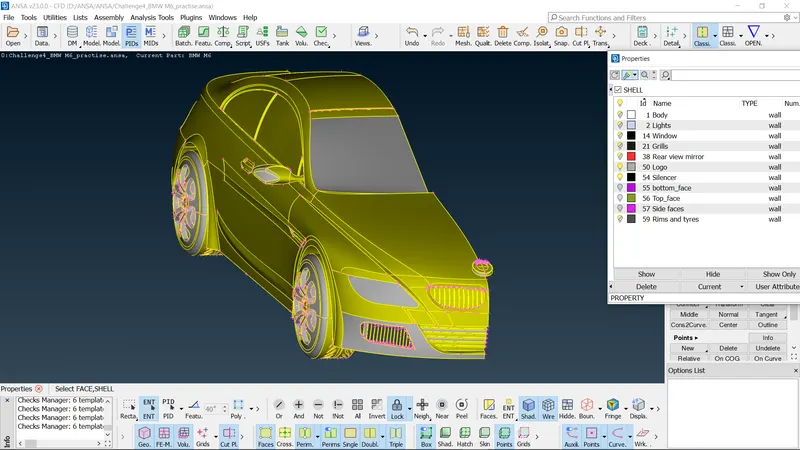
- After cleaning up all the geometries and once all the errors are eliminated, assign PIDs to appropriate components of the model.
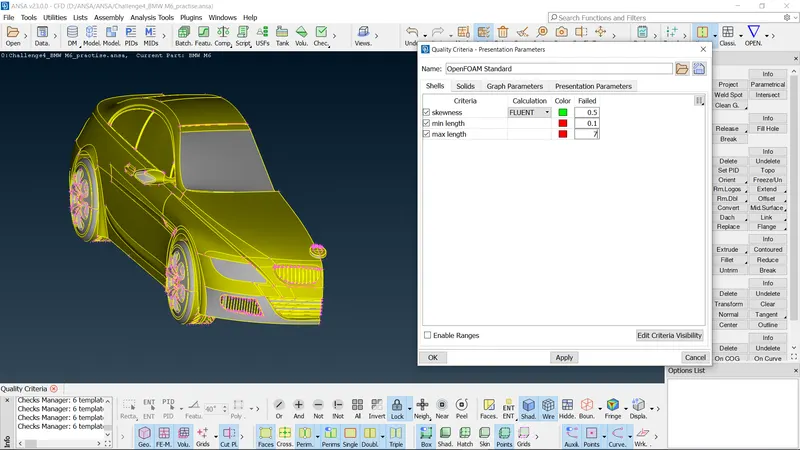
- Now switch to the Mesh module. In the Quality Criteria command, give maximum length of 7mm, minimum length of 0.1mm and skewness of 0.5mm. Deselect all other quality criteria parameters. In the Mesh parameters command give maximum and minimum lengths according to the specified target lengths.
- After meshing all the components, check for the off elements(bad elements) and eliminate the same using improve command.
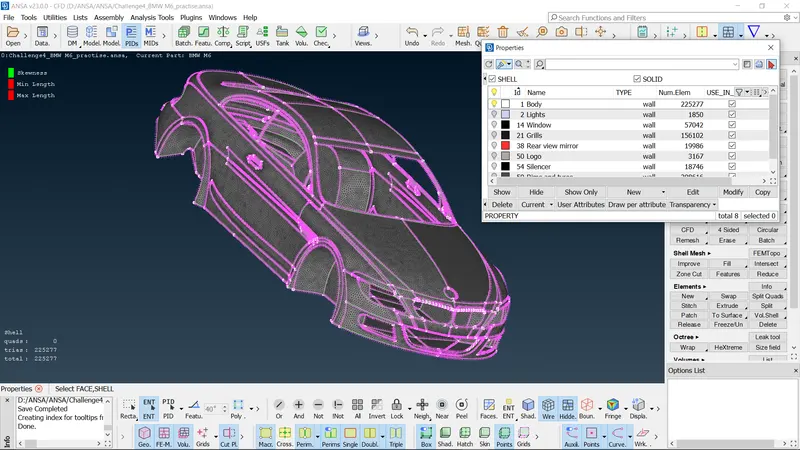
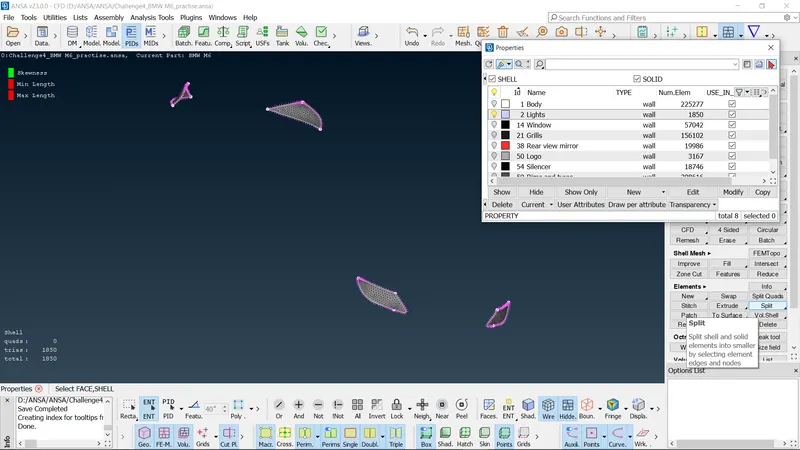
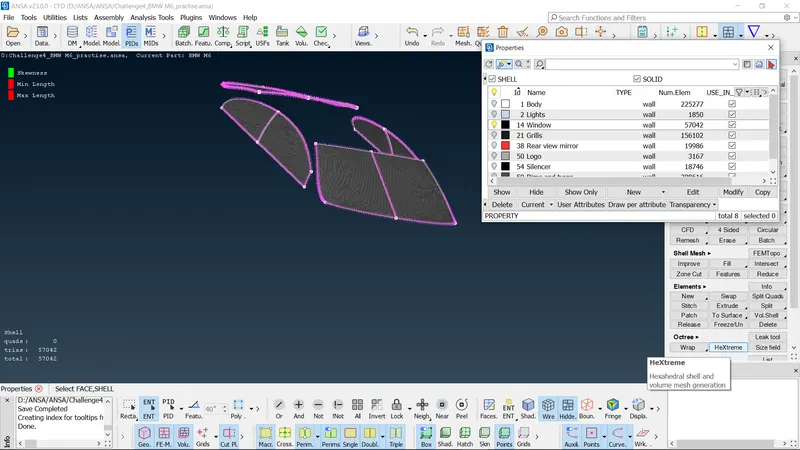
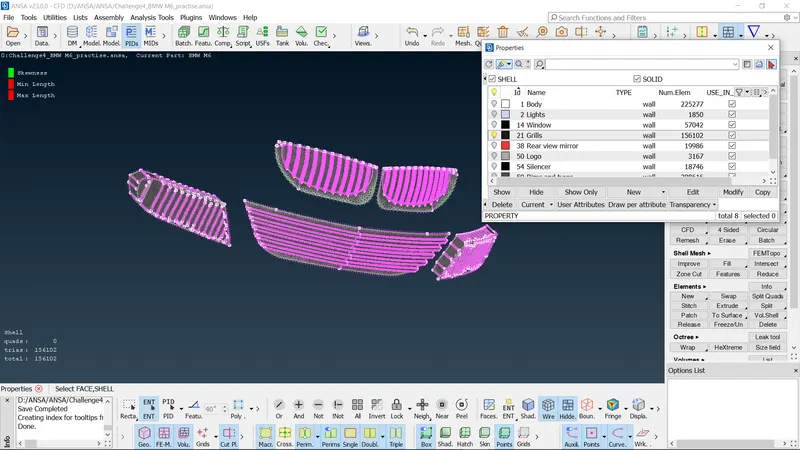
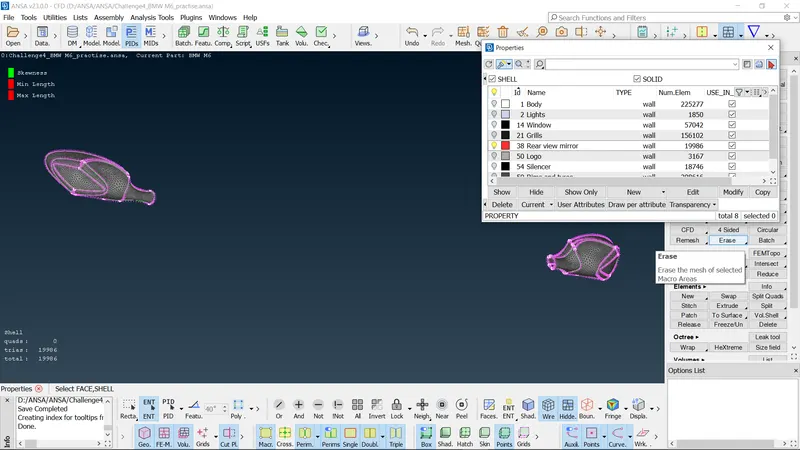
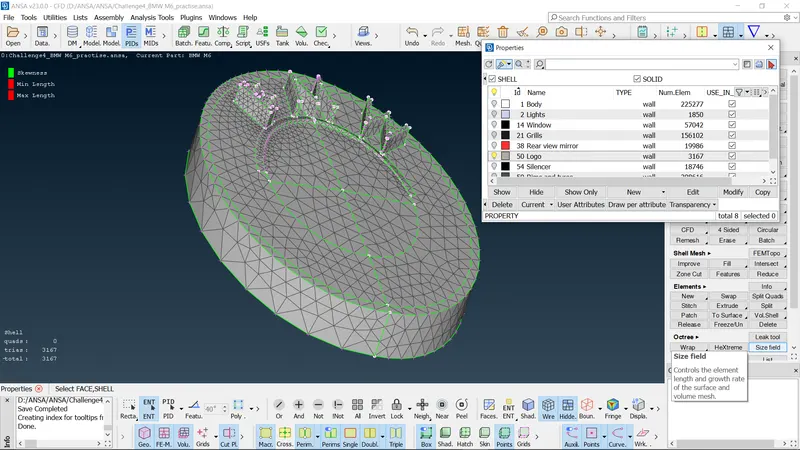
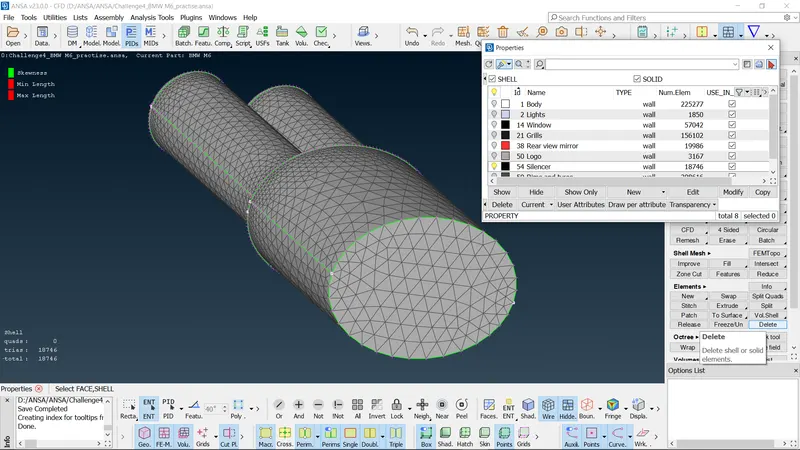
- Once all the off elements are eliminated, freeze the components so the mesh remain intact.
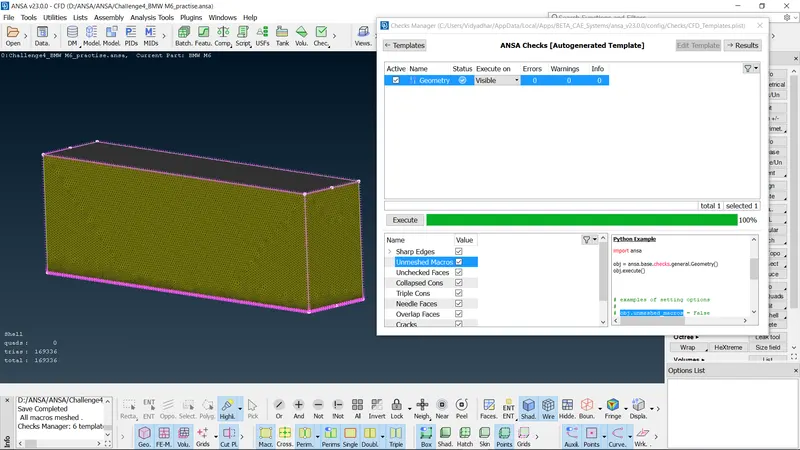
- Check for unmeshed macros and eliminate the same.
- Now create wind tunnel surface using Relative points command at appropriate distances from the model. Once the points are established create new surfaces by joining these points. Assign PIDs to these surfaces as top wall, bottom wall and side wall.
- After assigning PIDs, mesh the top and bottom surfaces using a target length of 100 and 20mm respectively.
- After this, manually mesh the side walls and keeping the growth factor of 1.2
Learning Outcomes :
- Solving all the geometrical errors on half portion of the given model and Assign appropriate PIDs for the various components of the model.
- Understanding the difference between Mesh parameters and Quality criteria command.
- Generating mesh on the other half portion of the model by performing symmetrical operation.
- Understanding freeze/unfreeze command and applying the same to various components.
- Eliminating off elements using various tools such as reconstructing, reshaping the geometry using improve command, move the grids so as to eliminate the off elements using move command.
- Understanding the difference between paste command and create new suface command.
- Creating node points at appropriate distances from the model and joining these points using curves command and thus creating wind tunnel surfaces at appropriate distances from the given model.
- Generating mesh for these wind tunnel surfaces according to their specified mesh lengths.
- Understanding the growth rate factor and using the same so as to create mesh of varying target length.
Result : All the geometrical errors were resolved and proper meshing with the given target lengths were created. Also the off elements were eliminated for the given model. All the wind tunnel surfaces were meshed properly according to their specific target lengths.