Week 4 Challenge : CFD Meshing for BMW car
AIM :
For a BMW model, check and solve all geometrical errors and Perform meshing with the given Target length and element Quality criteria.
Target lengths for the different parts of a model are as follow:
- Body - 3 mm
- Lights - 4 mm
- Grills - 1 mm
- Rims and Tyres - 2 mm
- Optical Rear view mirror - 2 mm
- Window - 2 mm
- Silencer - 3 mm
- Logo - 1 mm
Procedure :
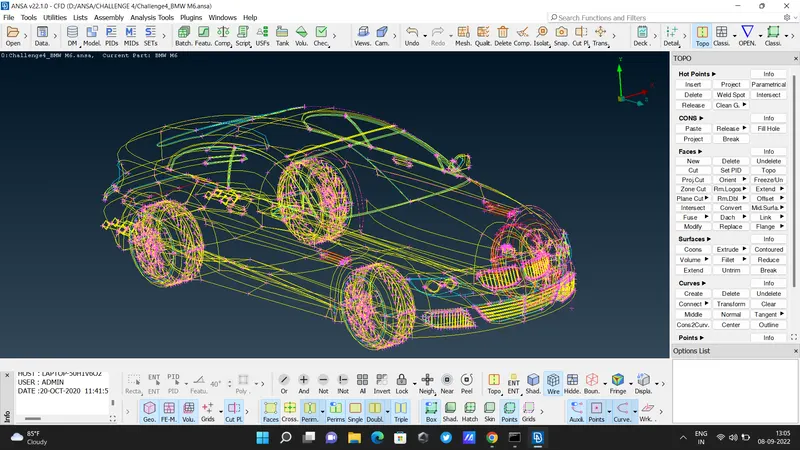
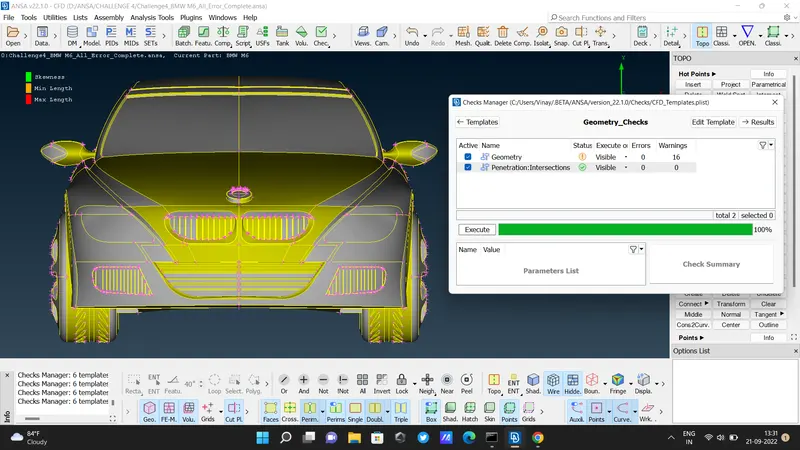
- open the given ANSA file. Here we see this BMW car in wireframe mode, red coons, and Tripple coons.
- select SHADOW MODE to view in wireframe mode to a solid body. give a TOPO command to autocorrect errors
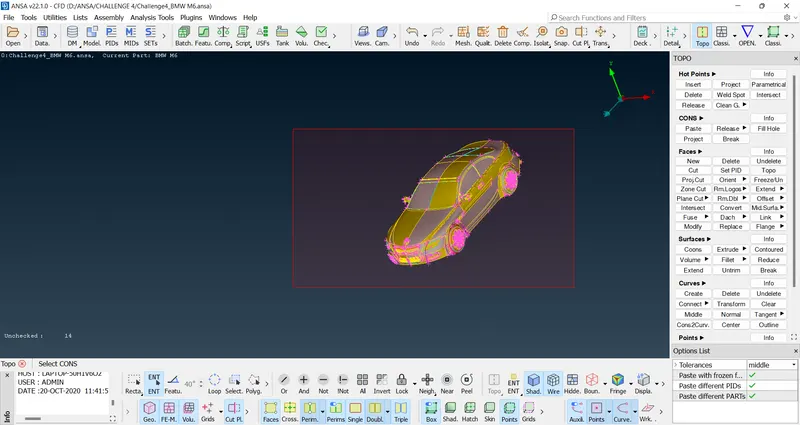
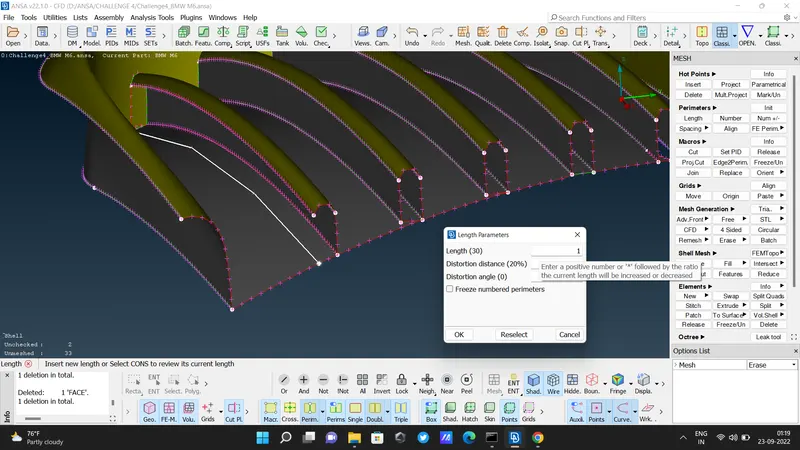
- The shape of this car is uneven, so check RESOLUTION and give it its fine shape. Here its resolution is 30mm change it to 1 mm for an even shape. goto classic mesh - Perimeters - length -perimeters - 1 - ok.
- Delete the half section of the car by selecting the Universal delete option. Be precise while selecting the half body, don't select the LOGO. it's a single unit.
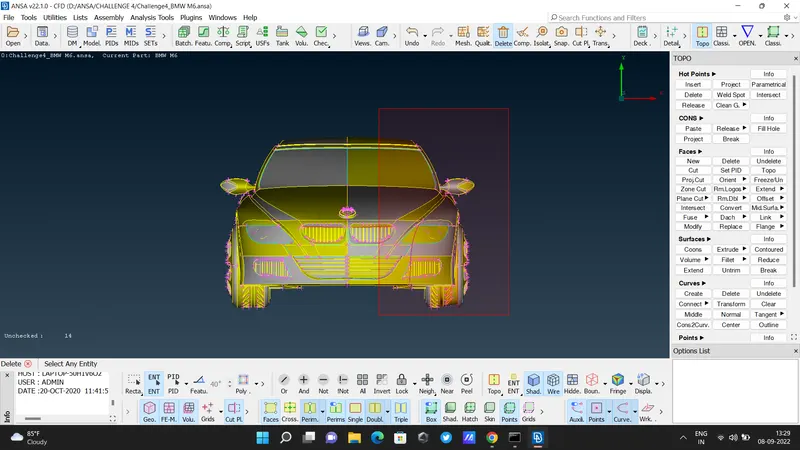
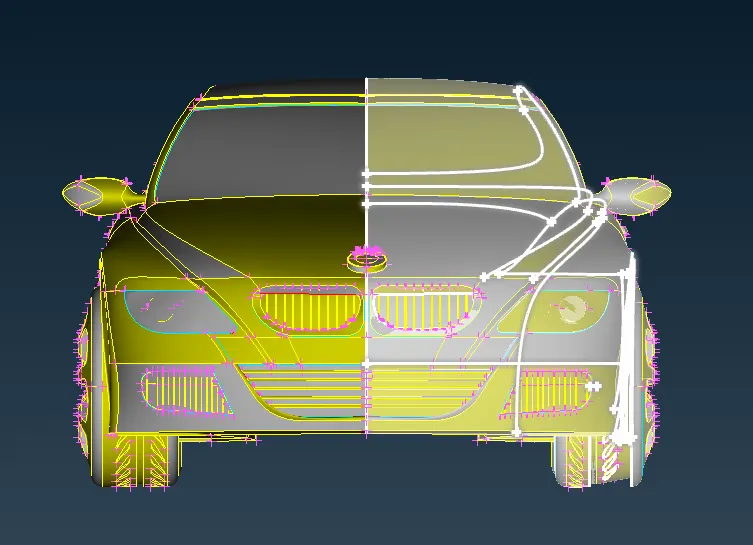
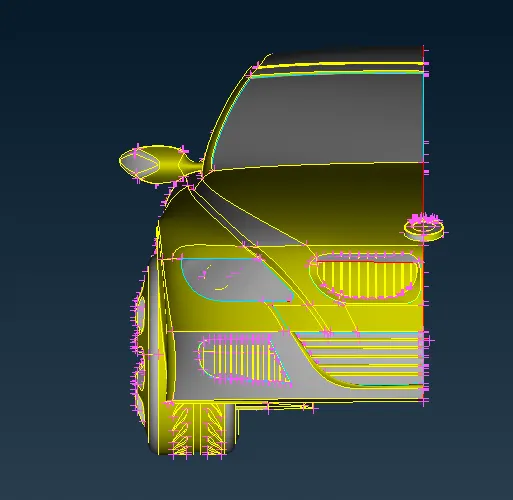
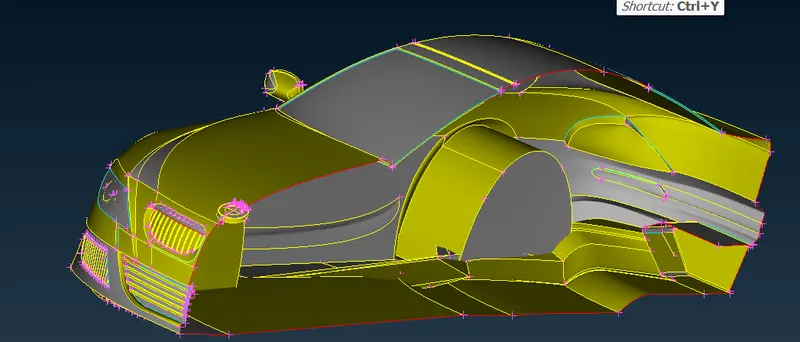
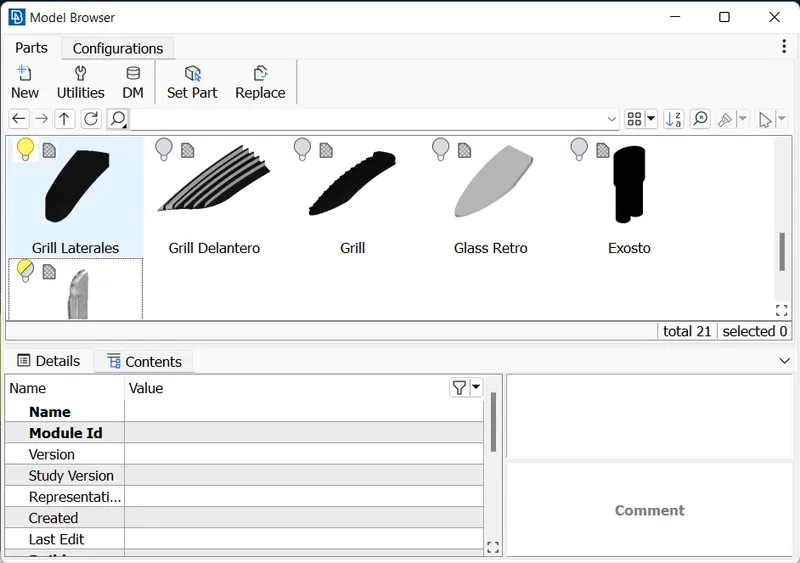
- remove all parts except the front lower grill using the NOT option.
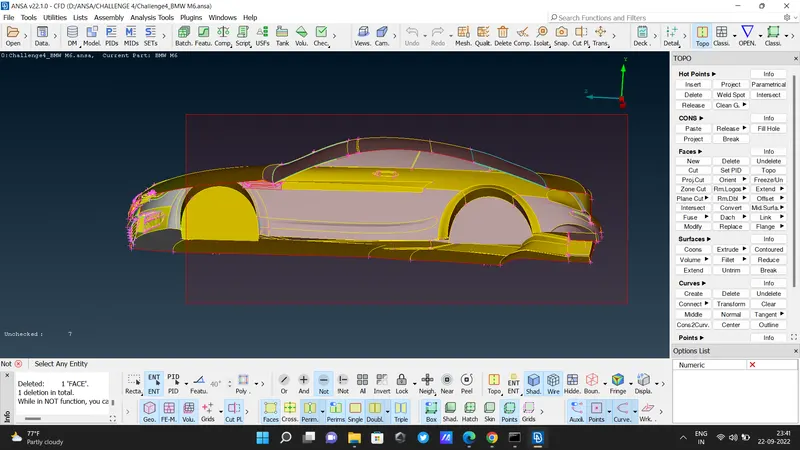
Grill 1:
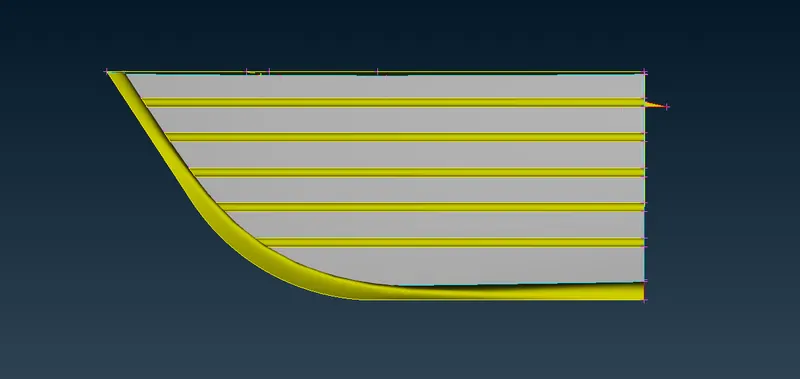
- delete grill extra thickness which we don't need using faces delete.
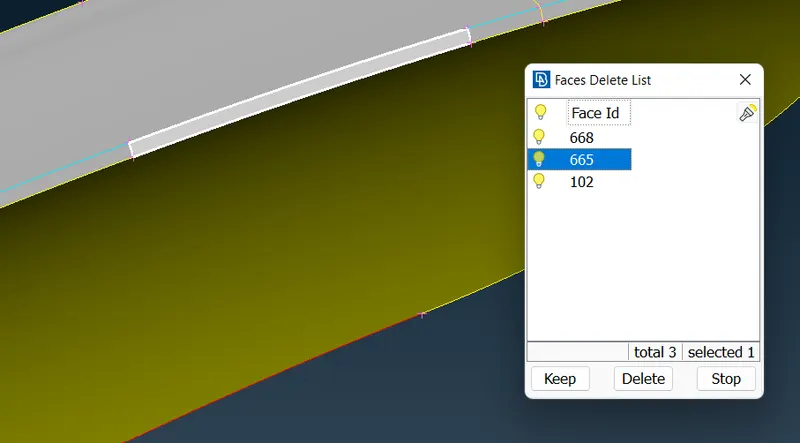
- here grill is distorted so delete faces and make a new face with proper alignment.
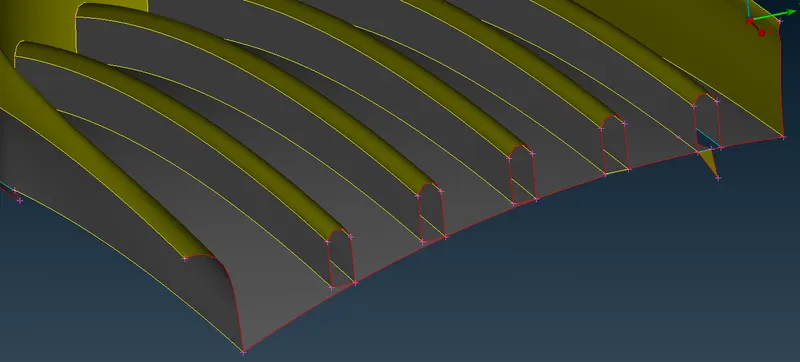
- used project option for making a similar face-line border.
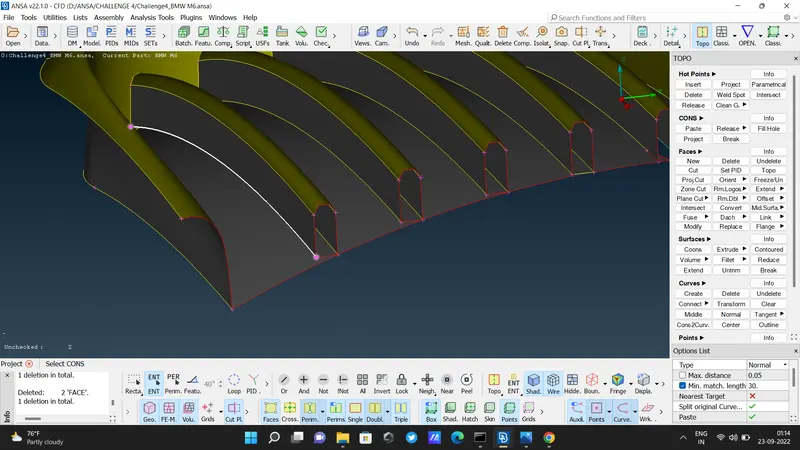
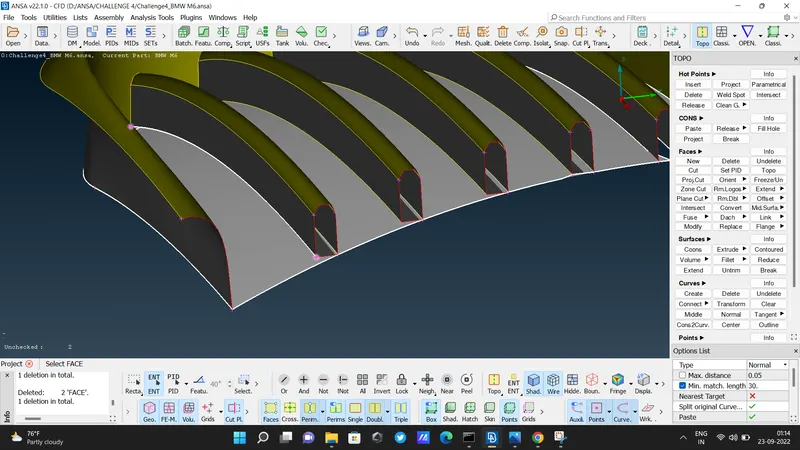
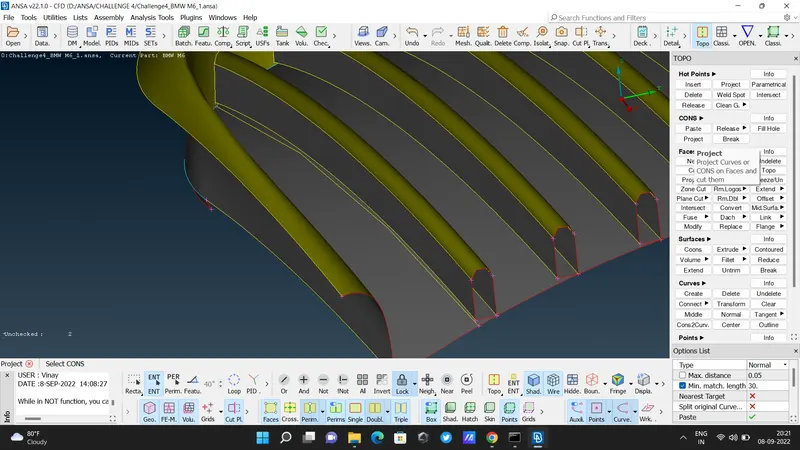
- delete that uneven face
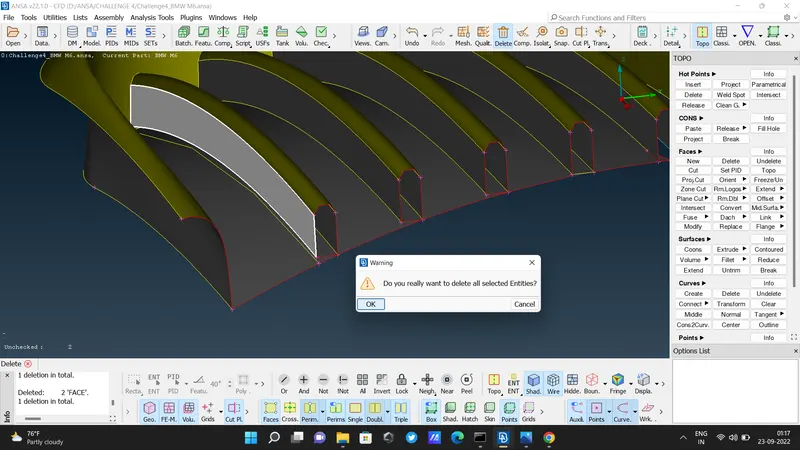
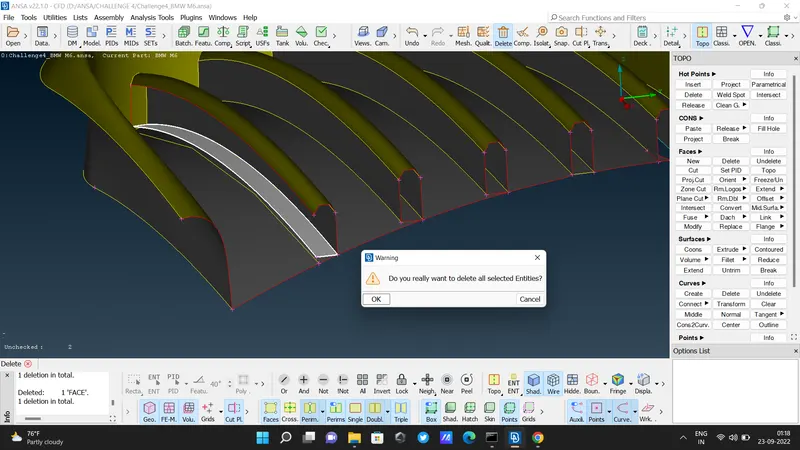
- The bottom face also delete.
- for making this line fine used a resolution of 1mm. classic mesh - perimeters - length - 1 - ok.
- look carefully. here the line is not connected to the endpoint. so using the cut option makes perfect.
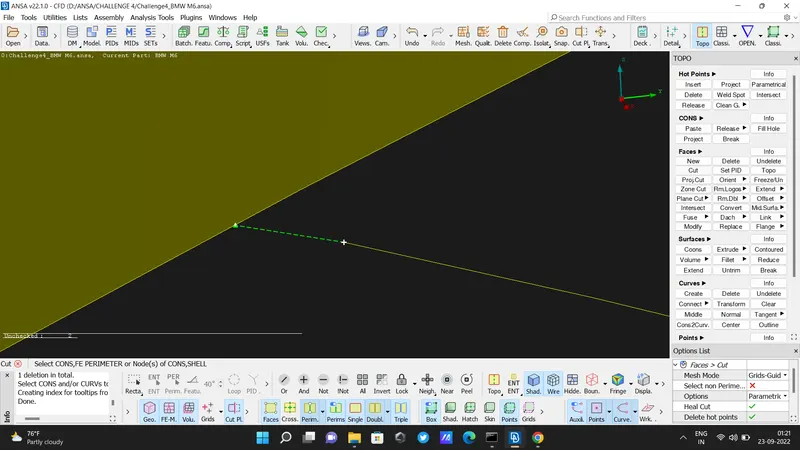
- then create a new face using faces - new - coons
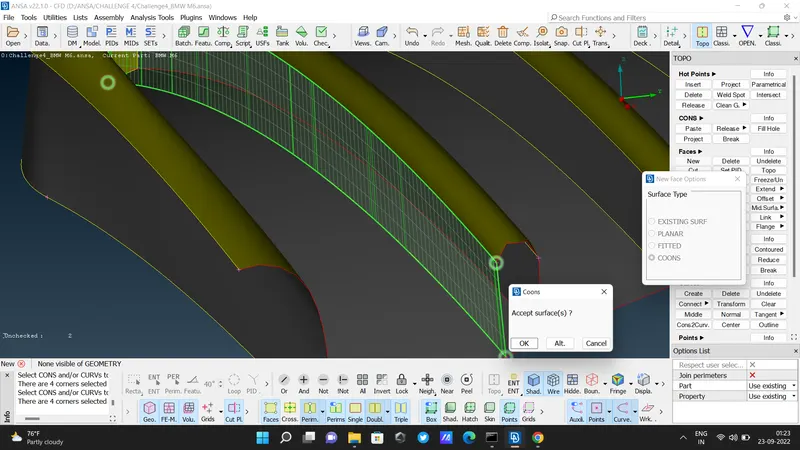
- used project option then delete triple cons
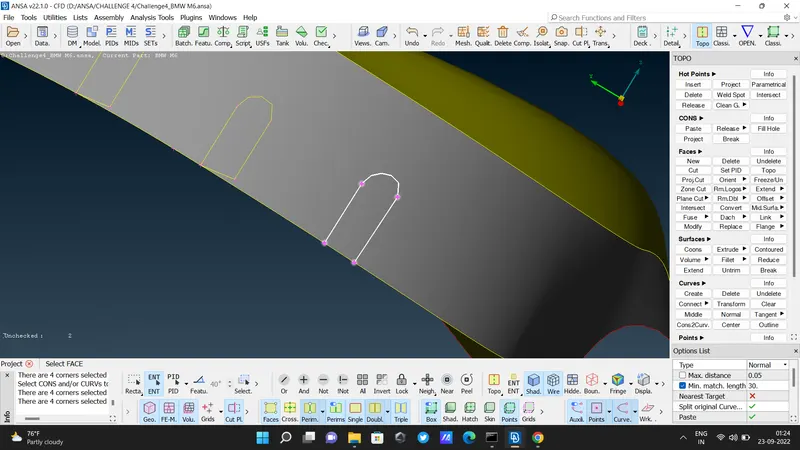
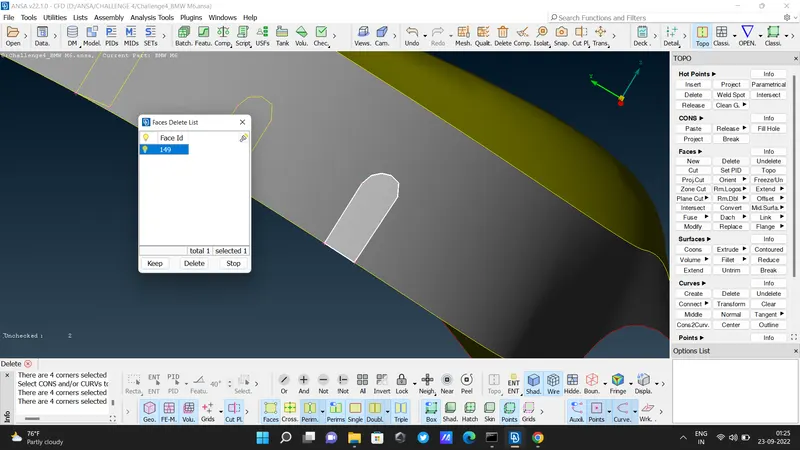
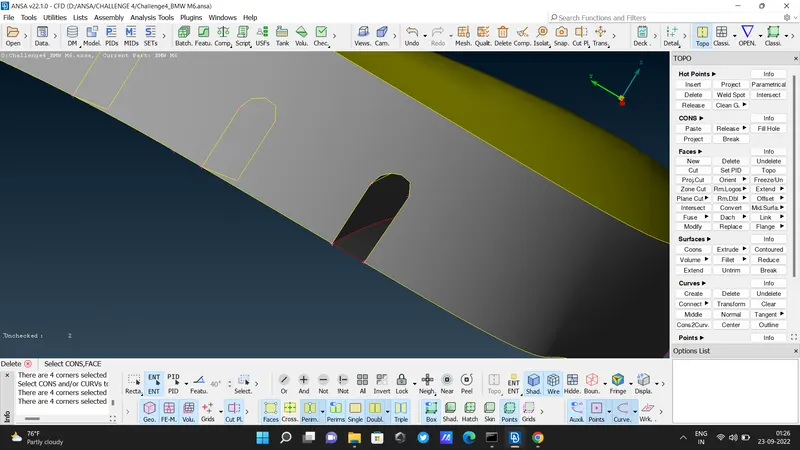
- used project option
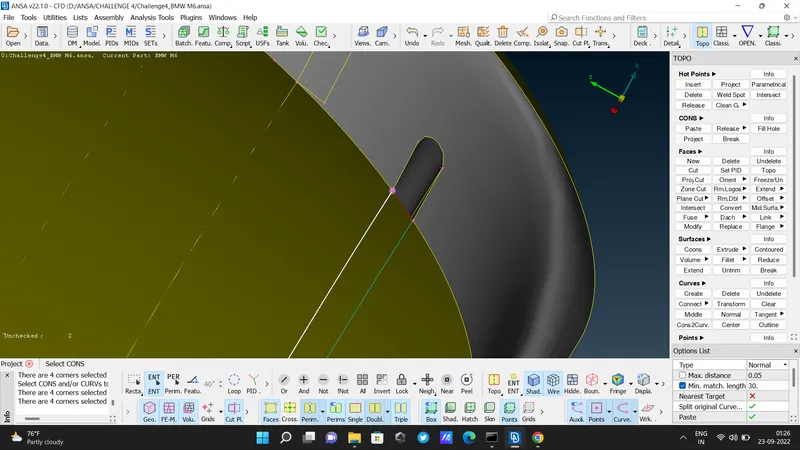
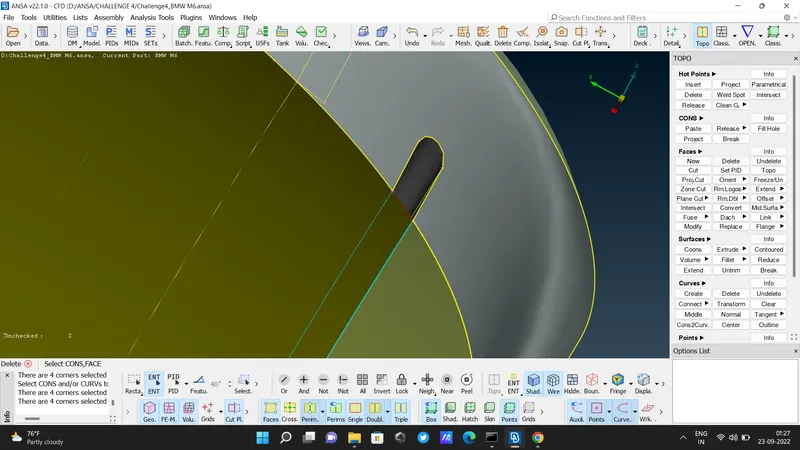
- delete face.
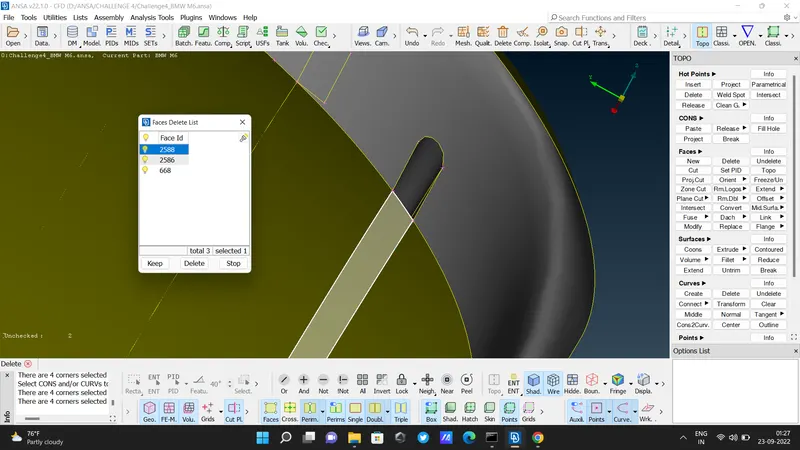
- so similar process for this entire grill.
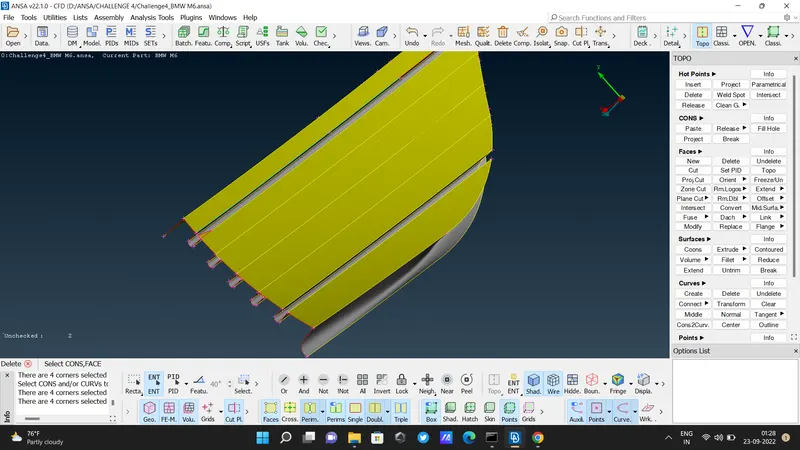
- after completing all errors in the grill section.
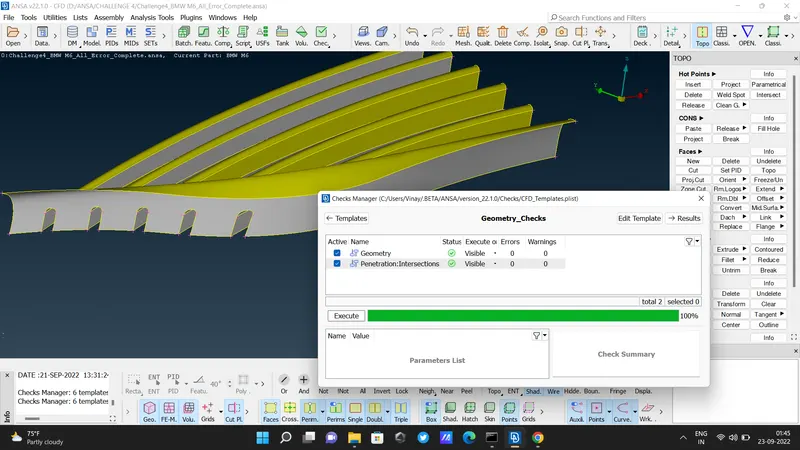
Grill 2 :
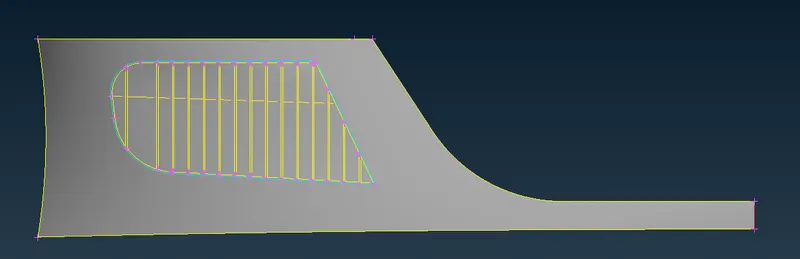
- In this grill, the shape is distorted. so we insert new hot points & create a new plane ( Fitted) here at a distance of 0.2mm using the PARAMETRICAL command
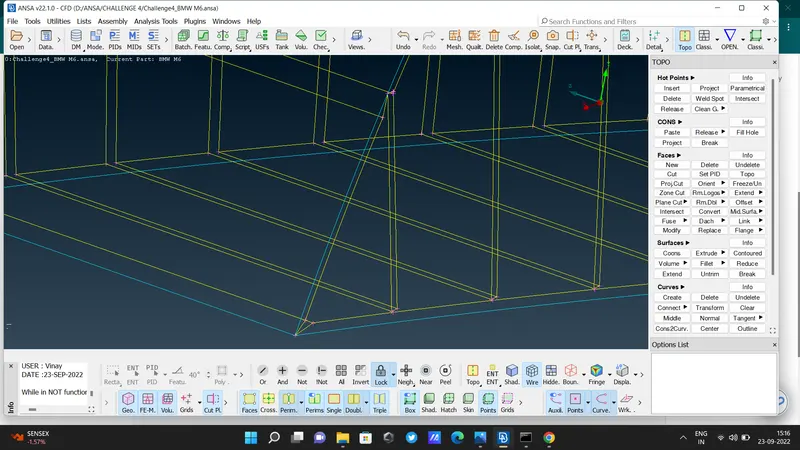
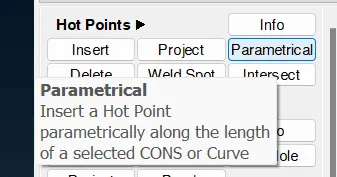
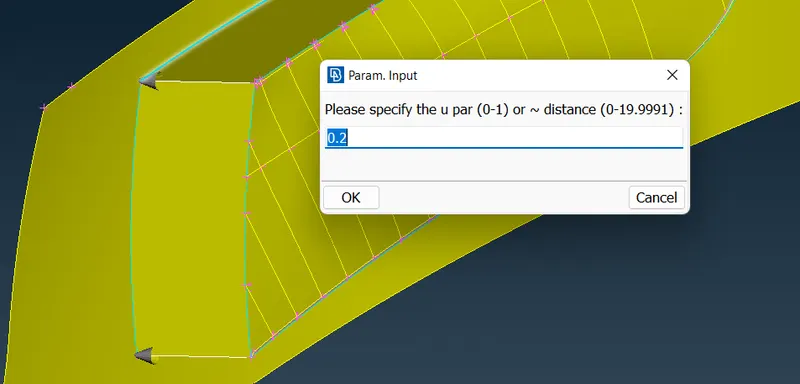
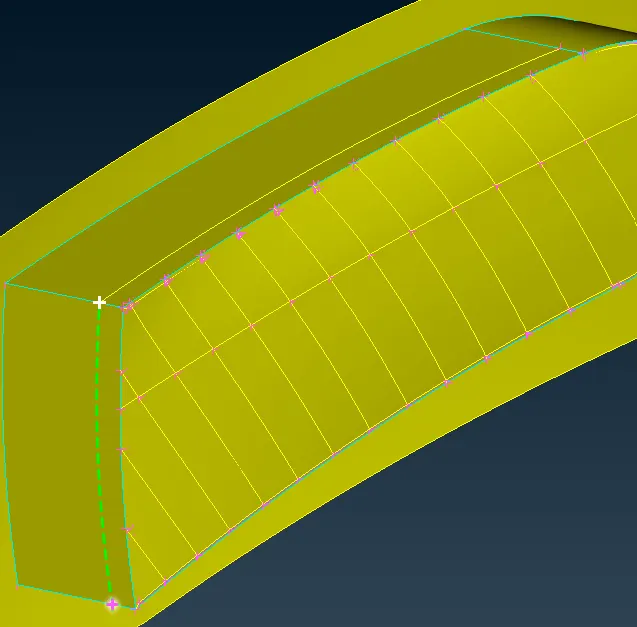
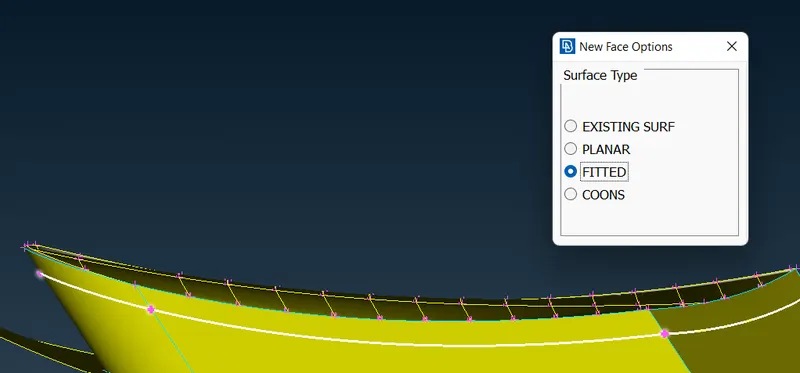
- this is a Laterales grill section
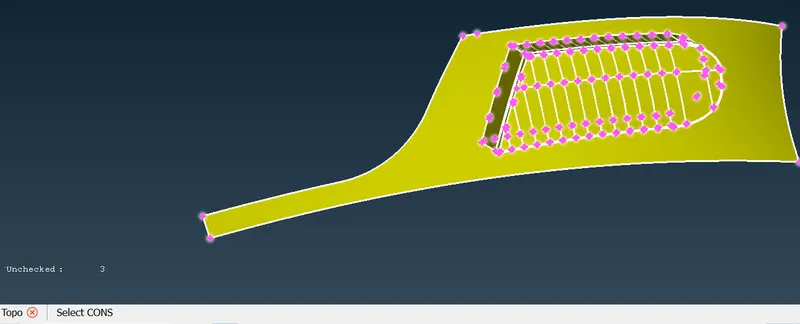
- for this new plane, we give a name to it is 'grill temp' ( Assigned PID )
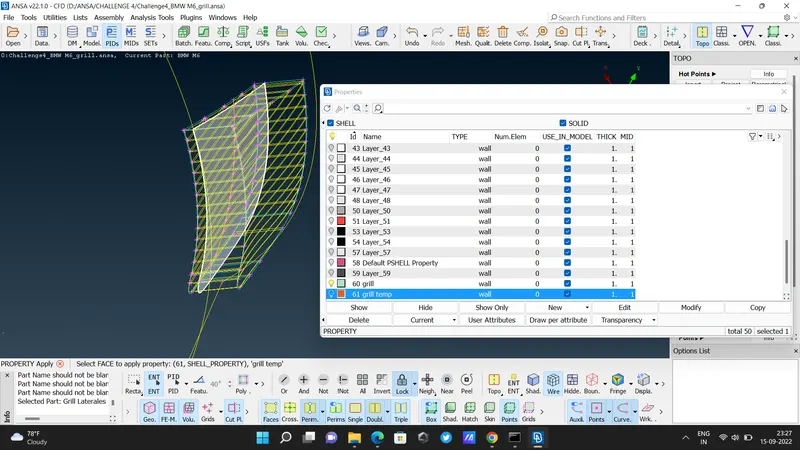
- this is grill temp
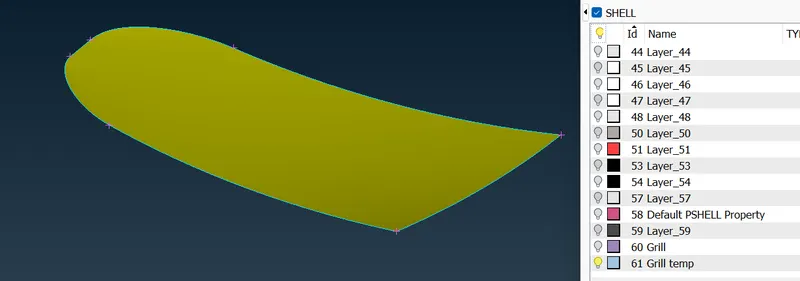
- view all grills. using intersect option to remove unwanted areas ( geometrical & Intersectional Error ). select the main grill as a first part & new 'grill temp' as a second part.
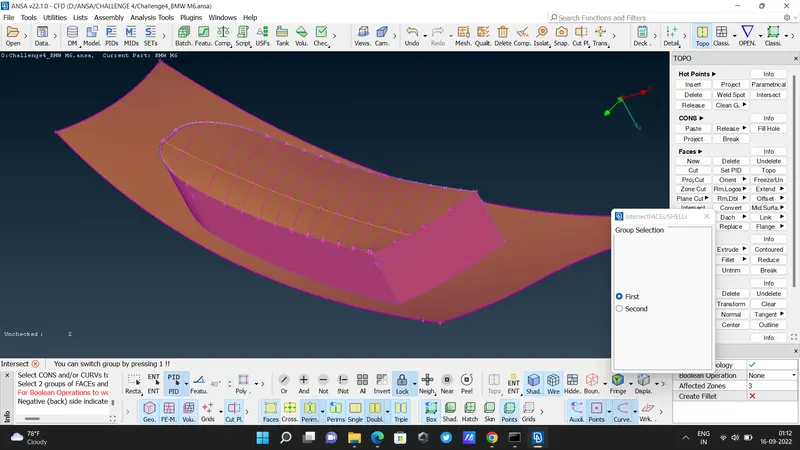
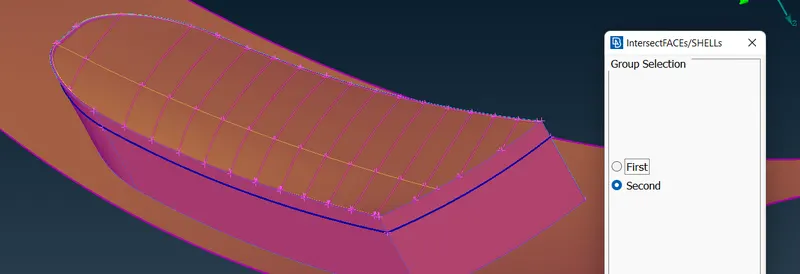
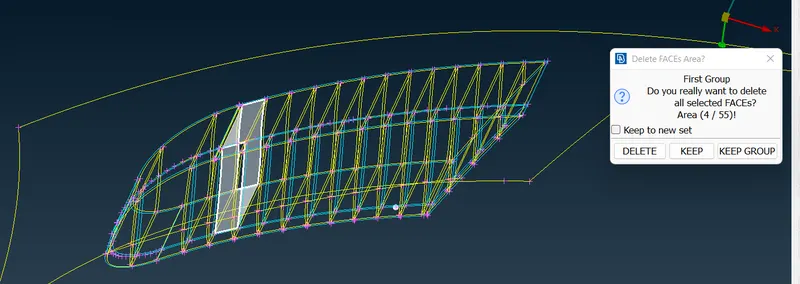
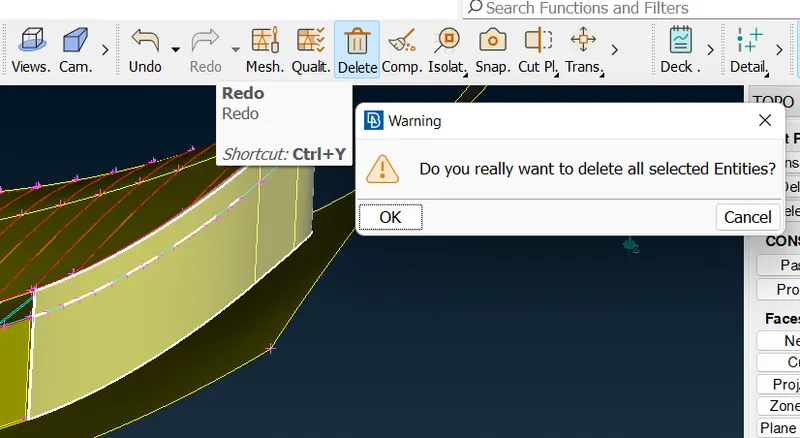
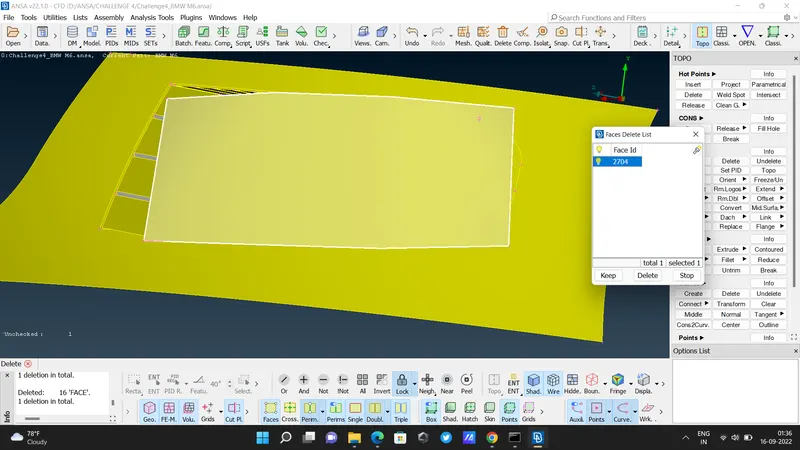
- after clearing all Geometrical & Intersection errors
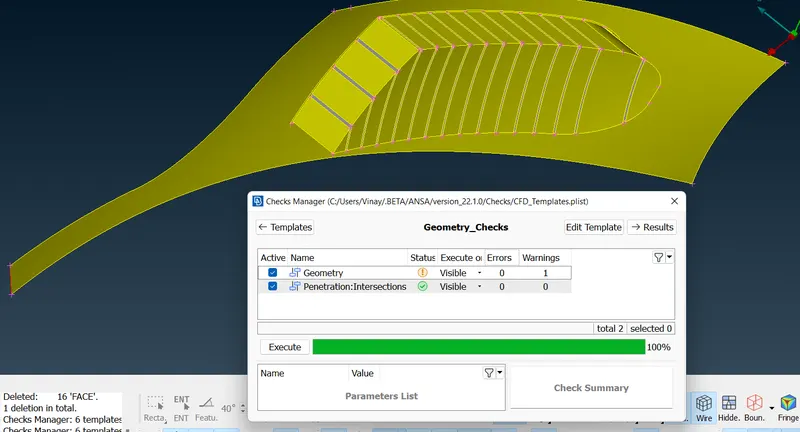
GRILL 3
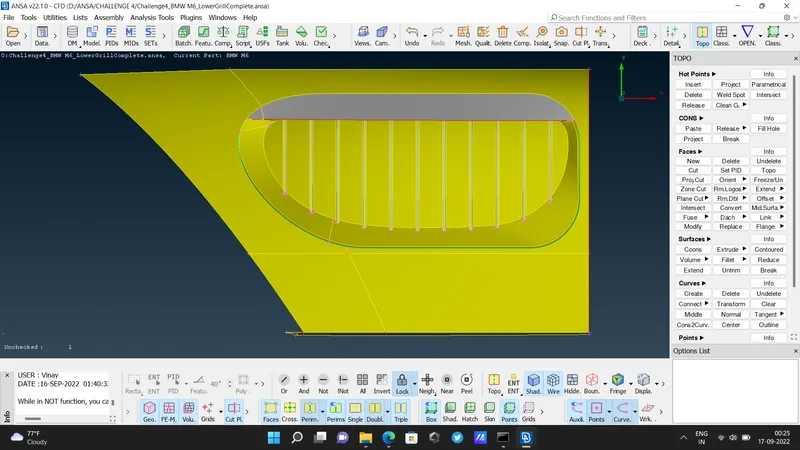
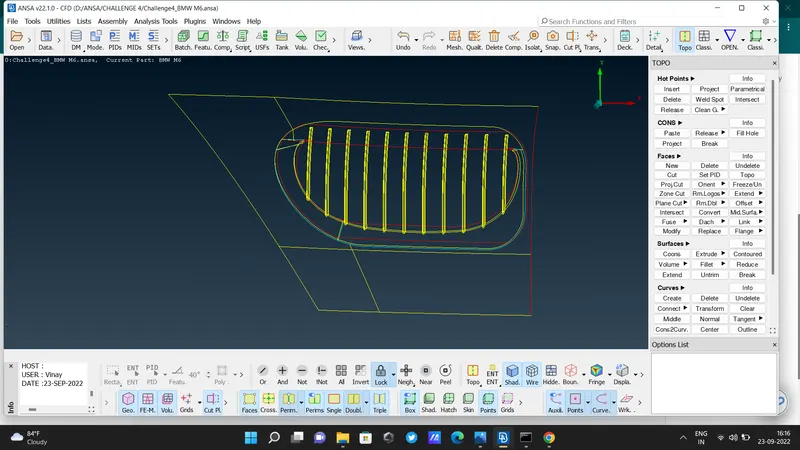
- Delete that overlapping surface using the universal delete option
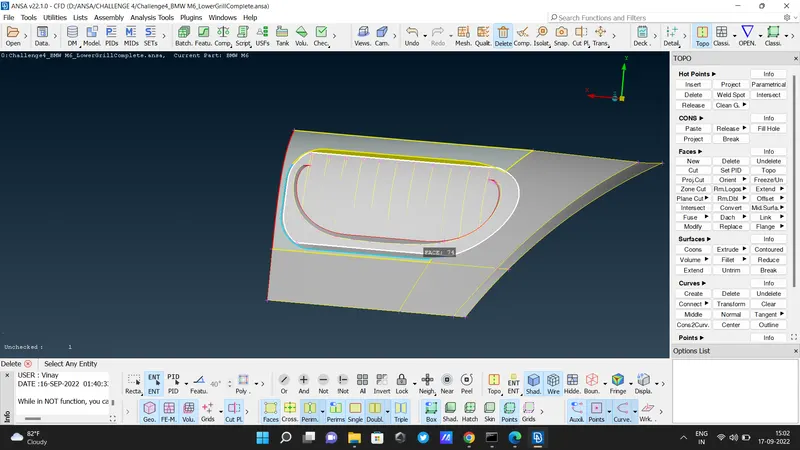
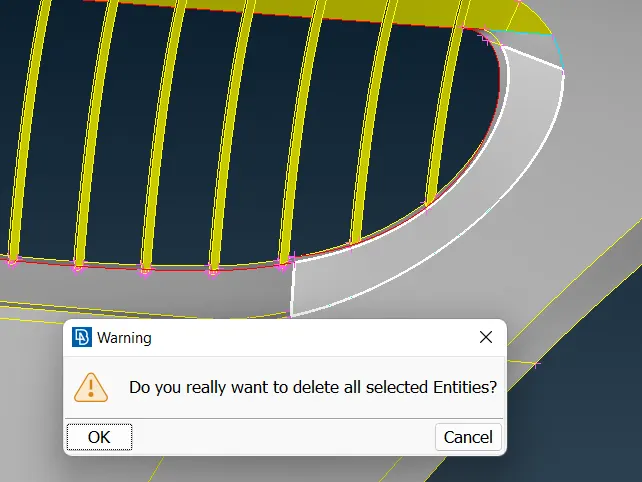
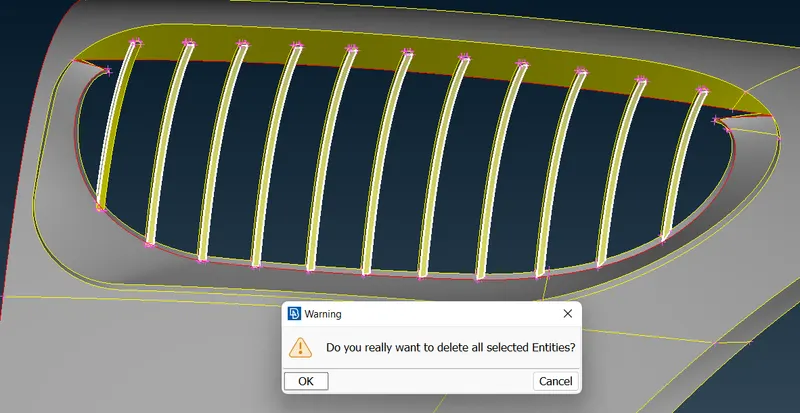
- here for proper grill alignment using the cut option separates the lower part and deletes it
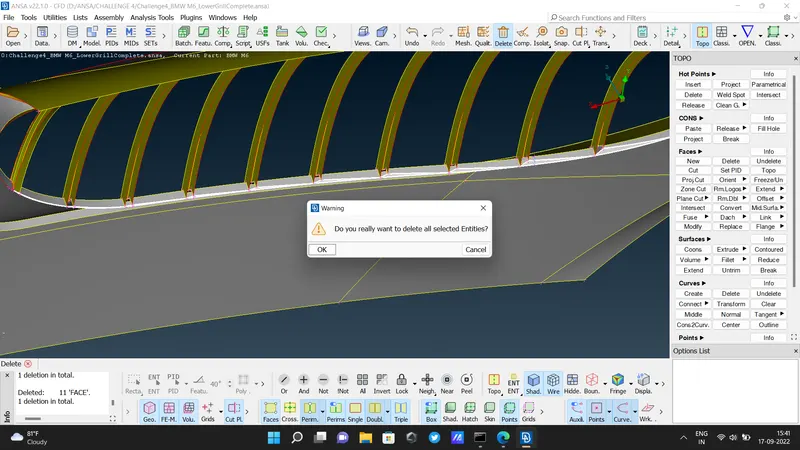
- create a new surface for the grill. ( Faces - New - Coons - Select Boundaries - Ok )
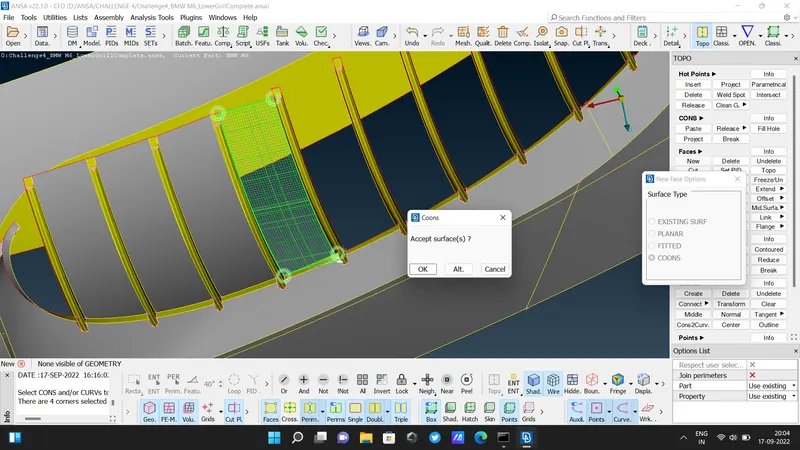
- create a new hot point in the middle. select the plane cut option. select three hot points from the top surface both sides & middle one. this is a big surface so that's why three points are required. if the surface is small in size then two points are enough. select ok to apply plane cut everywhere. then hide the part which we need & delete another part that we don't need.
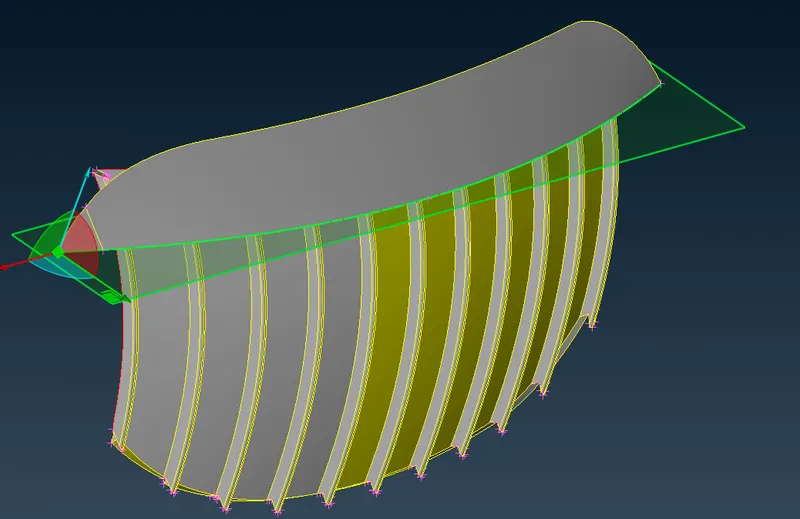
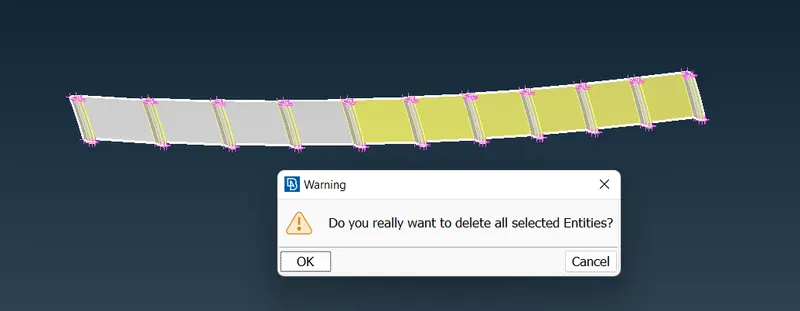
- this part is intersecting so delete it.
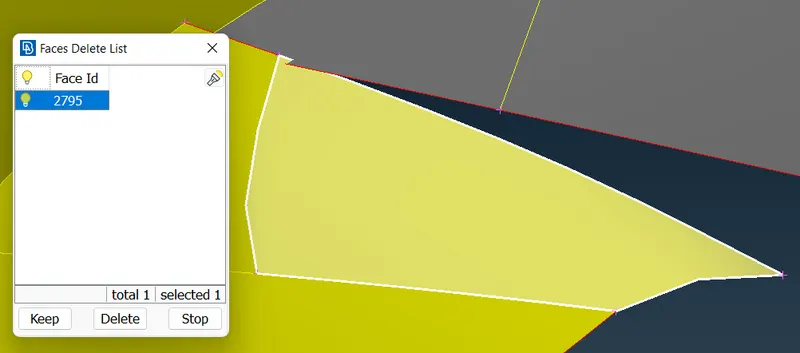
- and create a new surface.
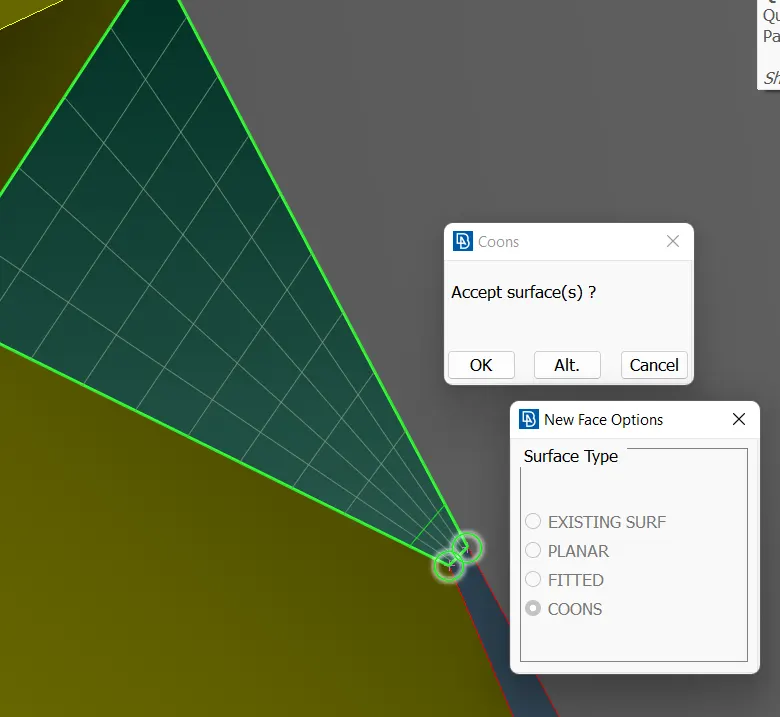
- create the required hot point at the upper surface and then create a new surface there. first, make big surfaces then small surfaces.
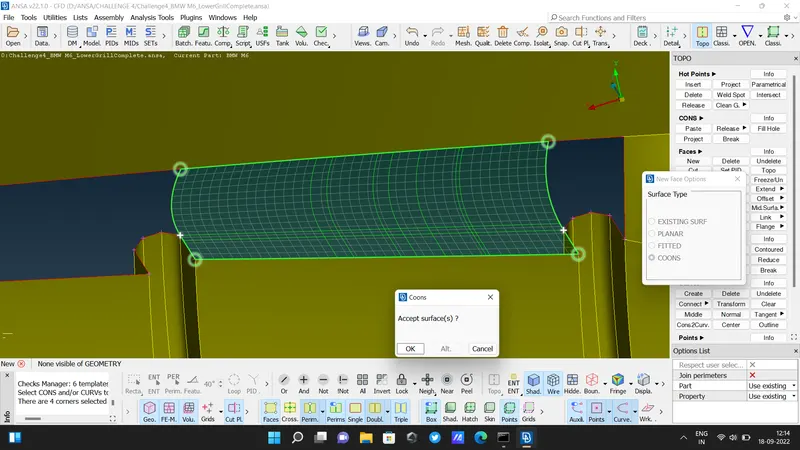
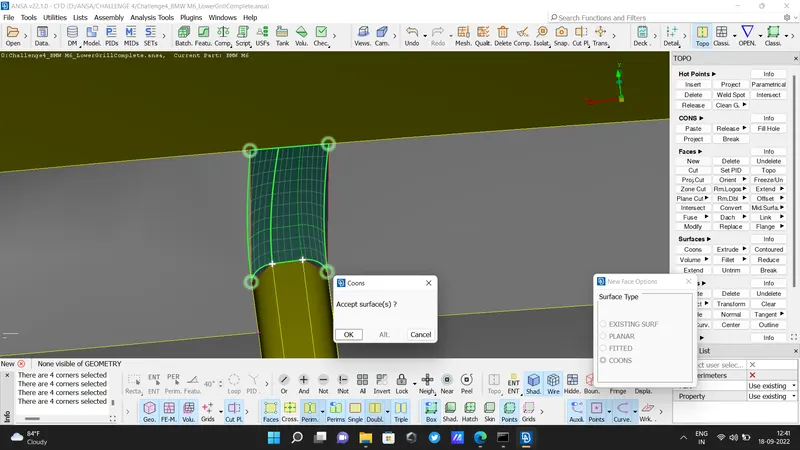
- after clearing all errors the grill section is completed.
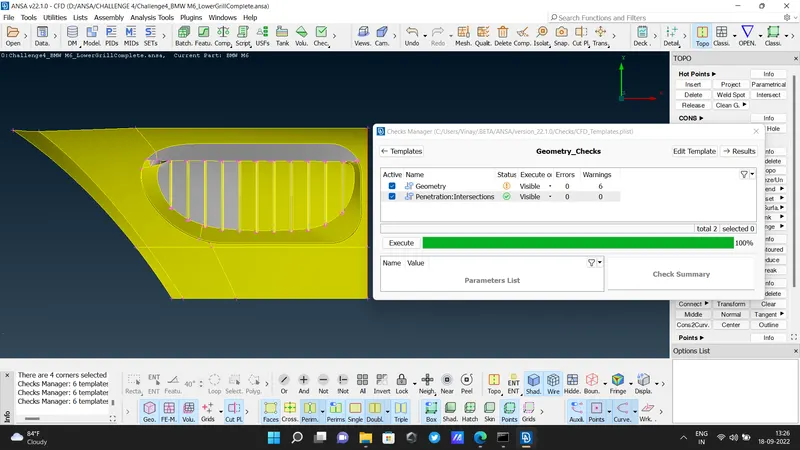
- Then next logo, there are three intersection errors before clearing geometry.
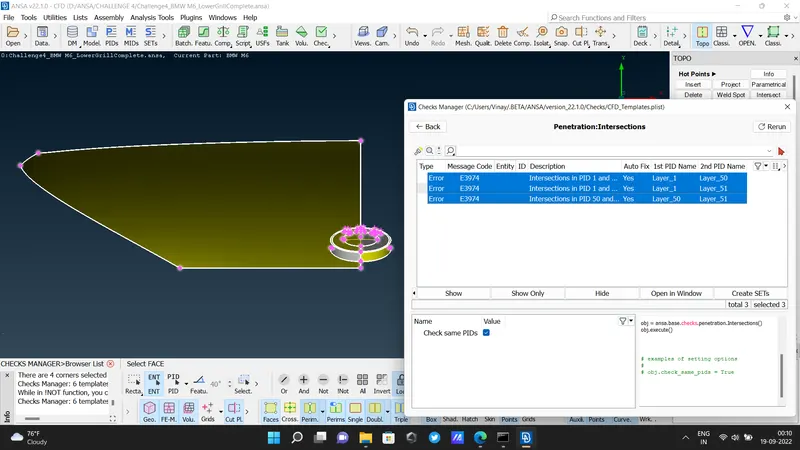
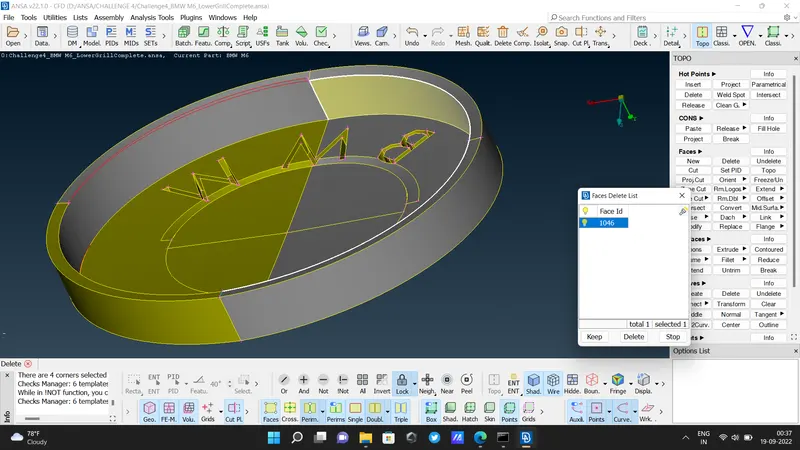
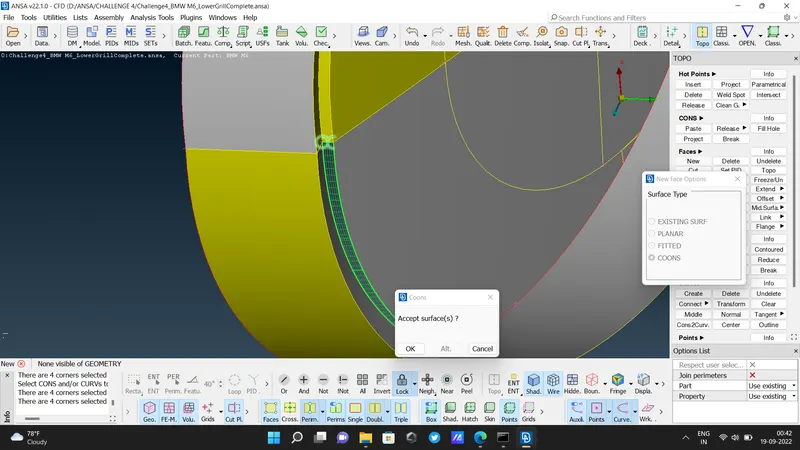
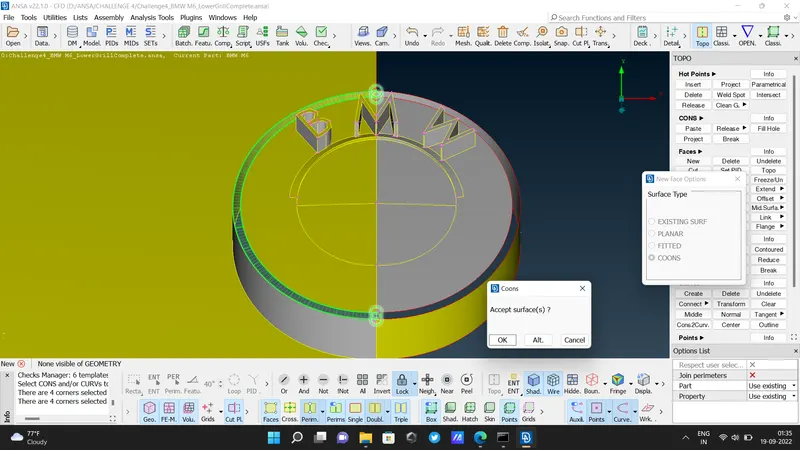
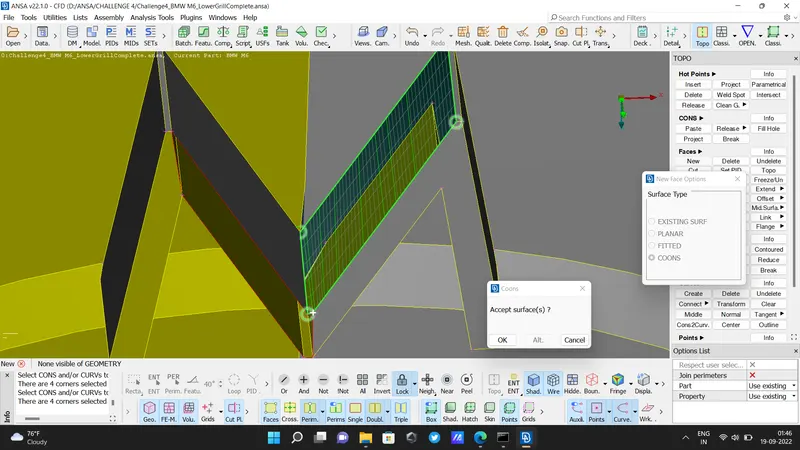
- After clearing the logo.
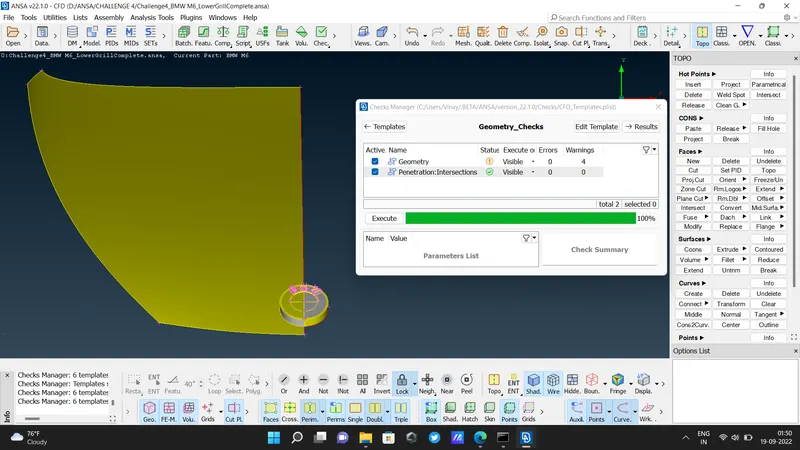
- before cleaning the side fender
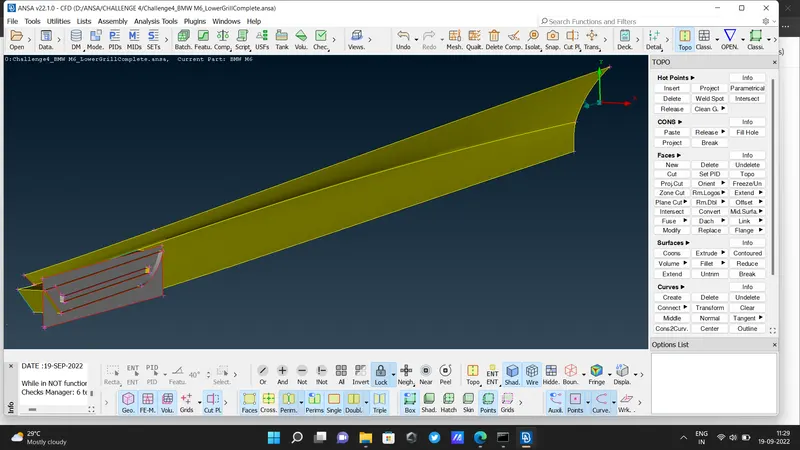
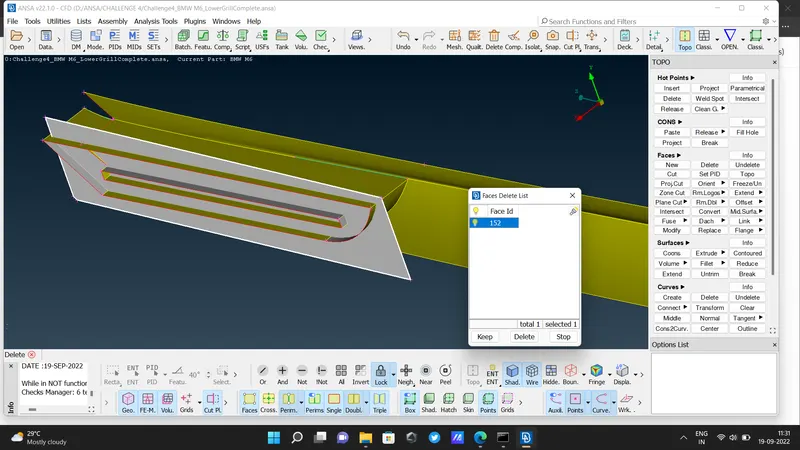
- Here we used EXTEND option.
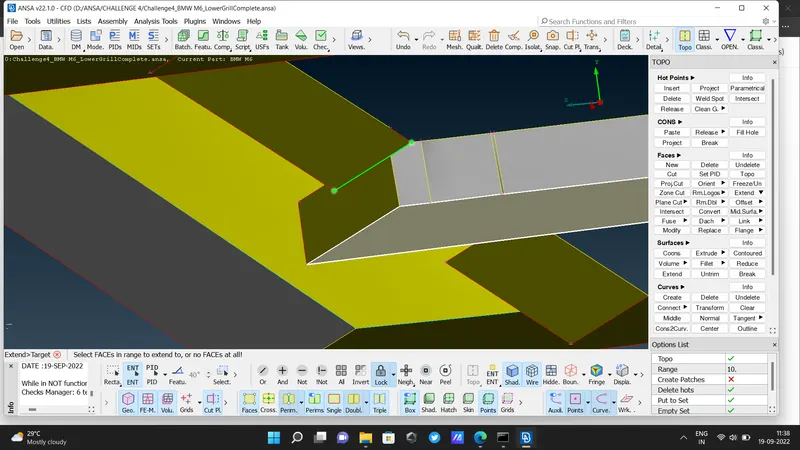
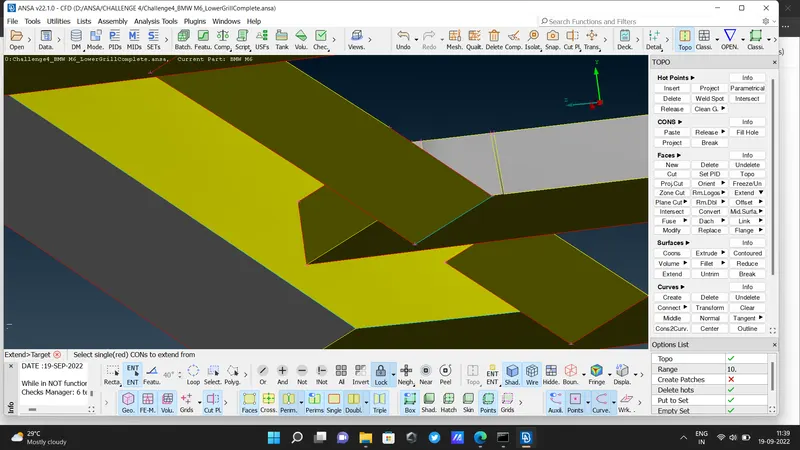
- After cleaning.
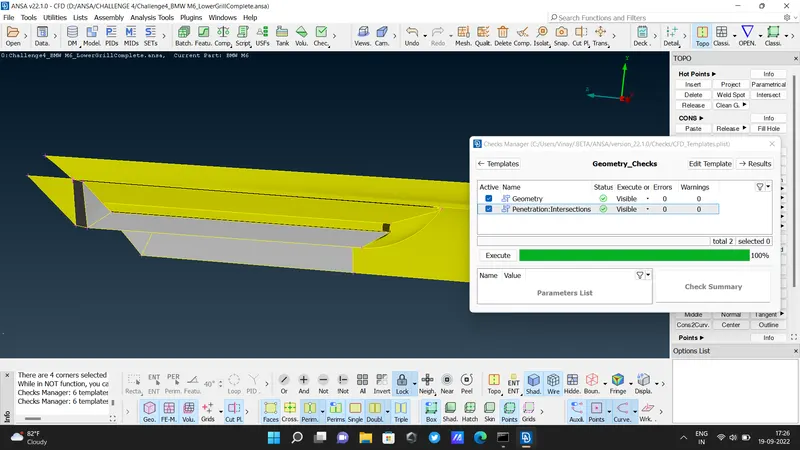
- Mirror before cleaning
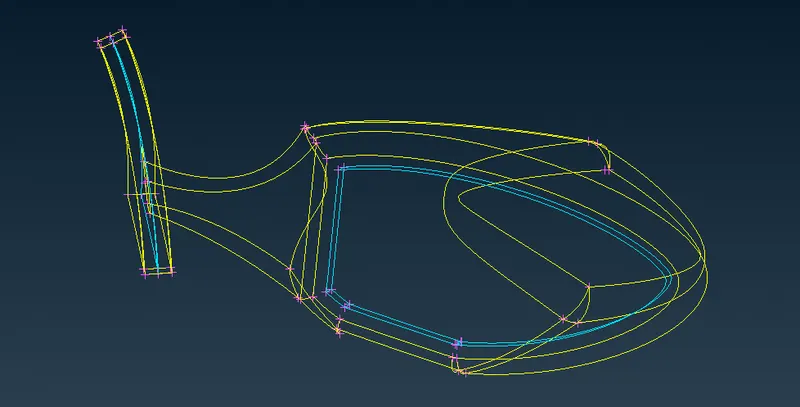
- Mirror after cleaning.
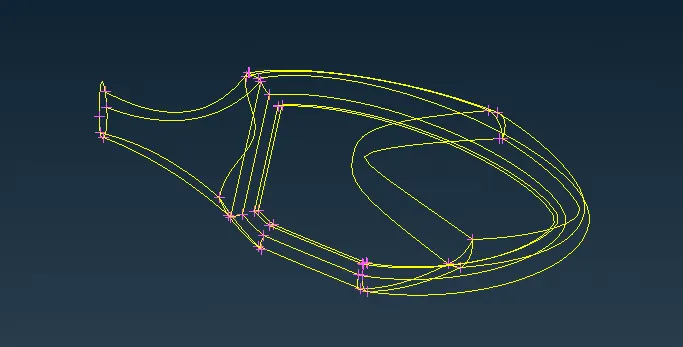
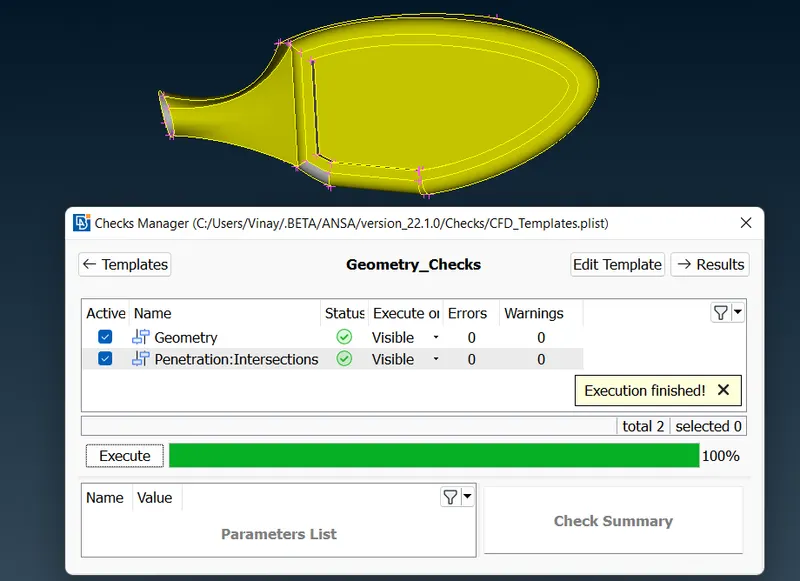
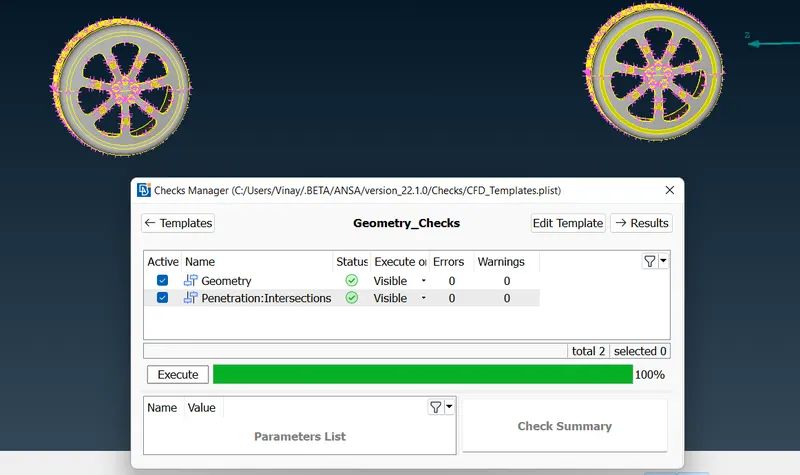
- tyre before clearing errors
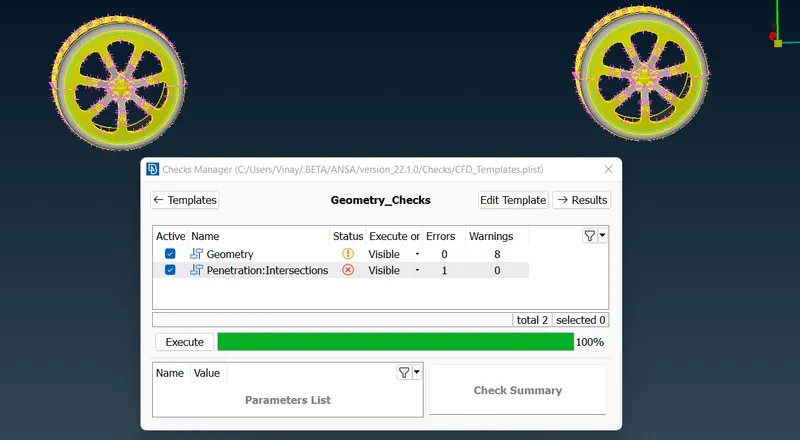
- After clearing errors
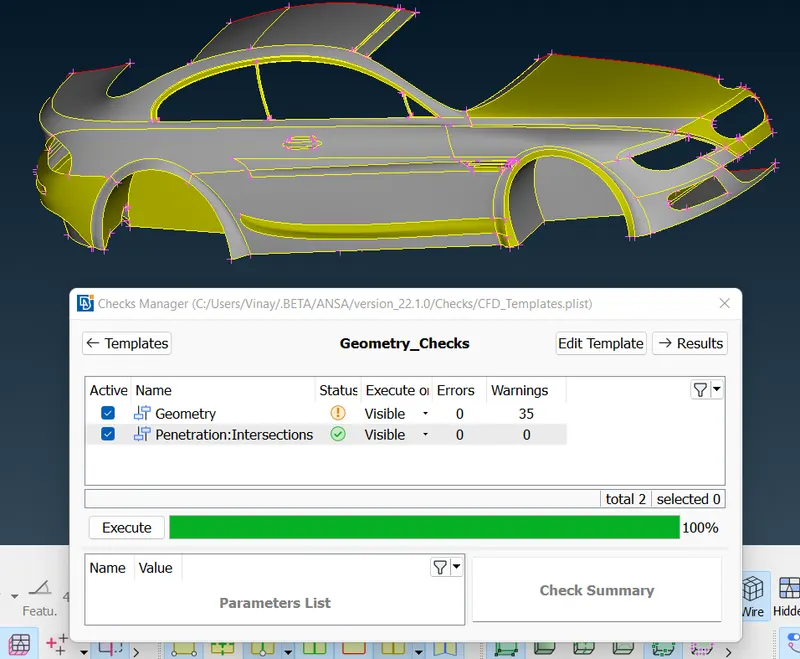
- Body before cleaning
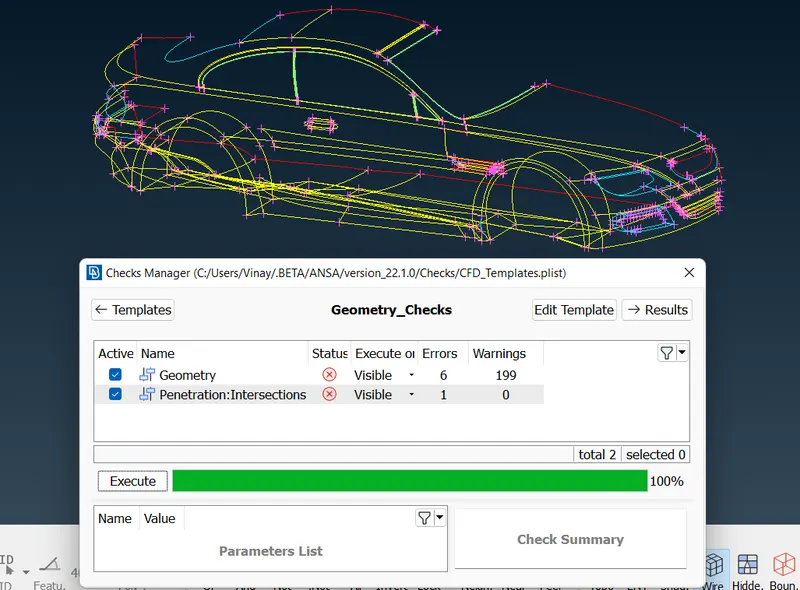
- Body after cleaning
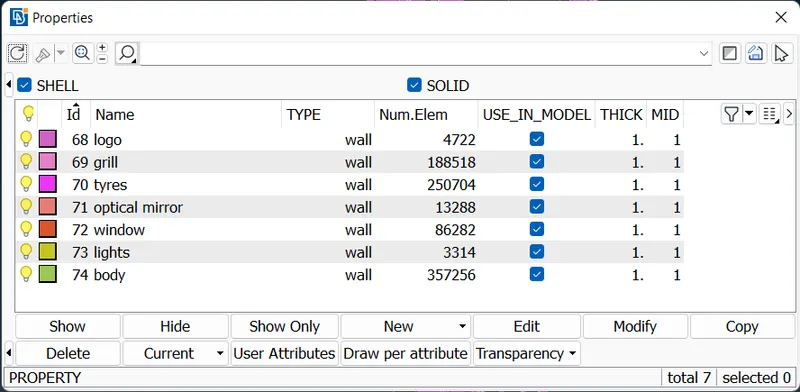
- Assigned PIDs and mesh them with the given target length
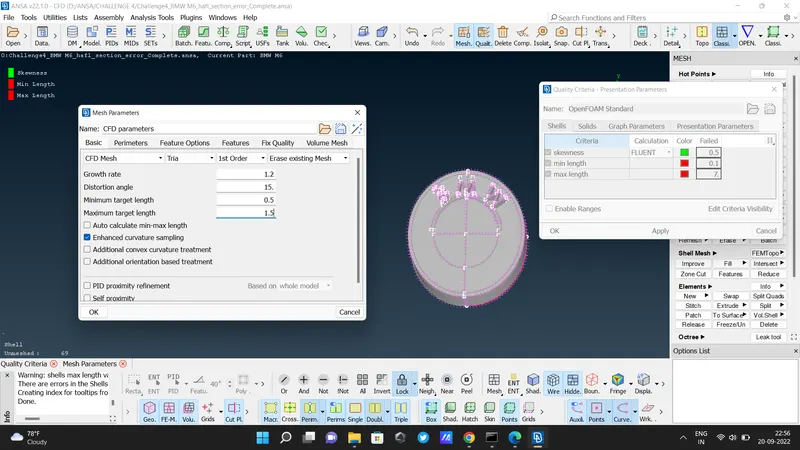
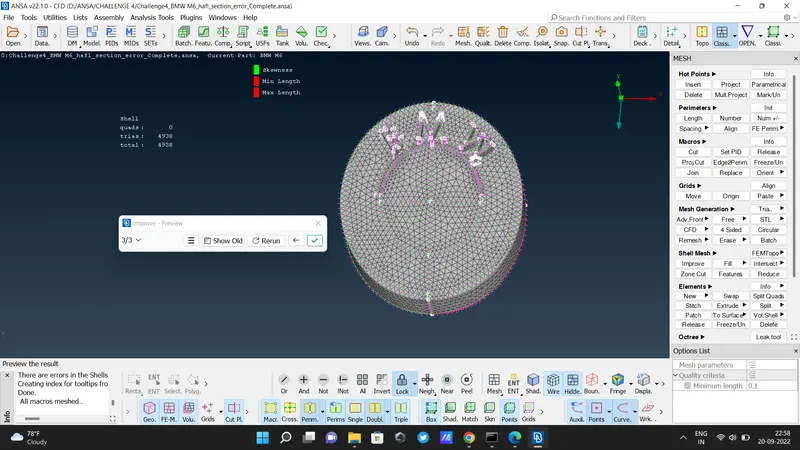
- LOGO
- Target length is 1mm
- for meshing give the Maximum target length is 1.5mm and the minimum target length is 0.5
- Silencer
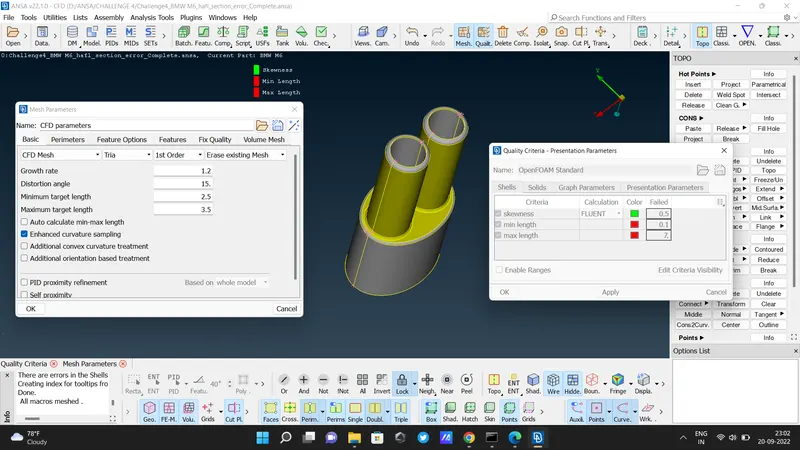
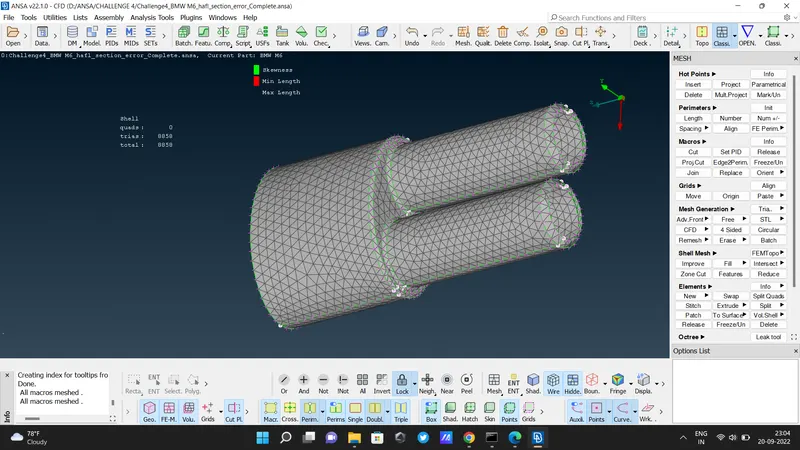
- Target length is 3mm
- for meshing give the maximum target length is 3.5mm and the minimum target length is 2.5mm
- Grills
- Target length is 1mm
- for meshing give target maximum target length is 1.5mm and a minimum target length is 0.5mm
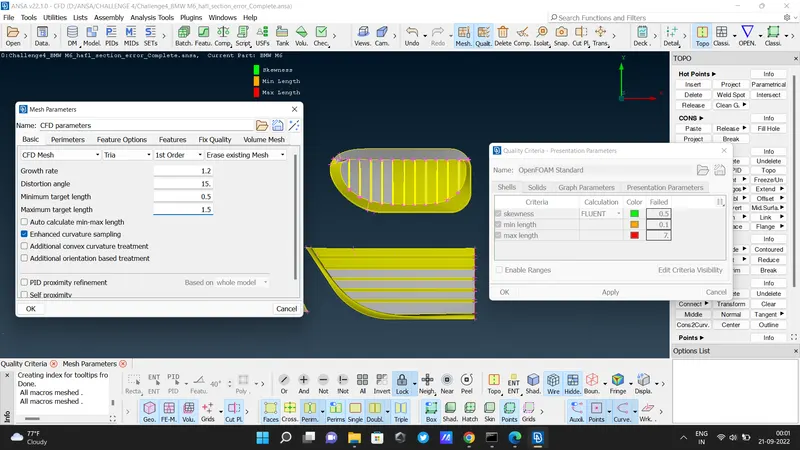
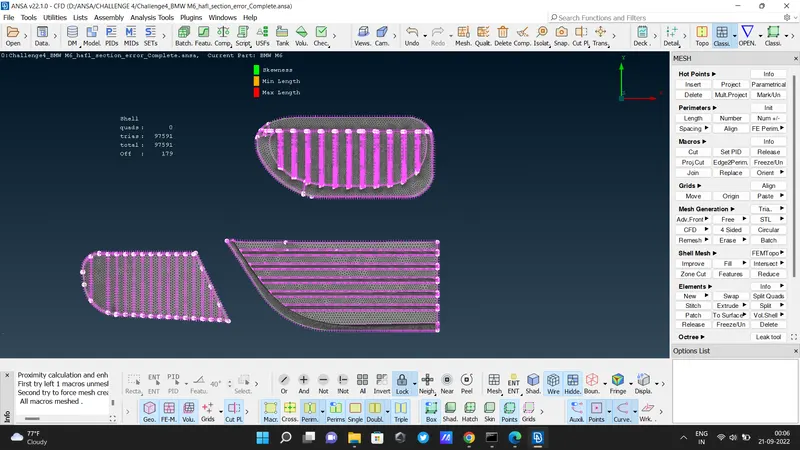
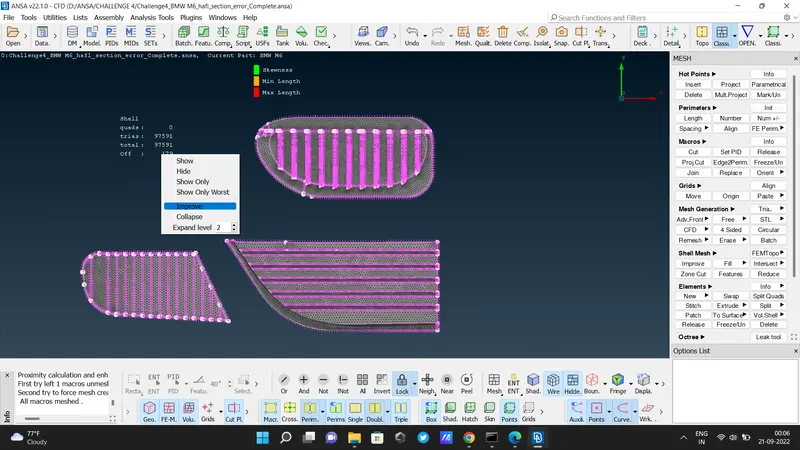
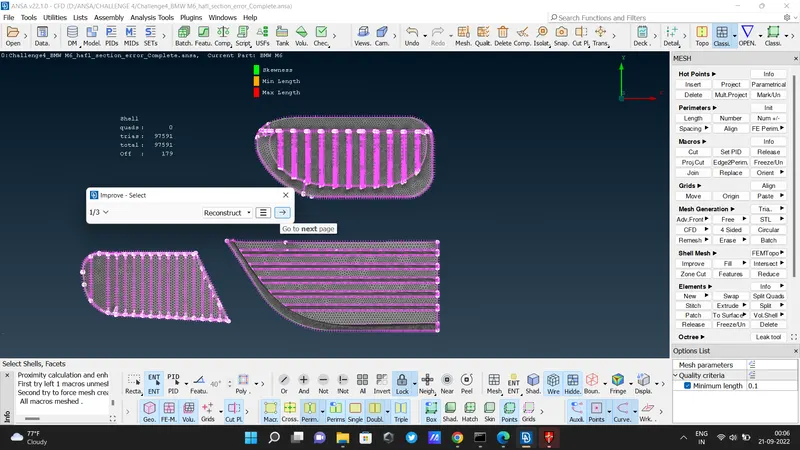
there are some off elements then we used to improve or reconstruct options using the right click.
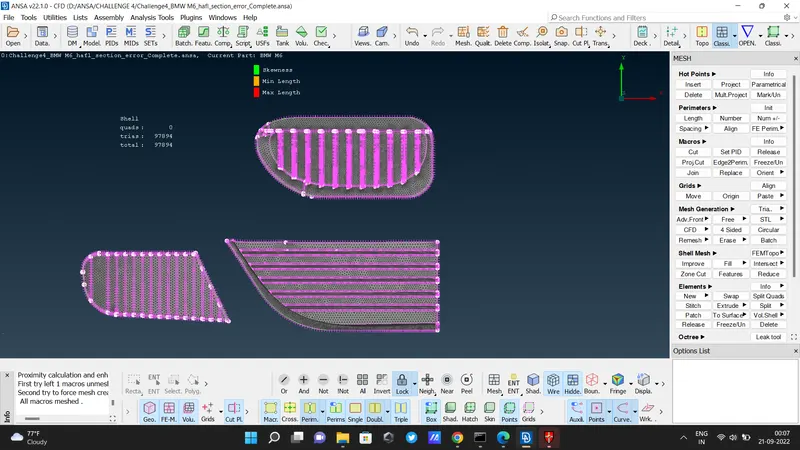
- Body
- Target length is 3mm
- give maximum target length is 3.5mm and minimum target length is 2.5mm
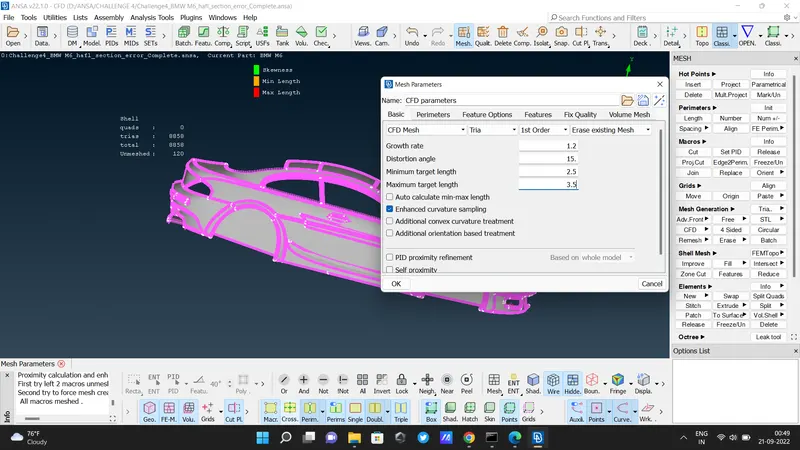
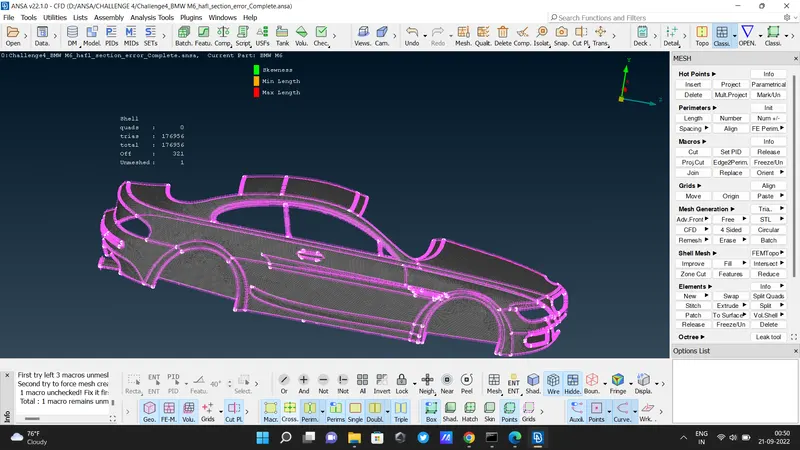
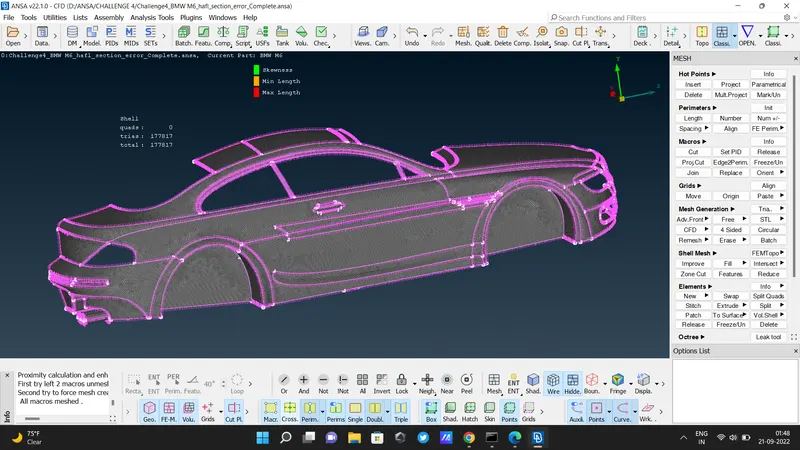
thre is a frreze / unfreeze option . if we used the Freeze option while meshing then the neighboring part won't be unmeshed.
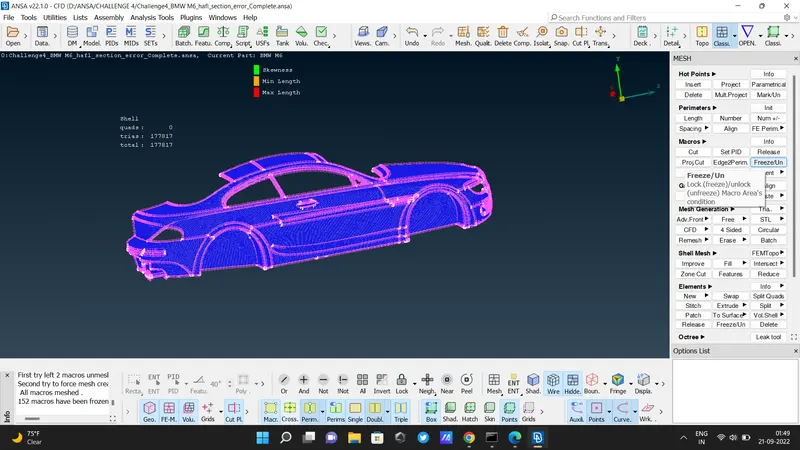
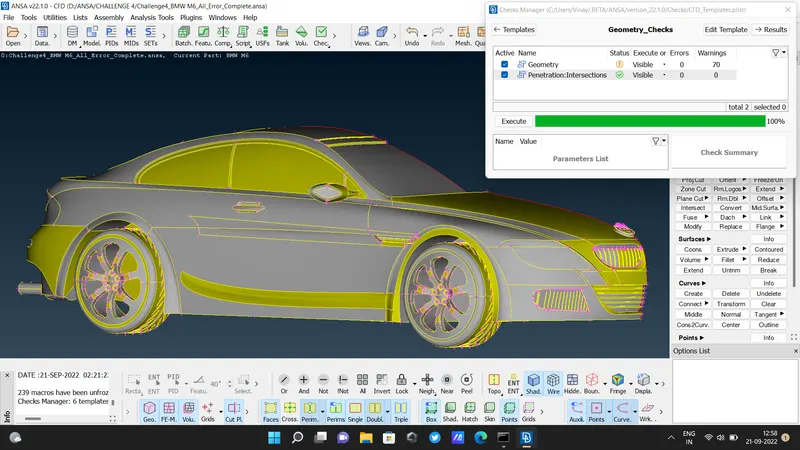
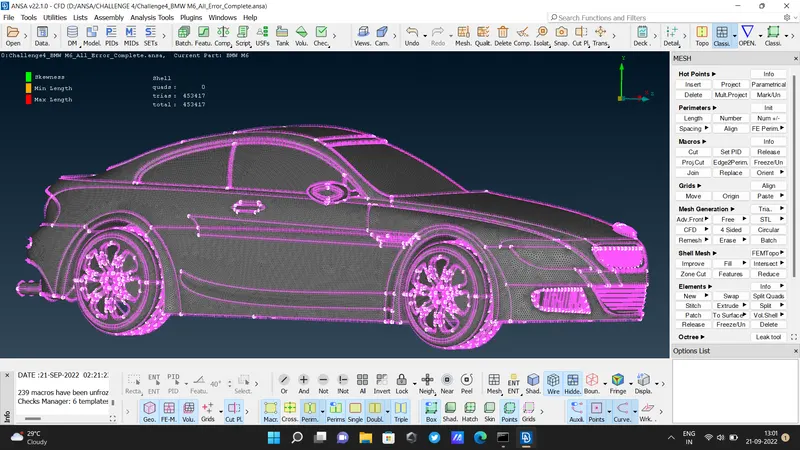
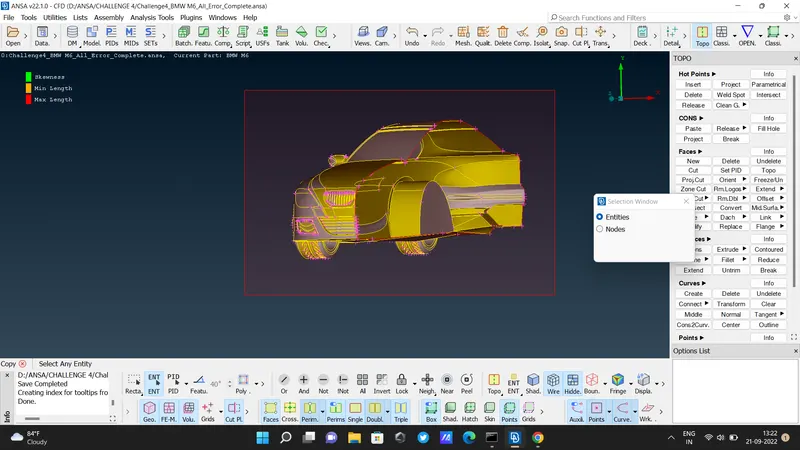
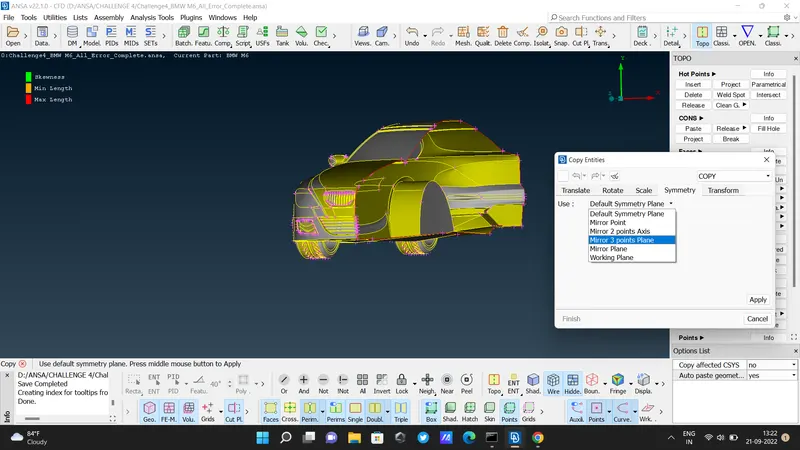
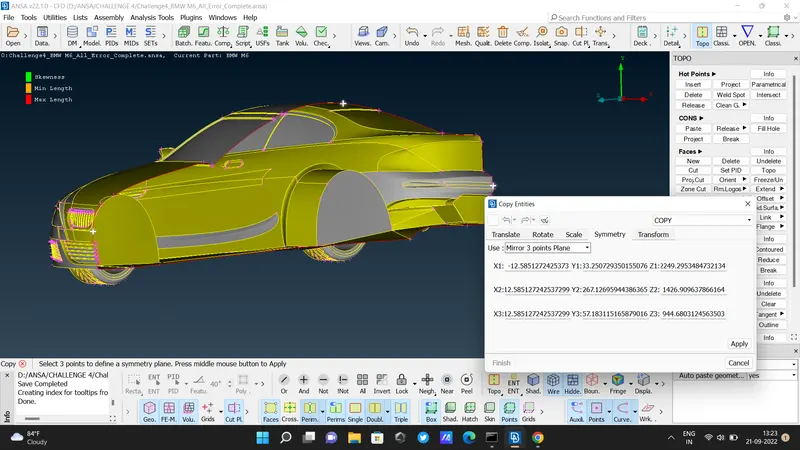
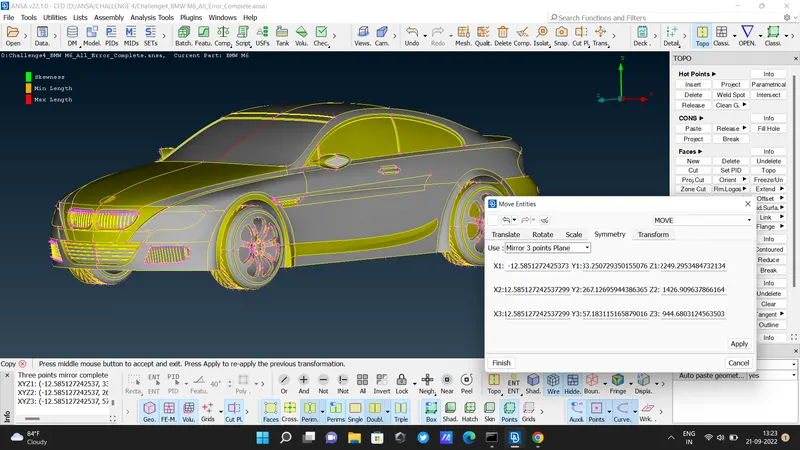
- now copy the half section and make a full body. [ Transform - copy - select whole body - mirror 3 point plane - symmetry - select 3 hot points - apply - finish ]
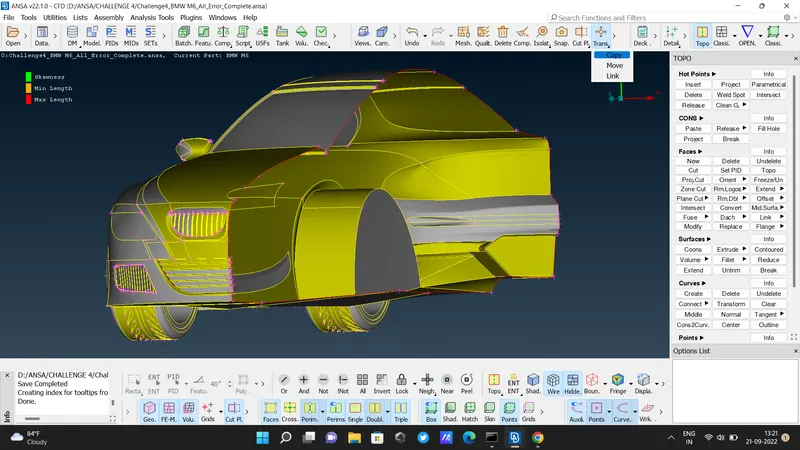
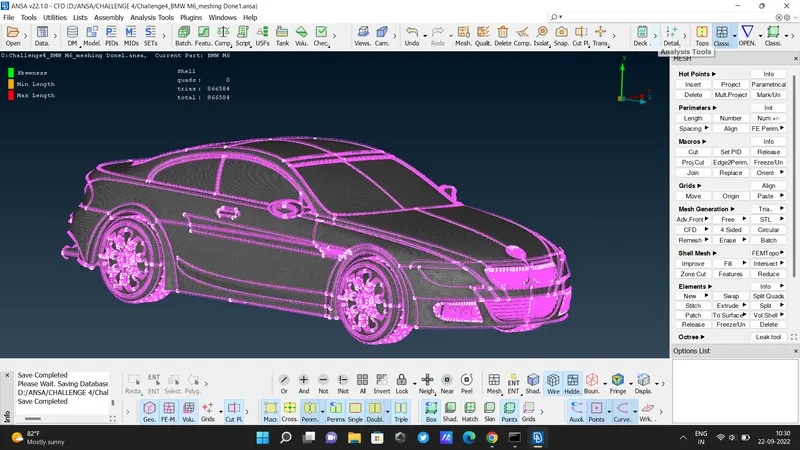
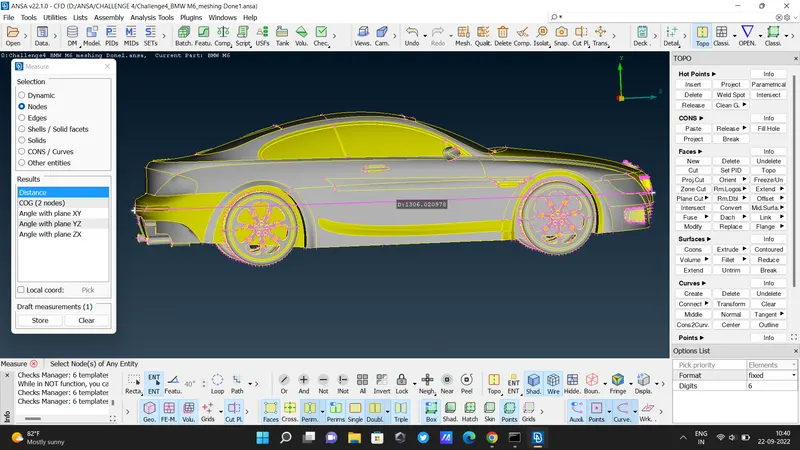
- Check the length of the car
- Now we have to make wind tunnels as per the given aspects
- The front face distance of the wind tunnel from the car front face is 4 times car length.
- The back face distance of the wind tunnel from the car's back face is 6 times of car's length.
- The top face distance of the wind tunnel from the car top face is 3 times the car length.
- side face distance of the wind tunnel from the car side face same as the car length
- bottom face distance of the wind tunnel from the car bottom is nearer to the car bottom.
- used the Relative option to create a plane for the wind tunnel.
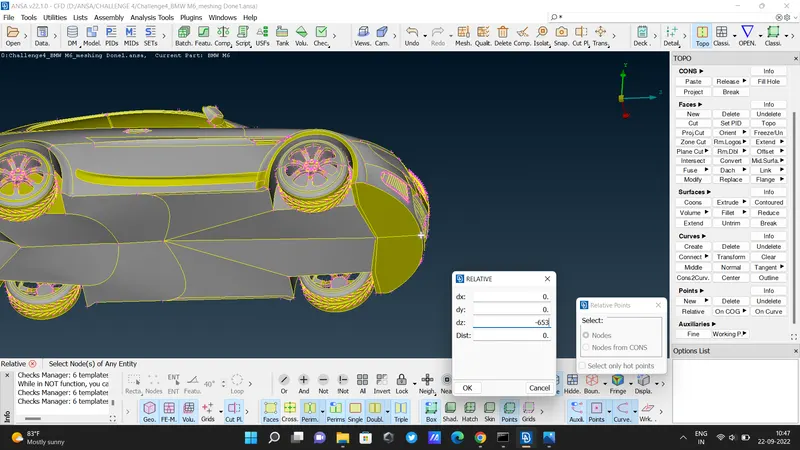
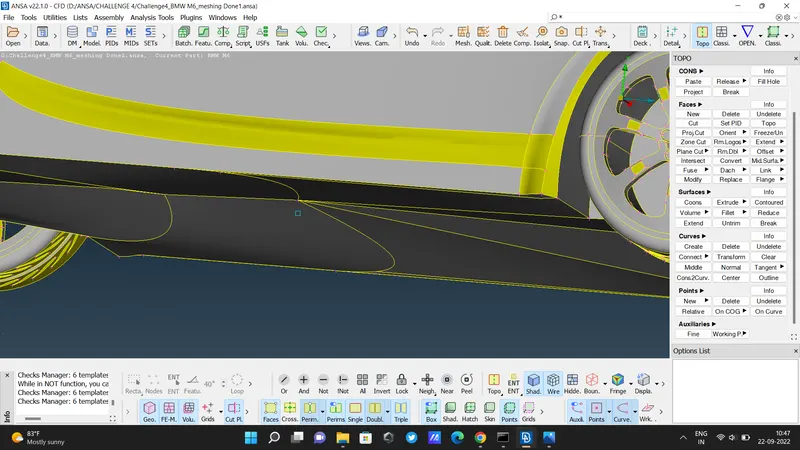
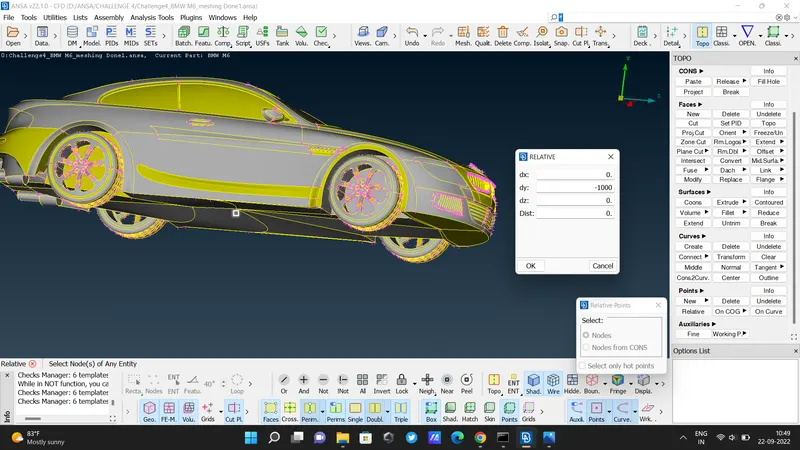
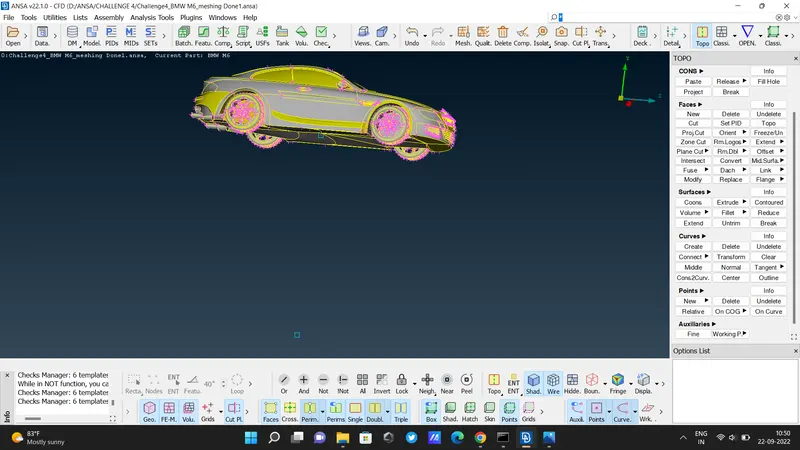
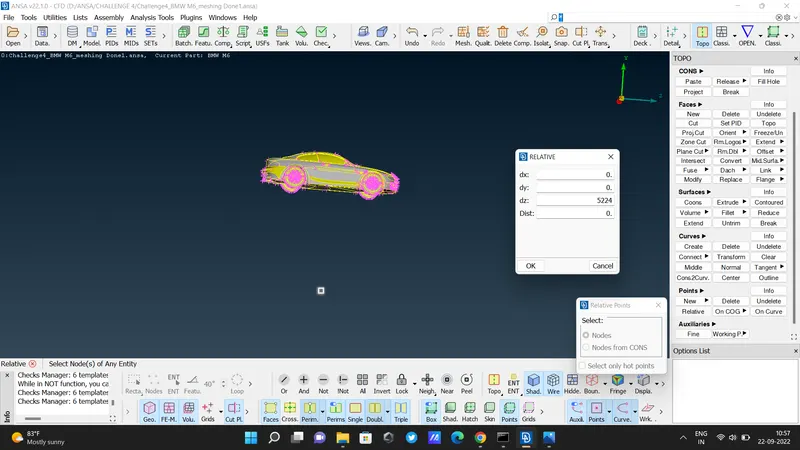
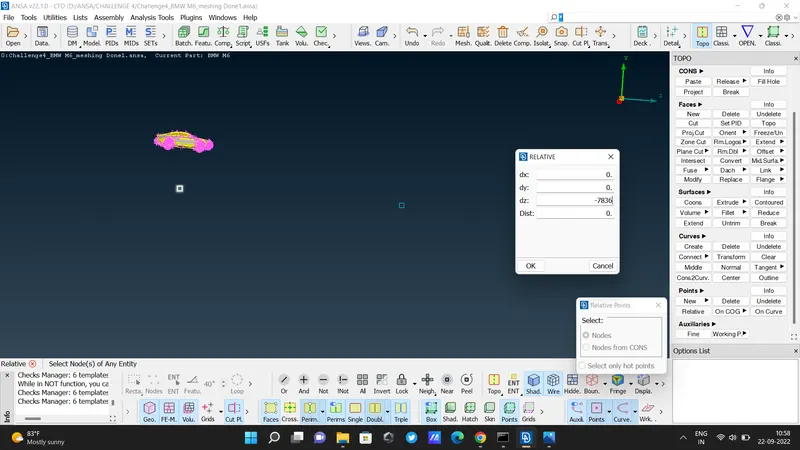
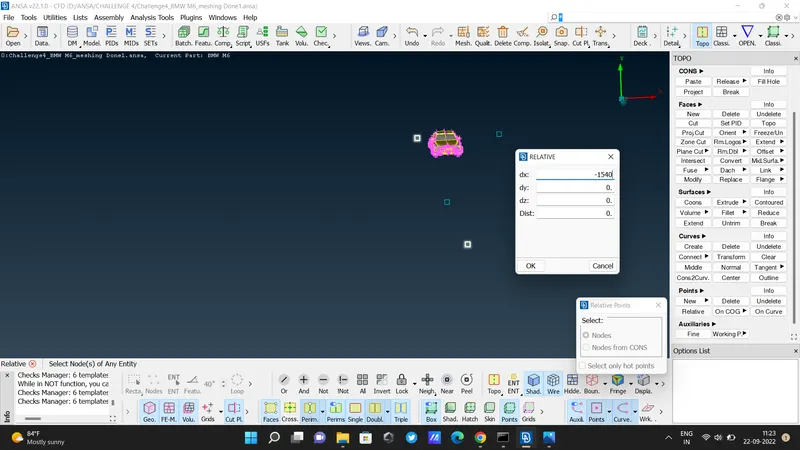
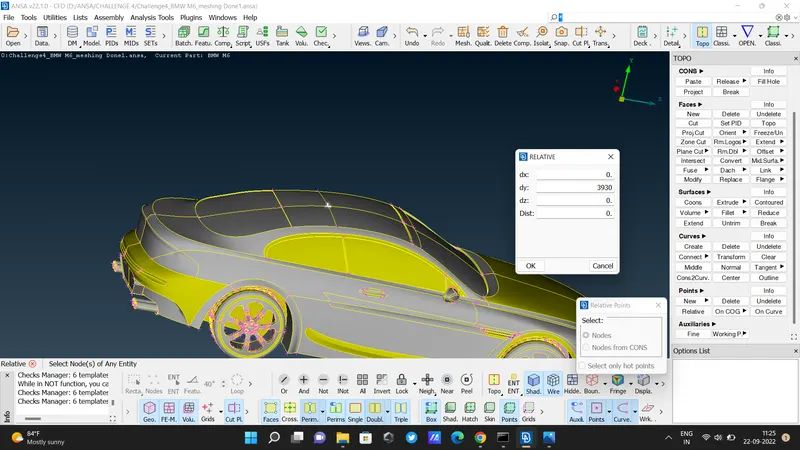
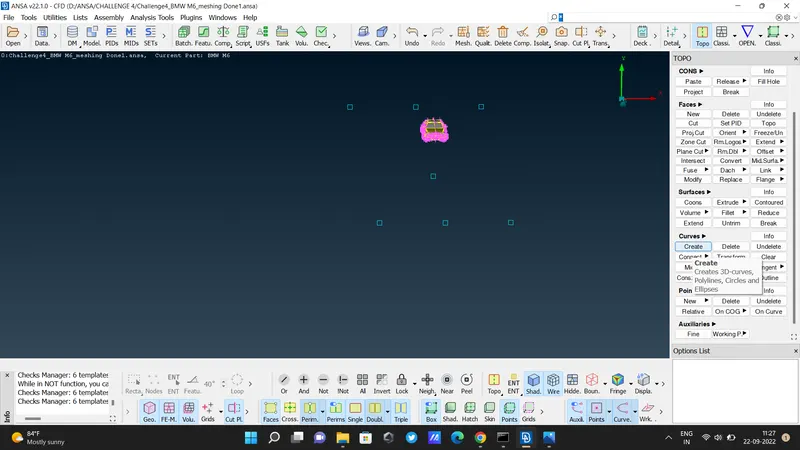
- create a plane for the wind tunnel.
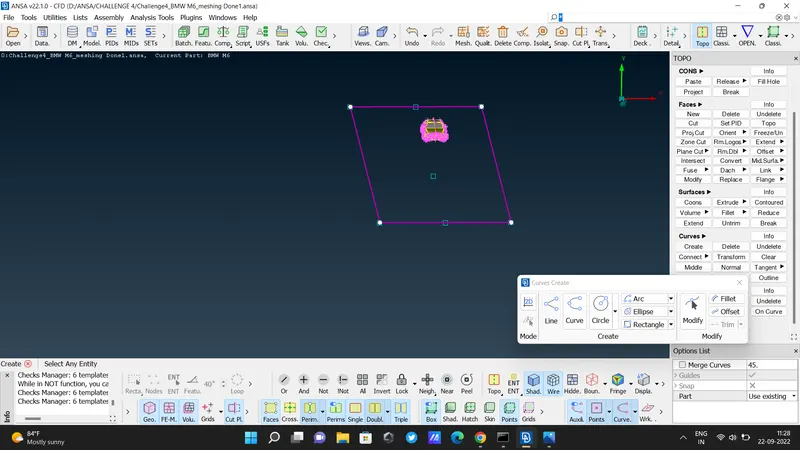
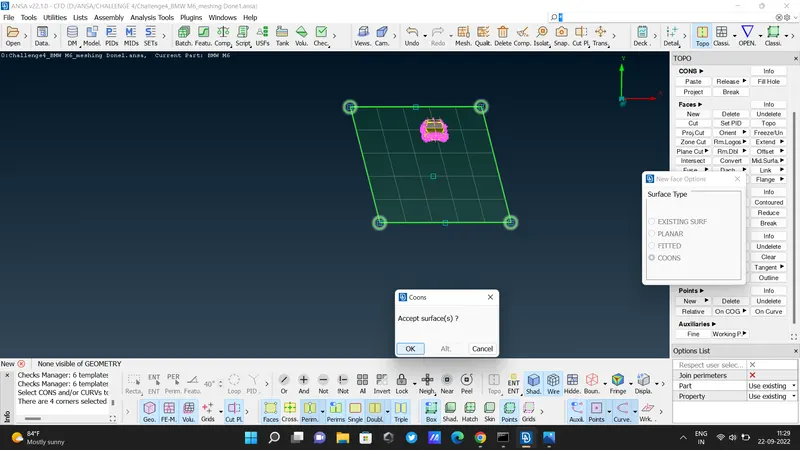
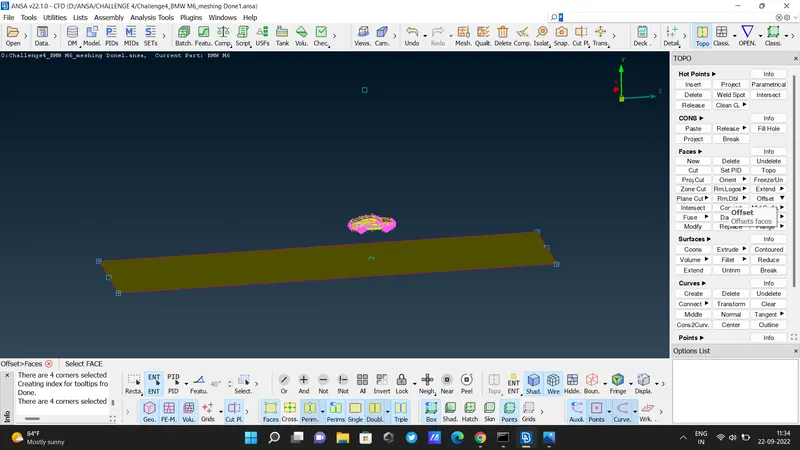
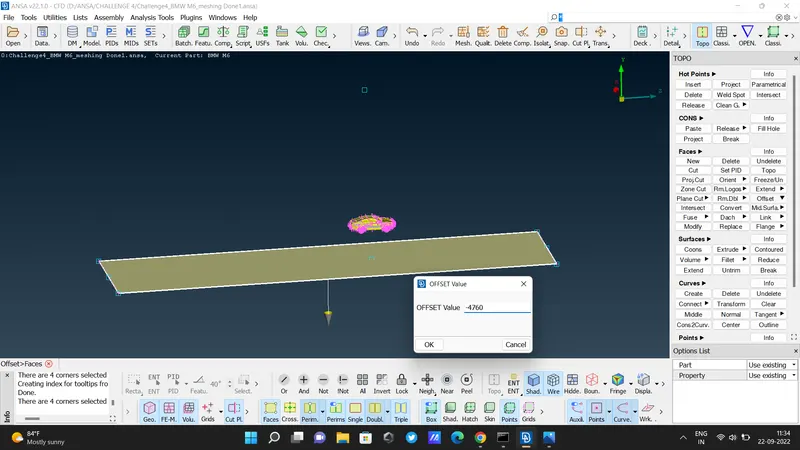
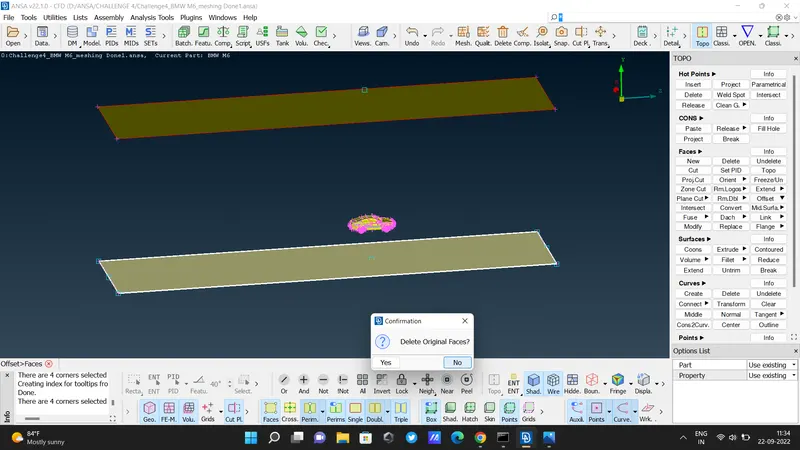
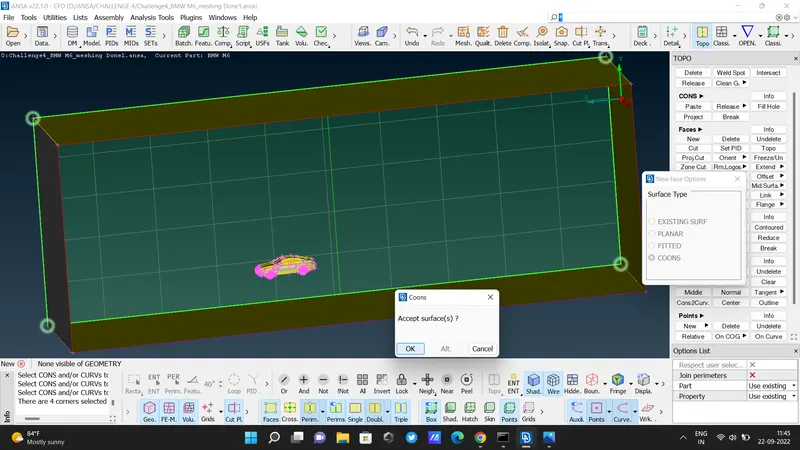
- target for the bottom wind tunnel is 20mm so give the minimum target length is 15mm the and maximum target length is 25mm.
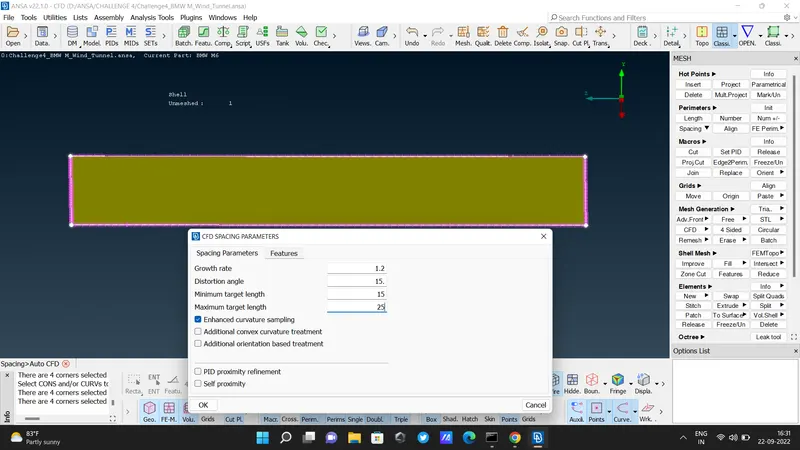
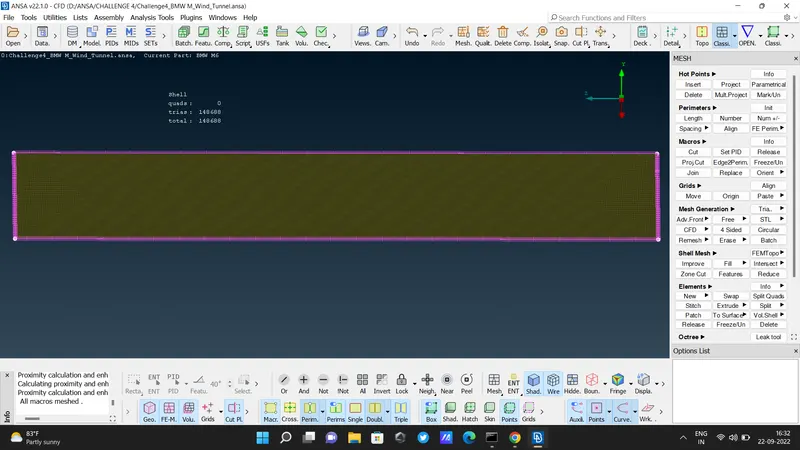
- Assigned all PIDs
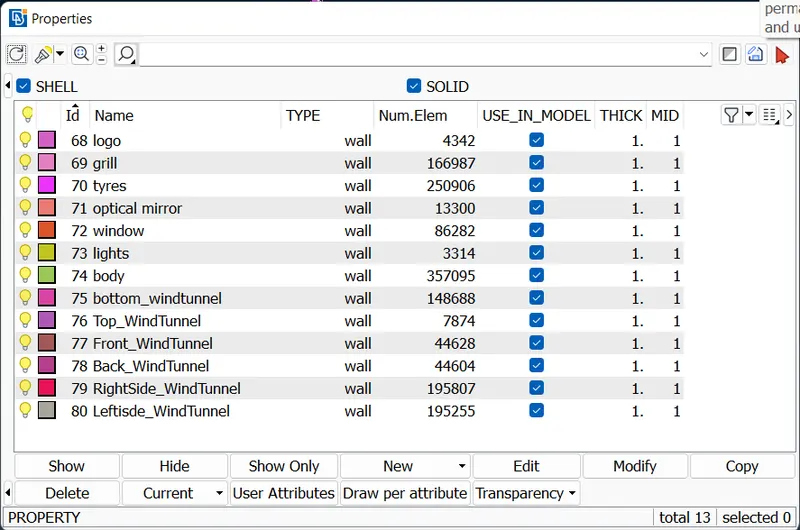
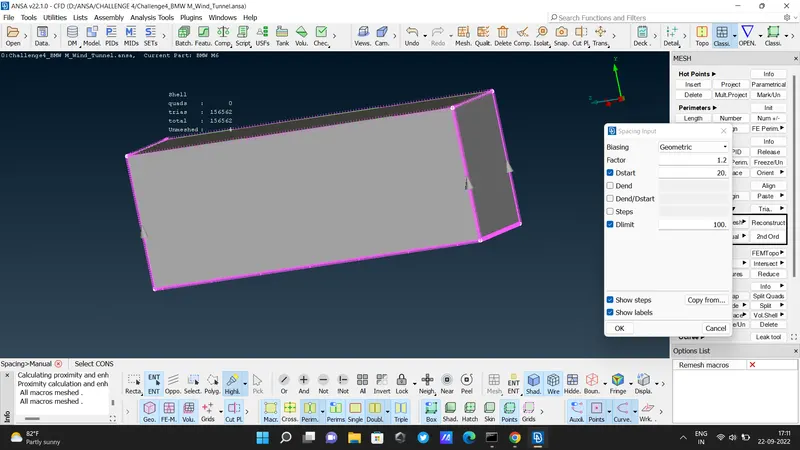
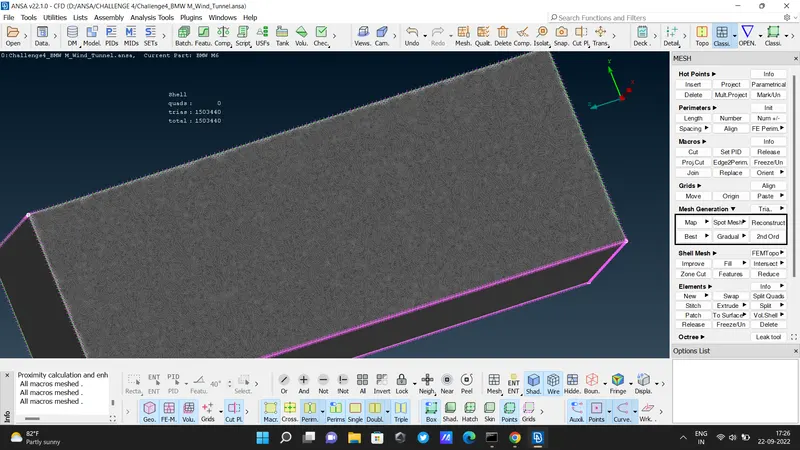
- after meshing wind tunnel
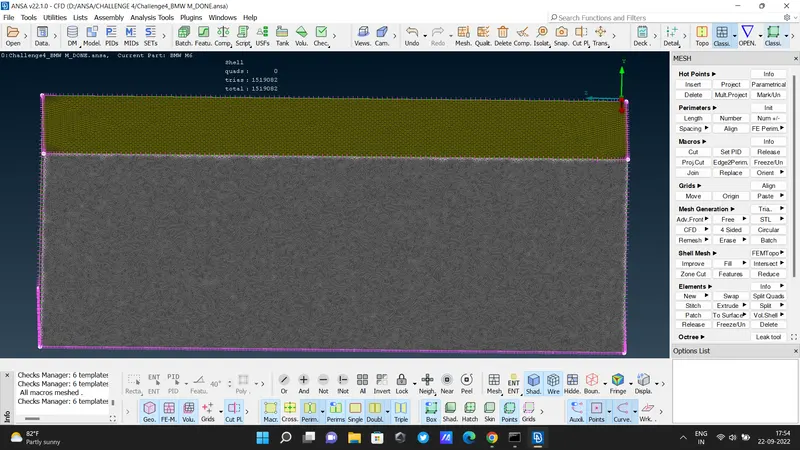
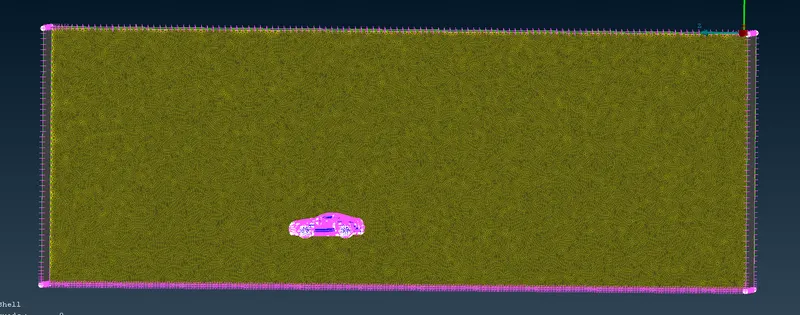
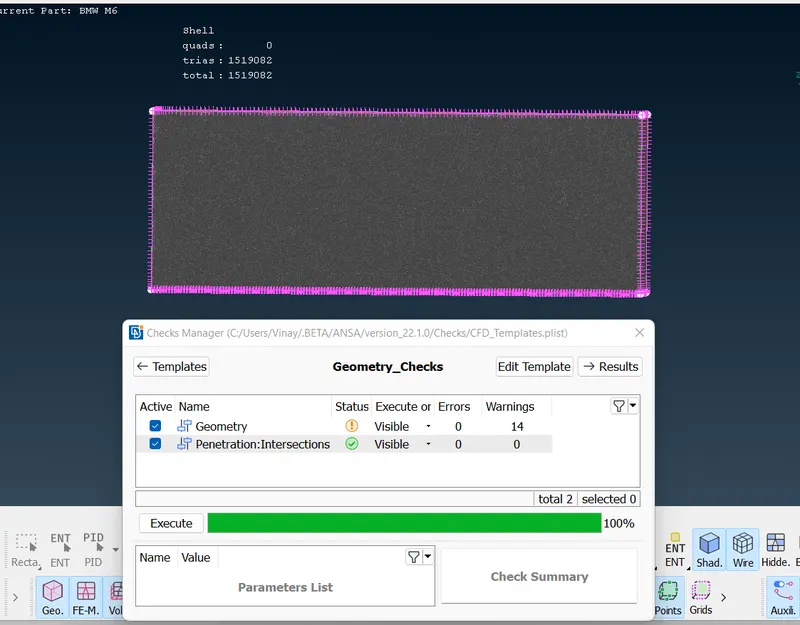
- Done!
- what we learn in this project :
- delete & create new surfaces
- Resolve single & Tripple coons
- significance of quality criteria
- resolve off elements
- resolve intersection errors
- making symmetry of the model
- creating wind tunnel
file :
https://drive.google.com/file/d/1b1Y1E_qZXLKCb4GKQkuCqFnpZSy_2NuB/view?usp=sharing