Week 4 Challenge : CFD Meshing for BMW car
https://drive.google.com/file/d/1zP6eXEFhBVtBAATlhwgBH3tbwTTPzDMj/view?usp=sharing
Aim
For the given model, check and solve all geometrical errors on half portion and Assign appropriate PIDs. Perform meshing with the given Target length and element Quality criteria. After meshing the half model, Do symmetry to the other side.
- Target lengths for the different parts of a model are as follow:
- Body - 3 mm
- Lights - 4 mm
- Grills - 1 mm
- Rims and Tyres - 2 mm
- Optical Rear view mirror - 2 mm
- Window - 2 mm
- Silencer - 3 mm
- Logo - 1 mm
Procedure
importing the given model to the ansa by opening it and we can see the wireframe model of the car. then we can change to shadow mode to see it completely.
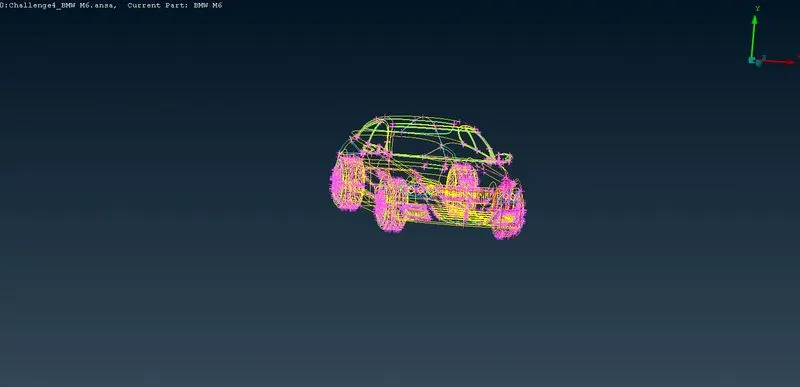
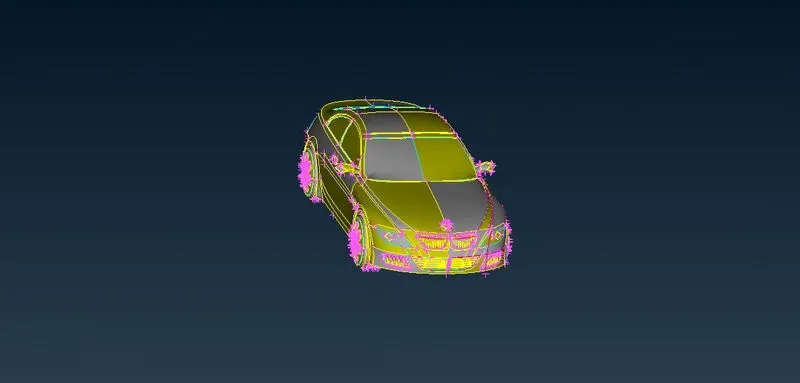
after that we have to do topo to clear the redcons and triple cons from the geometry some error will be automatically removed by ANSA after using topo.then we are giving meshing criteria for the geometry as 1 so the car looks good in shape.
then we have to divide into half and we have to clear the geometrical eroor in the bmw car.
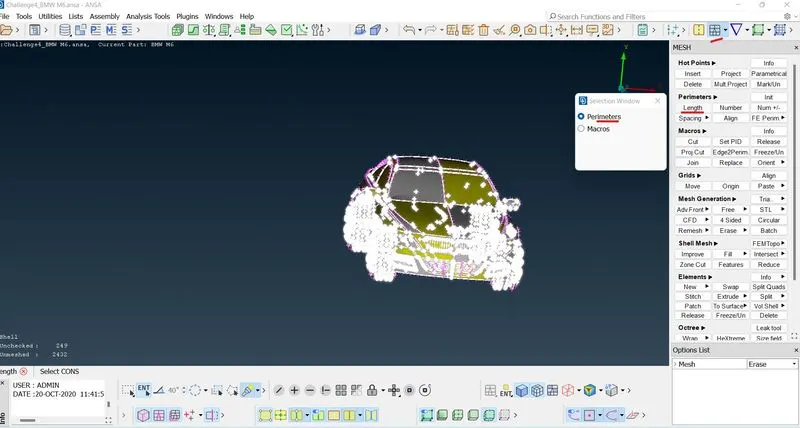
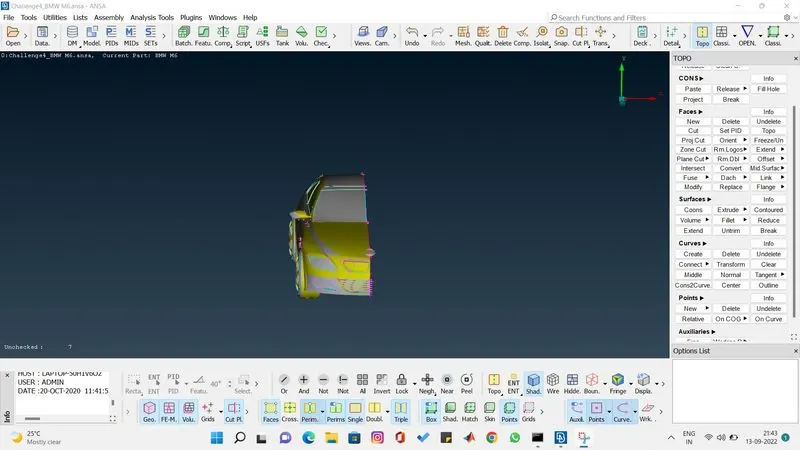
clearing the geometric error from one by one part. first we gonna clear error in logo. clear the extra volume inside the logo to form a single volume because we are going to do surface meshing of the car.
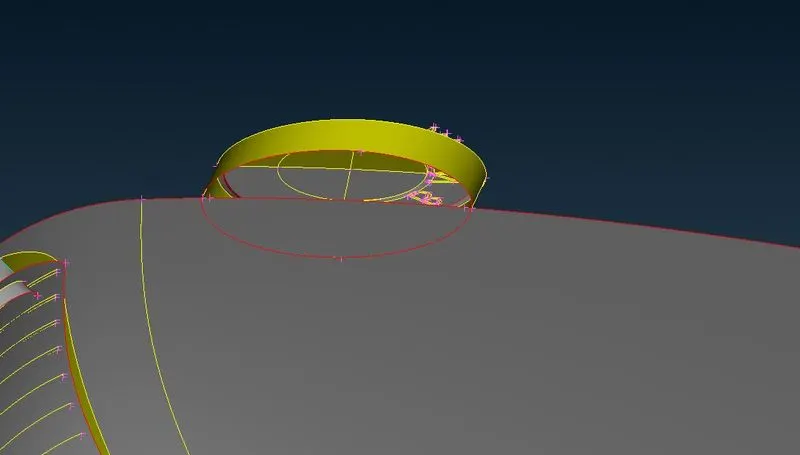
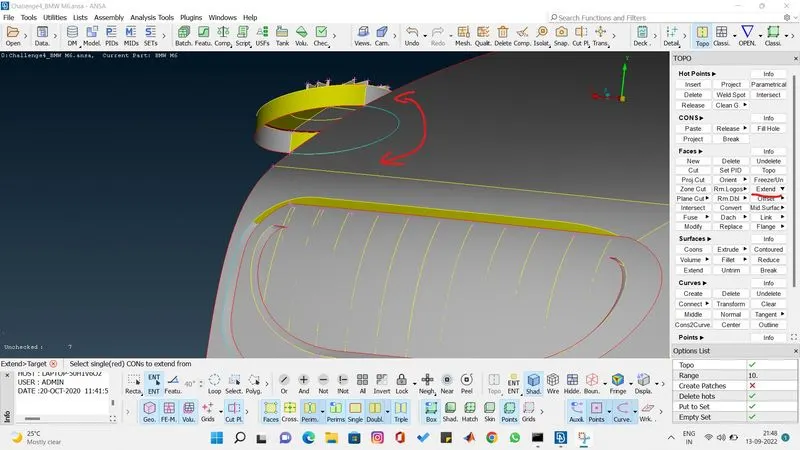
there are several extra surface in the logo clear everything one by one.
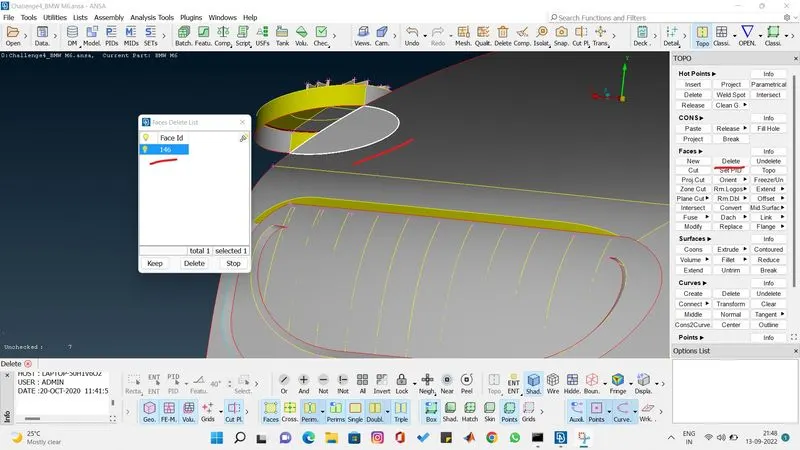
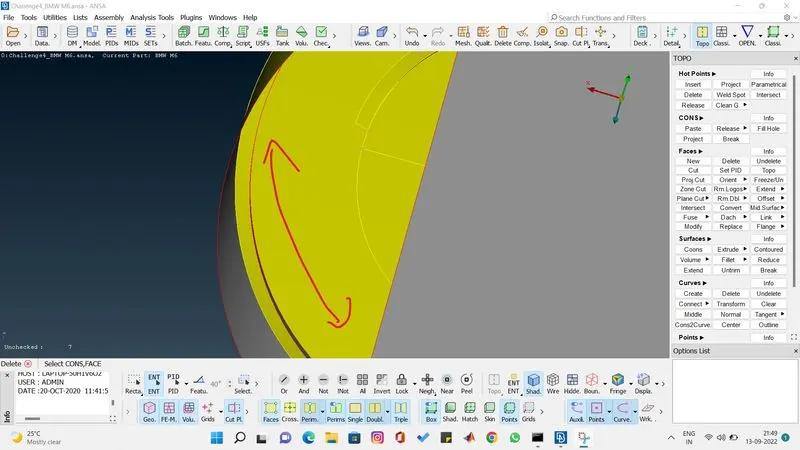
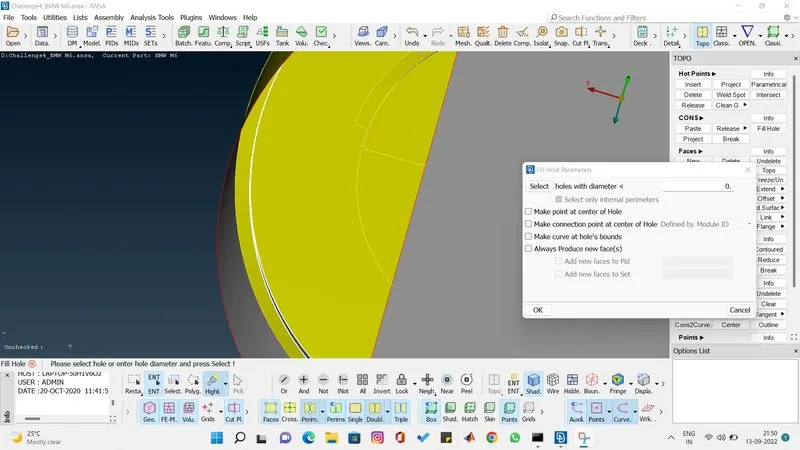
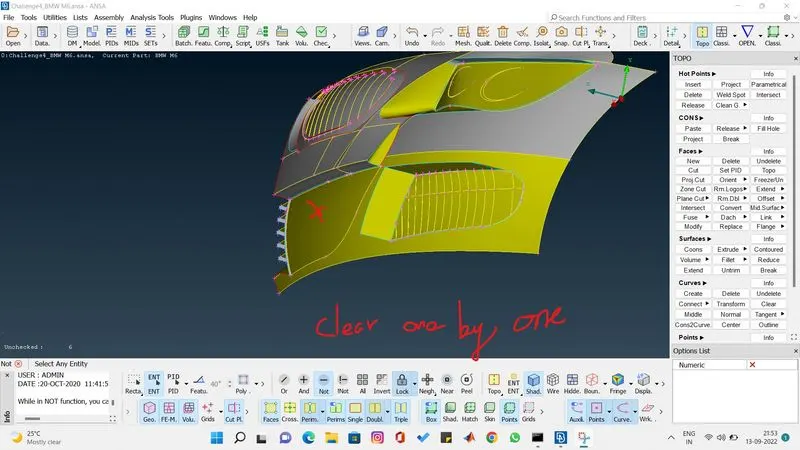
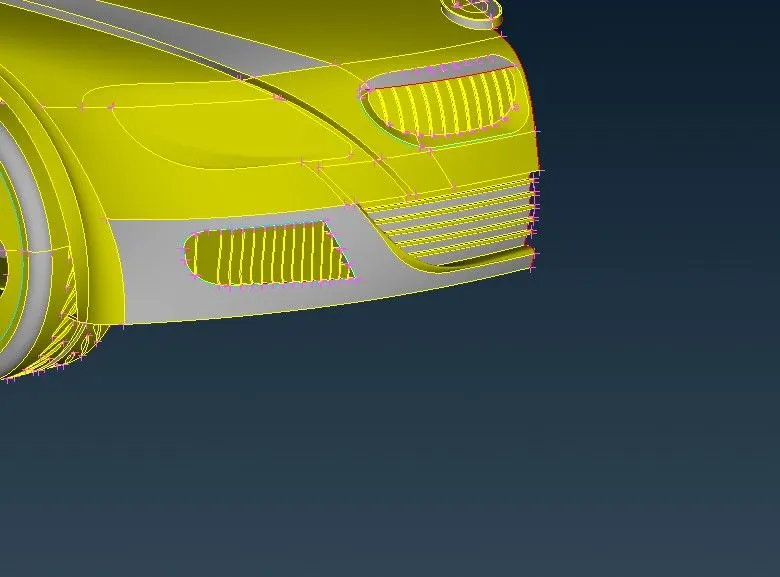
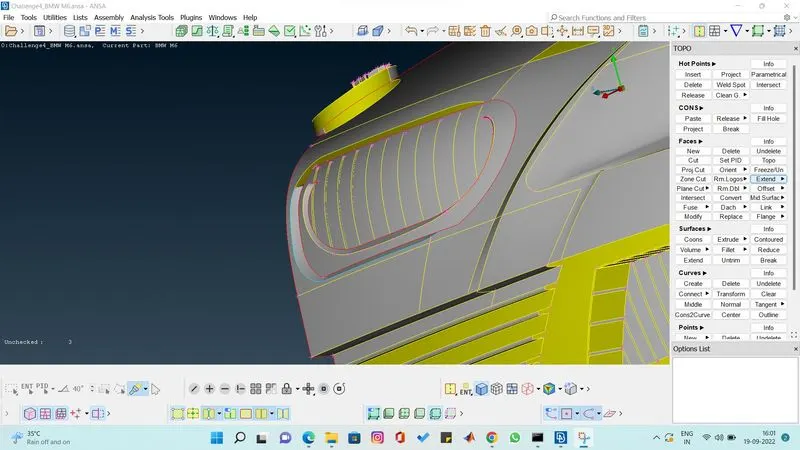
now the logo has finished clearing the error now start clearing errors on the grills one by one
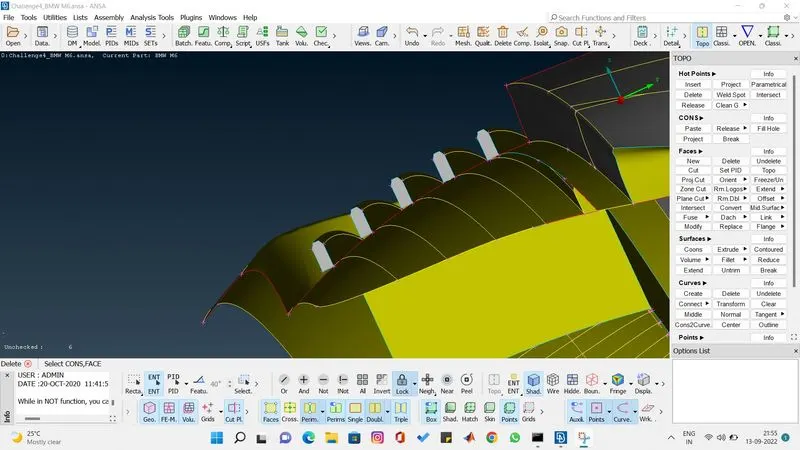
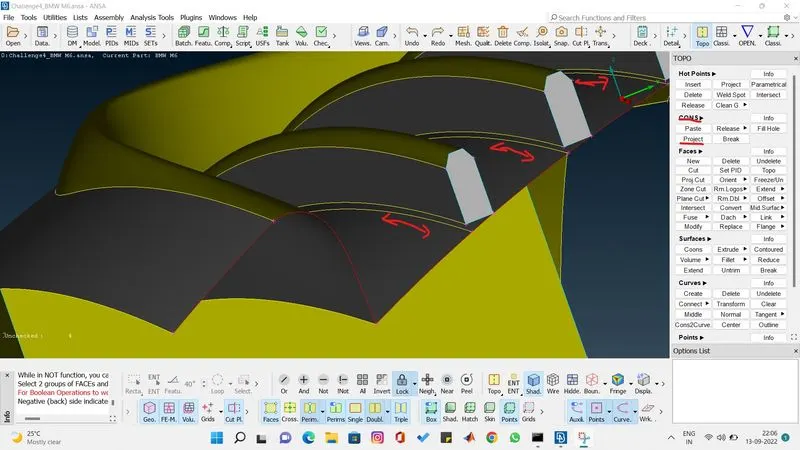
we are projecting the line to the surface using project. and then we delete the surface and make new surface. then we remove the extra surfaces which is present in the grill. and we are giving the length perimeter as 1 so the part looks fine.
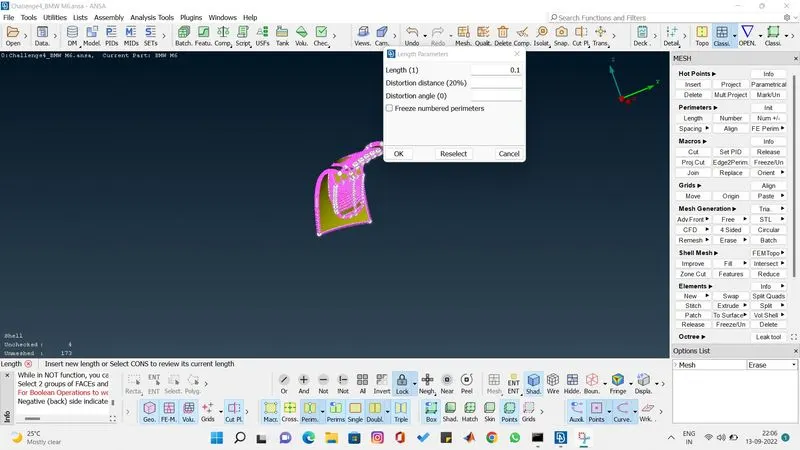
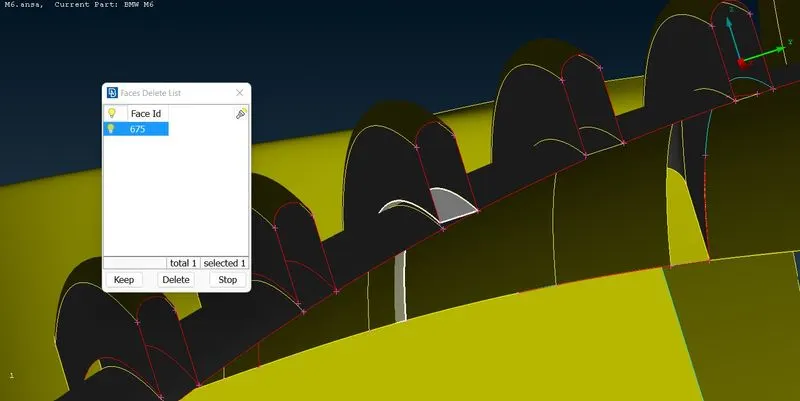
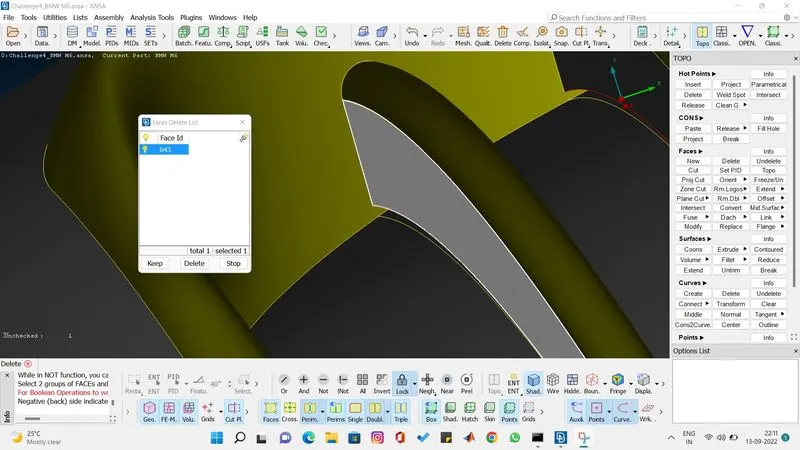
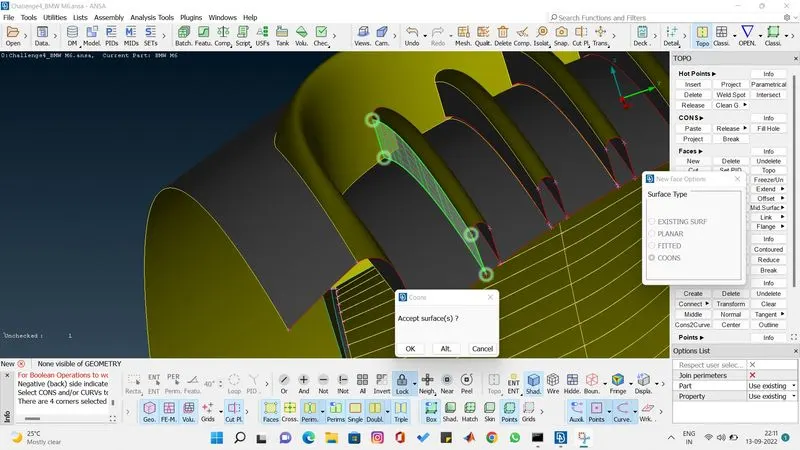
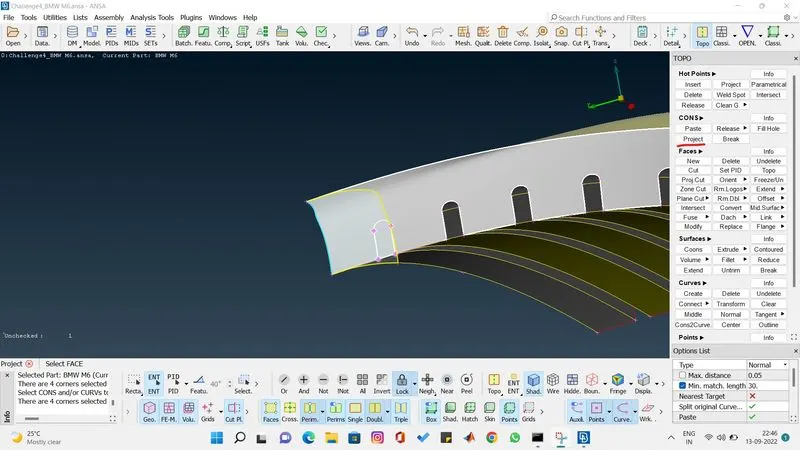
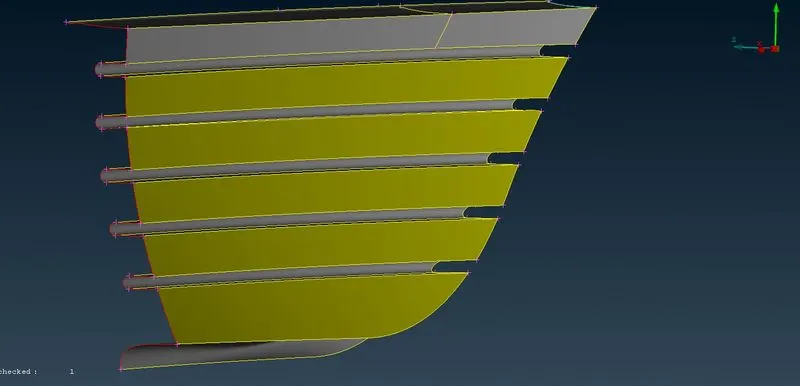
the first grill has been completed successfully.
light
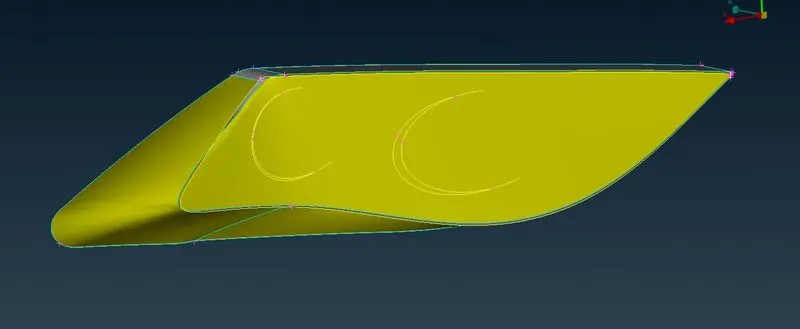
now im gonna delete the extra volume present on the inside of the light and make the surface a single volume. so this will get completed.
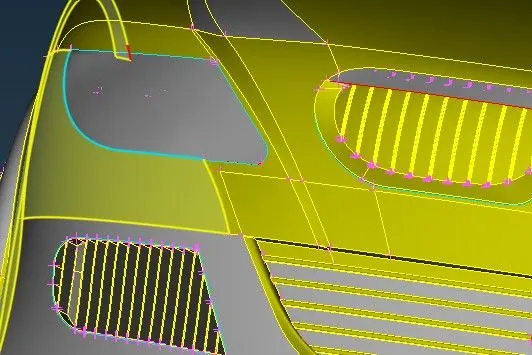
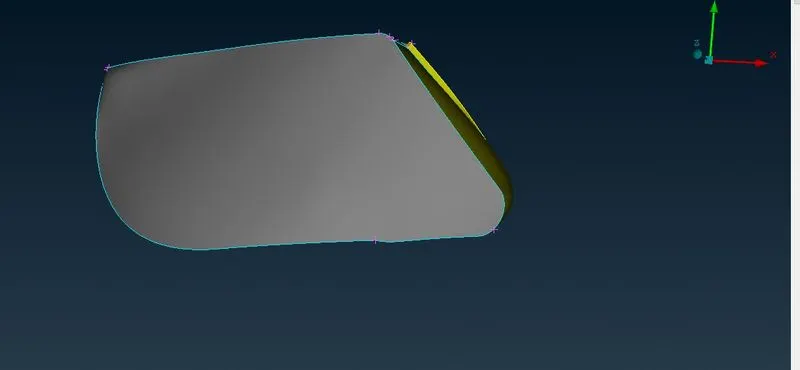
Grill 2
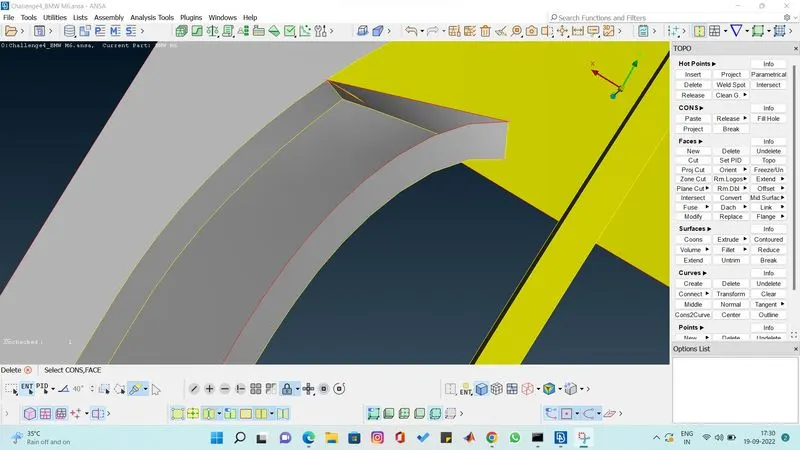
in this grill we are gonna delete the unwanted surface and we gonna parametrical and we gonna cut the layer 0.2 from the back so we get the grill so it look perfect.
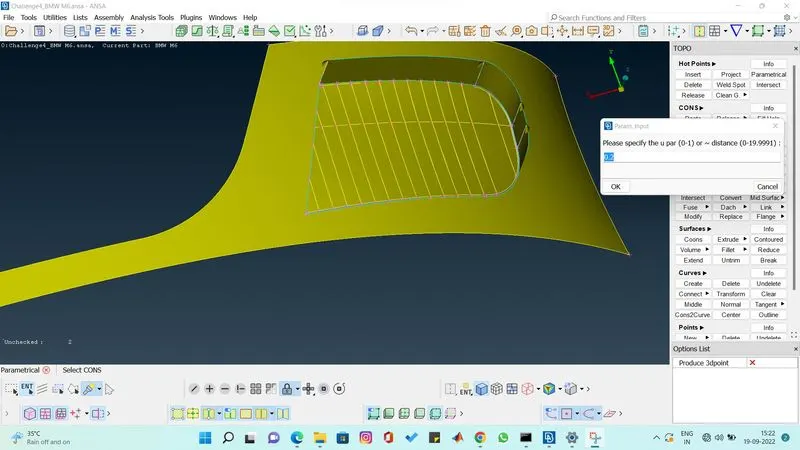
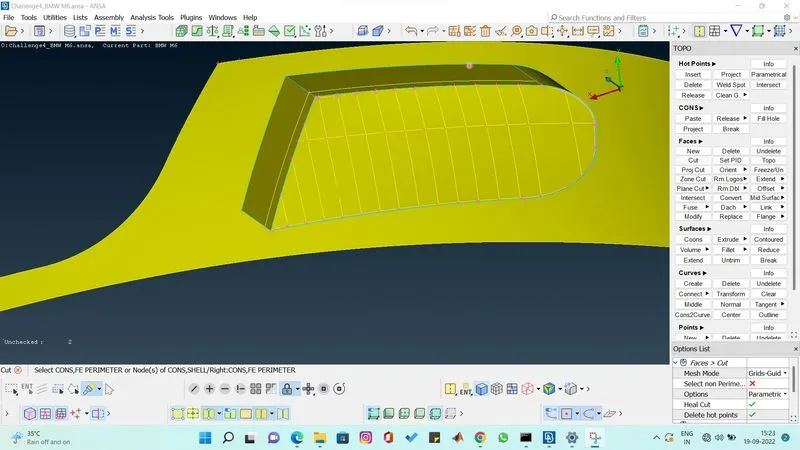
by using cut option we join the points created using parametrical and we gonna create a new surface using coons. and we gonna asign pid individually and we gonna remove the extra surface above the new surface.
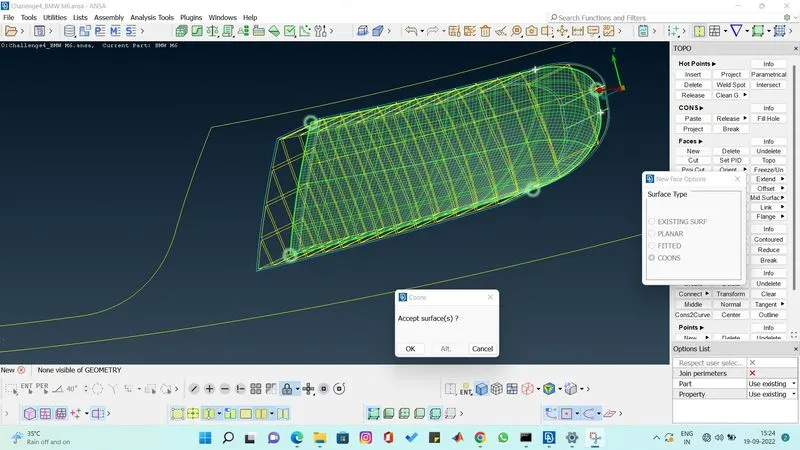
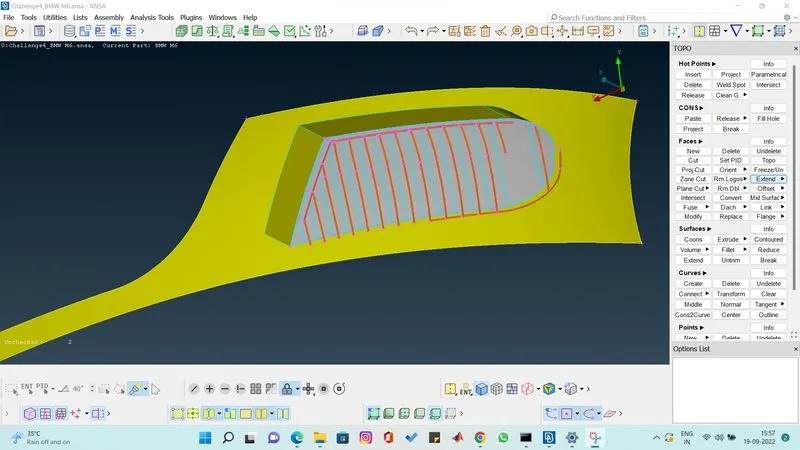
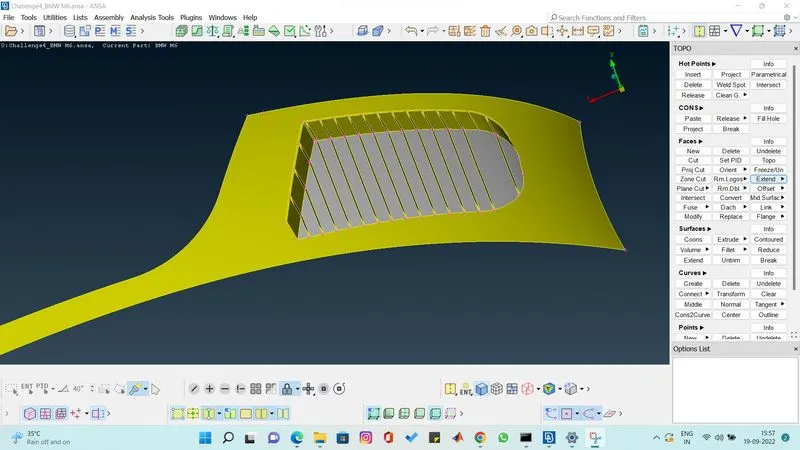
the grill look perfect after clearing the errors and by removing the extra surface.
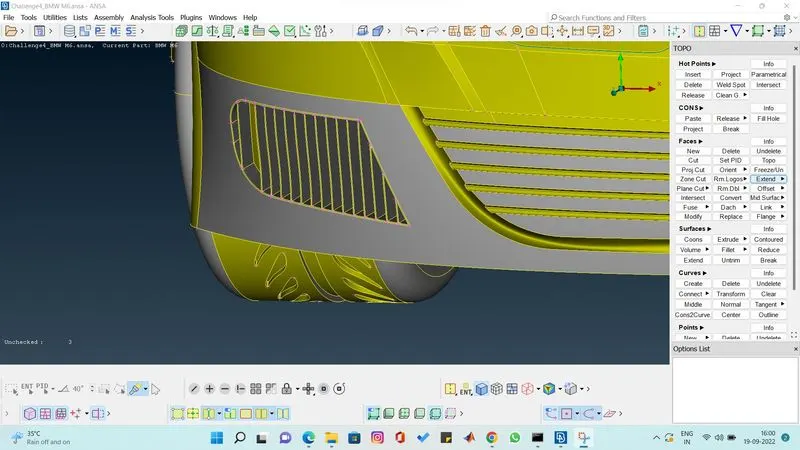
Grill 3
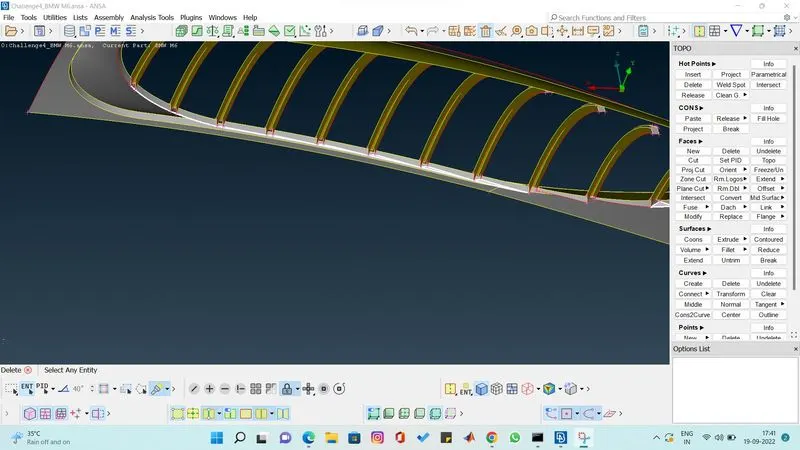
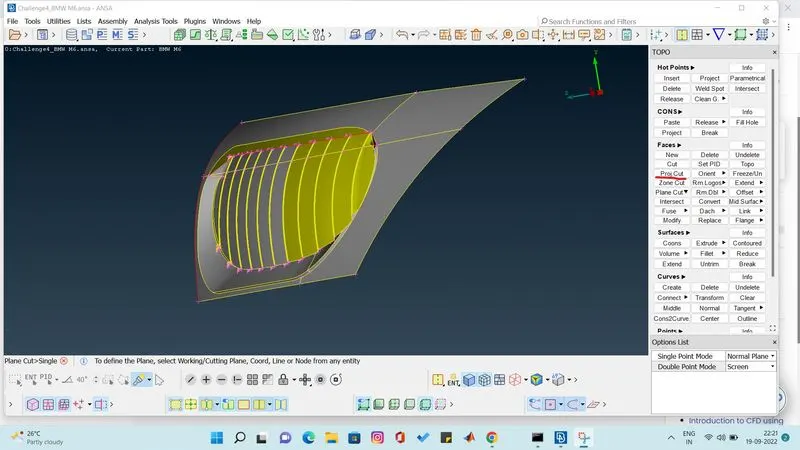
we gonna delete extra surface and we gonna intersect the upper surface to the grill to look perfect and make it into single volume by removing the individual volumae accumlate in the grills.
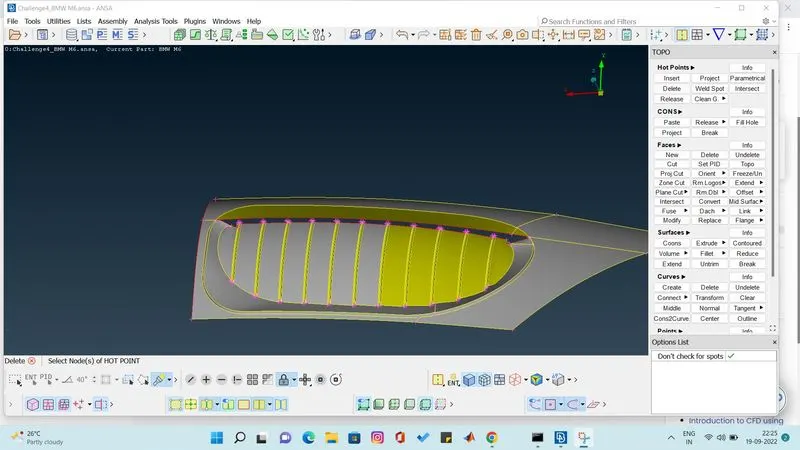
windows
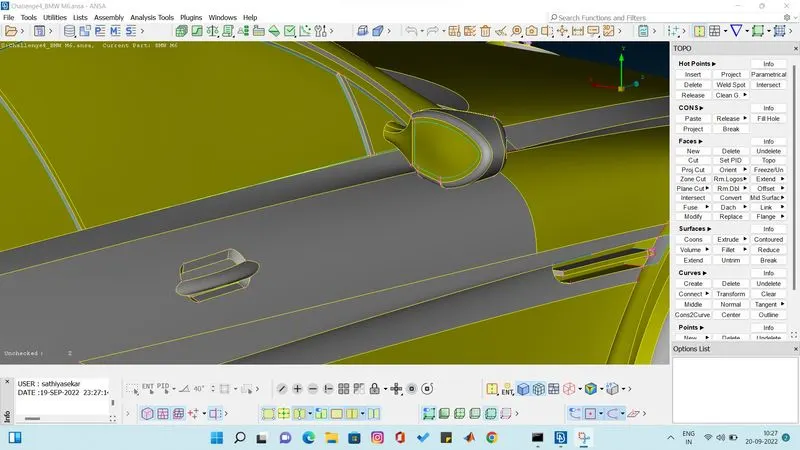
clearing all the triple coons by removing the extra surface in the windows.
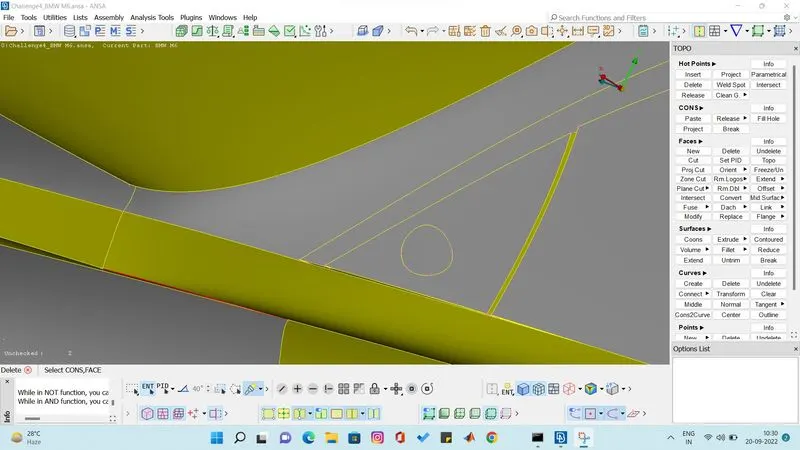
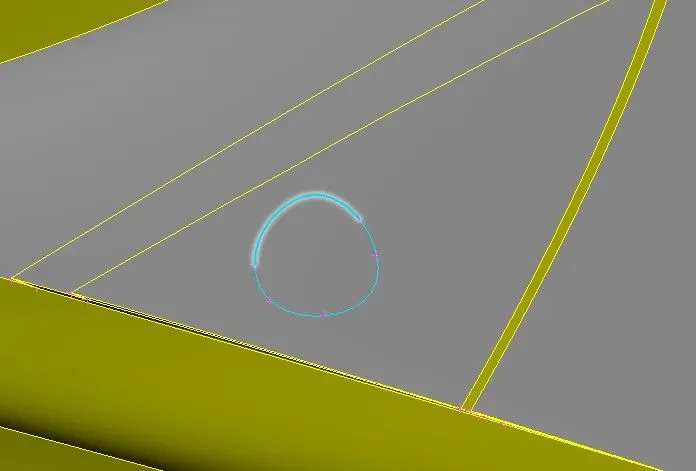
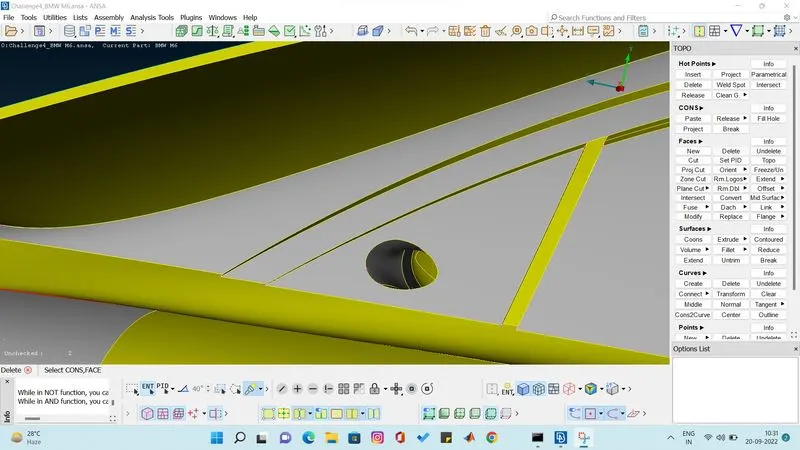
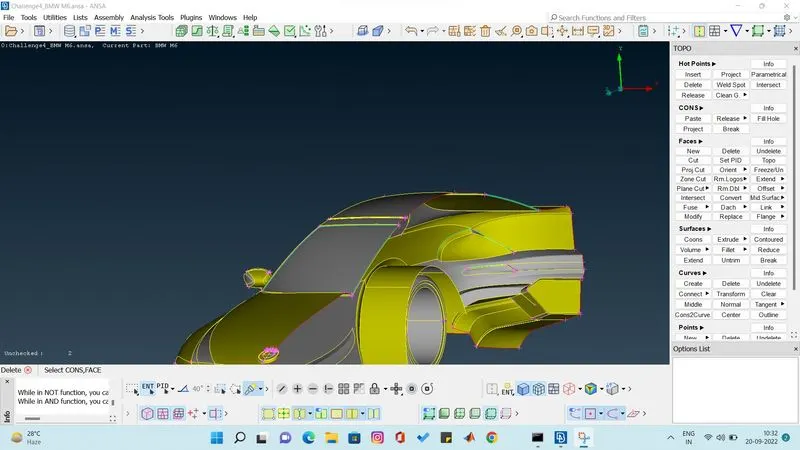
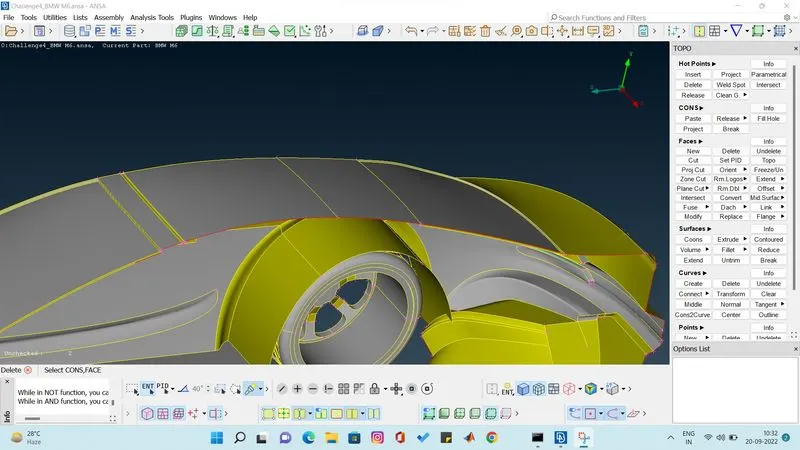
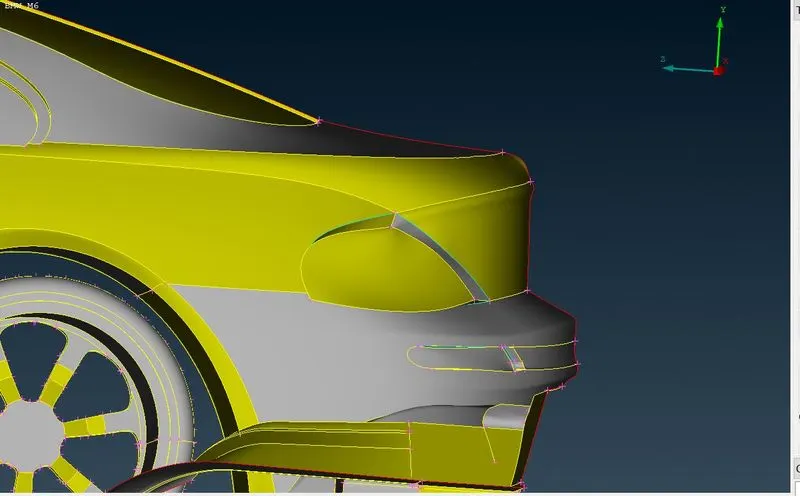
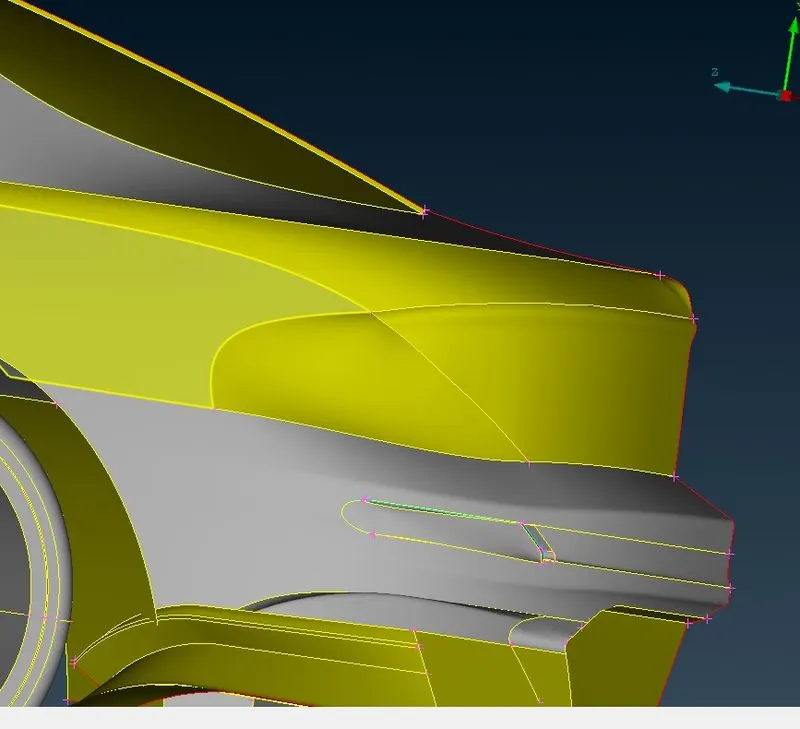
back light errors are removed. 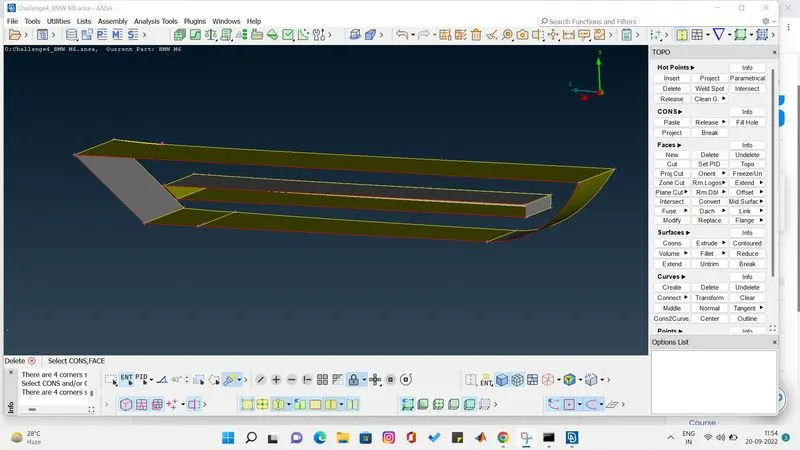
in this part i have cleared extra surface we make extend option to make the surface well then we cut and make it perfect.
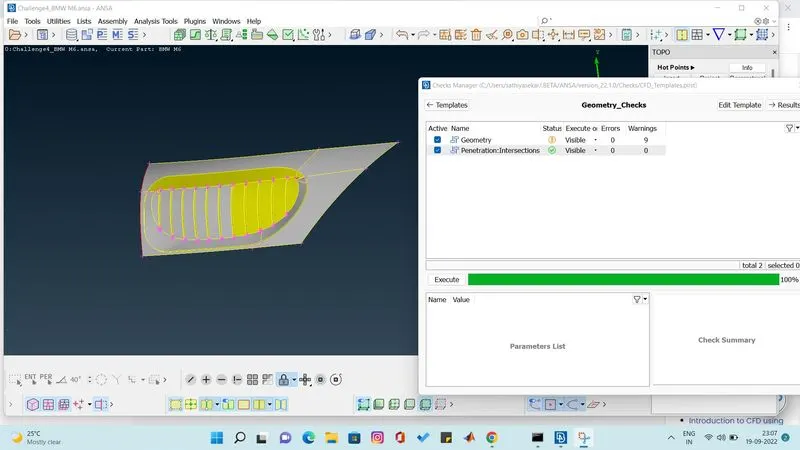
all the errors in the bmw car has been cleared and we gonna check for geometric error and intersectional error.
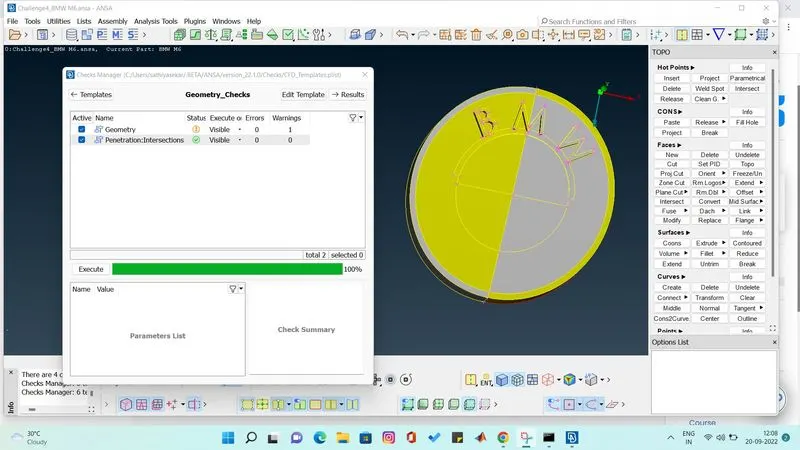
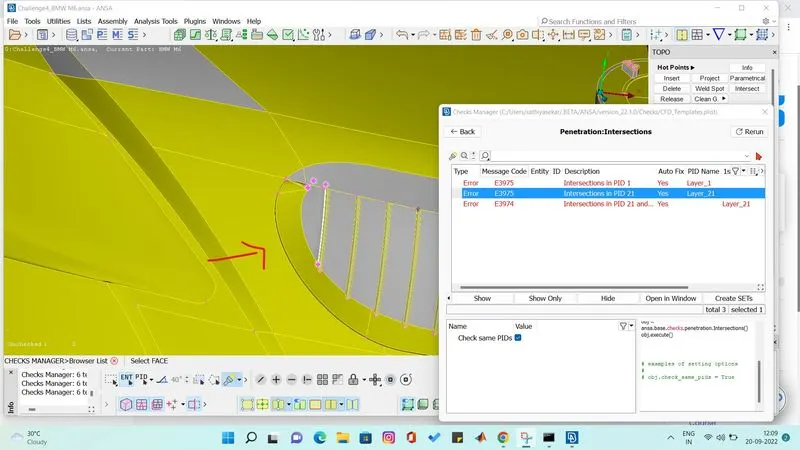
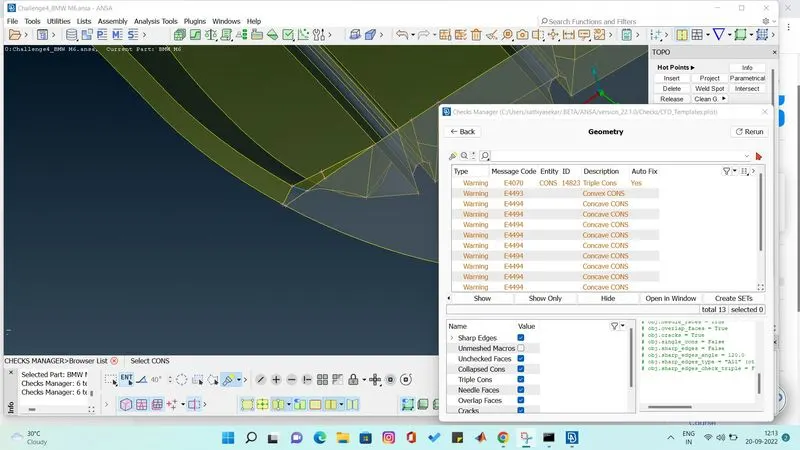
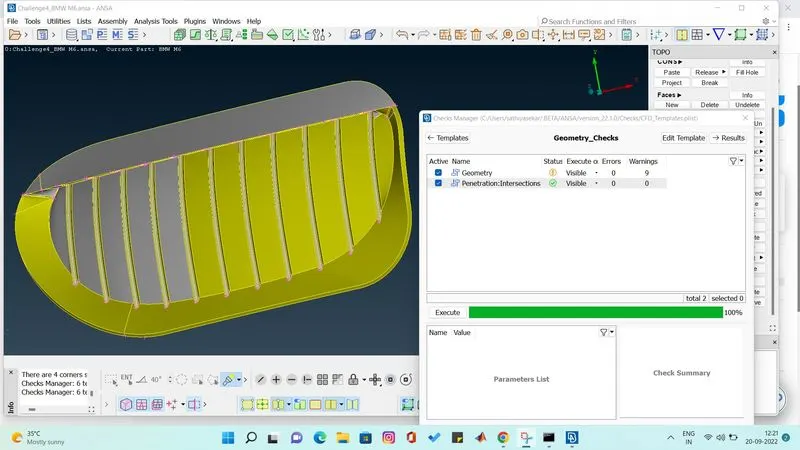
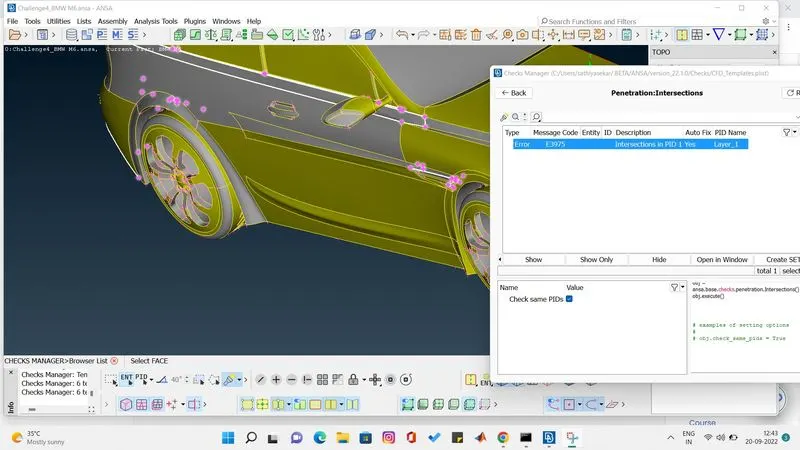
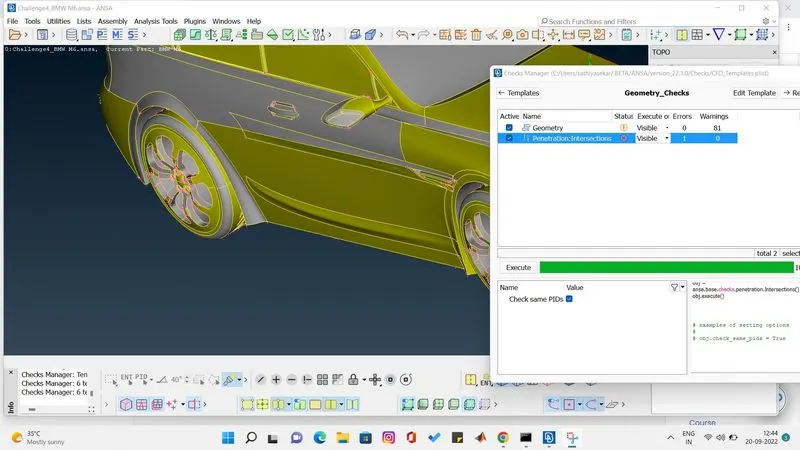
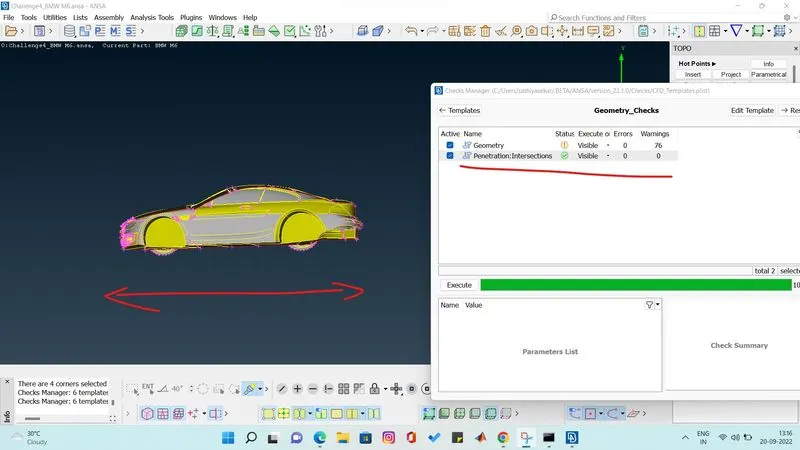
we have removed all the intersection error .a nd we have removed geometrical error. and we found only warnings.
MESHING
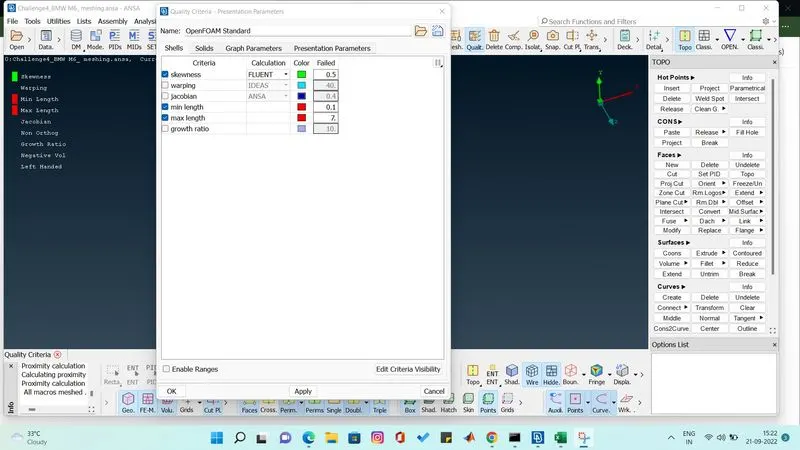
before meshing we have to set quality criteria for skewness, min length and max length. we have set sqewness to 0.5, miniminum leght as 0.1 and max length as 7 .
why we are setting maximum length as 7 because we see the target length of every part start from 1mm to 4 mm so we are giving maximum length to 7 we can even give 6.
LOGO meshing 1 mm
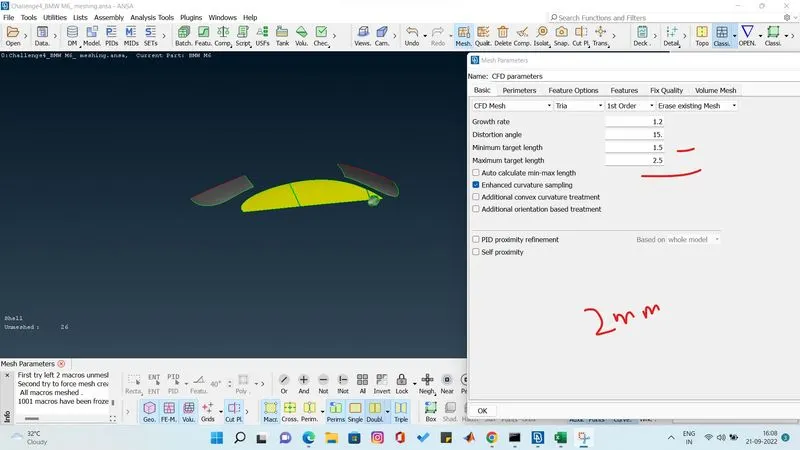
we set the meshing paramterter min target length to 0.5 and max t length to 1.5 so the target length 1 mm lies between the ranges.
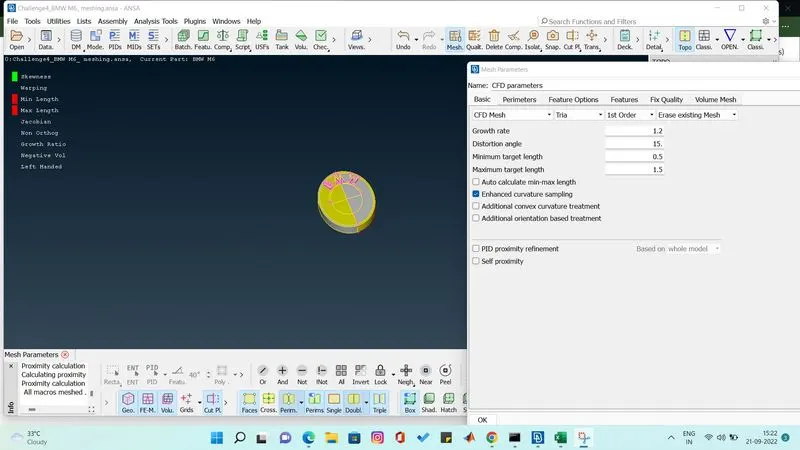
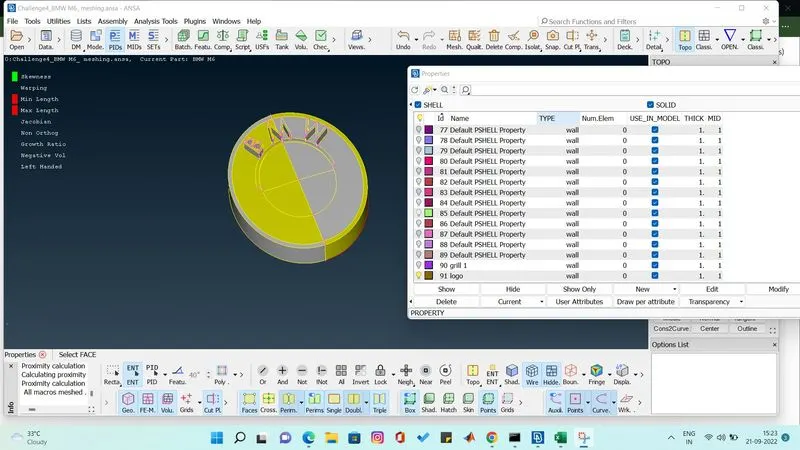
assign pid and do the meshing one by one.
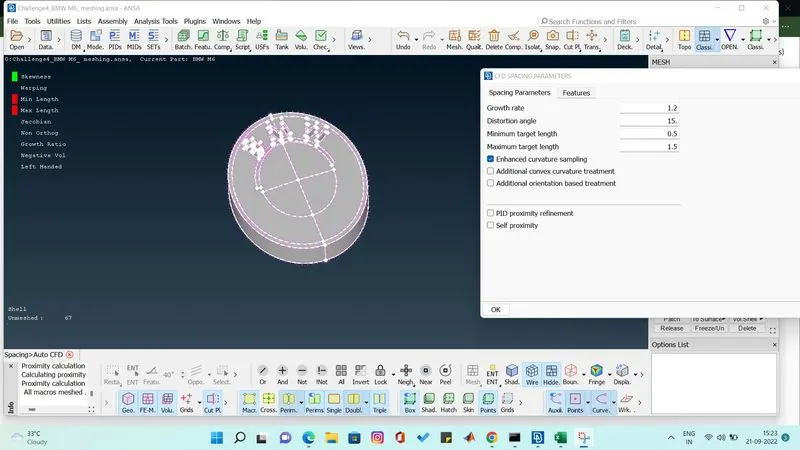
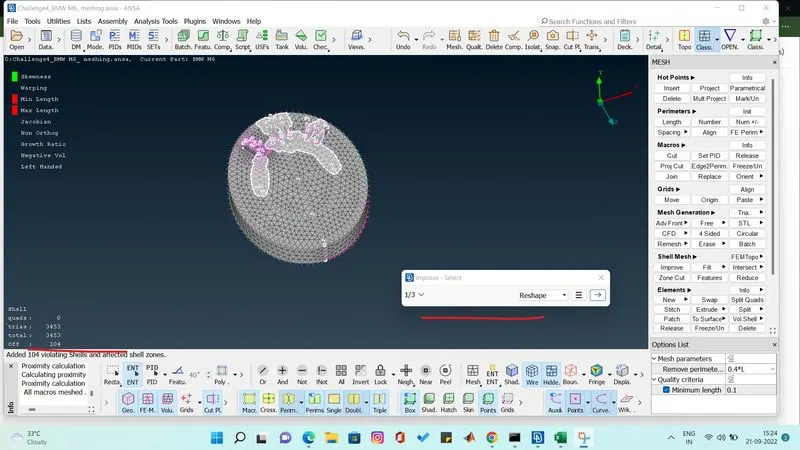
after doing cfd meshing we get off elements in the logo we have to clear the off elements using improve option and we reconstruct and remove the off elements. there will be options they are reconstruct, reshape and smooth to clear the off element.
while doing the reconstruct or reshape if the off element size increase then we should stop and do the next step to remove the off element.
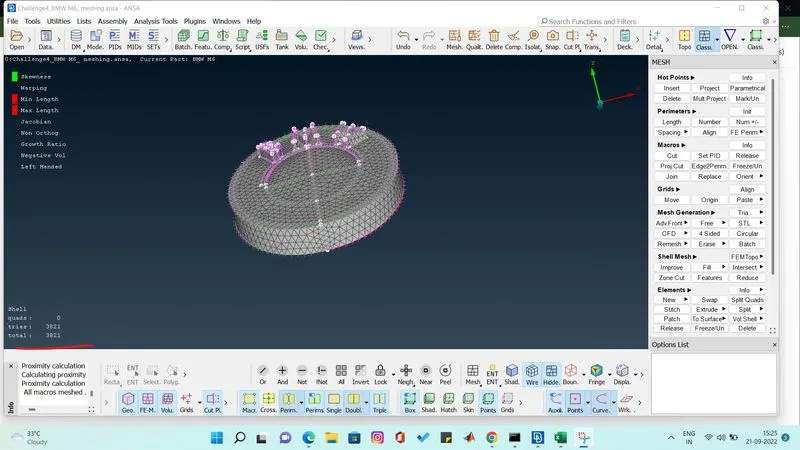
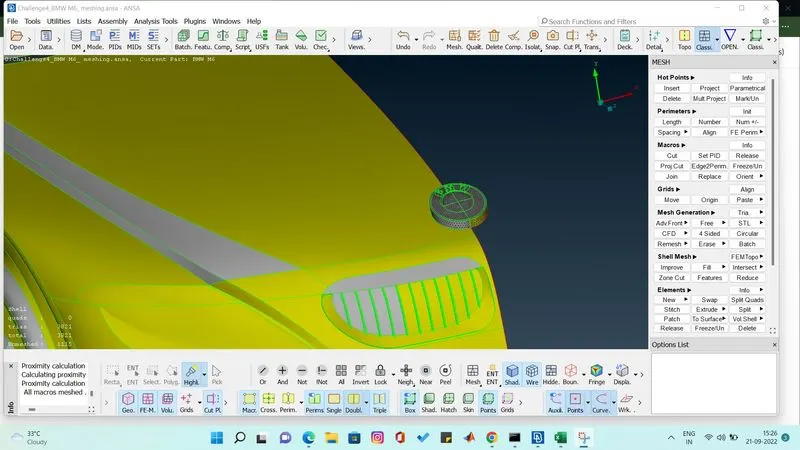
we have to freeze every meshed part one by one i have done freeze option below.
SILENCER
target length 3mm
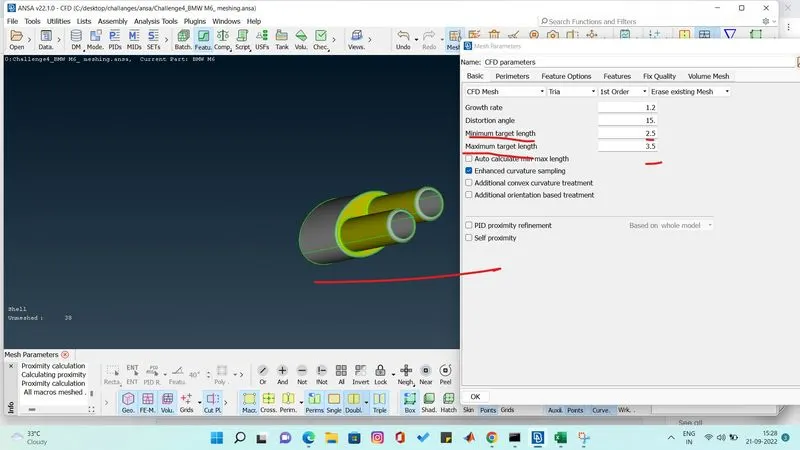
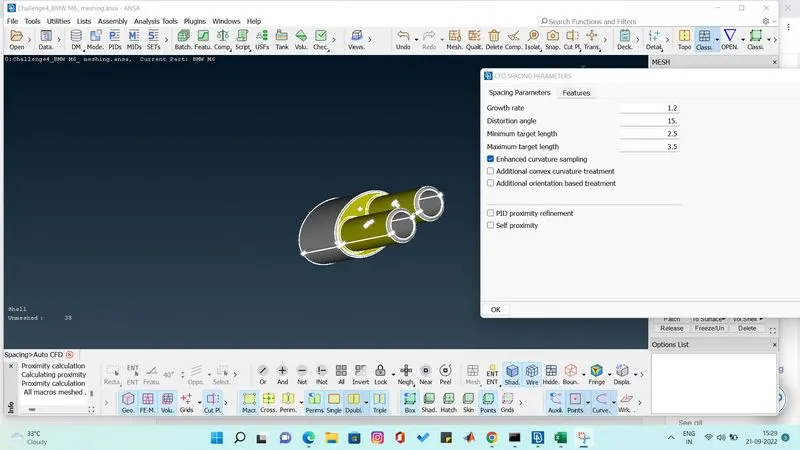
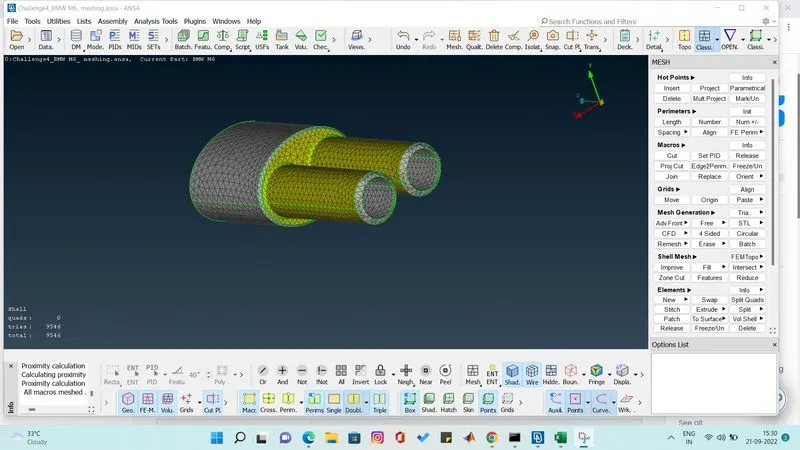
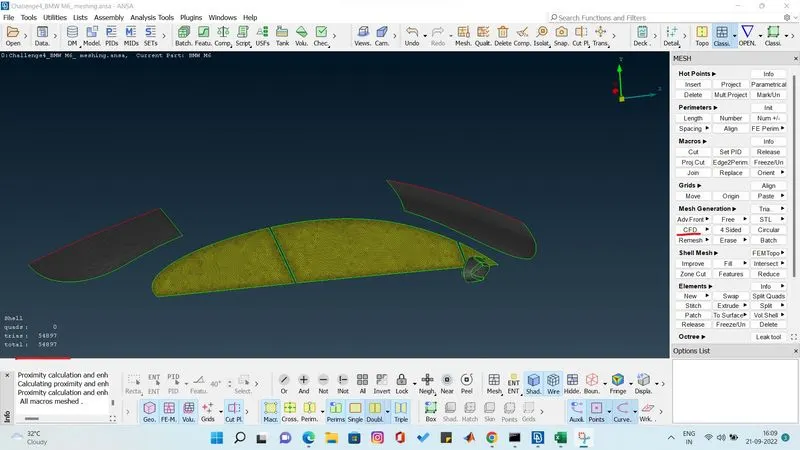
do the meshing as per above for all the parts one by one.
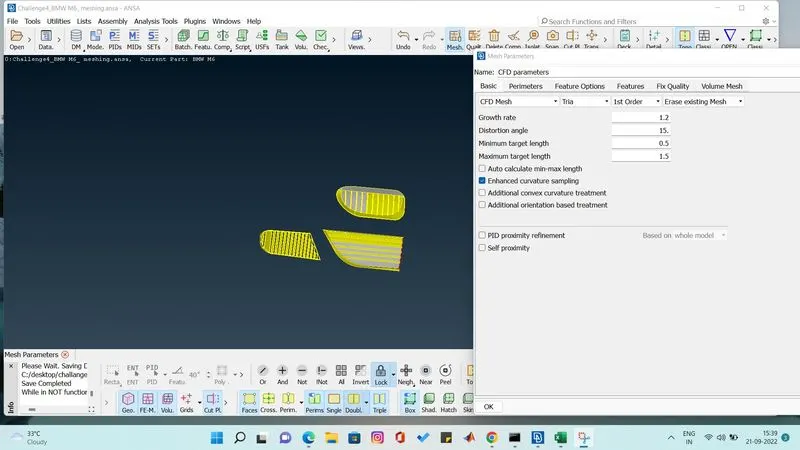
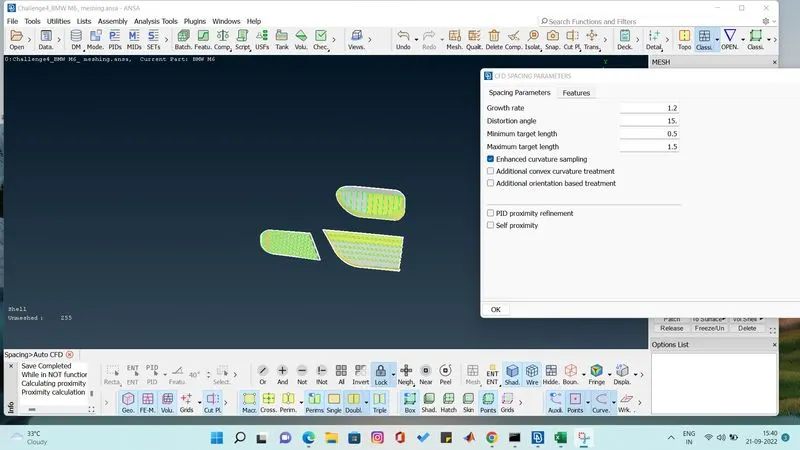
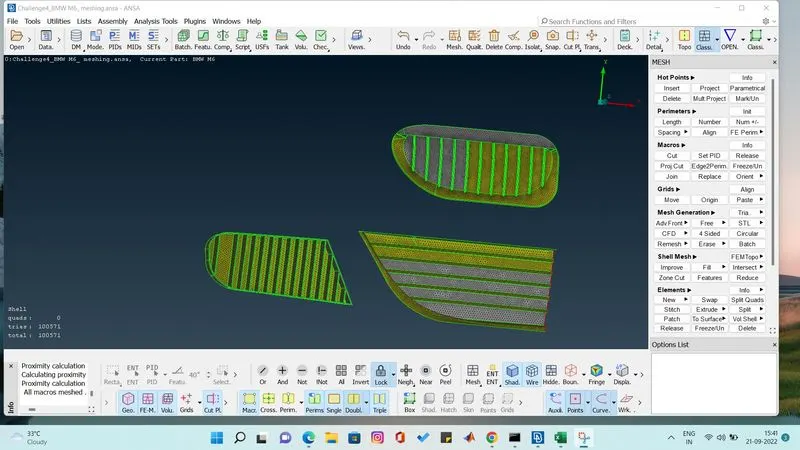
GRILL MESHING
target length 1 mm.
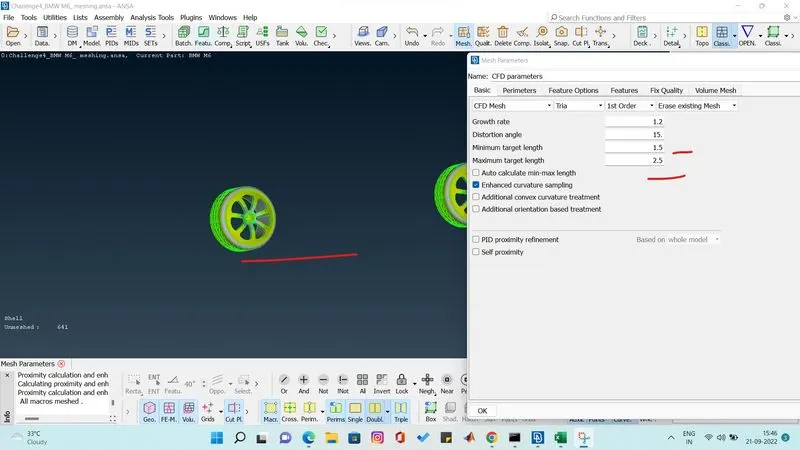
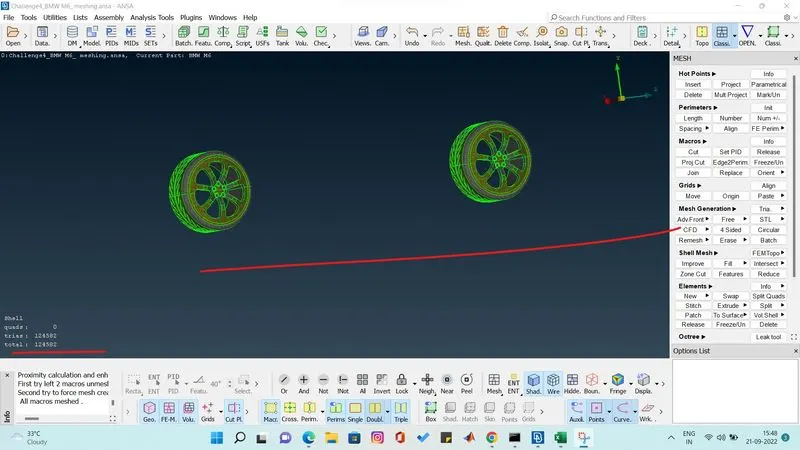
WHEELS
target length 2 mm
windows
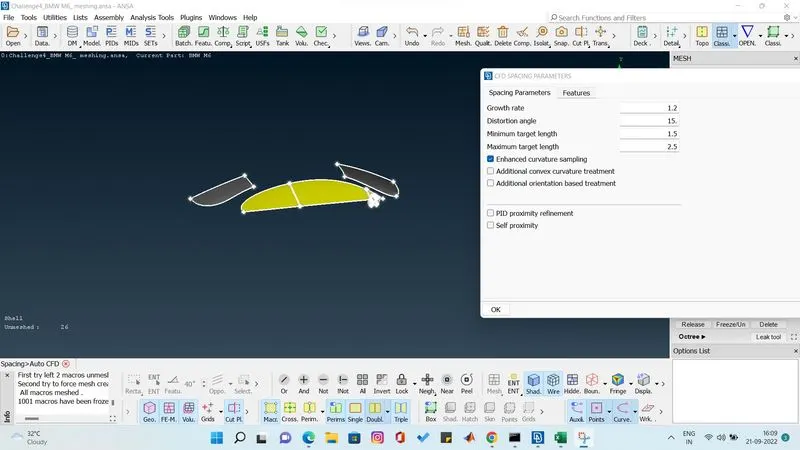
target length 2mm
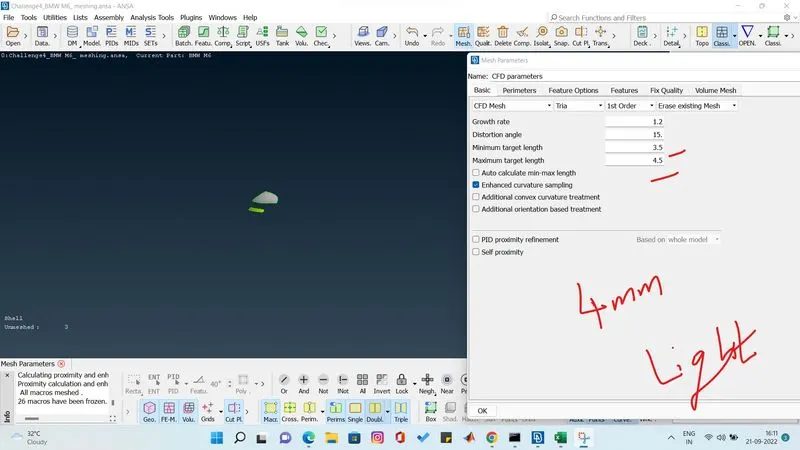
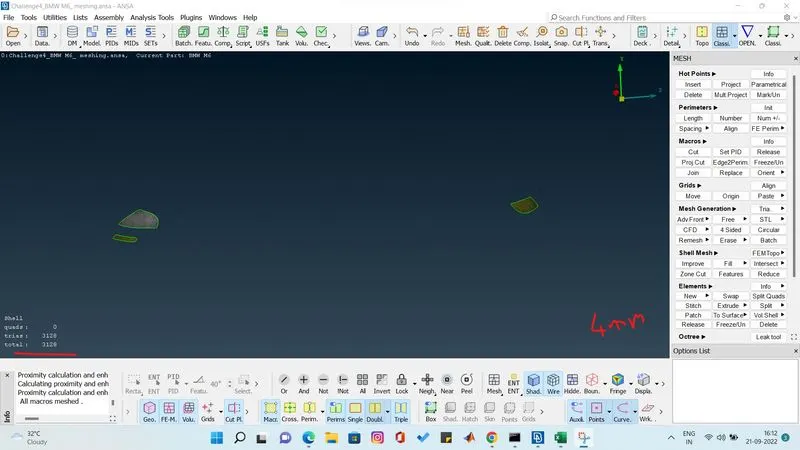
LIGHTS
target length 4 mm
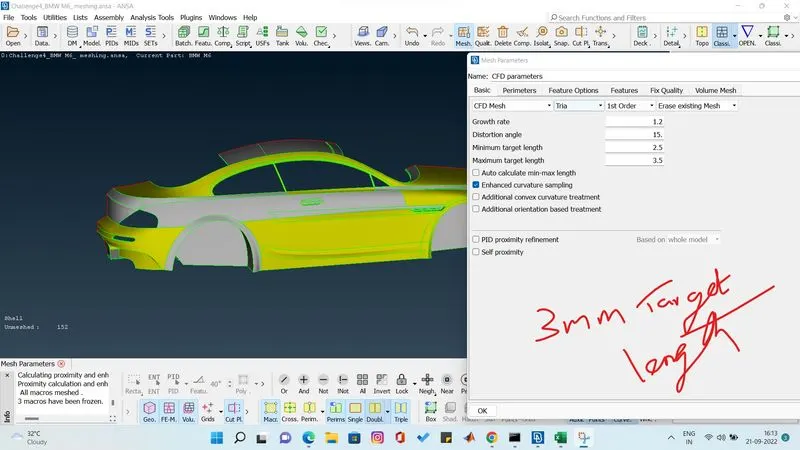
BODY
target length 3mm
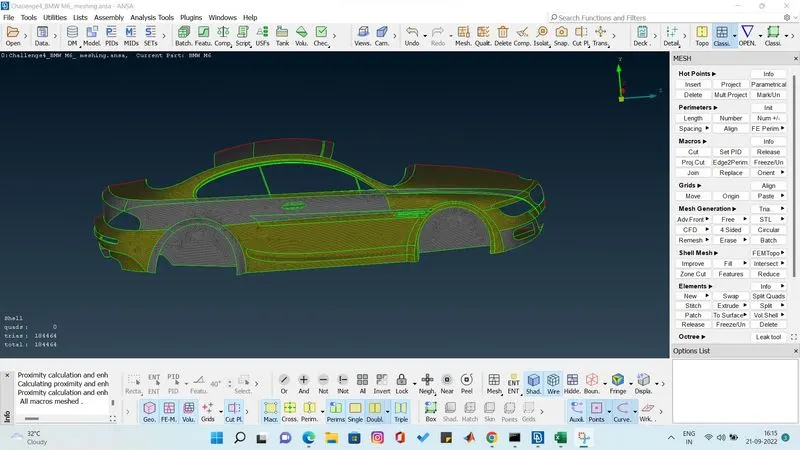
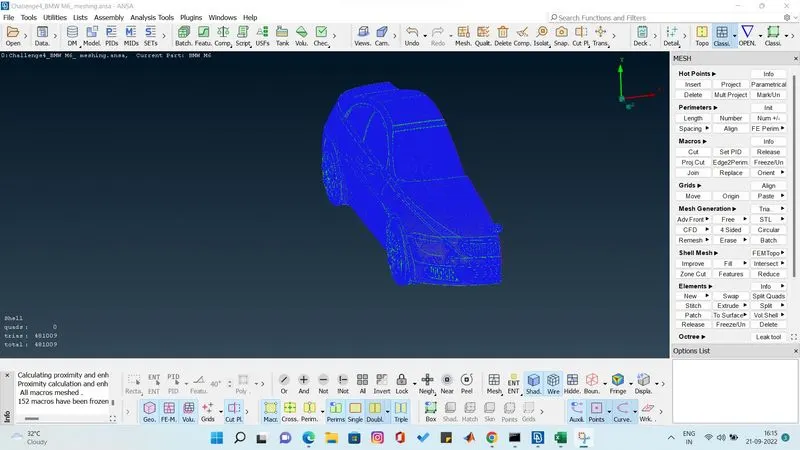
after meshing one by one i have frozen the parts so it become blue color fully. all the mesh has been sucessfully done.
now we have to symetry the car and make it complete one full car.
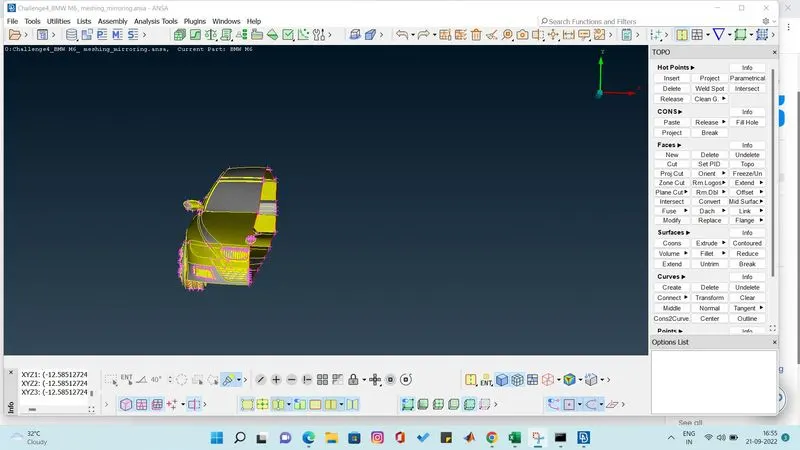
while doing symetry we have unfreeze it.
we have to use transform option to make the symmetry.using three point we mirror the half car.
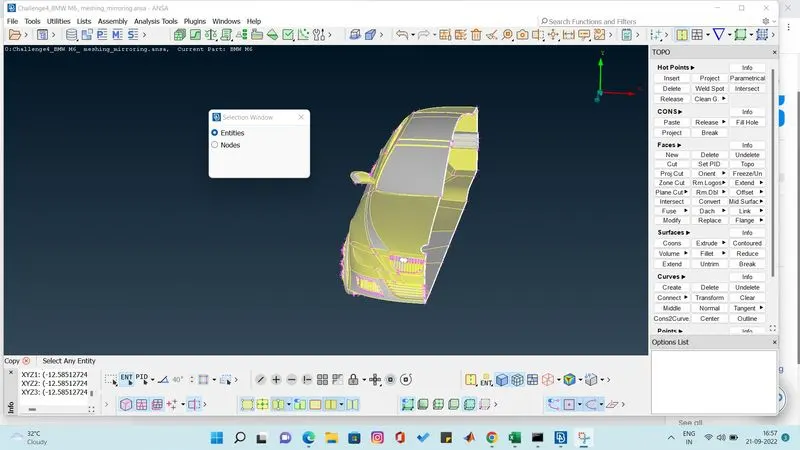
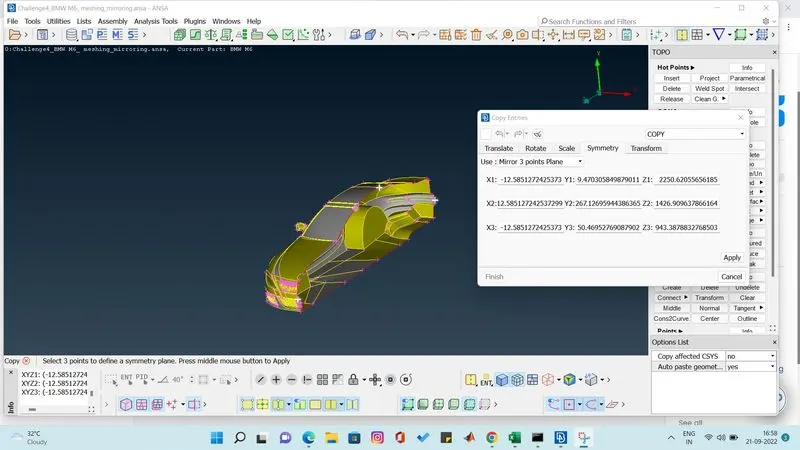
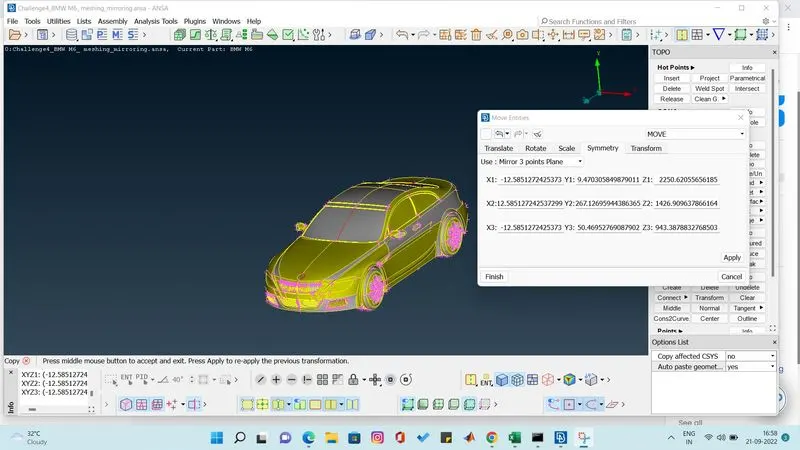
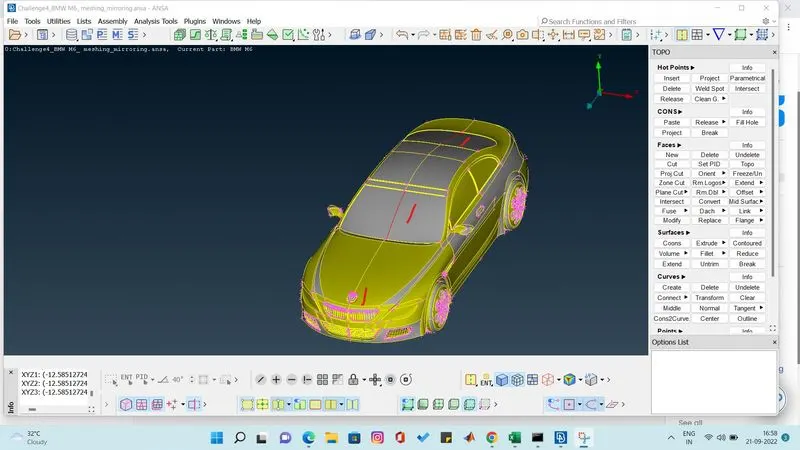
now we see error on the mirrors which we can be cleared using cons paste option.
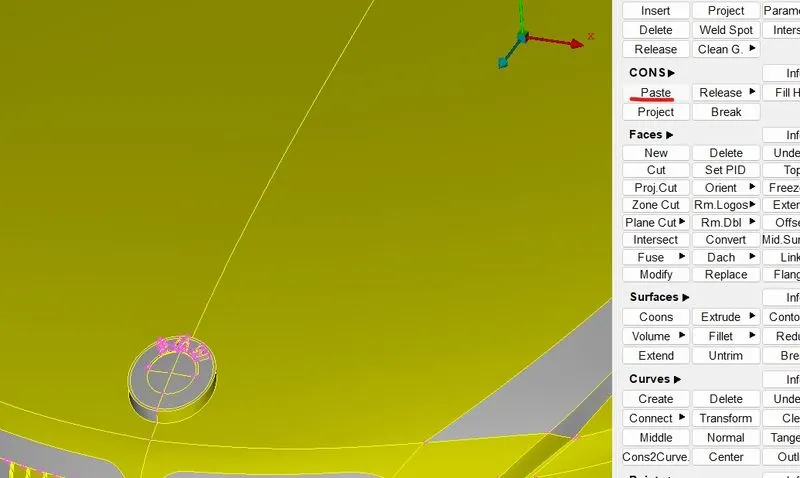
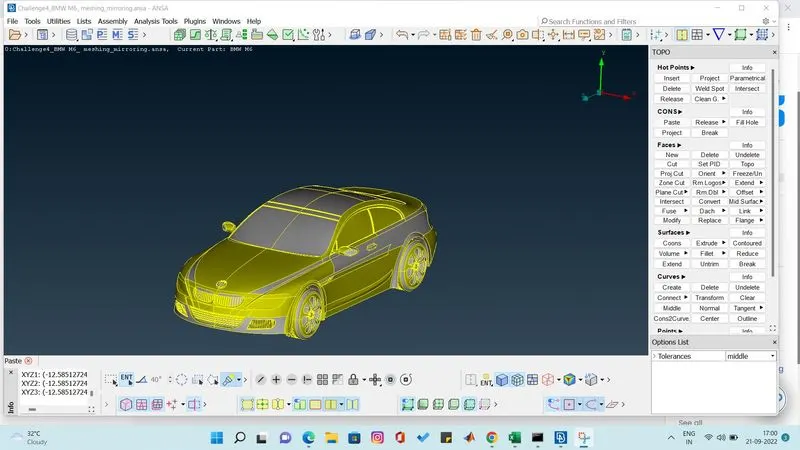
every error in the geometry has been removed.
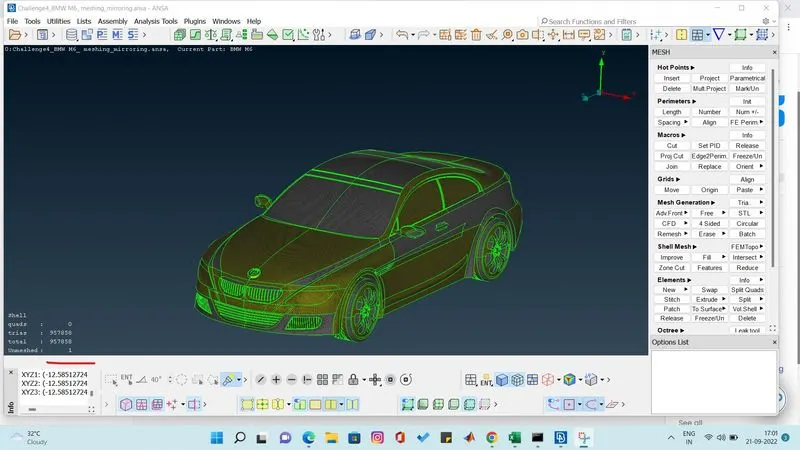
we remove the unmeshed part using free mesh option.
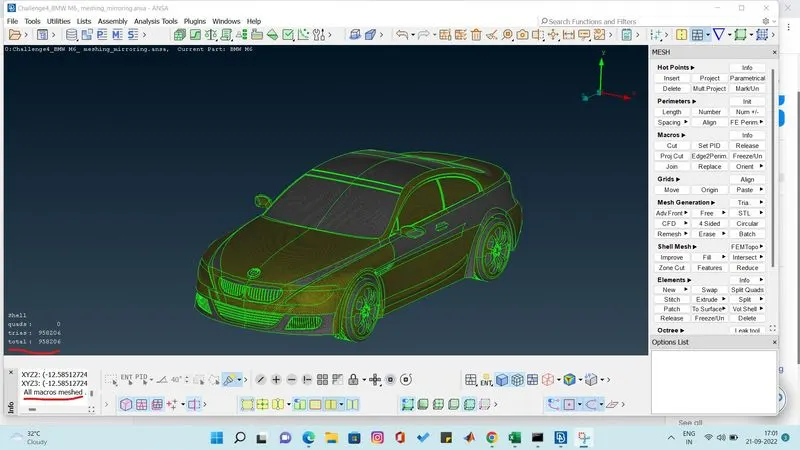
now we have to create wind tunnel
WINDTUNNEL
to create the windtunnel we have some creteria to do .
measure the car length
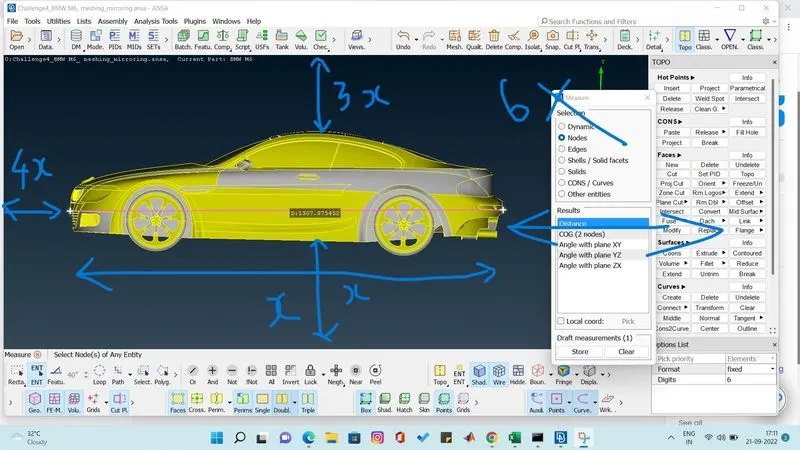
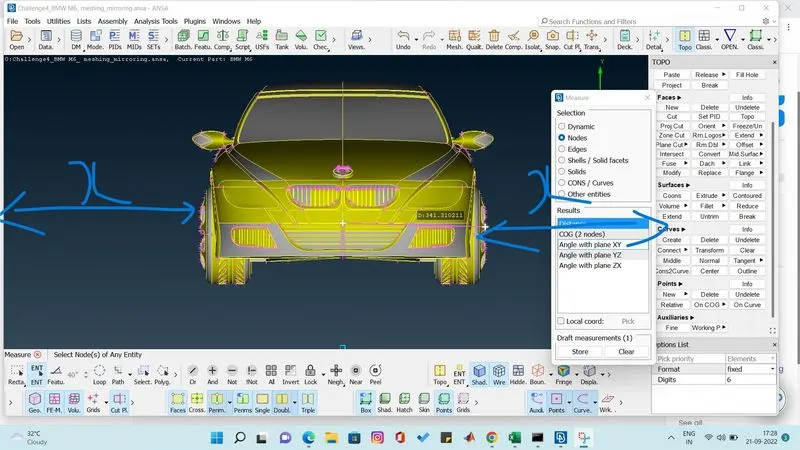
according to the measurement make the windtunnel .
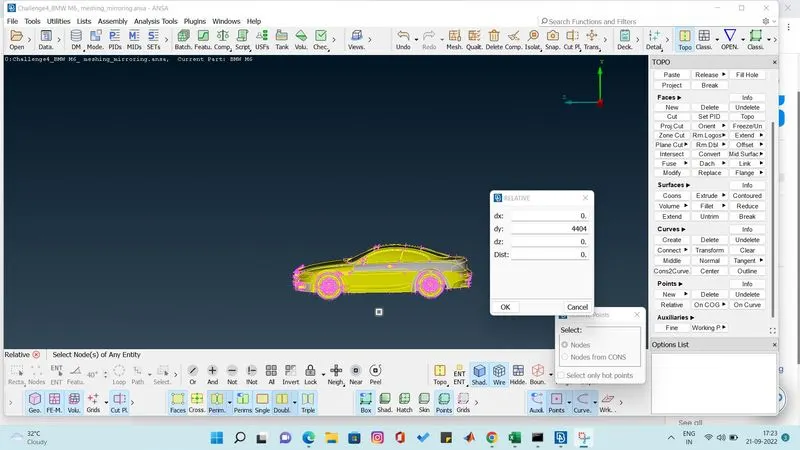
create points and the connect the points using curves and create the new face using coons .
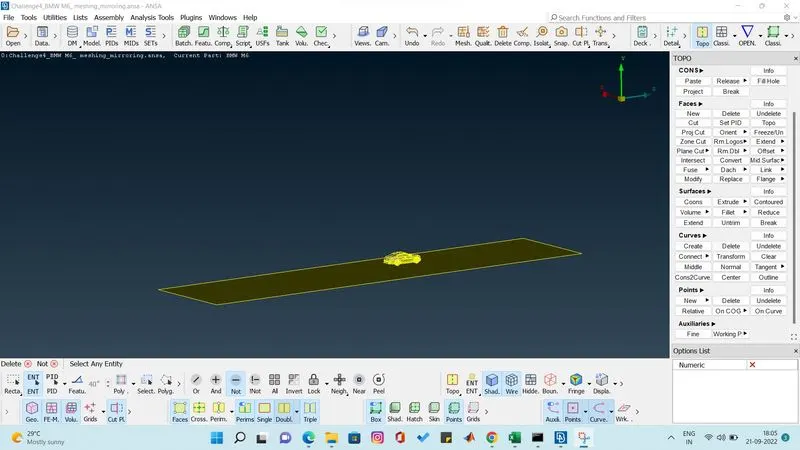
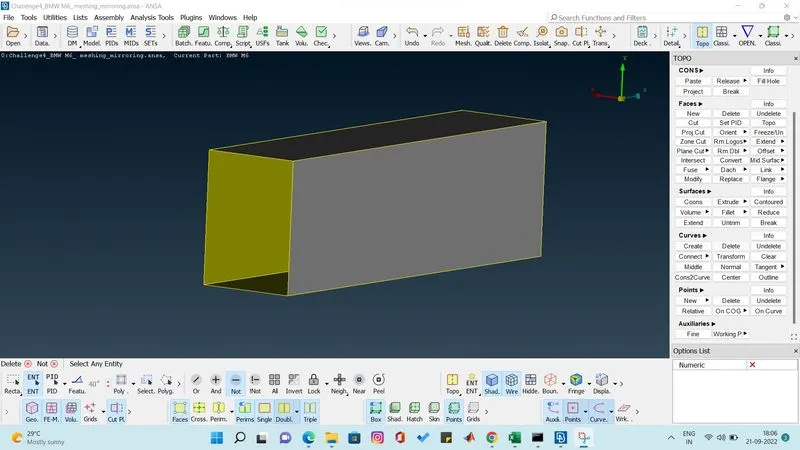
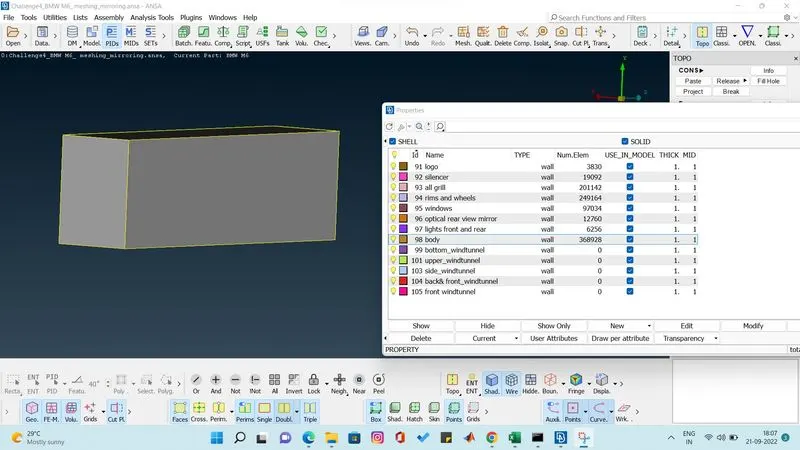
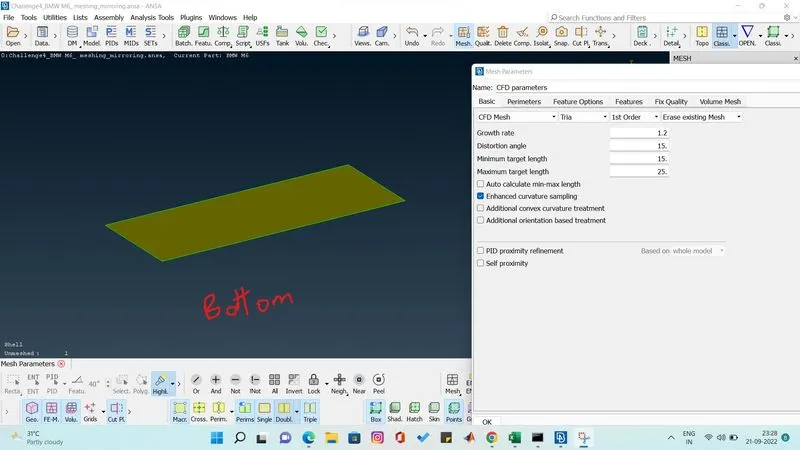
meshing the bottom wind tunnel with target length of 20 mm. we give the meshing paramater range from 15 to 25 mm .
by using spacing auto cfd we give perimeter and macros min and maximum length shown us below.
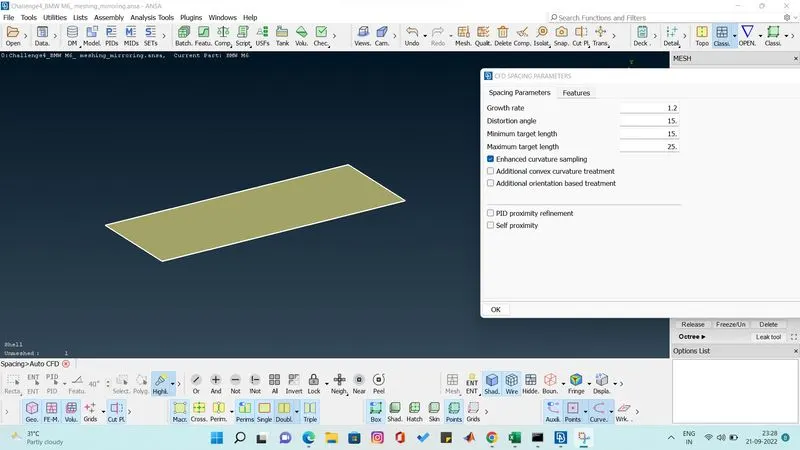
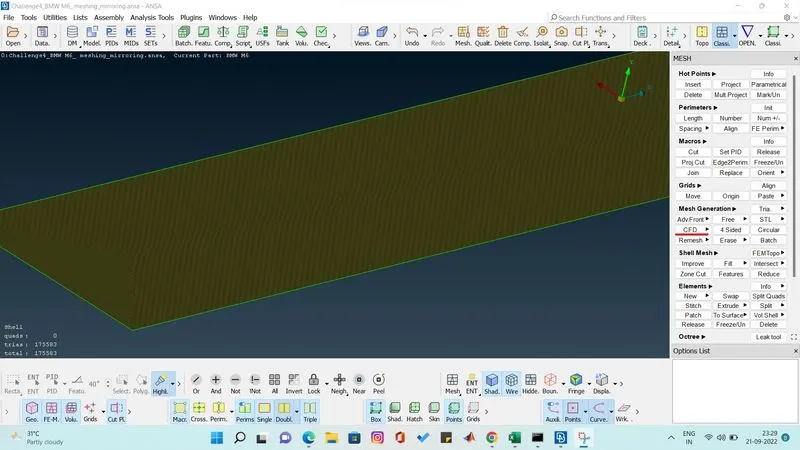
cfd meshing has been done.
top windtunnel
100 mm target length.do as per above mentioned.
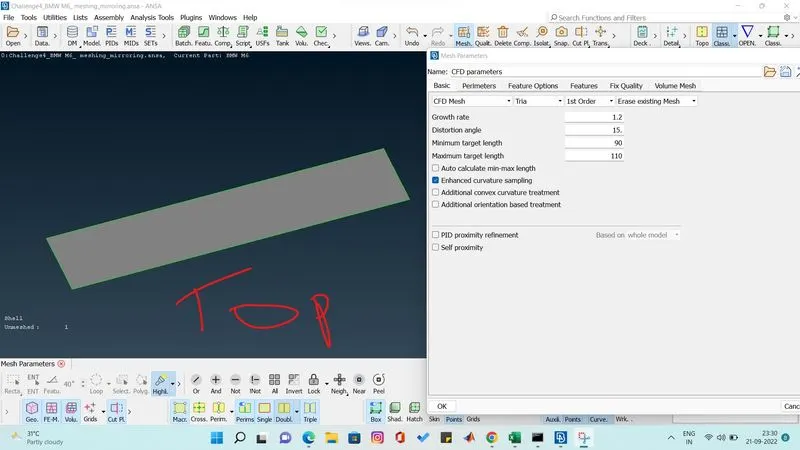
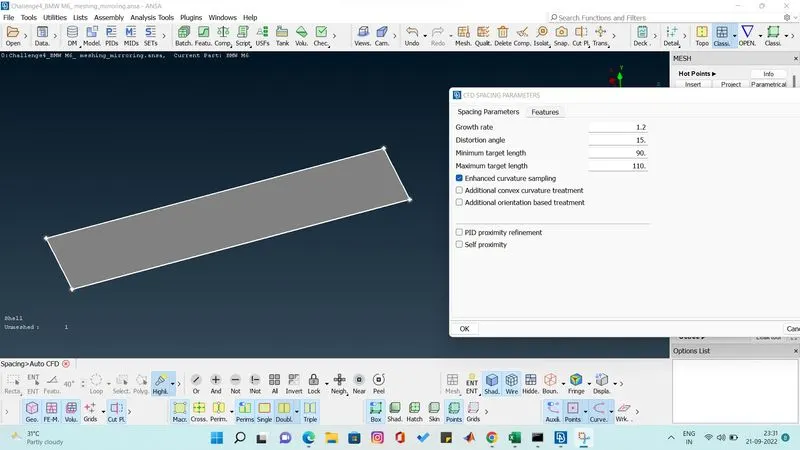
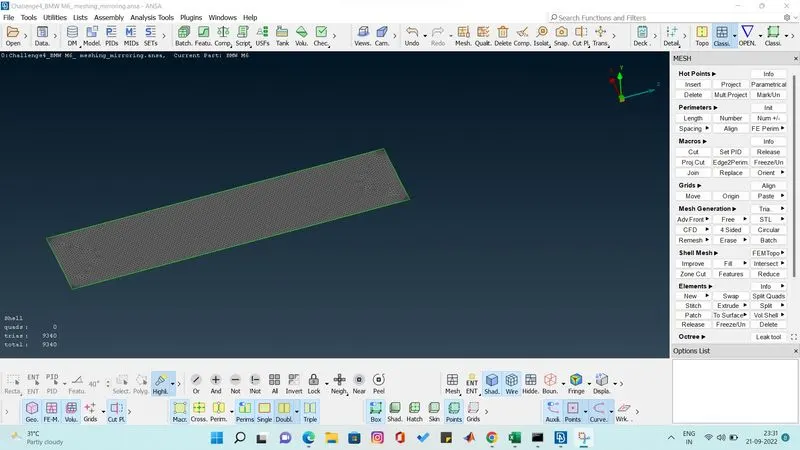
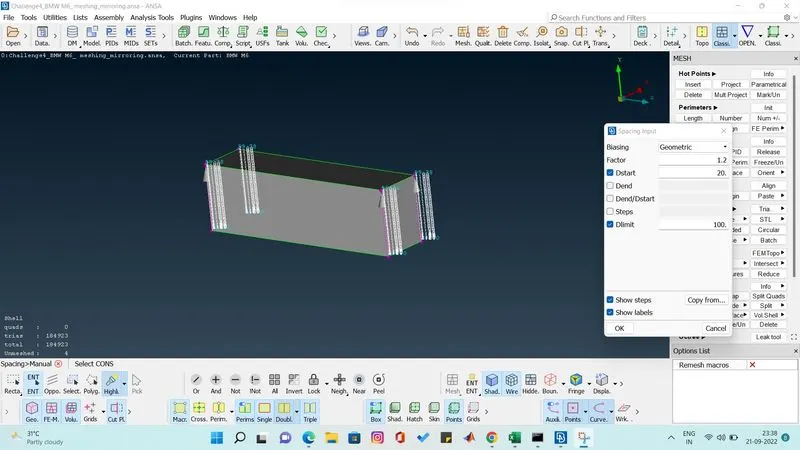
now we gonna mesh the middle portion front and back and side windtunnel parts using manaul spacing we gonna give dstart as 20 dlimit as 100 target length from 20 to 100 from bottom to top.
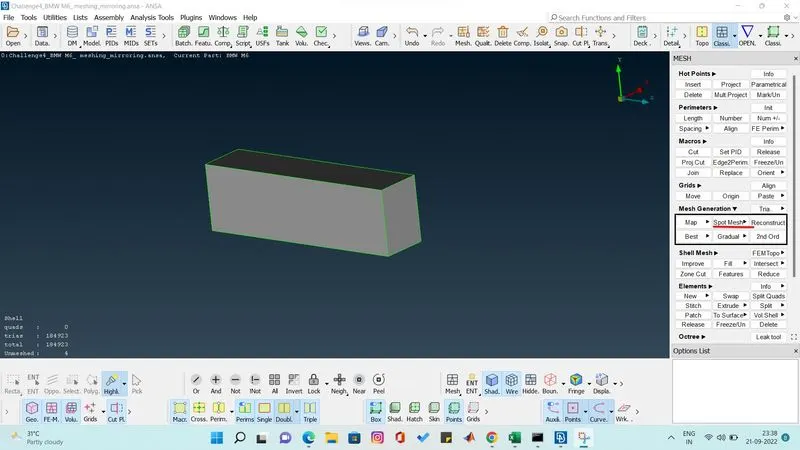
then we do spot mesh to complete the mesh.
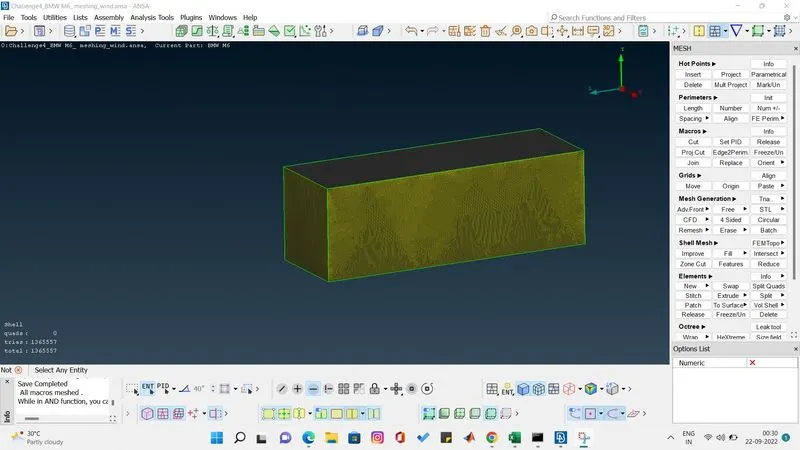
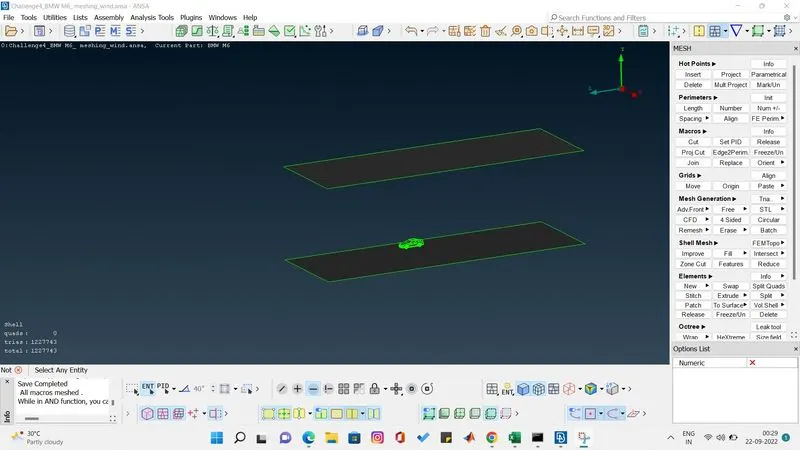
inside the windtunnel view.
we have successfully completed the surface meshing of bmw car as well windtunnel as per the objective.
Learning
I have learned how to clear all the errors using various methods. i have learnt to assemble the parts and mesh it individually and i learn to clear the off elements. and know to create the windtunnel and surface mesh it.
Conclusion
According to the given objective i have finished all the geometric error in bmw car and i have done symmetry of the car and surface meshed it. and i have create windtunnel and surface meshed and completed the project.
https://drive.google.com/file/d/1zP6eXEFhBVtBAATlhwgBH3tbwTTPzDMj/view?usp=sharing