Week 2 Challenge : Surface meshing on a Pressure valve
https://drive.google.com/file/d/1RSK-M5oWIP3I5vKClAGhu4WsVWsrqCV-/view?usp=sharing
https://drive.google.com/file/d/1w6t8hp6KMSx0SUuoKcdlMfD2CzxQb76i/view?usp=sharing
https://drive.google.com/file/d/1hfDZWiYrHODlp7oVSxWd_4RwT9x3qwWu/view?usp=sharing
AIM
Clearing the geometrical errors and perform Topology cleanup and surface meshing for the pressure valve.
Set three different target lengths as three different cases and mesh the model.
- Target length = 1mm, 3 mm and 5 mm (i.e. 3 cases)
- Element type = Tria
Procedure For Geametric Cleanup
opening the challange 2 geometry we get the wire frame model of the value. we can see there are lot of red cons we have to nullfy the error and make the geometry clean and we have to do the meshing.
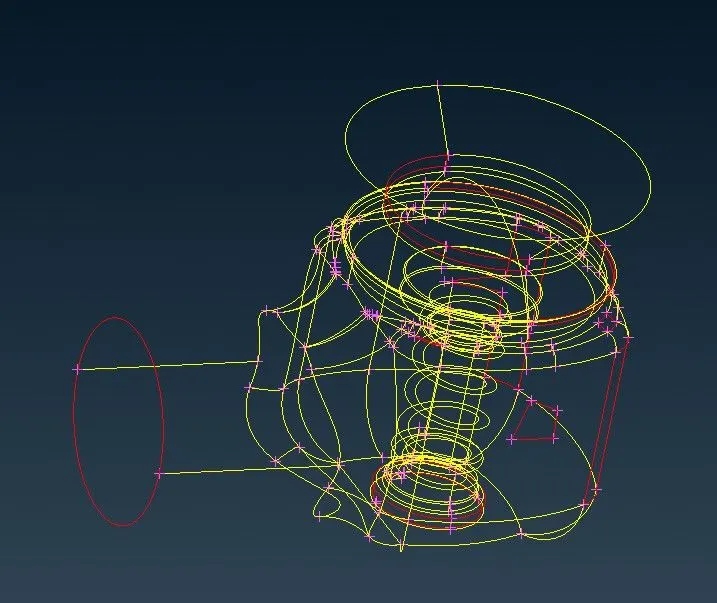
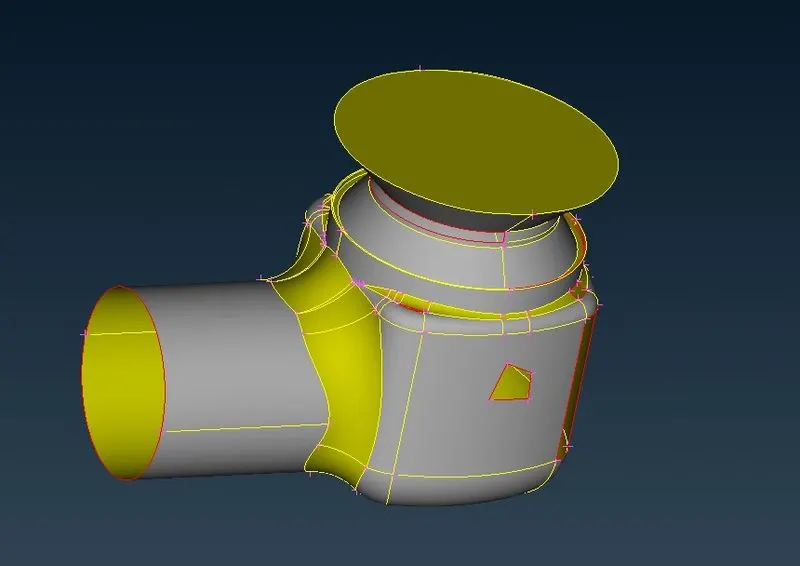
first we have to do geometric clean up using topo deck.
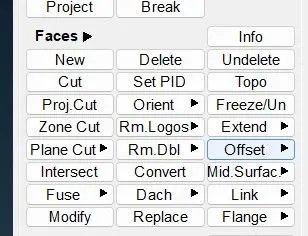 in face deck we can create new faces we can delete the faces.
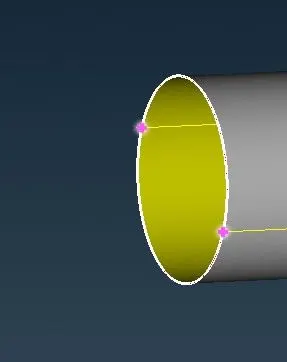
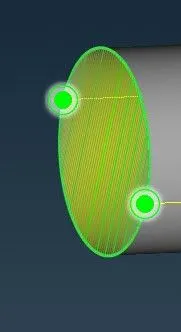
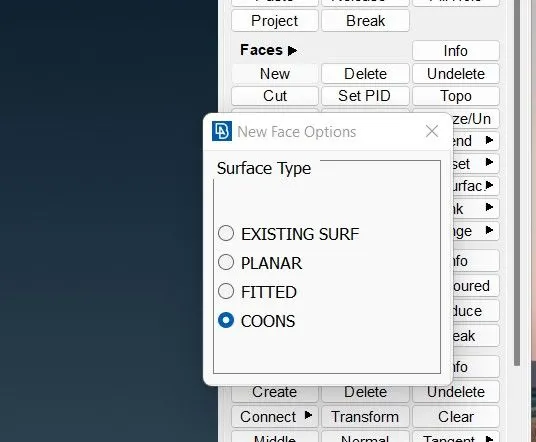 by clicking the coons on surface type we can select the yellow cons or red cons where thesurface is not present by doing that we can create the surface.
the planner surfae type is used to create the surface in the plane.
the fitted surface type is used to create the surface in the plane with limited boundaries.
now we are using coons to create the surface of the outlet value.
fill holes
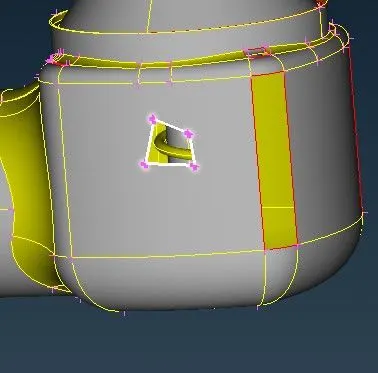
the next option to create a surface is using fill hole.
this option is also can be used to fill th hole in the surface. im showing some examples below to know abt the fill holes.
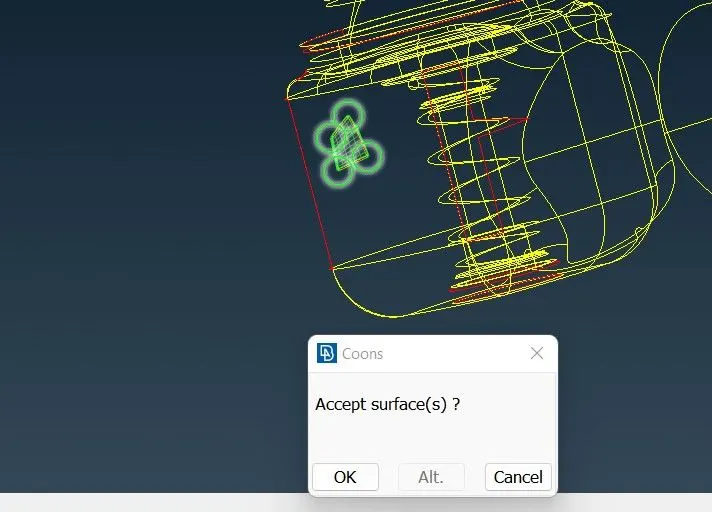
the pop up will open so that the ansa will create different type of surface. by clicking alternative surface we can chose the best surface fitted for the geometry.
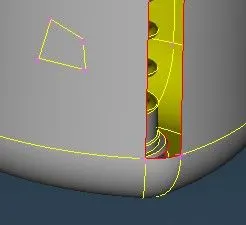
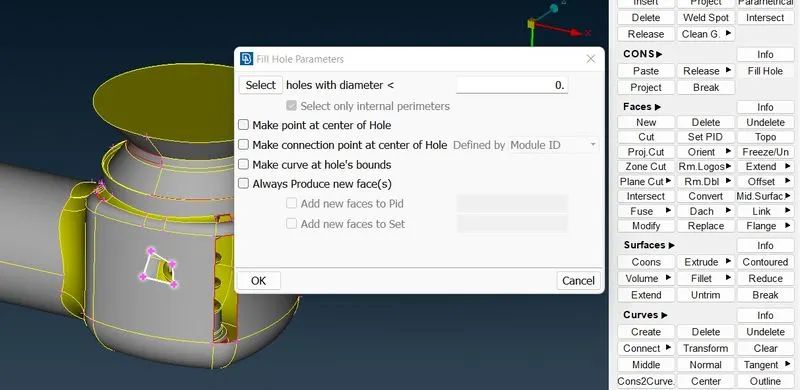
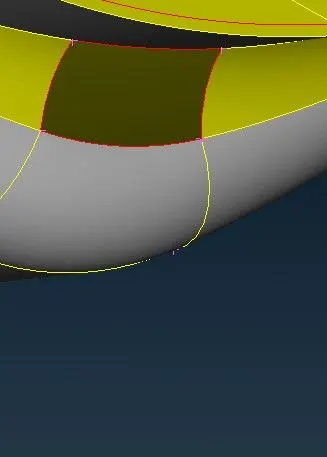
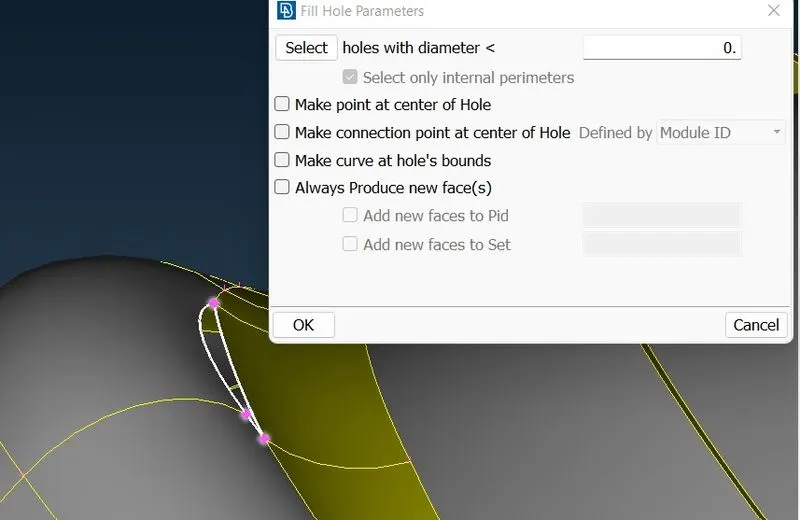
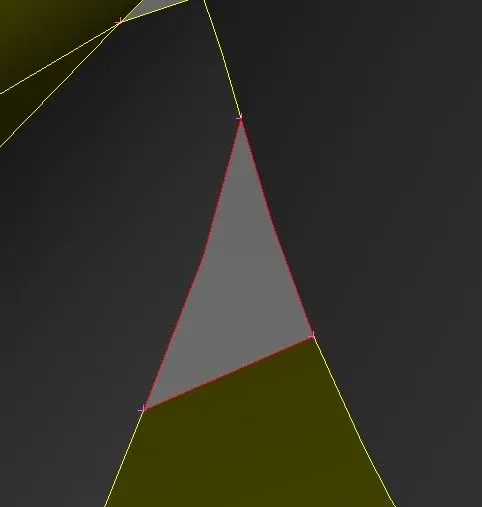
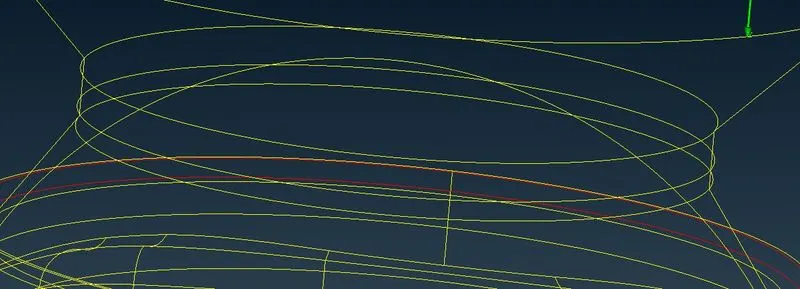
to see the model in wire frame structure we can use control+shift. so we can easily highlight the errors and we can select the redcons and clear the geometric error.
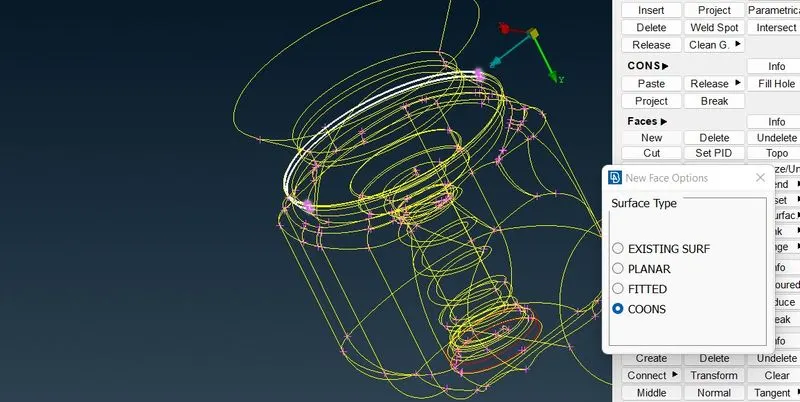
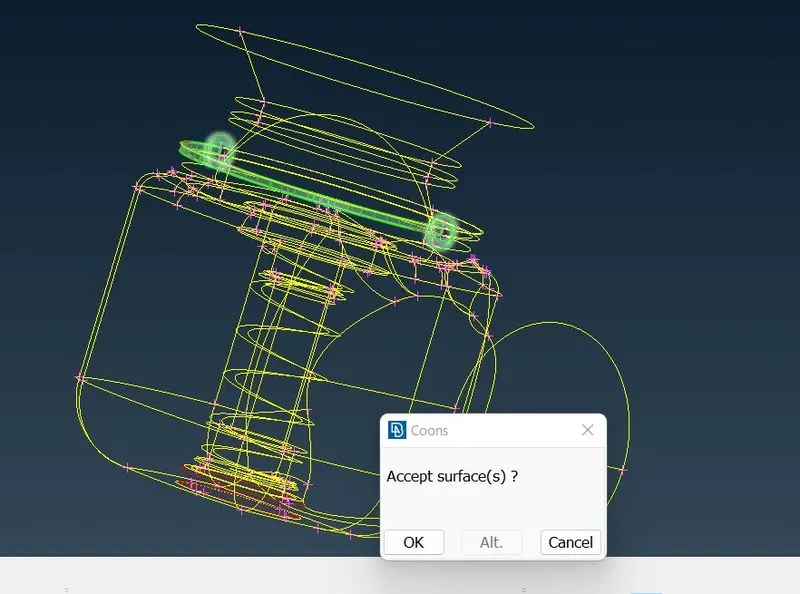
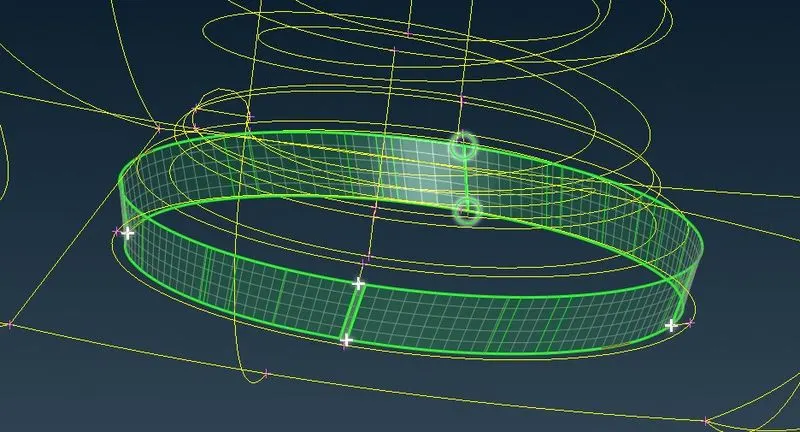
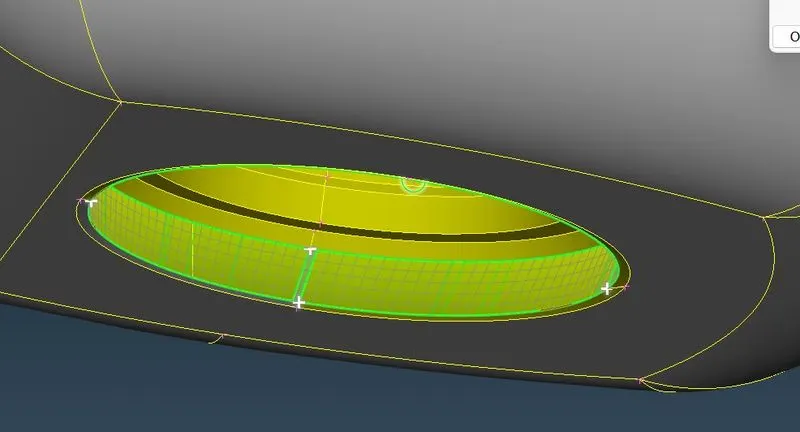
after completeing all the geometric error we are going to assign (pid property identity name) for the value.
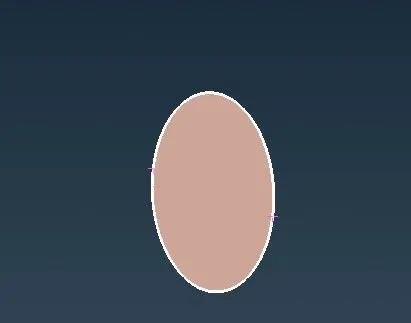
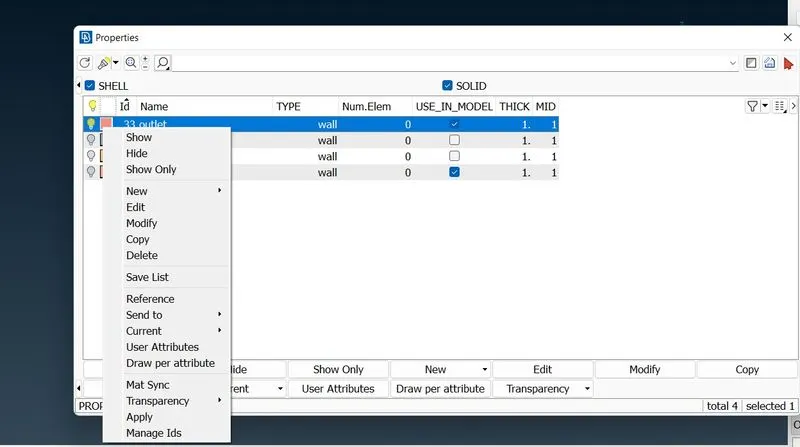
create the pid name using new and give the name for the part. then give apply and select the part which has to be assigned for the geometry.
i have assigned all the parts which i shown below.
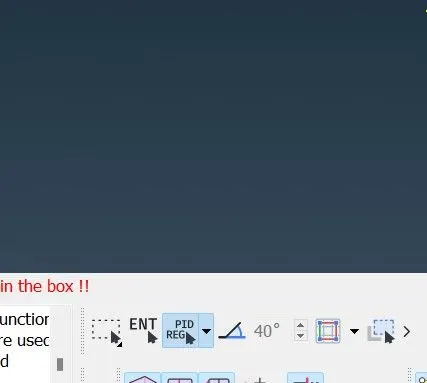
pid reg is used to select the part which is not attahced to the body.
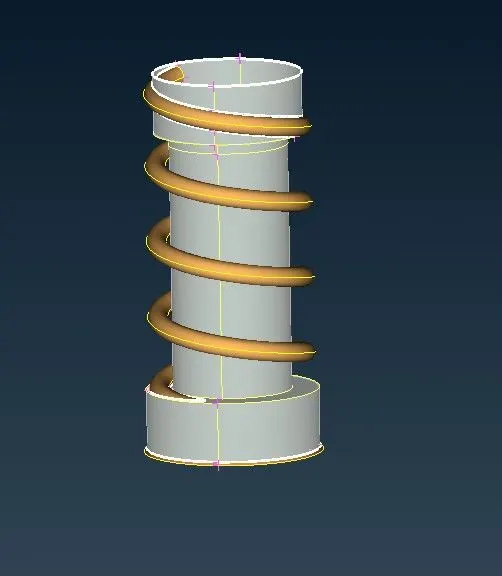
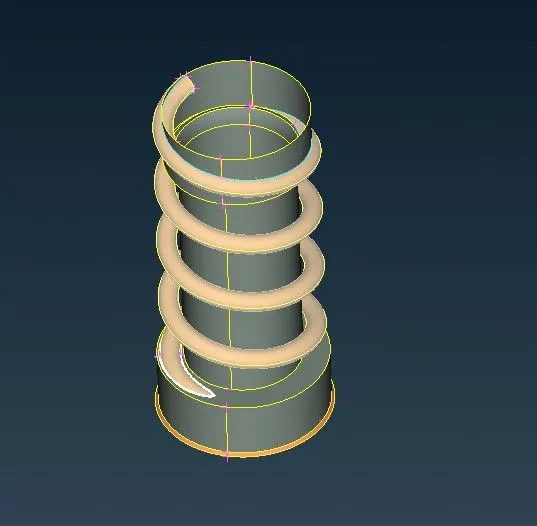
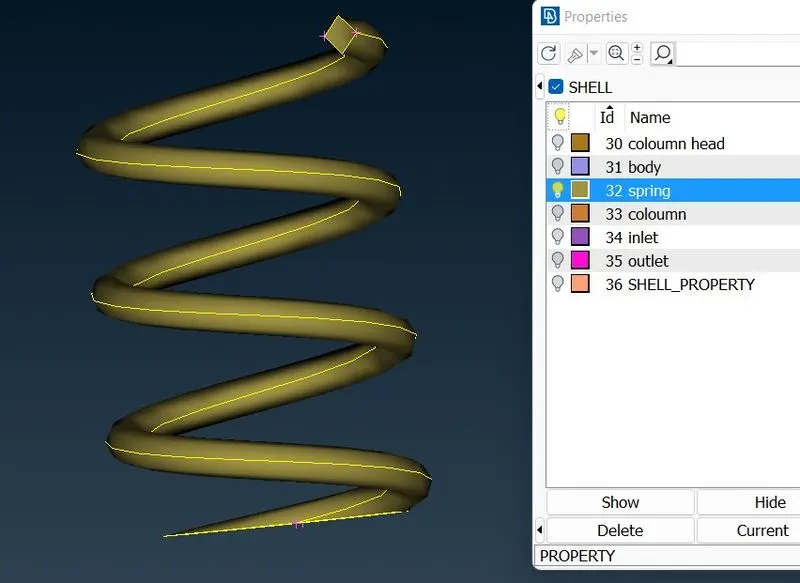
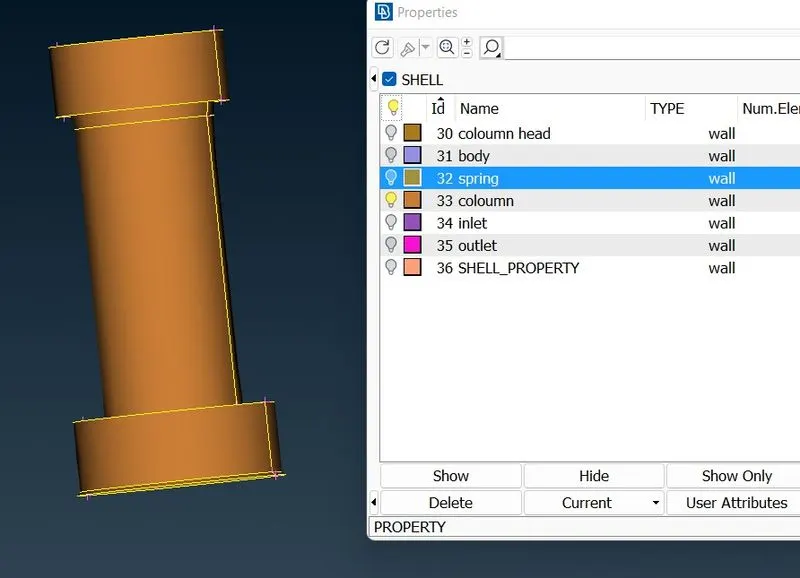
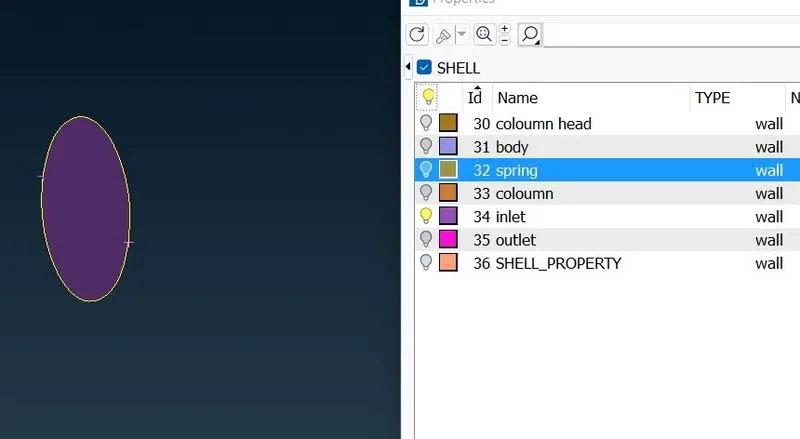
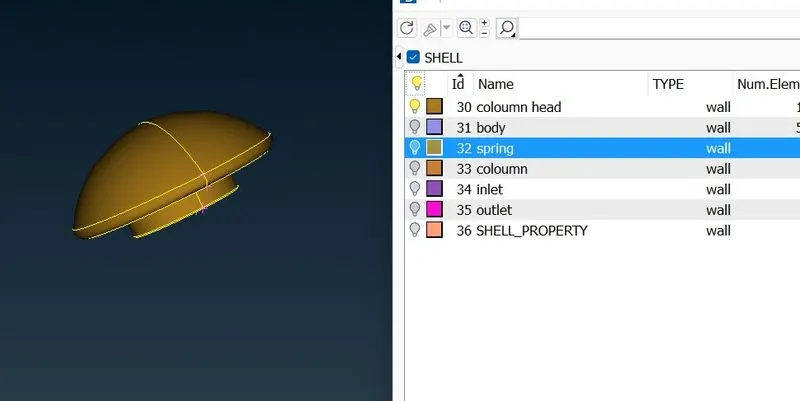
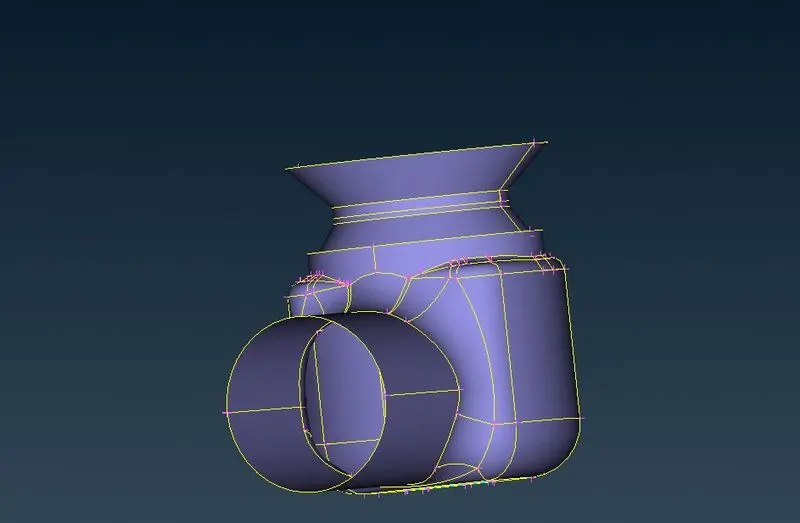
after everything is assigned we have to check for error completly.
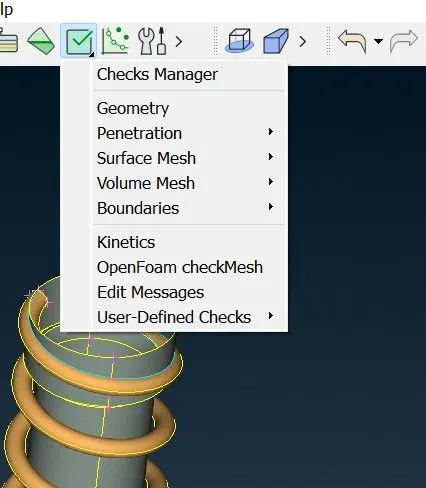 click the check manager.
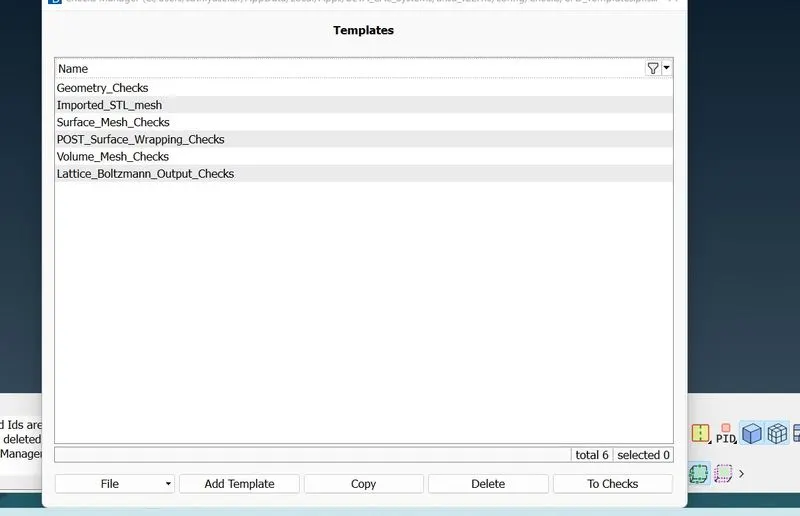
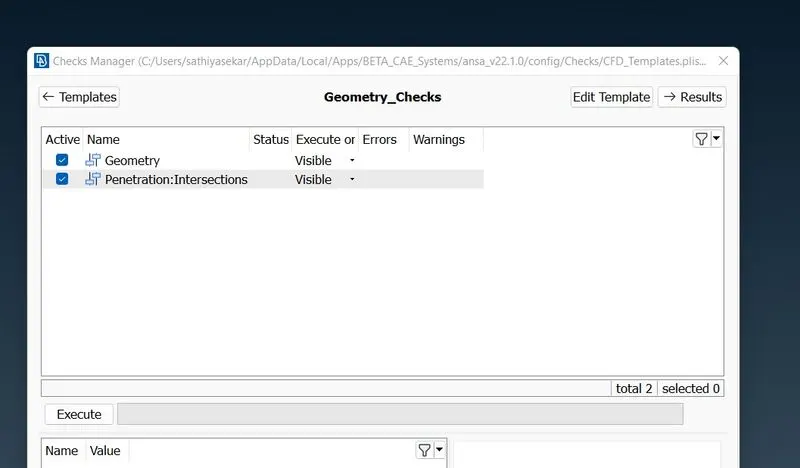
if we found error in geometry or intersection clear according to that.
we found error on intersection so we go clear the intersection error in the geometry. we found the intersection error in the spring and column.
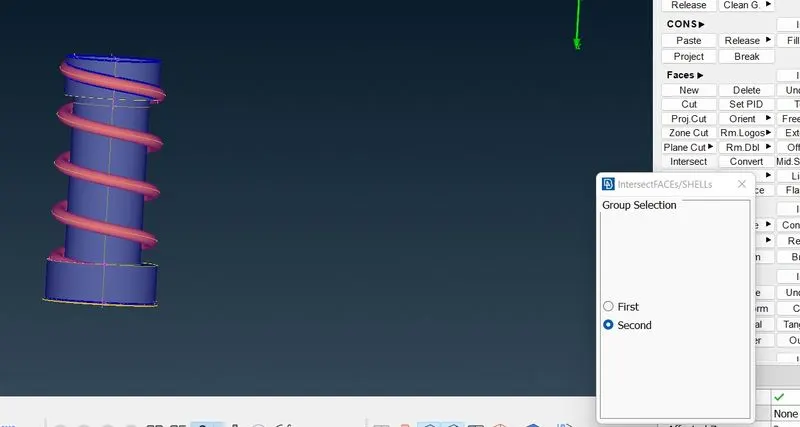
first select the spring as first surface and second as column.
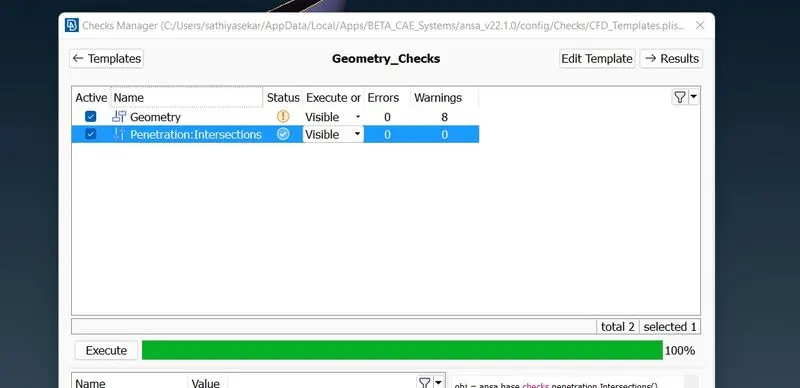
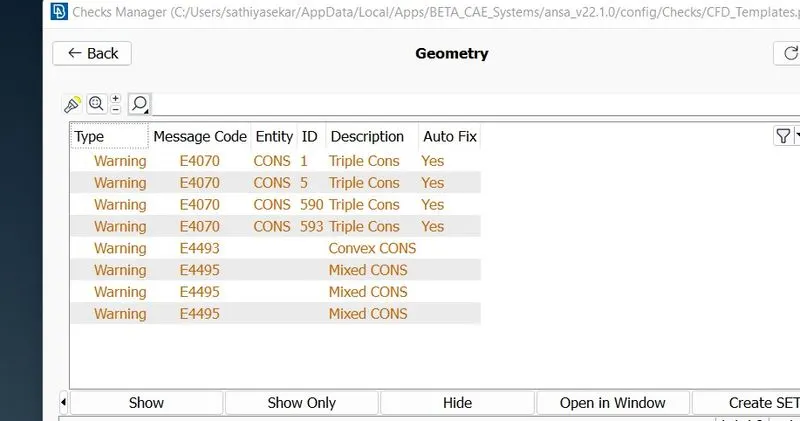
i have cleared all the error. now in geometric its showing triple cons and mixed cons which has formed due to creation of surface on the bottom of the valve.
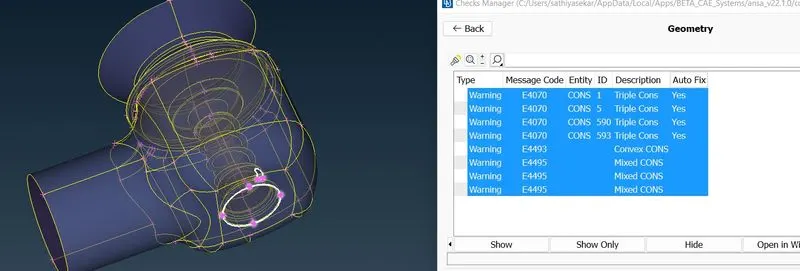
this is negligible.
after clearing the intersection error we have to mesh the geometry.
MESHING THE GEOMETRY FOR TARGET LENGTH OF 1MM, 3 MM , 5 MM
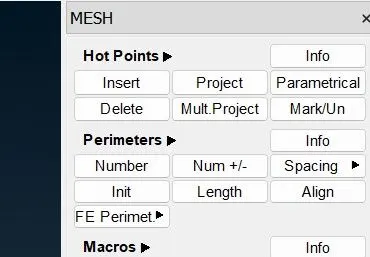
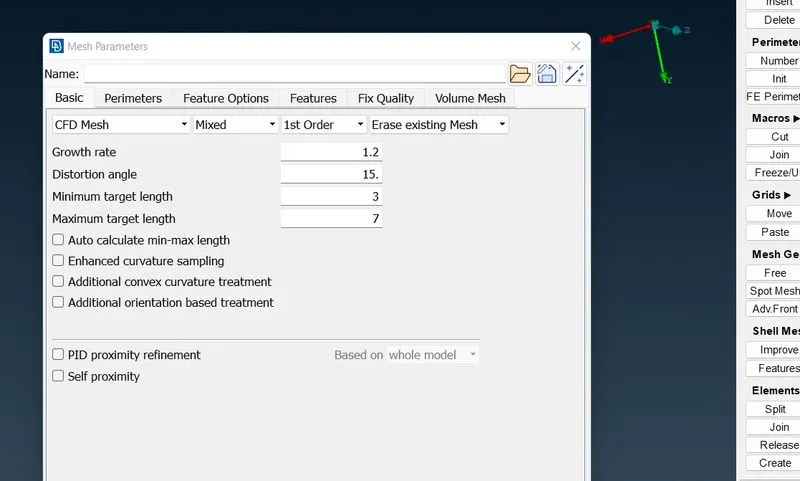
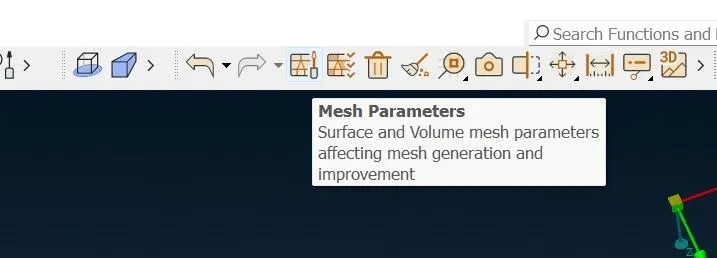
THE MESH IS TRIA SO CHANGE FROM MIXED TO TRIA.
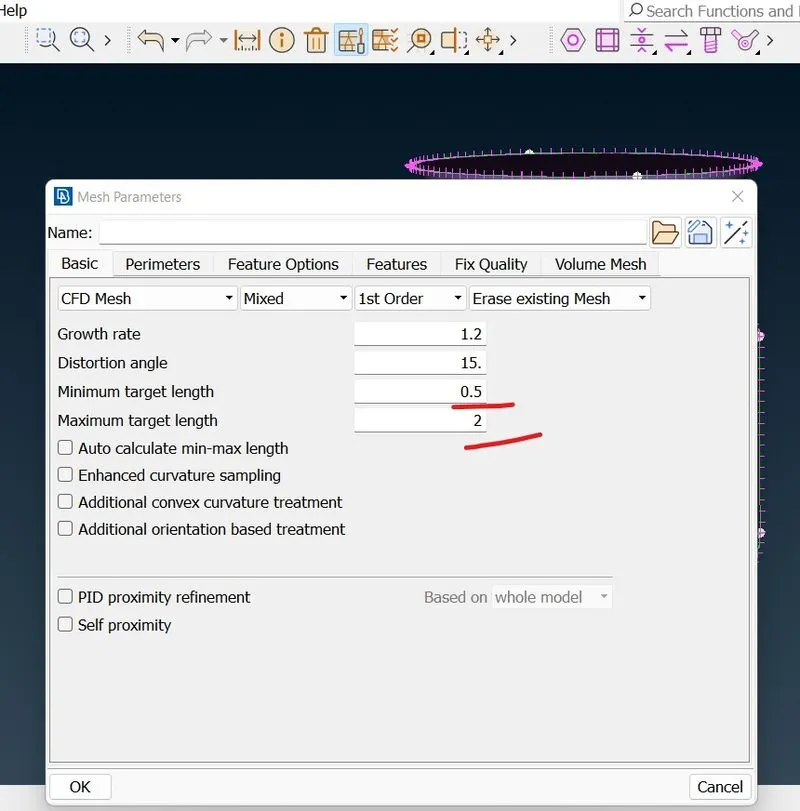
now we do mesh for 5 mm. we set the limit from 3 to 7 as minimum and maximum target length.
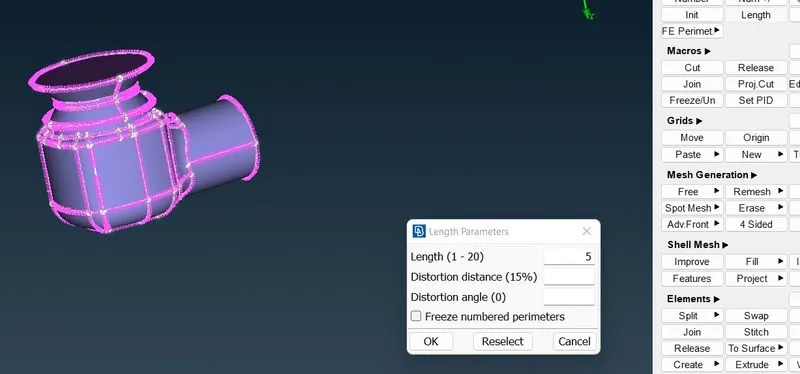
now we have to give the target length in perimeter options are length inside that we get perimeter and macros.
for permiter give the target length to 5 and for macros give it 5.
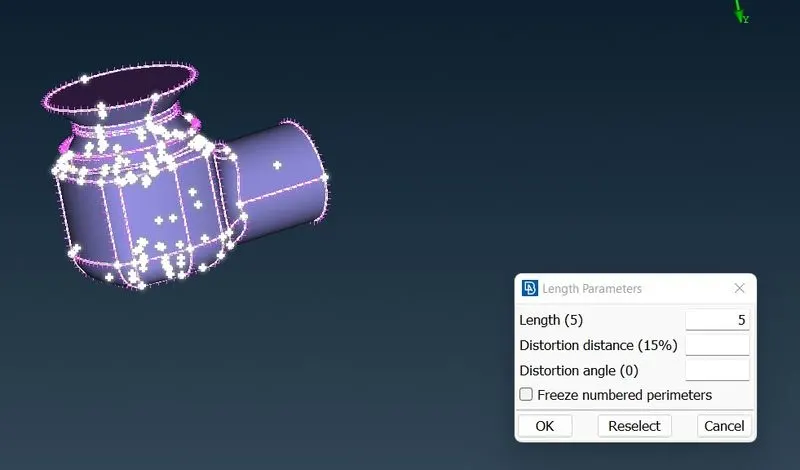
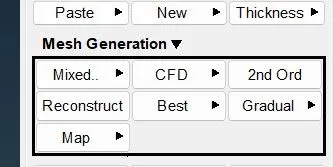
.now we use cfd mesh visible to get the meshed surface of the valve.
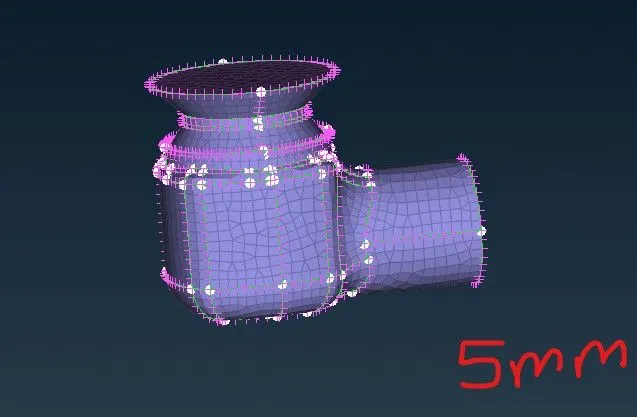
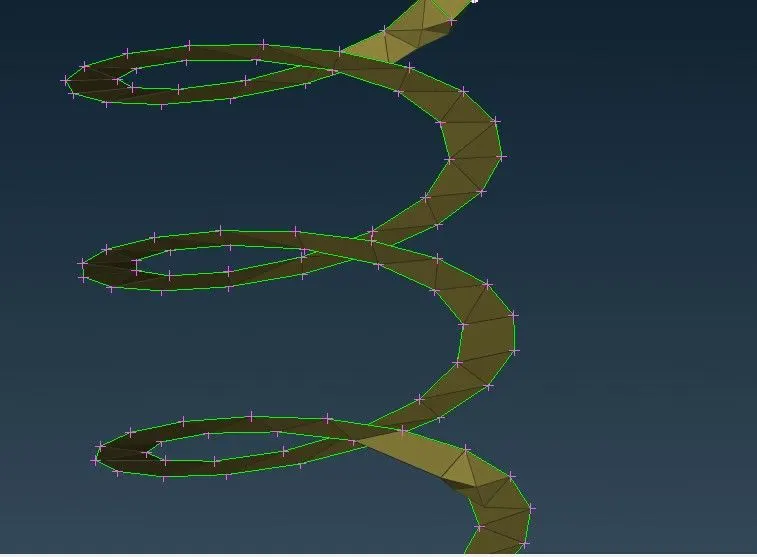
in 5 mm mesh the spring look like the metal sheet spring. it does not has correct geometry.
3 MM MESH
SETTING THE LIMIT TO 1 TO 5 MM BEFORE THAT CLEAR THE MESH USING ERASE OPTION AND START DOING 3 MM MESH.
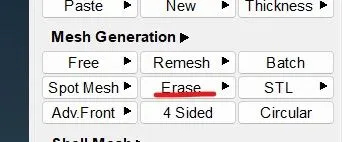
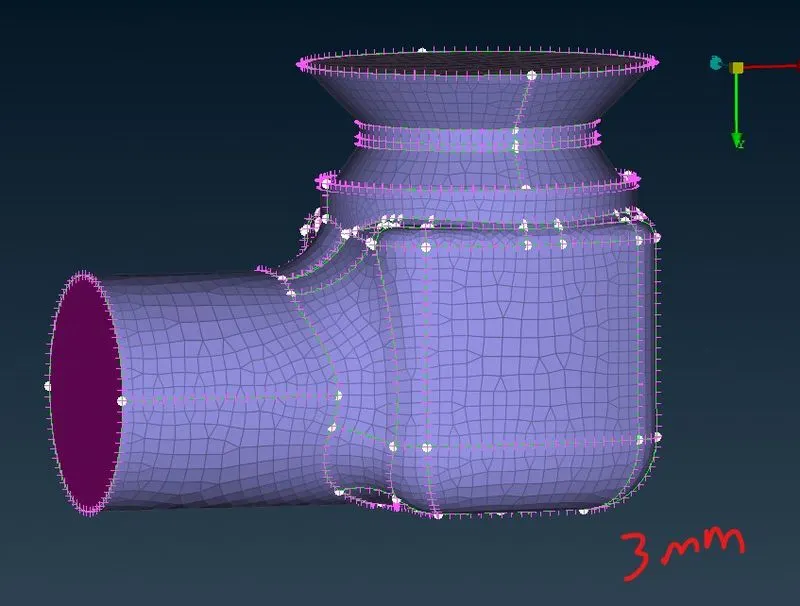
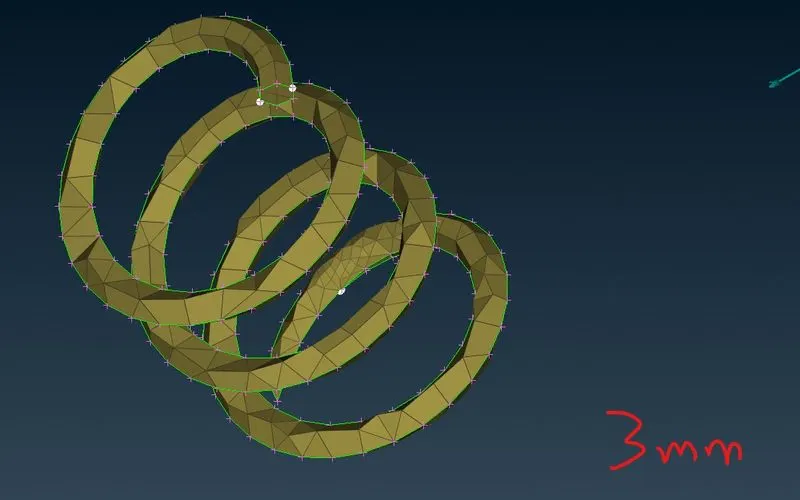
NOW DOING IT FOR 1 MM MESH
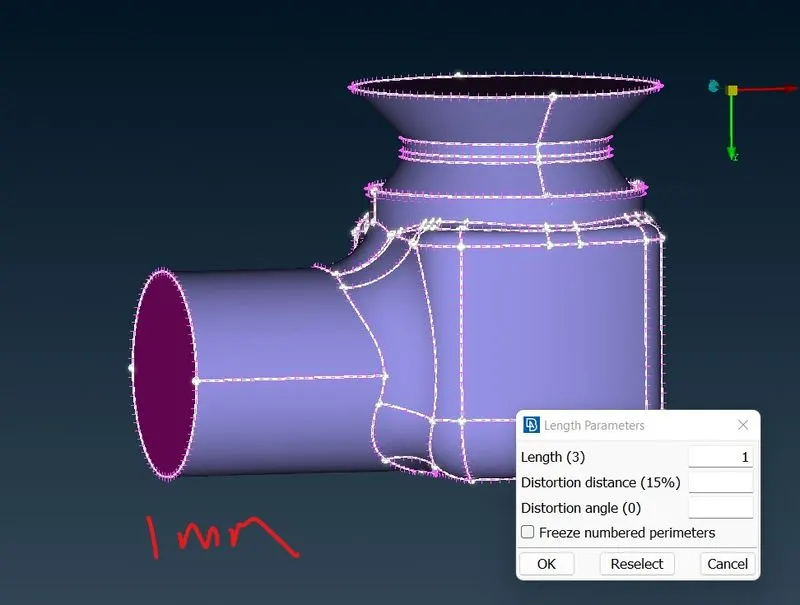
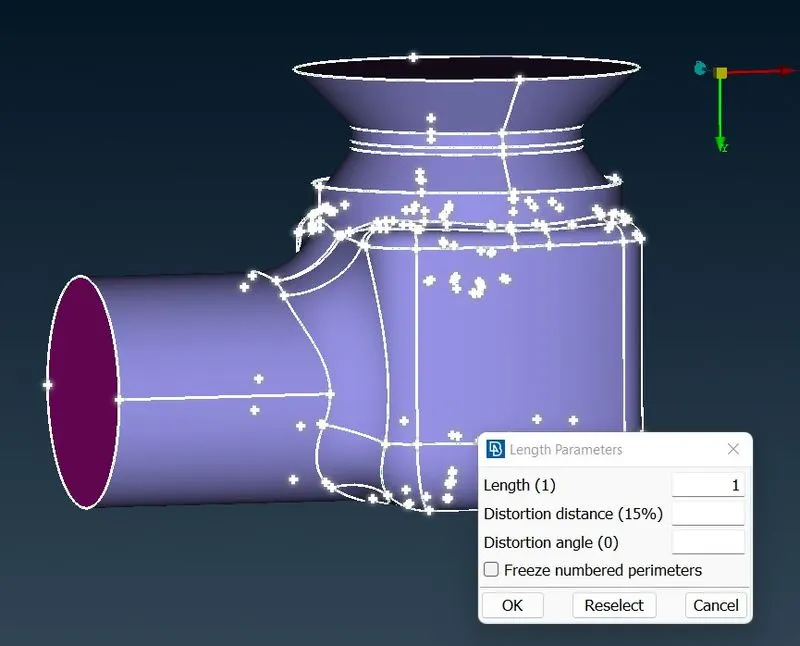
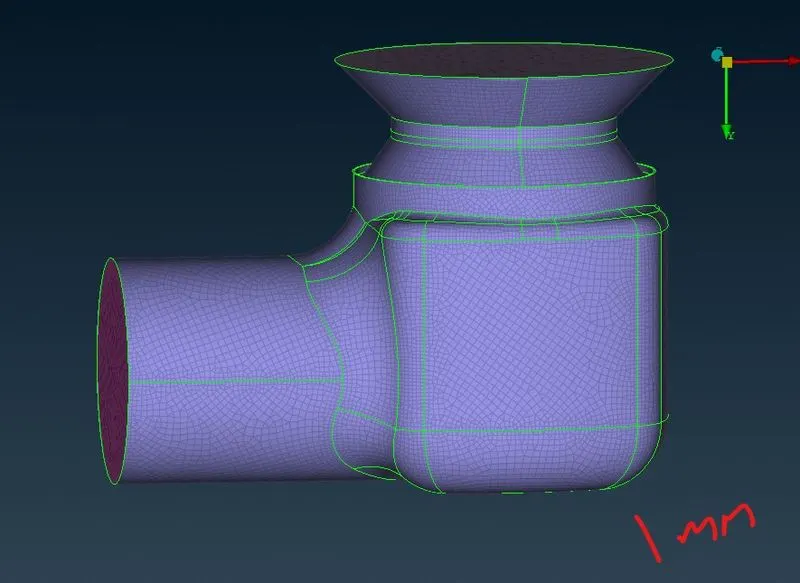
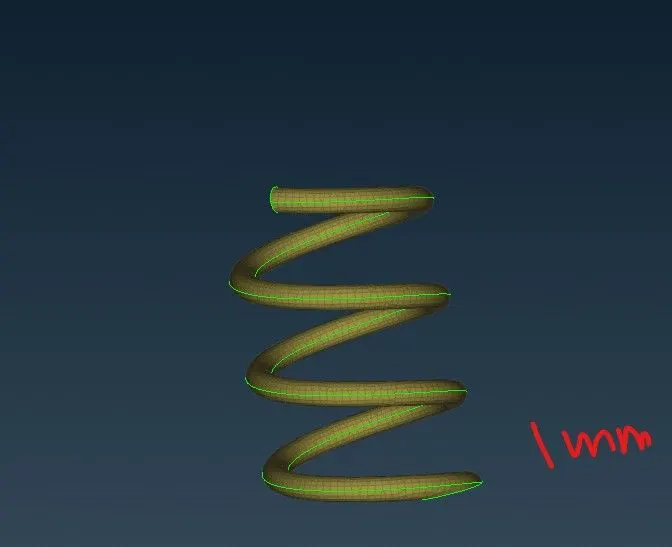
IN THIS ONE MM MESH THE SPRING LOOK GOOD.
RESULT.
we have made the geometric clean up nad meshing has been done for target length of 1mm,3mm,5mm.
i have attached the file for your reference.
https://drive.google.com/file/d/1RSK-M5oWIP3I5vKClAGhu4WsVWsrqCV-/view?usp=sharing
https://drive.google.com/file/d/1w6t8hp6KMSx0SUuoKcdlMfD2CzxQb76i/view?usp=sharing
https://drive.google.com/file/d/1hfDZWiYrHODlp7oVSxWd_4RwT9x3qwWu/view?usp=sharing