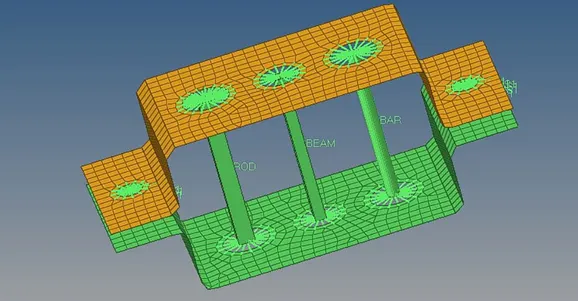
Week 4- Challenge
Aim: To Create 1D elements on the following component with given cross-section and DOF
Objectives:
- Creating RBe 2 and RBe 3 links.
- Creating rod element, beam element, bar element and spring elements to join the 2 components.
Procedure:
- Import the given model- File > Import > Geometry.
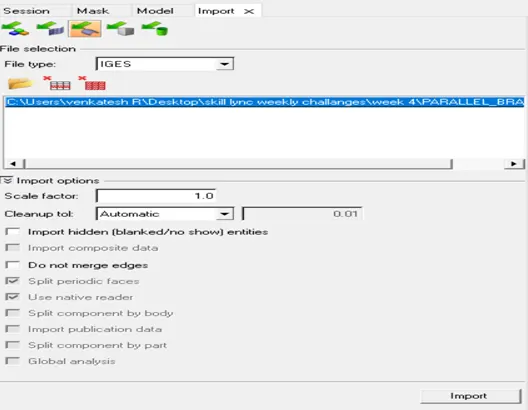
- Extracting the mid surfaces:
- Extracting the mid surface for bracket 1-
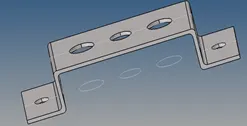

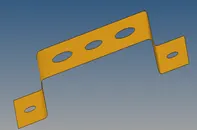
- Similarly Extracting the middle surface for bracket 2 and delete the solids.
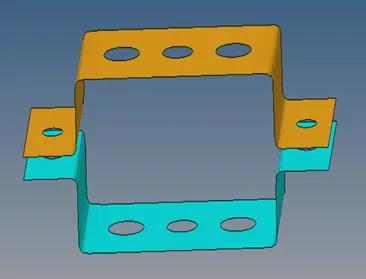
- Meshing the model:
- Before meshing the model create the washer splits to the present holes-
Quick edit > washer split.
- Create 2d shell mesh- 2D > auto mesh > create.
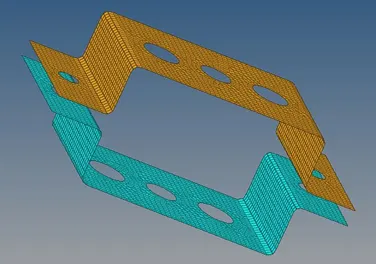
- Creating links:
- RBe2 at ‘a’- 1D > Rigids > elem type= RBe2, dof1, dof2, dof3 > create.
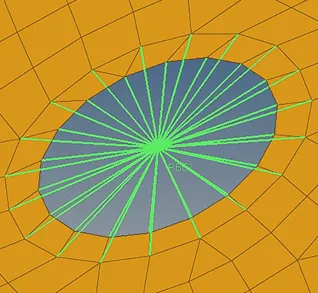
- RBe2 at ‘d’ and e - 1D > Rigids > elem type= RBe2 > create.
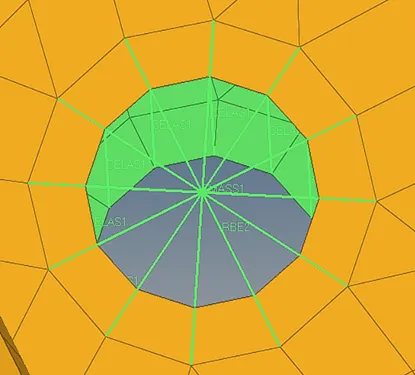
Springs at ‘d’ and ‘e’- 1D > springs > create.
Masses at ‘d’ and ‘e’- 1D > masses > create.
- RBe3 at ‘b’ and ‘c’-1D > RBe3 > create.
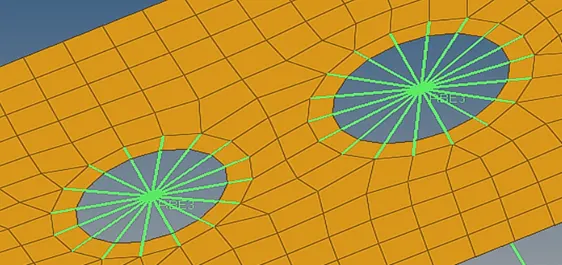
- Creating Rod, Bar, and Beam elements:
- Rod element at ‘a’ – 1D > Hyperbeam > standard section > solid rectangle.
Dimension a=12mm, dimension b=10 mm, Thickness t= 0.75 mm
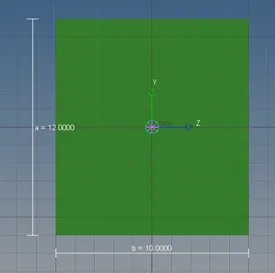
- Beam element at ‘b’ – 1D > Hyperbeam > standard I- section > create.
I Section- Dimension a= 8 mm, Dimension b= 10 mm, Dimension c= 8.5 mm, Thickness t1= 0.75 mm, Thickness t2= 0.6 mm, Thickness t3= 0.6 mm
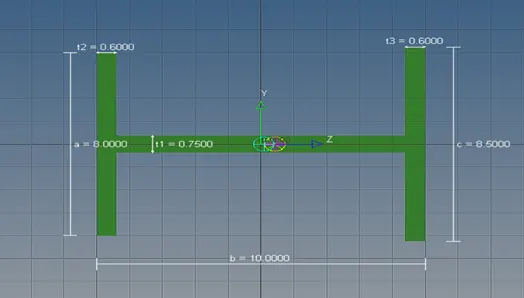
- Bar element at ‘c’ – 1D > Hyperbeam > Solid circle > create.
Dimension DIM1= 5 mm, Thickness DIM2= 1.2 mm.
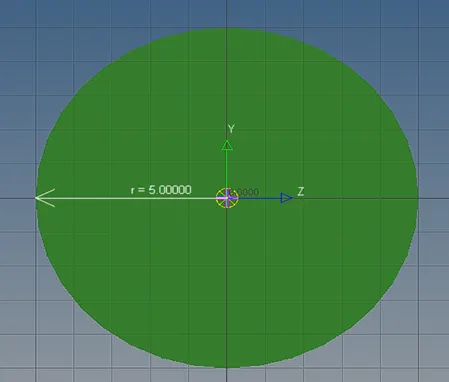
- Assigning material: for Bracket 1, Bracket 2, Bar, Beam and Rod.
Create > material > steel.

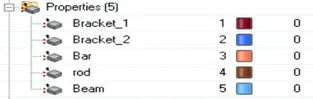
- Assigning property: update properties for rod, bar and beam elements after creating properties.
RESULT: Created 1D elements on the following component with given cross-section and DOF.