Meshing of a bottle cap
AIM:
To do a geometrical cleanup and mesh the given bottle cap
THEORY:
As the thickness of the component is generally less we go for 2D meshing here
SOFTWARE USED:
ANSA
TOOLS USED:
Delete: The universal delete function can be used to delete the unwanted entities like curves,,faces etc
Release: This option helps to release triple cons etc to make it proper
Fill hole: This function fills holes in the faces to fill gaps
Paste: This function is used to paste nodes
Split: This function splits the quadrilateral and triangular shell element into smaller ones
Reconstruct: This tool helps to create a better quality mesh in regions used
Project: This function projects coons or 3d curves onto the faces
Swap: This function helps to swap the shell element to the required destination
Cut: This function helps to cut faces or make splits to bring out uniform mesh in the model
Extend: This tool helps to join required faces to another face
Offset: This function helps to take mid-surface of the components
Middle: This tool helps to take mid surface in between of two components
PROCEDURE:
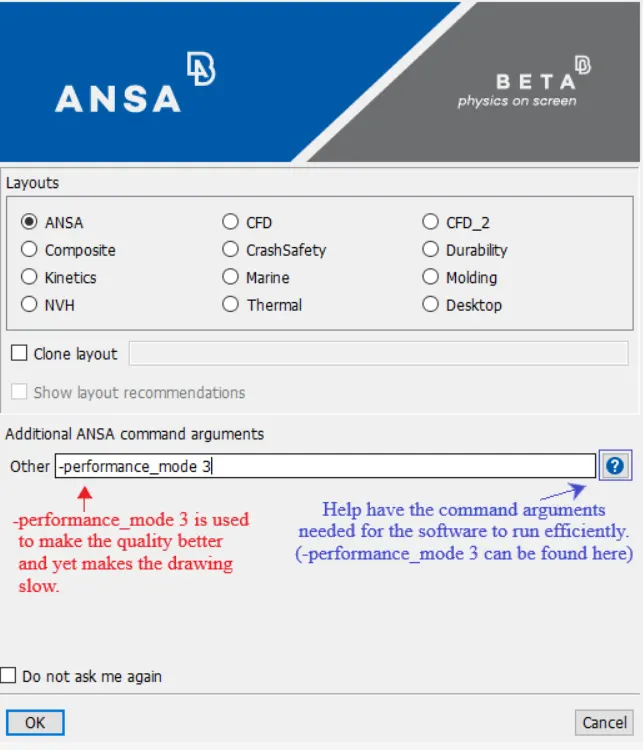
1. We click on the ANSA V19.4 application to open and wait for the launcher to appear. Once the launcher appears we change the additional aANSA command arguments to performance mode 3
- Geometry Cleanup:
2. The given model is performed with topology to view cons properly and makeup connections if any missing.Initial model may contain errors and topo also ensures free from errors and geometry is stiched well
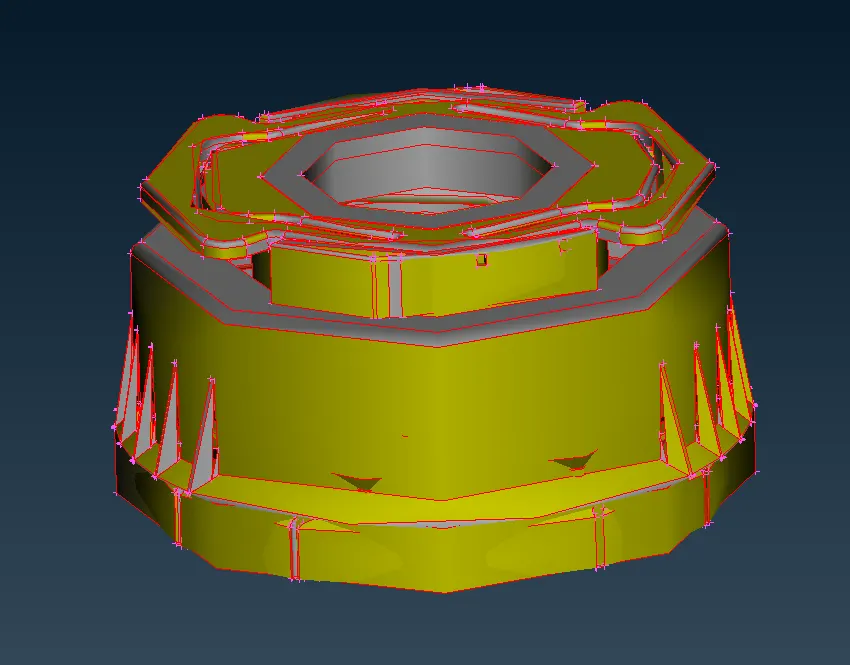
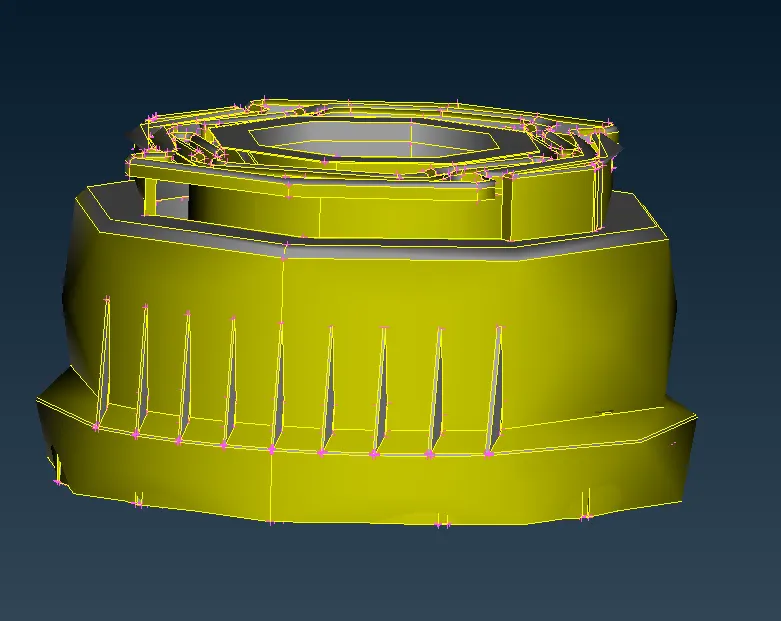
WITHOUT TOPO WITH TOPO
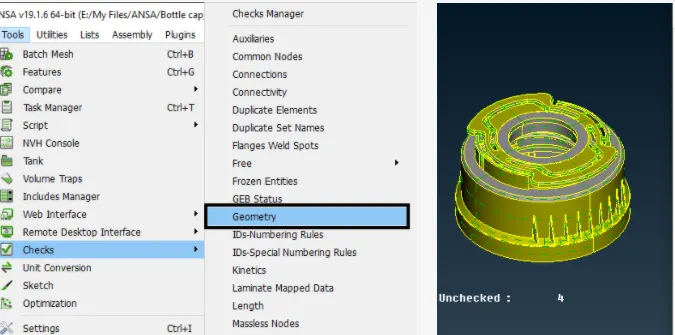
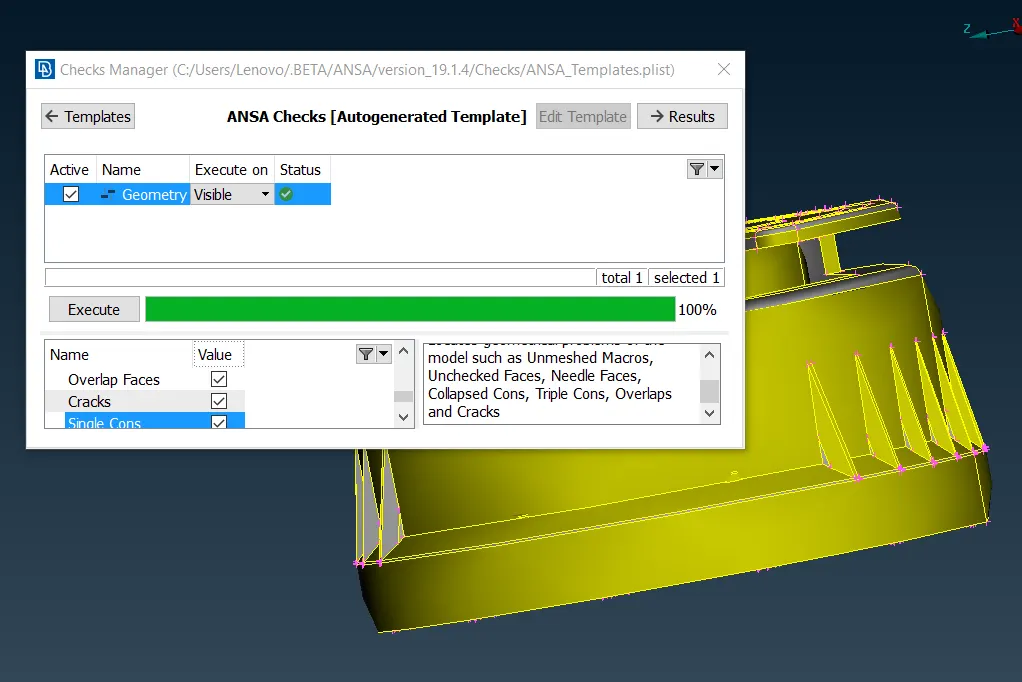
3. Then we go to the check managers tab to check whether the model has any errors. It can be fixed using the auto-fix option provided by ANSA
- Midsurface Extraction
The given model is complex and has a variable thickness. Hence different mid-surface extension methods are deployed on different surfaces
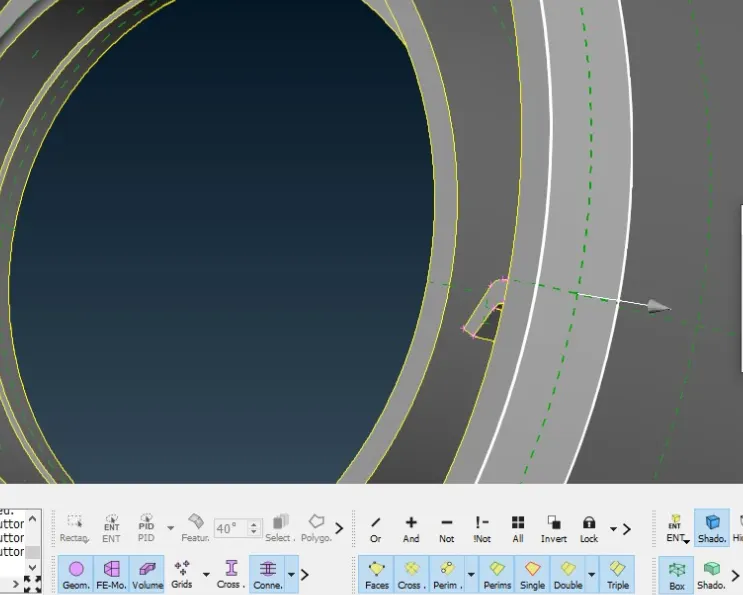
- Offset Command
The outer circular faces are extracted using the offset option as shown in the figure
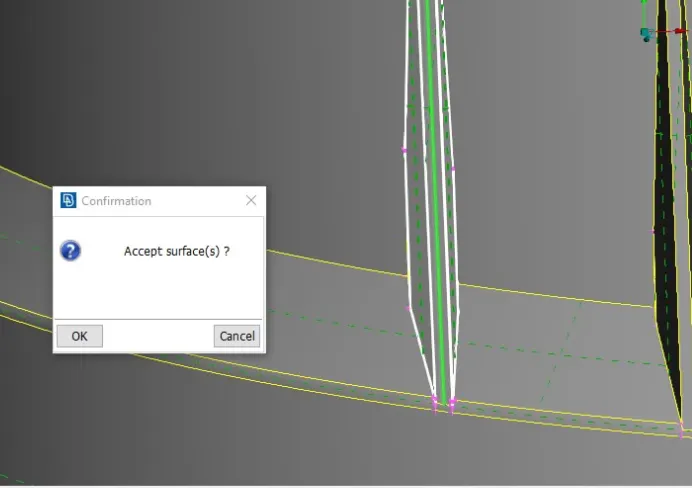
- Middle Option
Ribs mid surface can be extracted using the single middle option method as shown in the figure
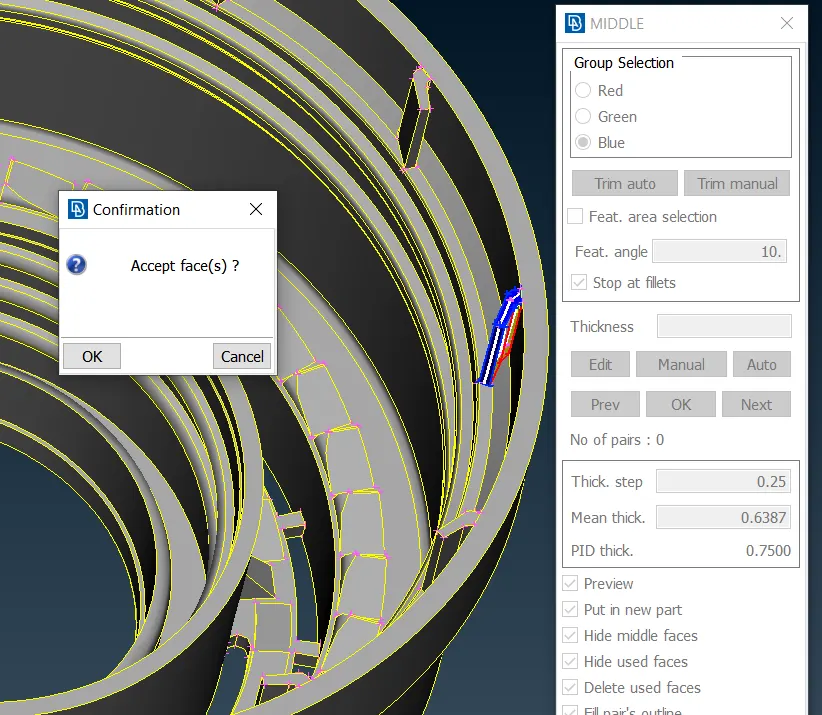
- Multi middle Option
Mainly curved ribs can be extracted with the multi middle option as shown in the figure below
For extracting mid surface for these threads we first use the Middle option in curves and then this middle curve is projected to the base mid-surface. Then we pick double coons and create new surface. Hence the surface is formed as shown below
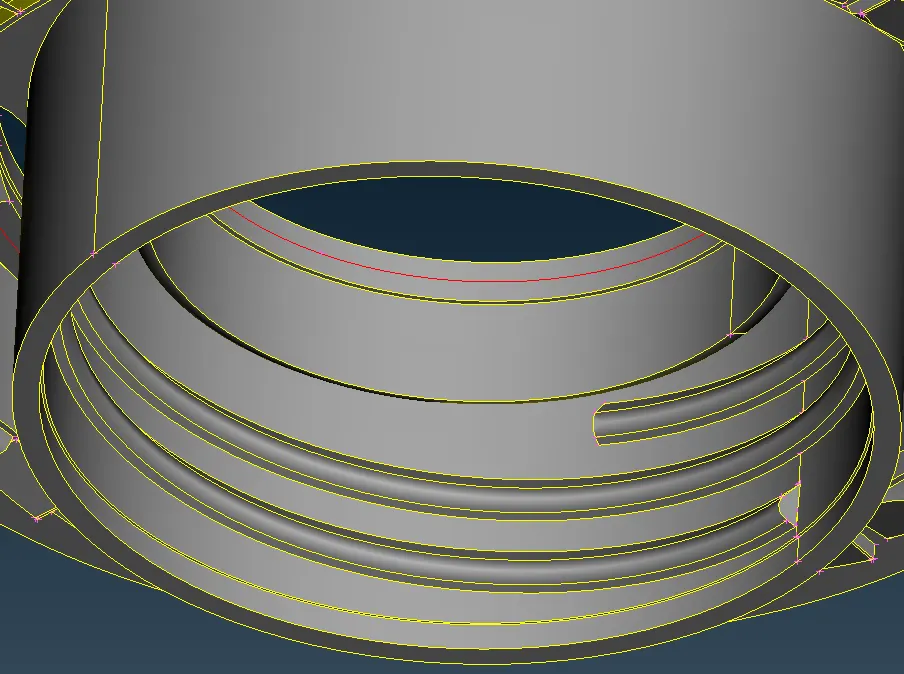
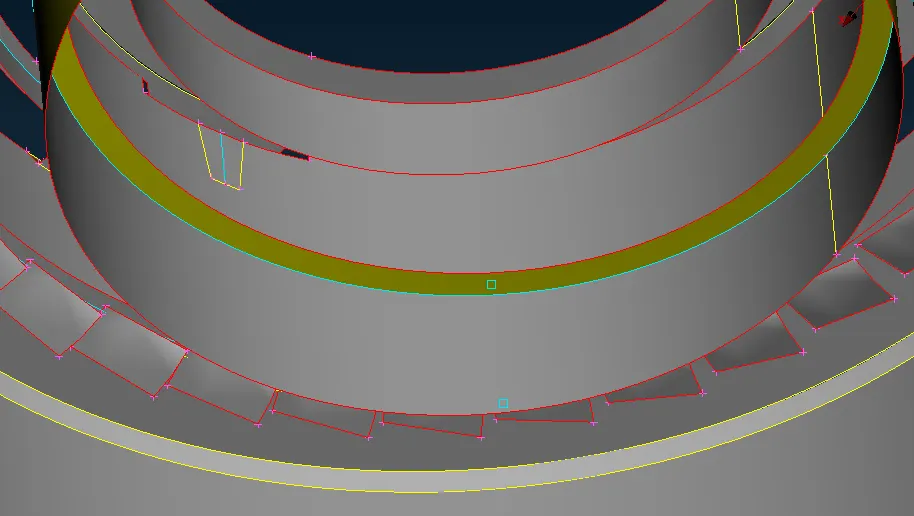
Midsurface of the bottle cap
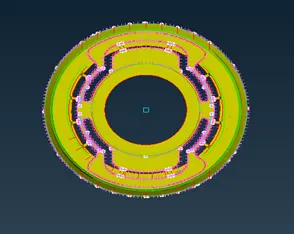
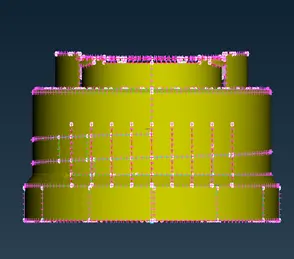
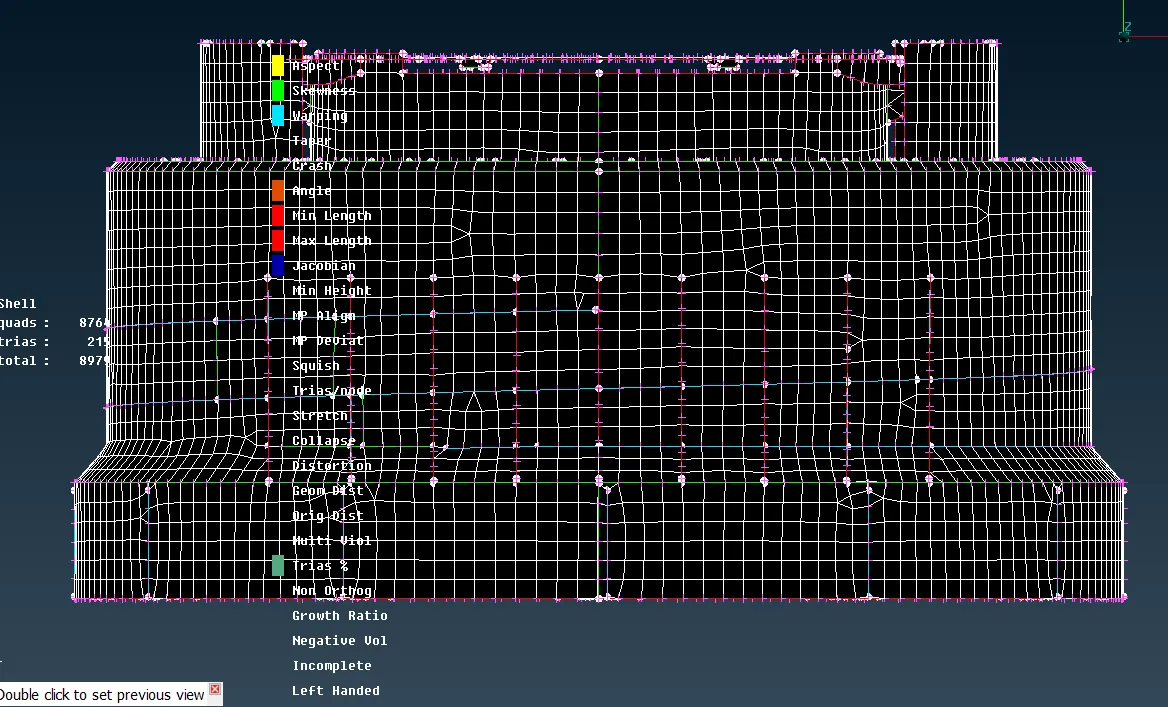
- Meshing of the component
The given element quality parameters are entered into the quality criteria tab and it is saved
- Assigning thickness property
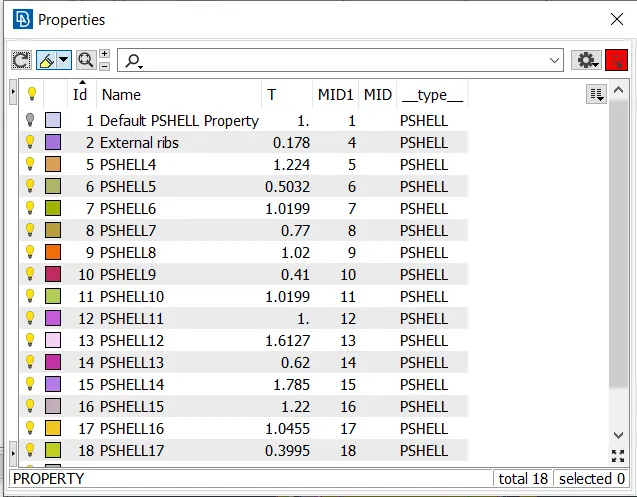
While performing mid surface extraction, the mid surfaces are selected and renamed according to their thickness values for our convenience
The thickness values of each mid property are entered and the type is chosen as PSHELL in the property bar
Results:
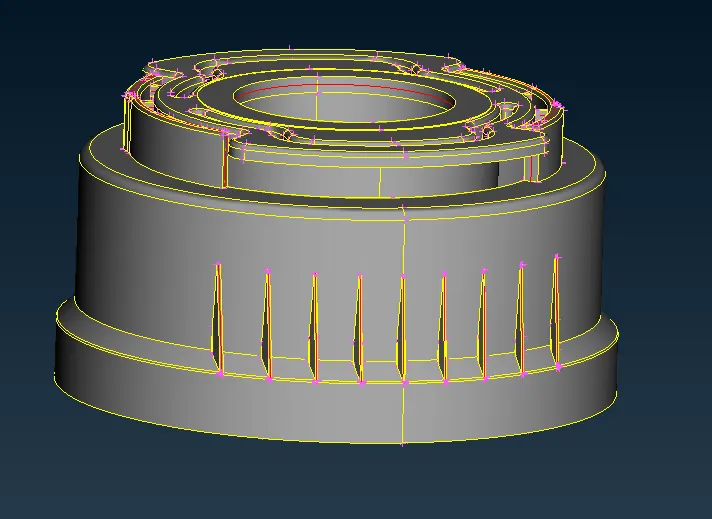
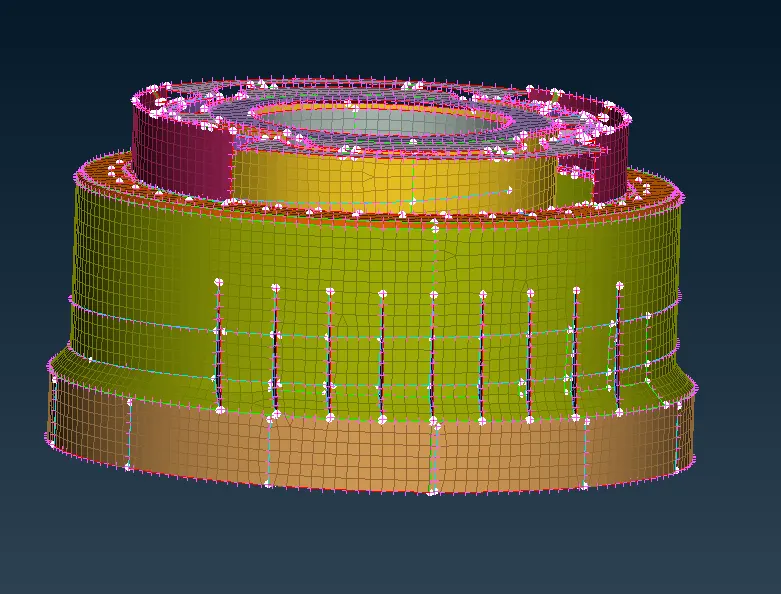
Learning Outcomes:
- Learned to mesh the component within the given quality parameters
- Learned to extract mid-surfaces for the components’ using various techniques of ANSA
Conclusion:
The given model was meshed according to the quality criteria and the required thickness was assigned