Meshing of car backdoor
AIM:
Mesh the component given below and assign thickness:
Target Element Length = 5mm
| S.N | Quality Criteria | Value |
| 1 | Aspect Ratio | 5 |
| 2 | Skewness | 45 |
| 3 | Warping | 15 |
| 4 | Taper | 0.5 |
| 5 | Min. Length | 3.5 mm |
| 6 | Max. Length | 7mm |
| 7 | Min angle Quad | 45 |
| 8 | Max angle Quad | 135 |
| 9 | Min angle Tria | 30 |
| 10 | Max angle Tria | 110 |
| 10 | Tria % | 15 |
THEORY:
Computer-aided engineering also known as CAE is the broad usage of computer software to aid in engineering analysis tasks. It includes finite element analysis, computational fluid dynamics, multibody dynamics, durability, and optimization
Meshing is the foundation for all FE based CAE activity. A quality mesh is a prerequisite for reliable CFD and FE analysis projects as is a thorough comprehension of the effects of a mesh on a result. A geometric cleanup helps us to perform meshing efficiently and keep the mesh within the quality criteria
PROCEDURE:
- We import the required model, using the import option and setting up the correct file type
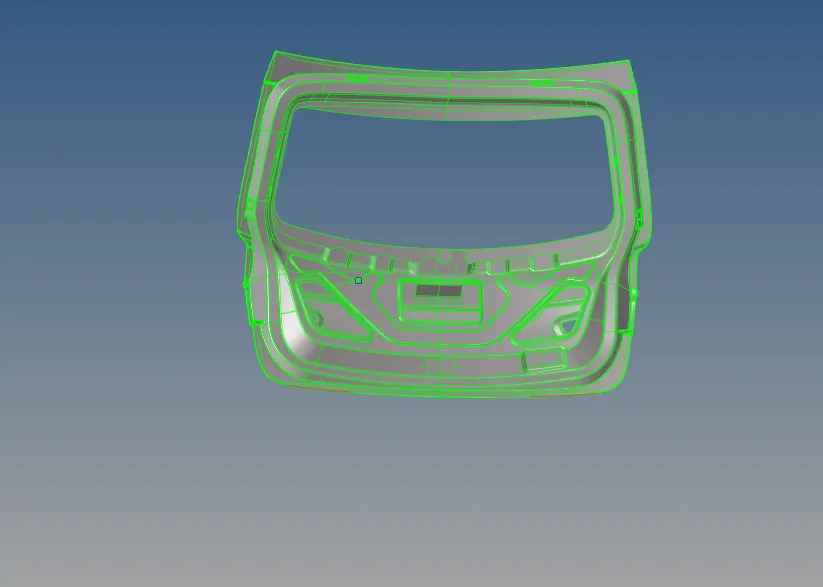
- The imported geometry consists of three components. Here we work on surfaces hence we first delete the solids.
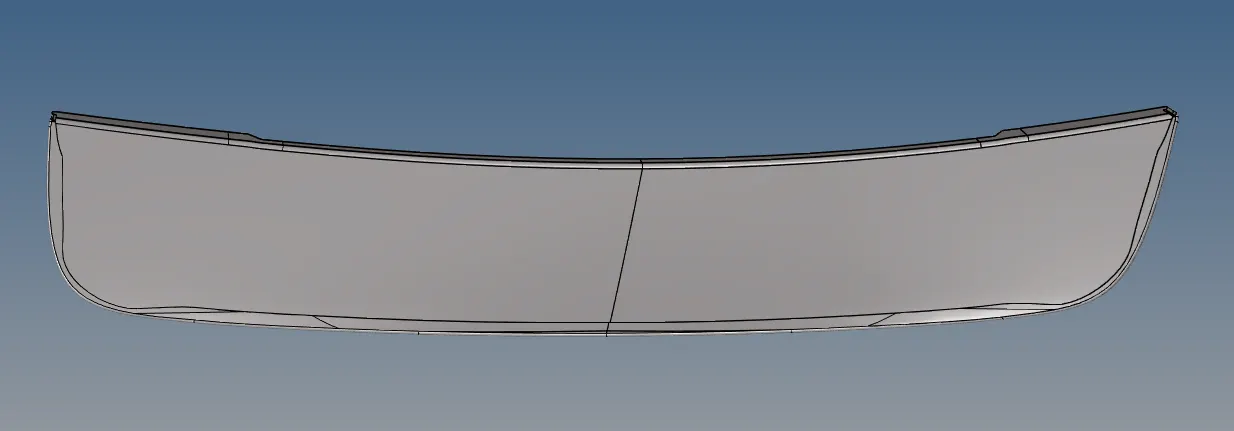
- Lower body
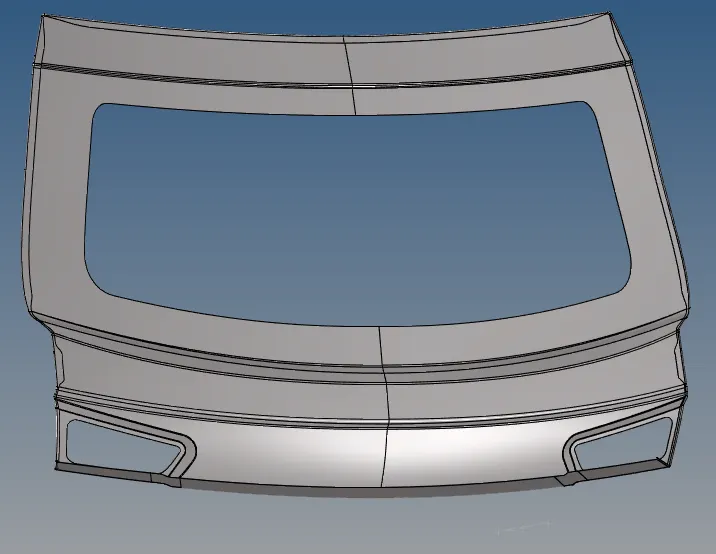
- Upper Body
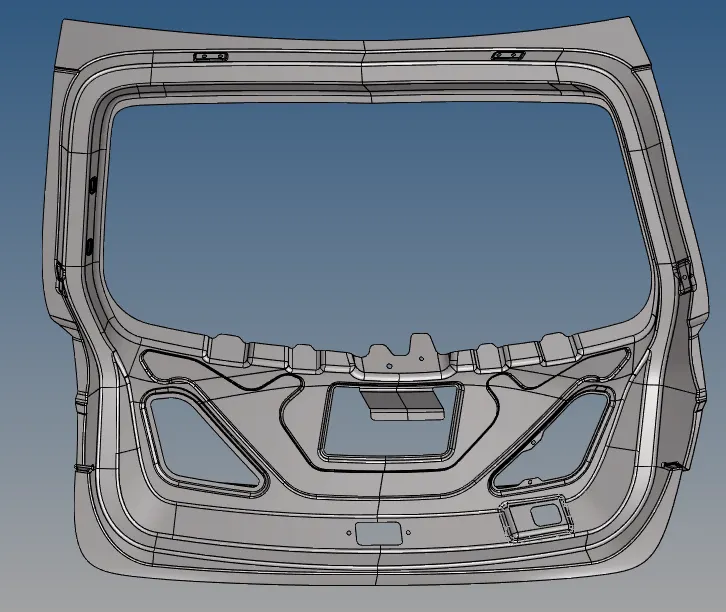
- Inner Panel
- We do the topology cleanup of each respective component and extract their mid-surfaces using offset option in Geometry panel->Surafce edit. The offset distance is half of the thickness of the component

- We work on further cleaning up of the mid-surface component part by part.
- Defeaturing is done to remove the details like surface fillets, edge fillets, pinholes etc to make geometry simpler by using the defeature command
- Now we define material and properties respectively to each mid-surface component
- Next, we set the quality criteria for the mesh to be followed by using the criteria file settings in the preference option
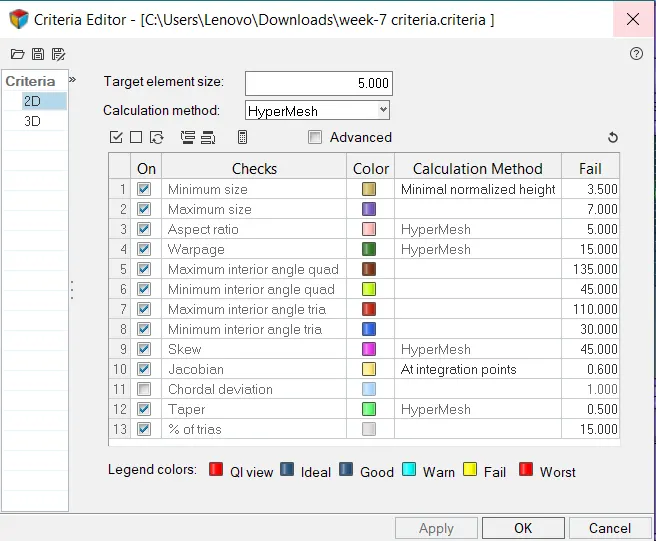
- We then mesh each component according to the specified quality criteria
- After meshing finals checks such check for free edges, normal, features all are cross-checked and verified
FINAL MODEL:
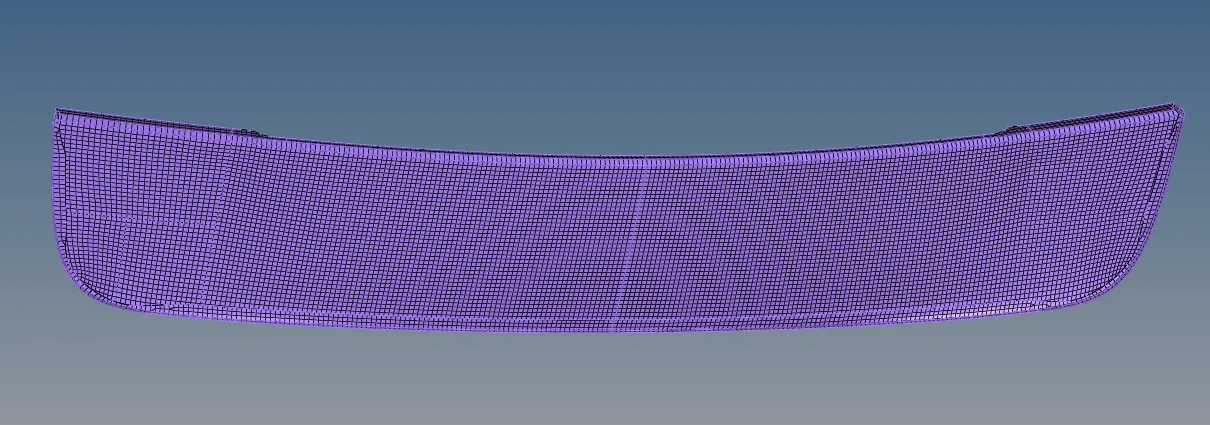
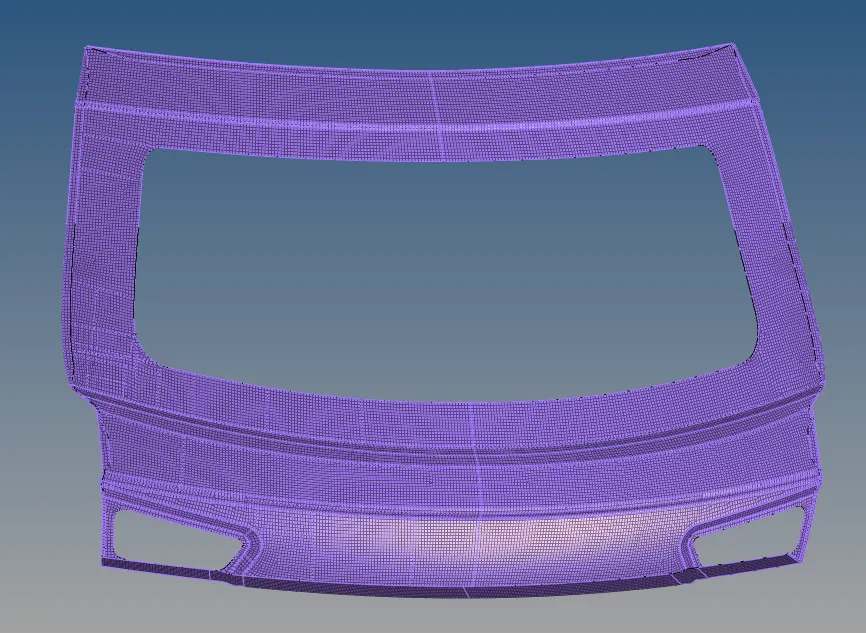
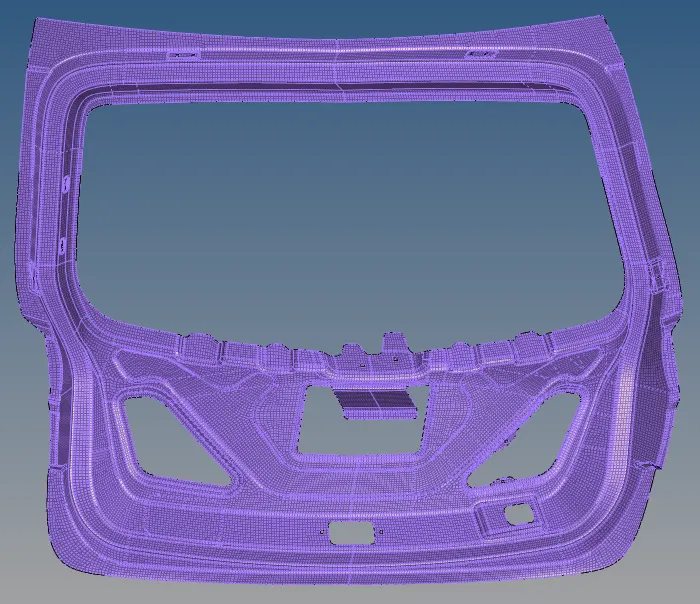
https://drive.google.com/file/d/19Tk0gYKlhGWXv9QAv9OicVi1QWY3bItF/view?usp=sharing
RESULTS
- The given component is meshed according to the given criteria
- Mid -Surface was extracted manually
- All features were captured properly
LEARNING OUTCOMES:
- Through this challenge, we learn how to mesh components and capture the feature properly
- Extract mid-surface manually
- Keep up with the quality of the elements
- Using the geometry cleanup tools