Week 4 - 2D Meshing for Sheet Metal
2D Meshing for Sheet Metal
AIM
To extract the manual midsurface of the model and then mesh the component with given quality parameters and assign thickness.
OBJECTIVE:
- Import the CAD geometry of cap model
- Clean up the geometry until no topological error is found
- Extract Mid-Surface for the geometry
- Mesh geometry with target/average length of 1
|
S.No |
Quality Criteria |
Value |
|
1 |
Target/Average length |
5 |
|
2 |
Minimum Length |
3 |
|
3 |
Maximum Length |
7 |
|
4 |
Aspect |
3 |
|
5 |
Warpage |
15 |
|
6 |
Skewness |
45 |
|
7 |
Jacobian |
0.7 |
|
8 |
Minimum Quad Angle |
45 |
|
9 |
Maximum Quad Angle |
135 |
|
10 |
Minimum Tria Angle |
30 |
|
11 |
Maximum Tria Angle |
120 |
|
10 |
Tria Percentage |
15 |
PROCEDURE:
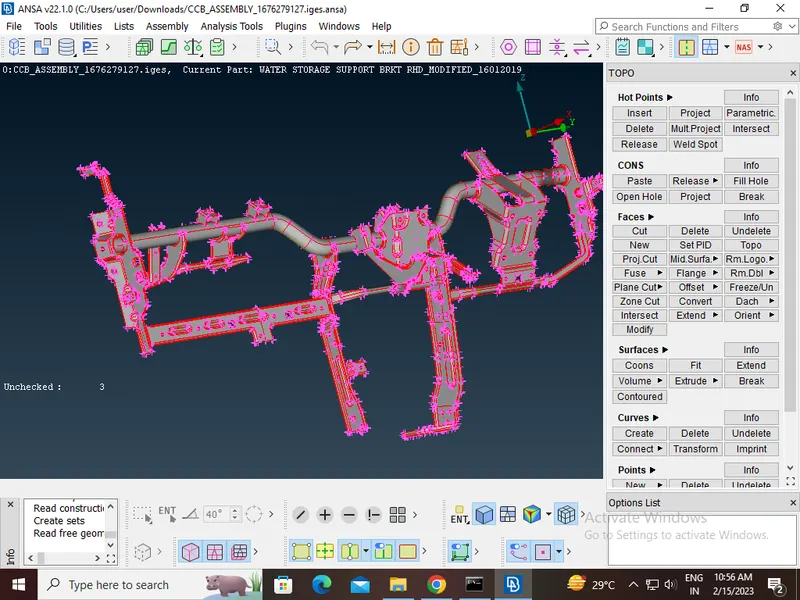
FIRST IMPORT THE MODEL
Open>select the location of the CAD model>open
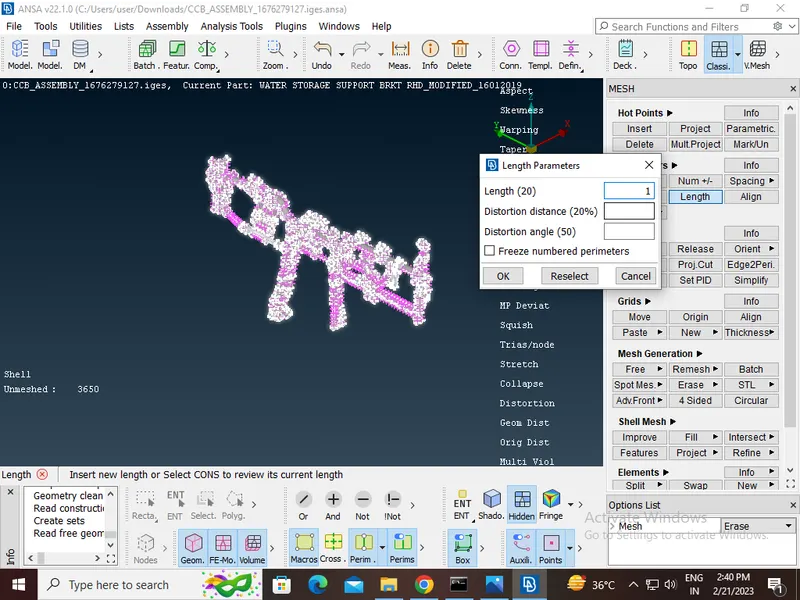
Cons resolution by Length option in Mesh module.The Length value for doing the cons resolution is 1.
 To get the connectivity between the surfaces we have to use the Topo option.(TOPO Module> Faces > Topo)
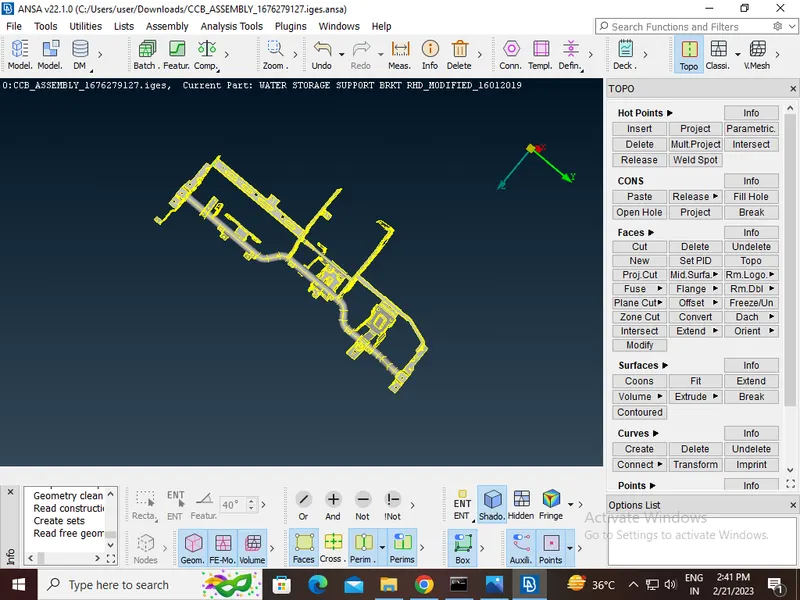
- We have to Orient the Surfaces to make sure all the surfaces are in one normal direction.(TOPO Module> Faces > Orient)
Geometry Clean-up
After importing the geometry into ANSA there will be many topological errors. In order to prevent this, we do a geometry clean-up which is in the check’s manager.
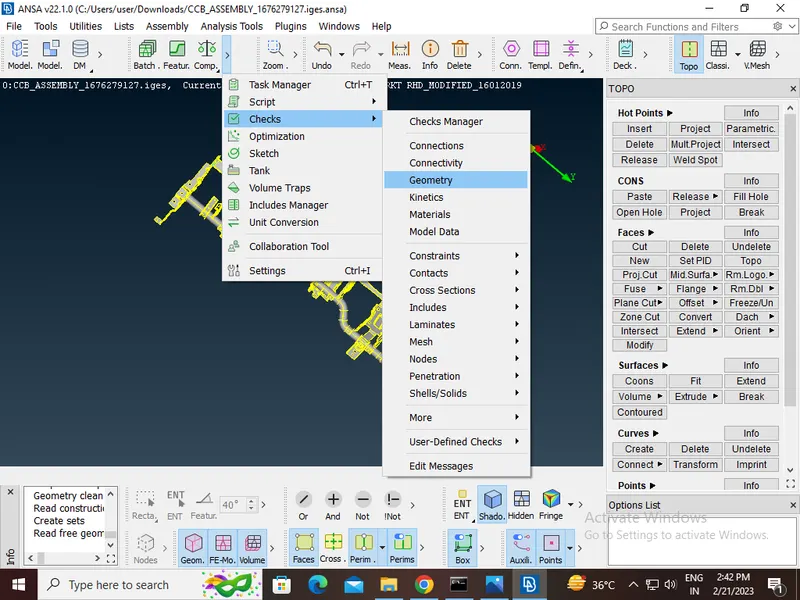
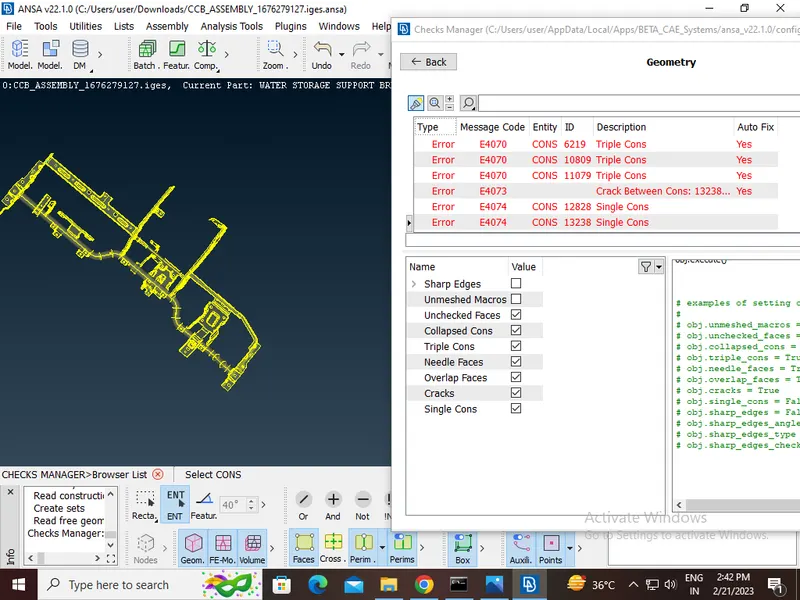
After clearing all the error
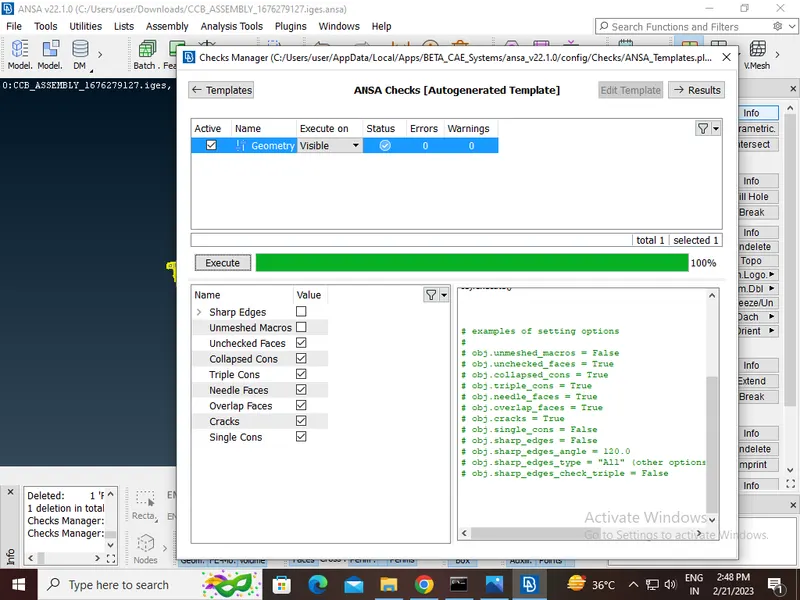
Extrect the mid surface by useing casting method
Providing the Target element length to the perimeters by using the length option in the mesh module.
Providing the Mesh Parameters and Quality criteria to the models.
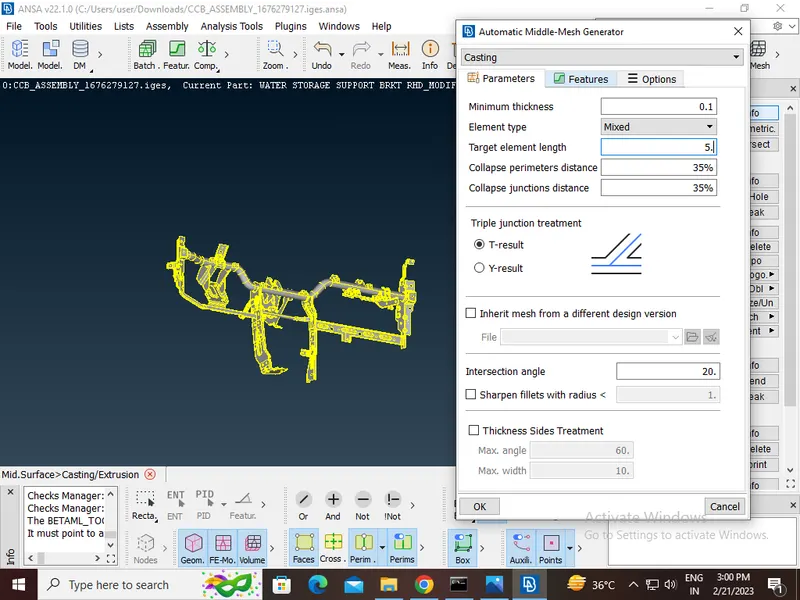
After compliteing the casting opertation
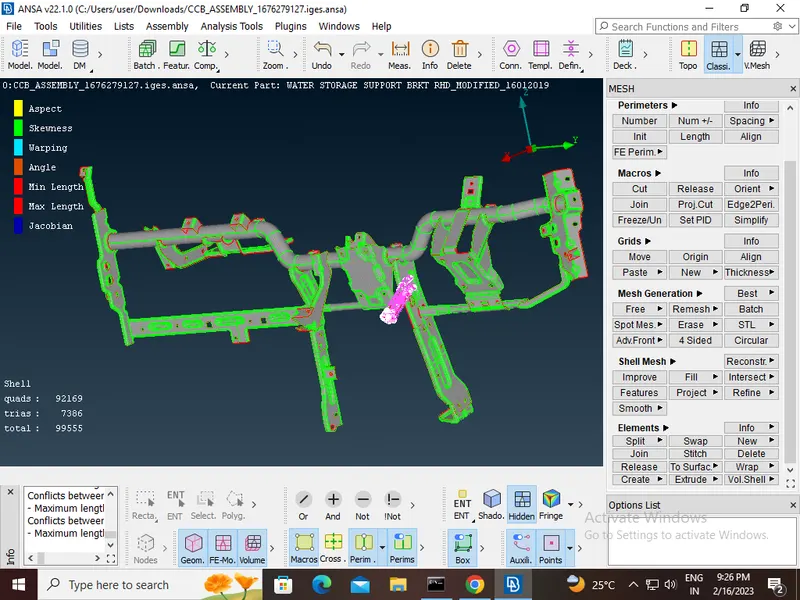
CONCLUSION:
The mid surface extracted captures all the features correctly and the meshing is done over the mid surface the with required quality requirement. The mesh flow is smooth and uniform with a target length of 5mm.