Week - 4 - 2D meshing for Plastic components
AIM:
For given plastic component extract the midsurface with proper mesh flow and assign thickness for it.
OBJECTIVE:
- Extract mid surface of givem component.
- Proper mesh flow
- Assign thickness for it
- check quality criteria.
PROCEDURE:
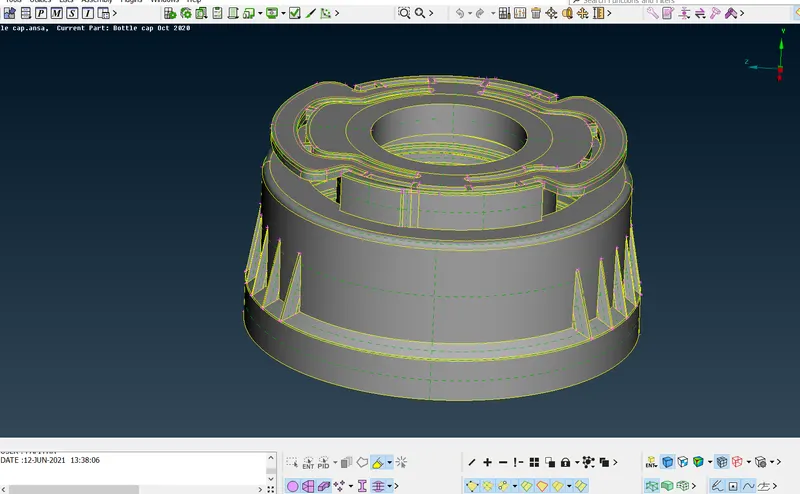
STEP 1:
Given model.
STEP 2:
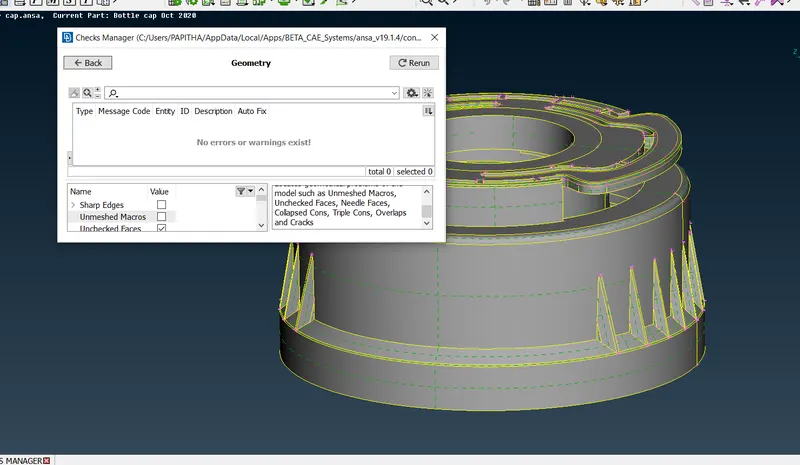
After import the model check geometry.
Go to check manager on top----geometry----exceute---proceed.
STEP 3:
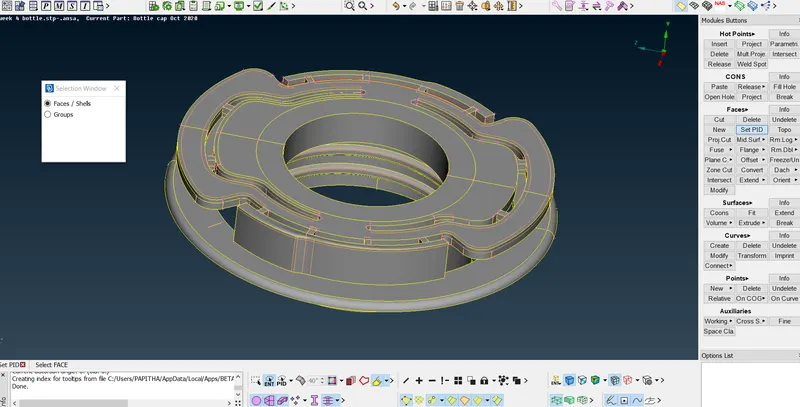
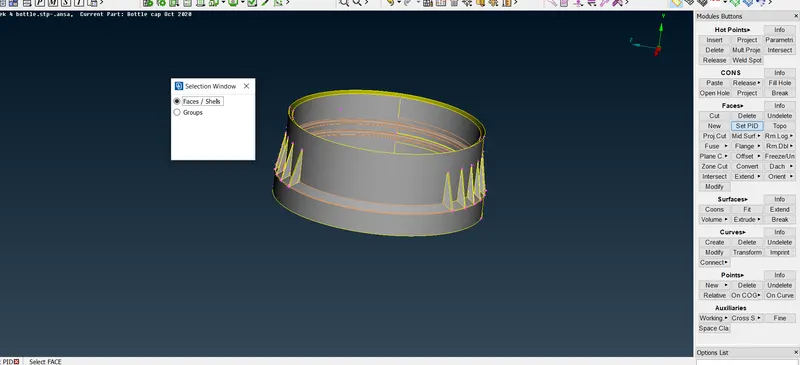
To extract mid surface---split the model into---two property.
PART 1
PART 2
STEP 4:
To extact the mid surface---measure the two surfaces--
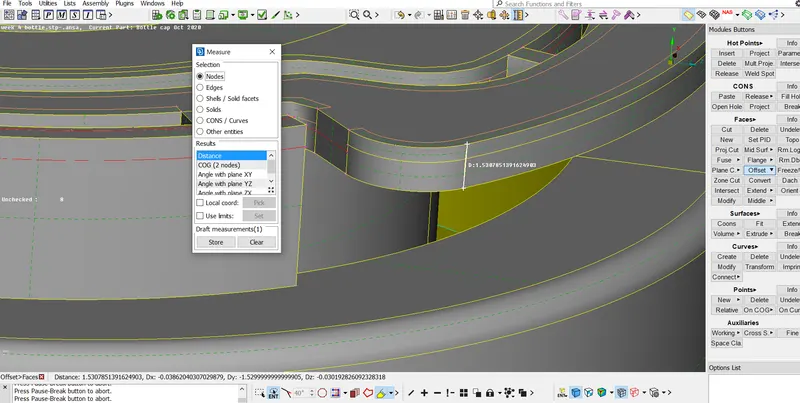
Go to faces----offset---give the values---extract mid.
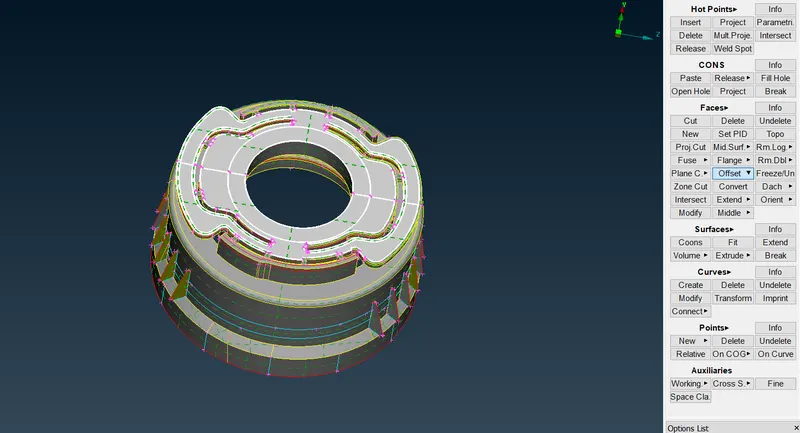
The property has been generated---mid surface has extract
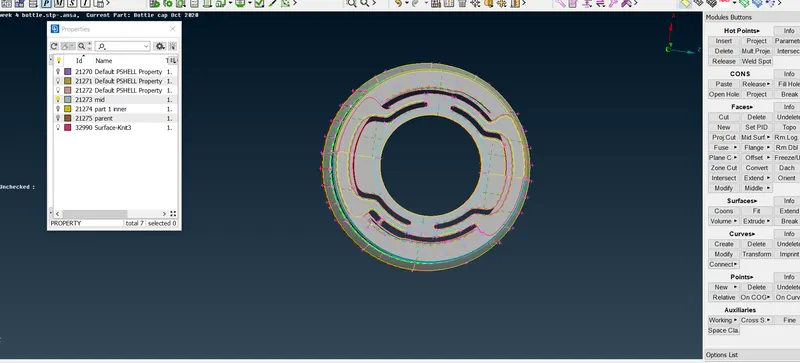
STEP 5:
As same for other surface
Go to measure ---measure the two surfaces
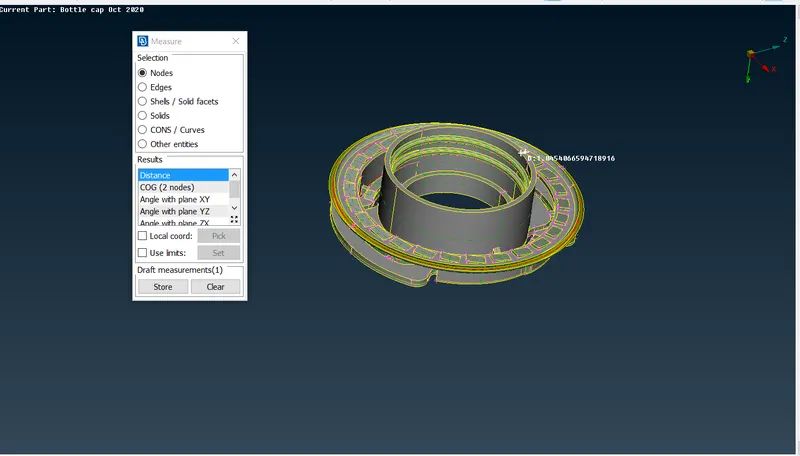
offset ---mid surf will extract.
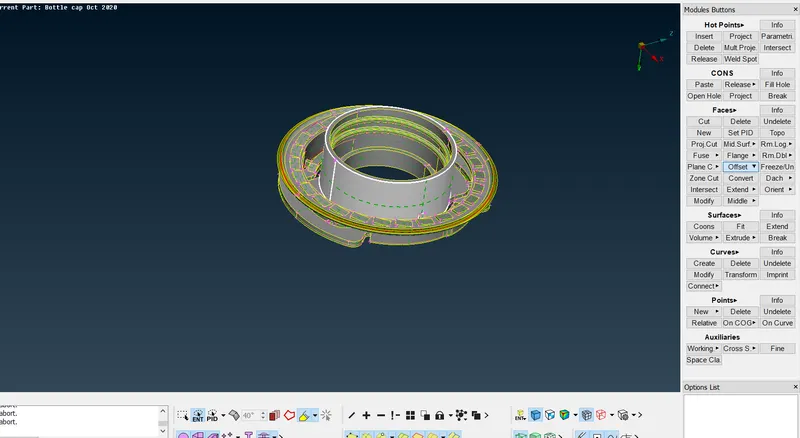
STEP 6:
For rib area----measure the distance of rib
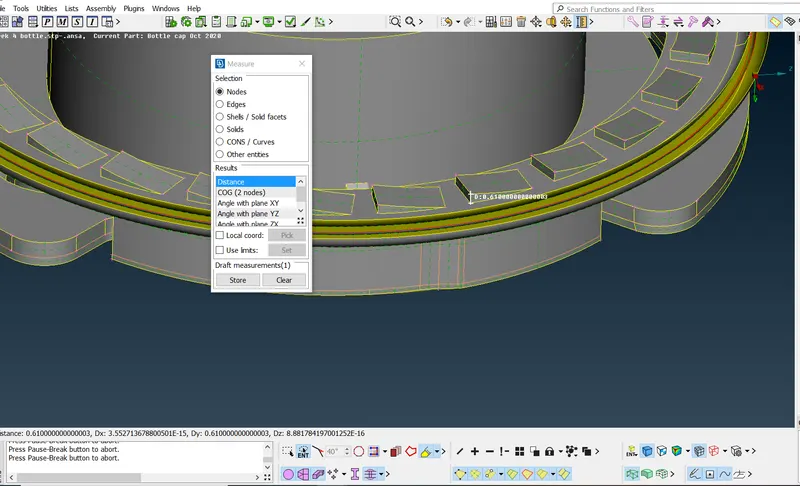
Select the faces----offset it----extract mid surface
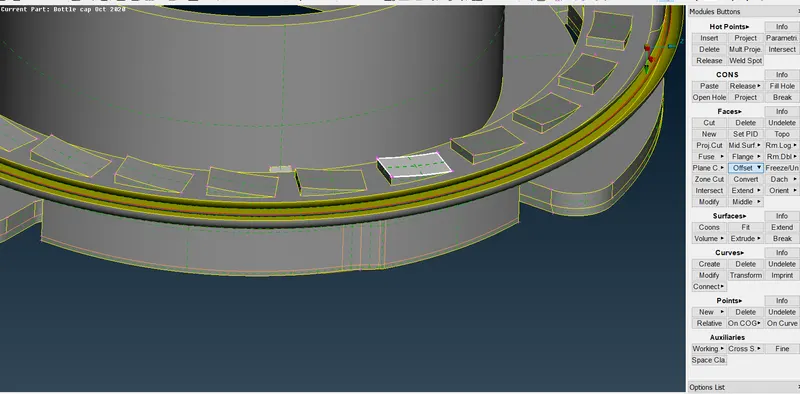
Mid surafce has extracted
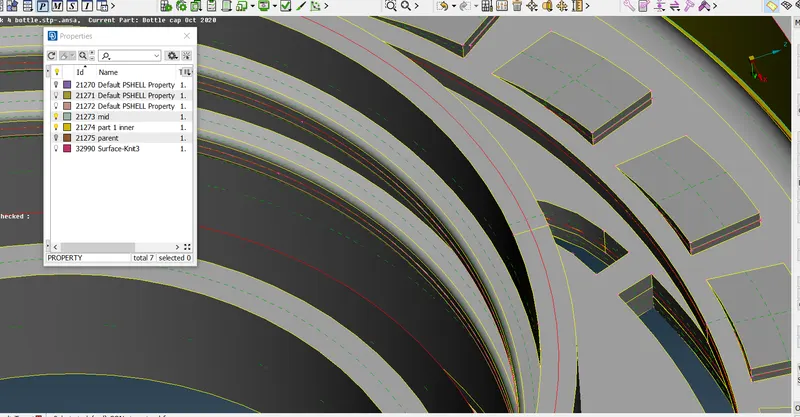
STEP 7:
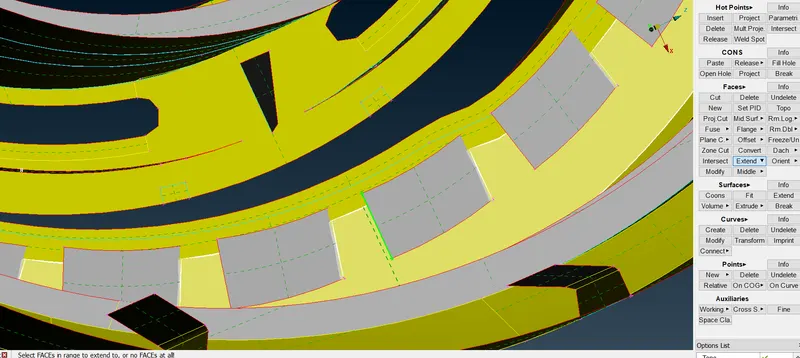
After extract----extend the surface
Go to faces----extend----select the edge of surface---then select the faces of it----then extract.
STEP 8:
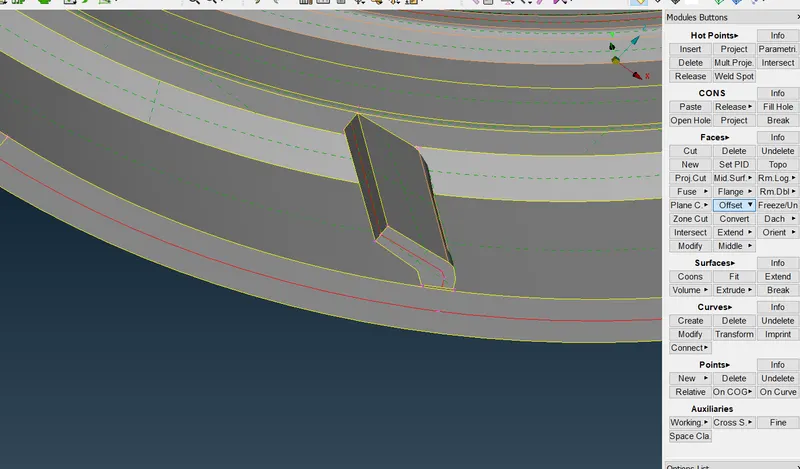
As same for this part
Go to faces----middle---extract the mid surface.
STEP 9:
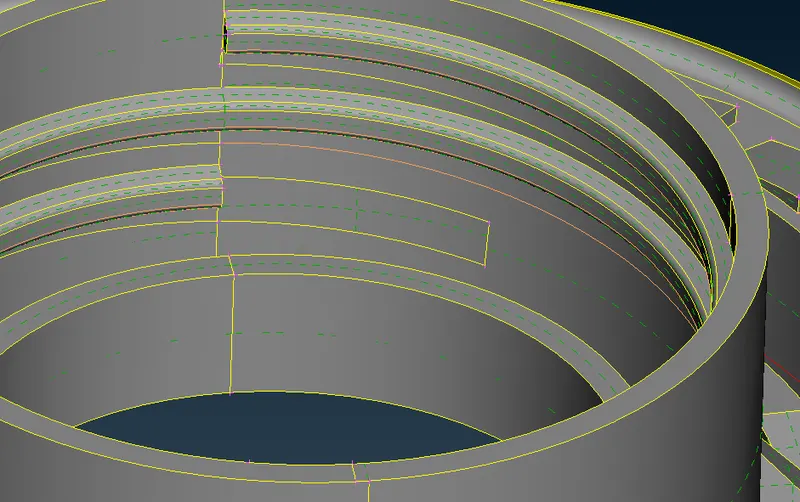
For thread area
STEP 10:
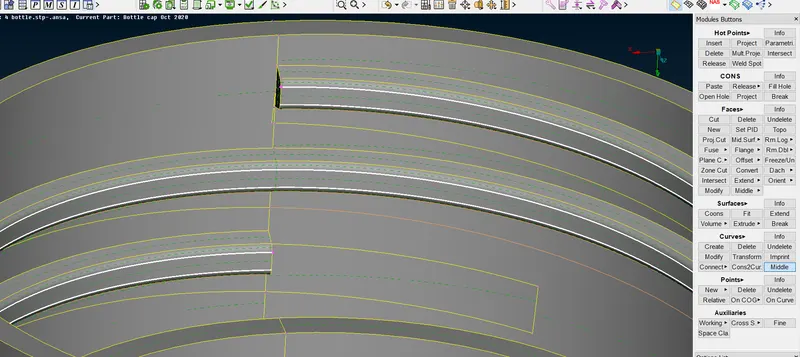
To extract mid surface for thread area
Go to curves----middle---select two cons
STEP11:
The curve part will generate.
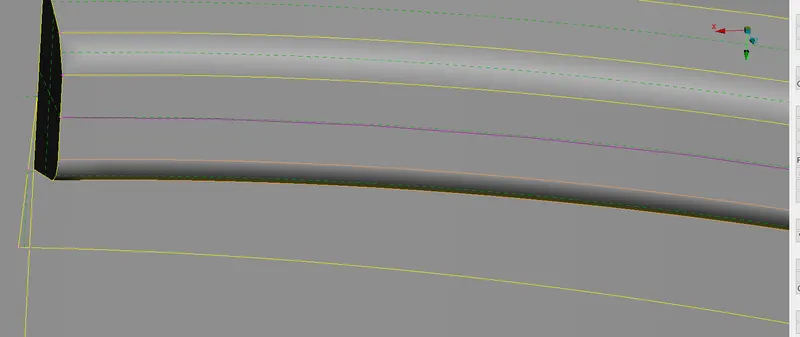
To project the curve part to surface region
Go to cons----project select the curves----project it to surfaces.
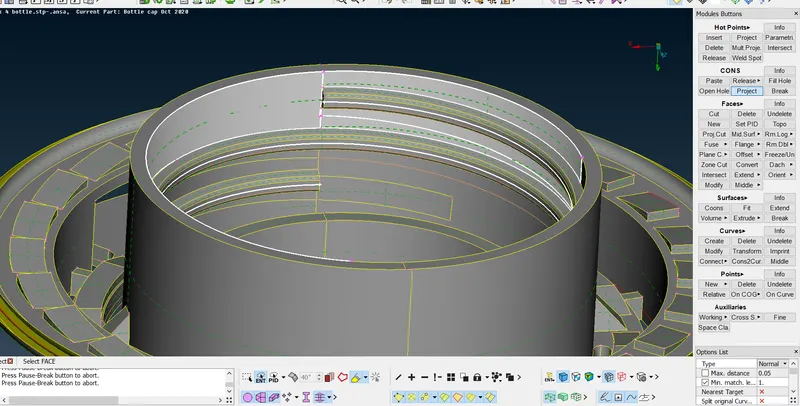
STEP 12:
As same for other surface
Take mid surface for each part ---put all in one property
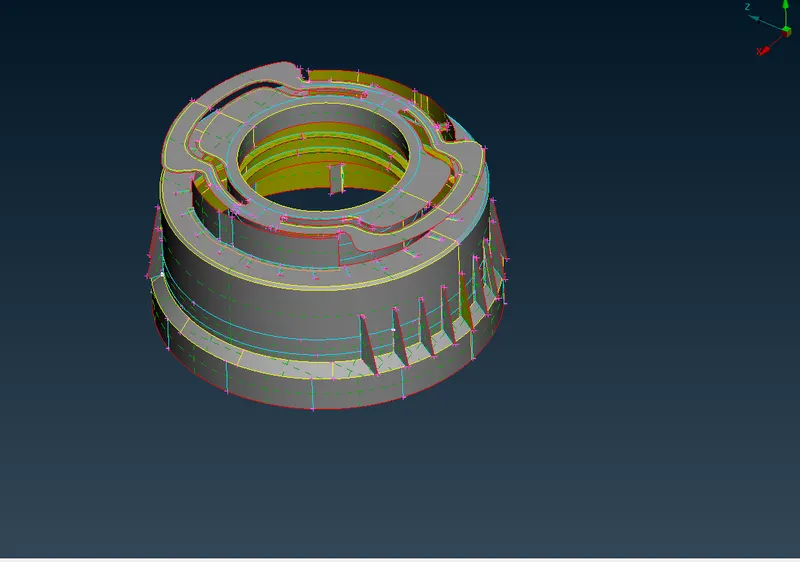
STEP 13:
Now, mesh thecomponent
Go to perimeter----length---select all macros---assign value as 1---then extract.
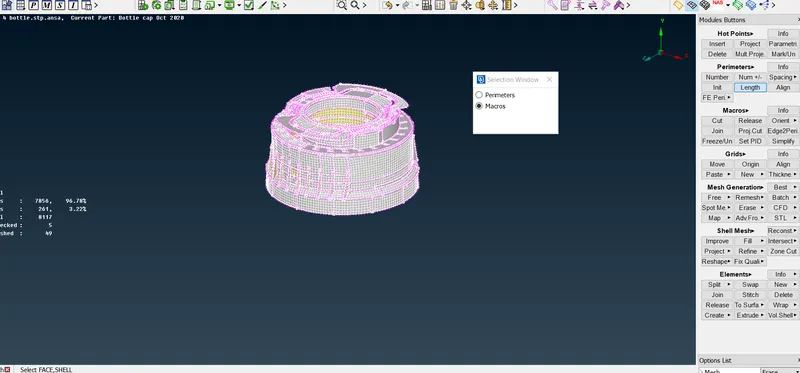
STEP 14:
Then, Go to mesh generation---best---extract
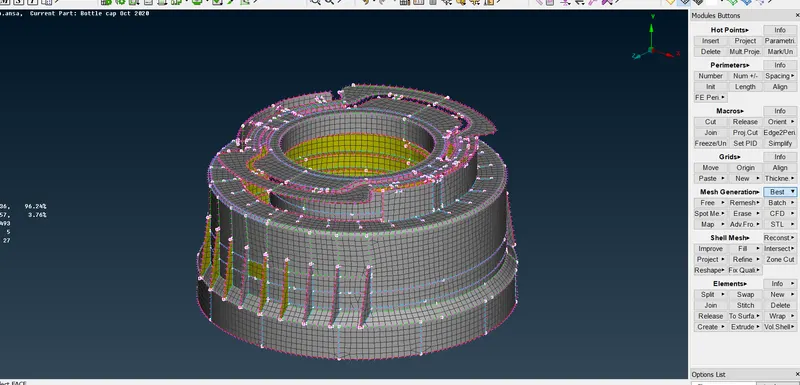
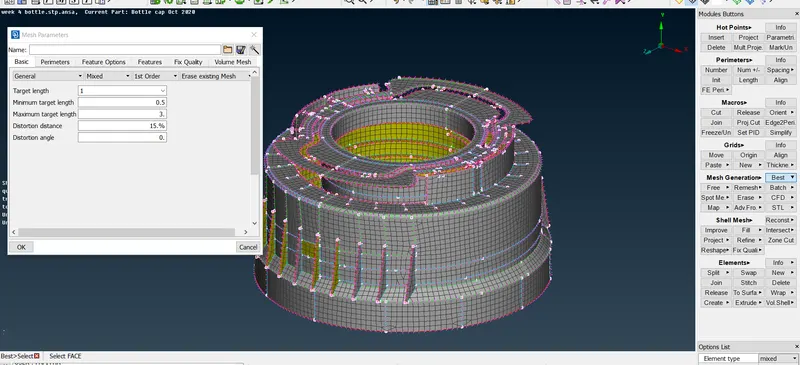
Then,assign values in mesh parameters
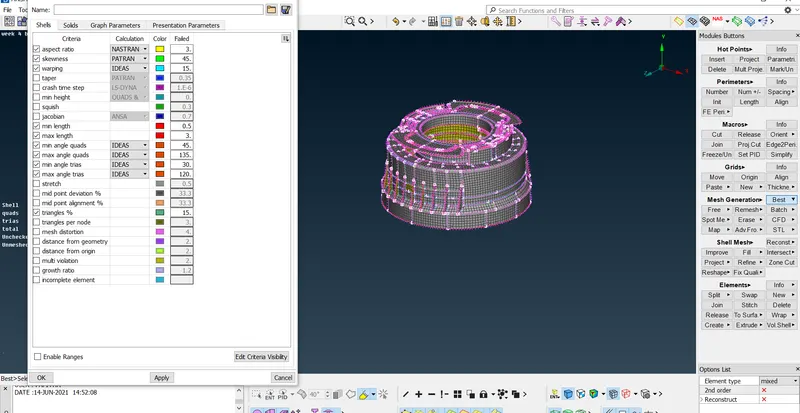
Then, assign the value for quality parameter.
STEP 15 :
Assign the thickness fot it
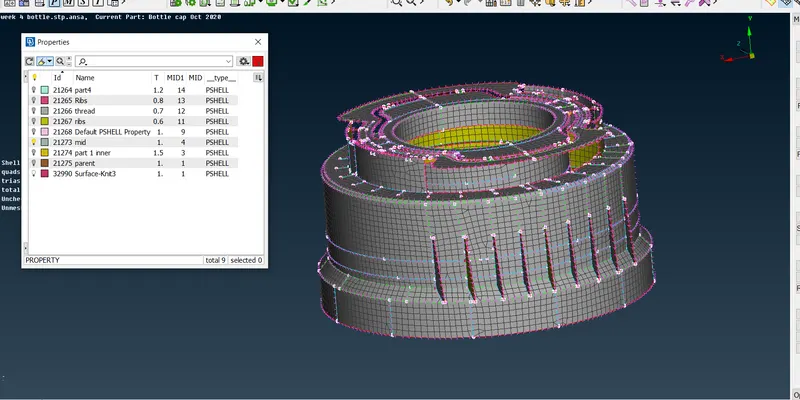
RESULT:
Hence the mid surface have extract--with proper mesh flow and thickness has assigned.