Week - 4 - 2D meshing for Plastic components
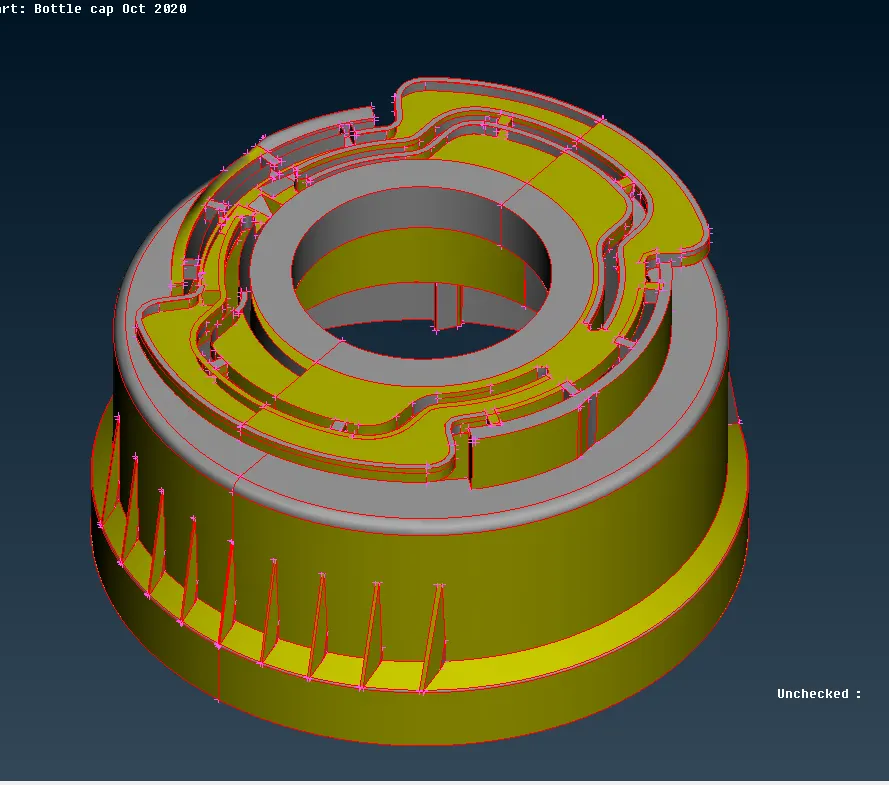
Aim: To mesh the BOTTEL CAP plastic component and assign thickness.
Given model:
Objective:
1. Geometrically clean the model and making sure no deformities of surface are present.
2. Extracting the mid-surface of the model and clean it to avoid any errors.
3. Generating mesh on mid-surface using mixed element criteria.
4. Carry out the quality check of the generated elements.
5. Provide thickness to mesh as per part.
A. Procedure for Meshing of Car Hood:
1. First of all geometric clean the model after we import it, since there might be some distortion or error in the model.
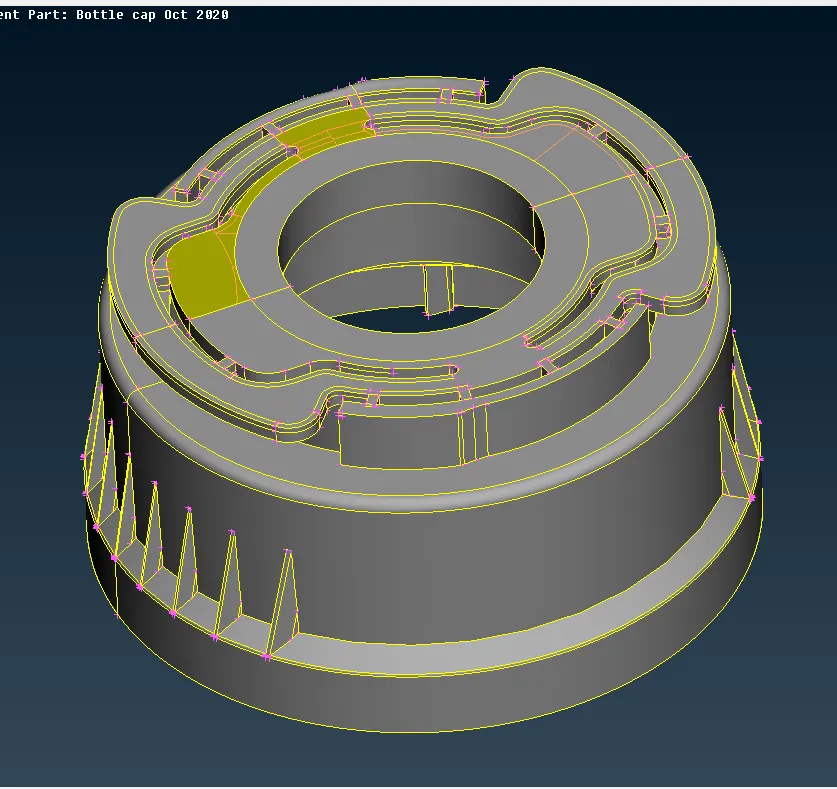
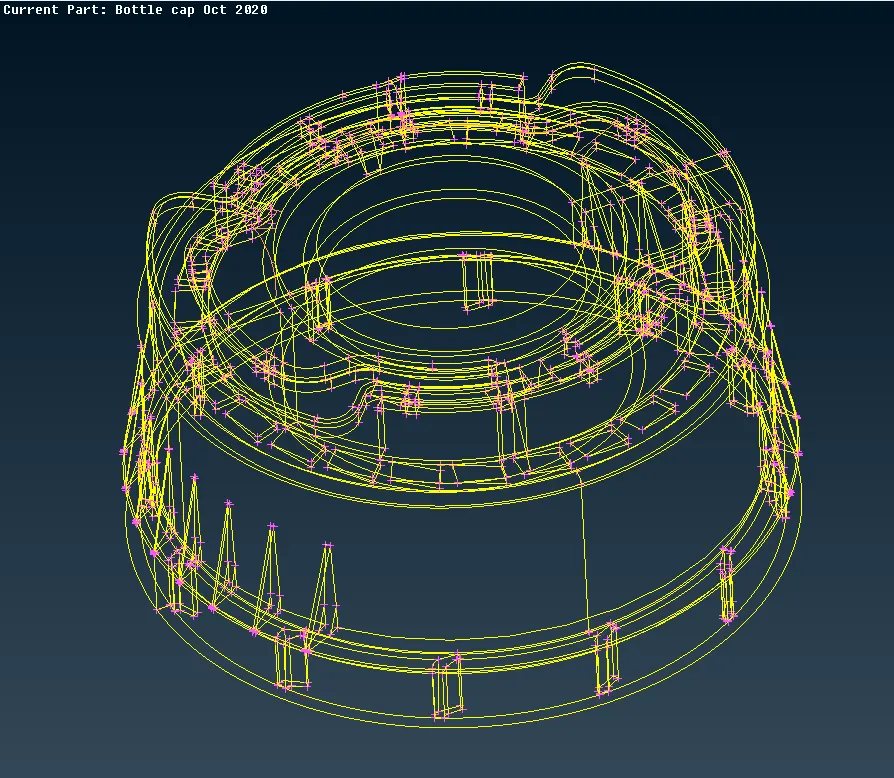
2. Next step is to extract mid-surface of the component. But first we need to check for the uniform thickness of the model to decide whether to proceed with sheet metal model method or plastic model method. As the thickness is non-uniform, we can extract mid-surface using OFF-SET & MIDDEL method as required on different locations of the component. Now check for any deformation in mid-surface and do through geometric cleanup of the mid surface.
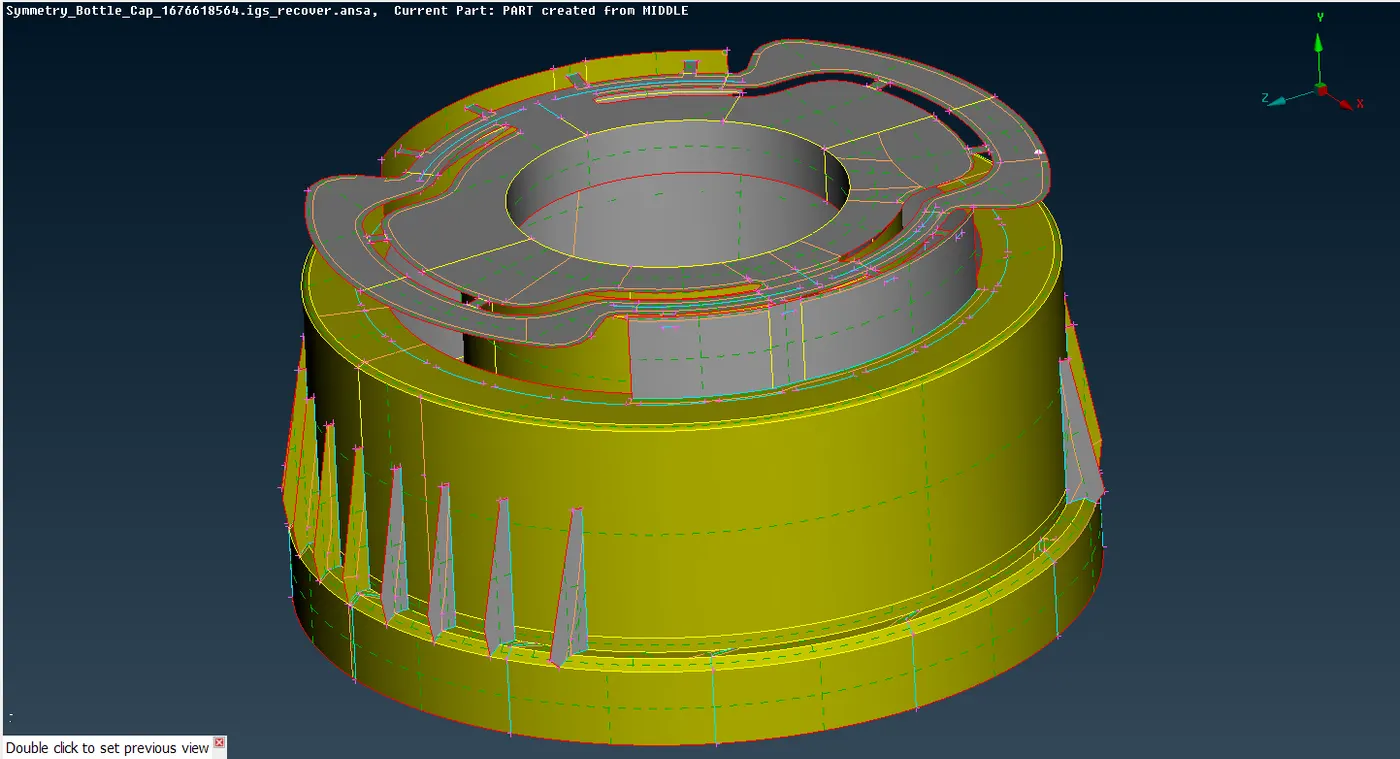
3. Now set the quality criteria for the meshing process as provided in the question, using Quality Criteria setting in Utilities Tab.
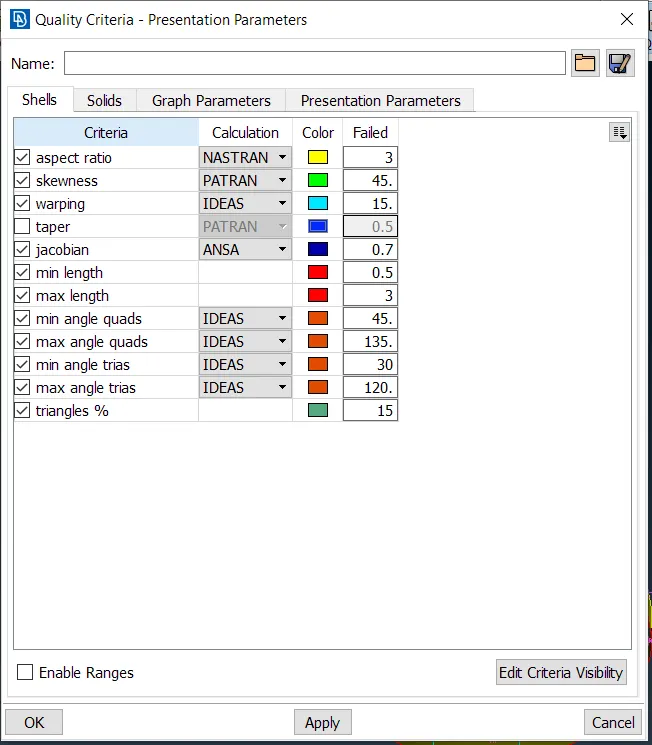
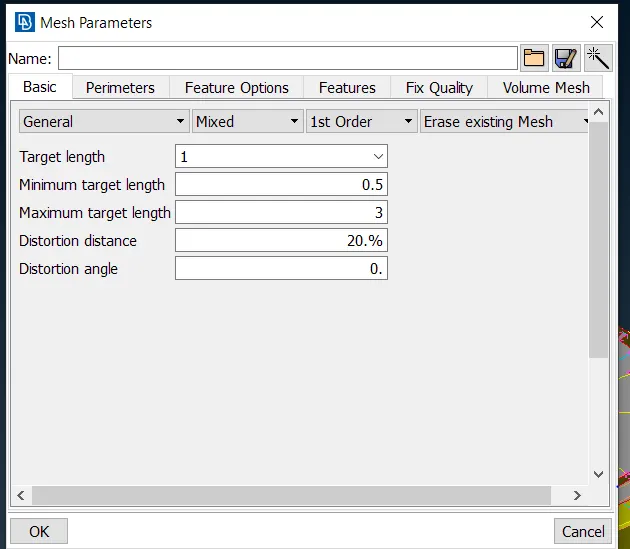
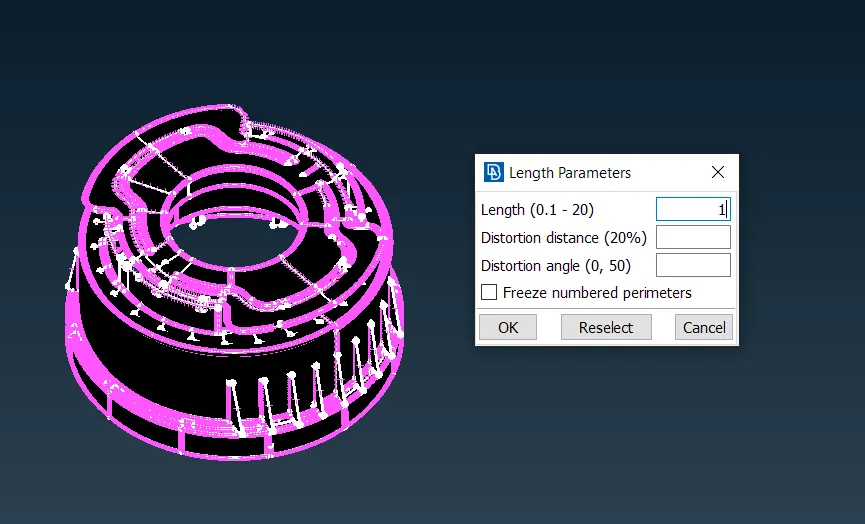
4. As our target element size is 1 mm, it is best practice to divide the edges of the part into small segments of 1 mm by using Length command in Parameters Tab as shown below:
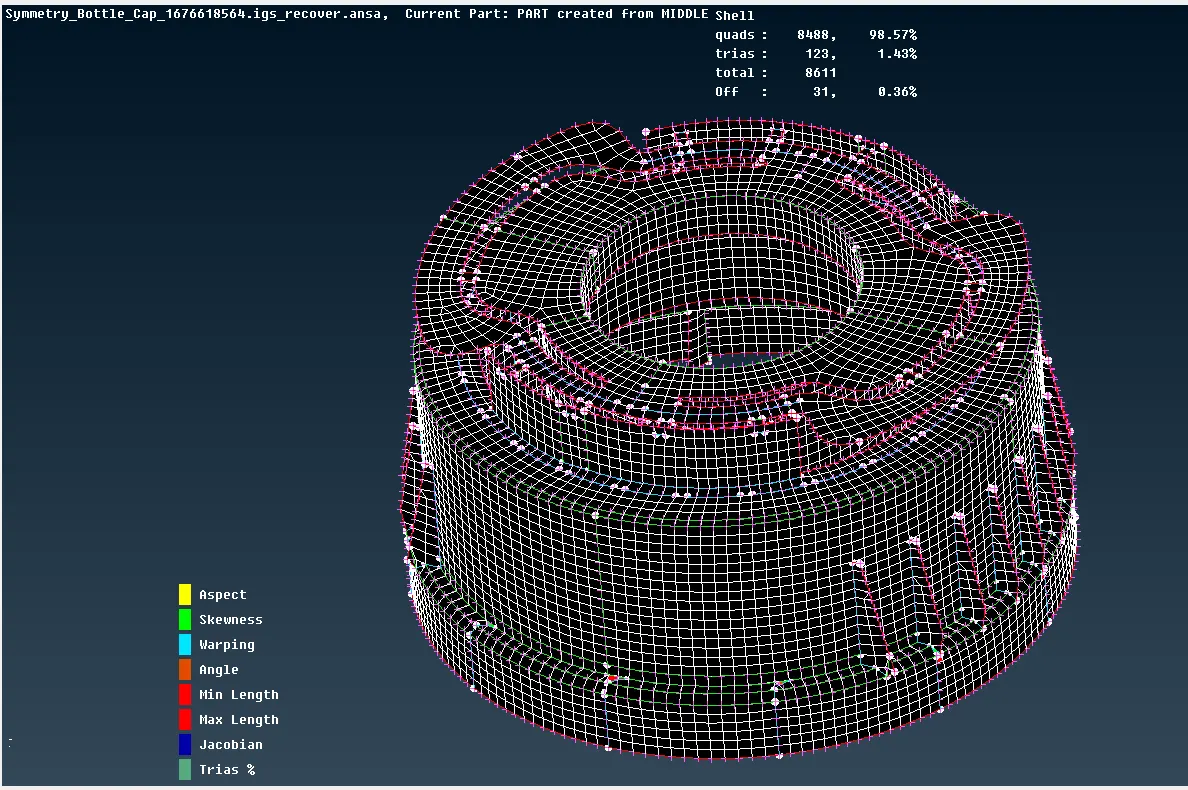
5. Now mesh the mid-surface using Best-mesh command in Mesh Generation Tab. For a better mesh flow try to mesh the mid-surface step by step instead of in one go. After meshing the component should look somewhat like this:
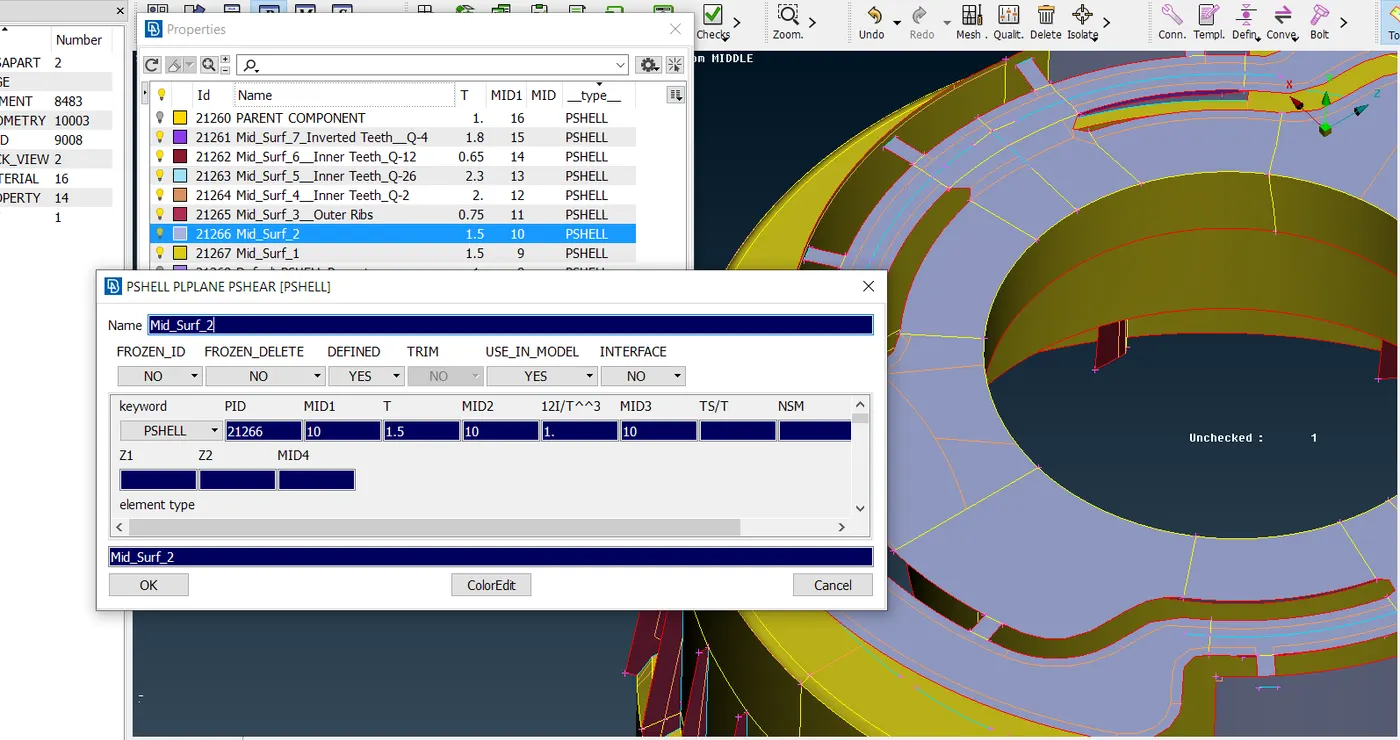
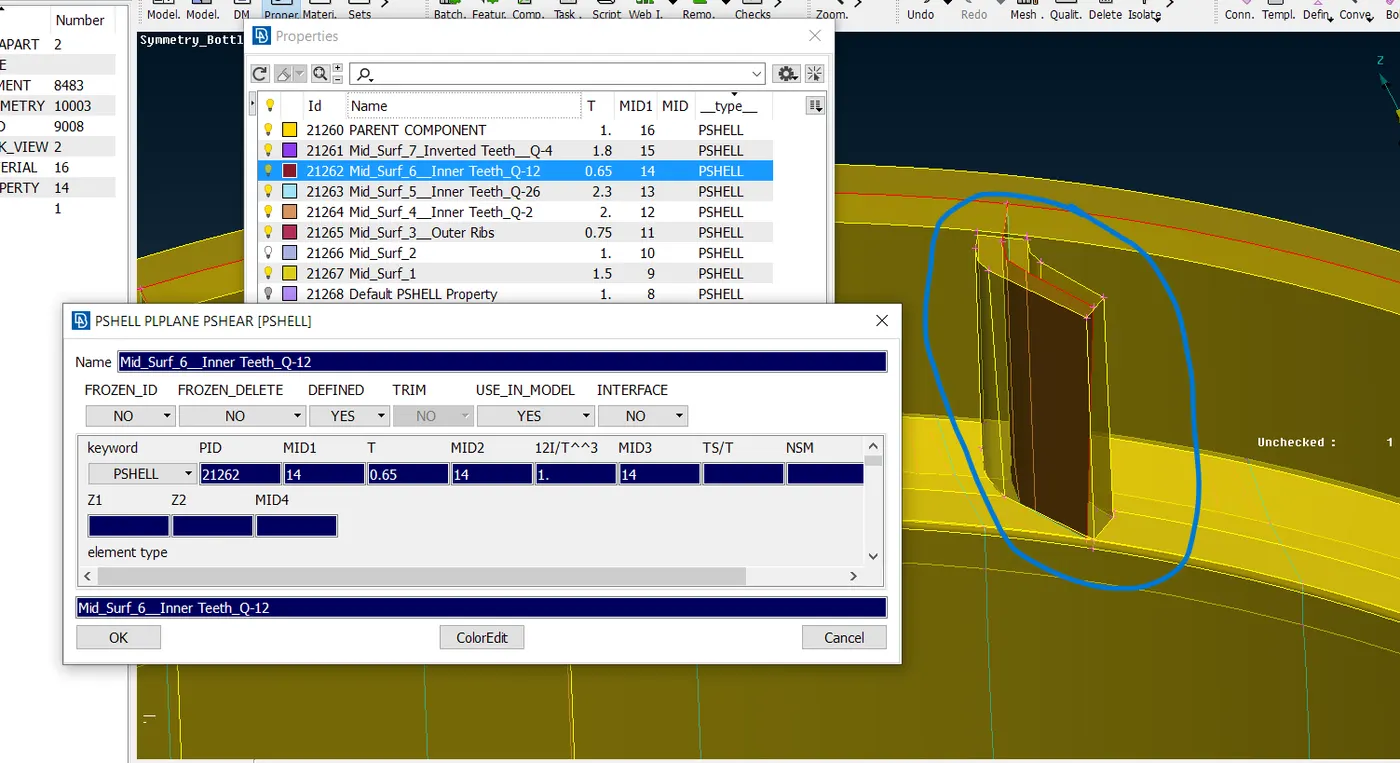
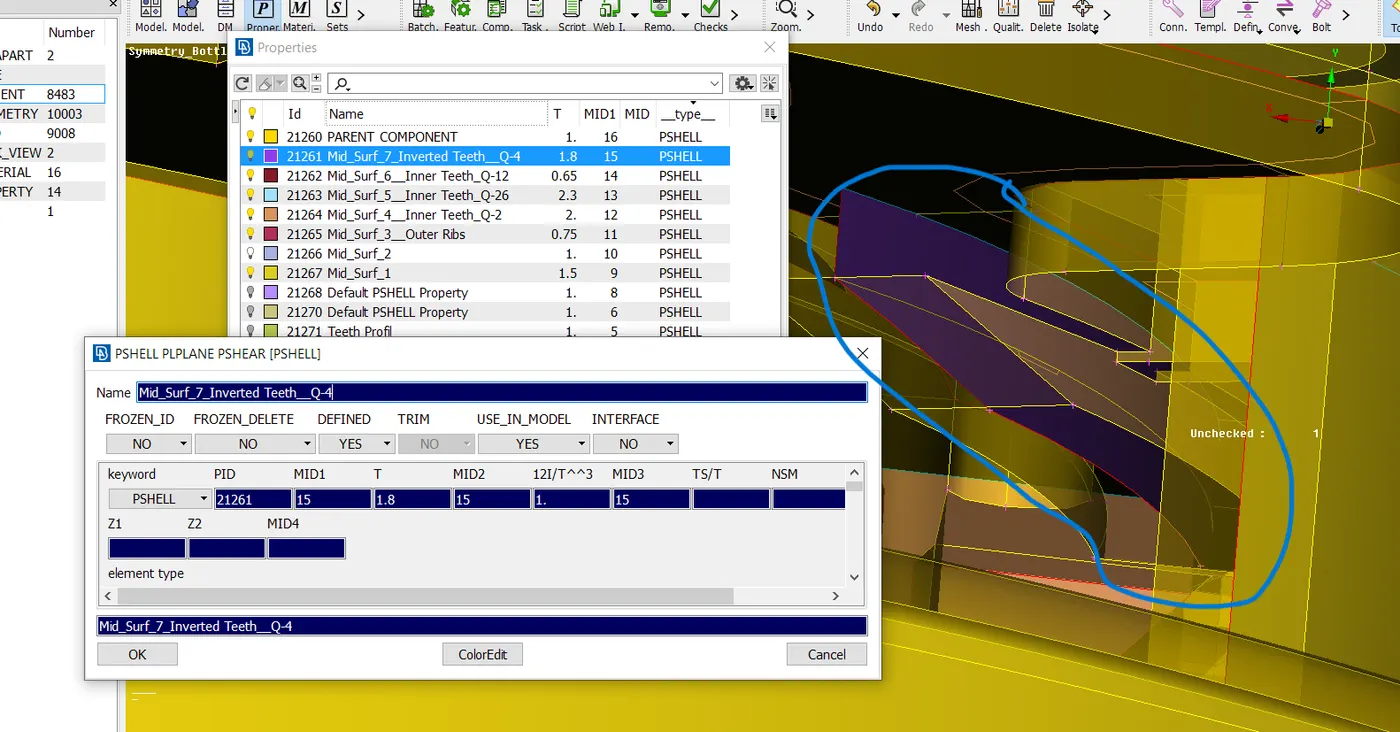
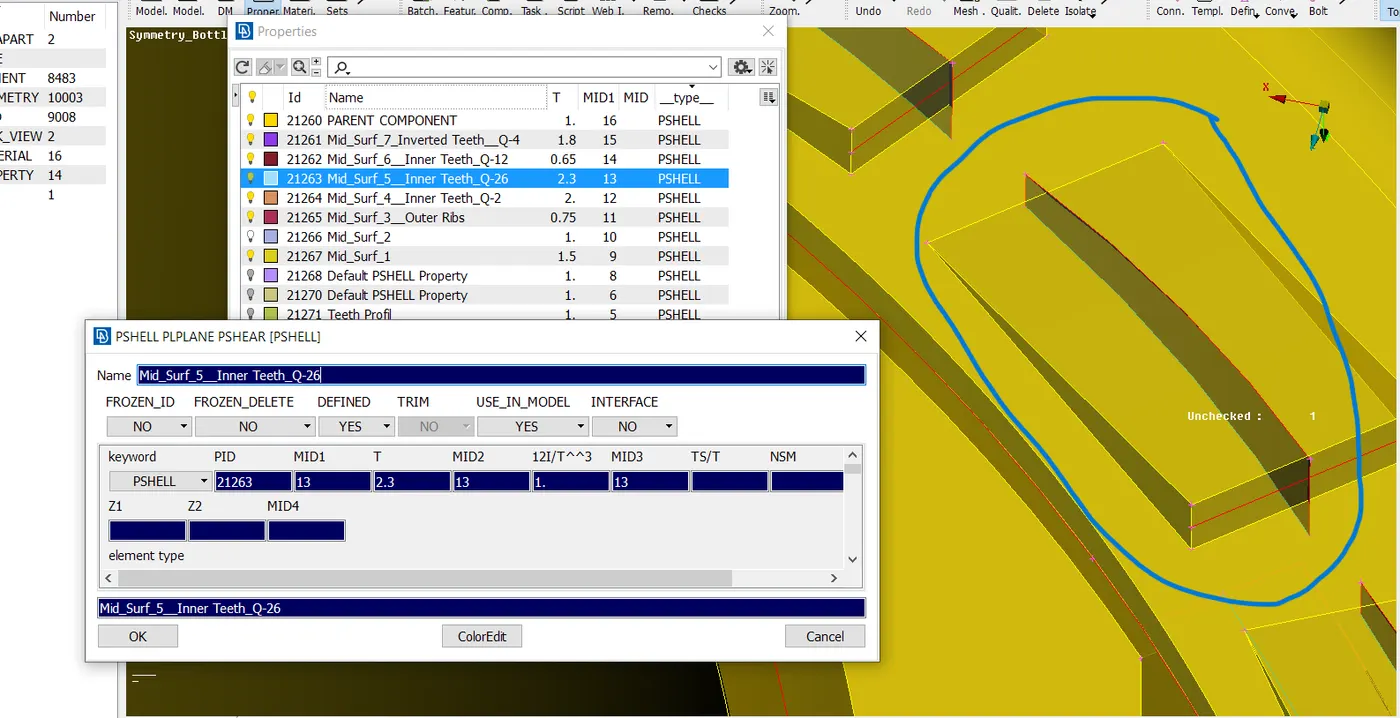
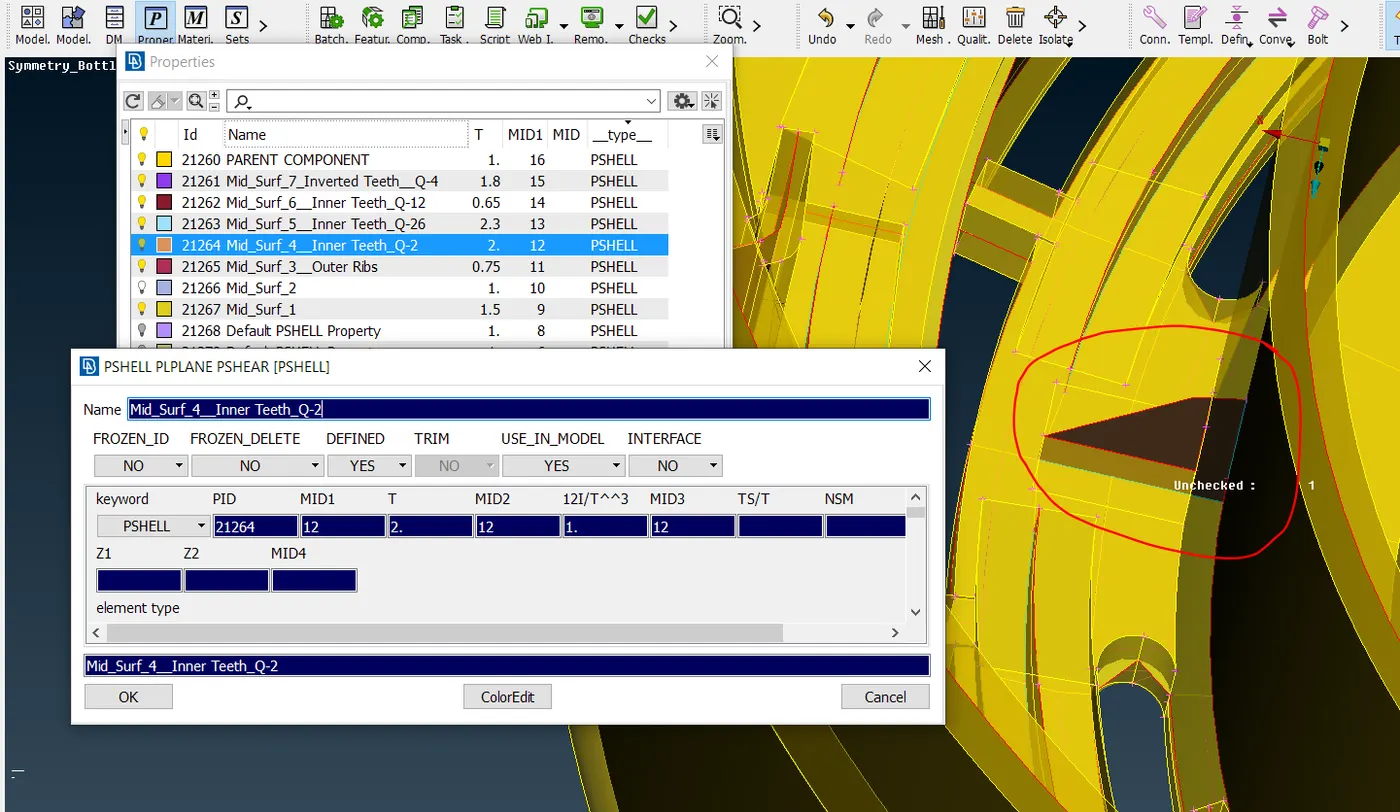
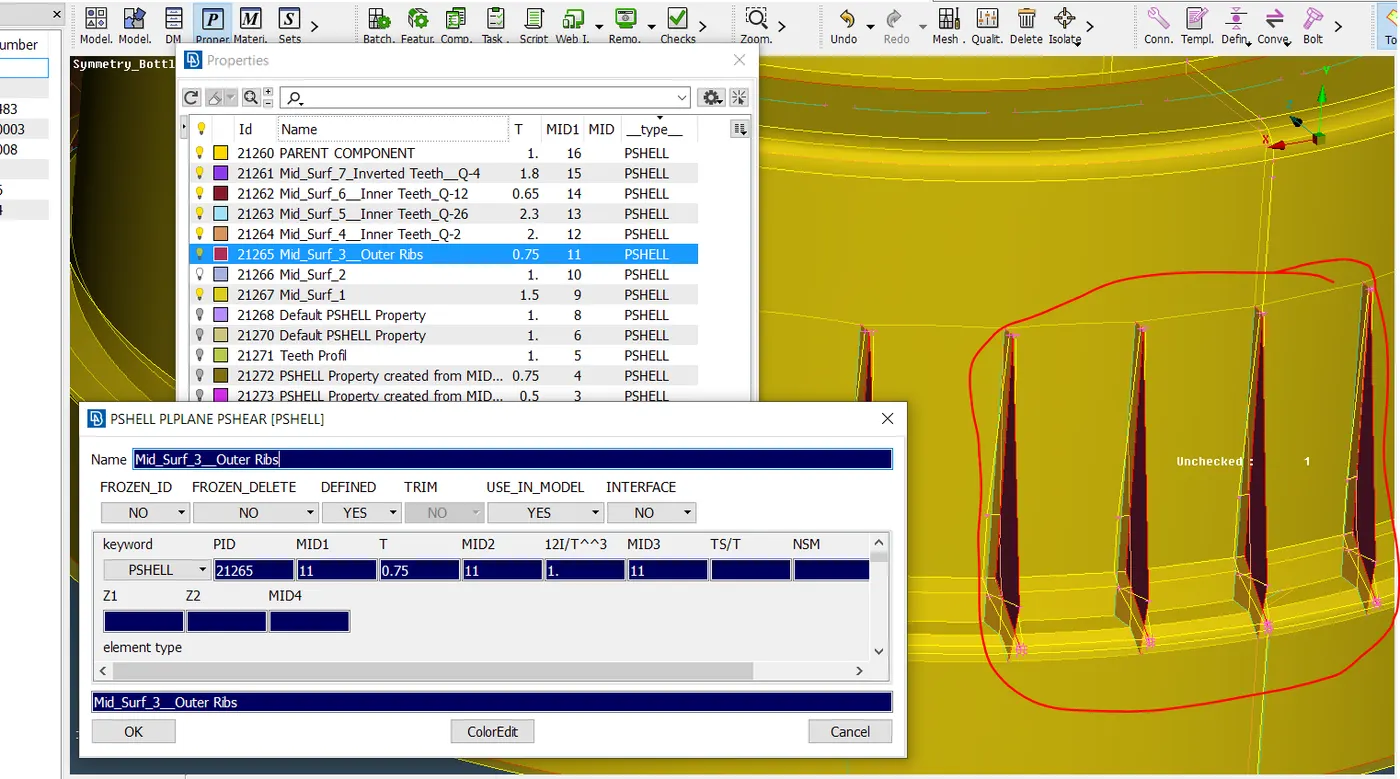
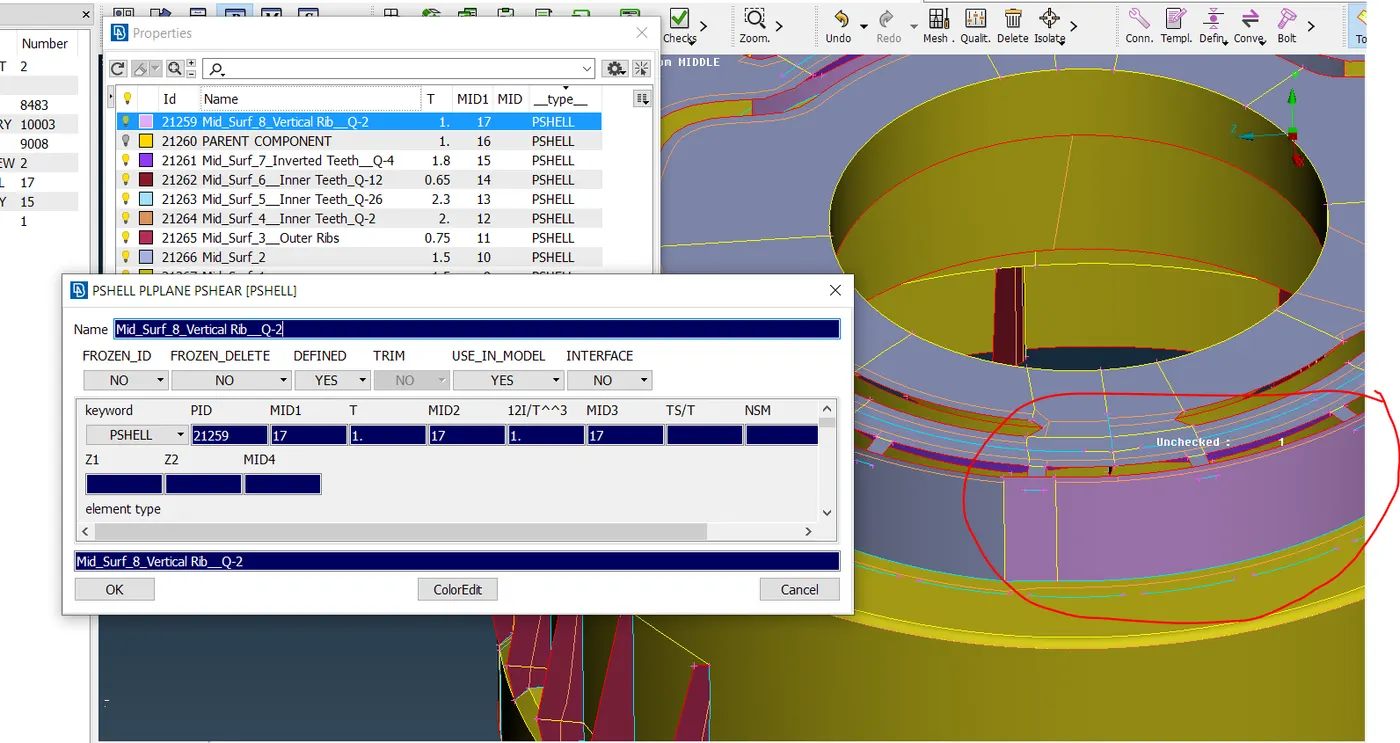
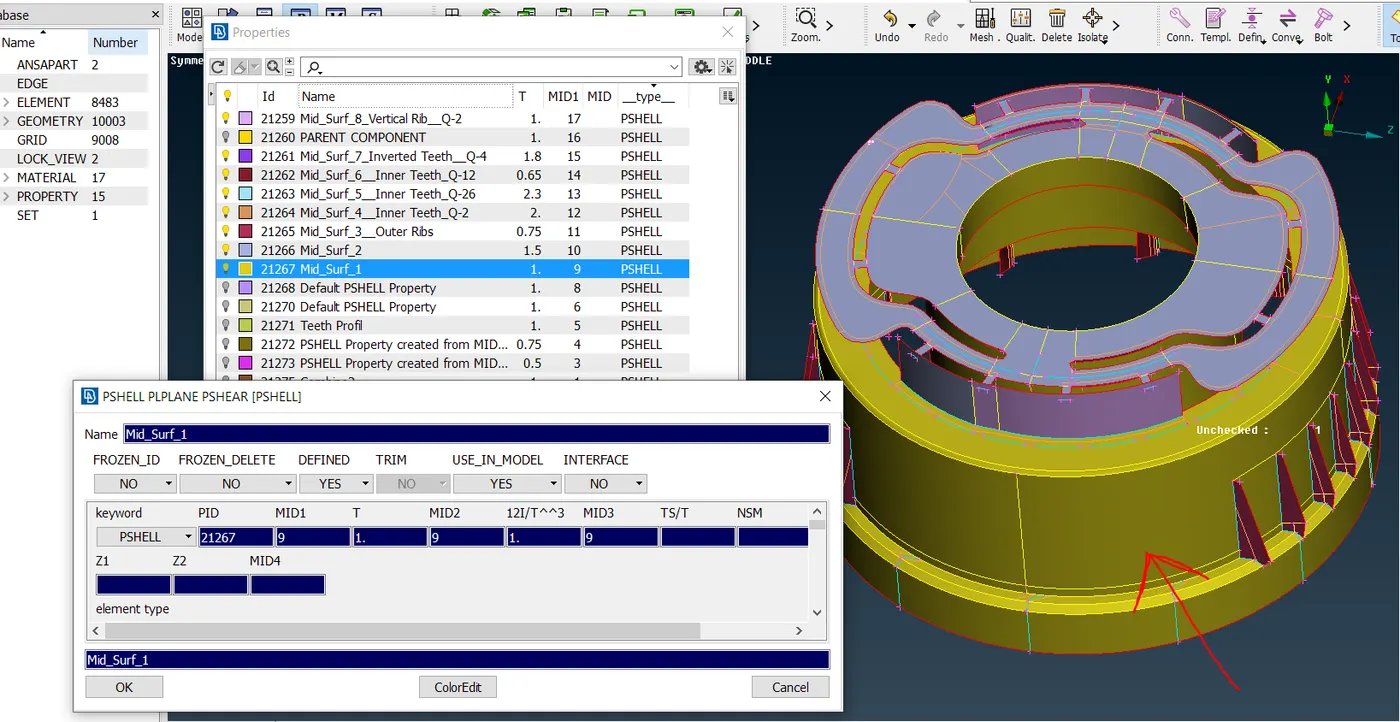
6. Now as it is a plastic component, we need to assign thickness as per the various different areas of the part. To do that go into the property tab and create different properties as per required thickness, then using Set PID command from Faces tab we need to bifurcate various Mid-Surfaces as per the required thickness which is shown below:
7. The final Meshed Plastic Component would look something like shown below:
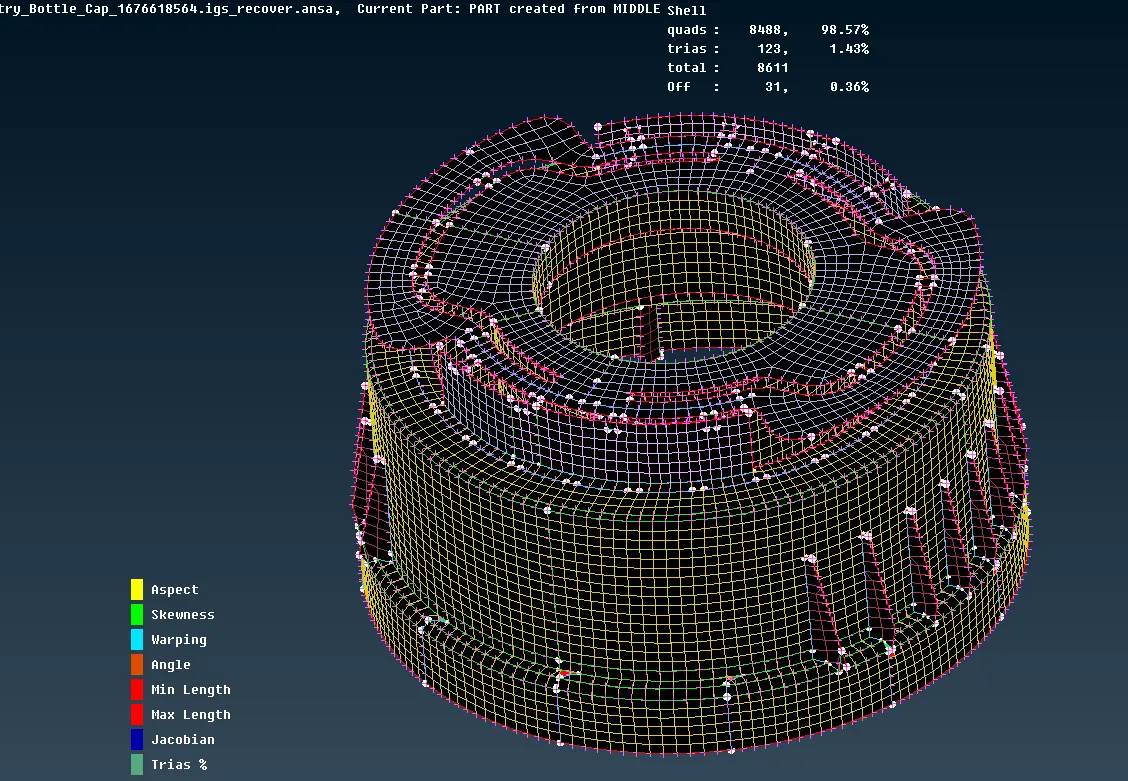
As we can see that the number of trias is < 2% of the total mesh generated hence passing the required quality Criteria.
Note: As shown in above photo, Off elements are present in final Meshed componenet because of geometric constrain. Hence they are not resolved as mention in the Question.
Conclusion: This project helps me to understand the methodology behind meshing of a Plastic component. How I should start with Mid-Surfacing the component into small areas followed by geometric cleanup of the parts then generating mid-surface and provide 2d mesh to it. As the Plastic Model has variable thickness, we need to create different properties as per thickness and assign them to the respective surfaces. In this project the Bottle Cap is the Plastic Component, but using this methodology we can mesh any complicated plastic parts as per industry standers.
[ NOTE : I HAVE ATTACHED THE NOTE-PAD FILE WITH THE LINK OF THE COMPONENT AS THE FILE SIZE > 20 MB. ]