Week - 4 - 2D meshing for Plastic components
Aim: To extract mid surface of plastic bottle cap and mesh it with shell elements with proper mesh flow and quality criteria.
Steps involved:
- Open model.
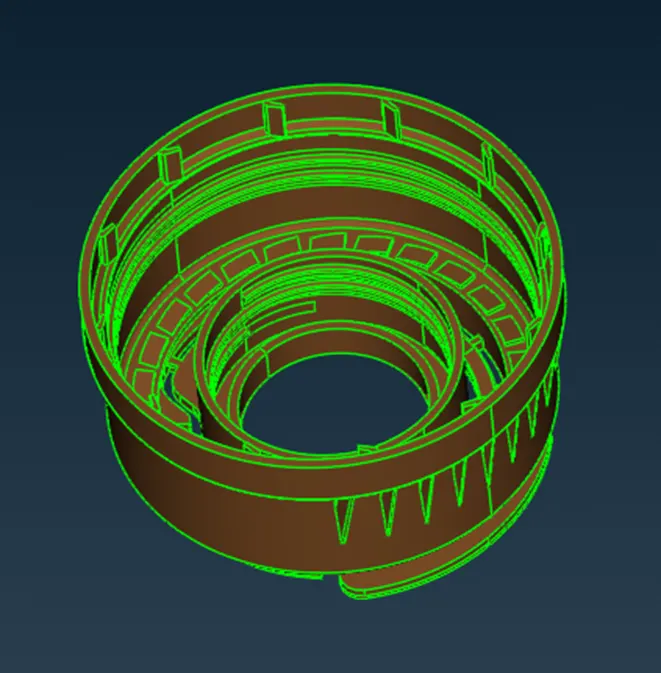
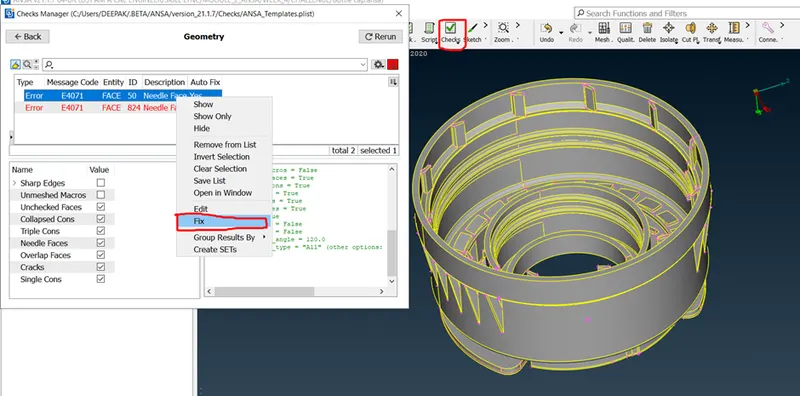
- Go for checks manager and do geometry check on the component and fix if there are any errors in it.
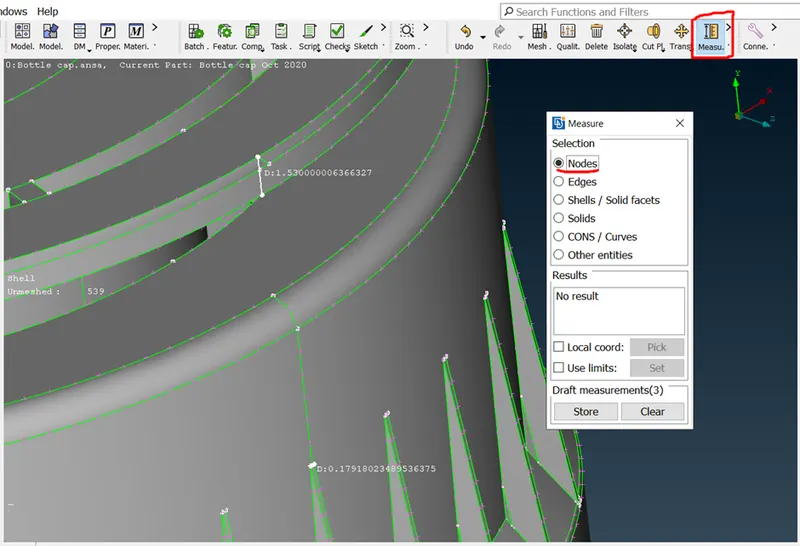
- Measure thickness of the component at various areas.
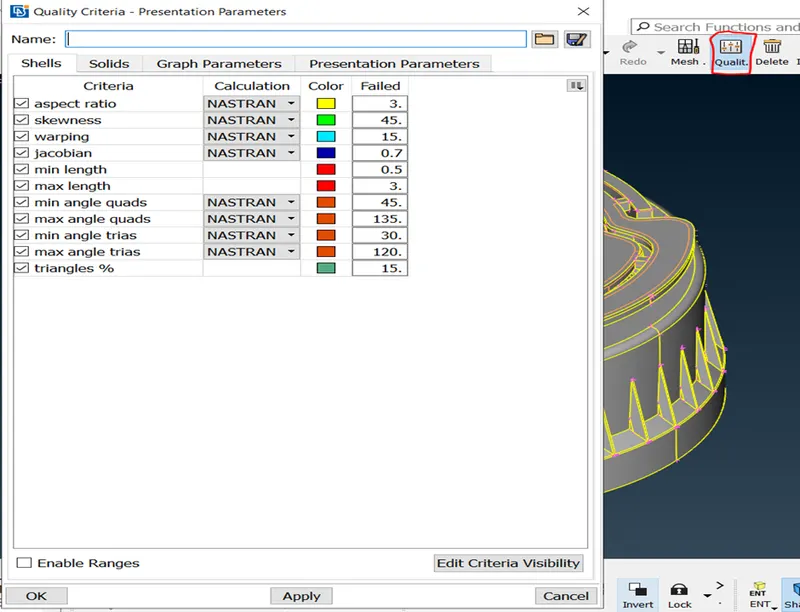
- Assign quality criteria as shown by pressing F11.
- Extract mid surface manually by using tools like middle and offset.
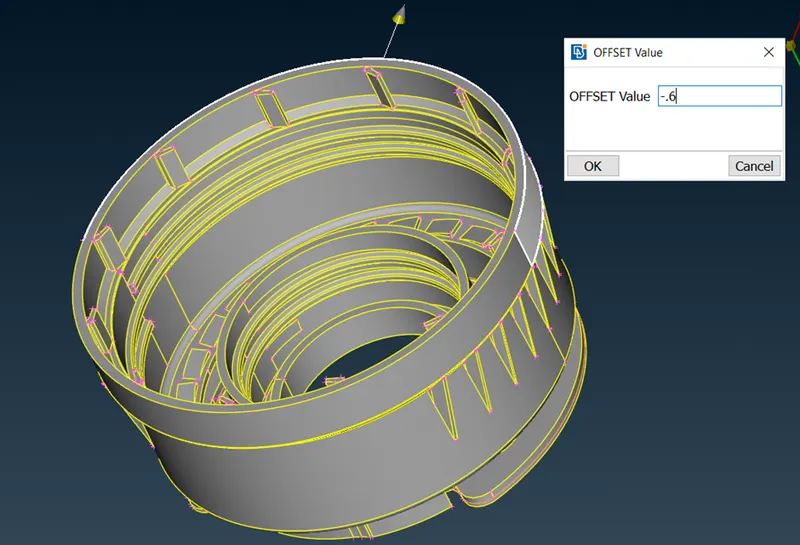
Create property by using “Set PID” for the above mid surface.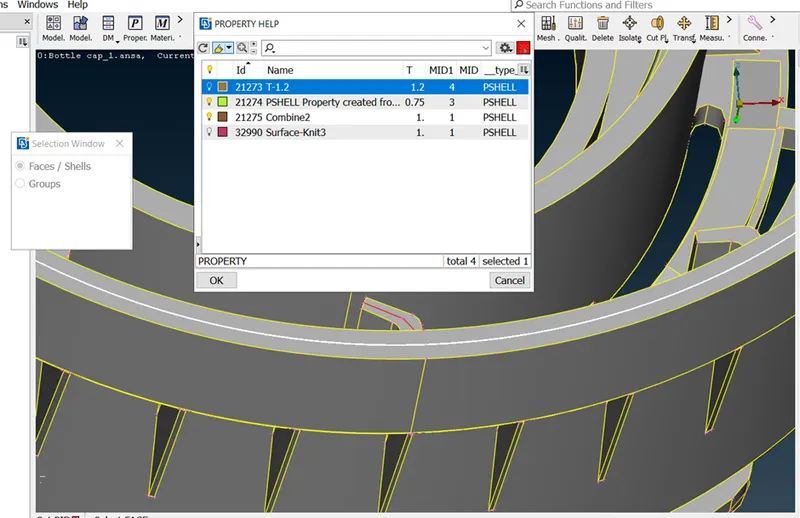
The white line shows the mid surface of that particular thickness which is 1.2.
Click on Set PID from topo module, Faces button.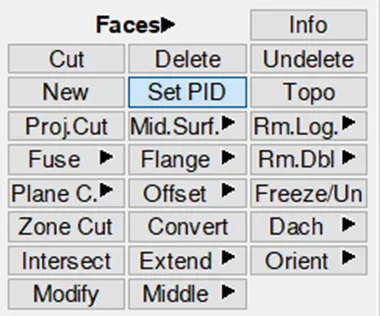
Select the faces which you want to set a new property and click M.M.B.
Right click on the white area of the dialouge box which pops up after M.M.B and select new, PSHELL.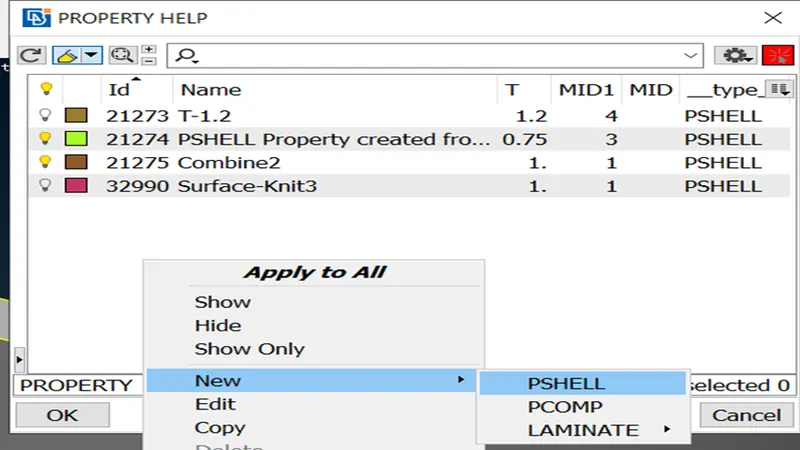
Set name and assign thickness according to the component.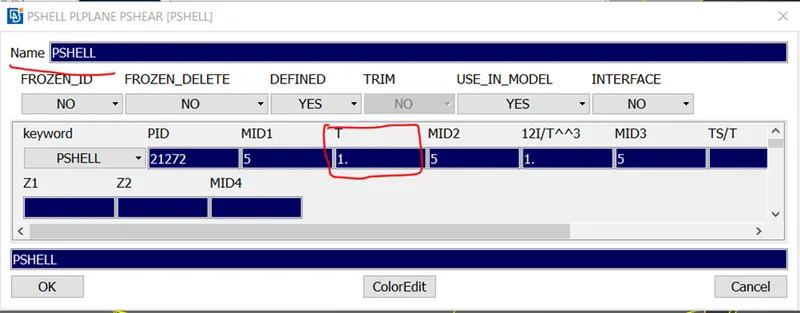
Click ok.
Then double click on the new property created, this will automatically organize the mid-surface into the new property.
- Use rotate command to copy paste mid surface which are in circular pattern.
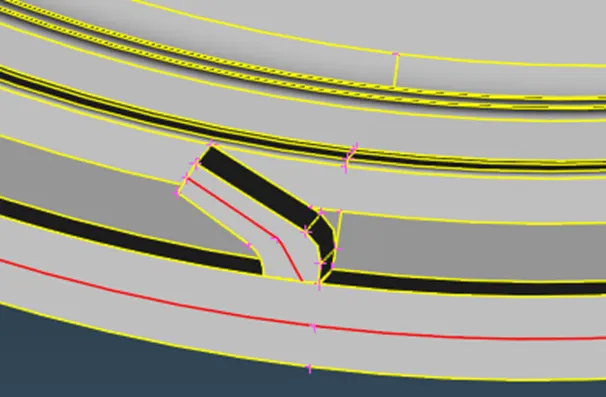
To do so, first we create a line in middle of the component.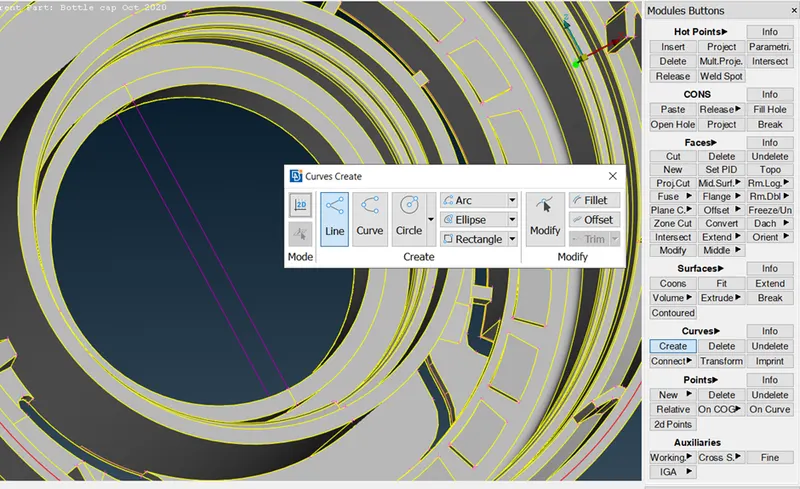
Then we create node at middle of the line. 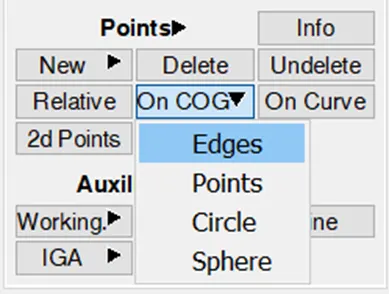
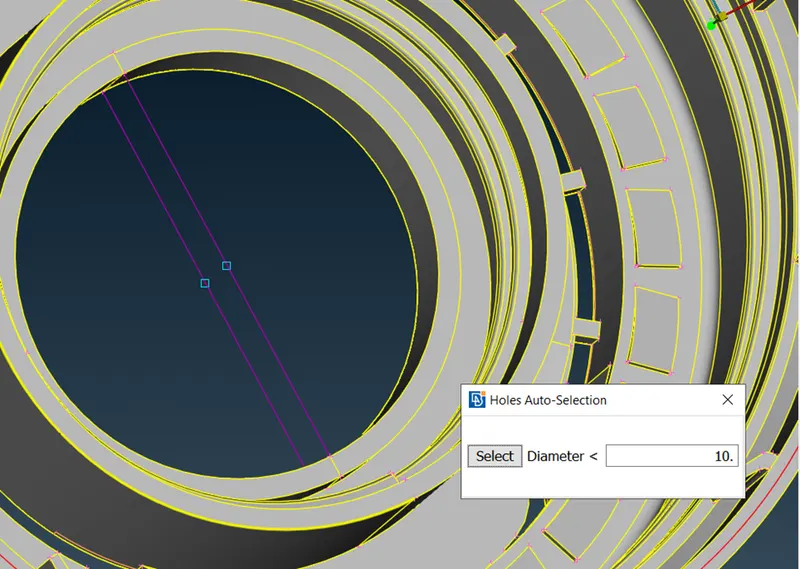
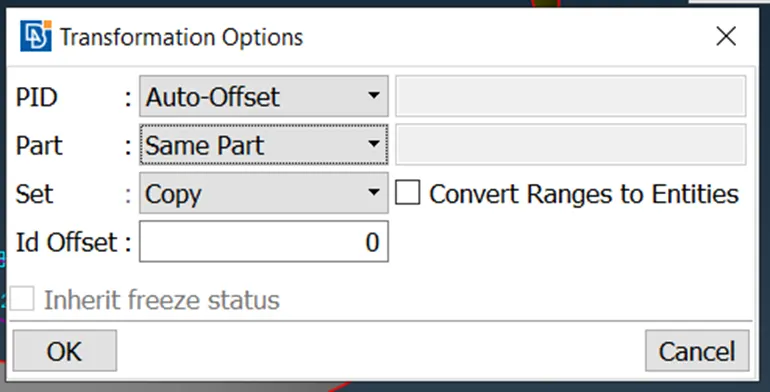
Now, go to transform and select copy.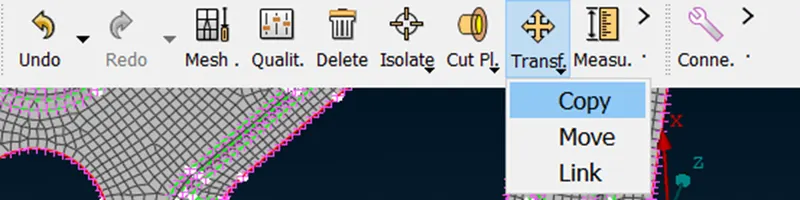
Select entities.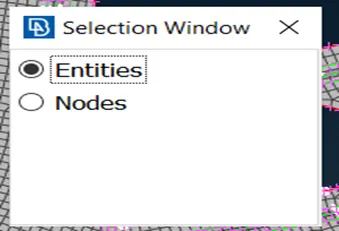
Set steps to 12 because the total entites are 12 (count manually)
Select the two nodes which we have created earlier to define vector direction. And click M.M.B(middle mouse button)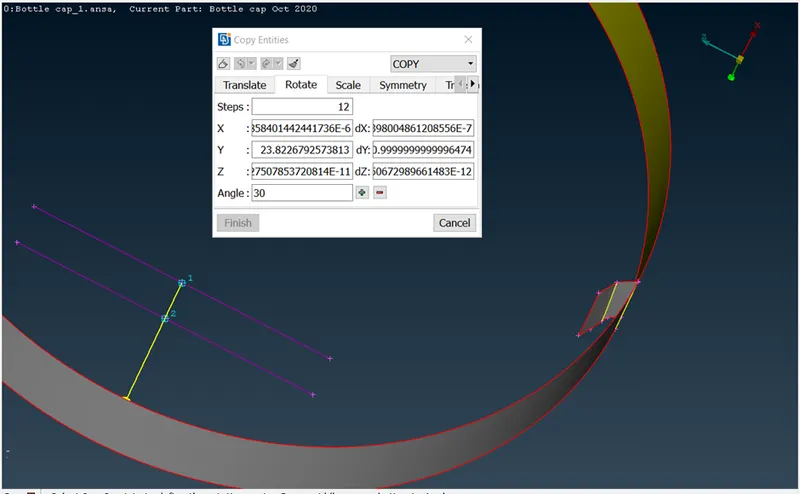
This is the result.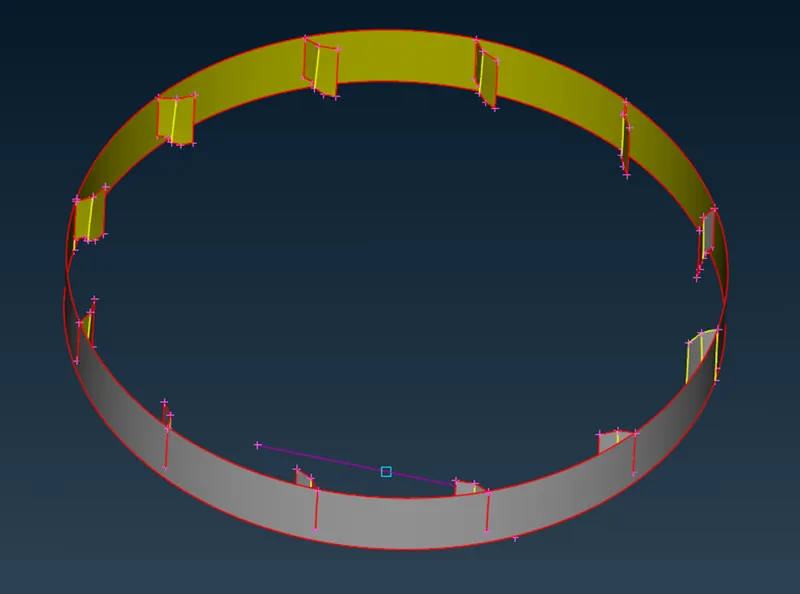
Use extend command, to extend edges to the nearest surface so it forms triple cons.
After extracting all the mid surfaces and assigning property to it, the result looks like this.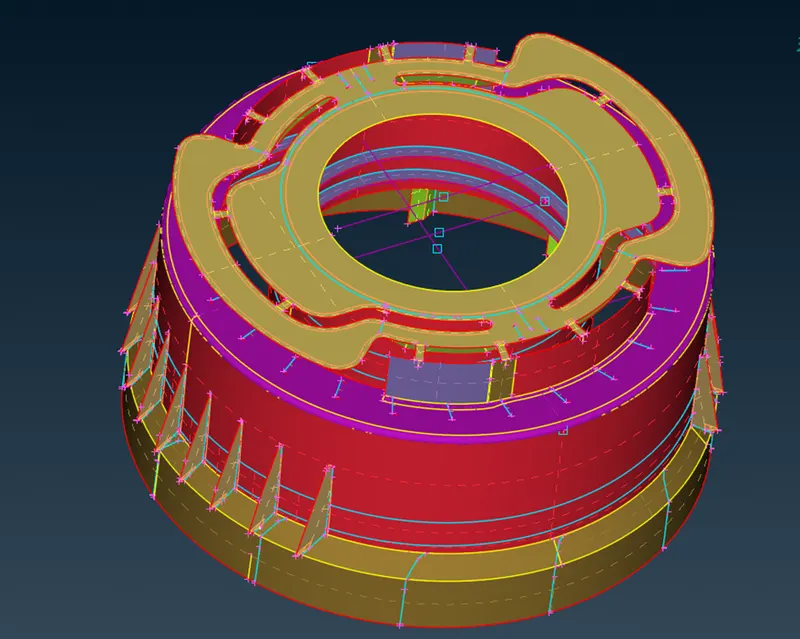
--> i have taken average value of thickness of areas where varying thickness is there (as per instructions by mentor) in assigning PIDs.
- Now let’s do meshing with the help of mesh generation button module in mesh module.
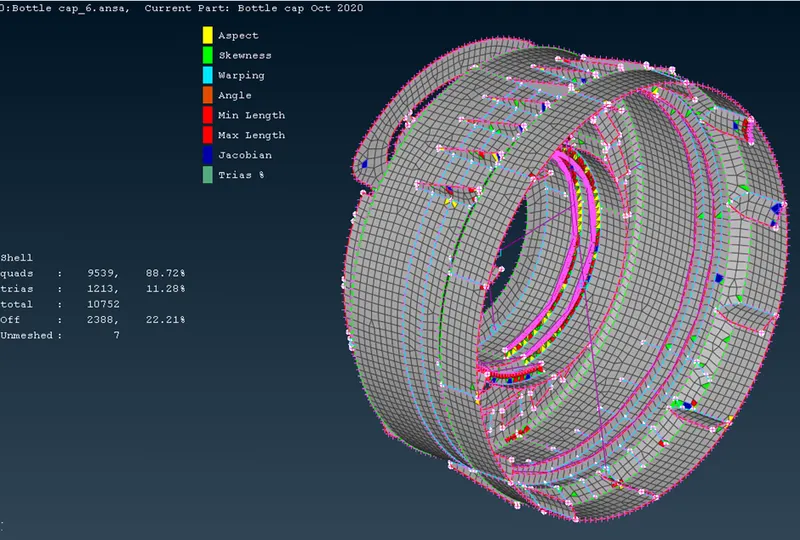
- Improve the quality of elements and mesh flow by use of split, improve and smooth command.
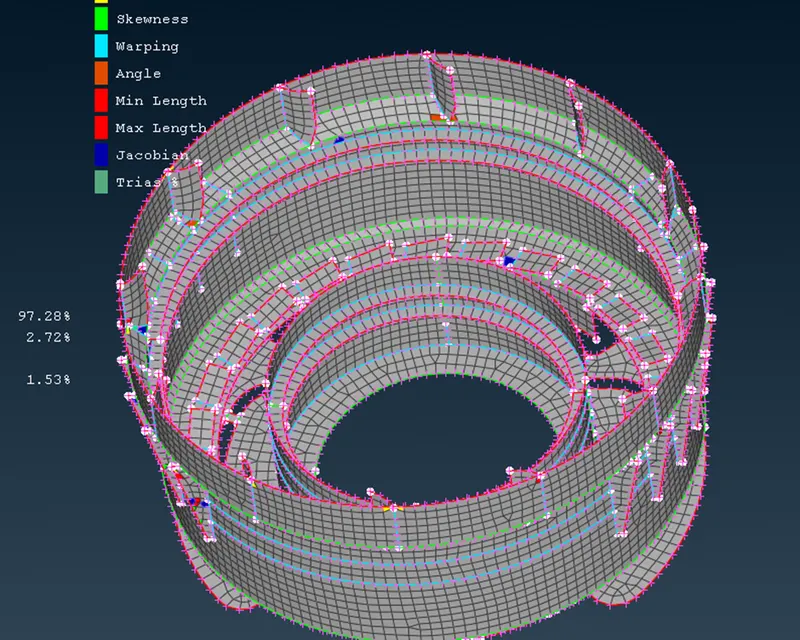
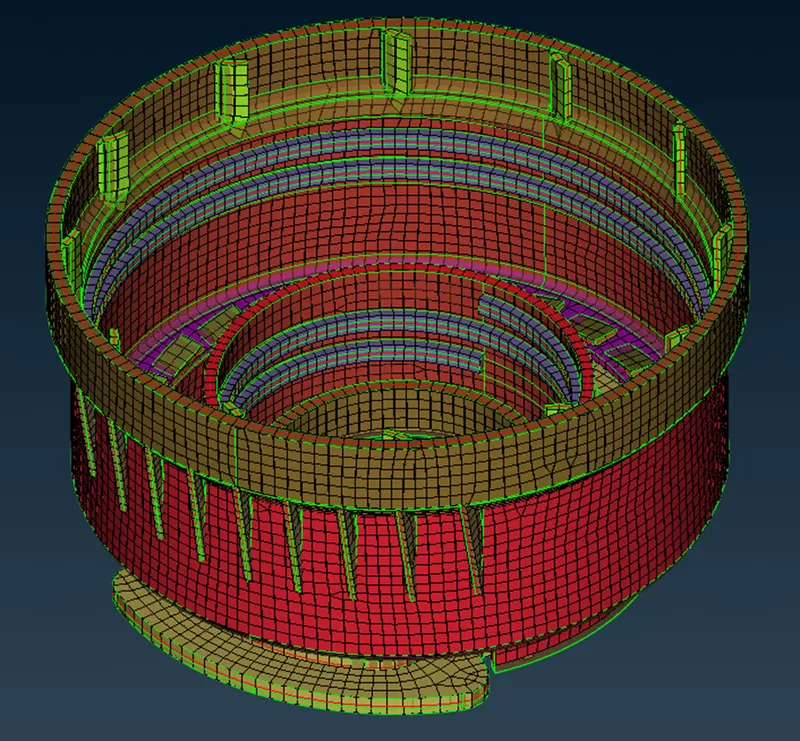
- After all quality criteria full filled, the mesh will look like this.
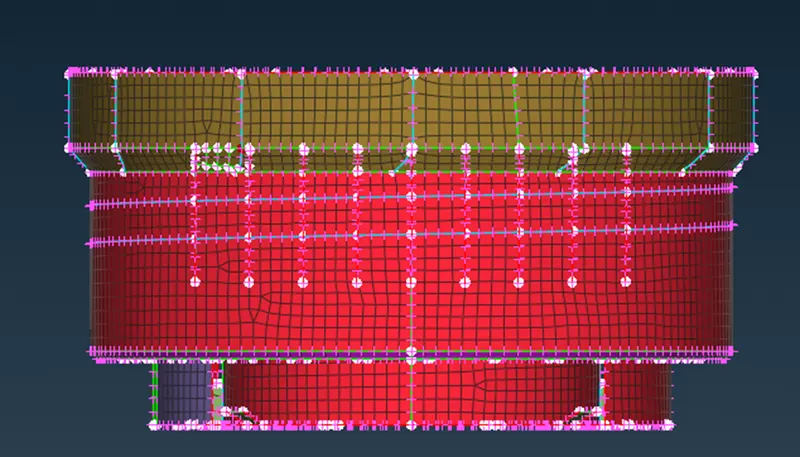
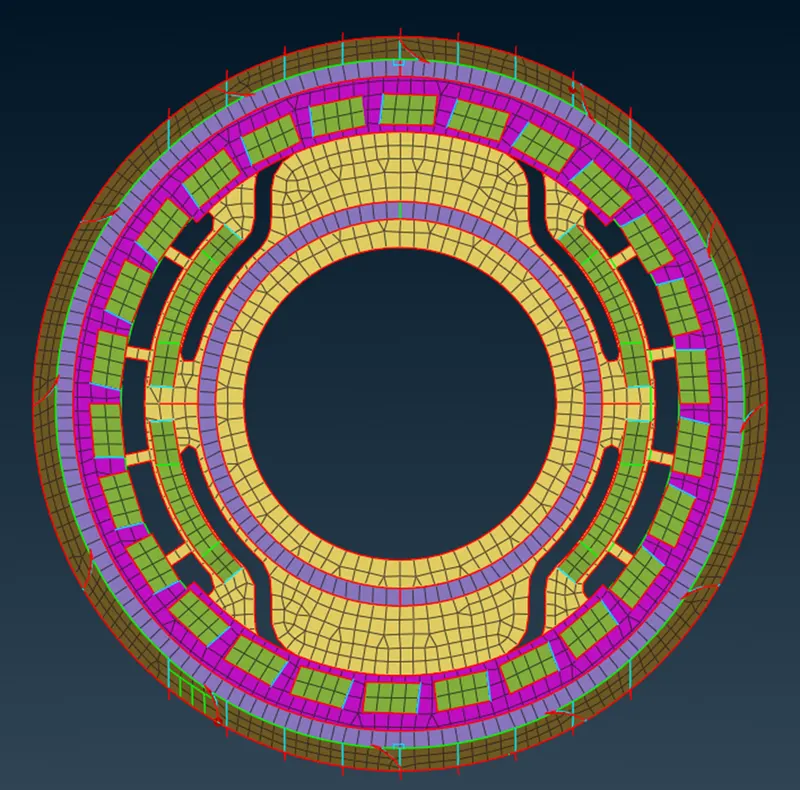
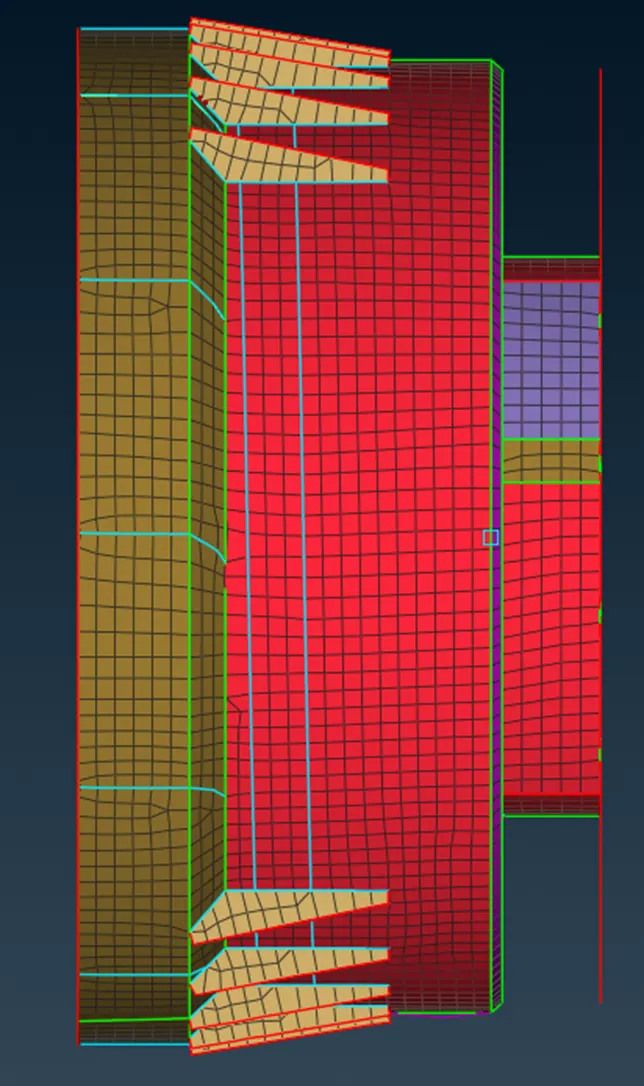
- To visualize the elements in solid form, press F11 and check “draw shell as solid”.
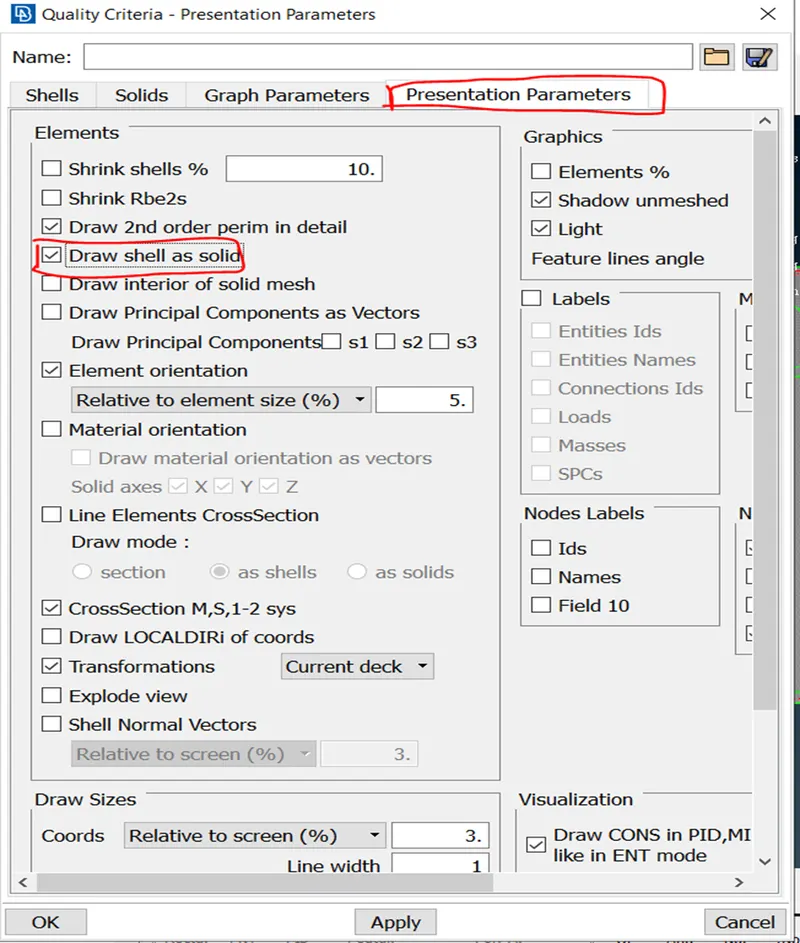
- Lastly comapre the model with the parent model.
Conclusion:
- For plastic component, manual mid surface extraction is the best option for proper geometry coverup.
- Auto mid extraction does not give proper result.
- Apply separate PIDs to different-different thickness while extracting mid surface.
Things learnt:
- Applying separate PIDs.
- Rotate command.
- Other than this, all things are repeated.