Week - 4 - 2D meshing for Plastic components
Aim :
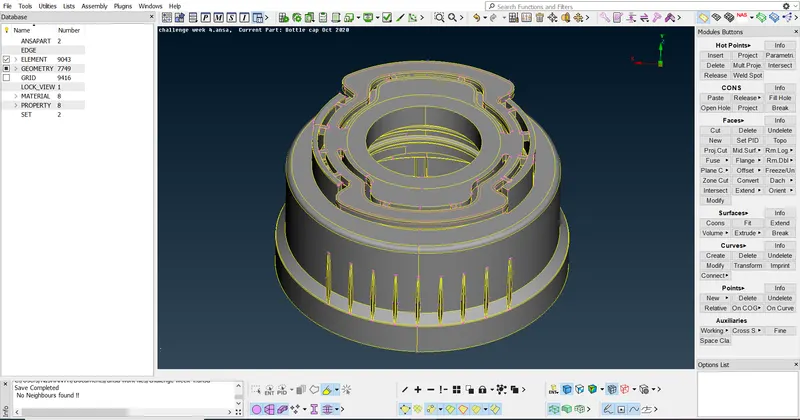
To mesh a plastic side bottle cap by using Hyperworks software and assign thickness property to the components.
Objective :
To mesh bottle cap component and apply mesh with thickness property and to satisfy the given quality criteria.
Procedure :
Import the given model to the graphical workspace.
Have a look in different views and observe the model completely.
To take midsurface of the model we use OR, NOT, AND, iNOT to measure the thickness at different points.
Here we use offset menu to create manual midsurface of the component.
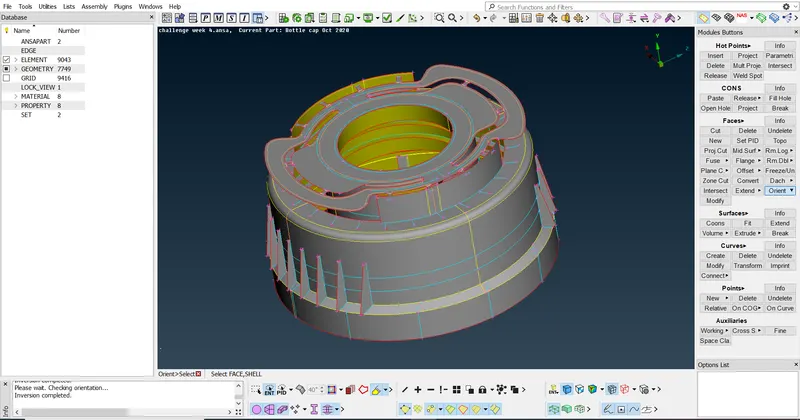
After creating base surface of the component. We have to create the surface that is attached to base surface of the component.
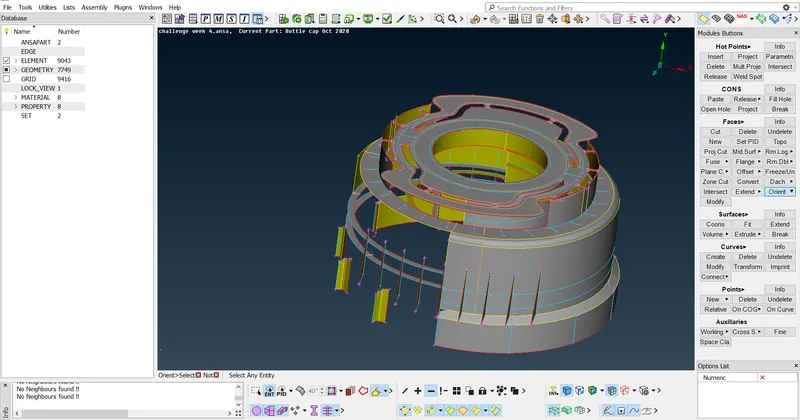
The surface that is created on the base surface or in the side surface should be attached to the base surface.
The attached surface to the base surface will be highlighted in blue colour. If it is not attached then edges will be highlighted in red colour.
Red colour – free edges,
Yellow colour – attached surface,
Blue colour – more than one surface is attached.
After creating midsurface according to thickness of components we combine it to get the complete model which is similar to the parent model.
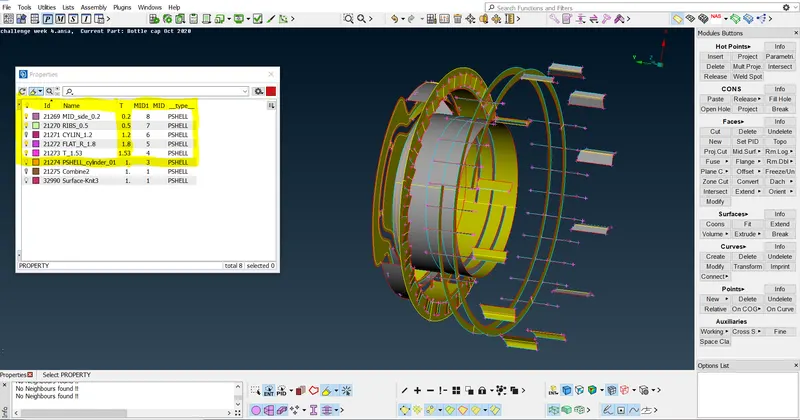
We start meshing the model for the given element length 1 unit.
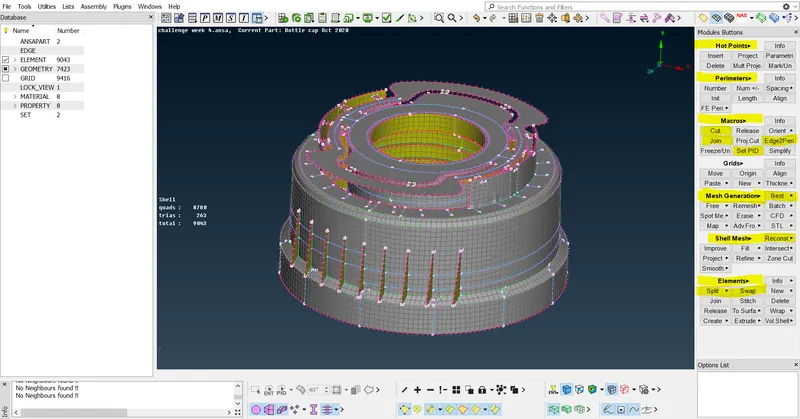
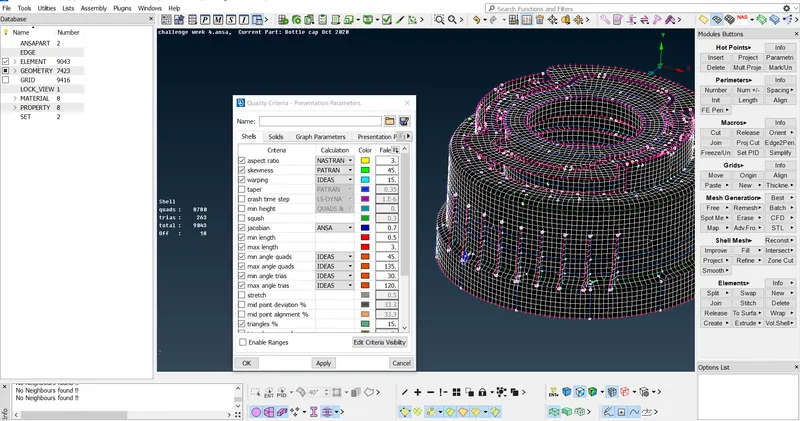
After meshing the model we have to assign thickness property to the components.
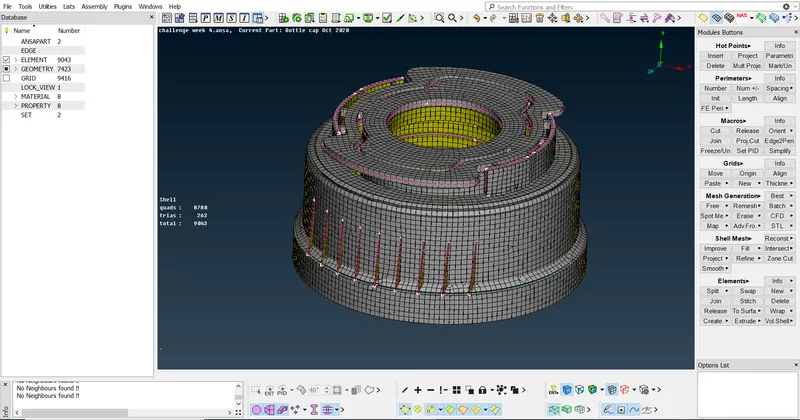
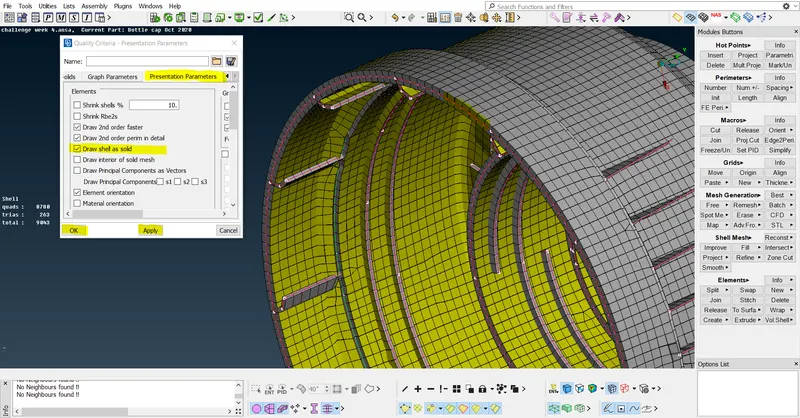
Due to ribs there will be failure in elements and we accept those and complete the model
Result :
we have meshed the bottle cap component successfully by using ANSA software and learnt about the process of working in plastic component which has different thickness at different areas.