Week - 4 - 2D meshing for Plastic components
AIM:
The objective is to extract the mid surface of the bottle cap model and mesh the model using the given quality criteria and assigning proper thickness to the property.
|
S.No |
Quality Criteria |
Value |
|
1 |
Target/Average length |
1 |
|
2 |
Minimum Length |
0.5 |
|
3 |
Maximum Length |
3 |
|
4 |
Aspect |
3 |
|
5 |
Warpage |
15 |
|
6 |
Skewness |
45 |
|
7 |
Jacobian |
0.7 |
|
8 |
Minimum Quad Angle |
45 |
|
9 |
Maximum Quad Angle |
135 |
|
10 |
Minimum Tria Angle |
30 |
|
11 |
Maximum Tria Angle |
120 |
|
10 |
Tria Percentage |
15 |
INTRODUCTION:
Bottle cap is the model specified to plastic component. The only difference is that taking mid surfacing. The mid surface can be extracted only for each part seperately because of the variable thickness.
PROCEDURE:
- The bottle cap model is imported to the ANSA working window. The database interface present at the left top corner contains the details already present in the model like geometry, property, measurements etc.
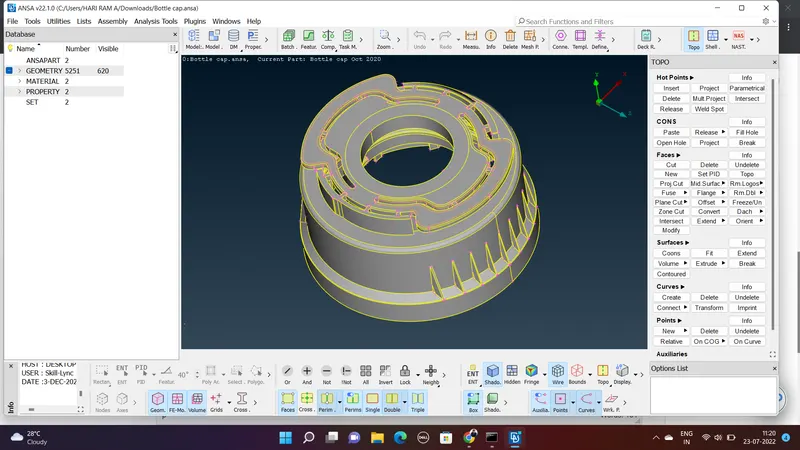
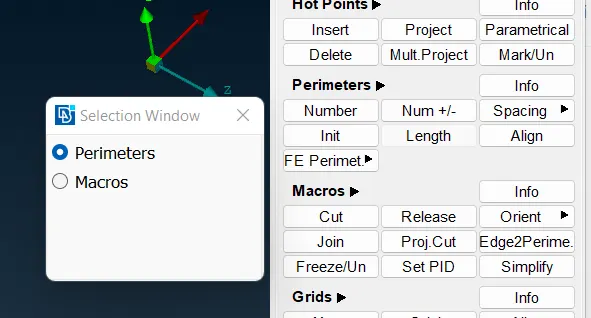
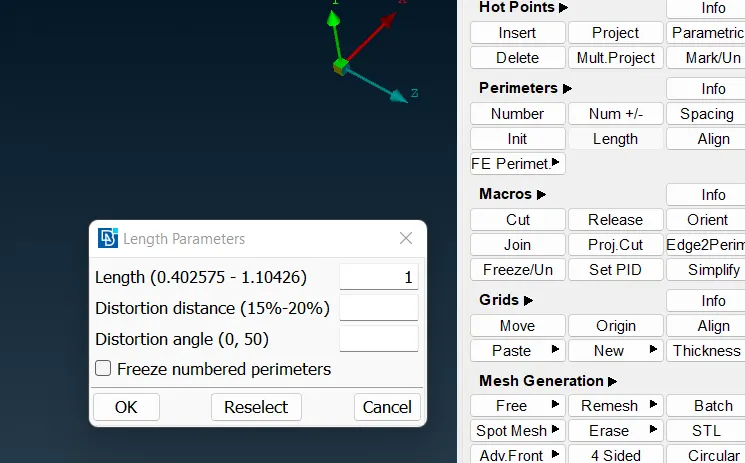
- Do a topo operation inorder to make visible every geometric lines and curves present there. Also preset the length to be 1 in the classic mesh module. Classic mesh > Perimeter > Length
Do the length setup both for perimeter and macros option as 1.
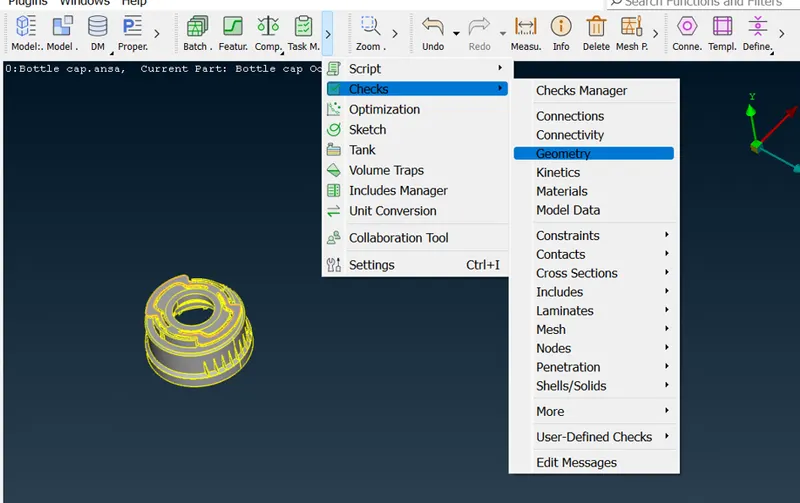
- The next step is to check the geometry. The errors obtained there can be auto fixed to an extent and the remaining errors can be resolved manually.
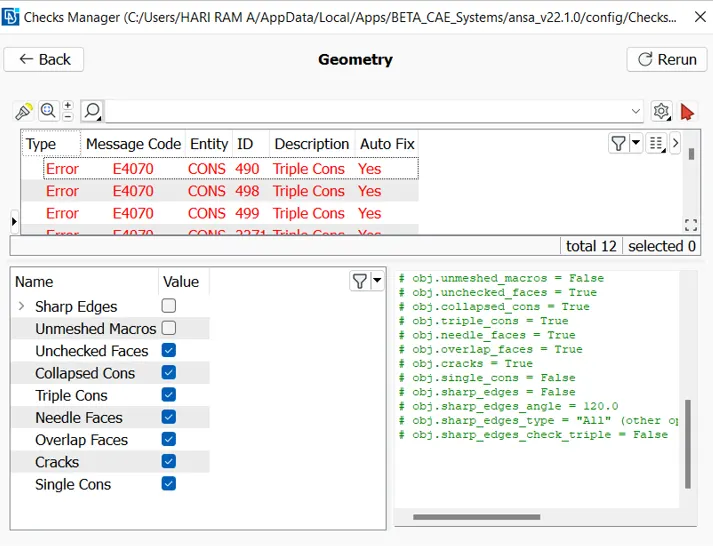
- The next step is to extract the midsurface for the parent geometry. The mid surfacing can be created by various options such as middle, offset etc.
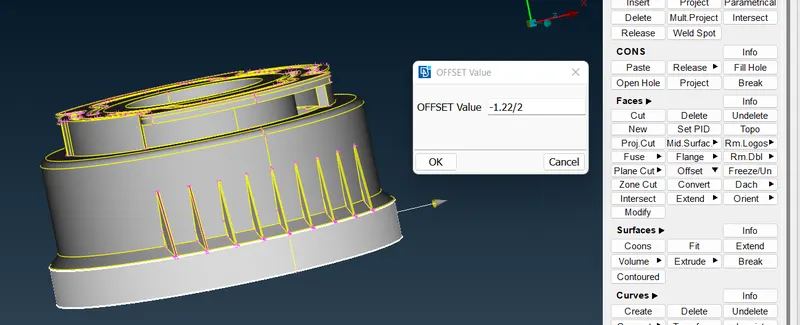
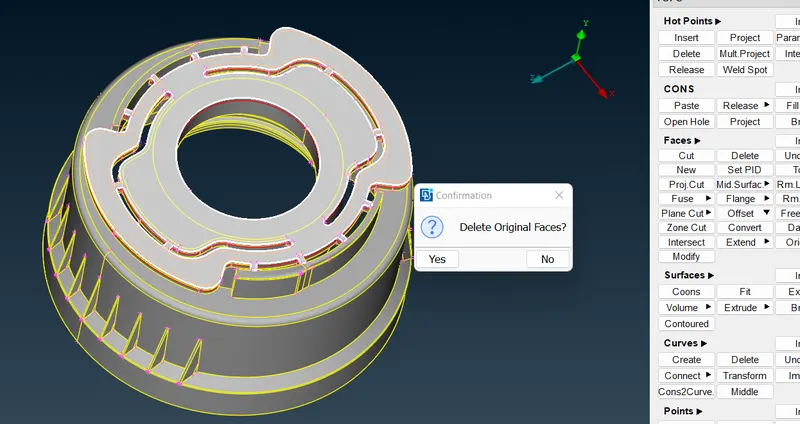
- The lower face of the parent geometry can be mid surfaced by offset option. The thickness of that portion is 1.22. So that it can be offsetted at a distance of 1.22/2 and select no for the the dialogue box appearing there which ask for deleting original faces. Topo > Faces > Offset > Faces.
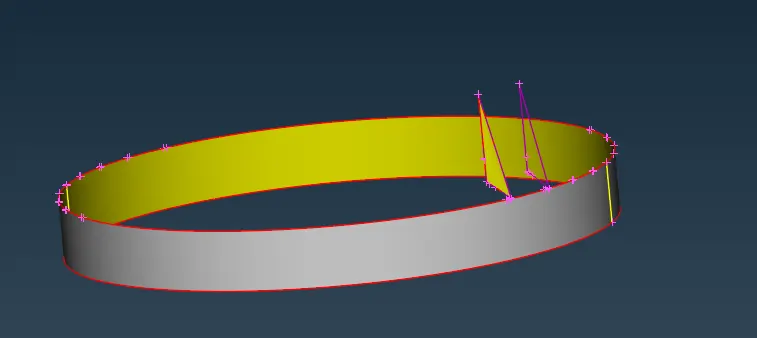
- The mid surface for the rib feature can be extracted by using creating curves using Curves > Middle.
Also, the create the surface in between the created curves so that the rib like feature having the mid surface can be obtained.
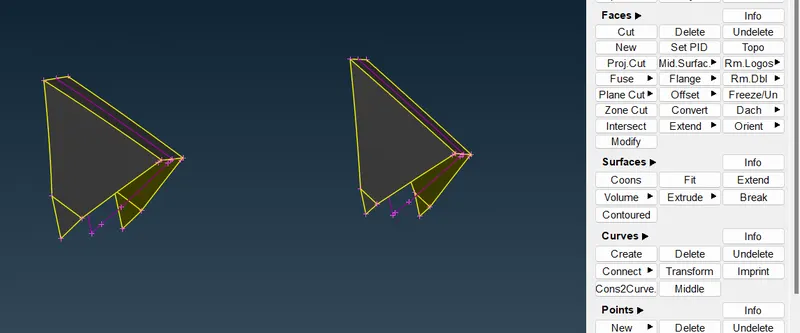
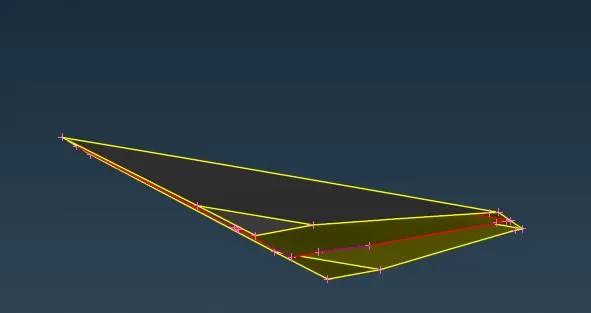
- The face where the rib rest can be mid surfaced by offset option. After that deleting the face create cons2curve. Then create curves where the curves are missing. Creating a surface in between the curves would result in the extraction of mid surface for that face.
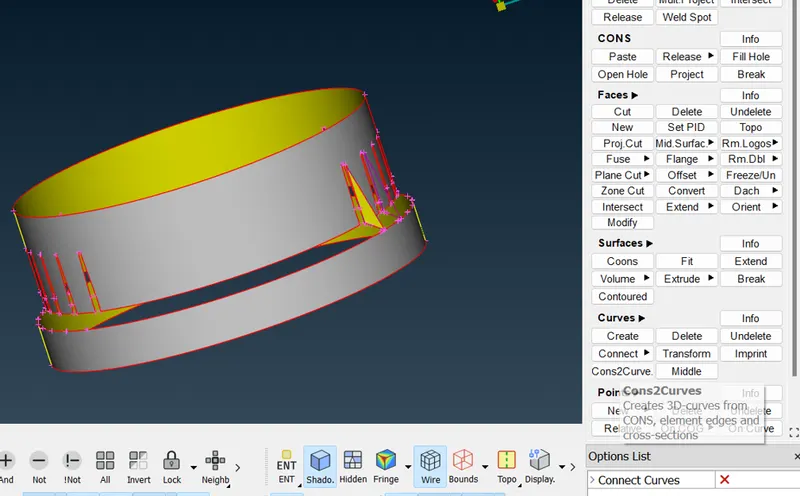
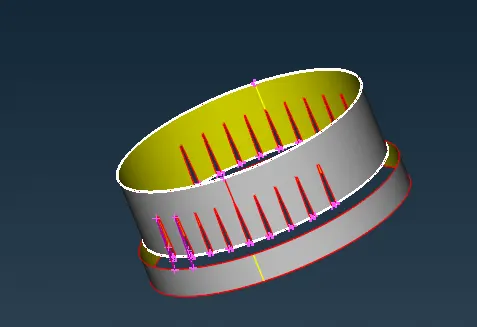
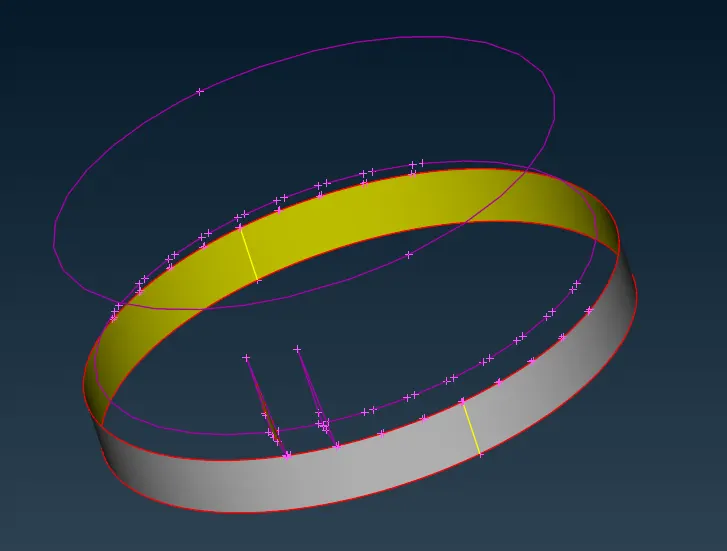
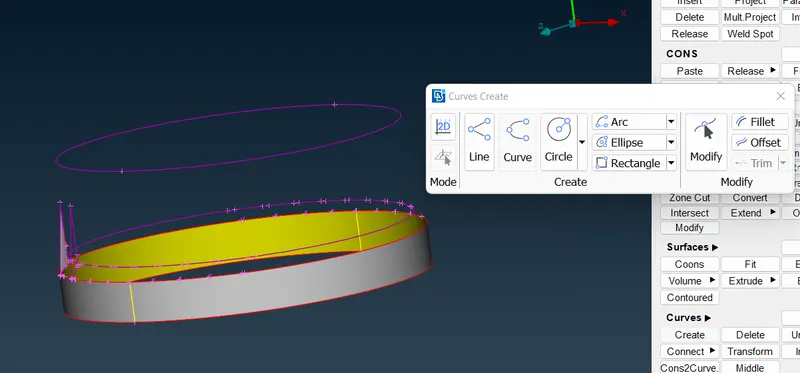
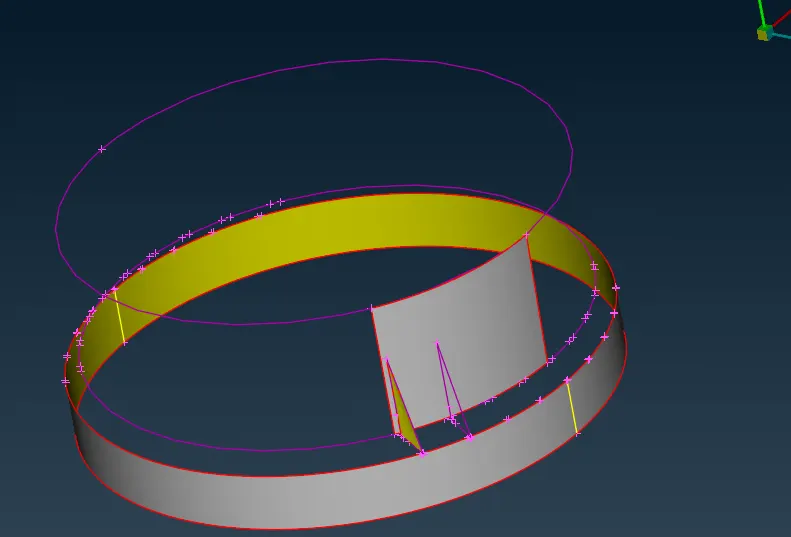
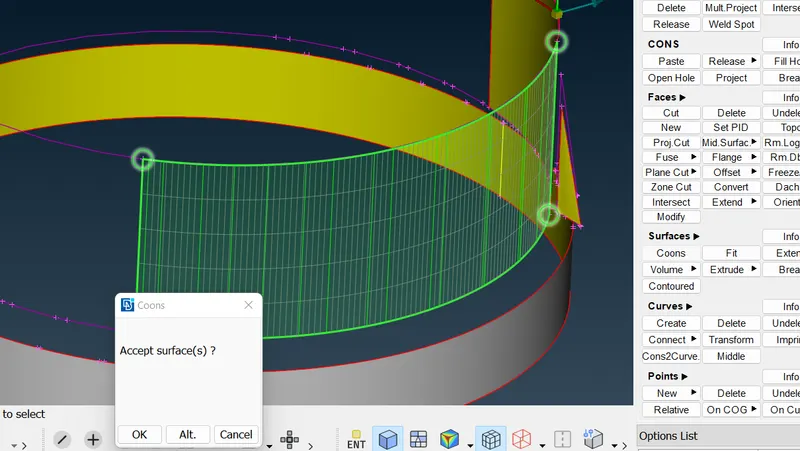
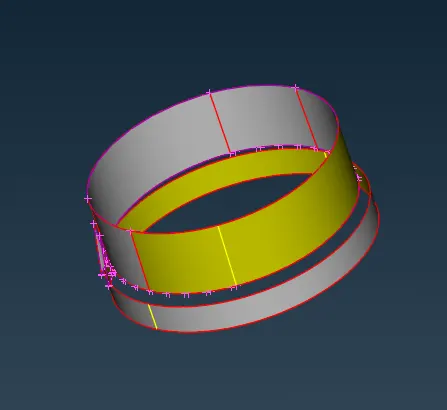
- The upper surface can be extracted by using the offset method by selecting proper faces. Topo > Faces > Offset.
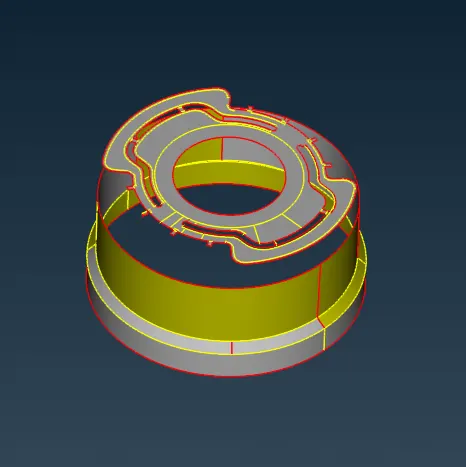
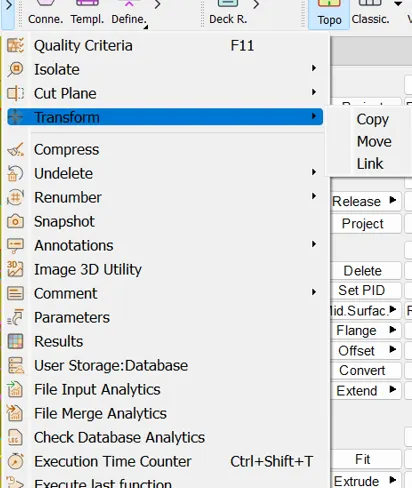
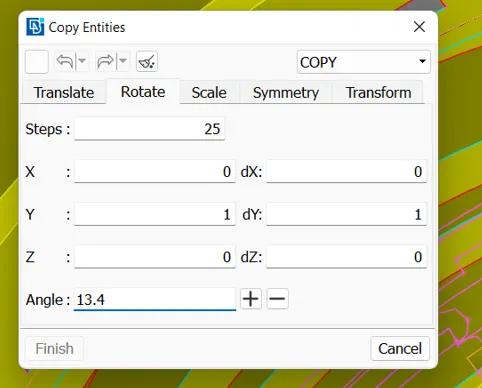
- The feature present in the below image can be mid surfaced by middle option and do the copy option to get the multiple features around the surface. Transform > Copy > Revolve.
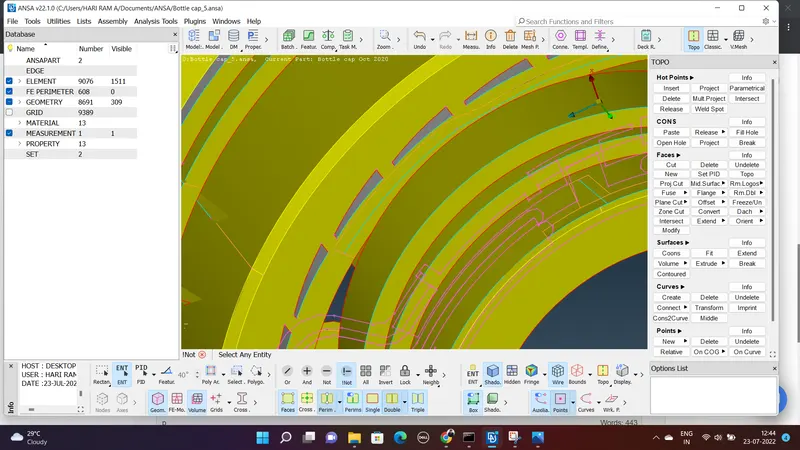
The rotation is about the y axis. So providing y value as 1 the operation will be executed properly. Also the number of features should be provided.
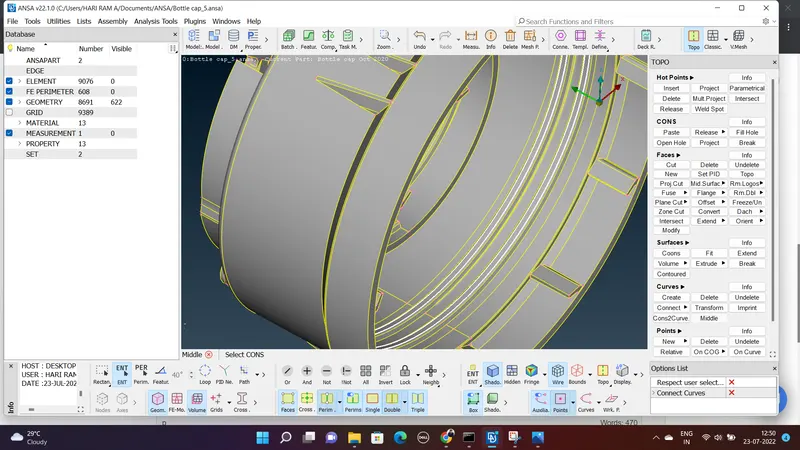
- The mid surfacing for the thread portion can be created as follows. Create a middle curve between the 2 curves of the thread and project it in the surface of the mid surface. Then create a face in between those 2 curves,.
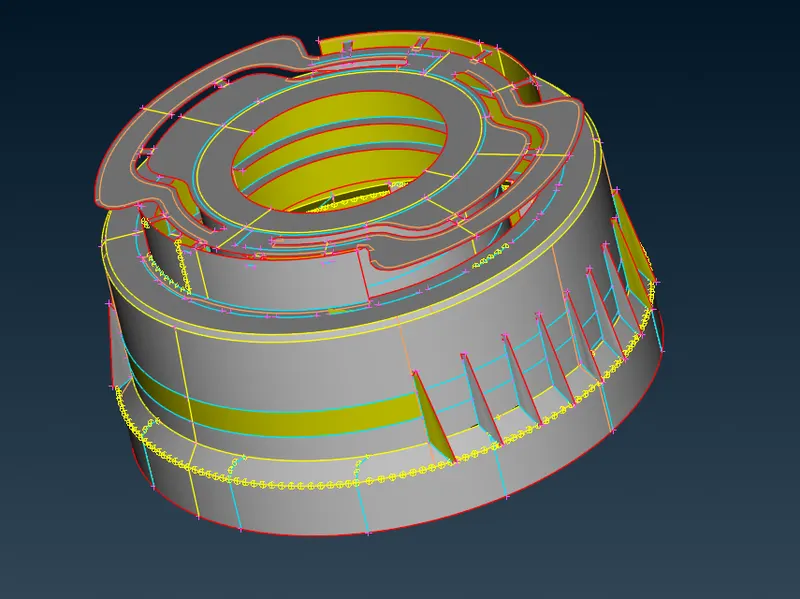
The extracted mid surface of the bottle cap can be seen below.
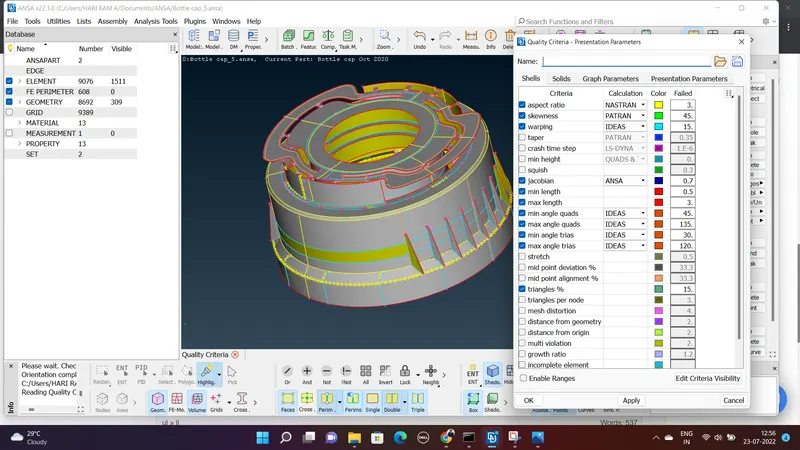
- The next step is to provide the quality criteria and mesh parameters correctly. The quality parameters as per the need is to given as shown in the image below and provide the mesh paramters.
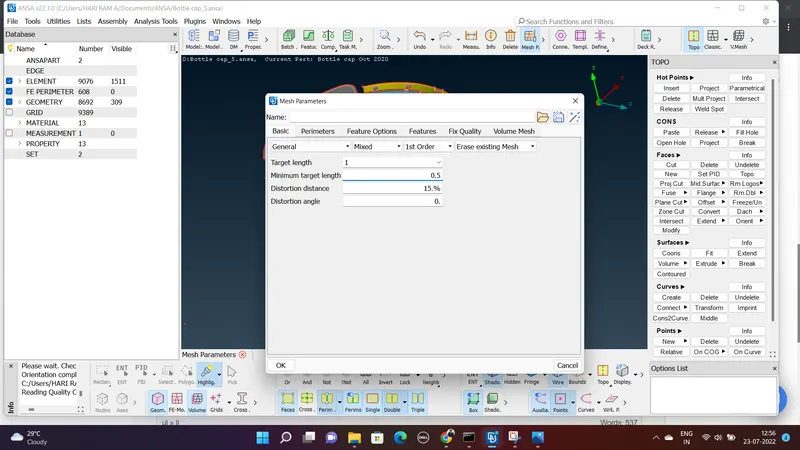
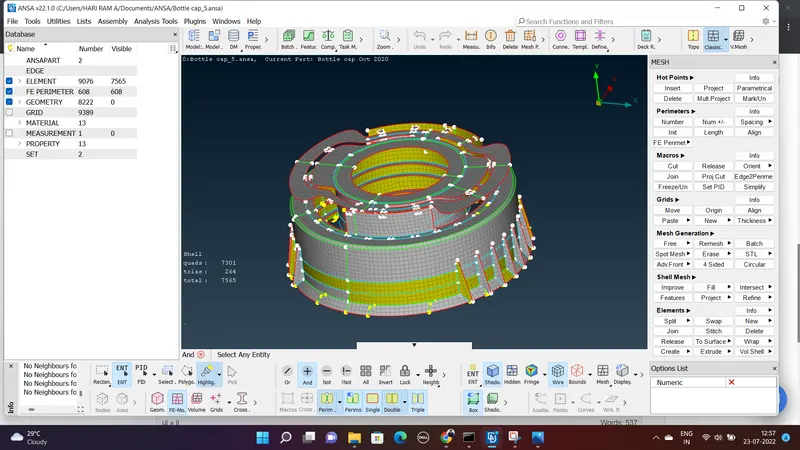
- The meshing of elements to be done as the next step. The meshed model is shown below which is processed under many reconstruction, smooth, improve options to resolve the failed elements.
Conclusion:
The extraction of mid surface for the bottle cap model is created and the mesh has done by considering appropriate quality criterias. The mesh parameters has given. The thickness is assigned and also drawn shell as a solid.