Week - 4 - 2D meshing for Plastic components
Week - 4 - 2D meshing for Plastic components
Abhishek Anil Patil | 23/06/2022
Objective
Week 4
For the given Plastic Bottle Cap model, check for the geometrical errors and take the mid surface by suitable mid surfacing techniques. PID and Thickness assignment has to be done for all the mid surfaces. Mesh the same with given element Quality criteria. (Refer the table Below for the Quality criteria)
|
S.No |
Quality Criteria |
Value |
|
1 |
Target/Average length |
1 |
|
2 |
Minimum Length |
0.5 |
|
3 |
Maximum Length |
3 |
|
4 |
Aspect |
3 |
|
5 |
Warpage |
15 |
|
6 |
Skewness |
45 |
|
7 |
Jacobian |
0.7 |
|
8 |
Minimum Quad Angle |
45 |
|
9 |
Maximum Quad Angle |
135 |
|
10 |
Minimum Tria Angle |
30 |
|
11 |
Maximum Tria Angle |
120 |
|
10 |
Tria Percentage |
15 |
Note:
1. There might be some Failed elements near to Triple CONS or at smaller regions which are bounded by two Triple CONS. Keep those OFF elements as it is if not possible to solve.
2. Elements other than those regions should pass the above-mentioned quality criteria and the features in the model have to be captured properly with good mesh flow. Depending upon this you will be awarded marks. (Refer “Model Requirements” in “Grading Policy” to know what to be done in the model)
Write a detailed report on your approach for the challenge and also mention which method you used to extract the mid-surface along with the reason.( Refer “Report Requirements” in “Grading Policy” to know what to be added in the report)
Click here to Download the Model
Total mark for this challenge is 150 marks.
Assignment Help:
1. Click here to know how to take mid surface for Teeth, Threads and to know How to perform ‘Rotate’ command to copy Mid surface entities.
- To Assign thickness for the varying thickness ribs, Split the surface into multiple surfaces by using the “CUT” command and give different thickness values such that it captures varying thickness components in the best possible way.
- Before submitting the model, Assign proper thickness to midsurface and compare the same with Parent geometry by performing “Draw shell as solid” in Quality criteria > Presentation parameters. (If thickness assigned is not proper then so necessary corrections after comparing it with parent geometry provided)
CAD model
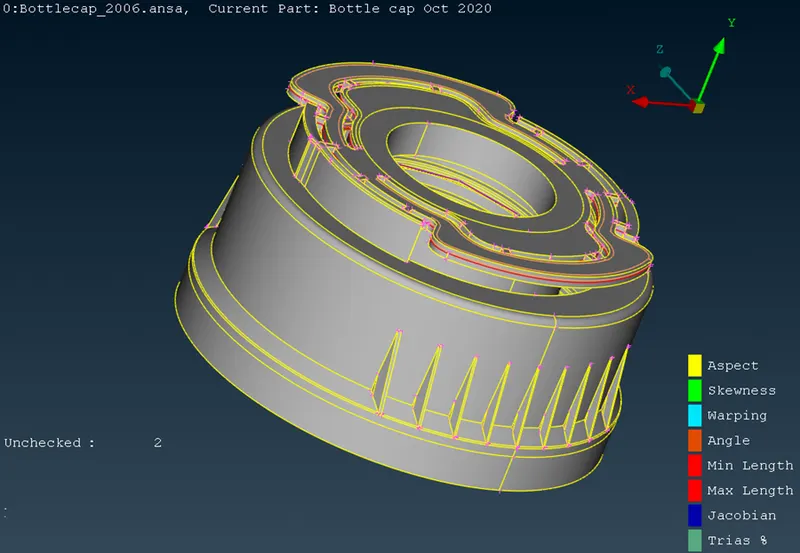
Procedure
Geometry cleanup
All the single cons are stitched to double cons using Topo
Orient is used to orient all surfaces in one direction
Using checks à geometry à execute, shows geometry errors that can be fixed.
After performing these checks the model looks as shown below
Midsurface
There are different options to create Midsurface
Since the bottle cap is very small and complex in shape, it is difficult to use auto Midsurface option
So Midsurface is created manually for each surface
Measure thickness using Measure tool
Use Offset to give half of thickness and create the Midsurface
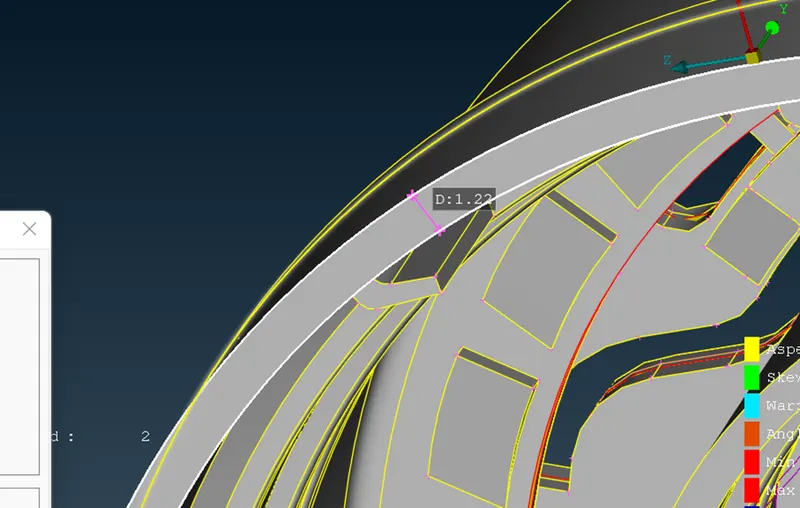
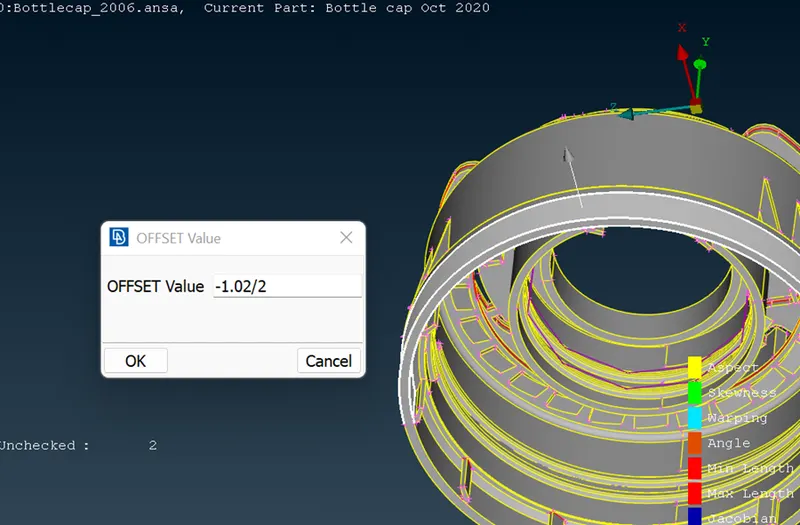
Surfaces having variable thickness is created using Curves à middle
Or surfaceàmiddleàmulti
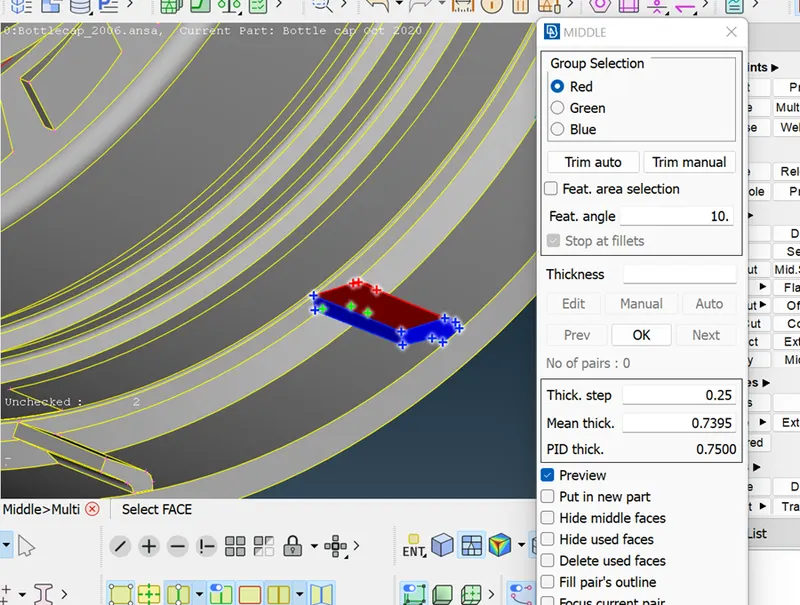
Here the rib section has variable thicknesss so the facesàmiddleàmulti option is used
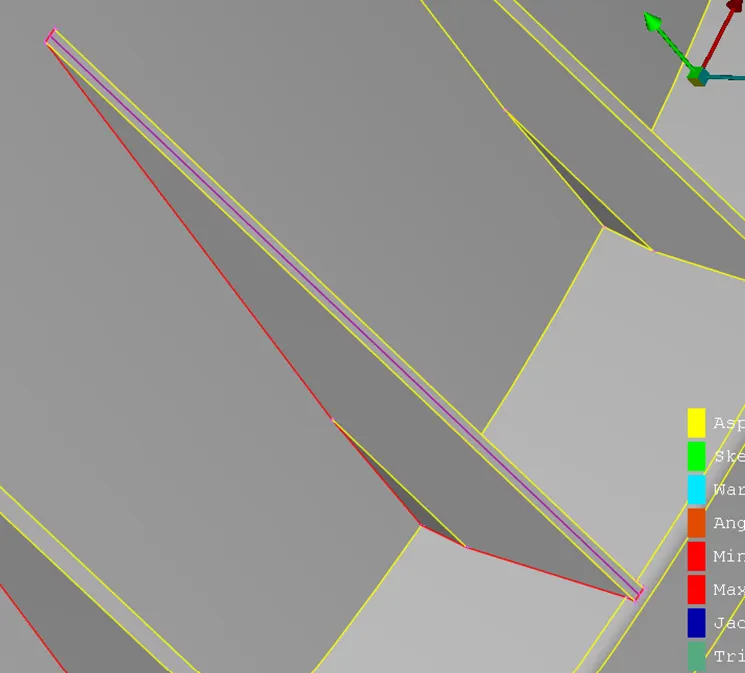
Here the outer ribs also have variable thickness so the curvesàmiddle option is used to create a mid line
These are created for all surfaces and then using surfaceàcoons options joined to create a surface
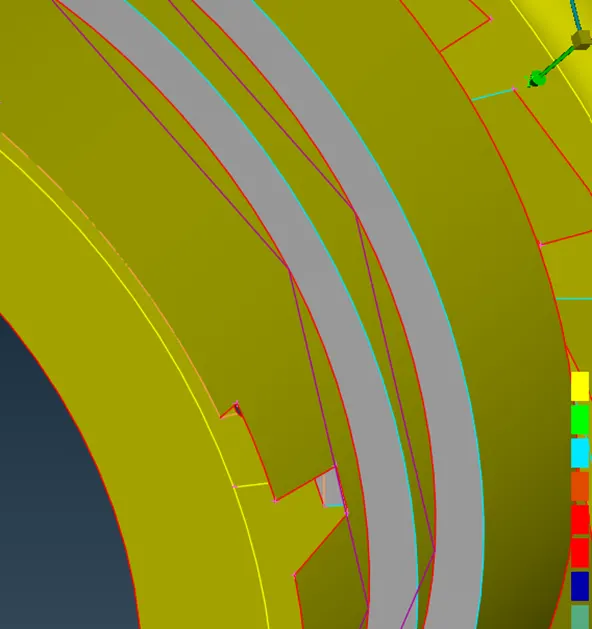
Threads
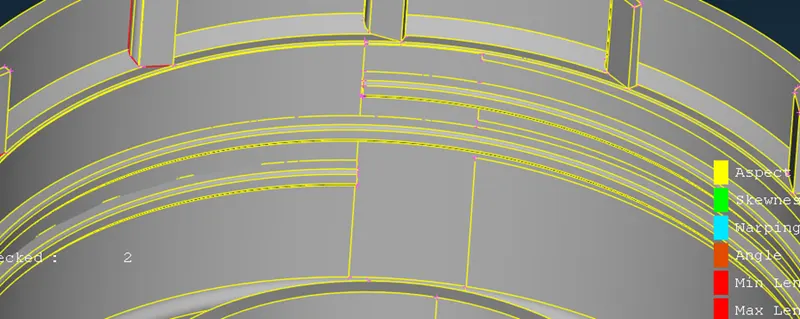
The threads, using the middle option a mid curve is created
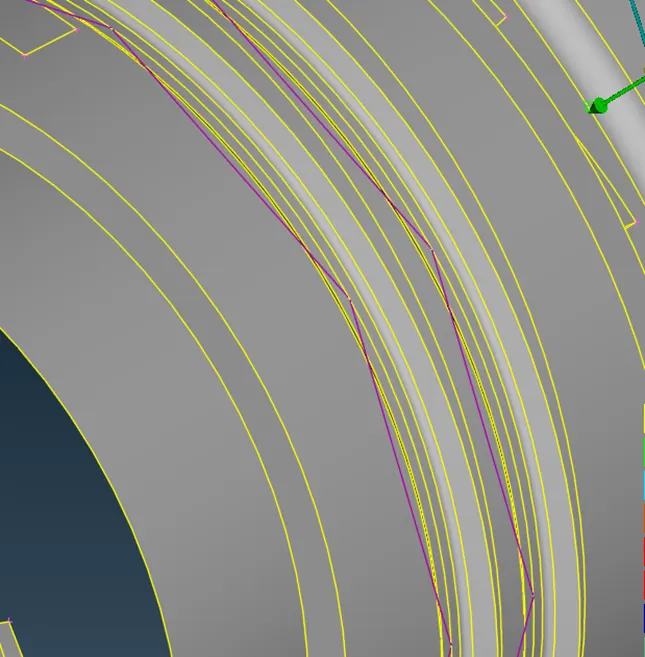
That curve is projected on the Midsurface of the perpendicular face using
Consàproject
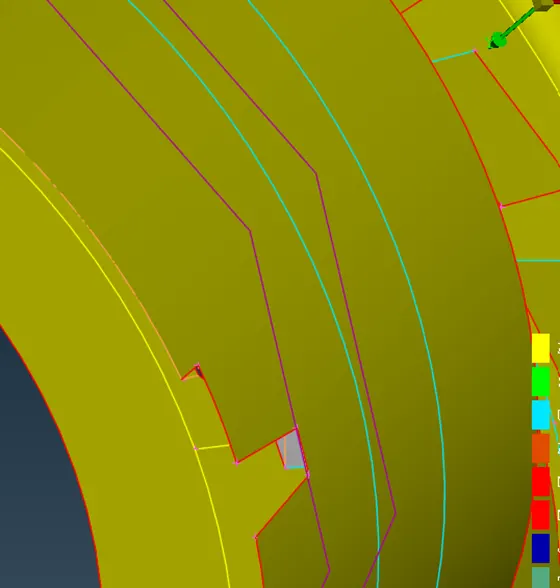
Then usings surfaceàcoons thse cons are joined to form the midsurface for a thread
Meshing
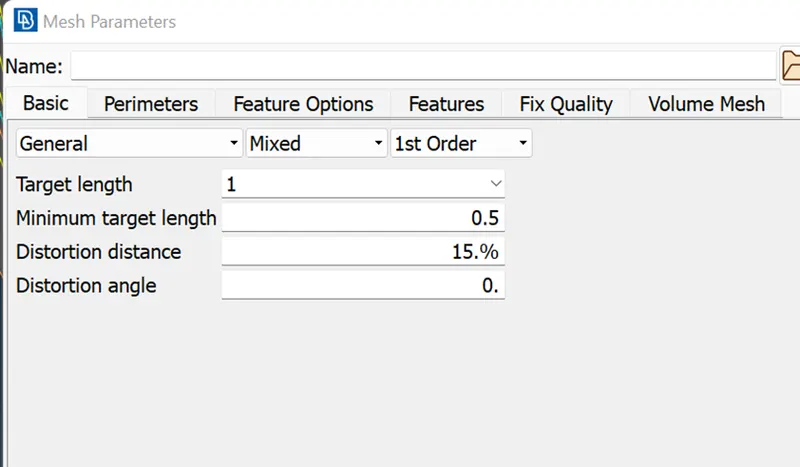
Using Mesh à length à applying target length as 1mm
Assigning mesh parameters, target length is 1mm, min length is 0.5mm,
Quality Criteria
The above quality criteria are specified below
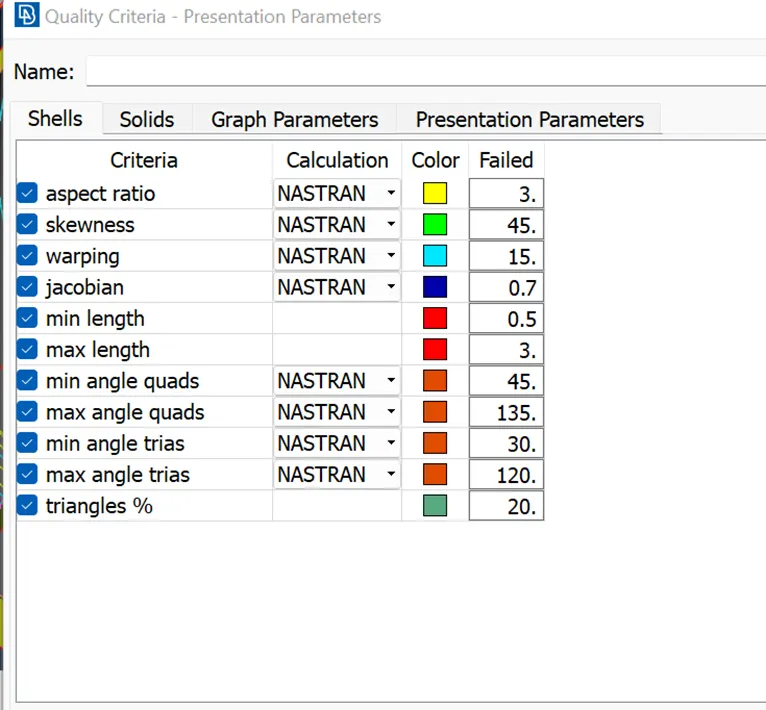
Best mesh was used to generate the mesh
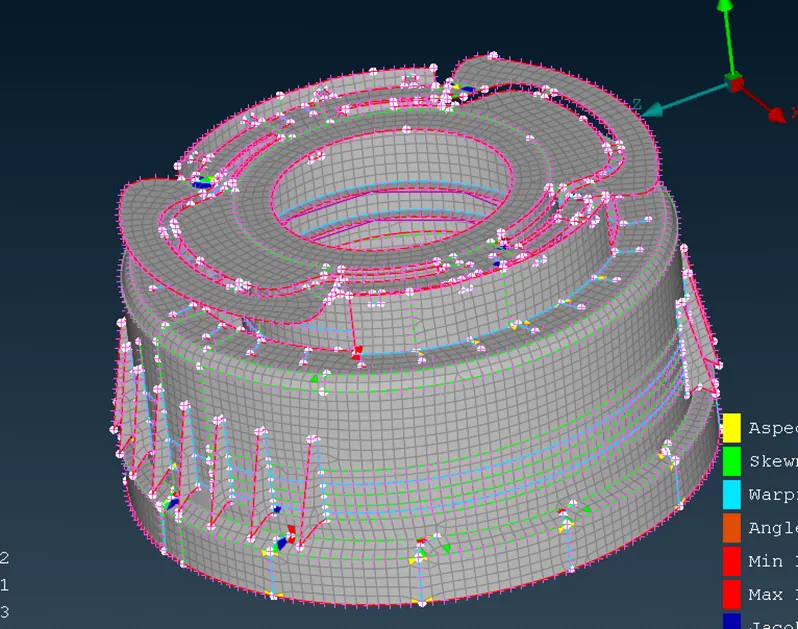
Three are some bad elements near the triple cons
Even after reconstruction, reshaping and smoothing these elements still fail in quality
After completing meshing
Go to qualitu criteriaà presentation parameters à draw shell as solid
The 2D mesh will appear as a solid with appropriate thickness for each misurface
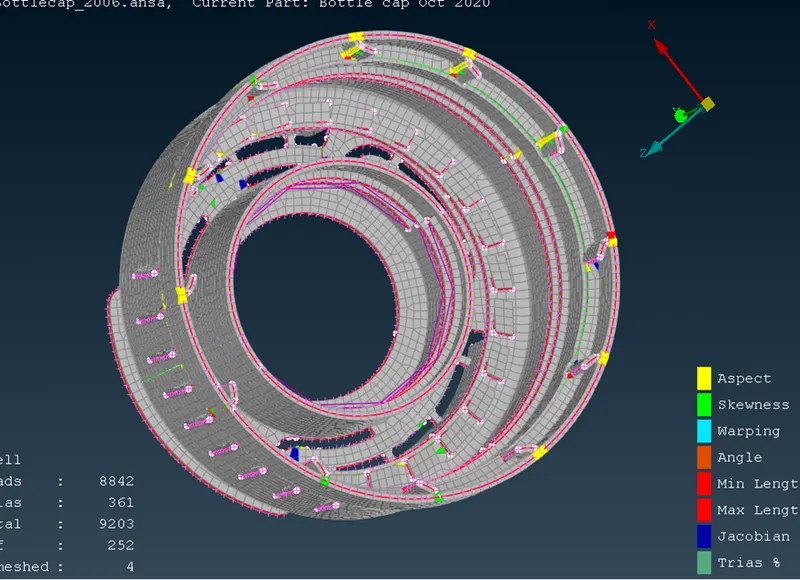
We can switch on the 3D model and check if there are any inconsistencies
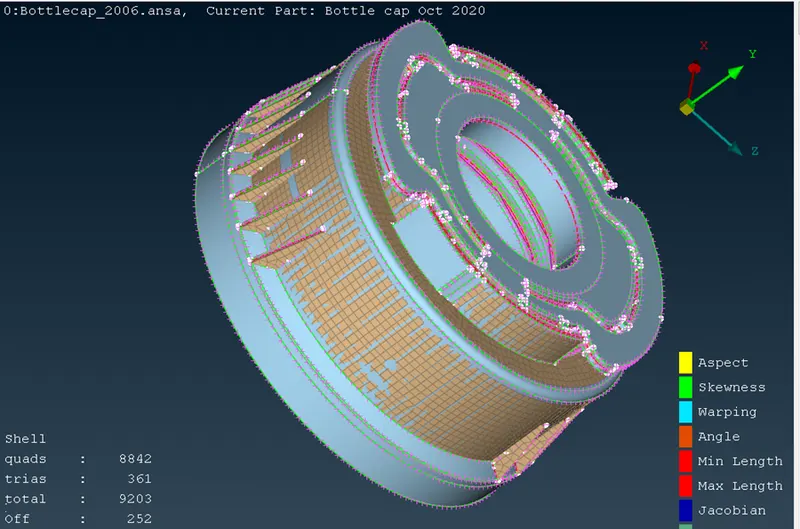
Total elements =9203
Tria =361
Tria % = 3.9%
Off = 252
Conclusion
We learned the process for midsurfaceing and meshing of plastic components
We learned different methods of variable thickness Midsurface generation