Week - 4 - 2D meshing for Plastic components
WEEK 4: 2D MESHING FOR PLASTIC COMPONENT.
AIM: To mesh the given plastic bottle cap by creating a midsurface for the given model. Also the mesh should satisfy the given quality criteria.
Quality Criteria
|
S.No |
Quality Criteria |
Value |
|
1 |
Target/Average length |
1 |
|
2 |
Minimum Length |
0.5 |
|
3 |
Maximum Length |
3 |
|
4 |
Aspect |
3 |
|
5 |
Warpage |
15 |
|
6 |
Skewness |
45 |
|
7 |
Jacobian |
0.7 |
|
8 |
Minimum Quad Angle |
45 |
|
9 |
Maximum Quad Angle |
135 |
|
10 |
Minimum Tria Angle |
30 |
|
11 |
Maximum Tria Angle |
120 |
|
10 |
Tria Percentage |
15 |
PROCEDURE:
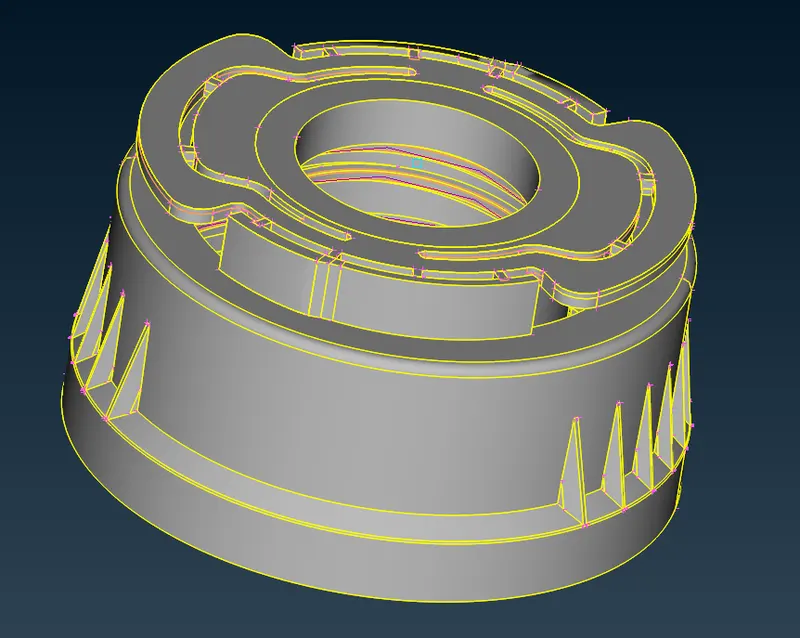
1) First importing the given model.
2) Checking the geometry of the given model.
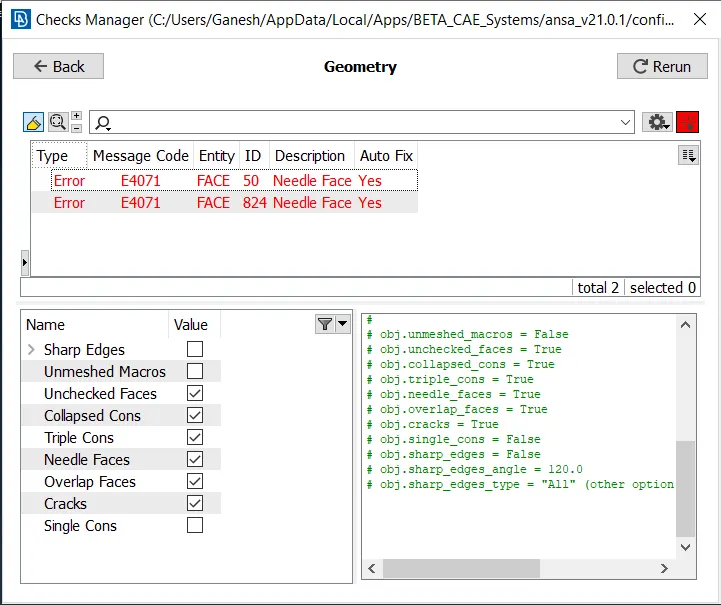
3) Fixing the geometrical errors using auto fix. If the errors cannot be fixed by auto fix, using topological tools to correct the errors.
4) Creating a midsurface for this geometry using offset and middle tools as auto midsurface tool doesn't create a midsurface due to complex geometry. For some components we create a manual surfacing tool to create a midsurface with the help of middle curve tool.
5) Offset is used for the simple parts to create a mid-surface. We first measure the thickness of the component then use the offset tool to create the midsurface of that component. Extend tool for used extend the ribs to the base midsurface.
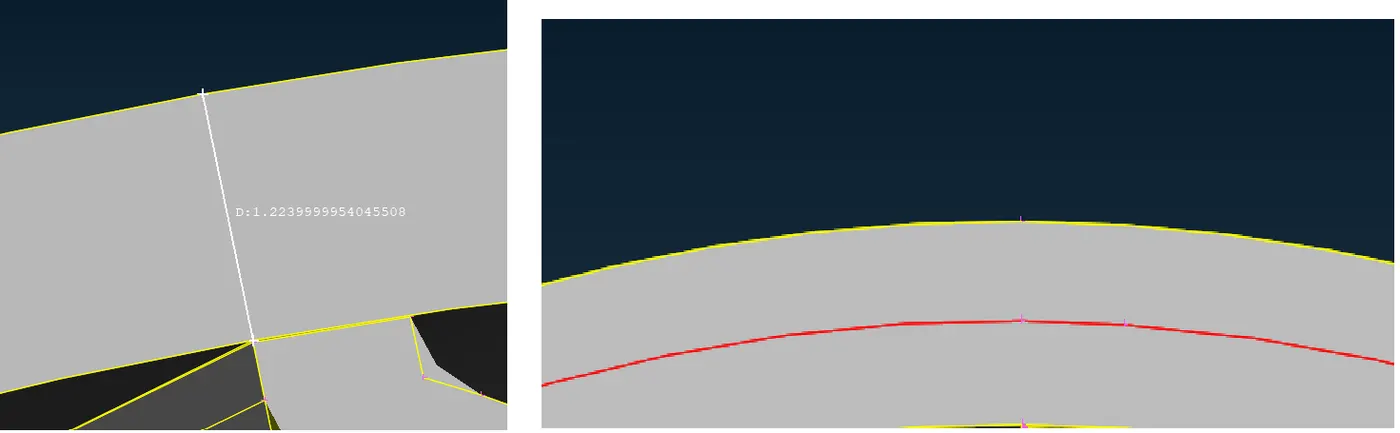
6) For the outer and inner ribs we use the middle tool from faces section to create a midsurface.
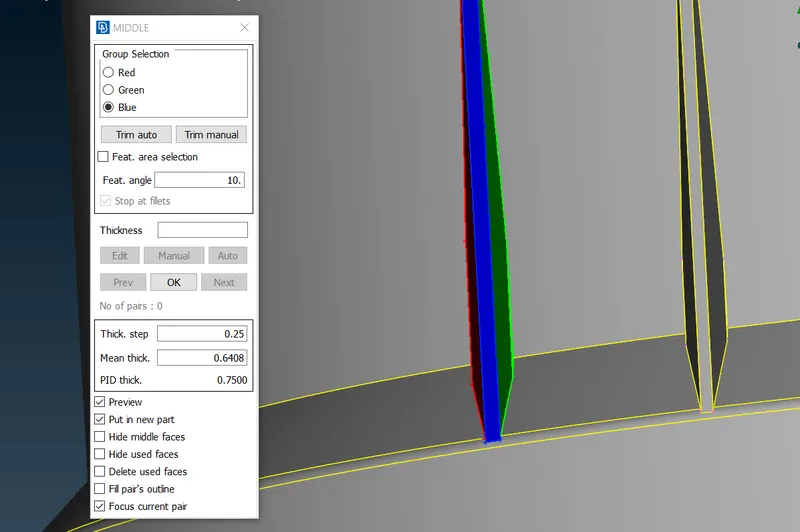
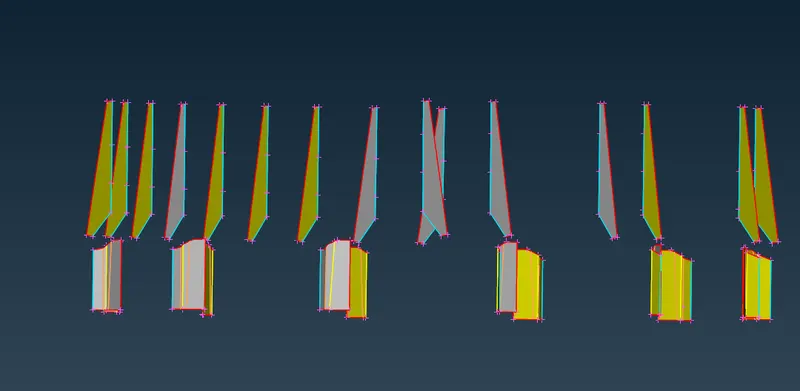
7) For threadings we create a mid curve using middle tool from curves section and then create a surface using the the two middle curves.
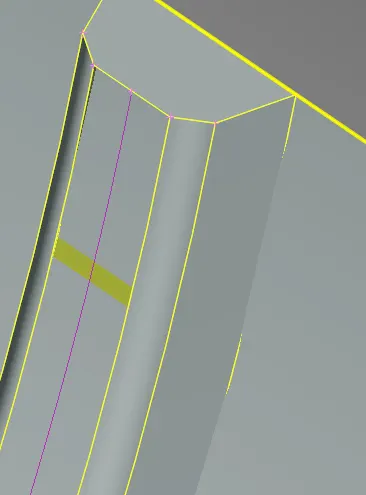
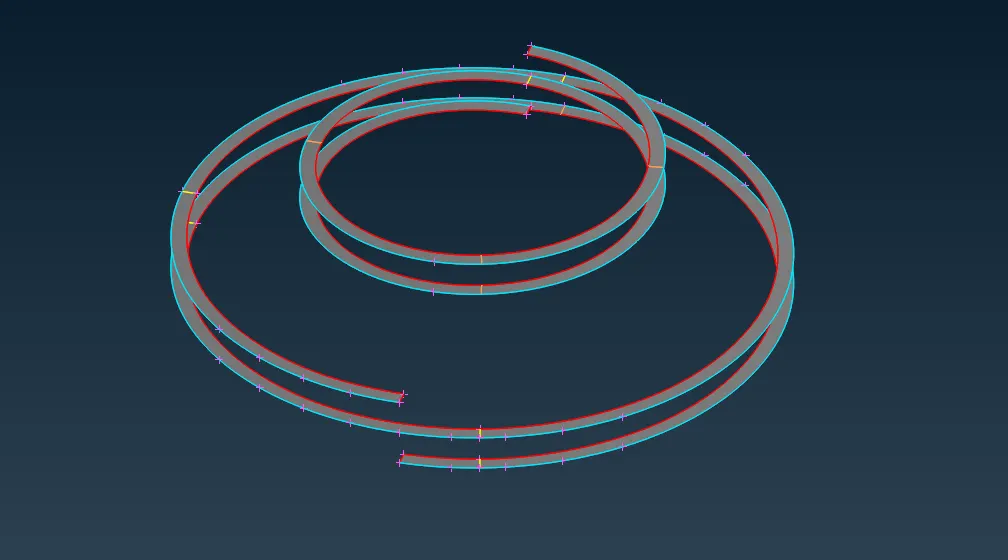
8) For the teeth, we create middle curve for the thicker section and base of the teeth is projected on the offseted midsurface. Then a surface is created between those curves. For simplification we use rotate option to create the copies of this midsurface.
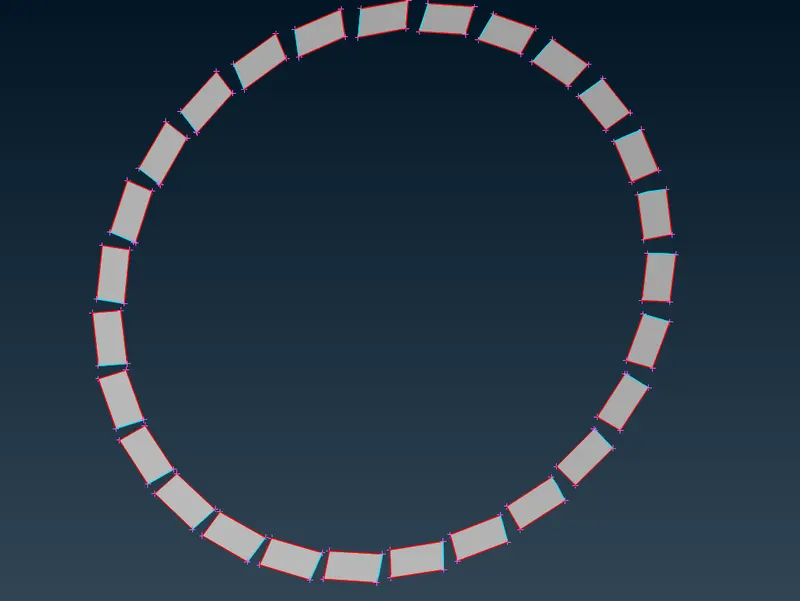
9) Midsurfacing of the model is complete now.
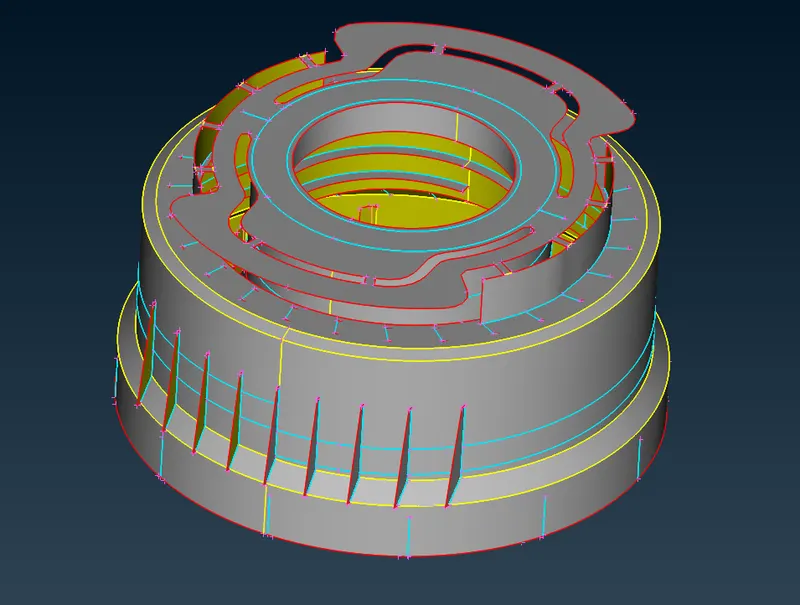
10) Now we move on to create a mesh. We use best tool from the mesh section to create a mesh.The mesh parameters and the quality criteria are also set before meshing.
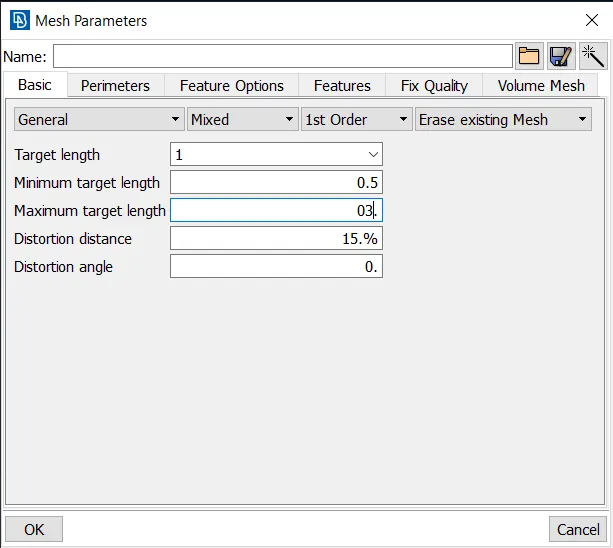
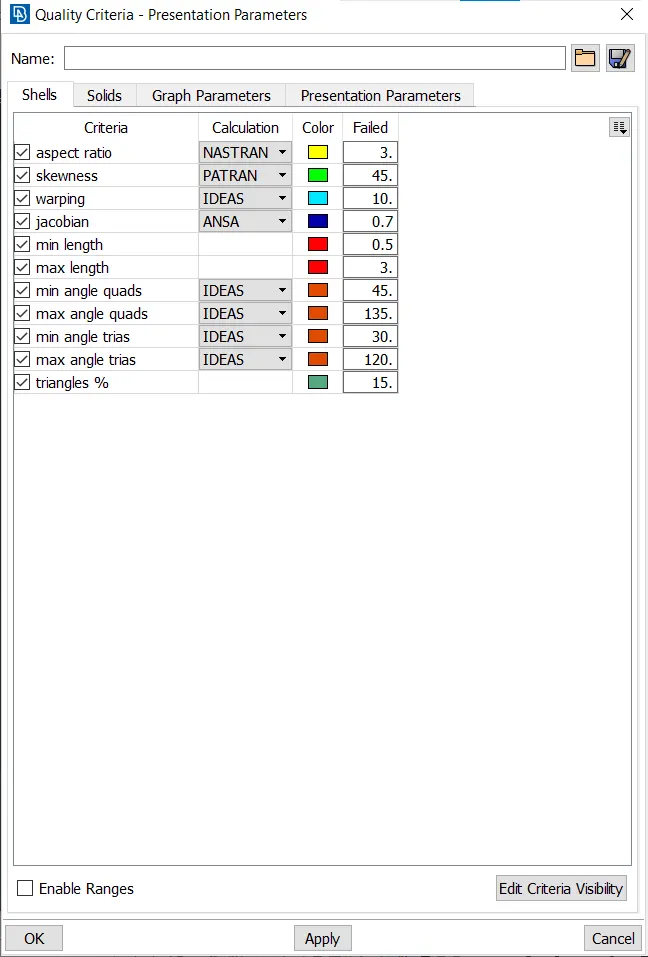
11) Mesh quality is improved by using the improve tool or by pasting nodes. The quality of mesh and percentage of quad and tria mesh is as shown below.
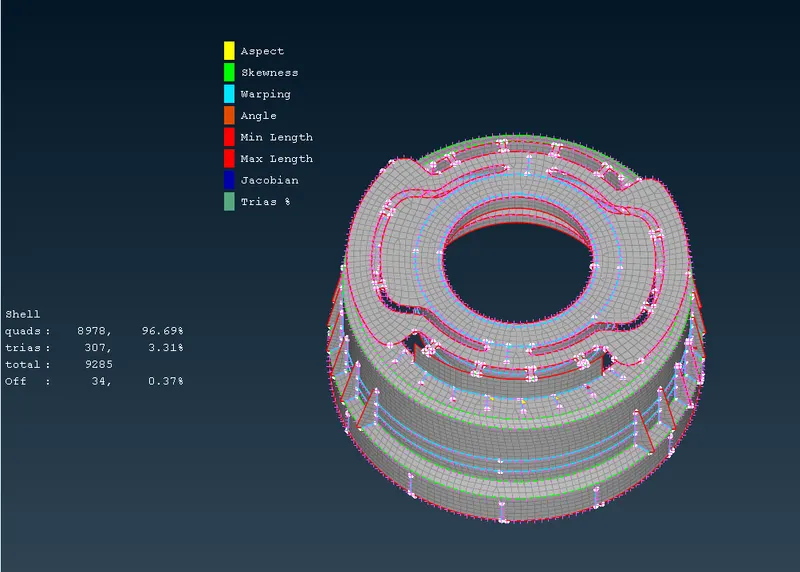
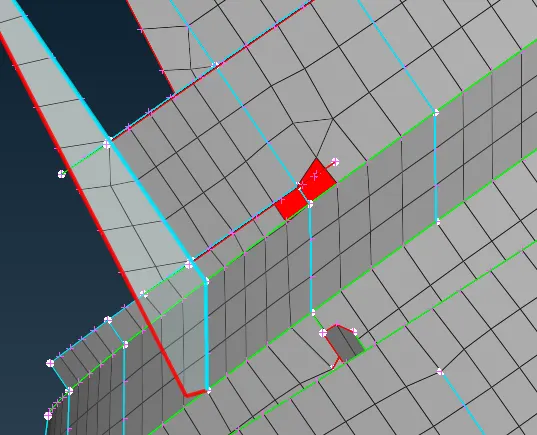
12) Some sections where there 2 or more triple close together can cause the mesh criteria to fail. For eg a section is shown below.
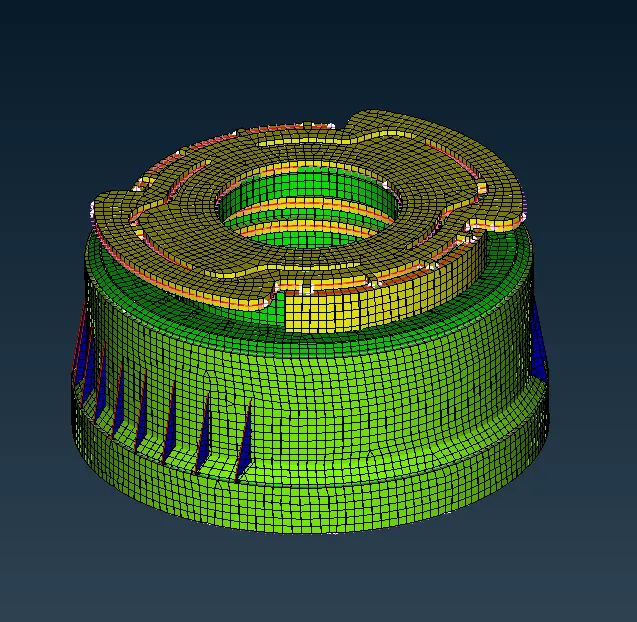
13) Thickness is added to the components and then shell elements are drawn as solids from presentation parameters.
CONCLUSION AND LEARNING OUTCOME:
- Midsurface of plastic component are created using various tools such as offset,middle and surface tools.
- Mesh is created with 3.4% of trias.
- 34 elements failed due to complex geometrical condition.
- Learned how to do manual midsurfacing.