Week - 4 - 2D meshing for Plastic components
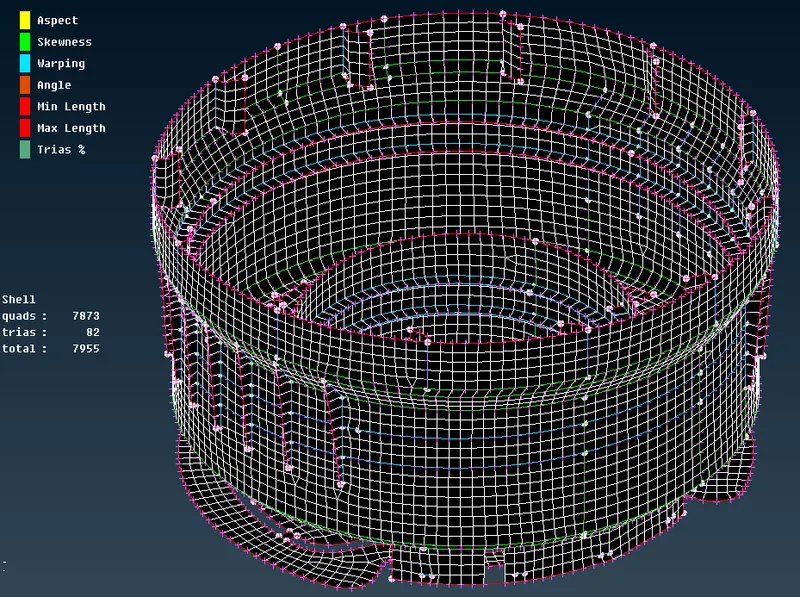
AIM: The aim of this week challenge is to extract the mid surface of the given components and then mesh the component with given quality parameters and assign the thickness on a hood component.
PROCEDURE:
Step 1: Now open the input file in ANSA.
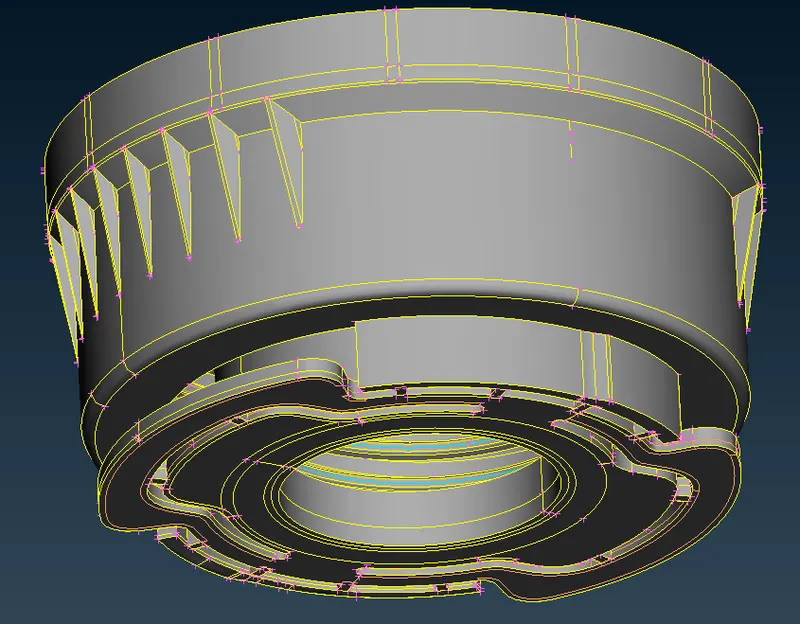
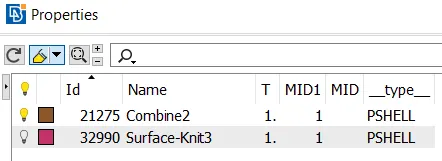
Step 2: now click the property ID card to see the components seperately.
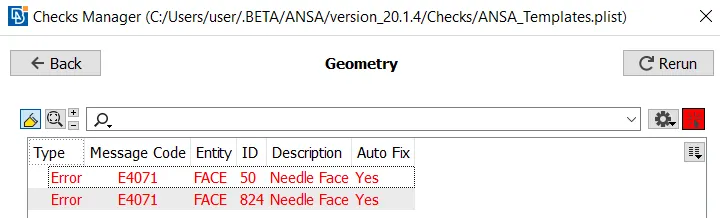
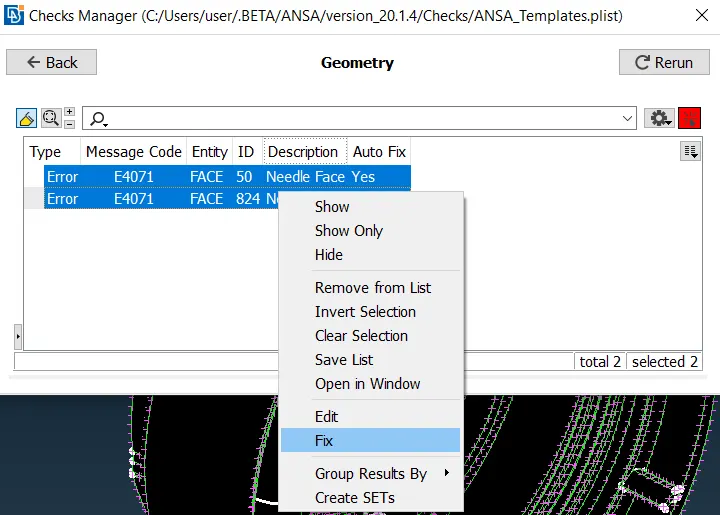
step 3: Now check the geomentry whether there is any cleanup that need to be done. The checks tool can be accessed from the upper toolbar. Checks > Geometry. With all components visible, the checks can be'executed'. The geometric discrepancies will be highlighted by the tool and they can all be selected, right clicked and fixed by clicking 'fix' as shown in the screenshot.
STEP 4: There are different methods to create the midsurface of the component.The major tool we will be using is middle and offset tool under face and curves tab.
Now create a curve on the middle of the surface using the middle option under face tool.
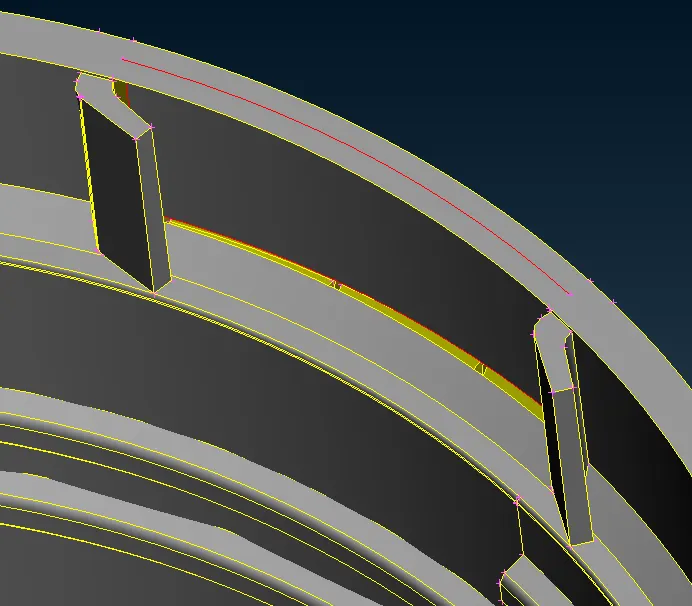
you can also create middle surface by creating curves on the middle surface using middle option under curve tab.
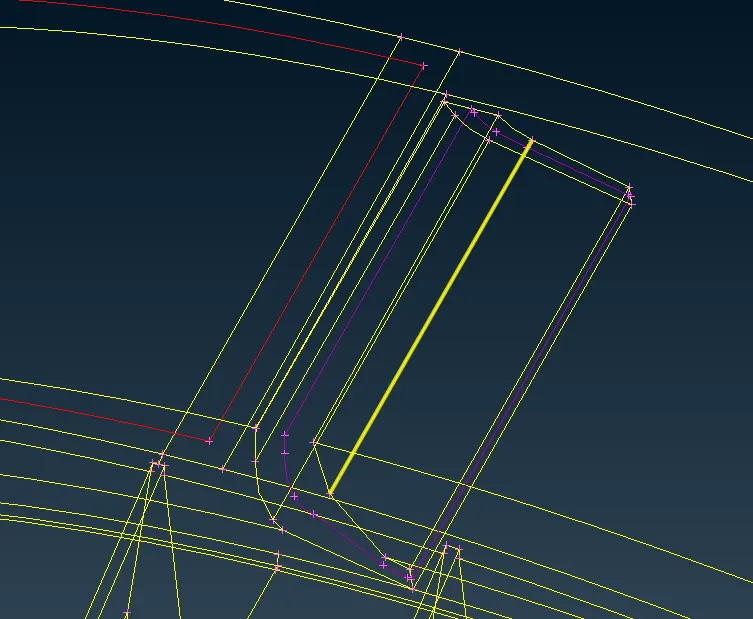
Now create a new surface using the curves created curves using the new option under the face option
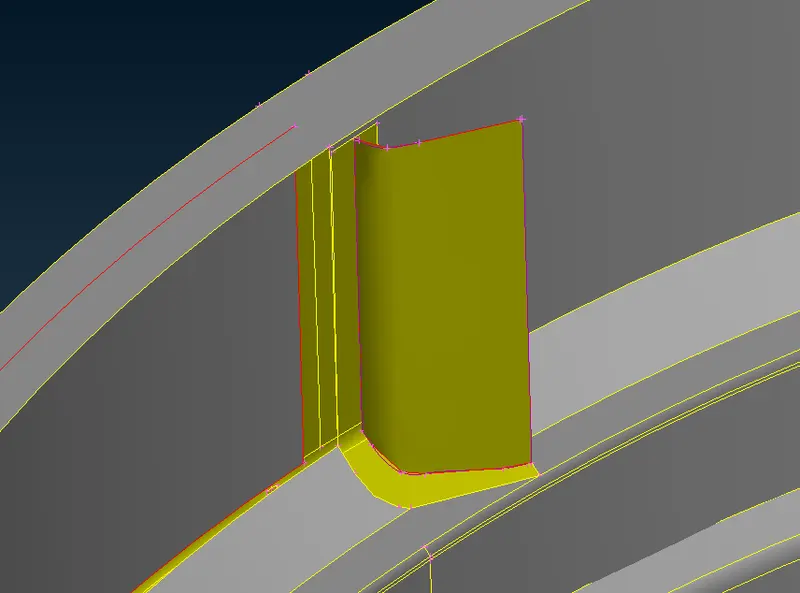
The middle surface can also be created using the offset option under face tab
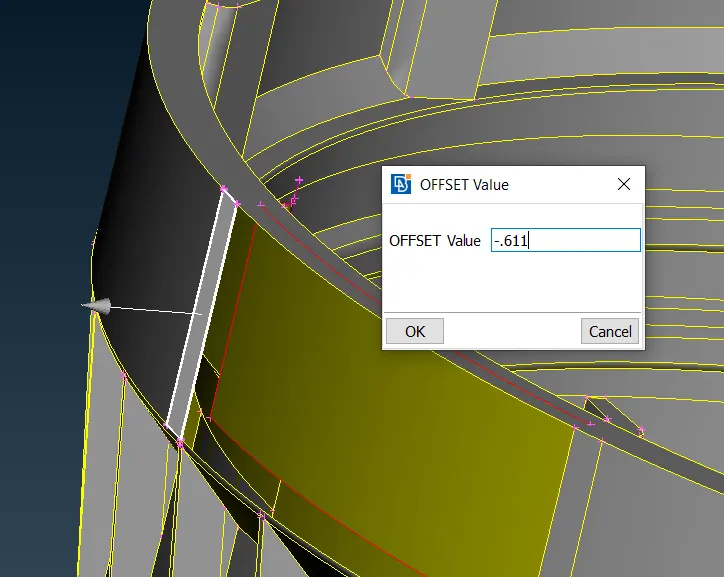
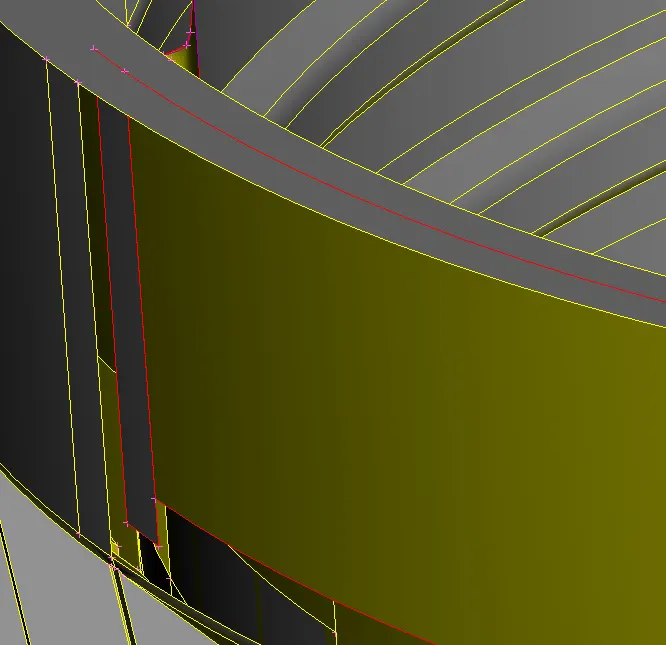
after creating the midsurface for all the surfaces there are some areas where you need to do some geomentry cleanup.
Use the entend option under faces to join the surfaces that are created.
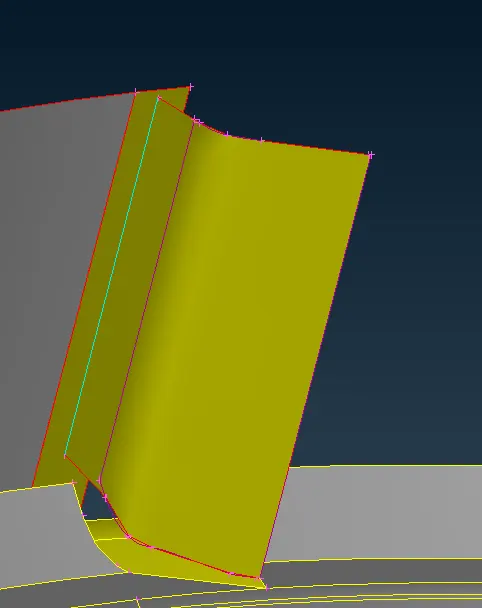
after joining the surface now again check whether there are any geomentry chenup that needs to be done.
Step 5: After doing the geomentry cleanup now enter the mesh quality parameters as given in the questions.
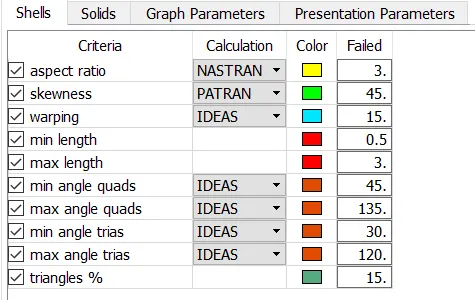
step 6:We can then start meshing the entire component (using Mesh Generation > Best from the Mesh module) starting from one region and spreading out. It is ideal to start from a region with more single cons surrounding it. One of the outer ribs, for example. Since most surfaces have straight cuts, the mesh is less likely to have a large number of trias.Nevertheless, we can make use of the reconstruct tool (Shell Mesh > Reconstruct) to generate a better mesh if the initial mesh is not satisfactory.
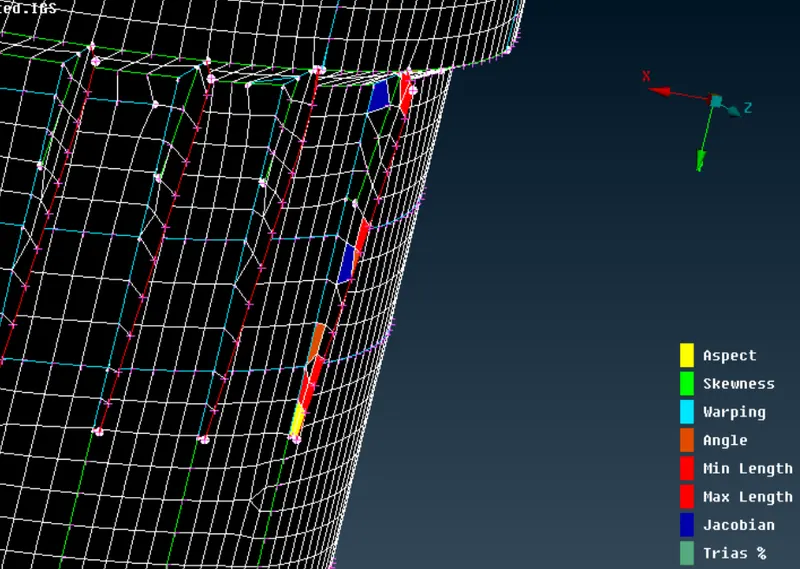
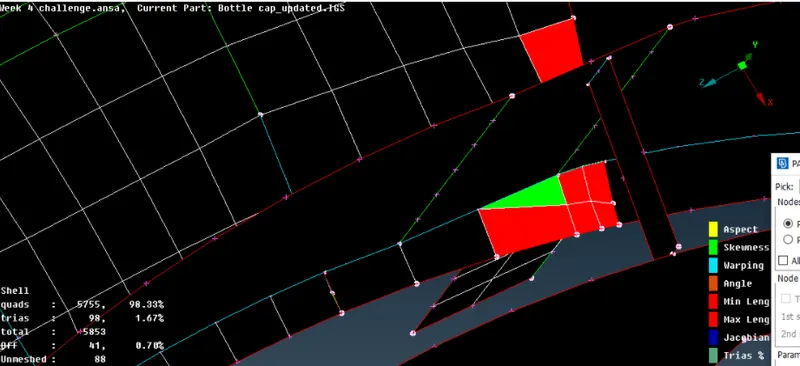
These areas can be improved using the options under the element tab.
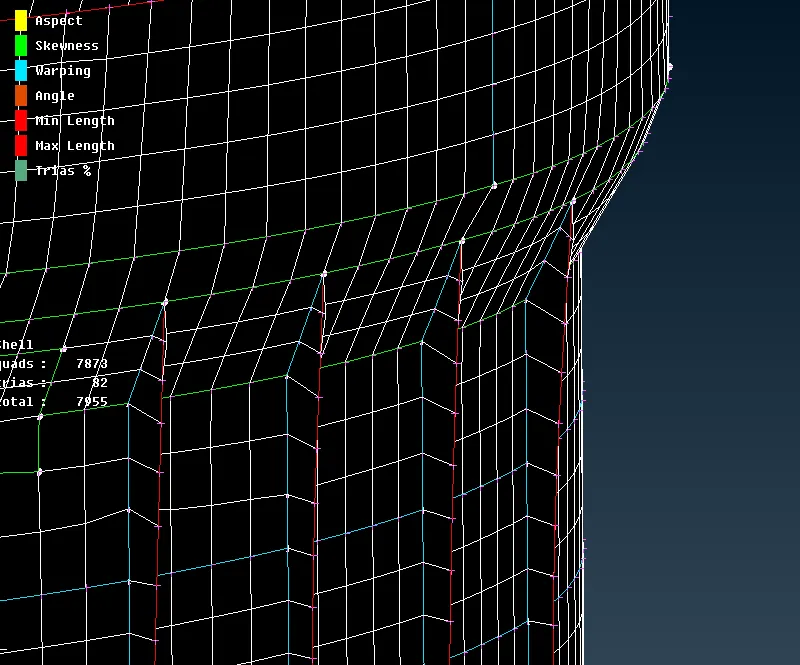
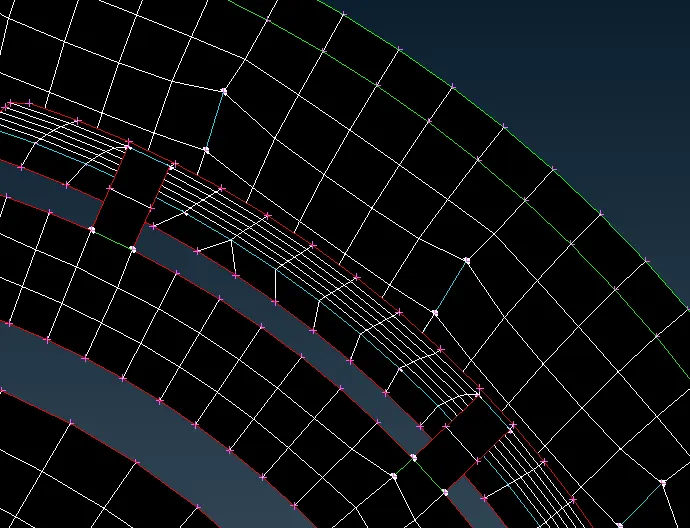
Finally assign the thickness to each surface of the component.
RESULT COMPONENT: