Week 4-1D Element Creation Challenge
Objective : Mesh the Given component with the Size of 5 Units. Create 1D elements on the following component with given cross-section and DOF.
Procedure :
Mid surface Generation :
1 ) Create the mid surface out of the given geometry
.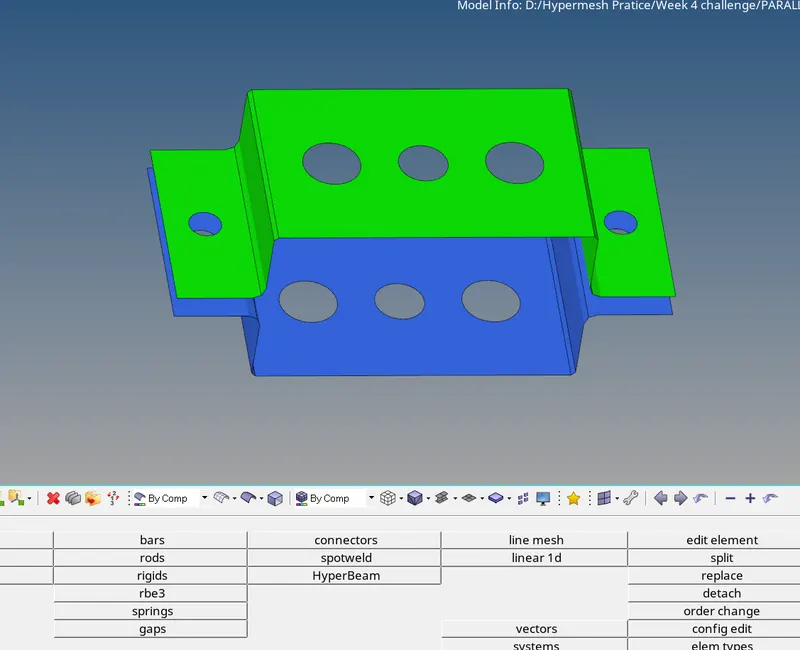
2 ) Go to geom panel --> midsurface.
Mesh Generation :
1 ) Go to 2D panel --> Auto mesh.
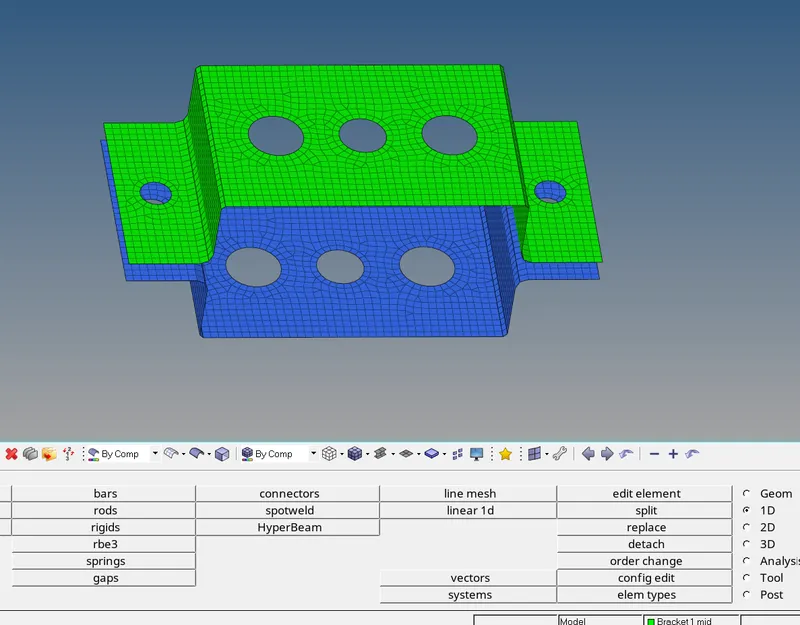
2 ) Create the mesh with given element size and type of suitable element.
1D Element Creation :
1 ) Create the 1D element such as Bar, rod and Beam in the component at required locations given in the question.
2 ) Create RBE 2 or RBE 3 elements as per given instructions and then create the element in between those elements.
3 ) Give the desired DOF's as given in the questions.
4 ) Create the properties and material ID for the parts and assign them to the respective part.
5 ) To create the cross section of Elements as per the required cross sections go to
i ) Hyperbeam from 1D panel
ii ) Select standard section
iii ) Select hyperbeam from standard section liabrary and type of section and click create.
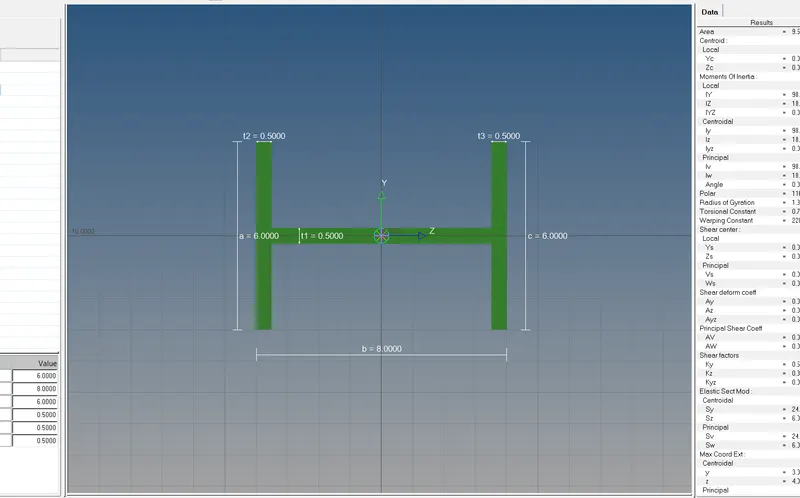
iv ) This is a standard I section - Give the dimensions and hit enter.
v ) Do the same for another cross sections.
6 ) At last update elements by assigning the cross sections to them and assign properties.
7 ) Create spring element in 1D panel "springs" section.
8 ) And assign the mass to the RBE 2 links with desired magnitude.
9 ) This is the final model which is created.
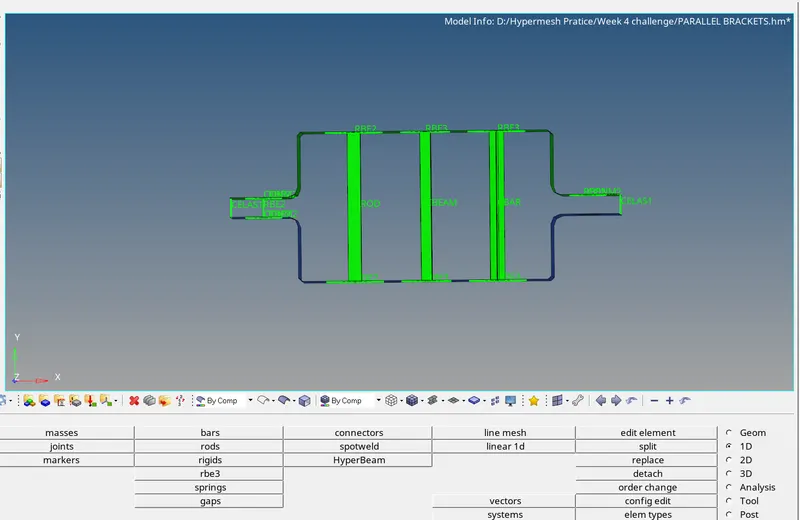
Results :
At the end of model, a model is created with meshed component with given element size, 1D elements created and cross section is assigned to them.
Conclusion :
At the end of the challenge, I learned about mesh creation, 1D element creation and assigning mass to the perticular element.
Learned to visualize the cross sections, use of hyperbeam.