Week 4-1D Element Creation Challenge
OBJECTIVE
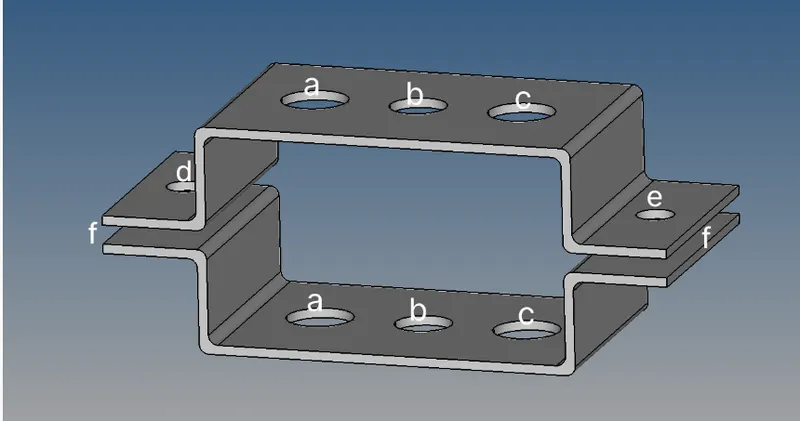
Mesh the Given component with the Size of 5 Units. Create 1D elements on the following component with given cross-section and DOF
a. Rod element:- Translational DOF should be Constrained with RBE2 link
Cross-Section: BOX- Dimension a= 12 mm
dimension b=10 mm
Thickness t= 0.75 mm
b. Beam element:- All DOF should be constrained with RBE3 link
Cross-Section: I Section- Dimension a= 8 mm
Dimension b= 10 mm
Dimension c= 8.5 mm
Thickness t1= 0.75 mm
Thickness t2= .6 mm
Thickness t3= .6 mm
c. Bar element:- Constrain only x and y DOFs With RBE3 link
Cross-section: X section- Dimension DIM1= 5 mm
Thickness DIM2= 1.2 mm
Dimension DIM3= 10 mm
Thickness DIM4= 1.2mm
d. & e. Apply the mass of magnitude 10 with the RBE2 link
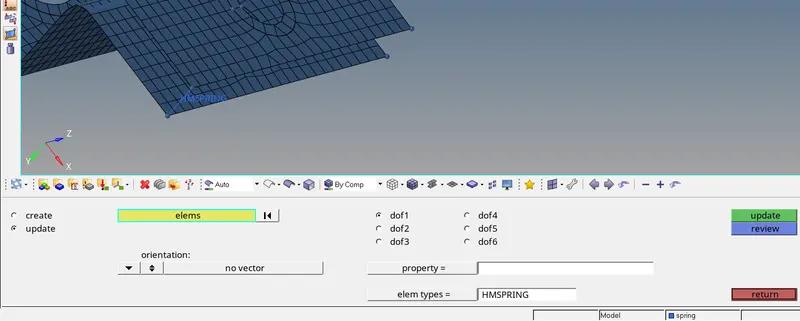
f. Join the two components with Spring elements
cad model
PROCEDURE
- import model
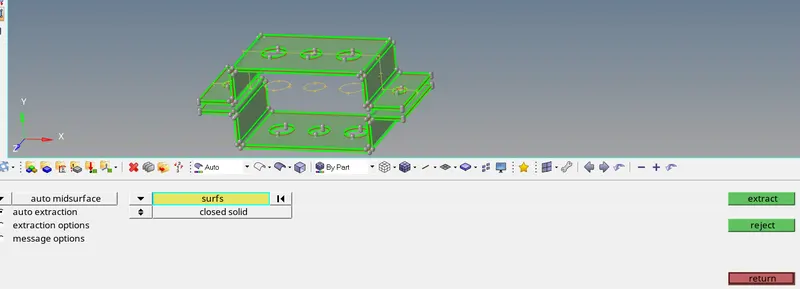
- take midsurface of component and delete parent component
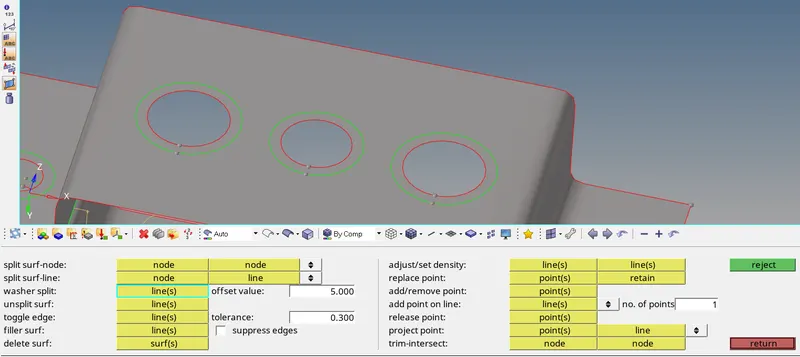
- provide washer splits for holes
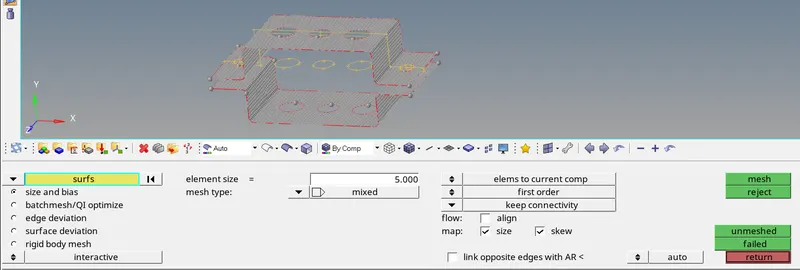
- mesh the component
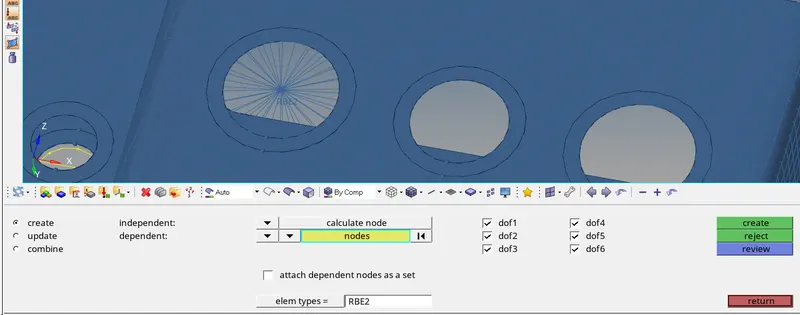
- create RBE2 AND RBE3 as per mentioned and select required DOF,RBE2 is for uniform load distribution
- select hyperbeamview from top ribbon and create standard optistruct (enter crossection dimensions of bar,rod,beam)as given
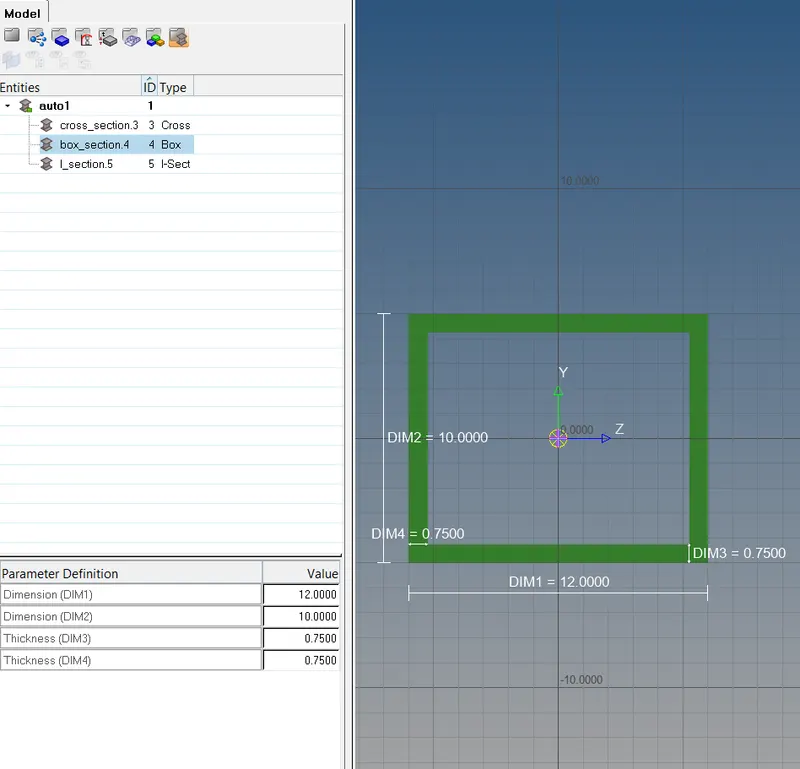
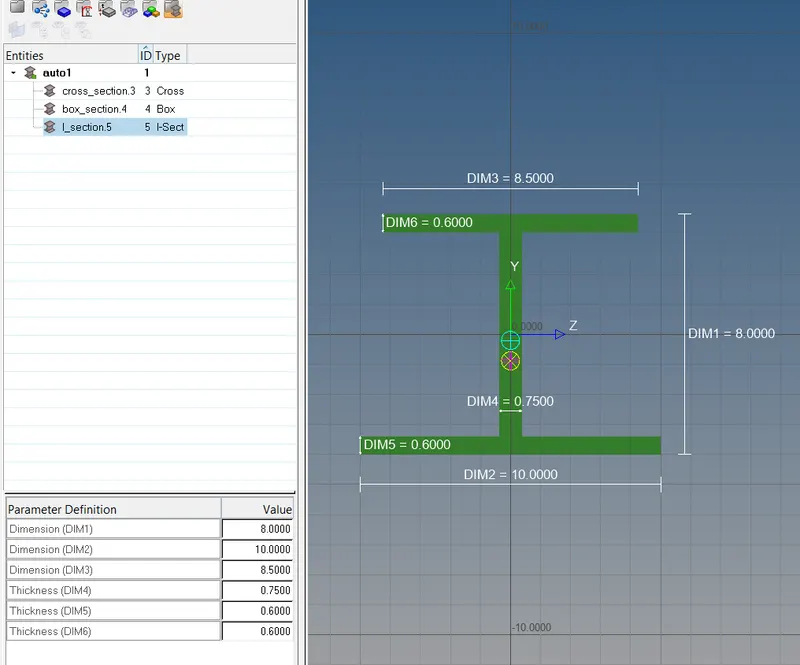
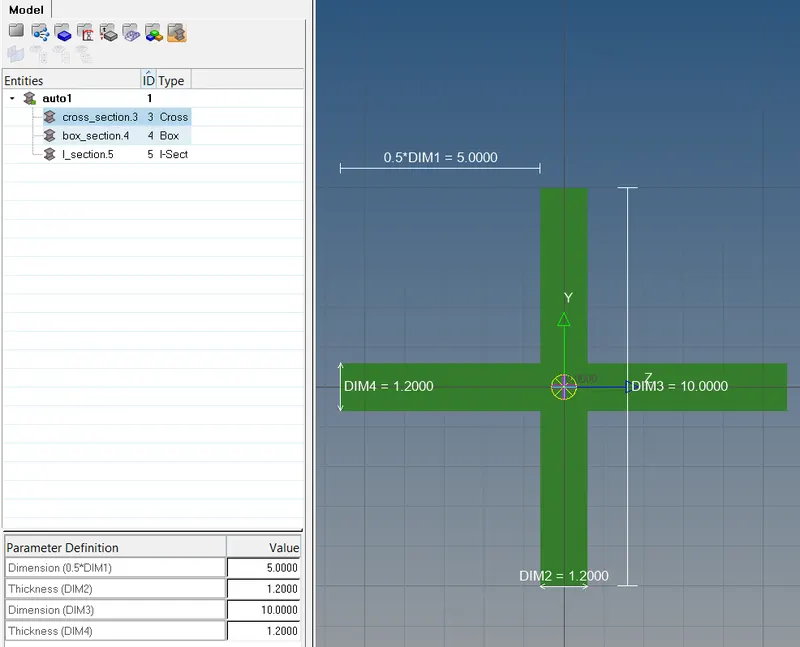
- create components,properties required
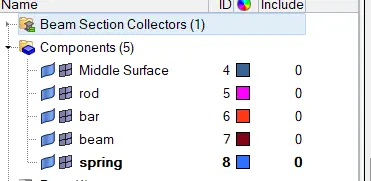
- create properties required
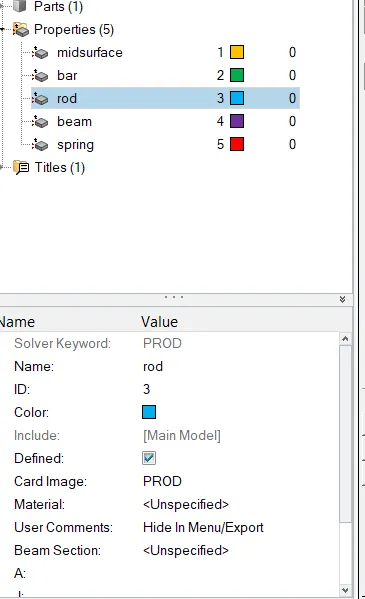
- assign components-->properties
- in properties enter-->card image, beam section
- create for for "a" as in quetion
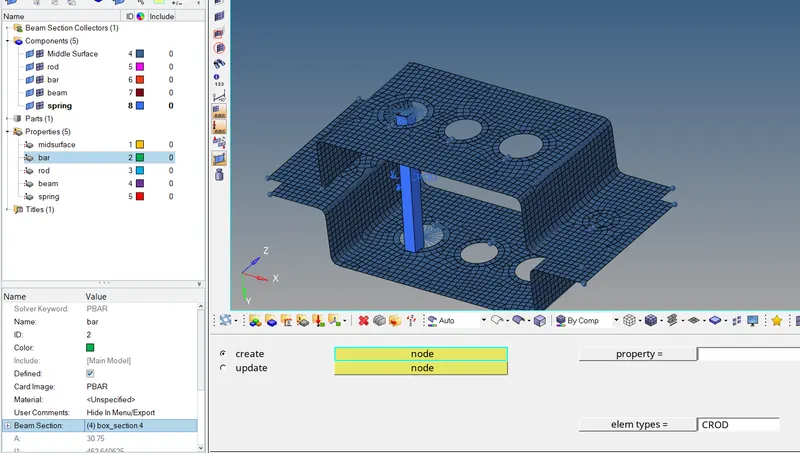
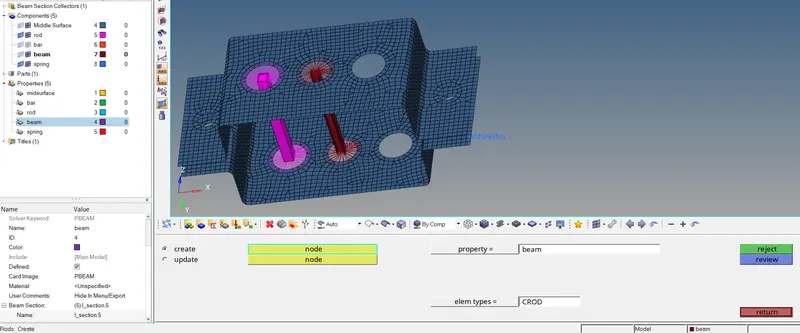
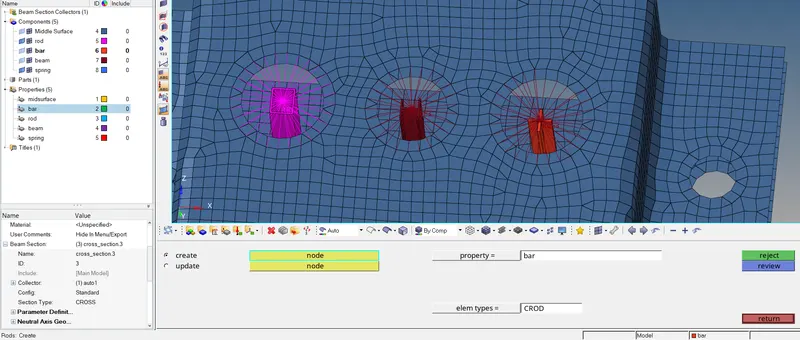
make sure to select proper model before creating the section/connections which is available in right bottom
- for detailed representation of rod,mesh
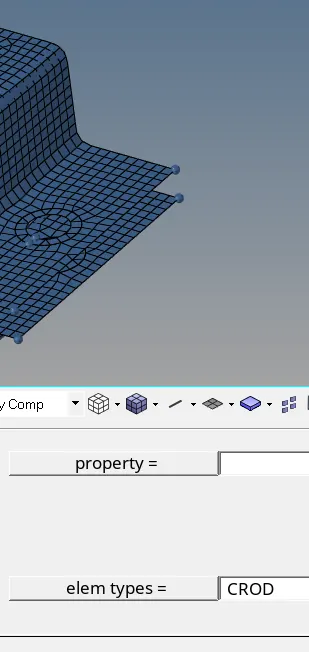
- for applying rbe2 and apply mass of 10
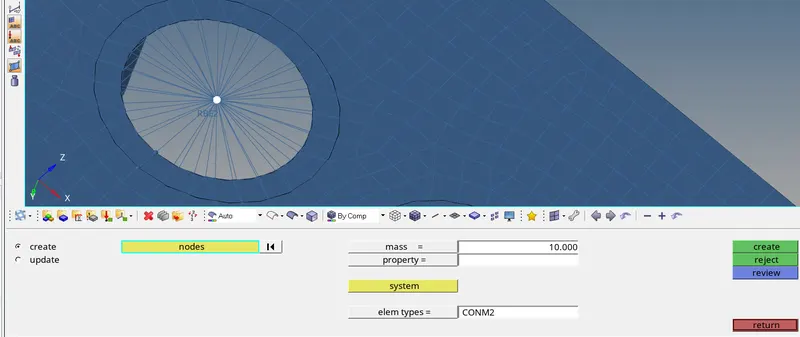
- to create spring connection
final product
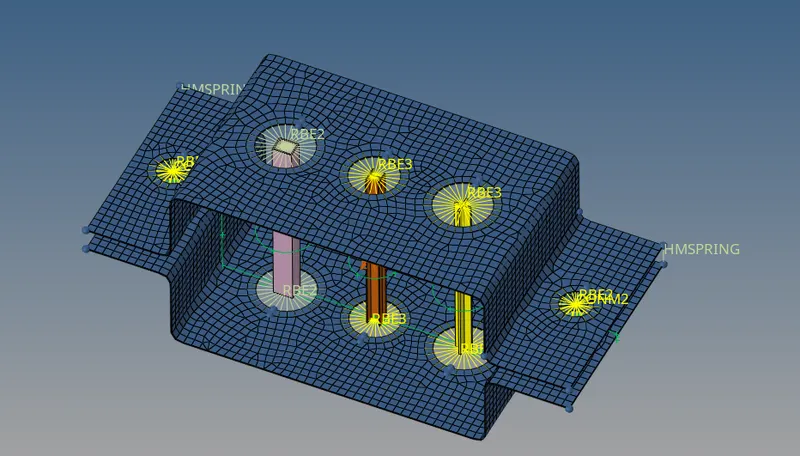
conclusion
final product has been obtained as per given question