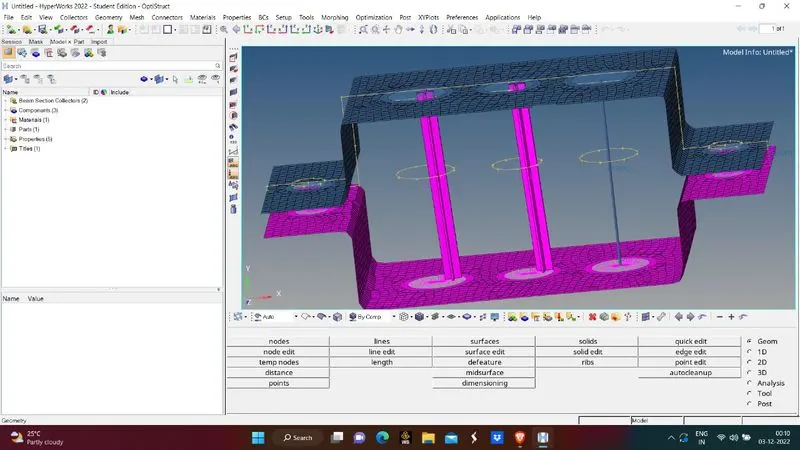
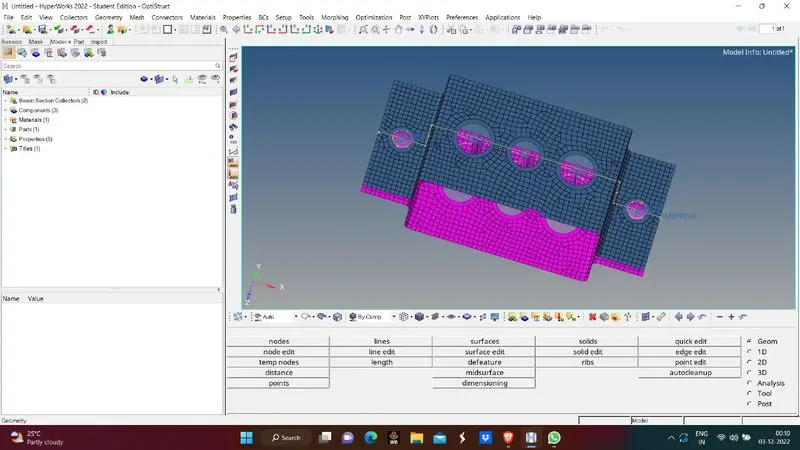
Week 4-1D Element Creation Challenge
Aim : Creating shell mesh and create 2d mesh and create 1d elements and mesh them
Procedure :
- Import CAD model in Hypermesh
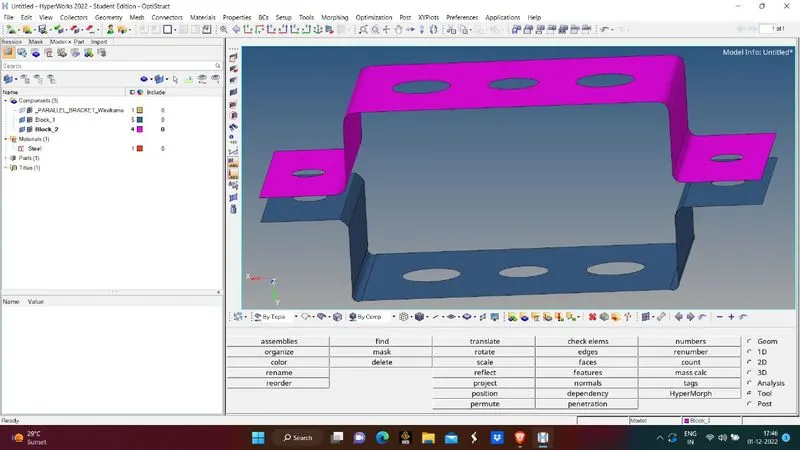
- Extract midsurface from the CAD
- Now Check for any errors
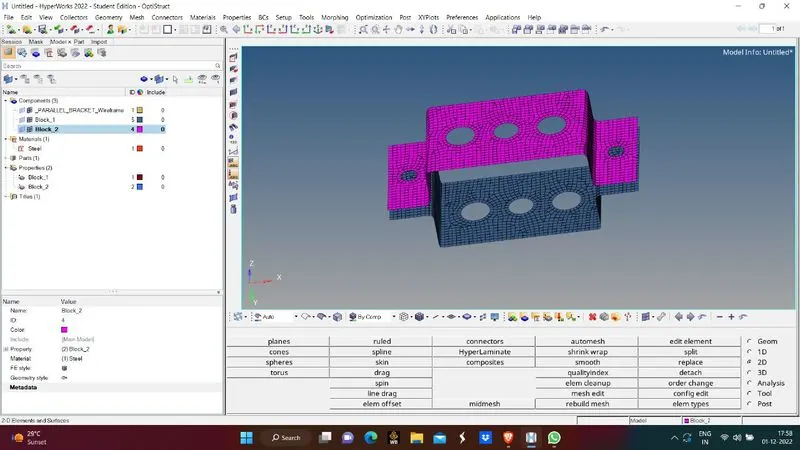
- After removing the errors now mesh the surface with required elment size and type of mesh
- Before meshing make sure we give washer line for holes and then mesh the element
- After succesful mesh now create 1d connections as mentioned in the challenge
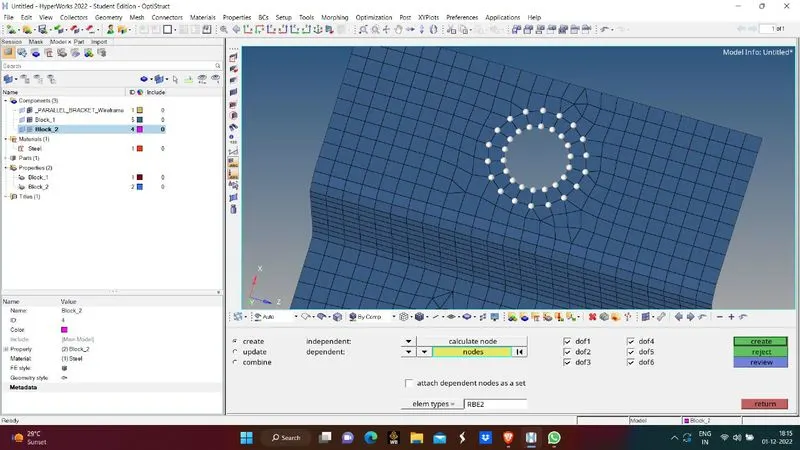
- For the holes give the rigid and RBE3 connections for respective cases
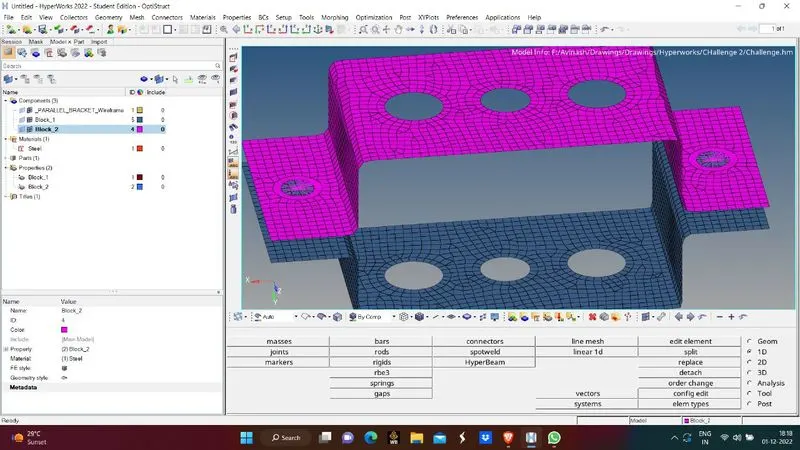
- After giving rigid connections for the present holes now give 1d connections as rod,beam,bar elements etc.
- Then in 1d section go to hyperbeam module and give required 1d connections based on required direction
- Now give dimensions to geometry that we require for respective 1d connections
- Now select the orientation from where the connection should be made
- Now assign the properties and elements types to 1d connections
- As well as for that 1d connection assign the geometry hyperbeam shape
- Give rigid connections and assign mess to E and D holes and also give spring connections
Learning Outcomes
- Learnt how to do 2d mesh
- Learnt how to extract midsurface
- Learnt how to give 1d connections
Result
- Midsurface is extracted
- 2d mesh is created
- !d connections are given to the body