Week 4-1D Element Creation Challenge
Ans.
Objective:- In week-4 Challenge session, My objective is to evaluate the mid-surface and auto-mesh. also i am learning the how to make the rod, beam,bar and its sections, properties, material. Also i am learning the how to apply the material and properties, masses. and also i am learing the rbe-2, rbe-3 and use of springs for two components.
Cad model image:-
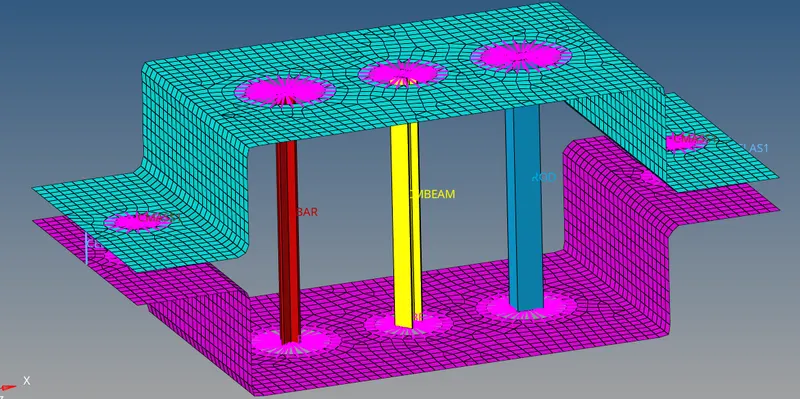
Step procedures of model:-
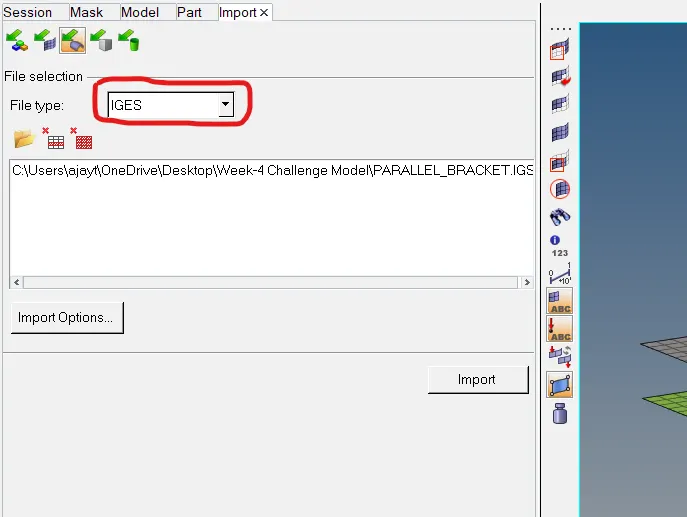
Step1:- Import given IGS model.
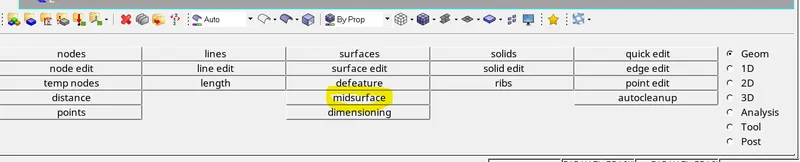
Step2:- Make the Mid-surfaces by using Mid-Surface command in geometry.
Step3:-Mesh the components with size 5 by using Automesh Command.

Step4:-Make and apply the material
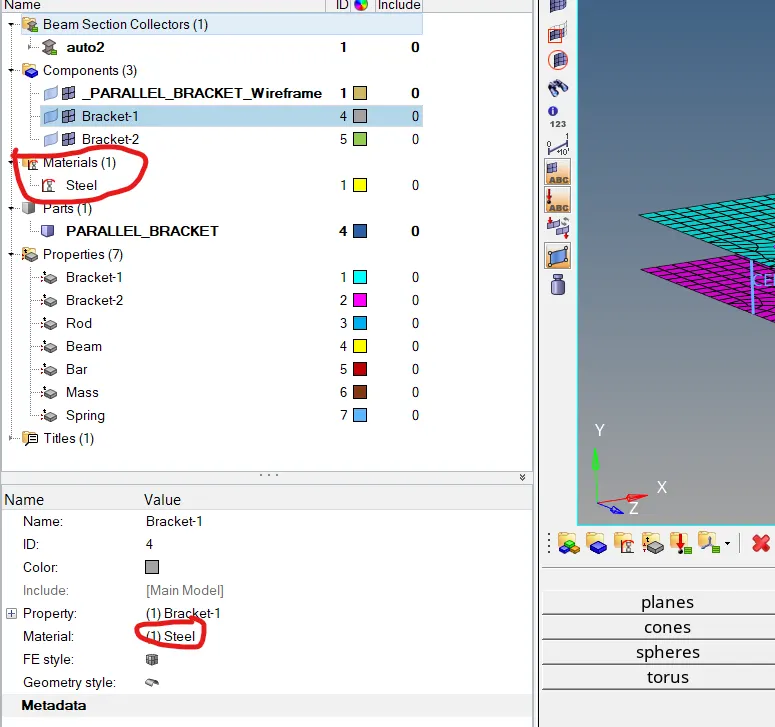
Step5:- Make and apply the property
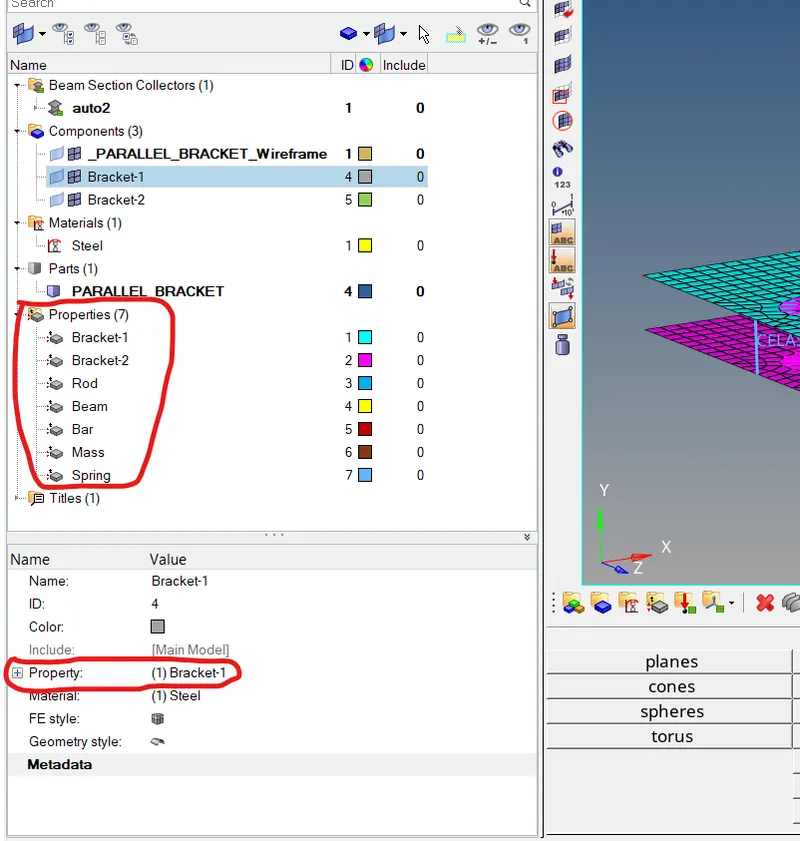
Step6 :- Make the Rod, Beam and Bar sections by using Hypermesh and optistrict command in hyperview command
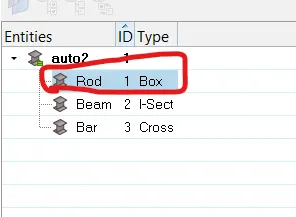
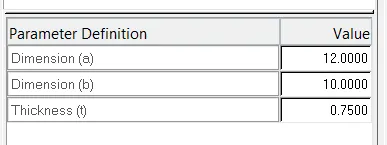
Step7:- Make the RBE-2 and RBE-3 by using Rigid and RBE-3 command

Step8:- Make the Rod, Beam and Bar and Apply the section

Step9:-Apply the sectons and properties of beam,rod,bar
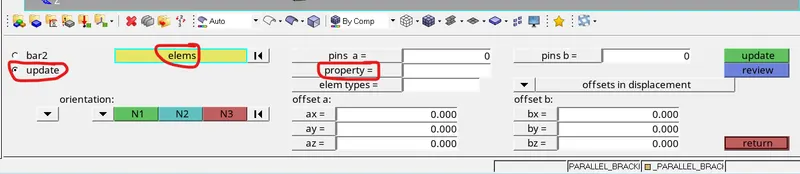
Step10:-Apply mass and RBE-2 as per question by using Masses command in Geometry

Step11:-Make the Spring for joining the two component by using Springs command in geometry

Results:-In week-4 Challenge session, I have learned the evaluating the mid surfaces and auto mesh. i have considered the rod,beam,bar,rbe-2,rbe-3, masses and springs. and also i have considered the applying of sections and properties.