Week 11-3D Tetra Meshing Challenge
Tetra Mesh
Objective:- In this challenge, we Create a Teramesh for Housing component with the following quality criteria.
Model 1:-
TetraMesh Generation Method: 2D to 3D Conversion
Elements sizes: Min- 2 Units, Target- 5 Units, Max- 7 Units
Tet collapse: 0.15
Use of steps:-
Step 1:- Import the geometry
Step 2:- Delete the solid entity
Step 3:- Generate the mid-surface by using in auto-mid surface command.

Step 4:- Do the geometry cleanup, fix the free unwanted free edge if any
Step 5:- Set the given quality criteria in preference criteria file setting
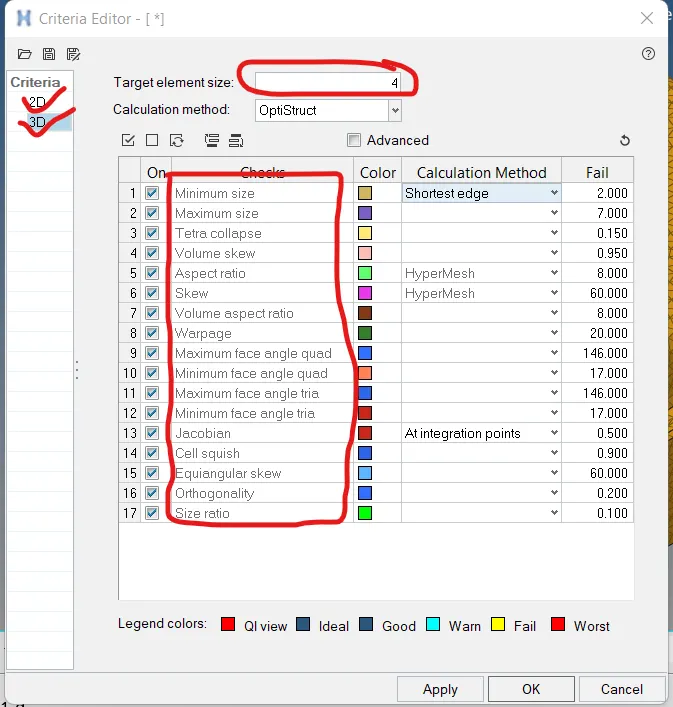
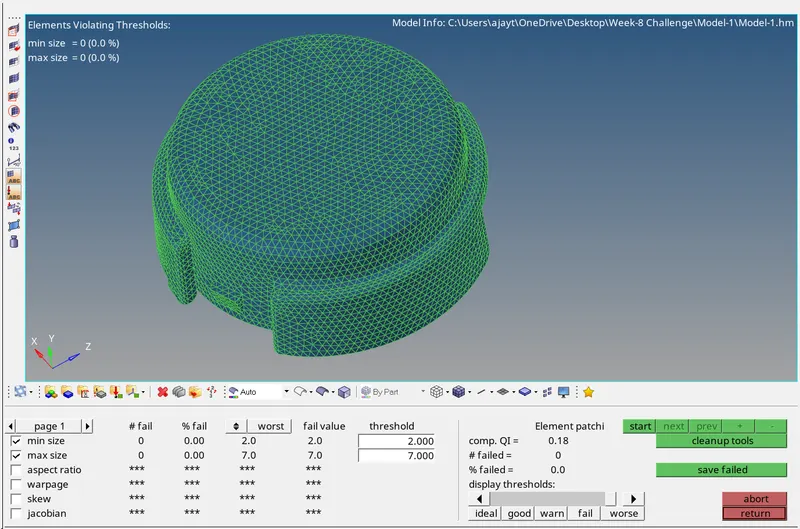
Step 6:- make the 2D mesh by using Auto-mesh command

Step 7:- Check the 2D quality criteria by using the quality index command
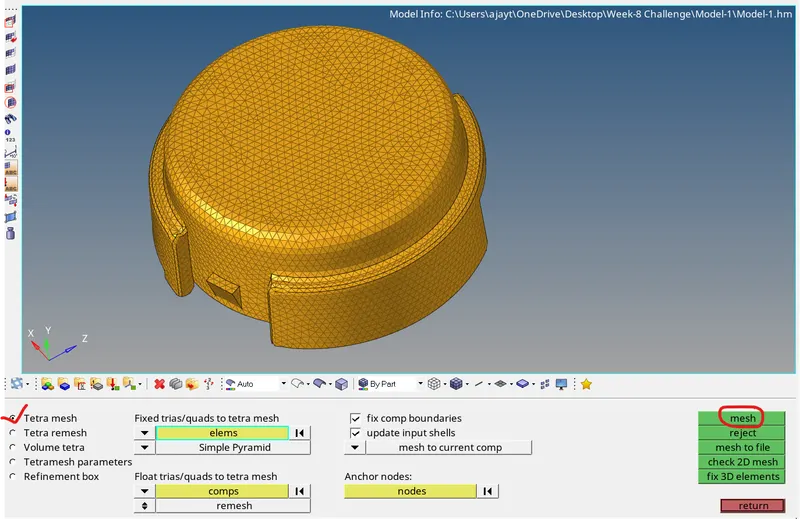
Step 8:- convert the 2D mesh in 3D mesh by using tetramesh command
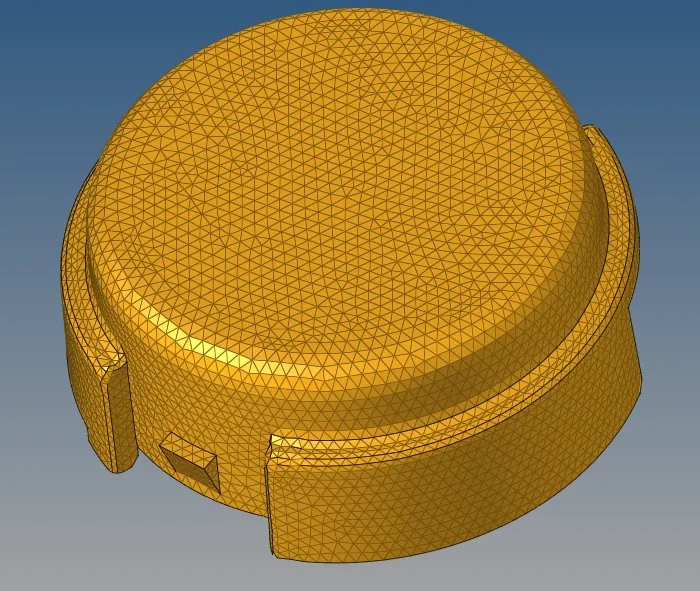
Step 9:- Check the 3D quality criteria as per given 3D quality Criteria

Step 10:- Final Model
Model:- 2
TetraMesh Generation Method: Quick Tetra Mesh/ Volume Tetra Mesh
Target Element size: 3 Units.
Tet Collapse: 0.15
Use of steps:-
Step 1:- Import the geometry
Step 2:- Set the given 3D quality criteria in preference criteria file setting
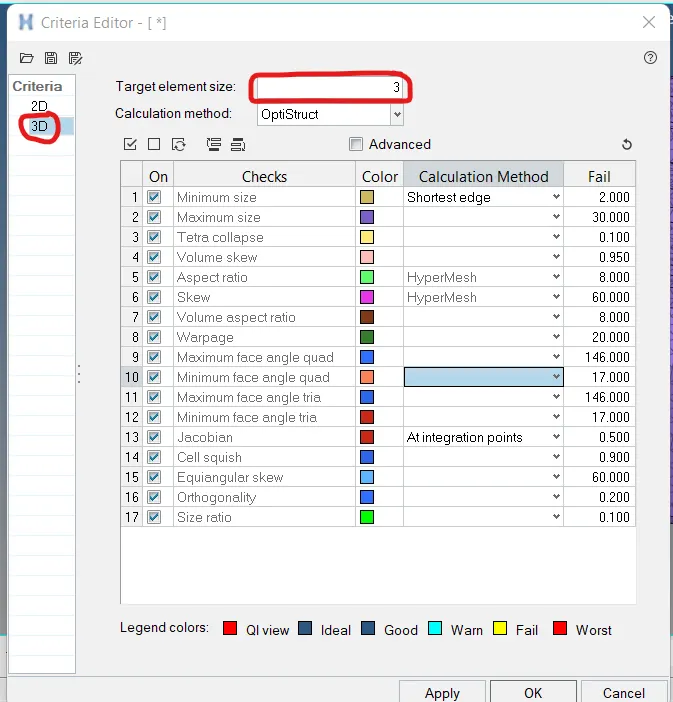
Step 3:- make the 3D mesh by using volume tetra mesh command
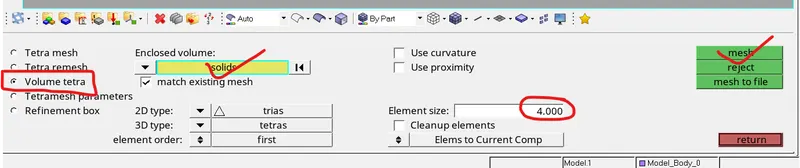
Step 4:- Check the quality criteria
Step 5:- Final Model
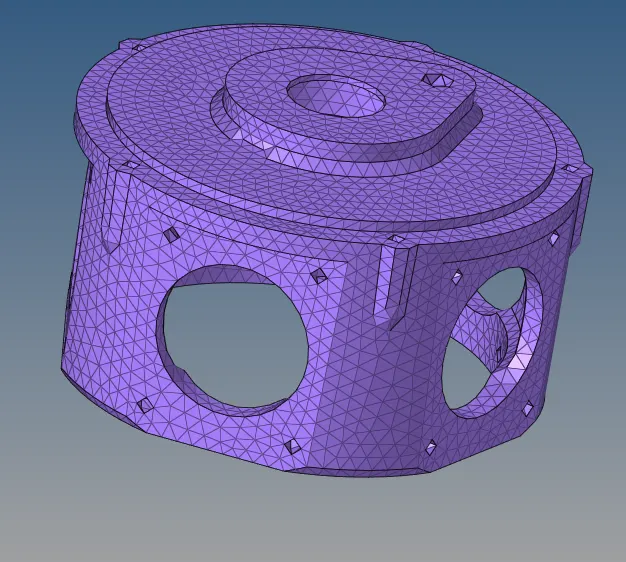
Model:-3
TetraMesh Generation Method: Quick Tetra Mesh/ Volume Tetra Mesh
Target Element size: 4 Units.
Tet Collapse: 0.15
Use of steps:-
Step 1:- Import the geometry
Step 2:- Set the given 3D quality criteria in preference criteria file setting
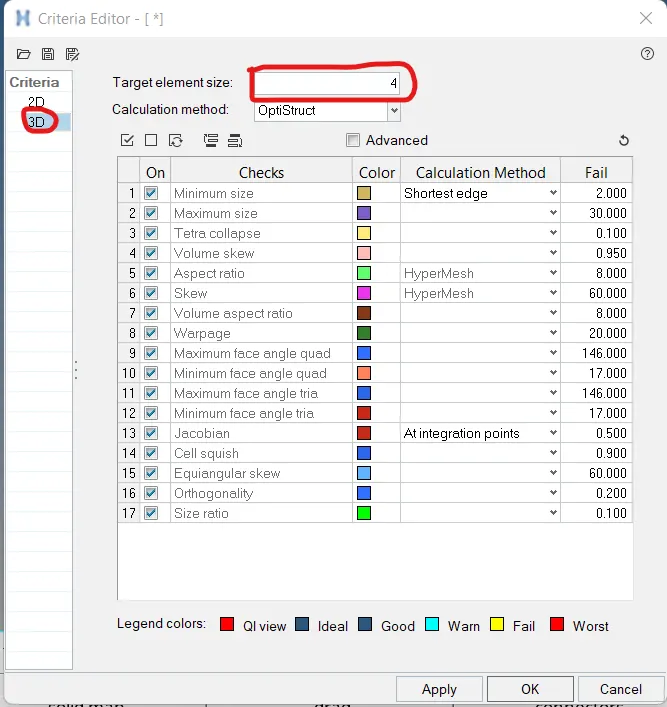
Step 3:- make the 3D mesh by using volume tetra mesh command
Step 4:- Check the quality criteria
Step 5:- Final Model
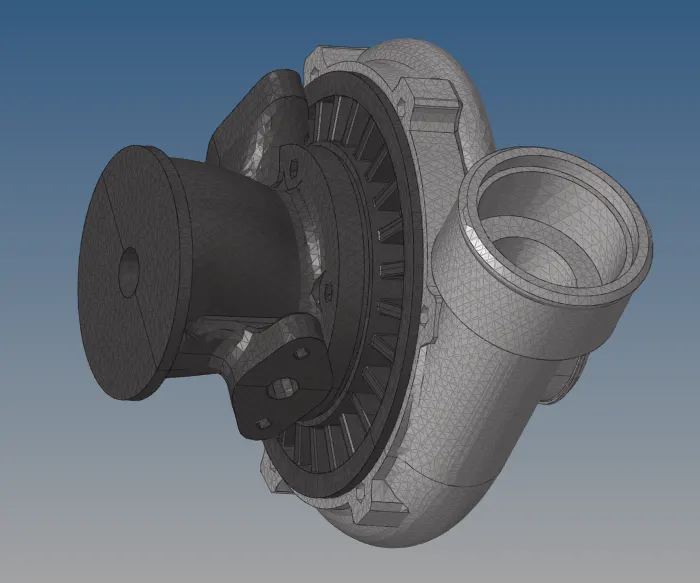
Conclusion:- In the week challenge, we have made the 3D meshing by using two diffrent method ,first method is first do the mesh 2D and then convert to 3D mesh and second method is direct 3D mesh with volume tetra mesh method. But for quality percepective first method is better as compare to second method.