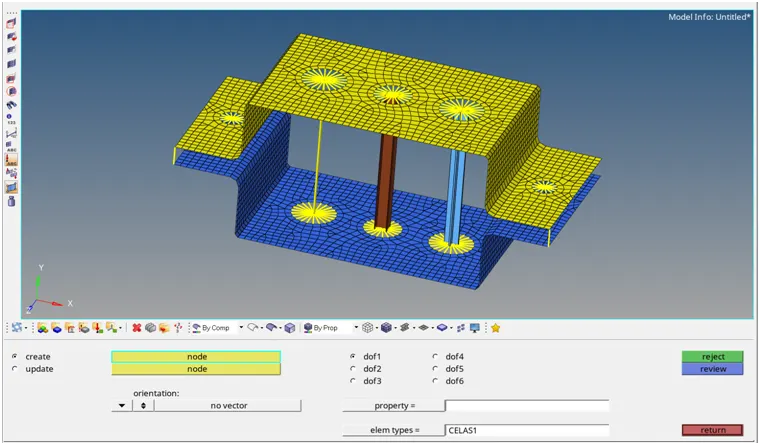
Week 4-1D Element Creation Challenge
Report
AIM:
Mesh the Given component with the Size of 5 Units. Create 1D elements on the following component with given cross-section and DOF.
Objective:
Create 1D elements on the following component with given cross-section and DOF.
a. Rod element:- Translational DOF should be Constrained with RBE2 link
Cross-Section: BOX- Dimension a= 12 mm
dimension b=10 mm
Thickness t= 0.75 mm
b. Beam element:- All DOF should be constrained with RBE3 link
Cross-Section: I Section- Dimension a= 8 mm
Dimension b= 10 mm
Dimension c= 8.5 mm
Thickness t1= 0.75 mm
Thickness t2= .6 mm
Thickness t3= .6 mm
c. Bar element:- Constrain only x and y DOFs With RBE3 link
Cross-section: X section- Dimension DIM1= 5 mm
Thickness DIM2= 1.2 mm
Dimension DIM3= 10 mm
Thickness DIM4= 1.2mm
d. & e. Apply the mass of magnitude 10 with the RBE2 link
f. Join the two components with Spring elements
procedure:
1] Import the geometry:
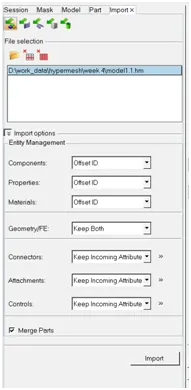
2] deleting the solid:
we need only the surface that why we delete the solid.
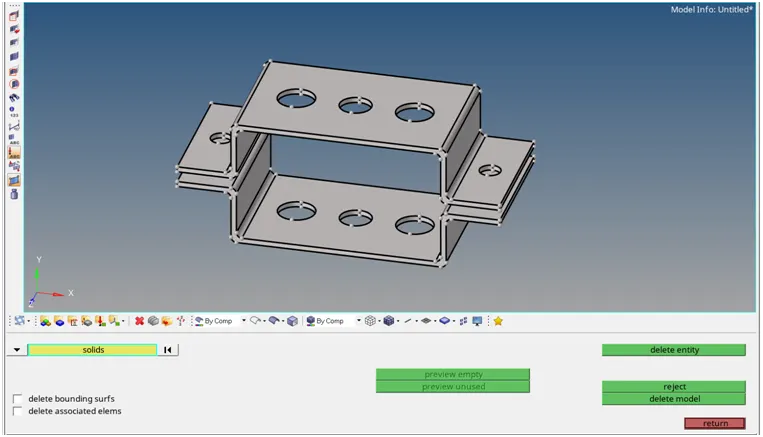
3] geometry clean-up:
for proper mesh flow and creating the mid-surface we need to first clean the geometry by using the autoclean-up tool.
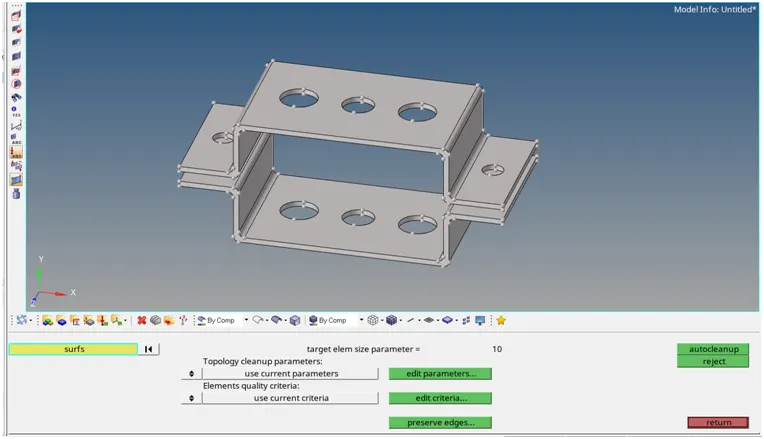
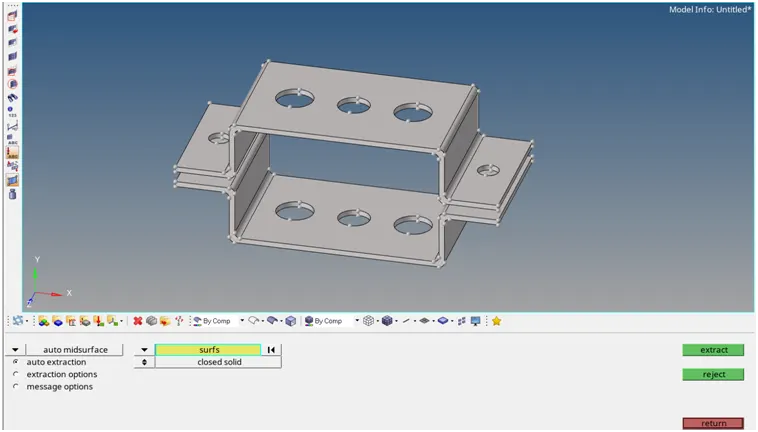
4] creating the Mid-surface:
for 3D mesh we directly select the surface of given geometry but for do the 2D mesh we require the surface.that why we extract the middle surface.here i use the auto Mid-surface for extracting the mid-surface.in auto mid-surface i select the skin offset method.

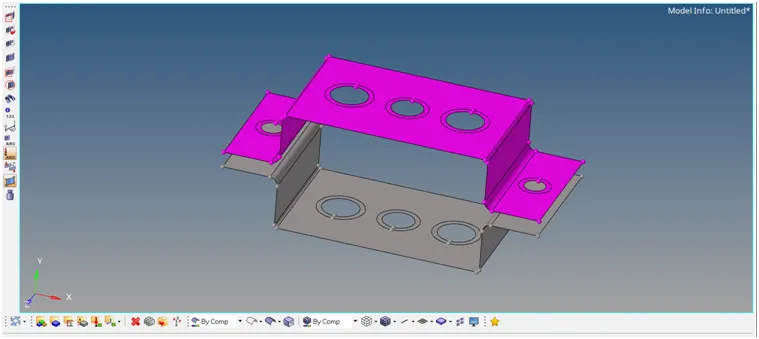
5] create the washer split:
create the washer split on the hole. and give the offset value is 5 mm.
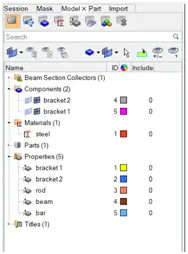
6] create seperate property:
here we create the seperate property for both bracket.as bracket1 and bracket2..also create material for this bracket.
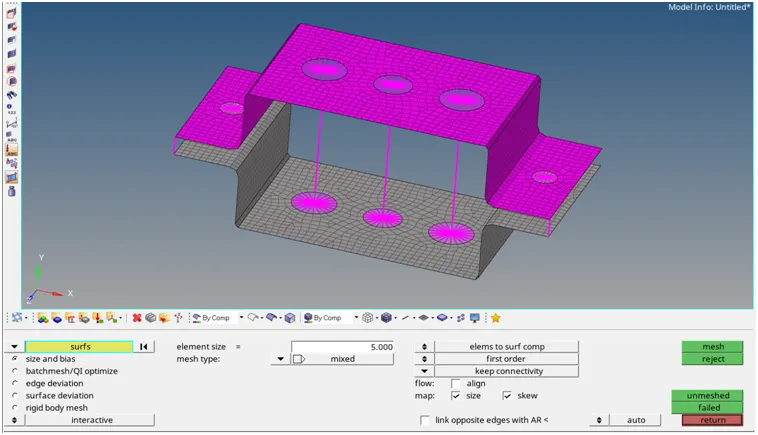
7] creating the meshing:
creating the mesh on the mid-surface by using automesh.here we use the element size is 5 mm and element type is mixed type.
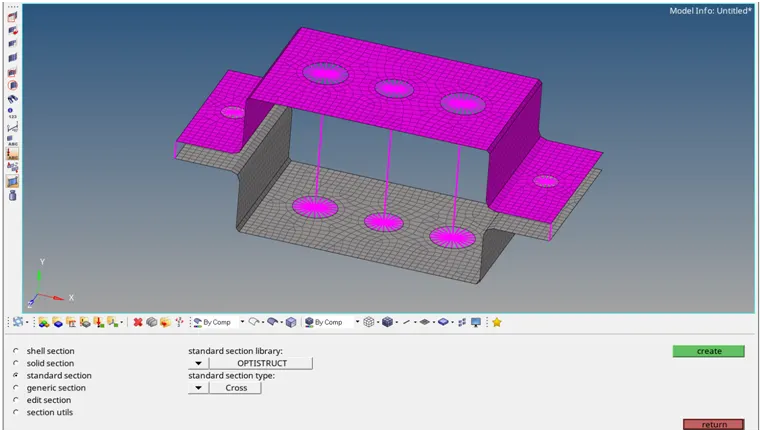
8] Create 1D elements on the following component with given cross-section and DOF.
1] create the cross-section:
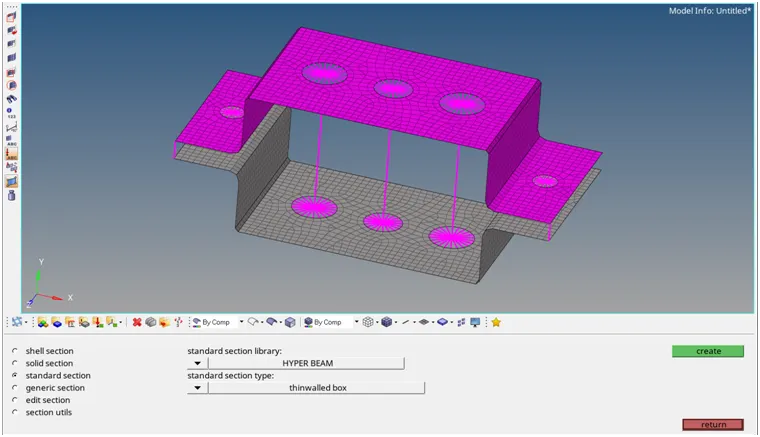
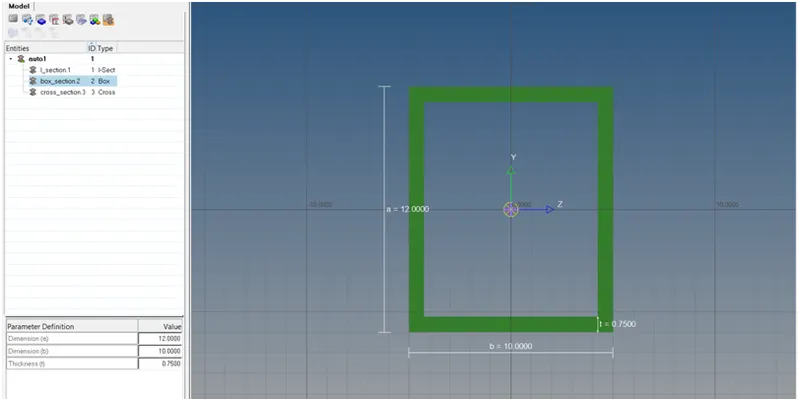
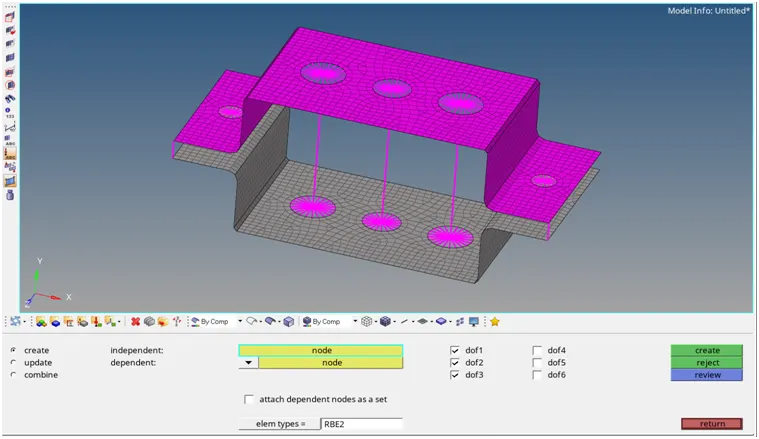
a. Rod element:- Translational DOF should be Constrained with RBE2 link
Cross-Section: BOX- Dimension a= 12 mm
dimension b=10 mm
Thickness t= 0.75 mm
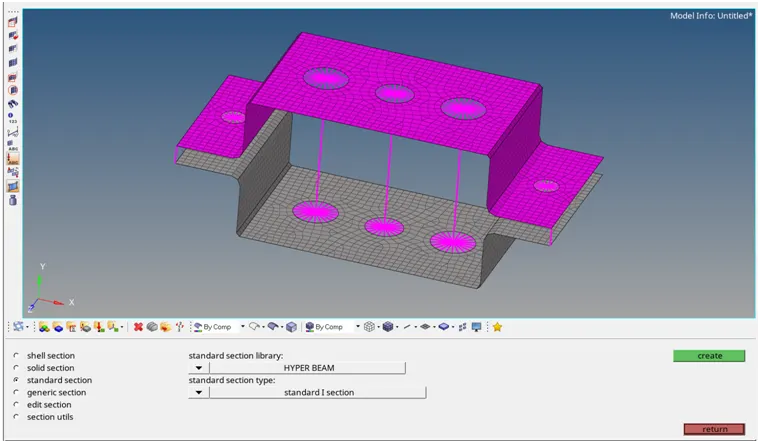
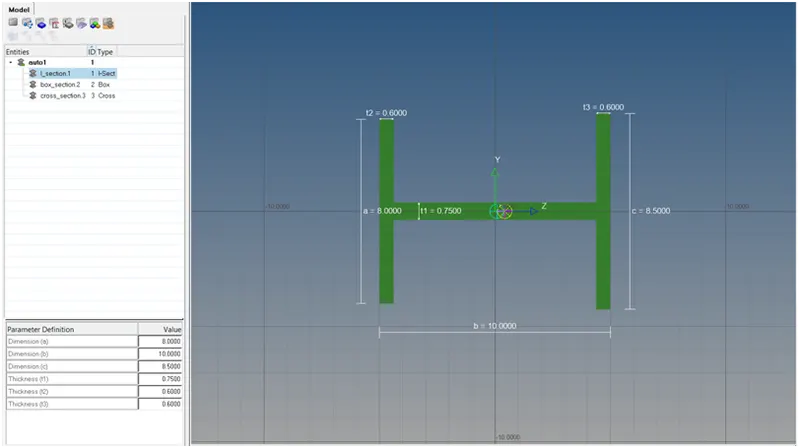
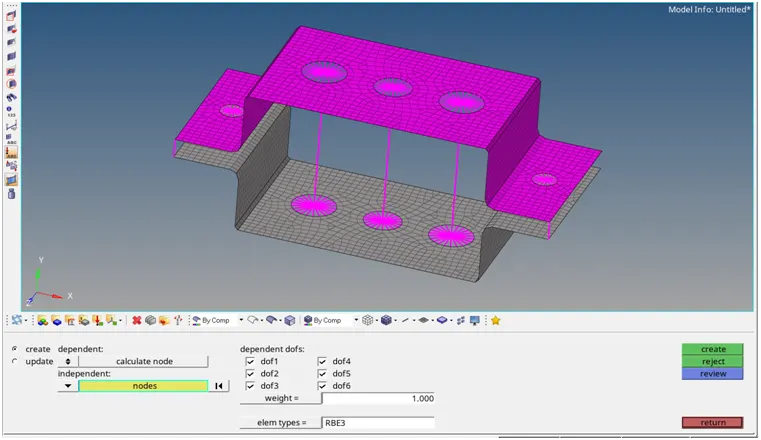
b. Beam element:- All DOF should be constrained with RBE3 link
Cross-Section: I Section- Dimension a= 8 mm
Dimension b= 10 mm
Dimension c= 8.5 mm
Thickness t1= 0.75 mm
Thickness t2= .6 mm
Thickness t3= .6 mm
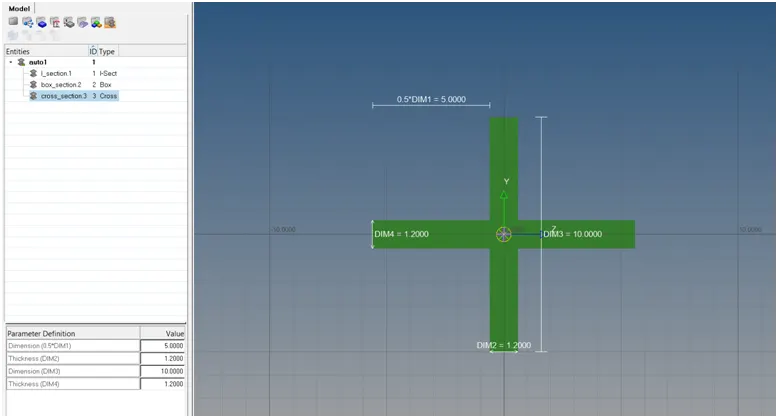
c. Bar element:- Constrain only x and y DOFs With RBE3 link
Cross-section: X section- Dimension DIM1= 5 mm
Thickness DIM2= 1.2 mm
Dimension DIM3= 10 mm
Thickness DIM4= 1.2mm
9] creating the RBE2 and RBE3 link:
create RBE2 element:
create RBE3 element:
10] create Rod elements:
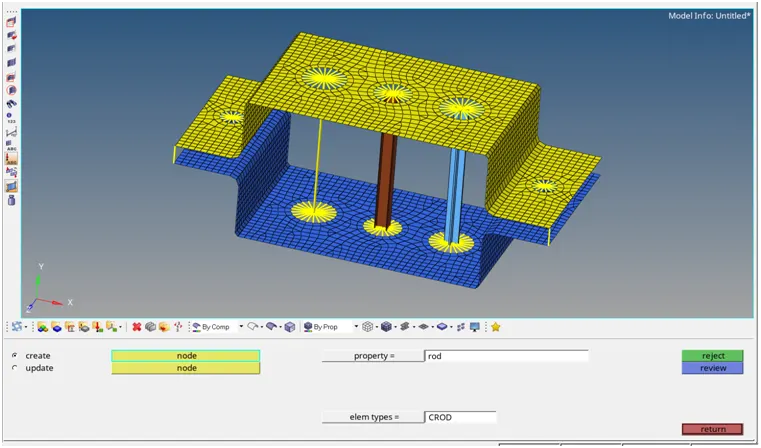
in this 1D elements i select the element type is CROD and also give the newly created property as 'Rod' after that i select the RBE2 point on the both bracket and create the 1D Rod element at perticular location.
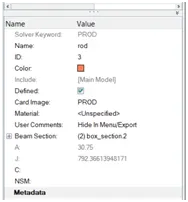
Assigning the beam section and card image:
11] create Beam elements:
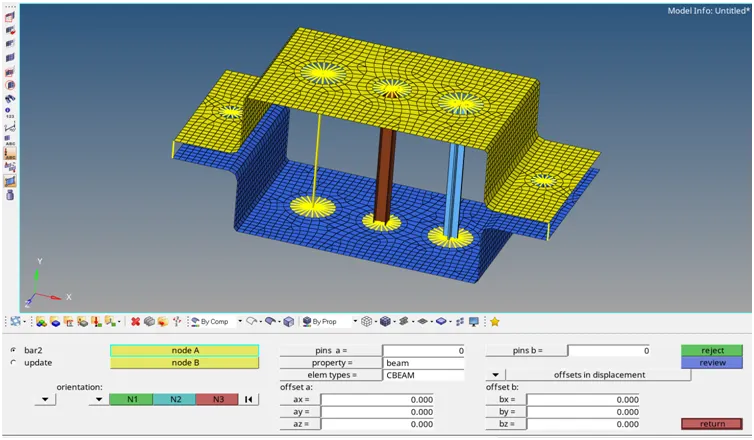
in this 1D elements i select the element type is CBEAM and also give the newly created property as 'beam' after that i select the RBE3 point on the both bracket and create the 1D beam element at perticular location.
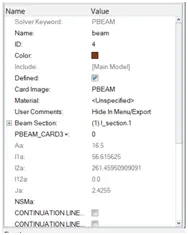
Assigning the beam section and card image:
12] create Bar elements:
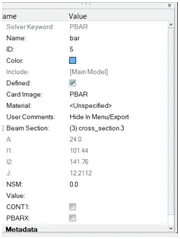
in this 1D elements i select the element type is CBar and also give the newly created property as 'bar' after that i select the RBE3 point on the both bracket and create the 1D bar element at perticular location.
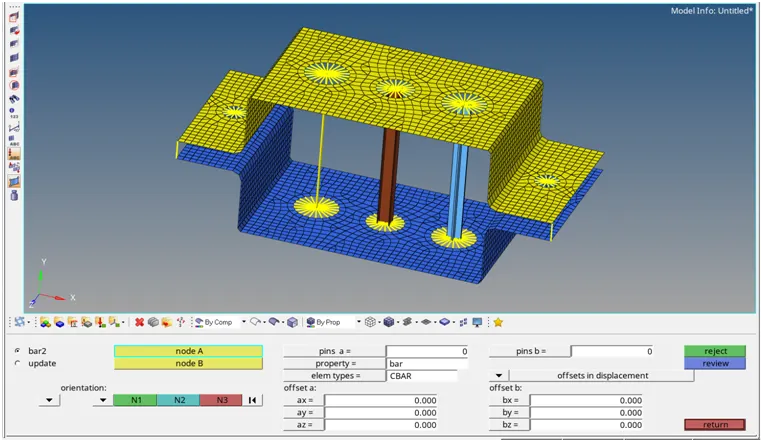
Assigning the beam section and card image:
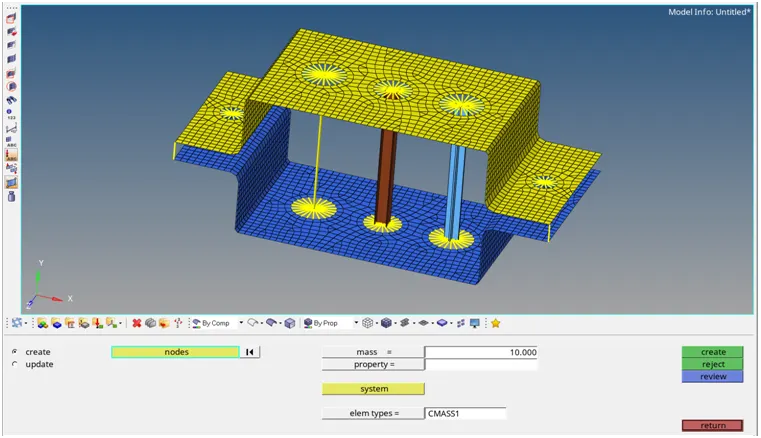
13] applying the mass at perticular location:
here we apply the concentrated mass at perticular location.here elements type is cmass1 i chosse and mangnitude of mass is 10. after that selecting the RBE2 elements at bracket 1.
14] creating the spring elements: