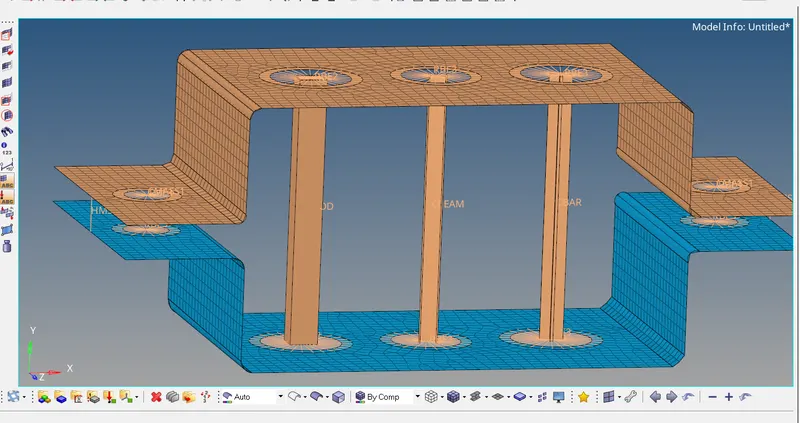
Week 4-1D Element Creation Challenge
Objectives :
1.Meshing of parallel braket using the element size of 5 units
2. Creating the 1D elements on given componant using the give cross-section and DOF .
3. Applying the mass of 10 units magnitude .
4. Applying the spring elements at edges of braket.
CAD Model :
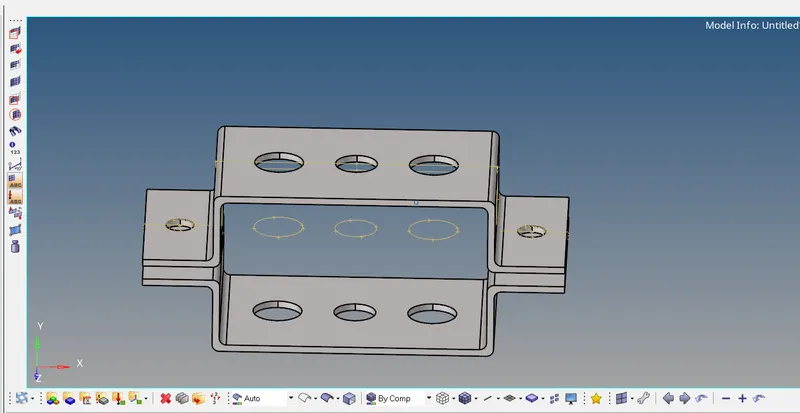
Procedure :
1. First imported the model by using the import geometry tool . Using the Midsurface tool and the Extract option Offset , the midsurface is created seperately for both brakets , which can be seen in below image :
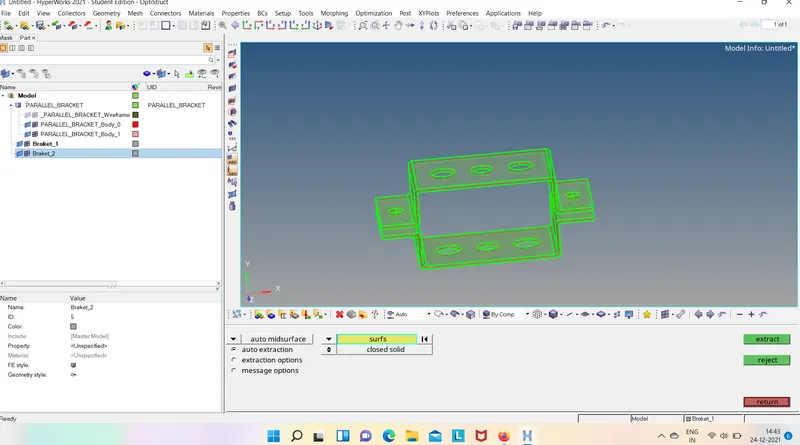
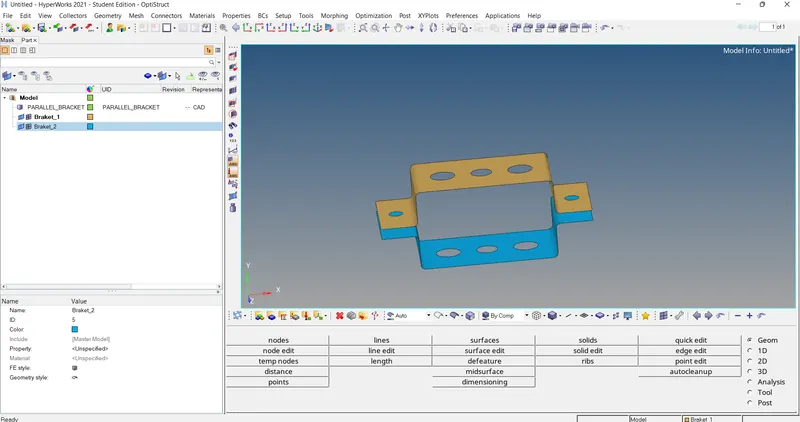
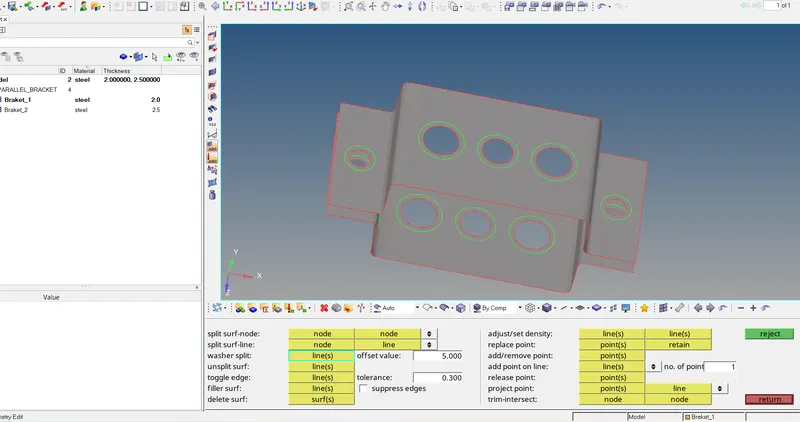
2. Before creating the Mesh on braket , the washer split from quike edit tool is used for creating the washer area for proper meshing around the hole .
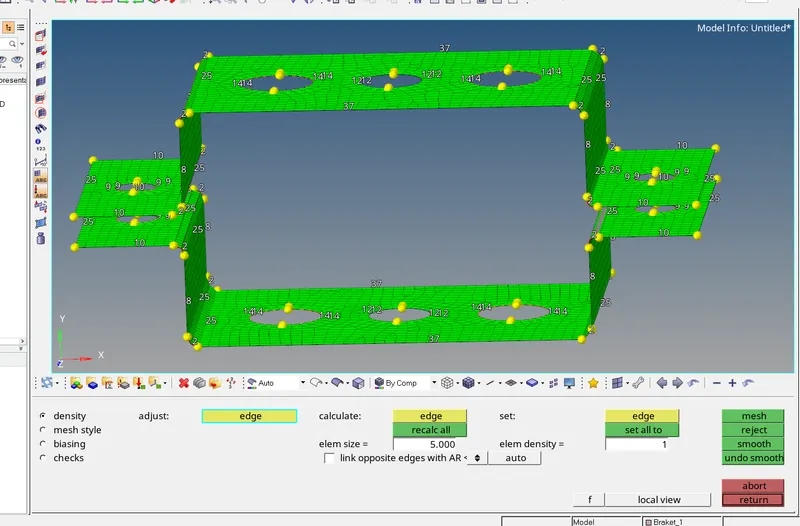
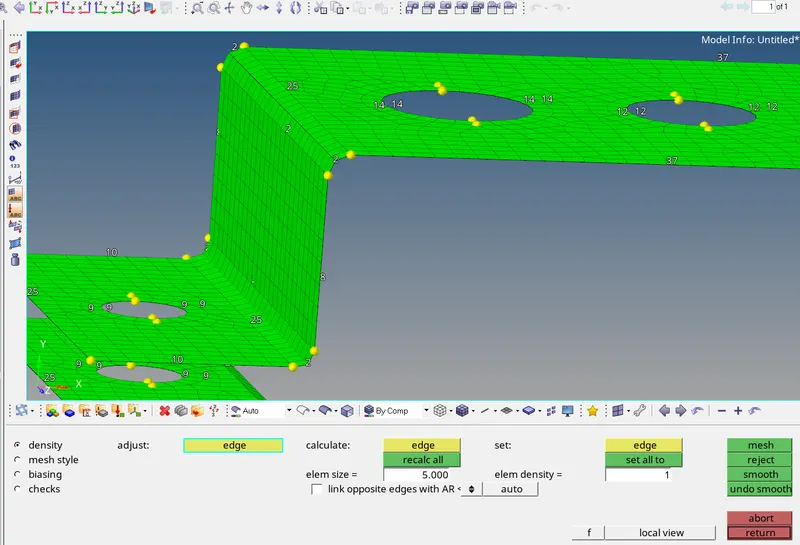
3. Then using the Automesh tool from 2D geometry mesh is created on both the brakets and number of nodes are adjusted around the hole ,the fillets are also got meshed properly can be seen below ,
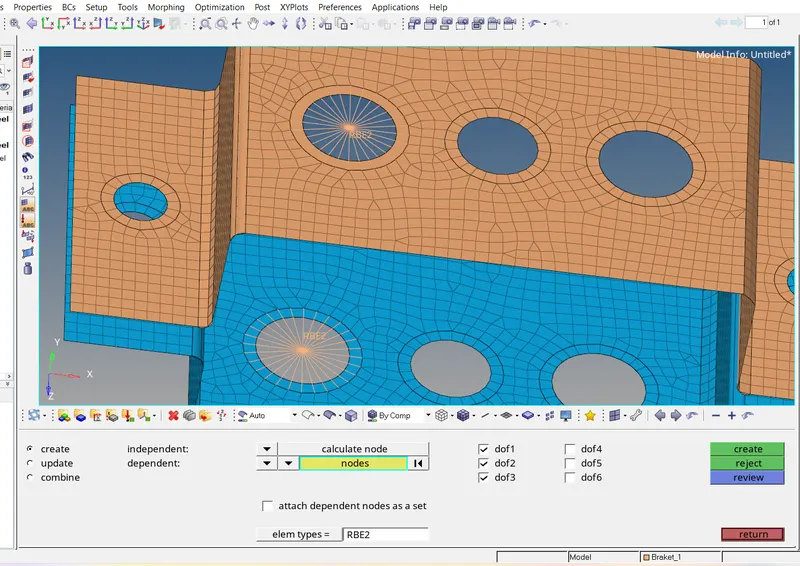
4. For first elememt , the RBE 2 (rigid) link with Translational DOF constrained element on both the brakets is created at first hole, using the from 1D element geometry , which can be seen below .
5. In the same way , RBE3 link with all DOF constrained is created at b hole and the RBE3 link with only X and Y constrained at c hole of both the brakets using the RBE3 tool from 1D tool section .
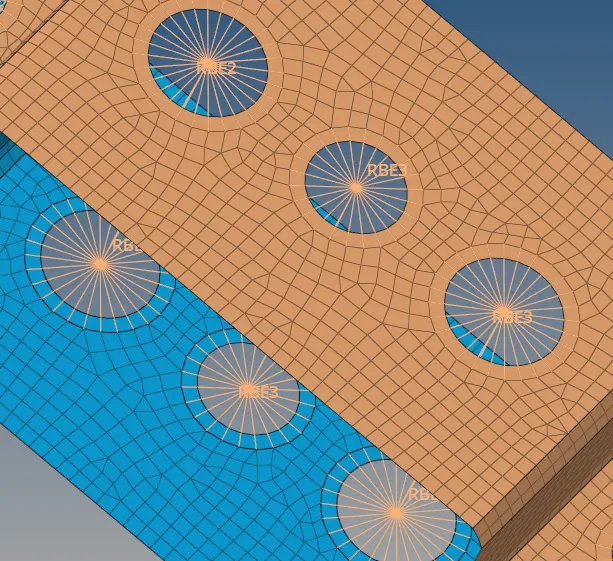
6. Then 1D elements are created At each Hole using the Rod , Bar and Beam tool from 1D geometry tool ,
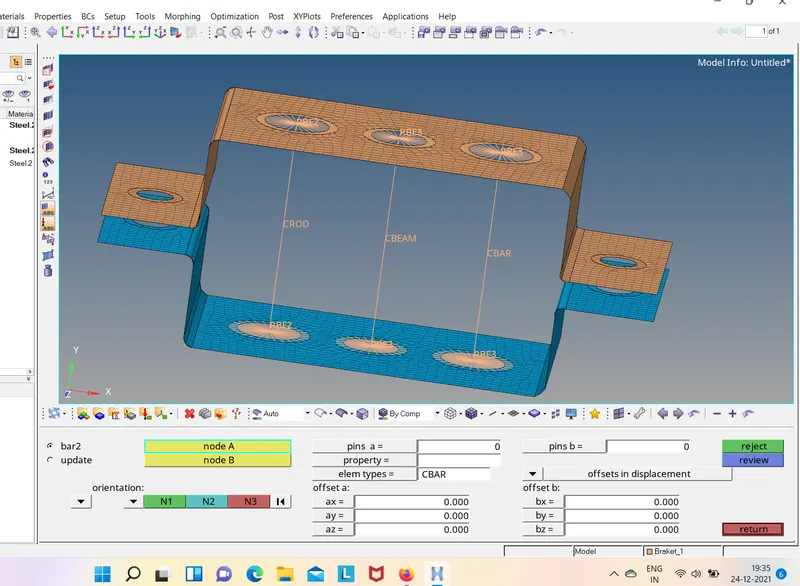
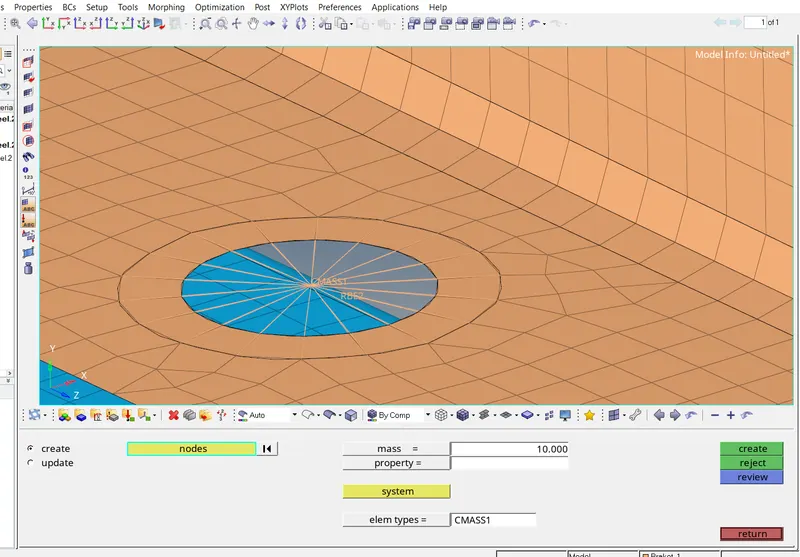
7. The RBE3 link with all DOF constrained and the mass of Magnitude 10 is applied at the RBE3 link of d and e hole of both brakets ,
8. As per dimenshions the Rod ( Box section ) , Beam (I section) and the Bar (X section ) are created in hyperbeam tool and assighned them to respective elements , then using the 1D Detailed element represntation tool elements coverted into the the 3D elements which can be seen below ,
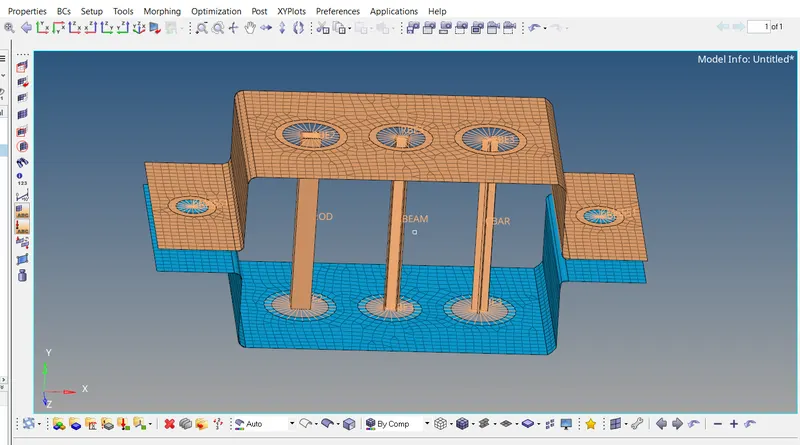
9. The cross-section of Rod , Beam and the Bar can be seen below ,
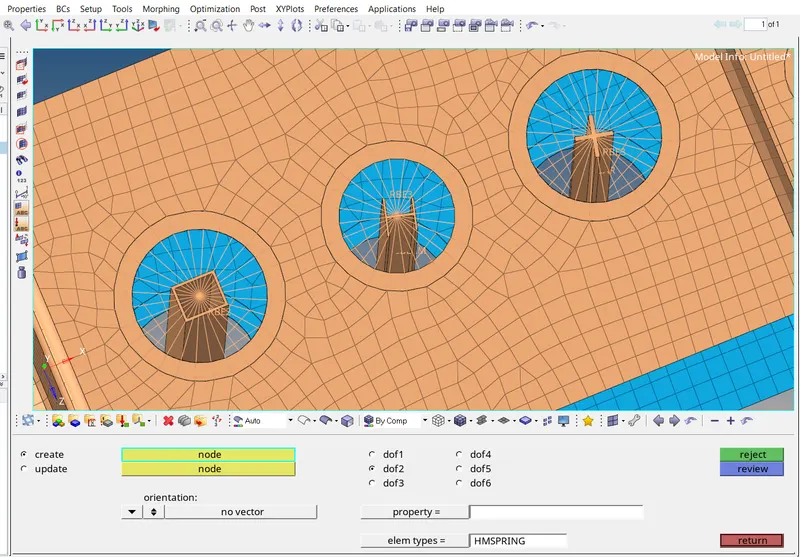
10. Then Spring elements with HMSPRING element type are provided at f points of both Brakets , using the Spring element tool from 1D geometry as,
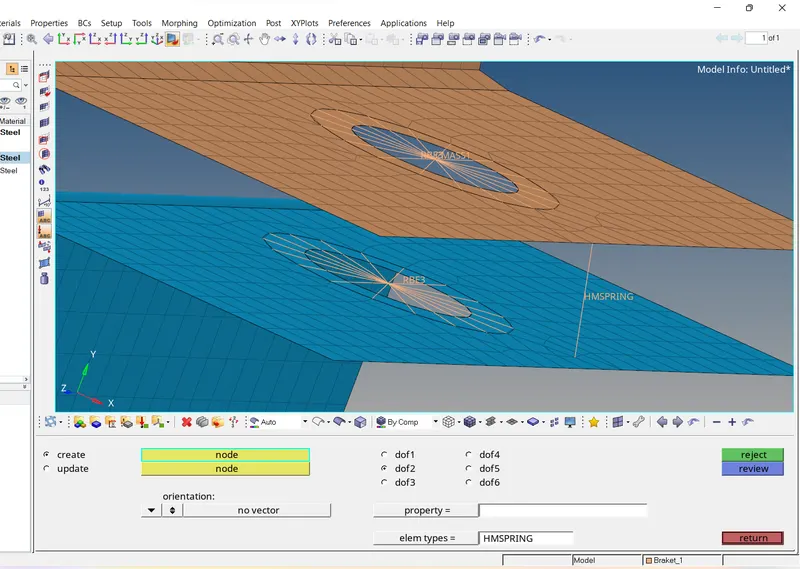
11. The Resulted final Model can be seen below ,