Week 4-1D Element Creation Challenge
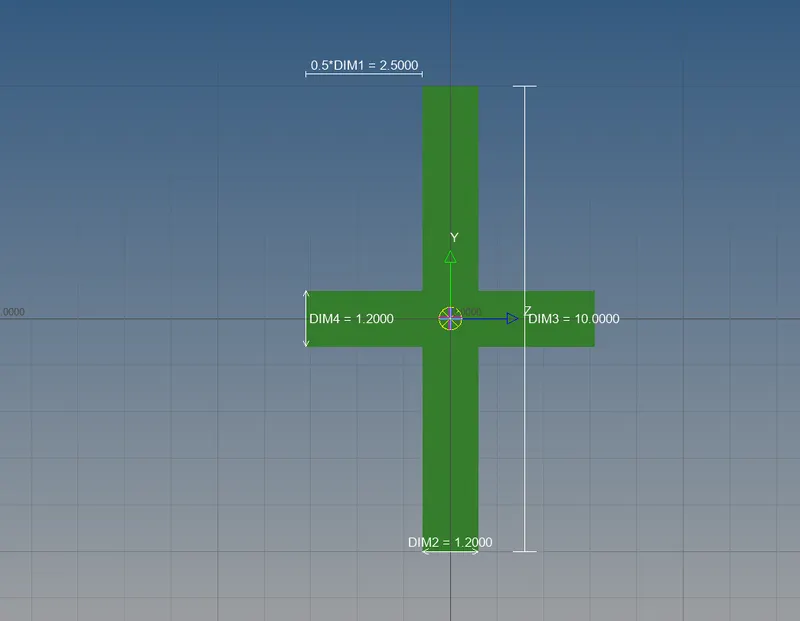
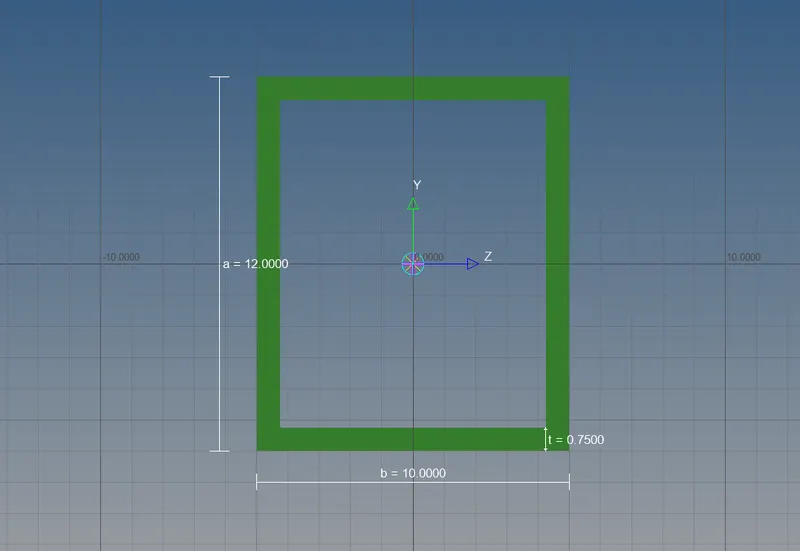
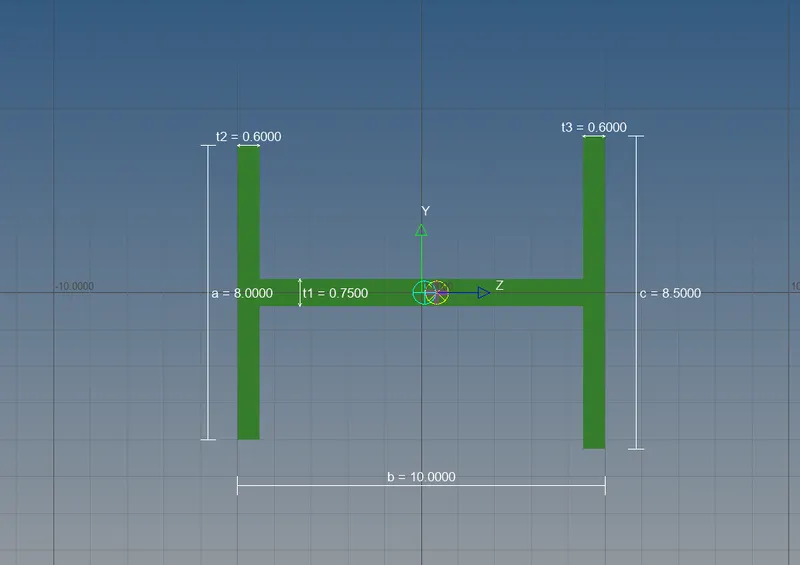
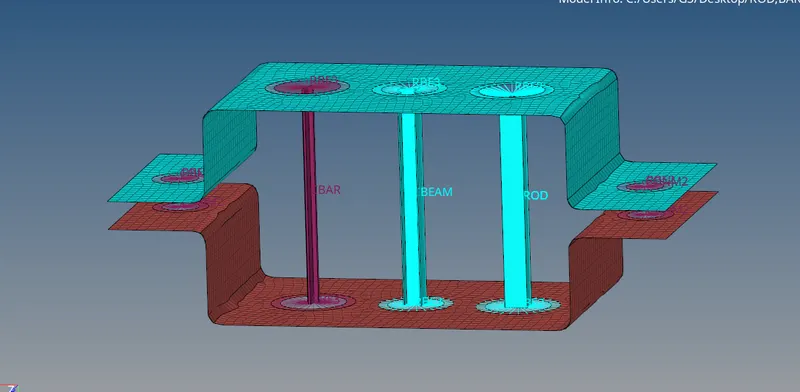
Objective:To mesh the given modal and also create some 1D elements
Procedure:
1.Open the modal and use autocleanup option for repair of modal.
2.Create Mid surface of both the brackets by Mid surfacing option in geometry command.
3.Give appropriate names corresponding to 2 brackets by use of organize option.
4.Create a washer split for all circles using quick edit option.
5.Create automesh using element size as given.
6.Increase the number of nodes of circles to obtain a good mesh around the circles.
7.Assign a material to the components in browser section.
8.Also assign property to be given to two brackets.
9.Now,go to 1D command and select hyperbeam option to create sections as asked.
10.After creating sections of given dimensions,exit from hyperbeam view and create 3 properties of Rod,bar and beam with Card image selected as per the element and also the assign the section to them.
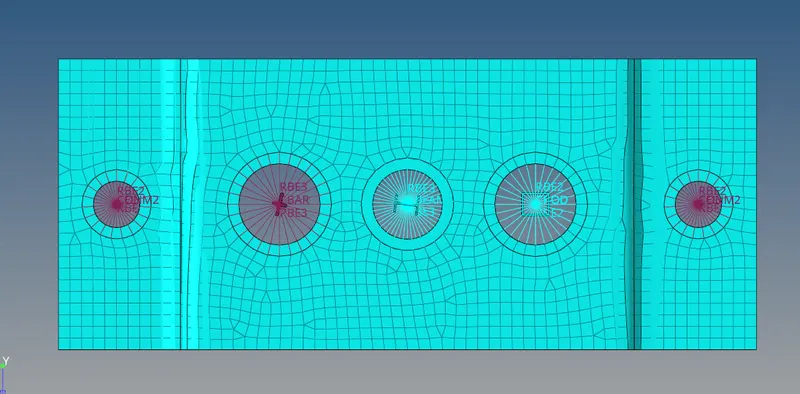
11.Now create rbe2(rigid) elements by going to 1D command for rod in the particular location given.
12.Select rod option and corresponsingly the property and the nodes and hence rod is generated.
13.Now create rbe3 links for the beam and then go to bar option and select property for beam and also 'Cbeam' under elem types to generate the beam.
14. Create rbe3 elements for bar and in same manner with bar properties and elem type create the bar.
15.Now create rbe2 links for d and e parts and then assign a mass to them from masses option under 1D command.
16.At last, use springs option to create spring between two rbe2 links.
Result: Final product obtained as shown in figure.