Week 3-Meshing of Hood Challenge
( A ) Meshing of inner panel of hood:
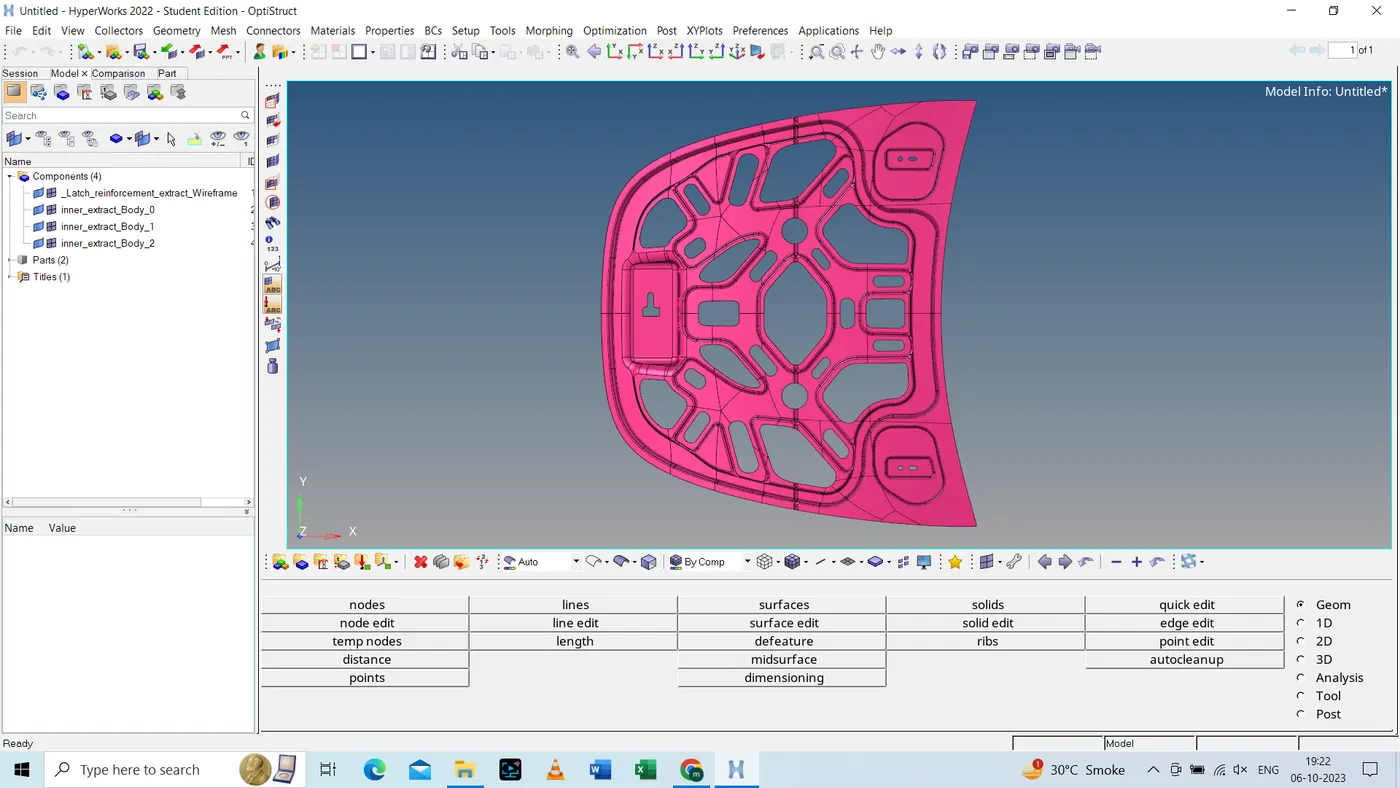
- Following is the imported part which is shown above.
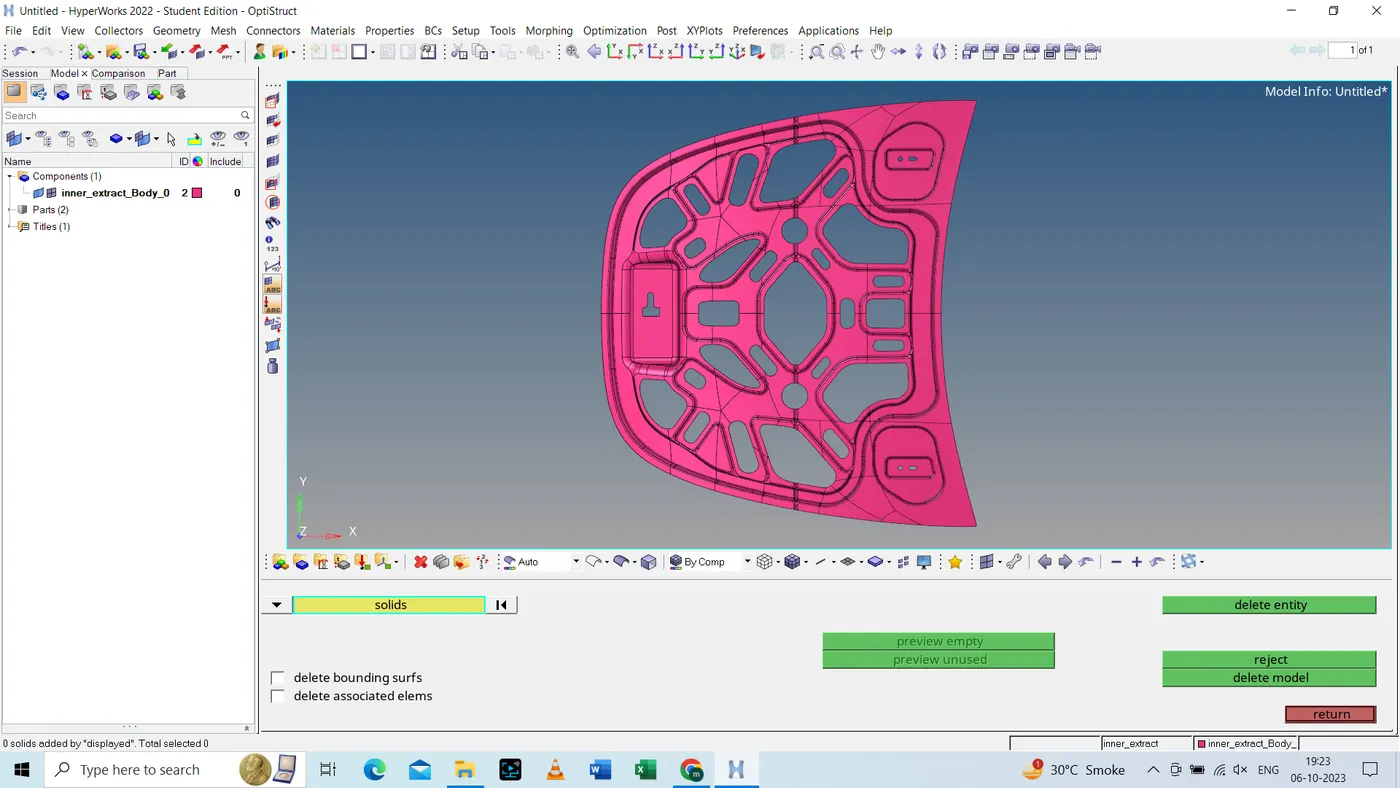
- Step 1: All the solids are removed from the given part and only surfaces of the part are remain.
- Step 2: Look for any free edges within the model by turning the wireframe view on.
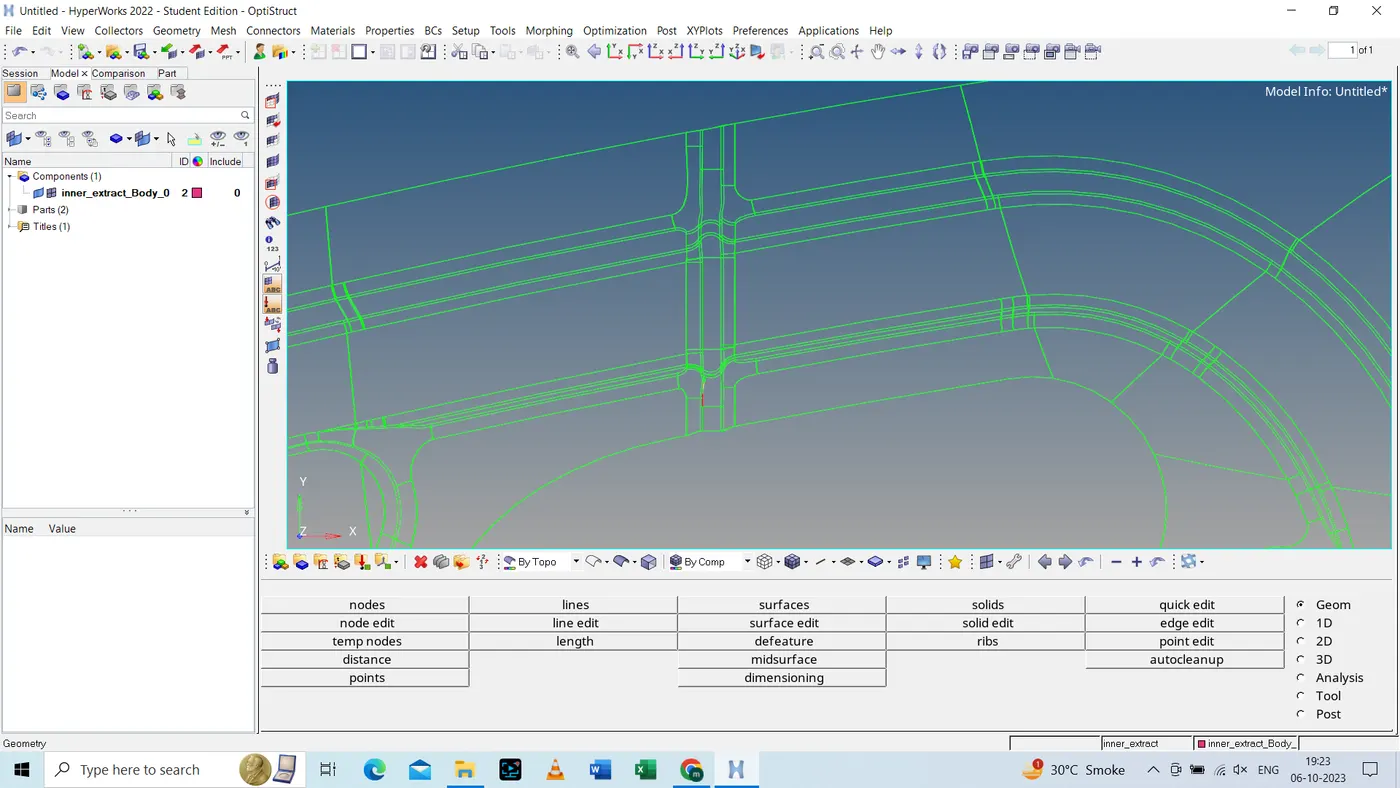
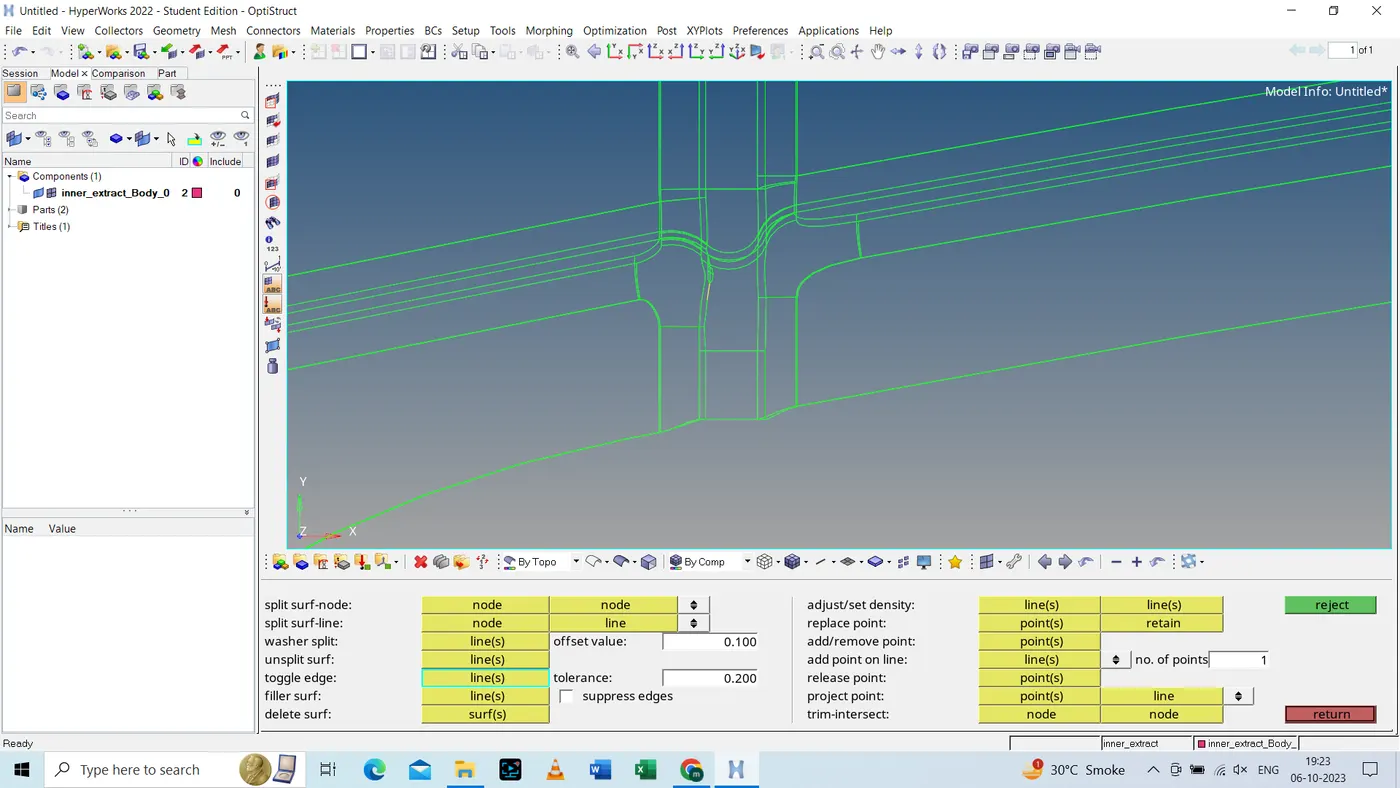
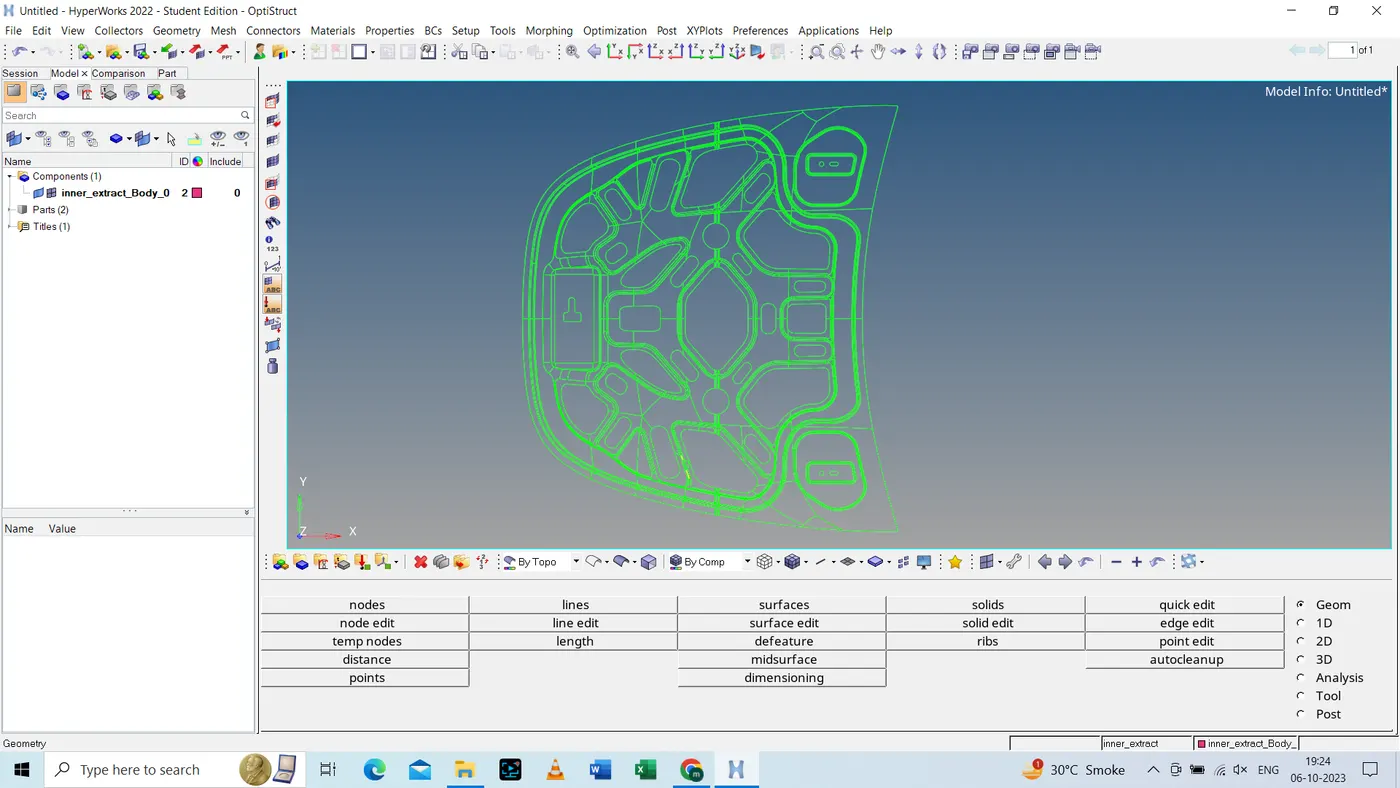
- Step 3: After romoving all the free edges, we will check for uniform thickness of the part to confirm weather it is
of sheet metal or plastic. Since, the thickness of this part is unform, it is sheet metal part.
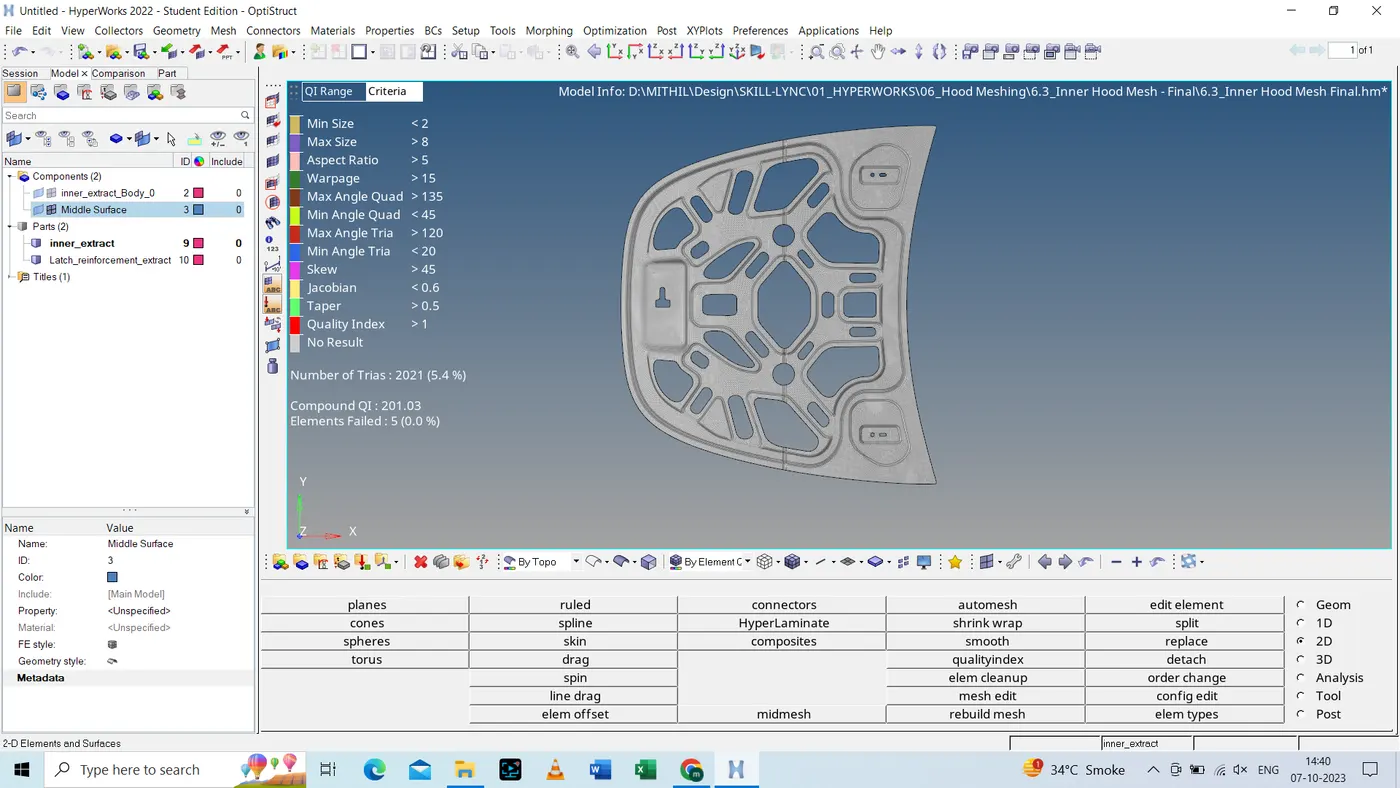
- Step 4: Generating mid Surface using Skin off-set as extraction option.
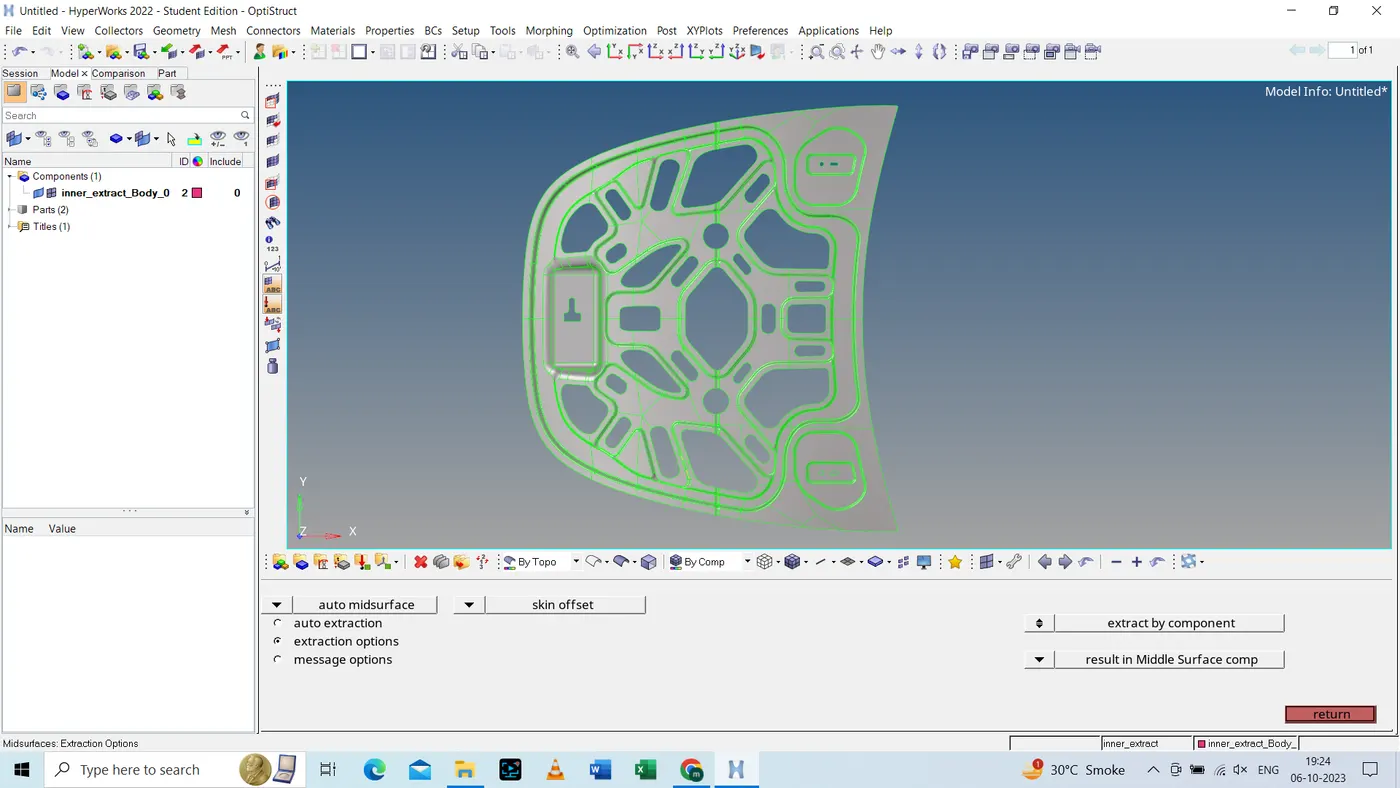
- Looking for any free edges or irregularities in mid-surface.
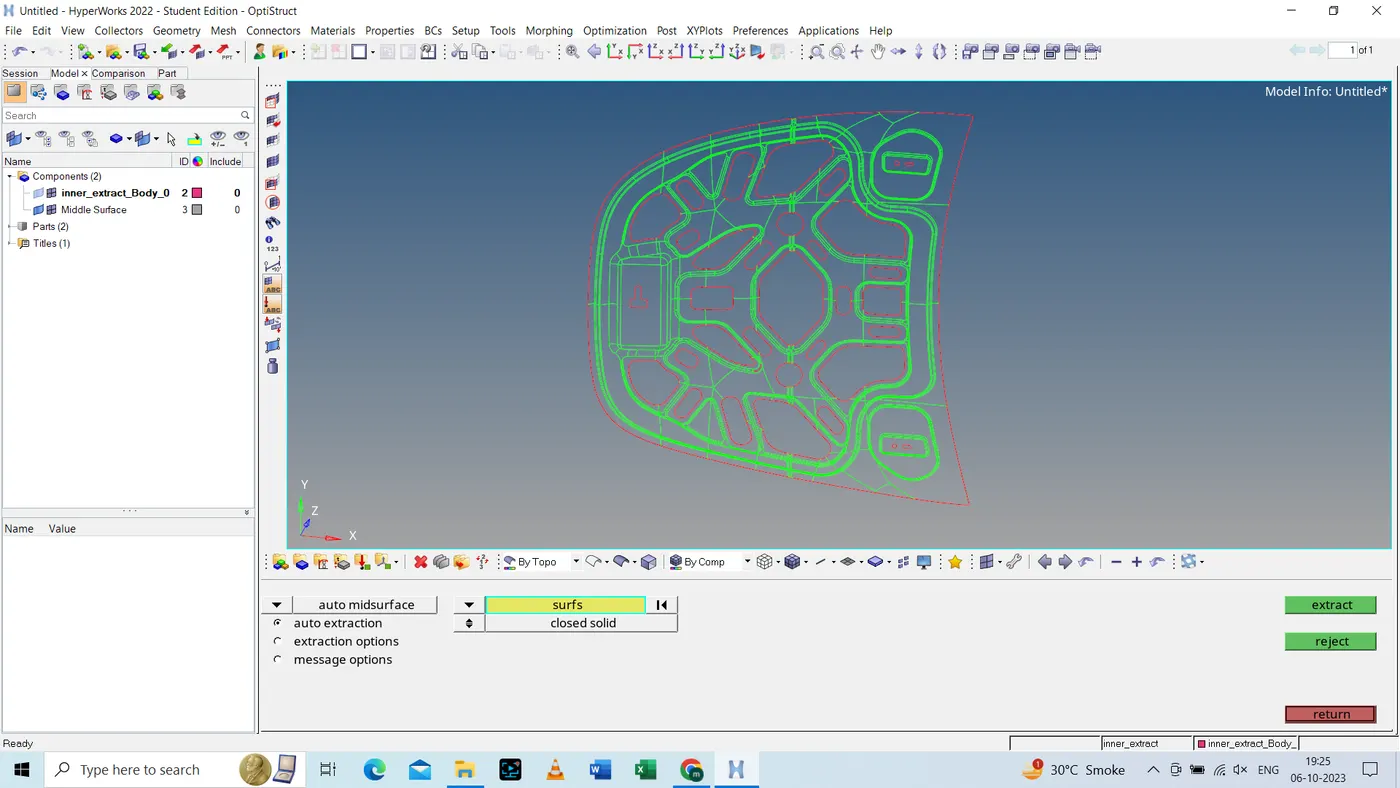
- Fixing any unwanted edges for better mesh flow, as shown below.
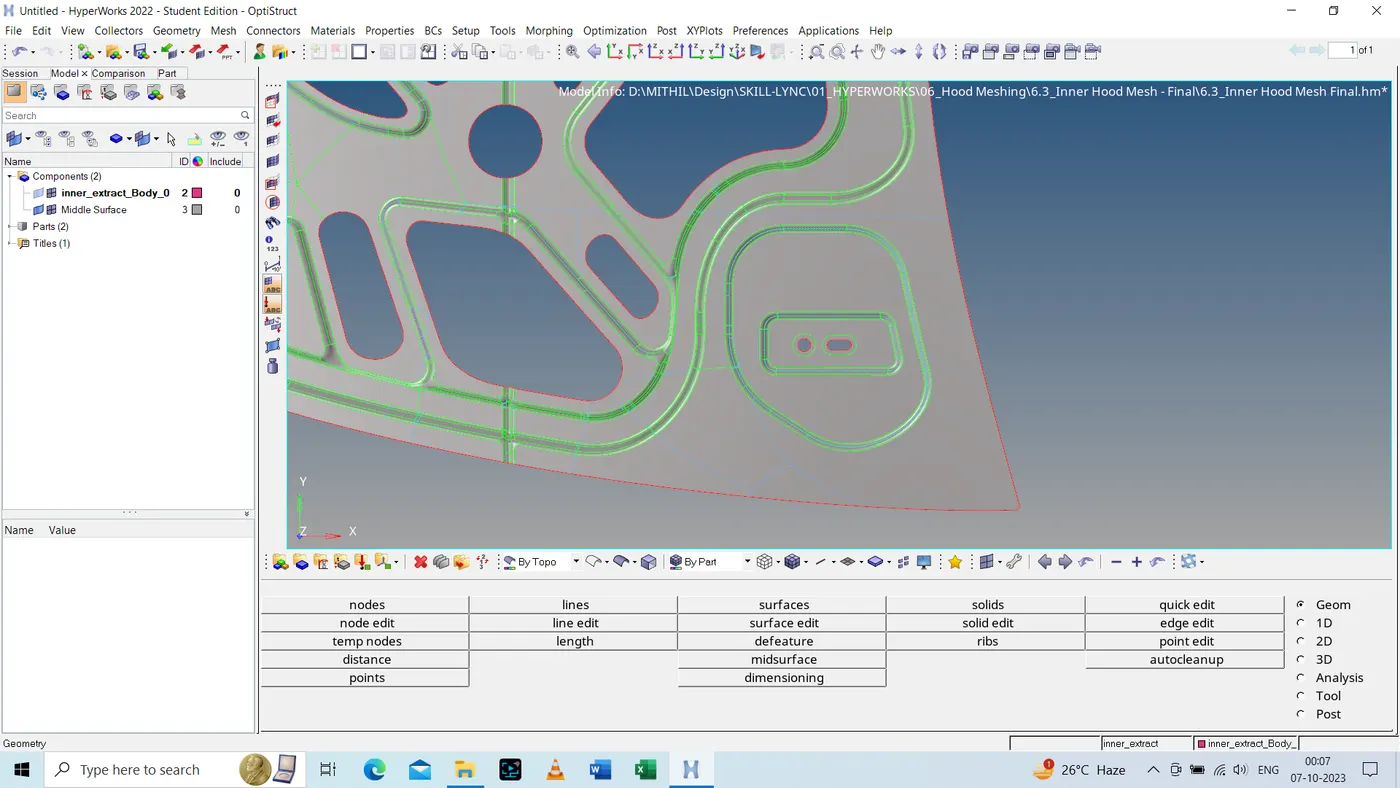
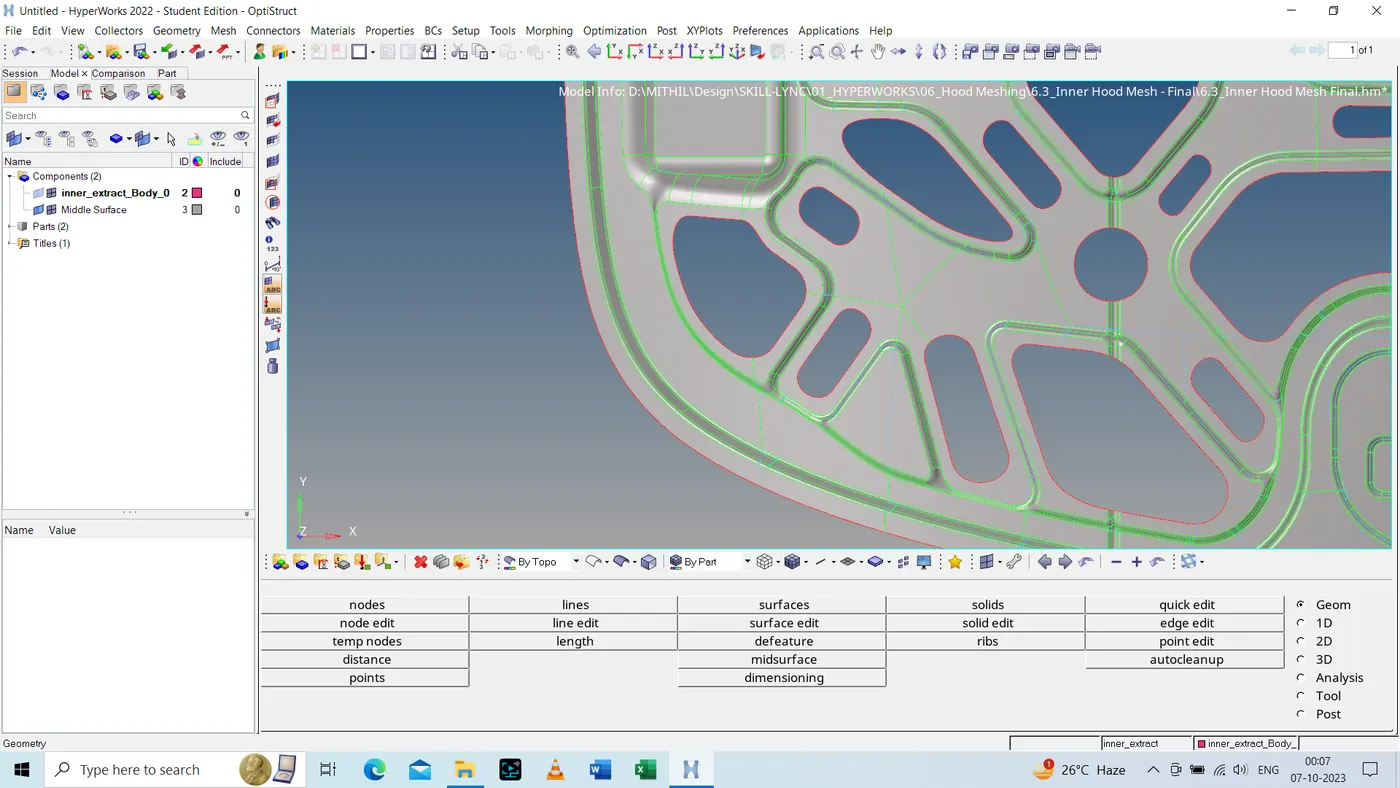
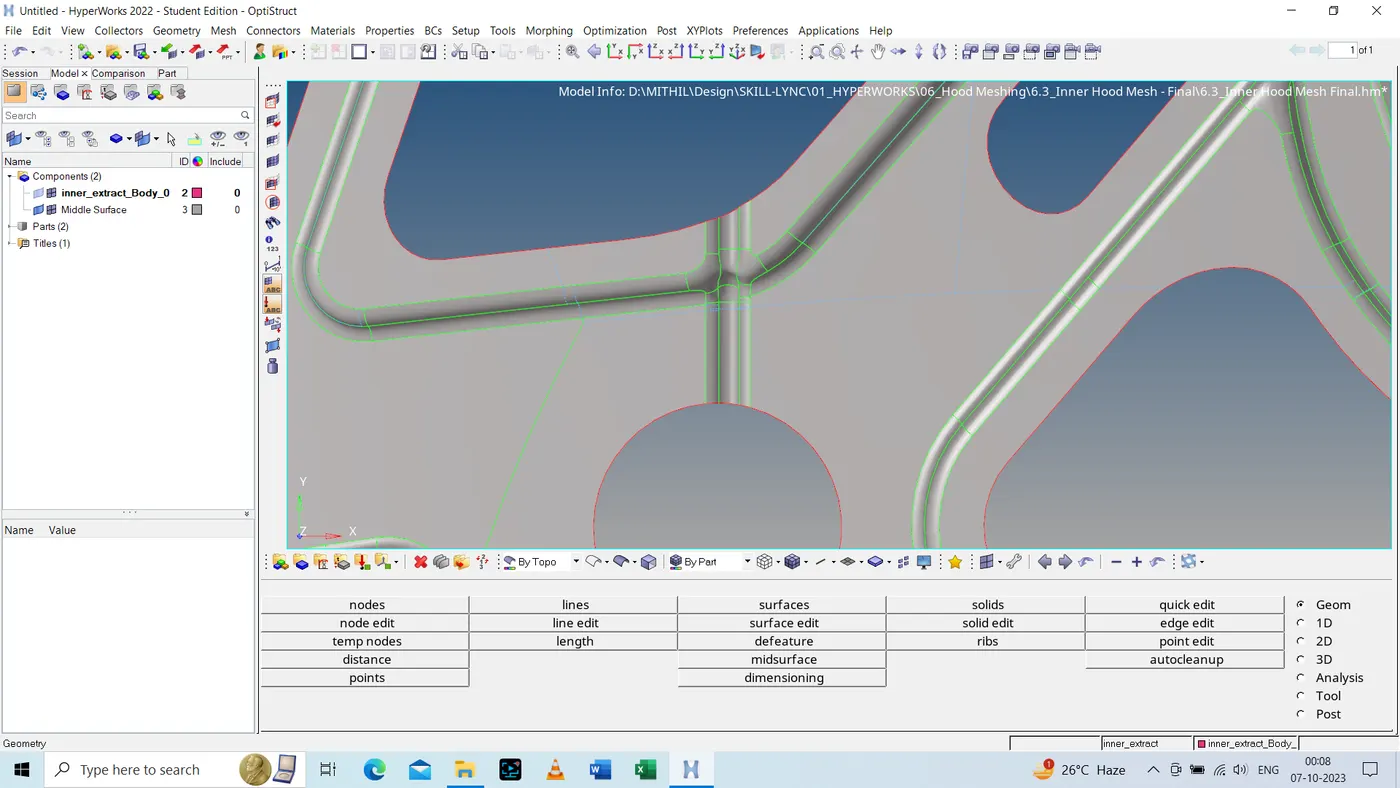
- Step 5: Go into the preferance section in that quality criteriya and input the values as required.
- Step 6: Run automesh to generate mesh.
- Step 7: Run Smooth and Rebuilt Command to generate proper mesh flow.
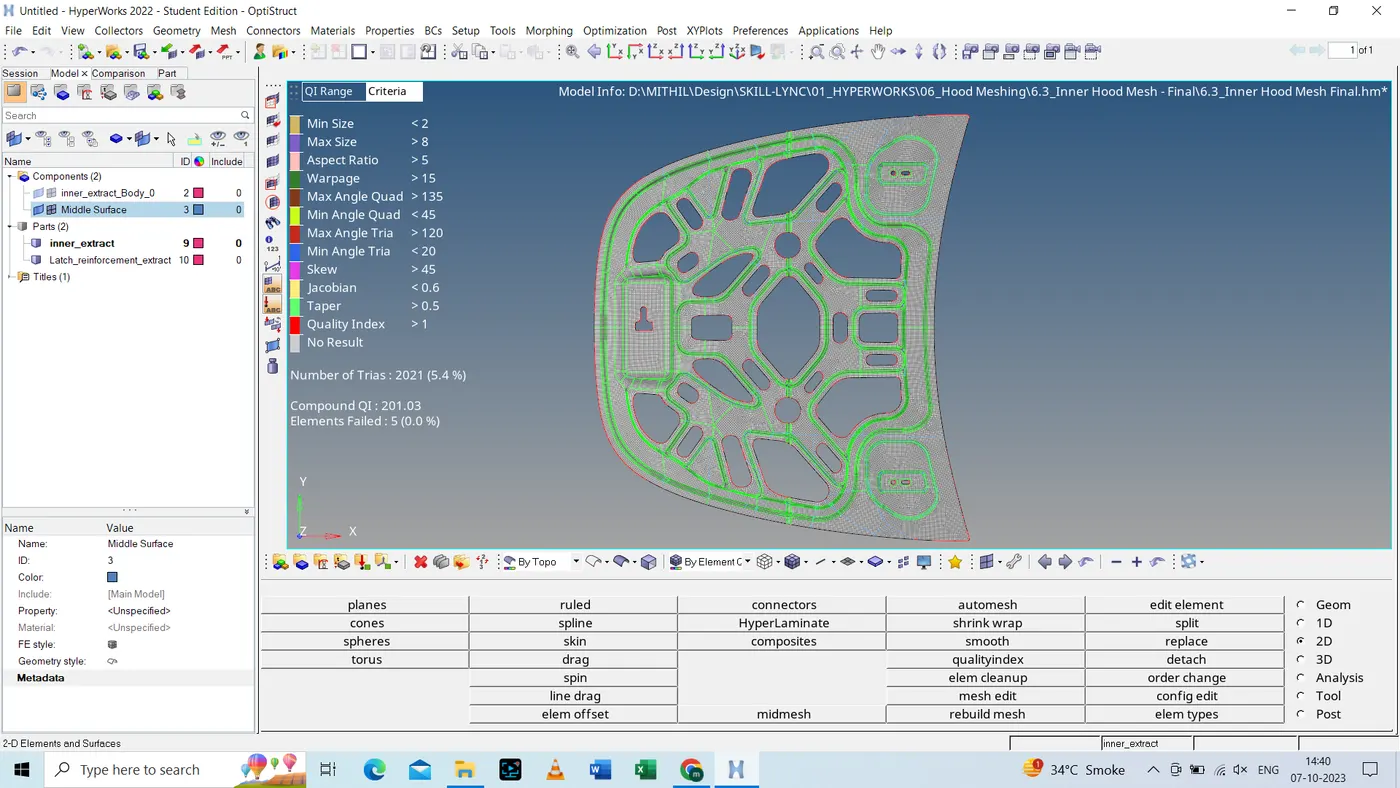
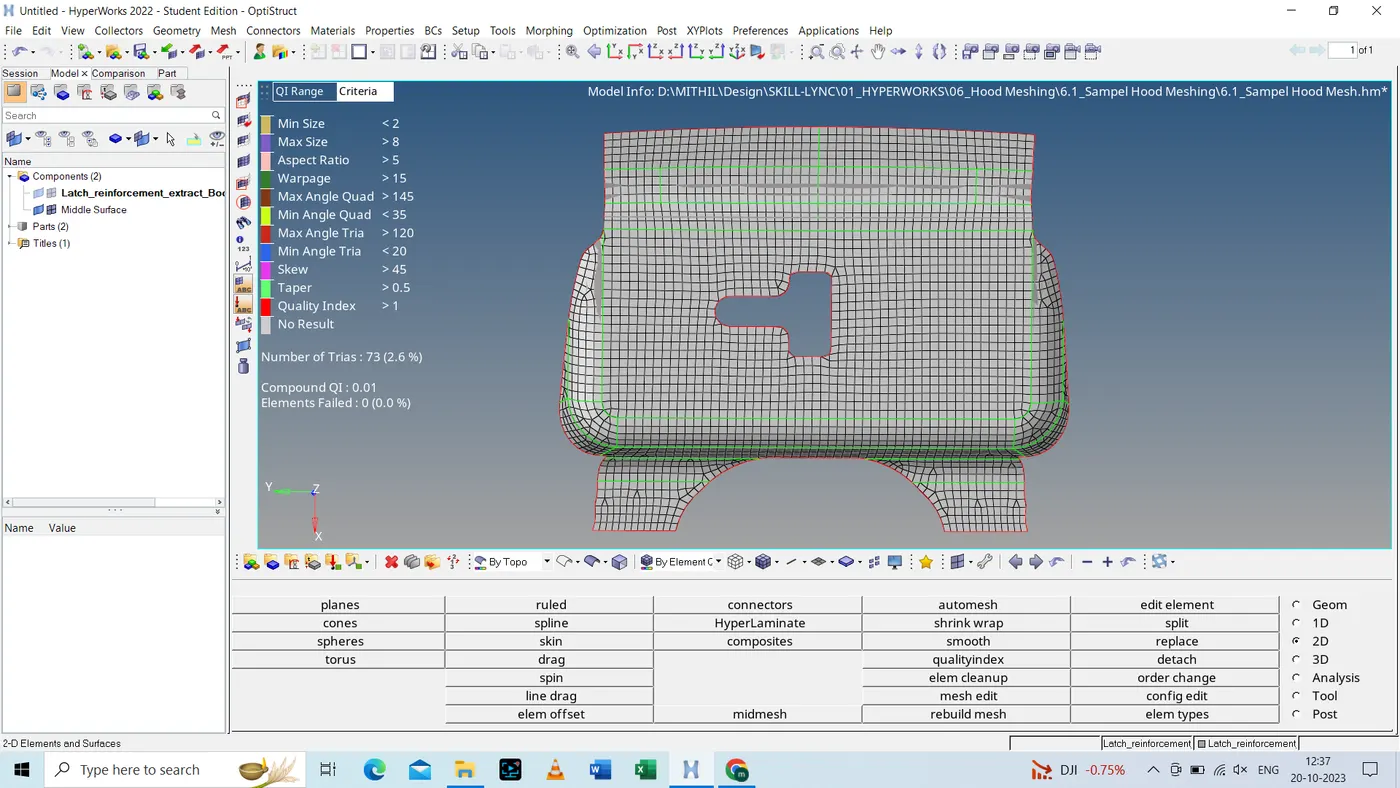
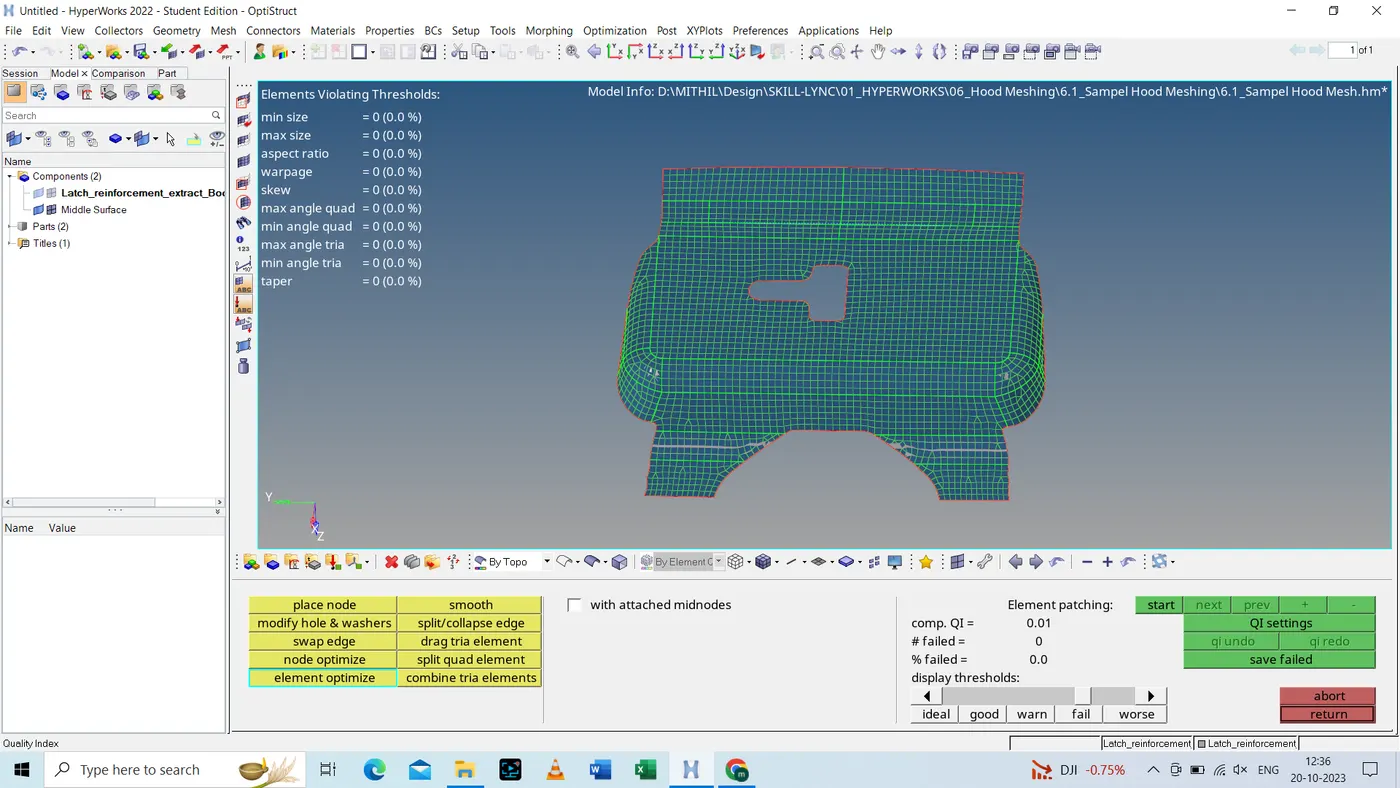
- As shown above the mesh generated after the cleanup is well with in the desired range.
( B ) Hood Mesh
- Again by following above steps the mesh is generated as per requirement.