Week 3-Meshing of Hood Challenge
Week - 3
Meshing of Hood Challenge
Aim :
To work on the Hood model as per the given quality criteria, mesh the component given below and assign thickness.
Target Element Length = 5 Units
| S.N | Quality Criteria | Value |
| 1 | Aspect Ratio | 5 |
| 2 | Skewness | 45 |
| 3 | Warping | 15 |
| 4 | Taper | 0.5 |
| 5 | Min. Length | 2 Units |
| 6 | Max. Length | 8 Units |
| 7 | Min angle Quad | 45 |
| 8 | Max angle Quad | 135 |
| 9 | Min angle Tria | 20 |
| 10 | Max angle Tria | 120 |
| 10 | Tria % | 1 |
Procedure:
- Imported the given hood model and checked for any missing faces or errors with lines.
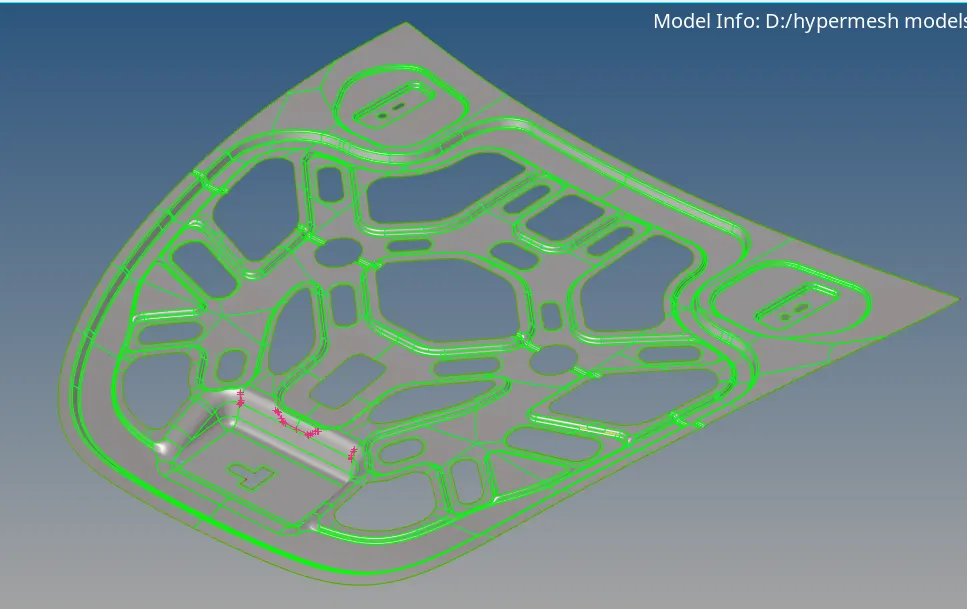
- Extracted the midsurface using the Automidsurface , skin offset option.
- Did the geometry clean up using the autoclean up option.
- Toogled some lines using the quick edit > toogle lines option to get a good mesh before meshing.
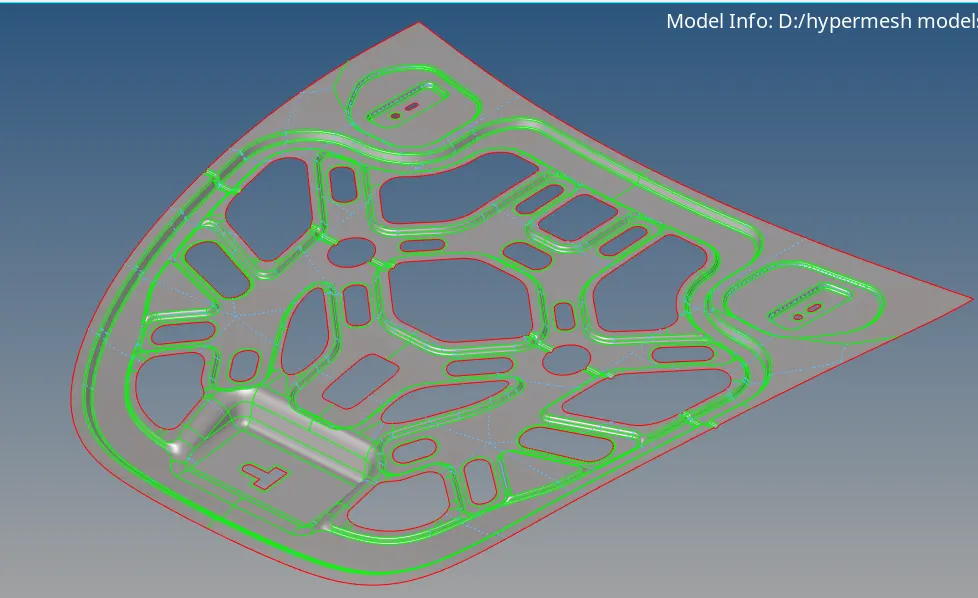
- Used the washer split tool from the quick edit option to give the washer split around the holes.
- Entered the values for quality critria given.
- Meshed the half midsurface using the auto mesh option as we have a symmetric geometry.
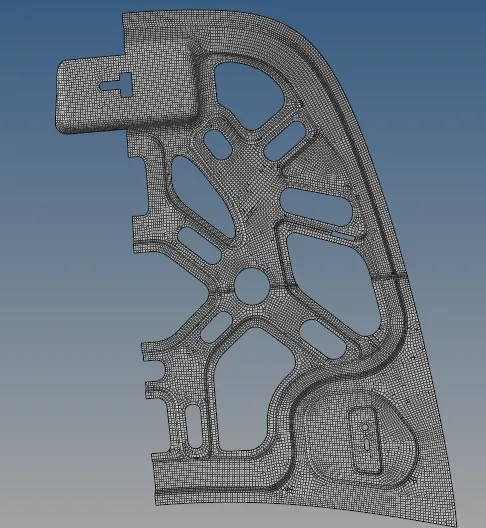
- Using the clean up tool such as place node, optimize elements , smooth, split quad, combine trias tools to clear the errors according to quality criteria given.
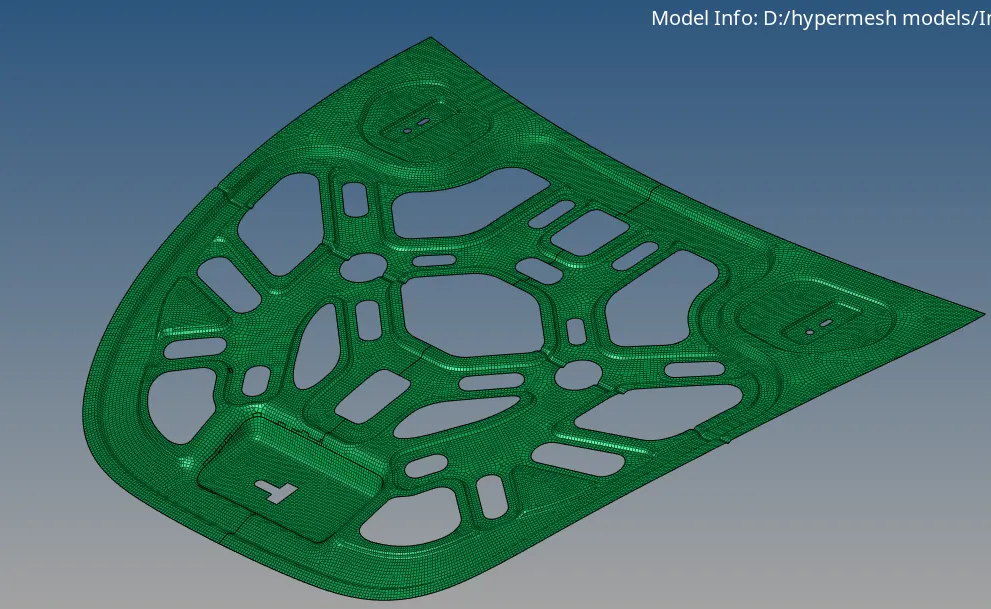
- Used the reflect option to reflect the elements to the other half of the part.
Learning outcomes :
- The quick edit options.
- Meshing option selecting only elements.
- Clean up tools in quality index.
- Reflect option to copy the mesh to the symmetric side.
Conclusion:
Obtained the Midsurafced of the hood and meshed the model accordingly as per the given quality criteria
NOTE : Model was above 20 mb so, i have attached the link for the model in the text document uploaded.