Week 3 - 2D meshing for sheet metal
Hood
Geometry clean up, Extracting Mid Surface , Meshing
Steps :
Geometry clean up
checks -geometry -select the options we need for geometry clean up -execute-checked the errors - fixed error automacticaly by - right click -fix otption
Mid surface
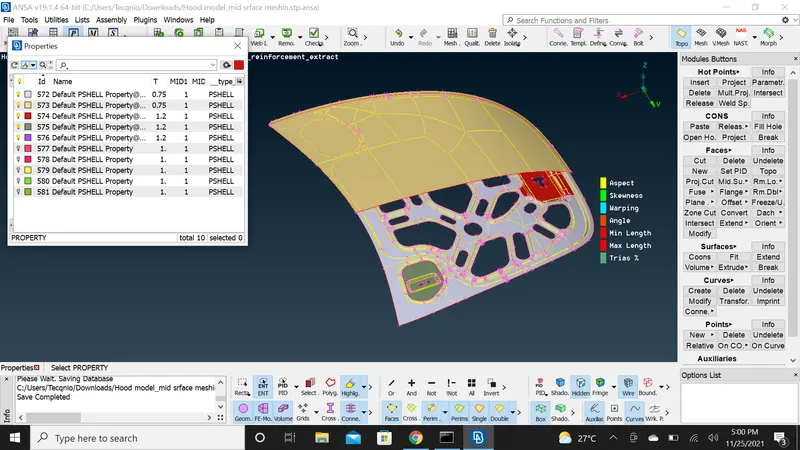
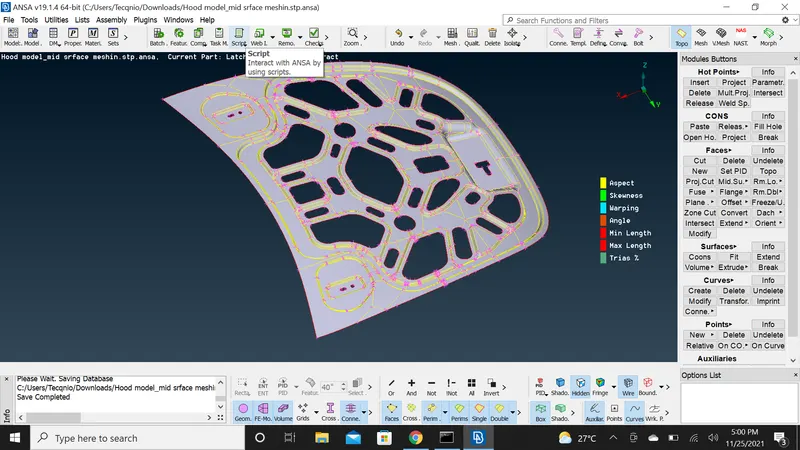
properties - selected property to extract mid surface - topo -midsurface- select the area to be mid surfaced-middle click ,area extracted
Meshing
mesh-apply quality criteria- best mesh -select area to be meshed -middle click meshing done- go to hidden mode -check for quality error - select reconstruct-see whether quality is cleared or use split ,swap ,join ,stitch options to clear the quality errors.
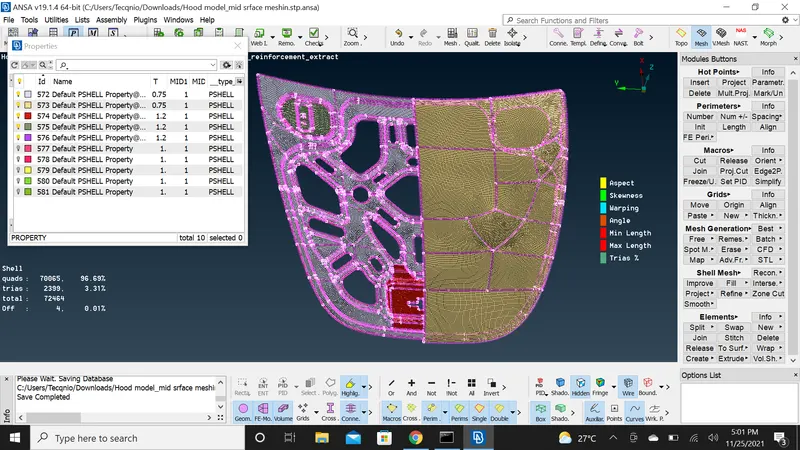
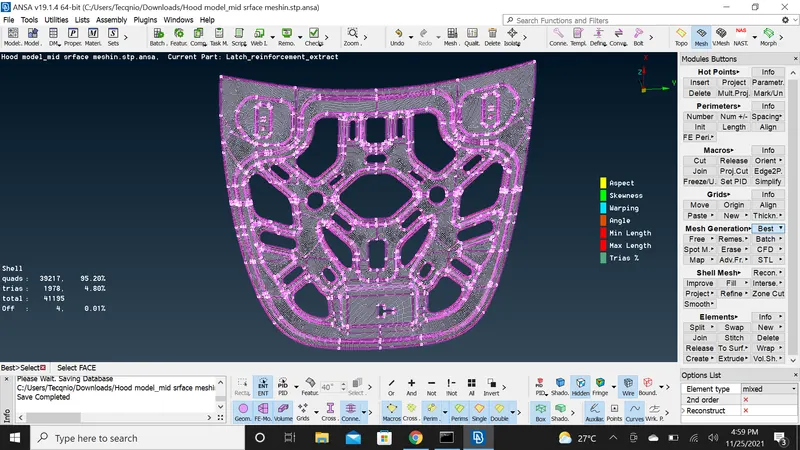
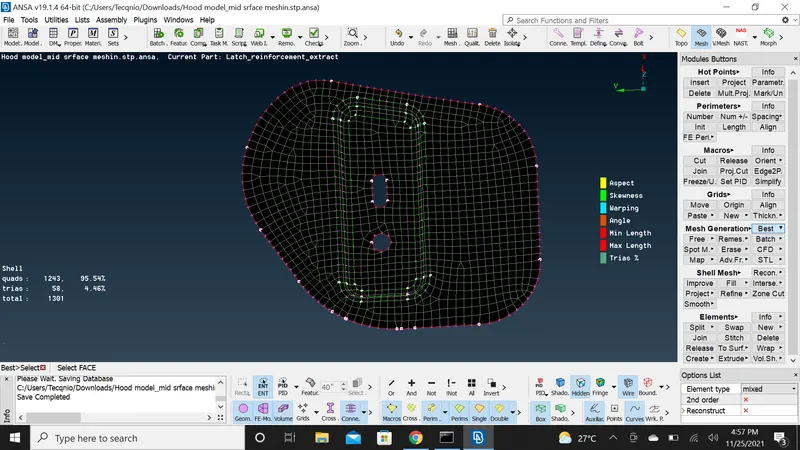
Selected each property and did the same steps till all the quality errors where cleared.