Week 3 - Geometry simplification of an Electronic enclosure assembly
Aim:
To perform geometric simplification of given model (Electronic enclosure assembly) using ansys space cliam and perform necessary connections and convert into icepak model.
Introduction:
1.In given cad assembly remove unwanted faces,edges and shapes which effect the thermal simulation of electronic enclosure assembly.
2.next split bodies for separation of icepak and non-icepak bodies
3.convert all bodies to icepak bodies by following levels of geometry
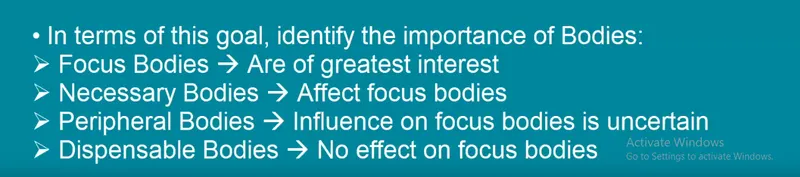
Types of bodies:
Geometry:
1.import geometry into ansys space cliam
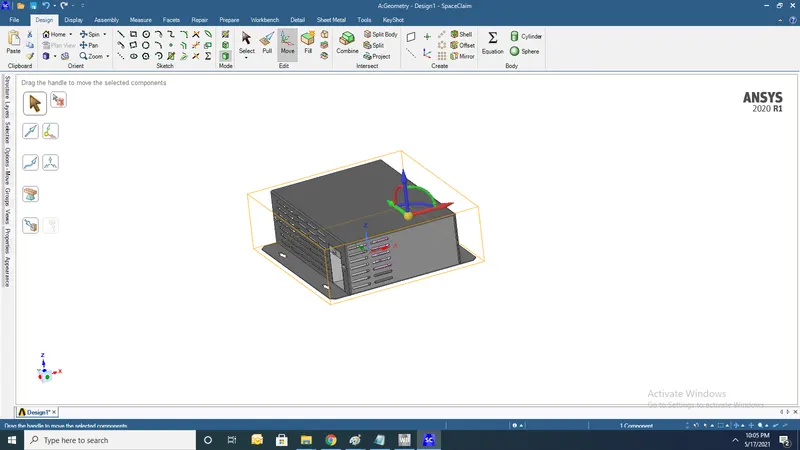
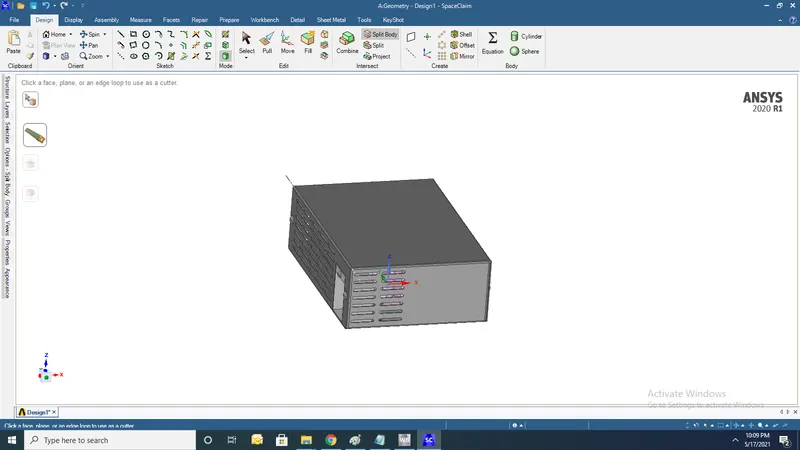
2.Using split body command remove covers of Electronic enclousre
3.Remove 1.6mm roundness of gemetry encloure by deleting them directly
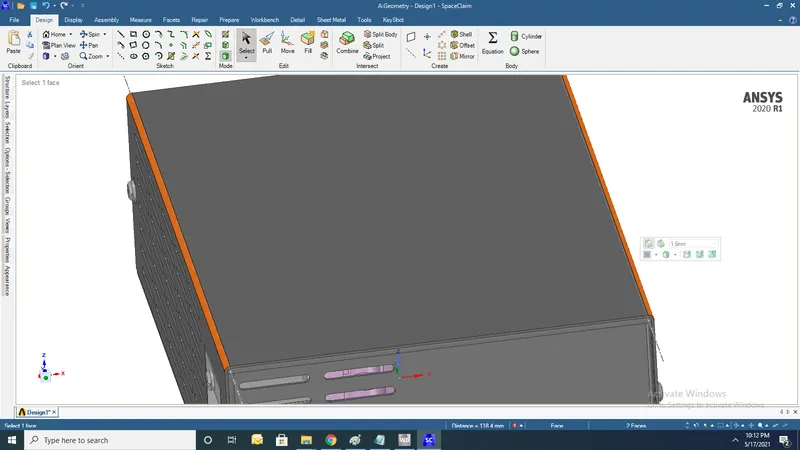
4.Similary remove 1.6mm roundness of geometry enclosure
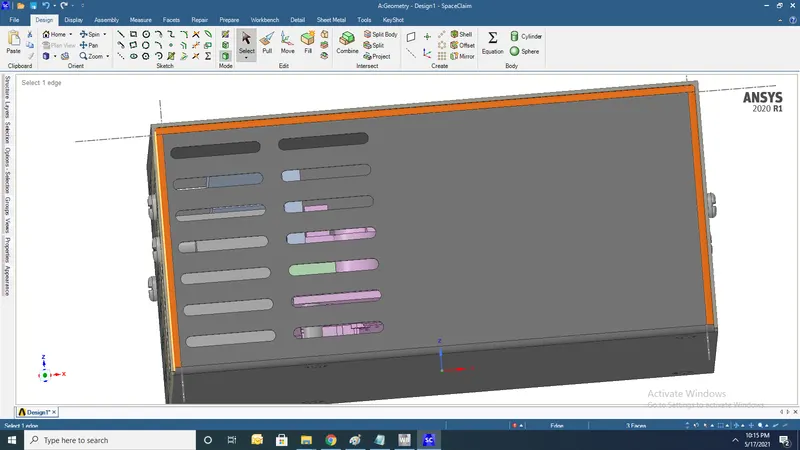
5. remove 0.8mm roundness of geometry enclosure
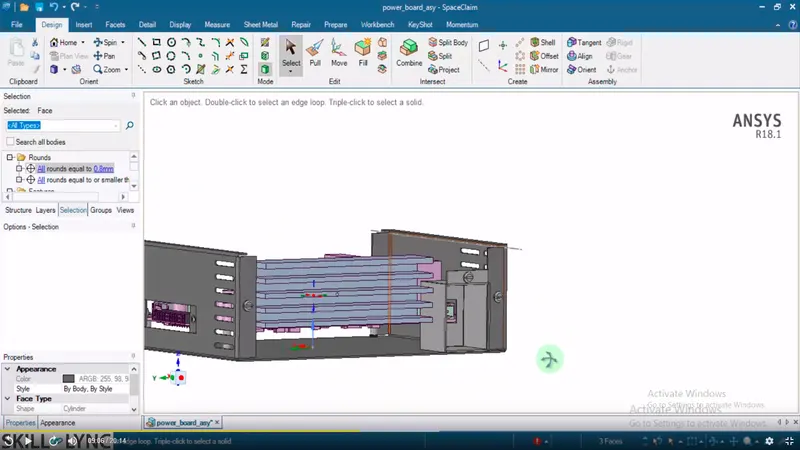
6.Remove unwanted screws
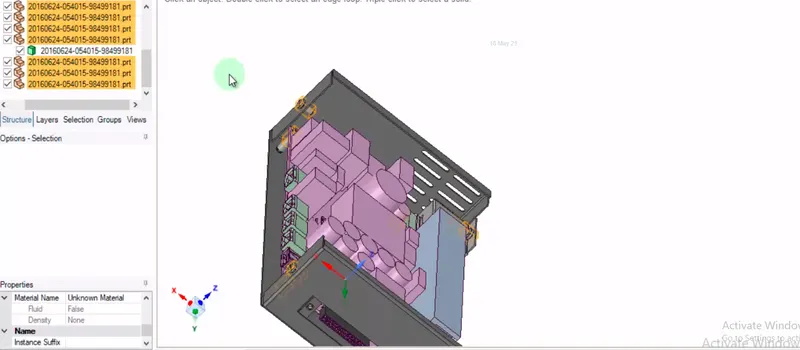
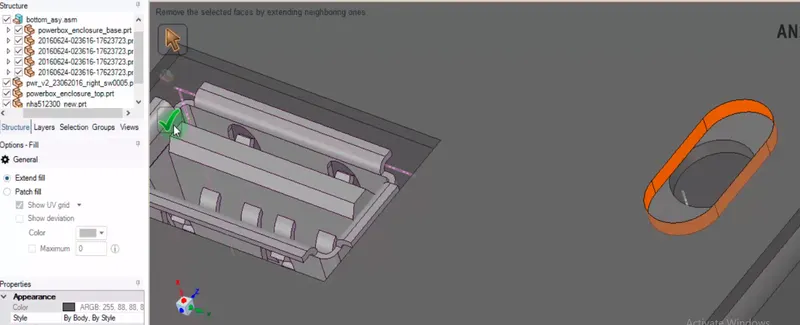
7.Use fill command
8.Now modified geometry is opened in new component
9.Use split command to separate components (interface objects)
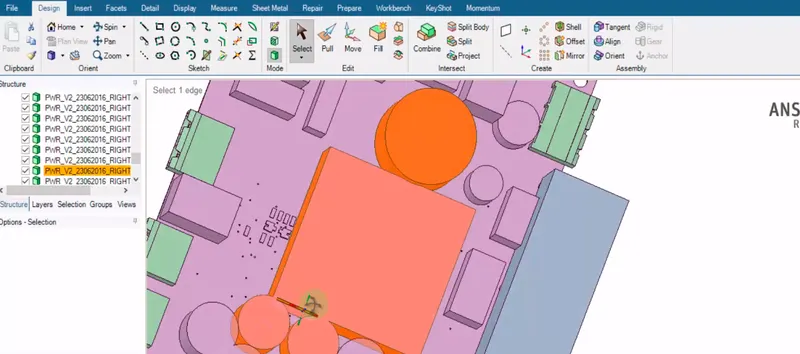
10. Use split command to separate components (interface objects)
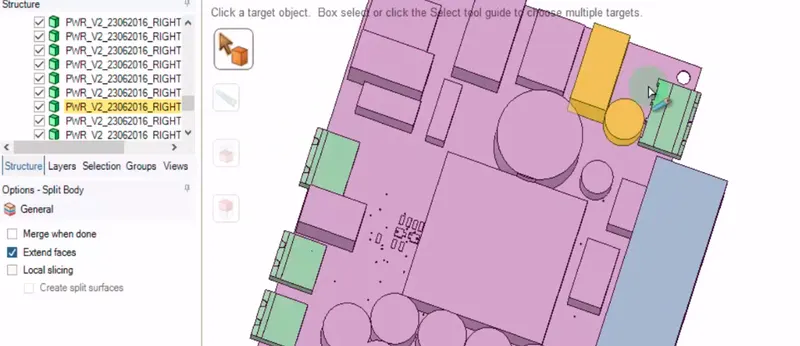
11.After completion of splitting bodies find no of bodies
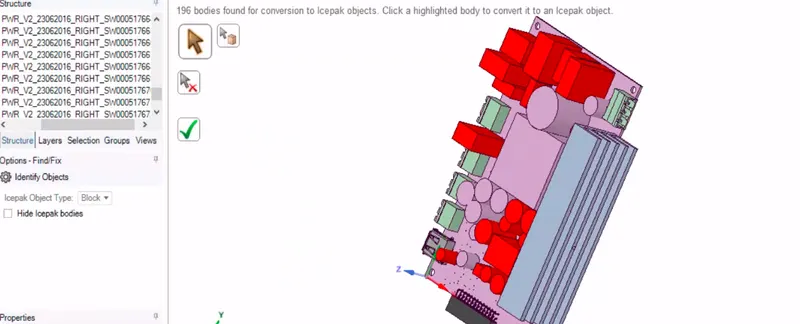
12.Find no of icepak bodies
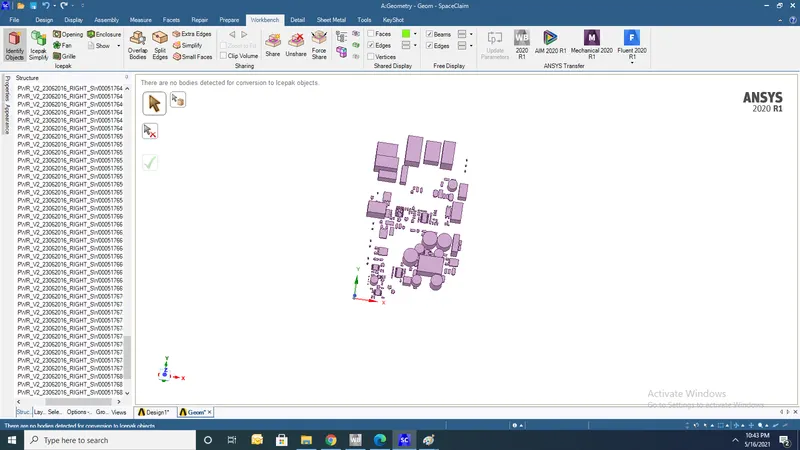
13. Find no of Non-icepak bodies
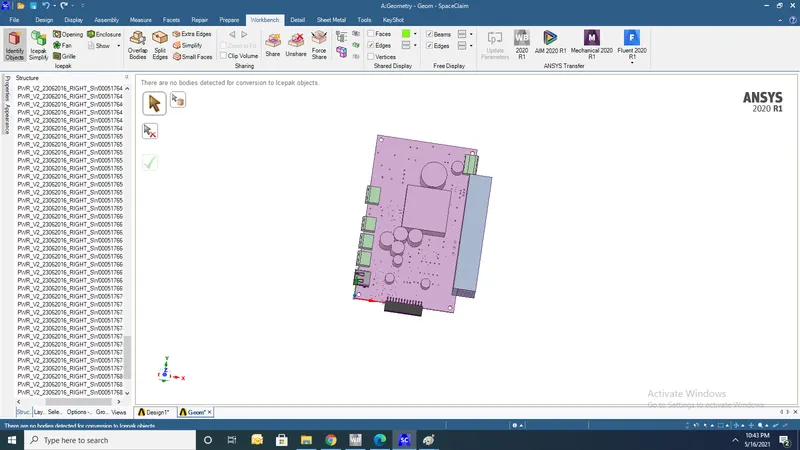
14.now convert all non-icepak bodies into icepak bodies by following various levels based on geometry
1.level 0 (bounding box) simply create a rounding box
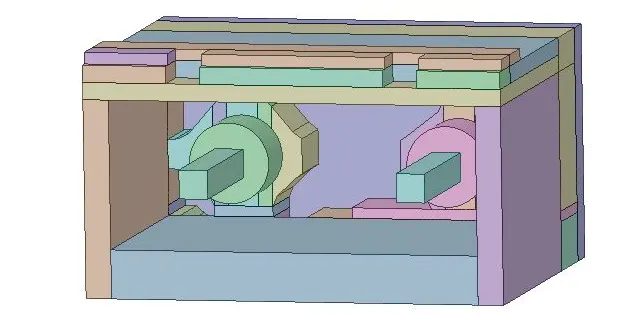
2.level 1 (Non-polygonal shapes)split geometry into different shapes and try to fit cad geometry into 5 pieces and each piece into a block
3.level 2 (Polygonal shapes)
4level 3 (directly convert cad block into icepak object)
15.Converting Non icepak to ice pak bodies
1)Before simplification
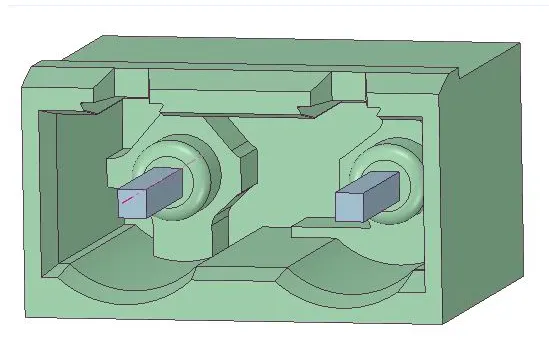
1)After simplification using level2 polygon
2)Before simplification
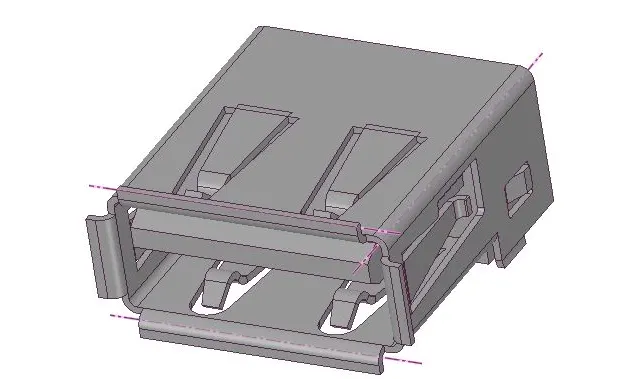
2)After simplification using level2 polygon
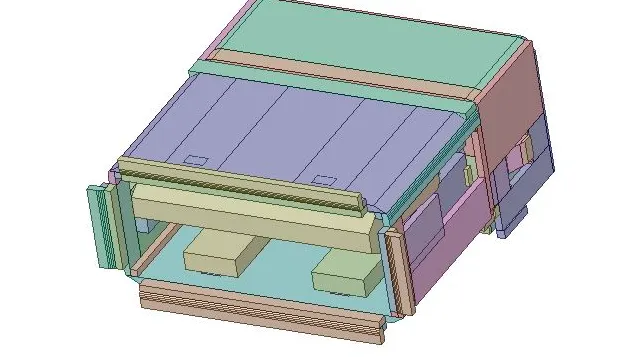
3)Before simplification
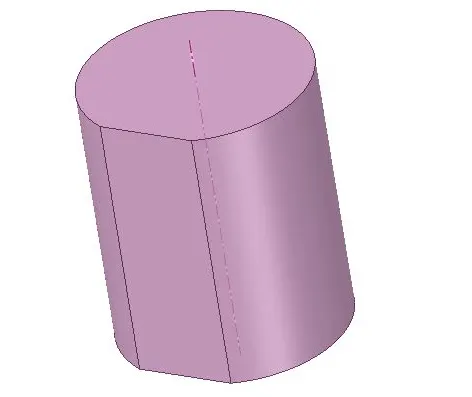
3)after simplification using level1
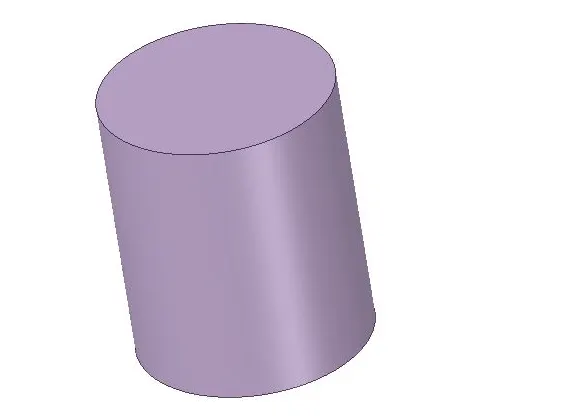
4)Before simplification
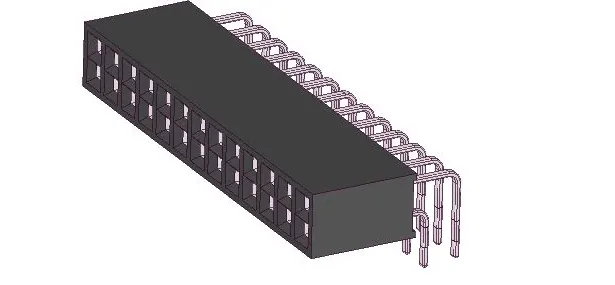
2)After simplification using level2 polygon
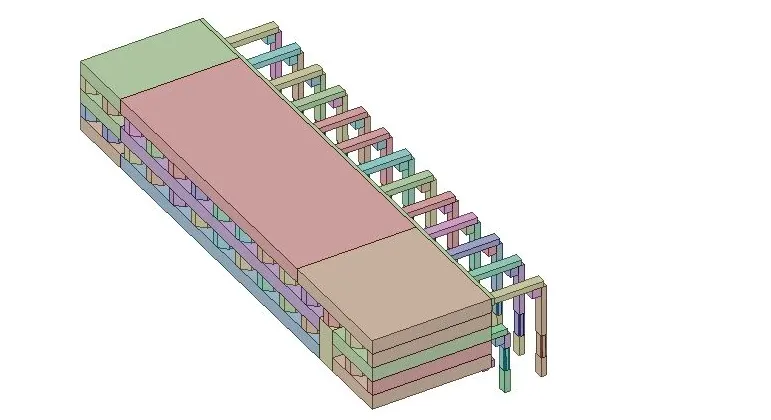
5)Finally all non icepak bodies are converted icepak bodies
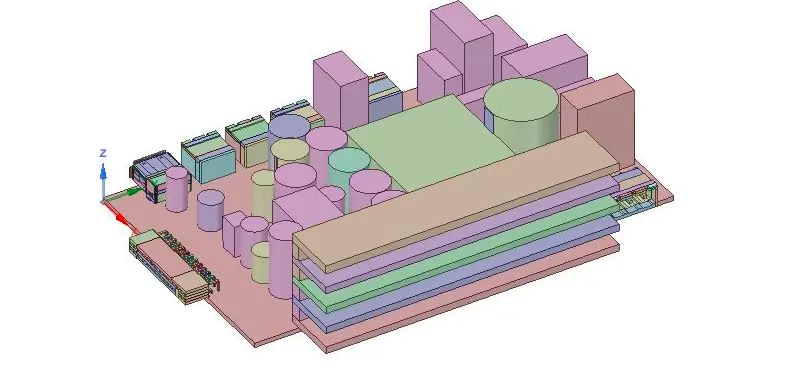
6)Top and bottom cover are simplified using level2 ploygon fit
7)Grilles are created using grille options
8)Finally entire geometry is converted into icepak bodies and now you can import to icepak for meshing and simulatiom