Week 3 - Geometry simplification of an Electronic enclosure assembly
AIM: To simplify the given CAD geometry into ICEPAK bodies and import to icepak using workbench.
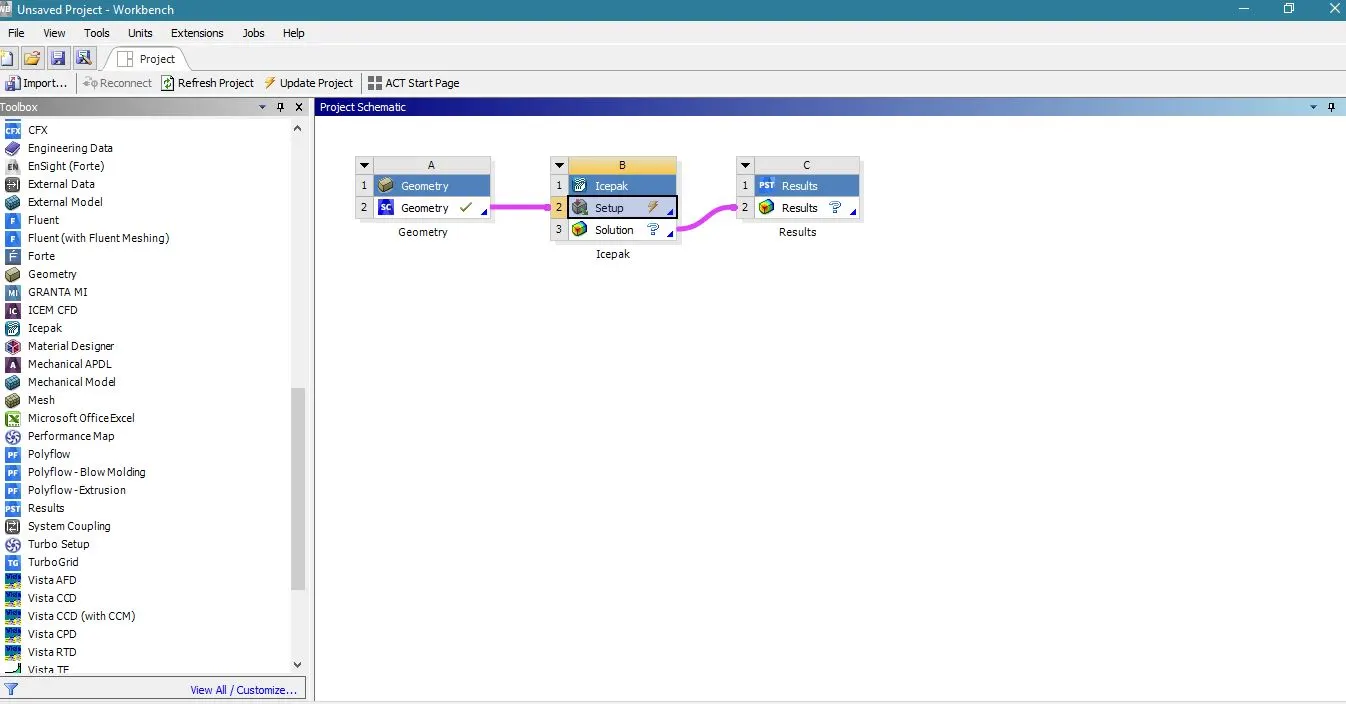
PROCEDURE: The given CAD geometry is imported into Spaceclaim and the necessary simplication should be done by using icepak primitive shapes. The dispensible bodies are removed from the geometry. The workflow in the workbench is shown below:
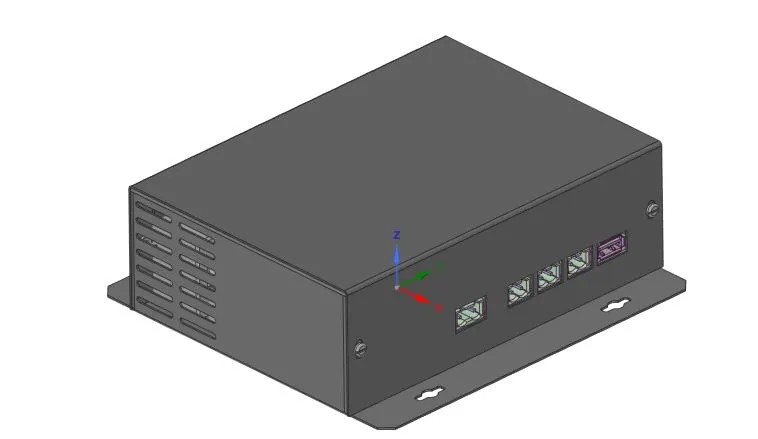
The given CAD geometry is shown below:
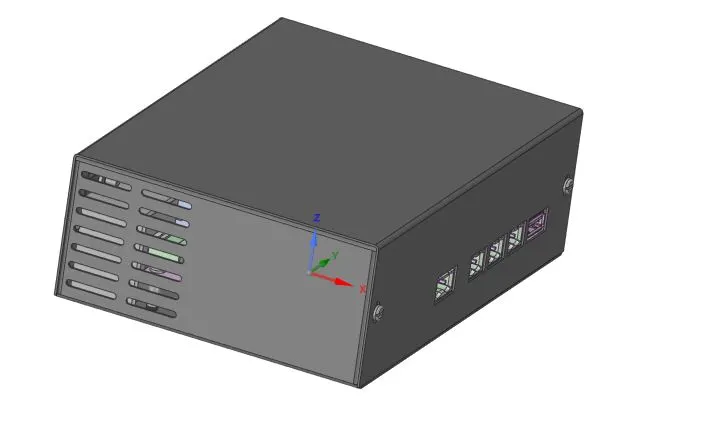
The redundant side protrusions are removed from the edges and the geometry is shown below:
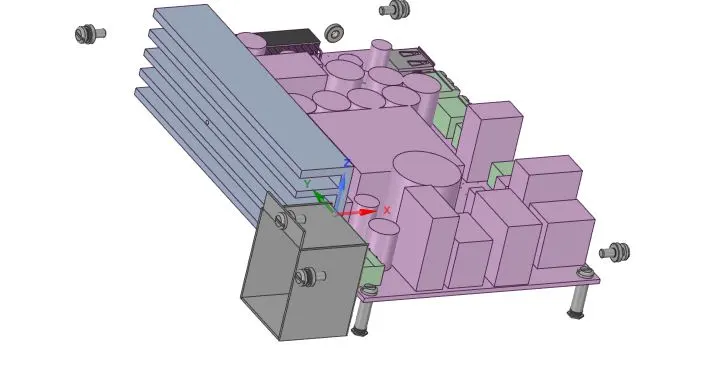
The outer enclosure is hidden and the PCB assembly inside is shown.
Since the bolts and nuts are redundant in the analysis, they are removed and the geometry is shown:
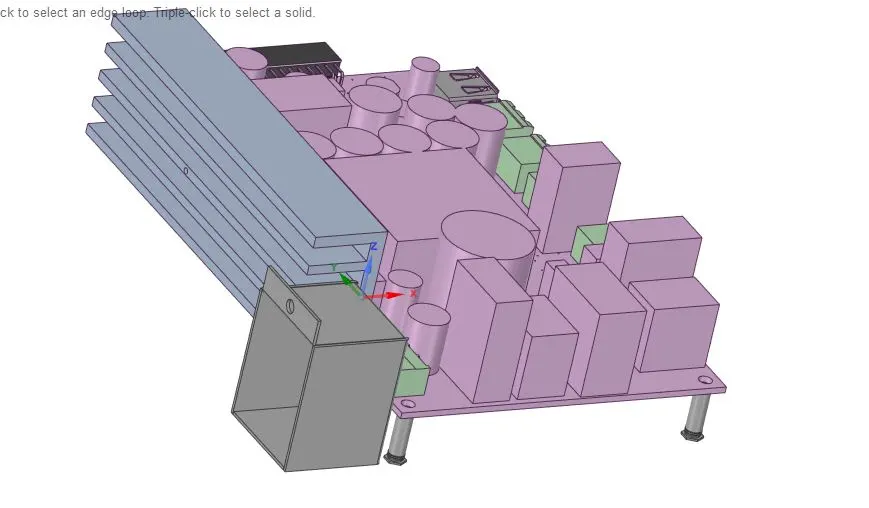
Further outer enclousre simplifications are shown below:
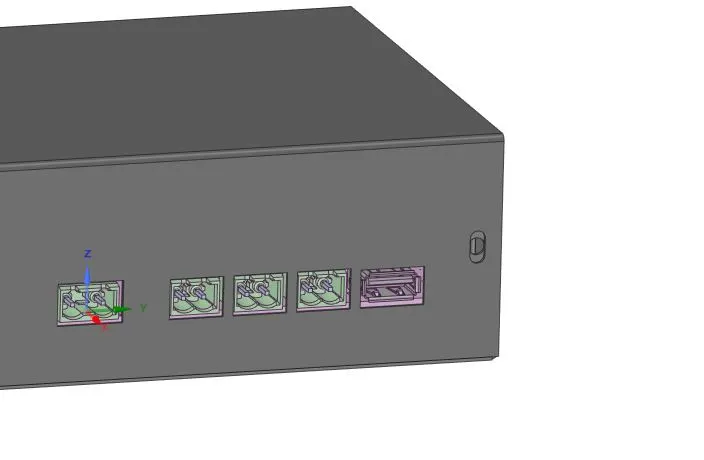
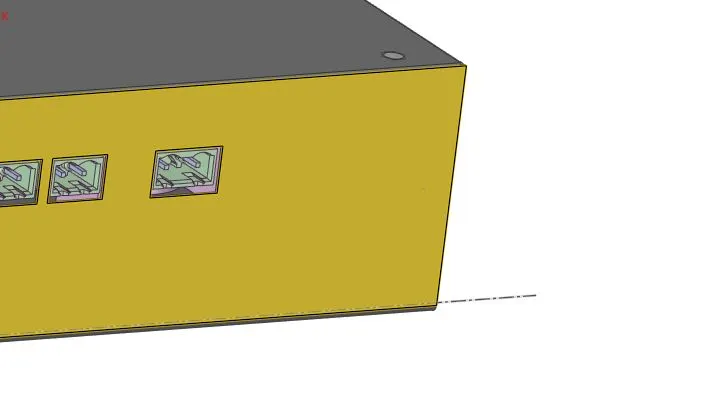
Using Level 2 simplification, the modified parts are shown below:
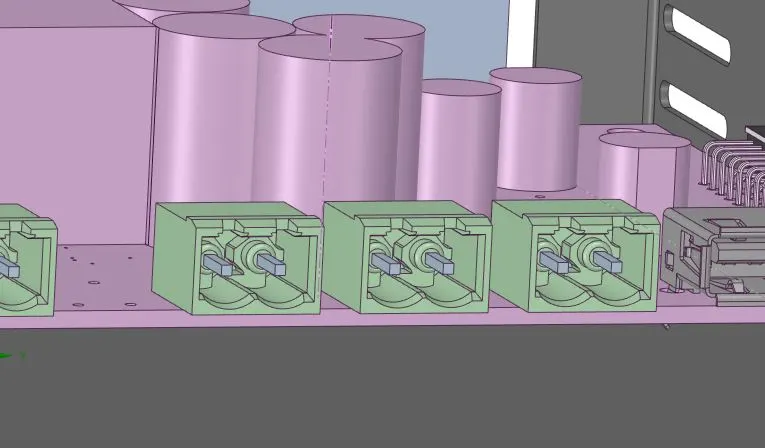
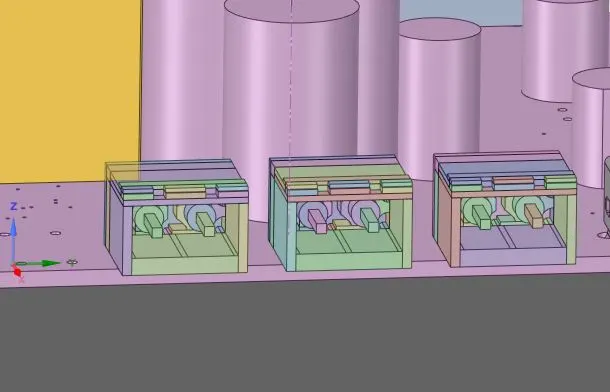
Similarly, all the bodies are simplied into icepak primitives and the entire assembly is shown below without the outer enclosure:
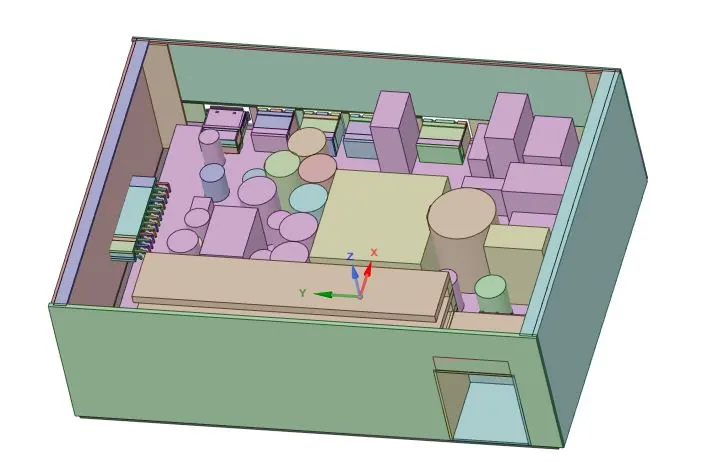
Now the entire assembly is ready to be imported into ICEPAK. The model in the icepak is shown:
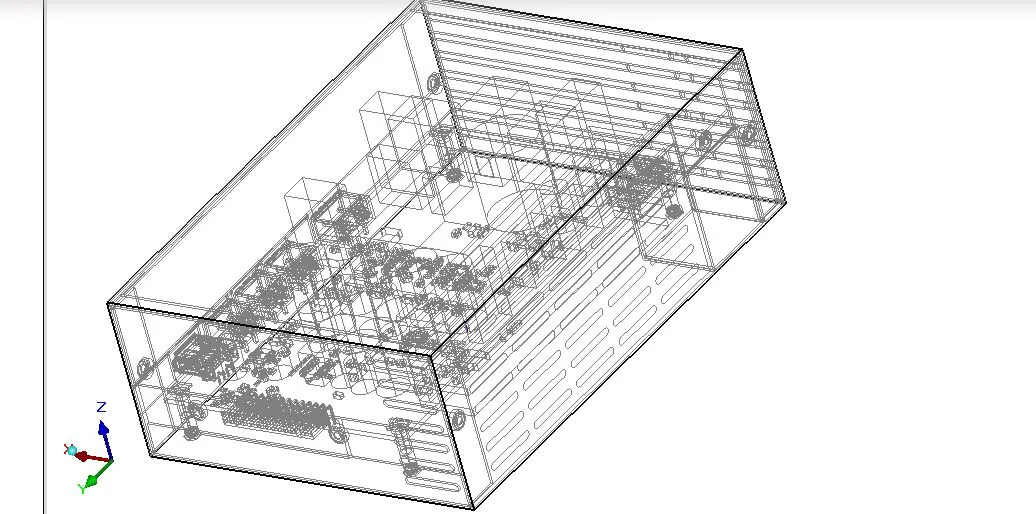
Conclusion: We have converted the CAD geometry into simplified icepak geometry using the workflow in ansys workbench and imported into icepak module.