Week 3- Geometry cleanup and Mid-surfacing
1. To extract mid-surface for the tube model and provide a connection with sharing option at the tube joint locations.
Step 1: Import the model in spaceclaim.
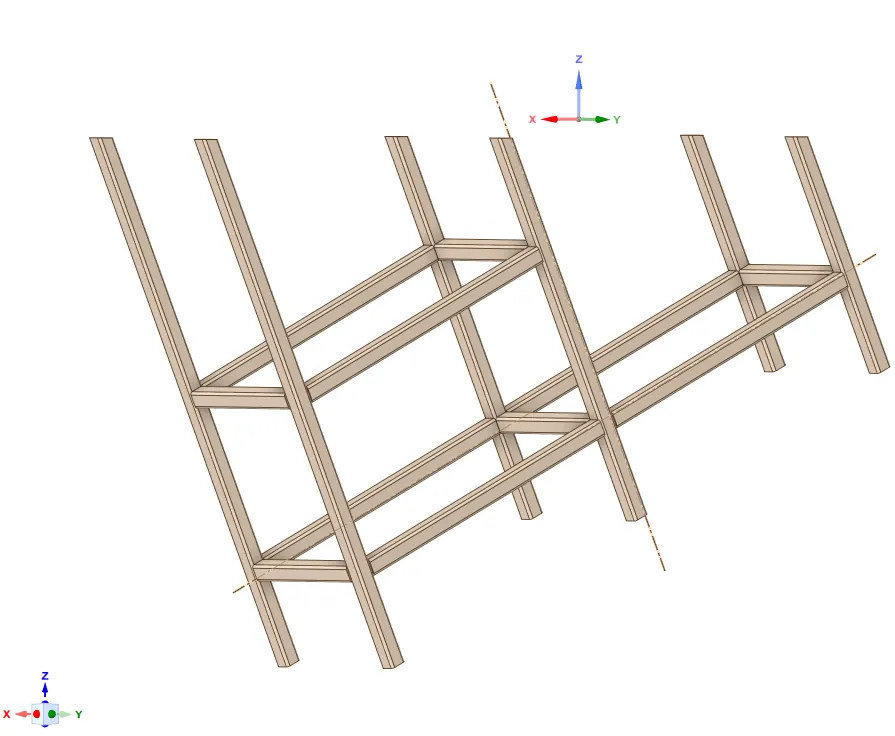
Step 2: Create a Midsurface for the components
Prepare>Midsurface> Use Range - change to 10mm> Select all bodies>Ok
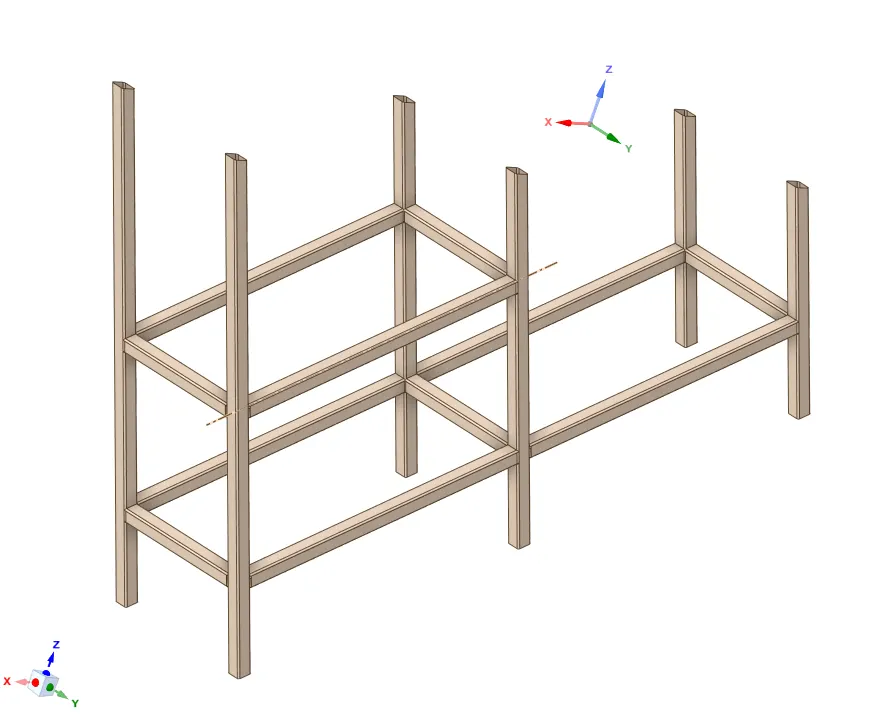
Step 3: Share topology
Workbench>Share
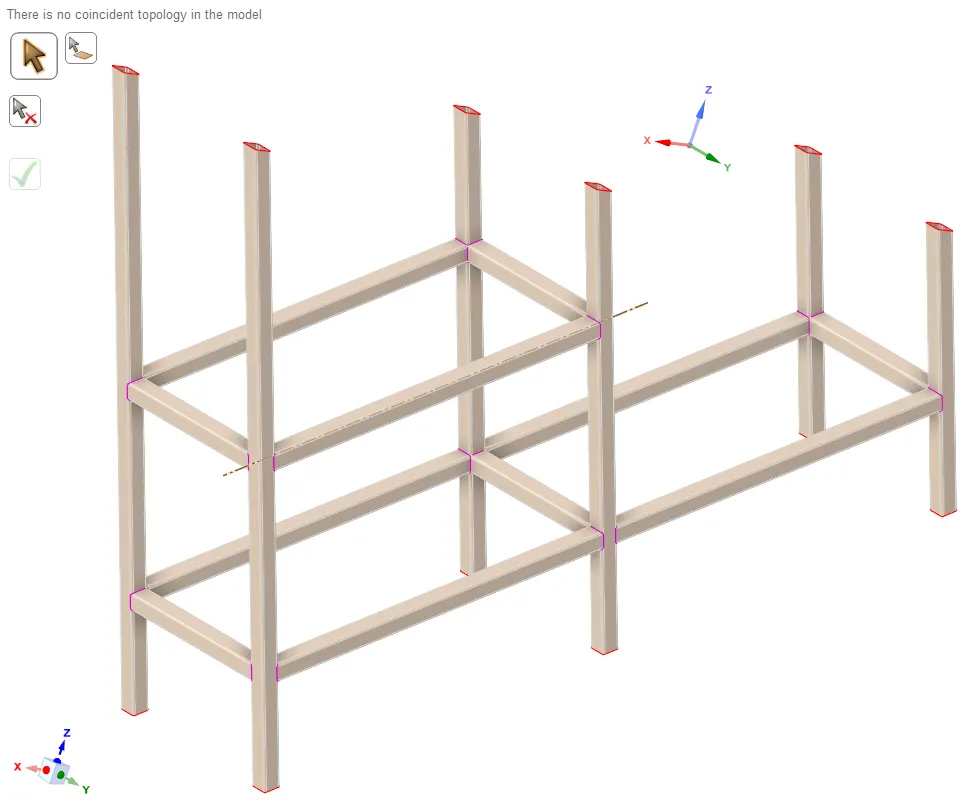
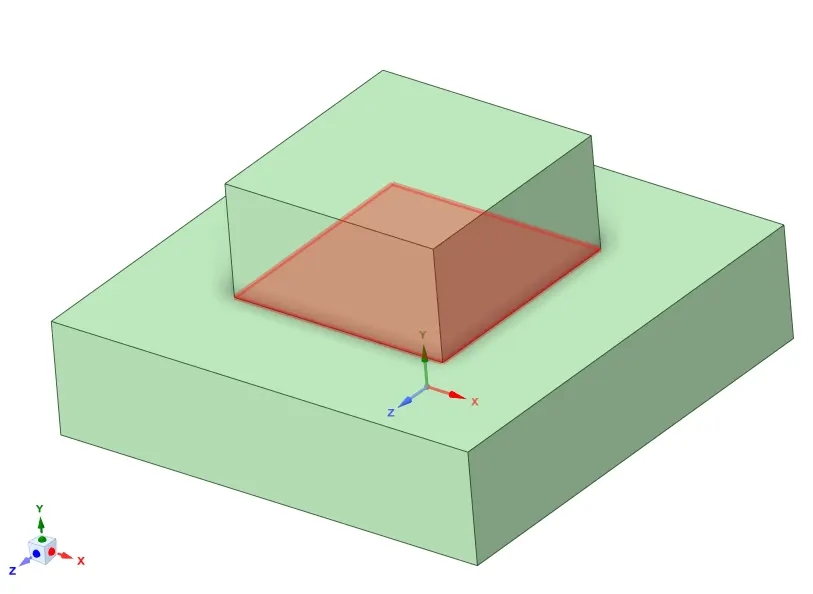
2. Create a model in Spaceclaim one on top of each other and create a shared topology between the top block and the bottom block.
Dimension of Top Block A: 20 x 20 x 5 mm
Dimension of Bottom Block B: 40 x 40 x 10 mm
Bottom Block B: 40*10*10mm
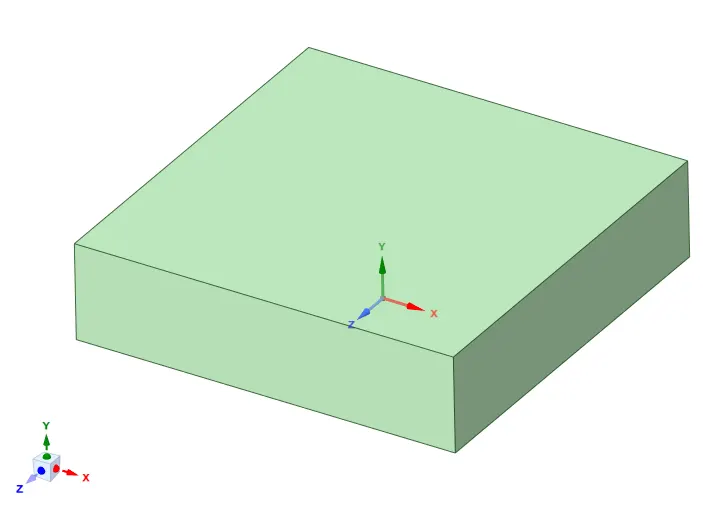
Top Block A: 20*20*10mm
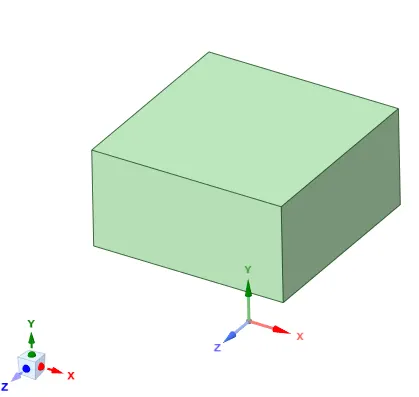
Share topology:
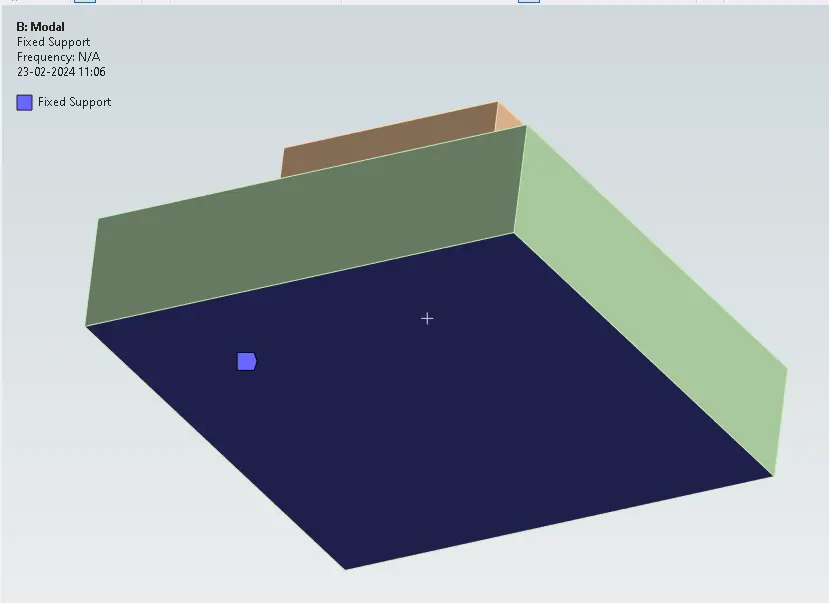
Boundary Condition for Modal Analysis:
Run the simulation:
Results:
Solution> Create mode shape results> Evaluate all results.
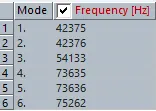
Mode1: 42375Hz
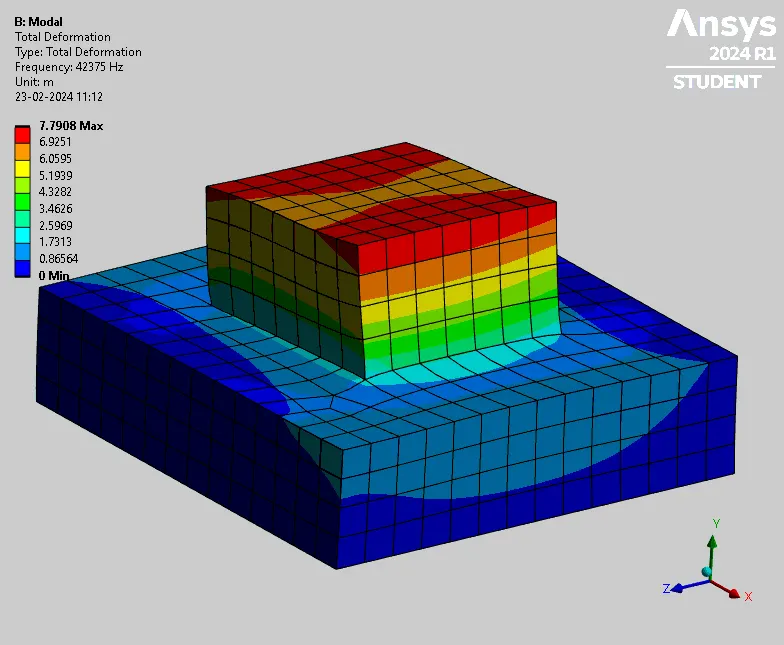
Mode 2:
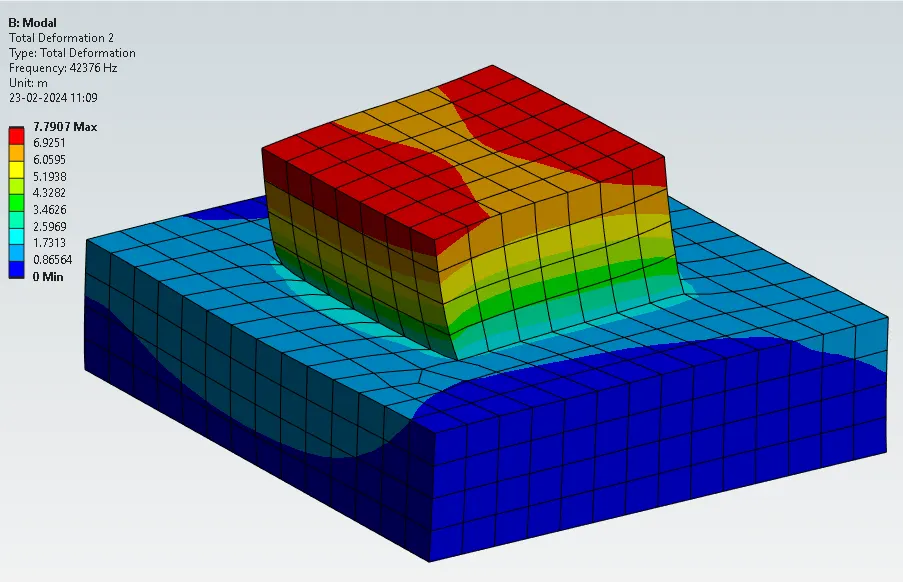
Conclusion: Connections are created and are verified from modal analysis results.