Week 3- Geometry cleanup and Mid-surfacing
Geometry cleanup and Mid-surfacing
Aim : Case1:To extract mid-surface for the tube model and provide a connection with sharing option at the tube joint locations by using ANSYS Spaceclaim
Procedure : Import the tube joint model to spaceclaim graphical window
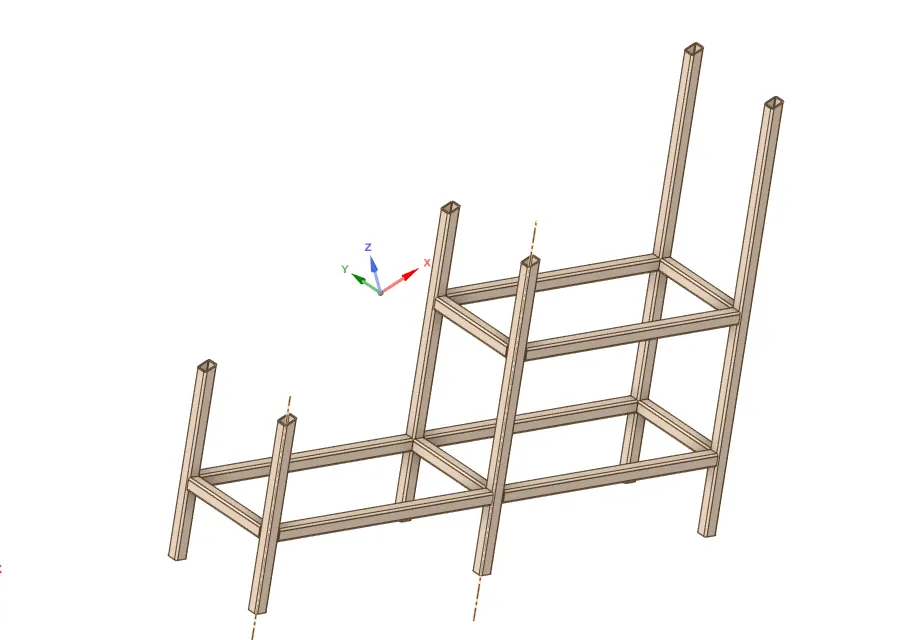
Mid Surfacing
Next extract the mid surface for tube joint by using face option or by using range i.e 0 to 6mm
Prepare>>Midsurface>> use range 0 to 6mm
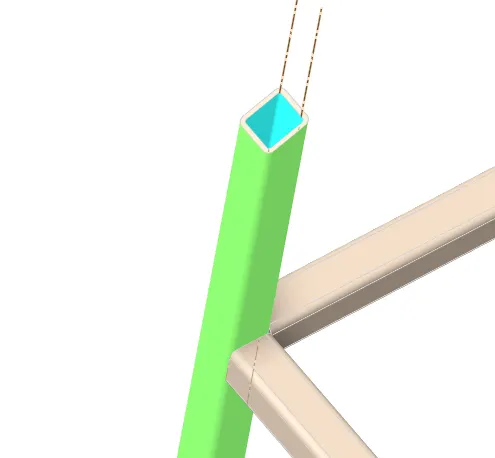
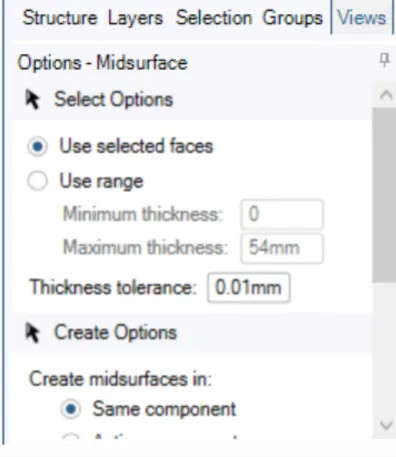
Mid surface
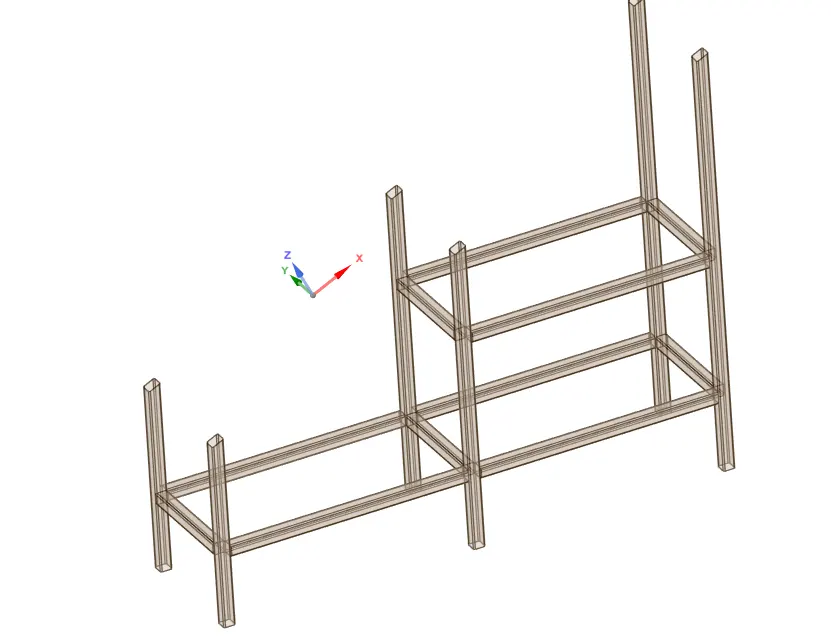
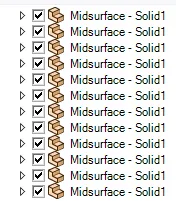
Extend
Next extend the tube to have proper connection
Prepare>>Extend
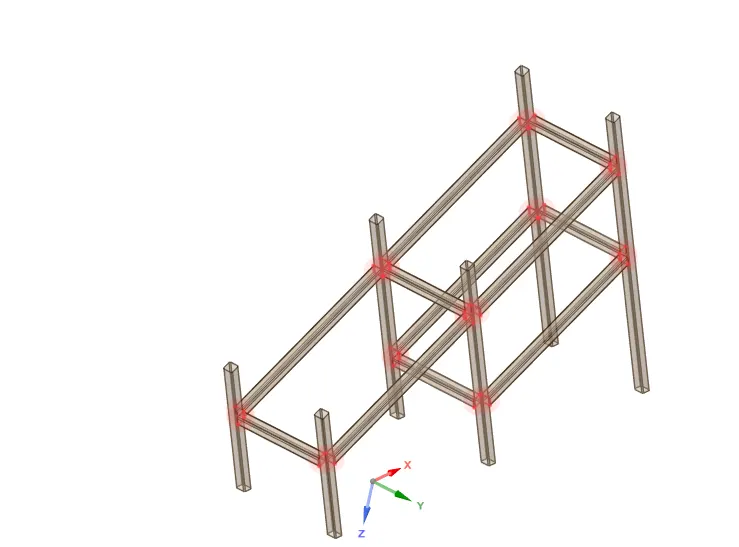
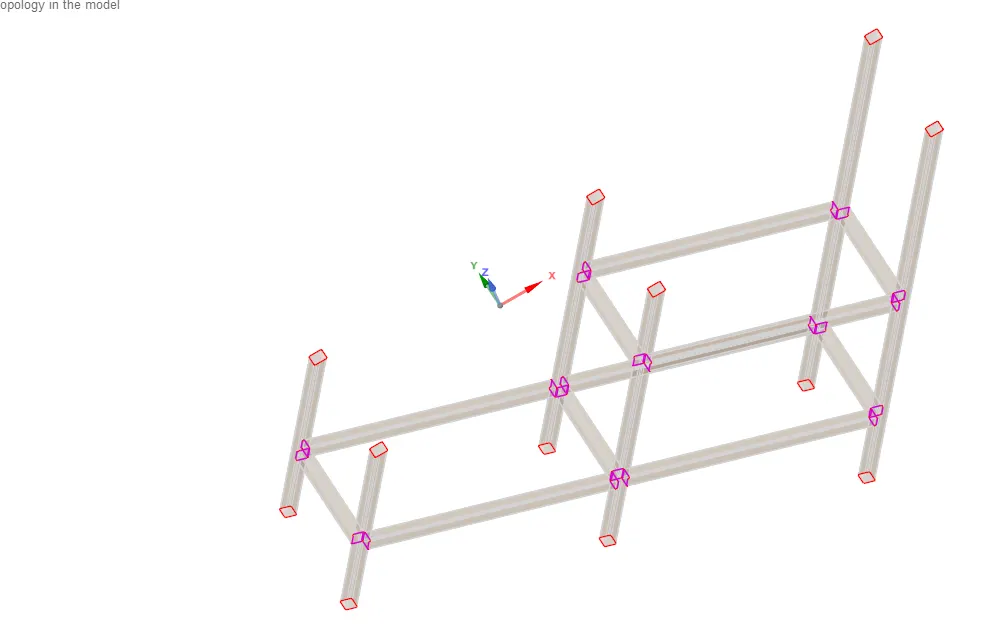
Next provide a connection with sharing option at the tube joint locations by using share option
workbench>>share
Conclusion:
The mid surface has been extracted for the given tube model and connections are provided by using share option
Learning Outcome:
Learnt to extract the mid surface by using different method
Learnt to use Extend option and share topology to provide connection
Case2:
Aim :To perform a modal analysis to verify connections and analyze the results for the blocks created in the spaceclaim
Procedure:
In ansys workbench select Analysis system and then select Modal analysis and then create a Modal A
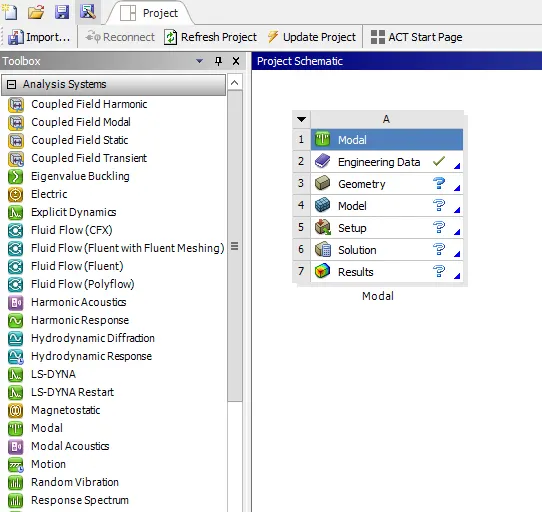
Next select the Geometry and in geometry select the spaceclaim and then create a blocks on one another in spaceclaim by using the sketch tool then create a rectangle block for the given dimension as shown below
Sketch>>define rectangle from the center>>pull>>Create
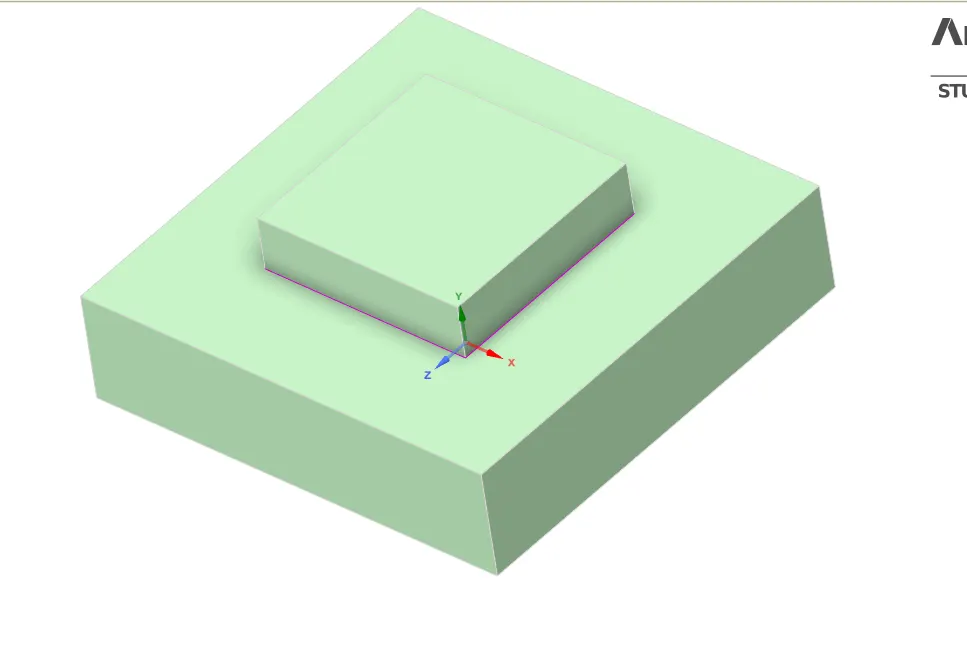
Next split the blocks by using split body option
Design >>SplitBody
Share Topology between the two blocks by using workbench
workbench>>share
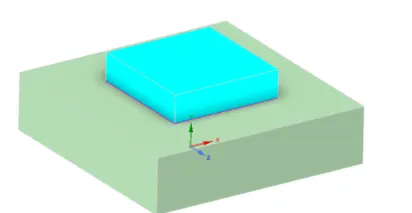
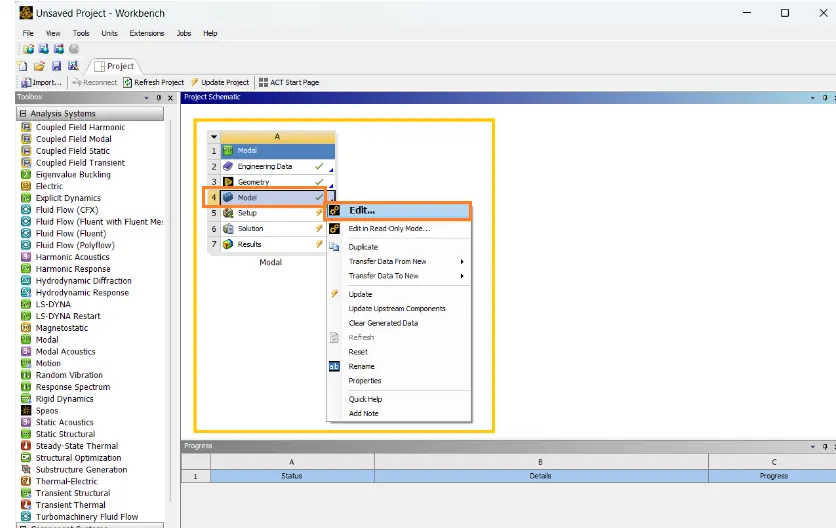
After creating the model in spaceclaim next go to ansys workbench select Modal and select the model and then edit to open ansys mechanical
Ansys workbench>>Modal>>Model>>edit or update>>Mechanical
Then geometry will be updated in the ansys Mechanical
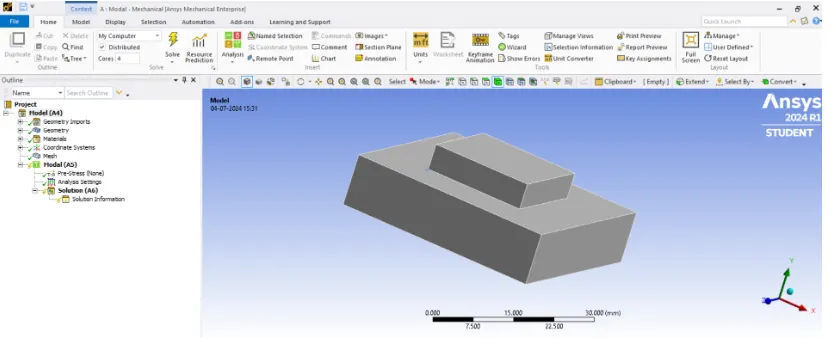
In ansys mechanical go to Project>>Mesh>>Insert>>sizing and Method
Give element sizing as 2.5 mm and method as Hex dominant method and then Generate Mesh
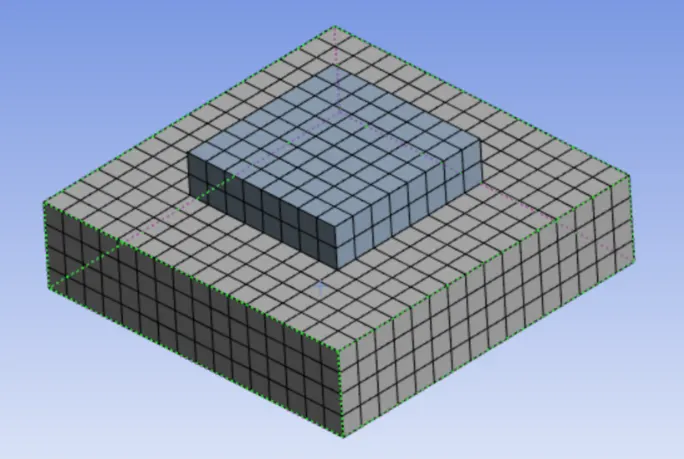
Case1:Modal A (without Fixed Support or Free -Free analysis)
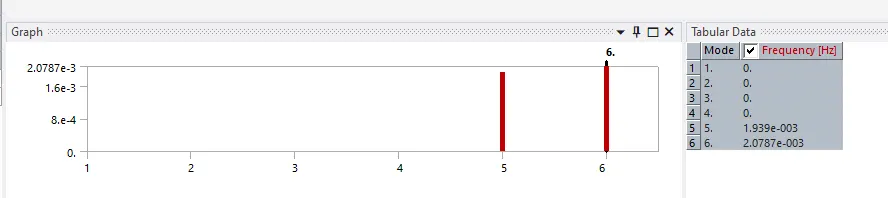
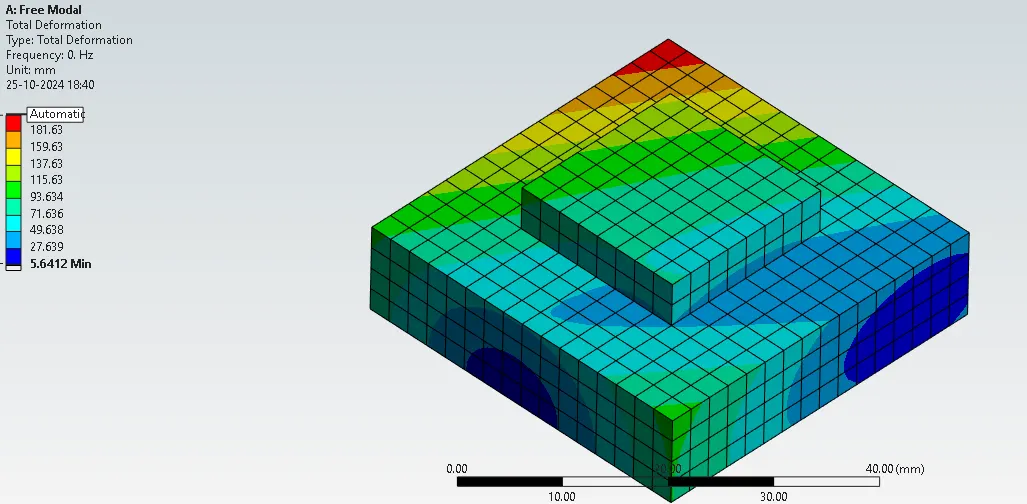
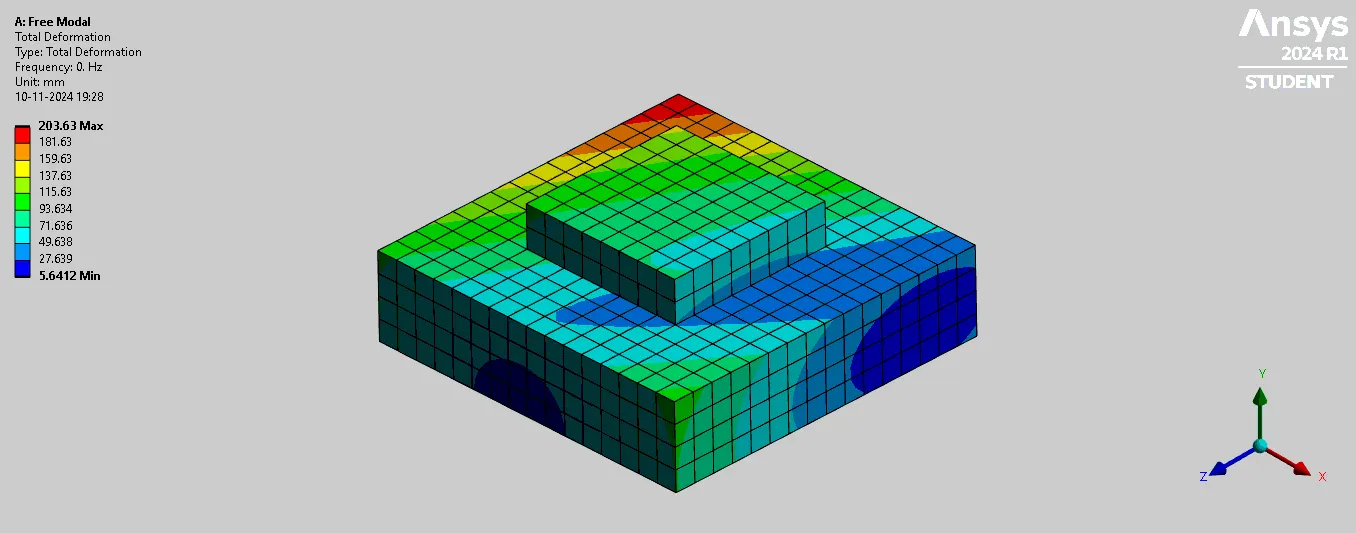
In free free analysis structure or blocks are not constrained ,so that the structure is completely free to vibrate in any direction.
Performing modal analysis
After meshing the blocks ,go to Modal and give solve
Modal>>Solve to run the analysis
After solving in tabular data select all Modes>>create mode shape results
Go to Solution>>Evaluate all Result
The Natural frequency for free Modal analysis are:
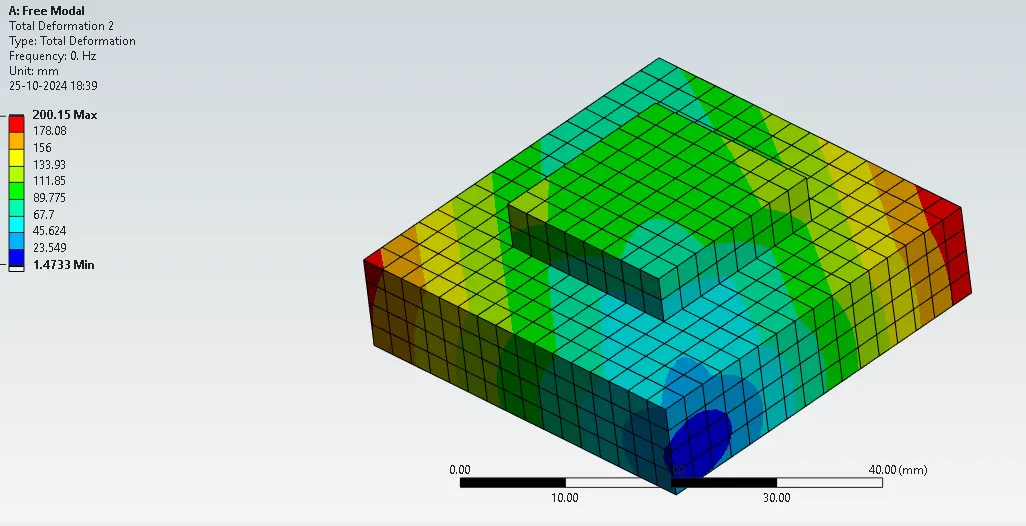
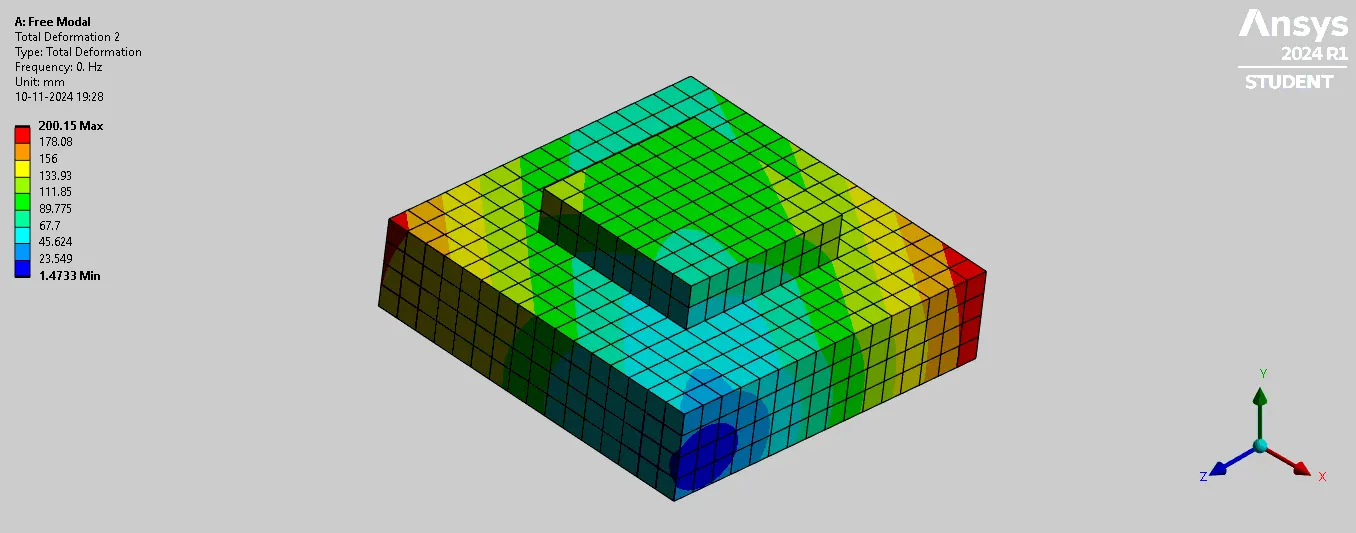
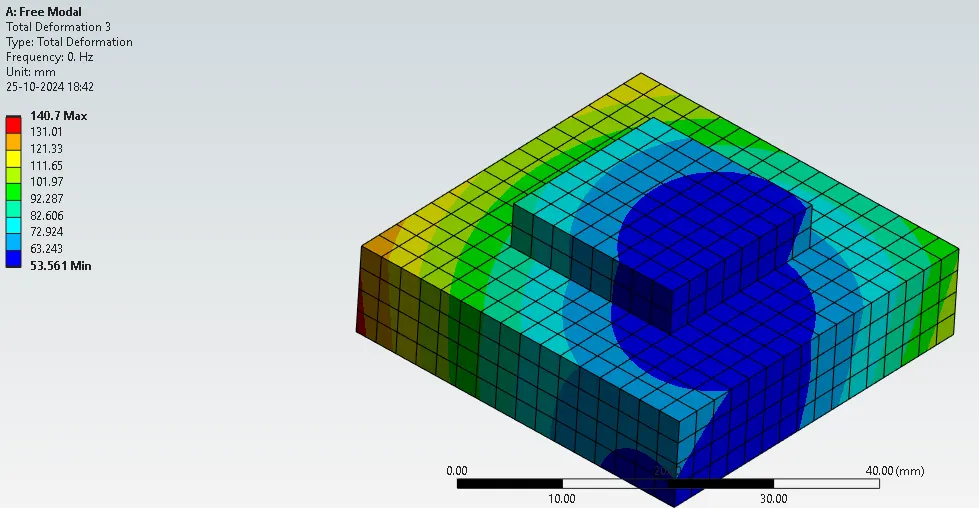
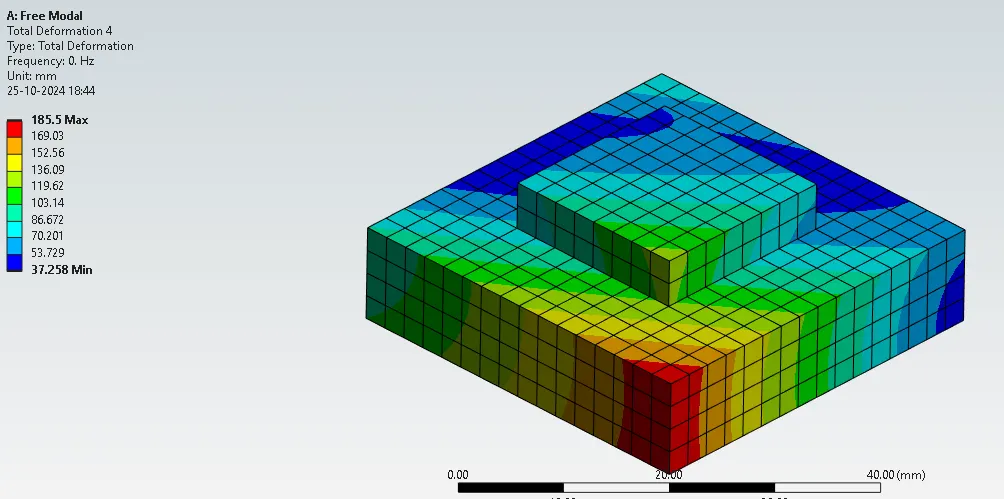
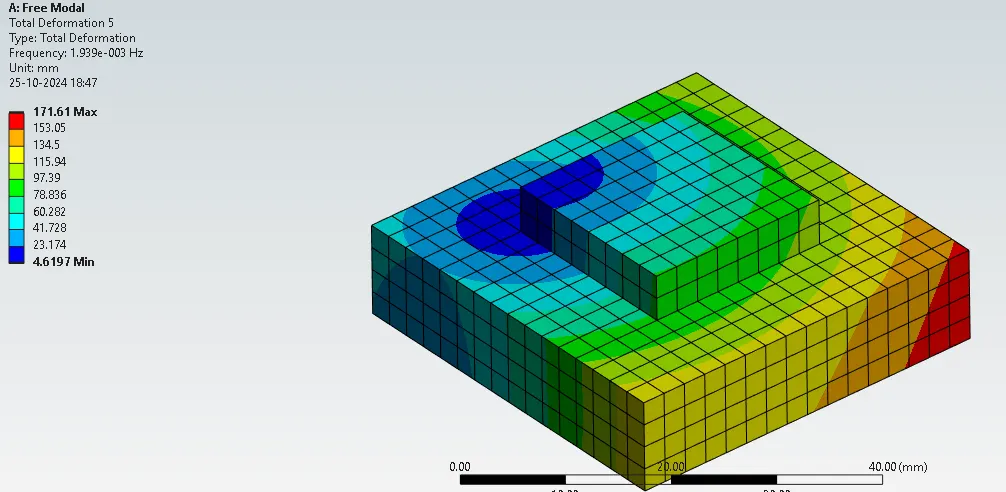
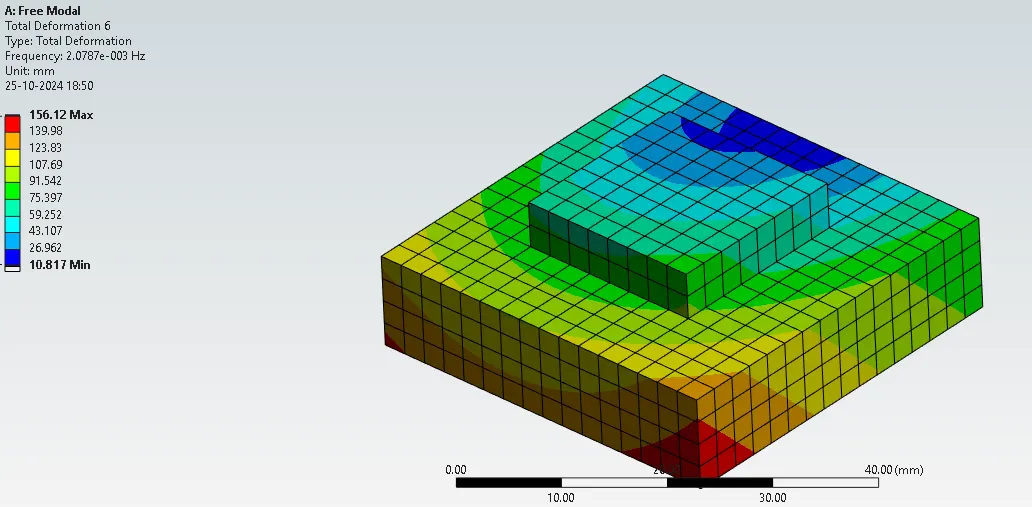
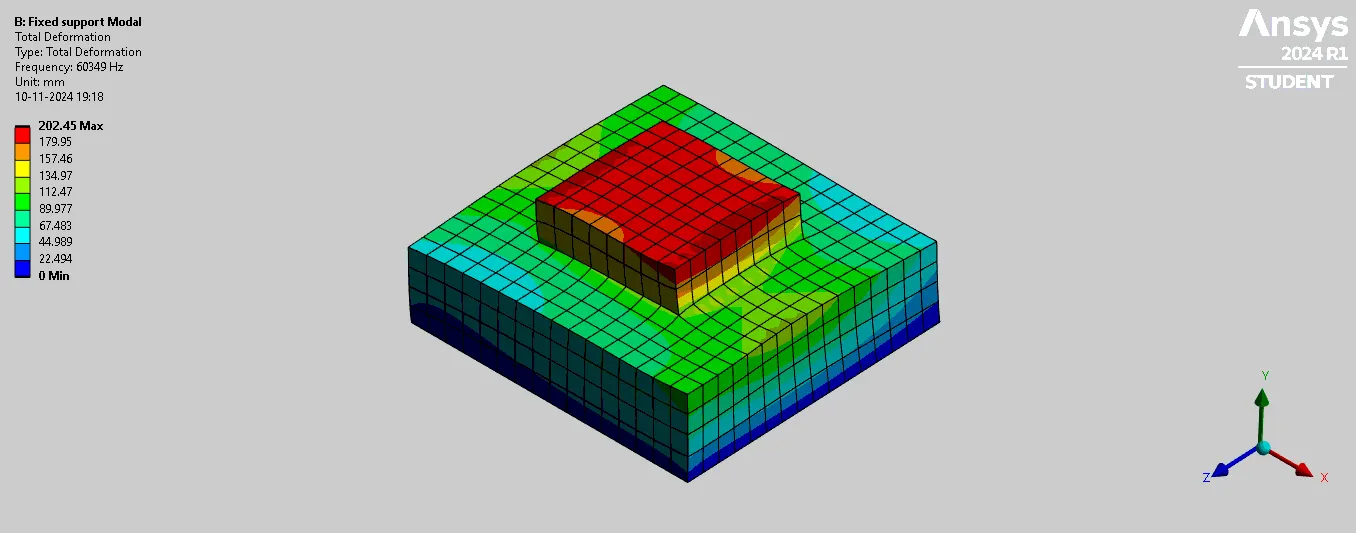
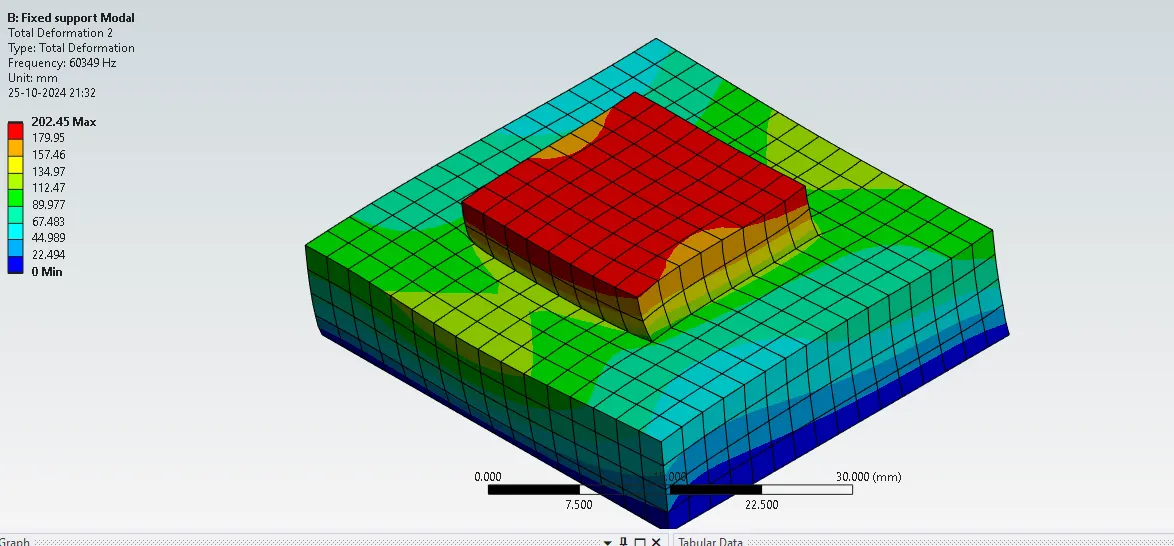
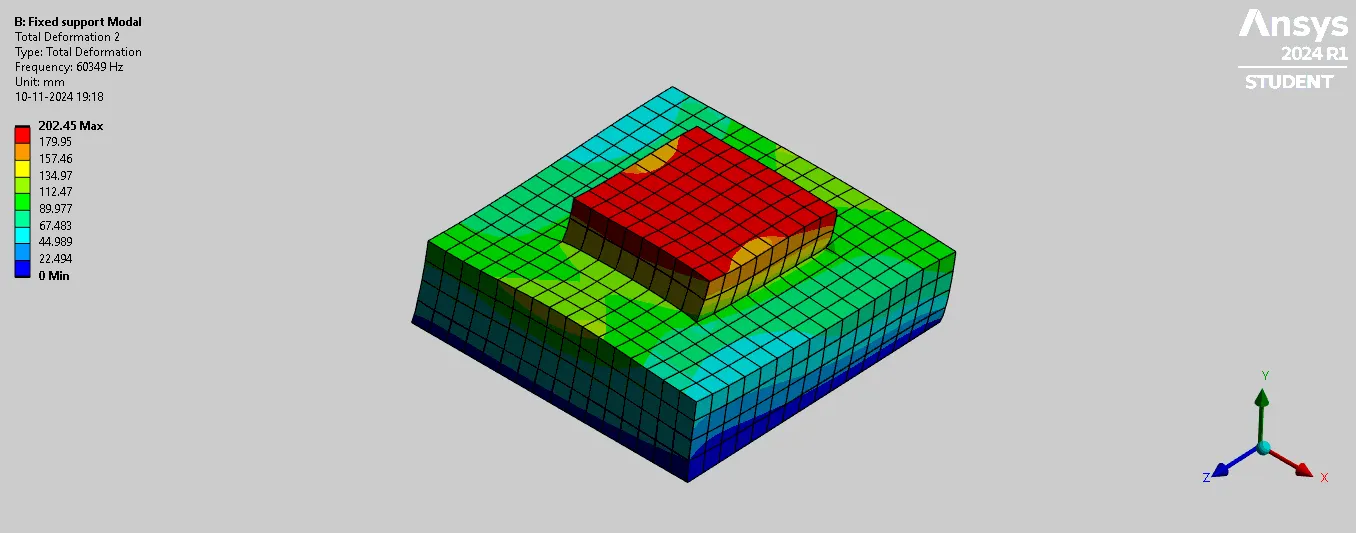
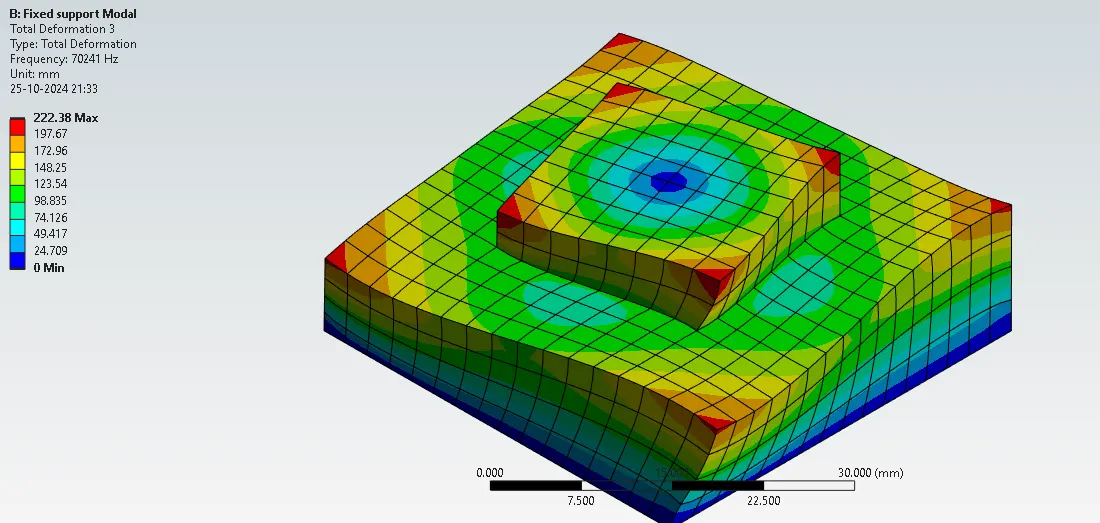
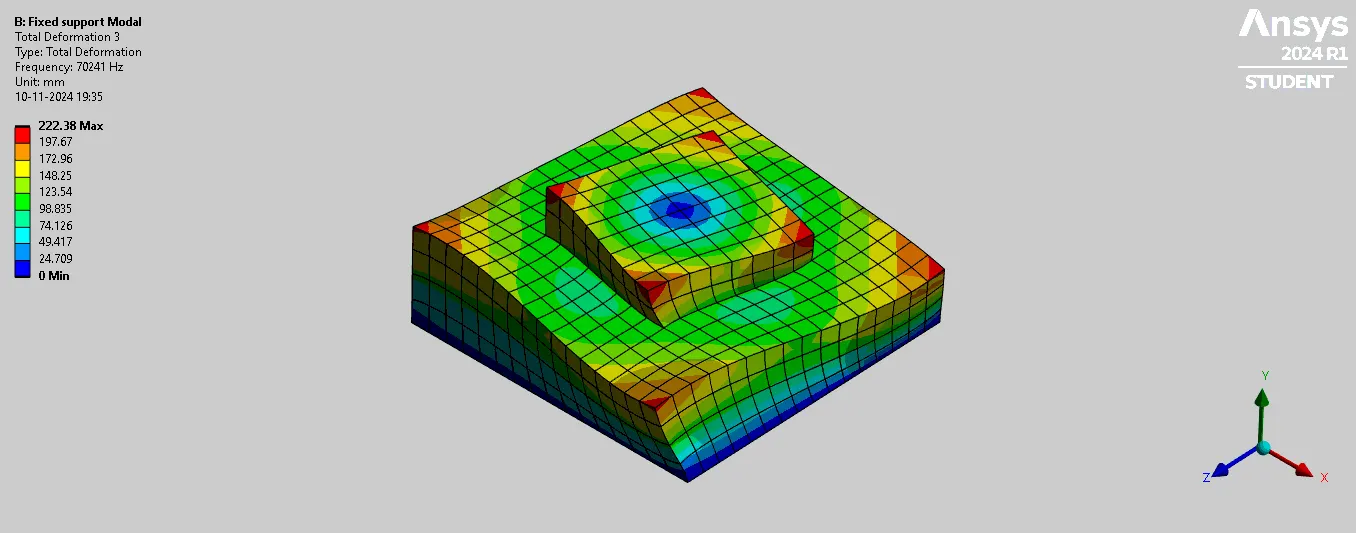
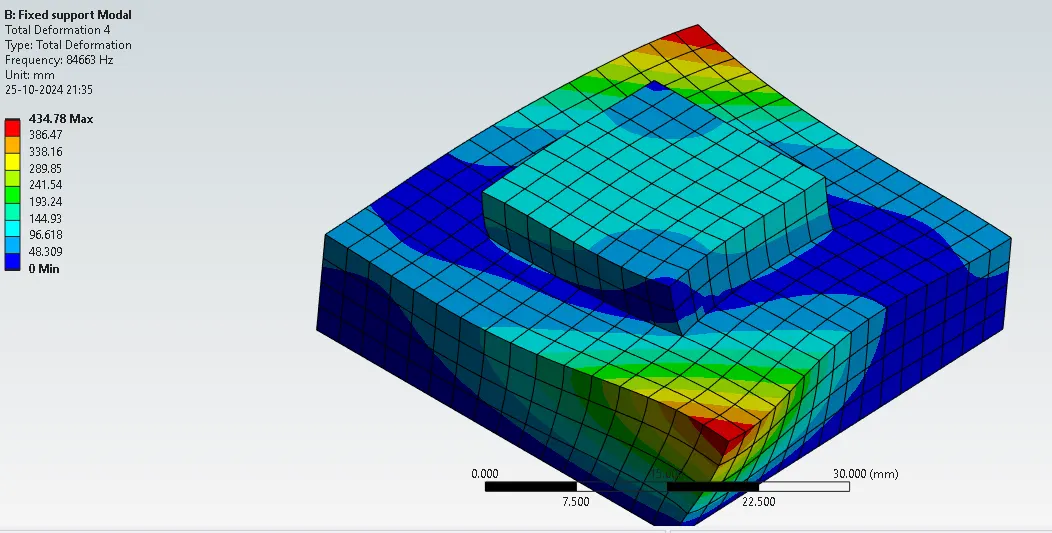
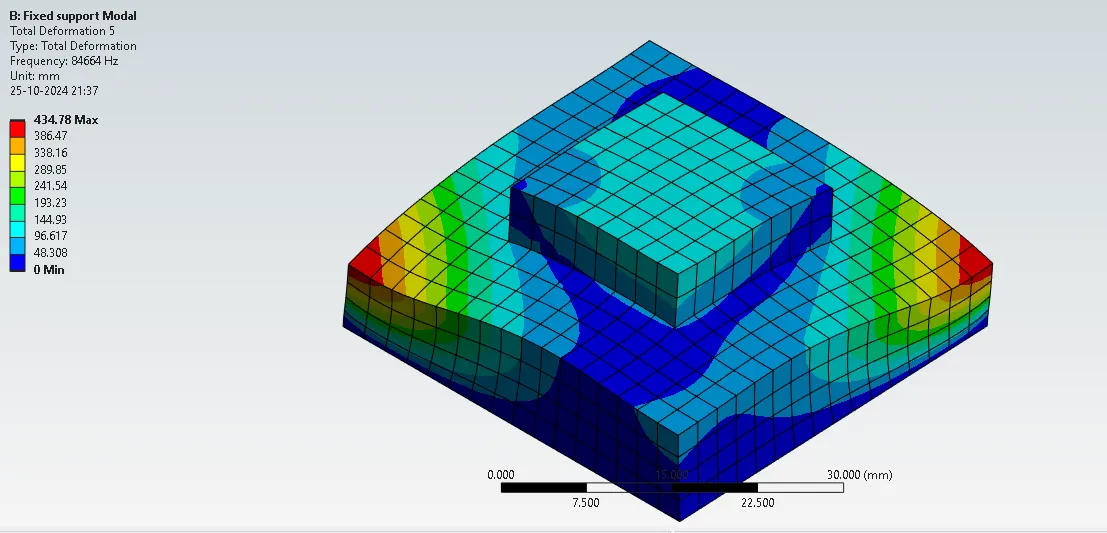
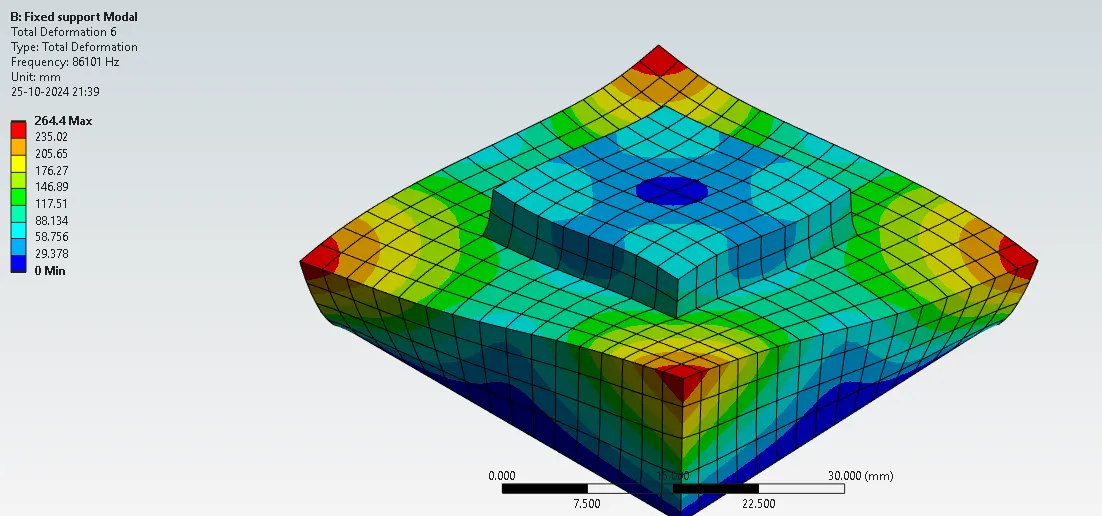
Case2: Modal B (Fixed Support for Base Modal analysis)
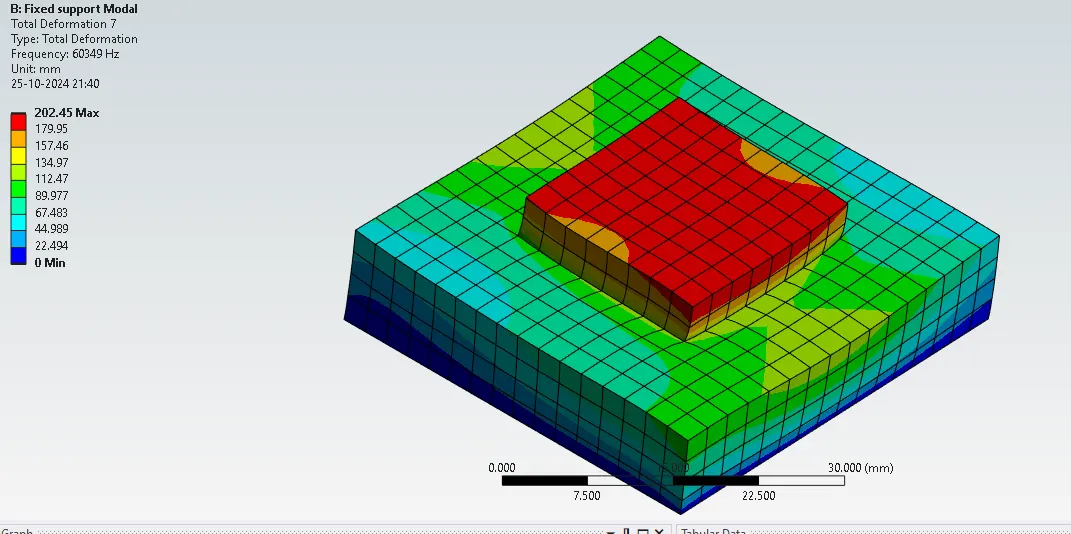
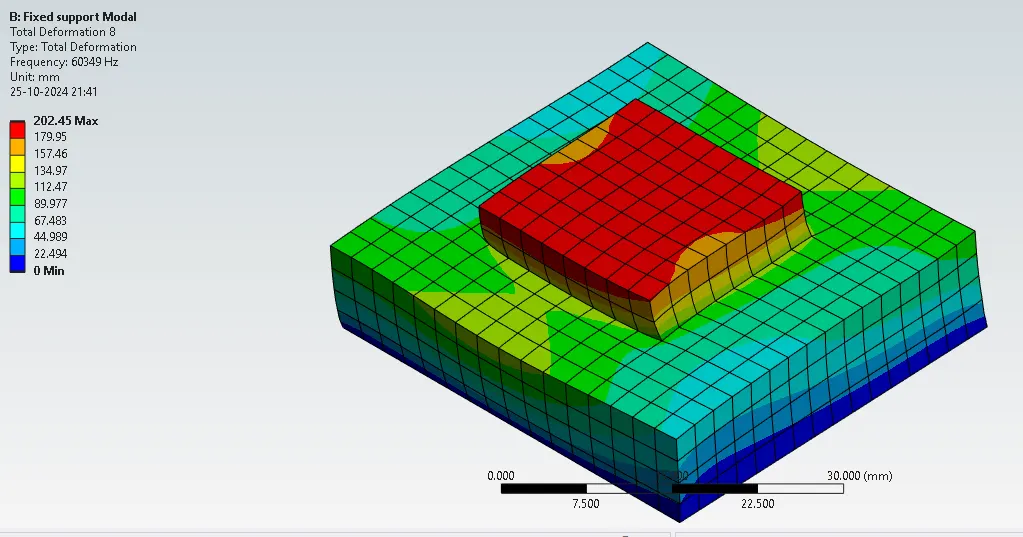
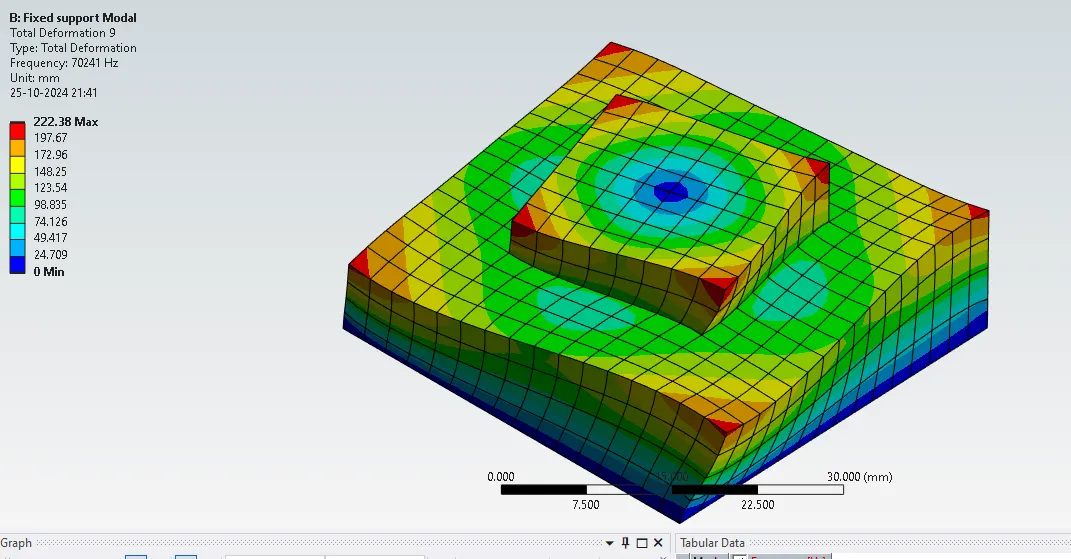
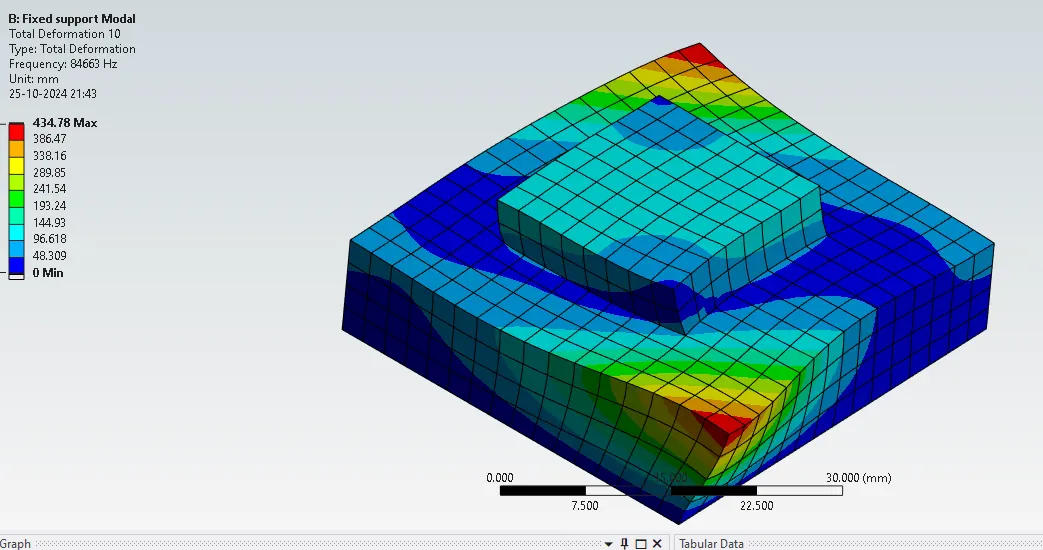
After meshing the blocks ,go to Modal and give fixed support for the bottom face of the block and give solve
Modal>>fixed support >>Solve to run the analysis
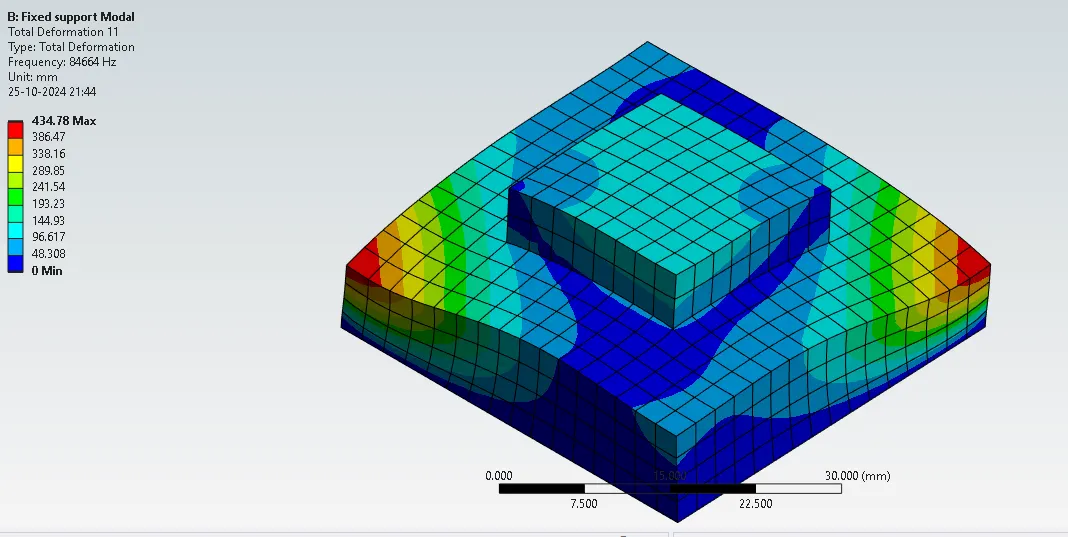
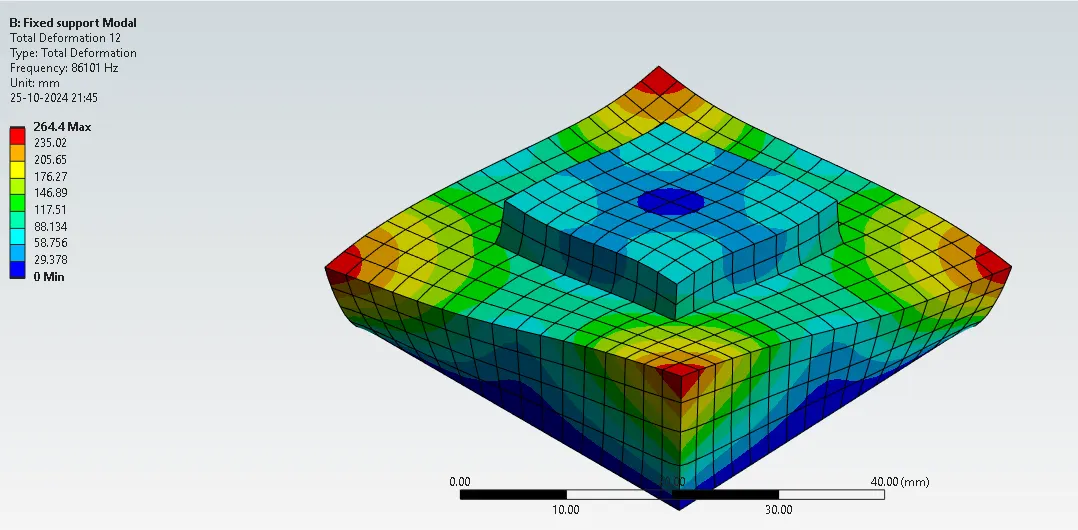
After solving in tabular data select all Modes>>create mode shape results
Go to Solution>>Evaluate all Result
The Natural frequency for Fixed support Modal analysis are:
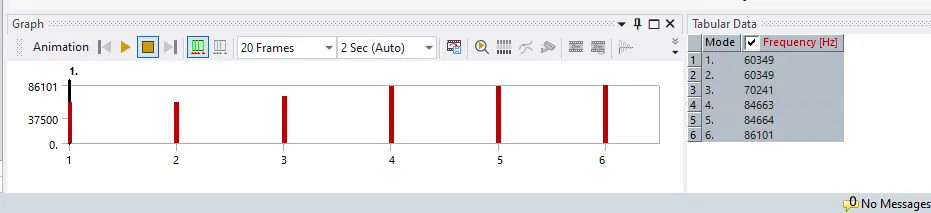
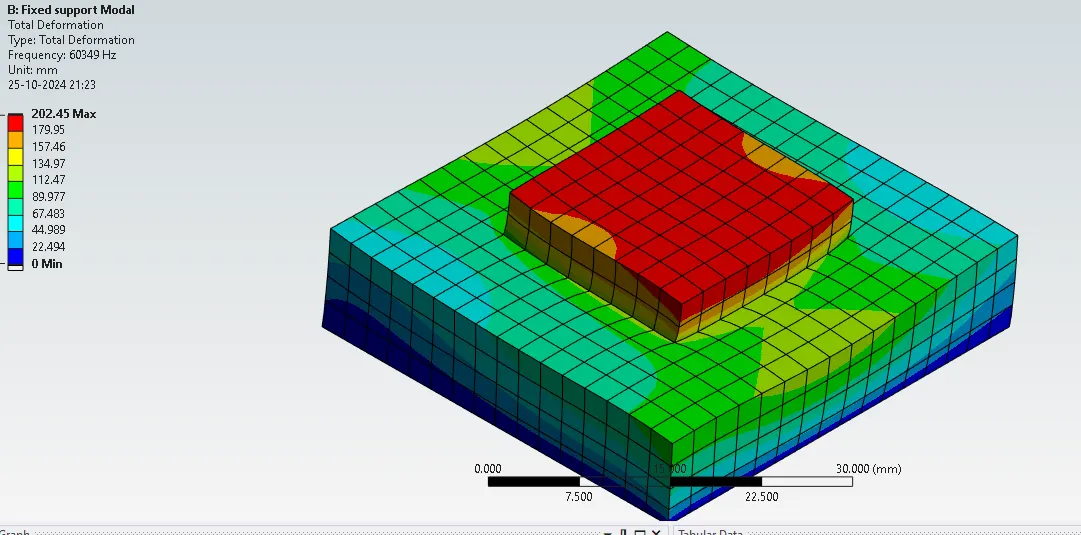
Learning outcome:
Learnt to create a geometry in the spaceclaim
Learnt to assign engineering data ,meshing and Modal Setup in ansys workbench
Conclusion : Mode shapes,total deformation and its related frequency has been found out by using Modal analysis