Week 3- Geometry cleanup and Mid-surfacing
PROCEDURAL STEPS :
CASE 1 : To extract mid-surface for the tube model and provide a connection with sharing option at the tube joint locations.
STEP 1 : Import the tube model.
Imported the .scdoc file of the tube model in Ansys space claim Gui.
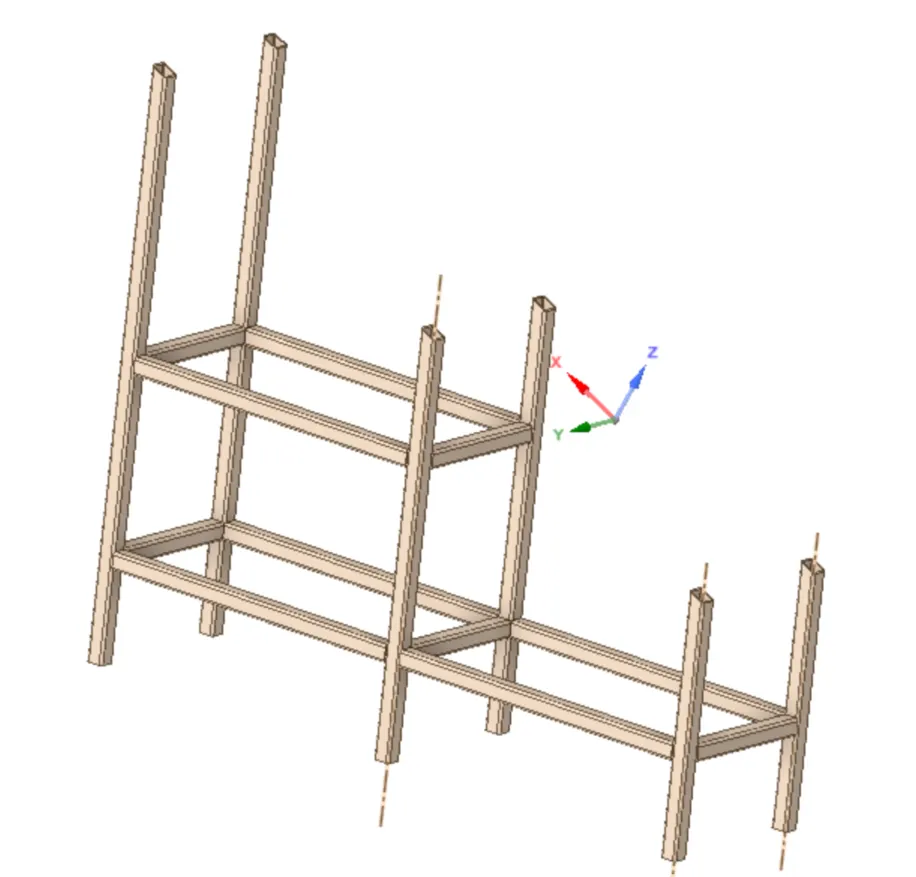
STEP 2 : To extract the midsurface of the tube model.
- To extract the midsurface by the following method.
- Thickess of the tube is 6.0 mm , so we have to take midsurface 3.0 mm from the outter surface of the tube.
- Title bar > prepare > Midsurface > checked use selected faces option > selected the faces containing thickness of the tube > done > midsurfaces extracted it from parent geometry.
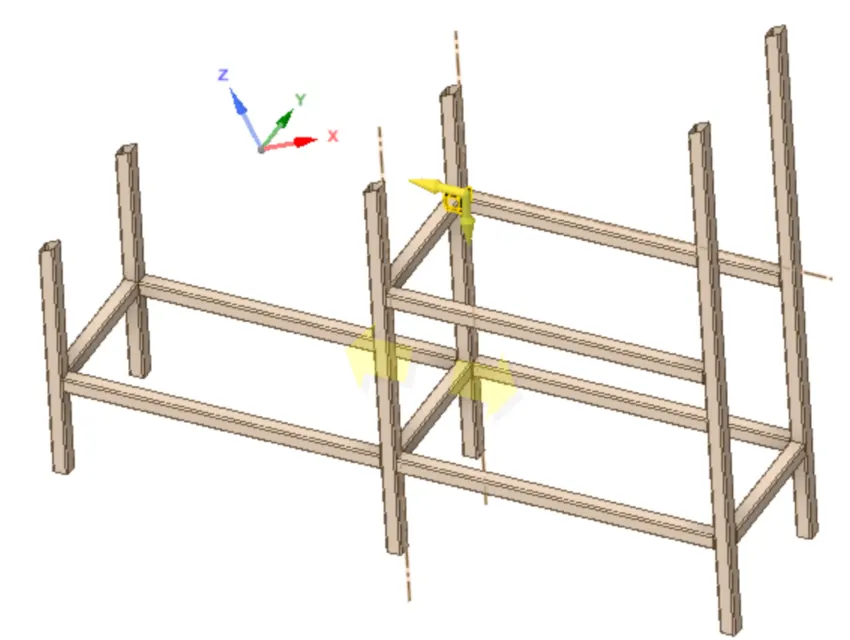
STEP 3 : Extend the faces over one and another of the tubes.
- Inorder to extend the tubes over one and another by the following steps.
- Title bar > prepare > extend > selected the edges > extended it with trimmed surfaces option > done.