Week - 3 Drop test Challenge
Objective:- We need to do a drop test analysis on the given mesh.
Procedure:-
- Import the given.key file in the Ls-Pre post.
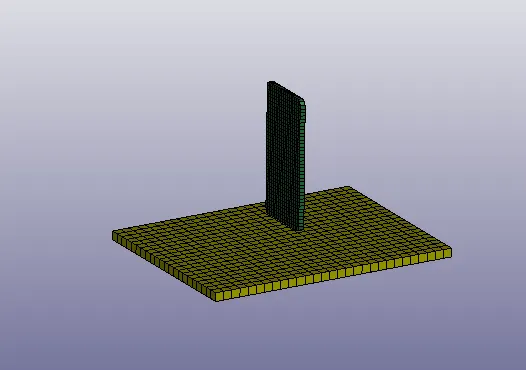
- We have three parts.
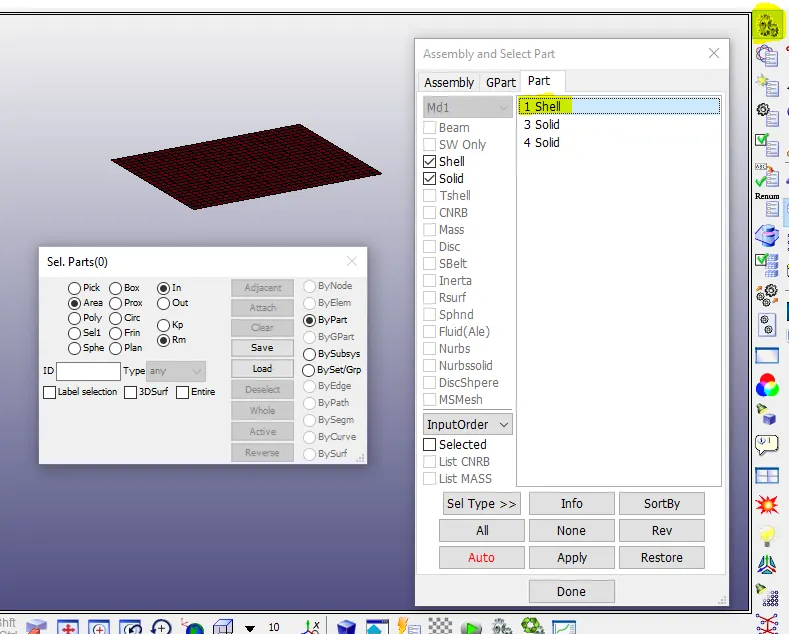
- Part-1:- Shell elements that can be used as the floor.
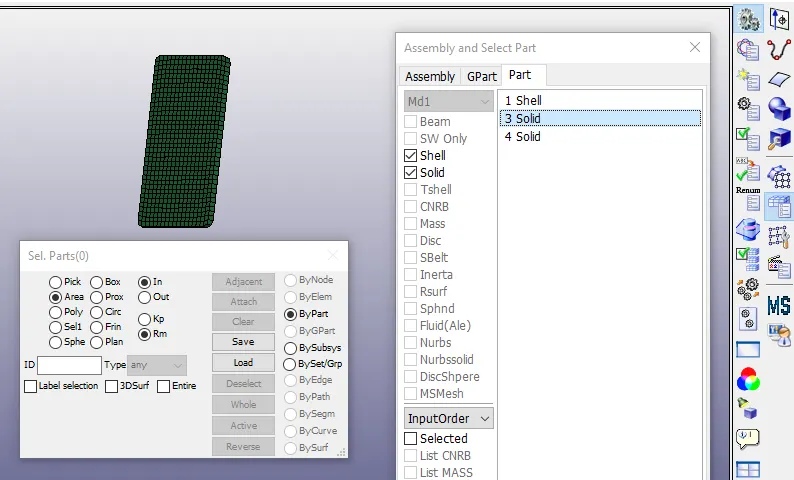
- Part3:- Solid elements that can be used as a phone.
- Part4:- Solid elements we can delete the part since we can use the shell elements as floor.
- Sections:- We have to create two sections for both Shell and solid elements.
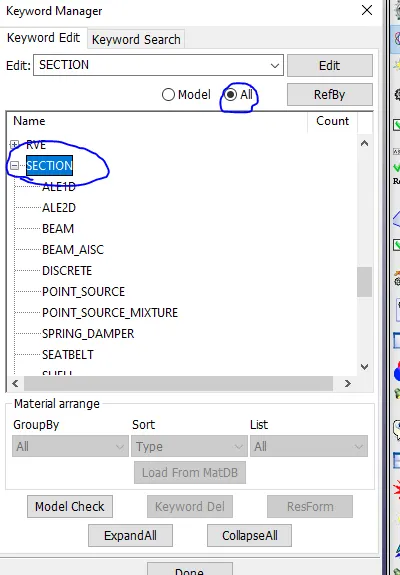
- Go to Keyword manager -> All -> Section -> Shell.
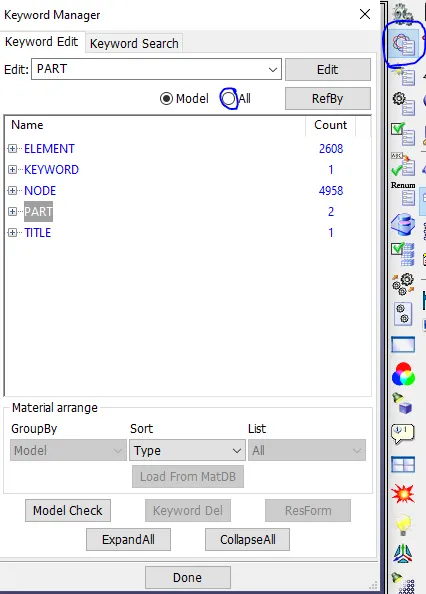
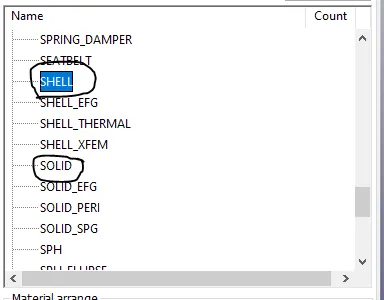
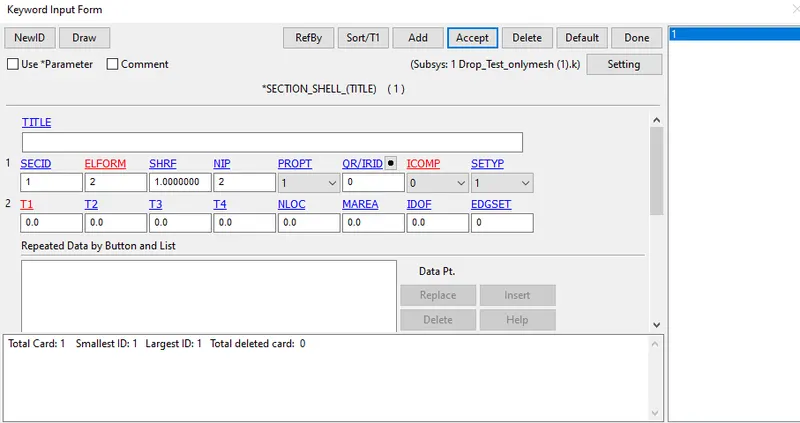
- Create a shell section card. we have to assign the
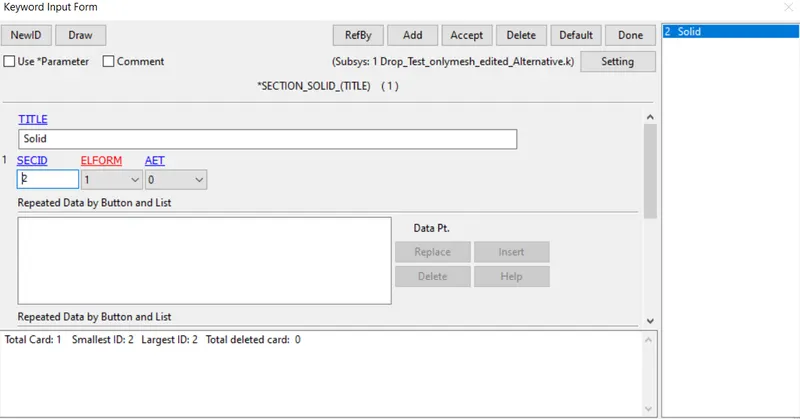
- Create a Solid section card for solid elements.
- We need to create materials for both phone and plate.
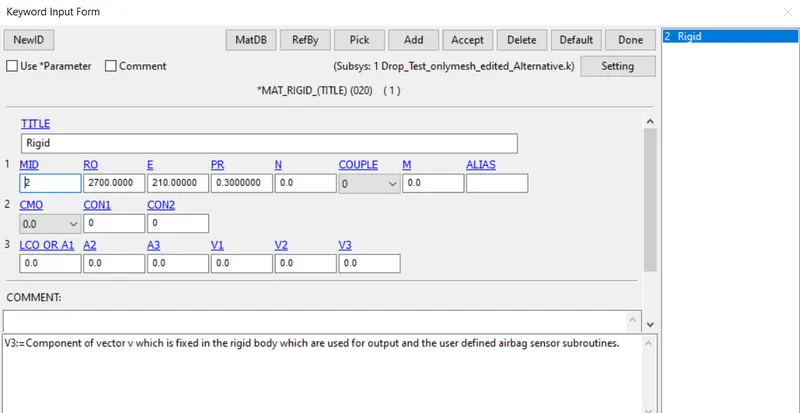
- Here Plate is a rigid body, So we can go with Mat20(rigid).
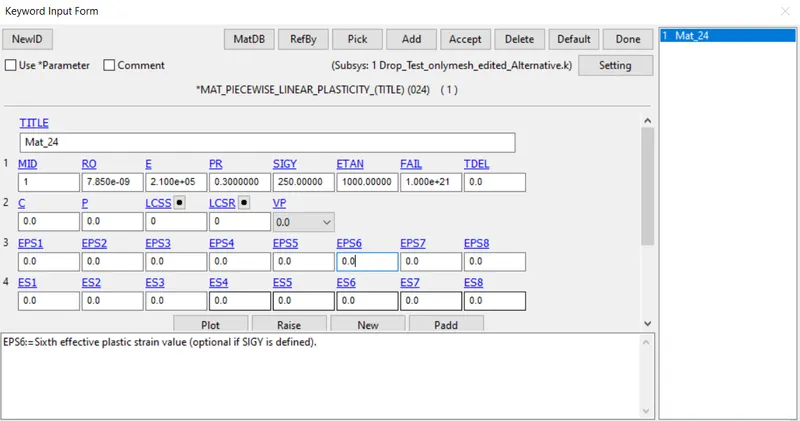
- For phones, we can create Mat24(piecewise linear elasticity).
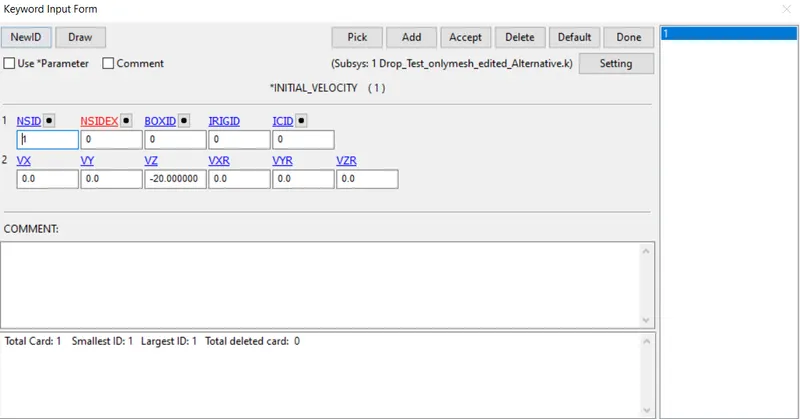
- We need to define the velocity for the Phone.
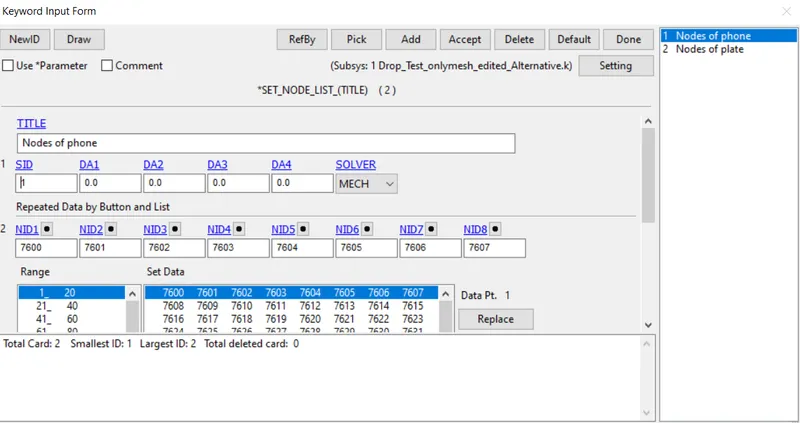
- Create a node-set ID for the Nodes of the phone.
- Add the node-set ID in Keyword of *INITIAL_VELOCITY
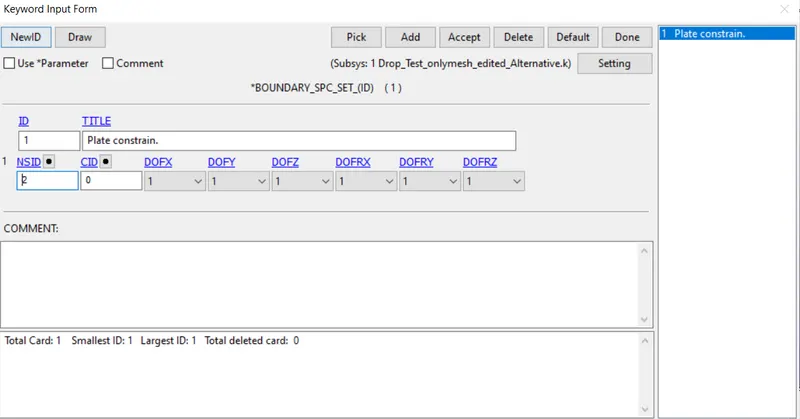
- We need to Create a Boundary_Spc_Set for the plate elements to constrain them in all directions.
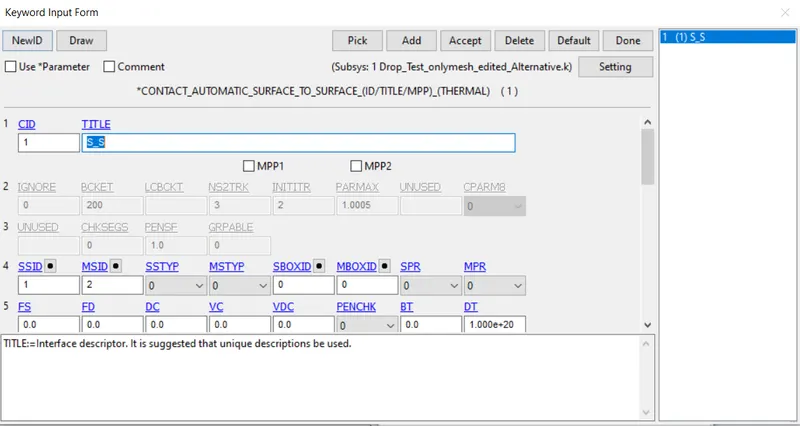
- Create an automatic surface to surface contact between the Phone(Slave) and Plate(Master).
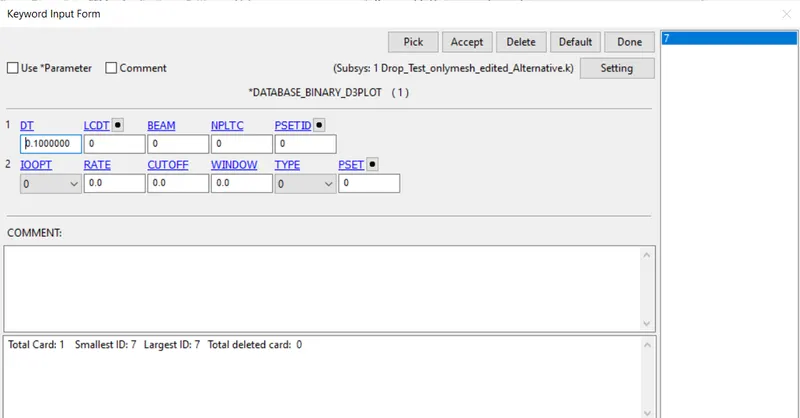
- Create a *DATABASE_BINARY_D3PLOT
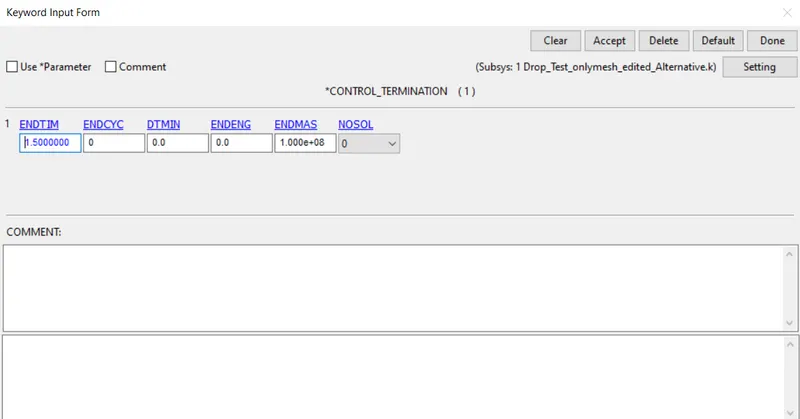
- Create the termination card.
- Save the model.
- Run .k model in Ls-Run.
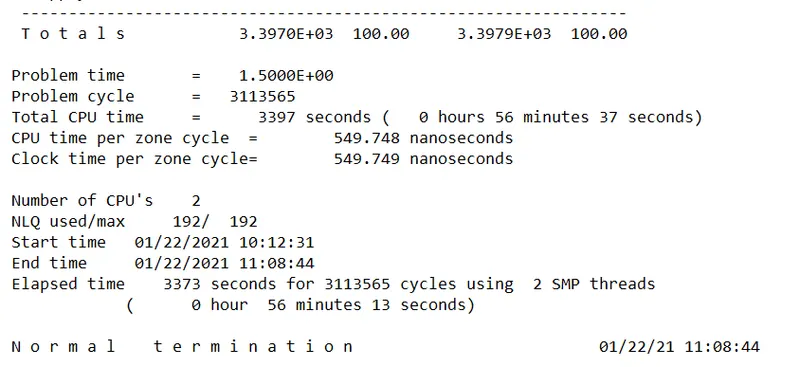
Results:-
- Stress-induced on the phone.
- We can observe the kinetic energy of the system.
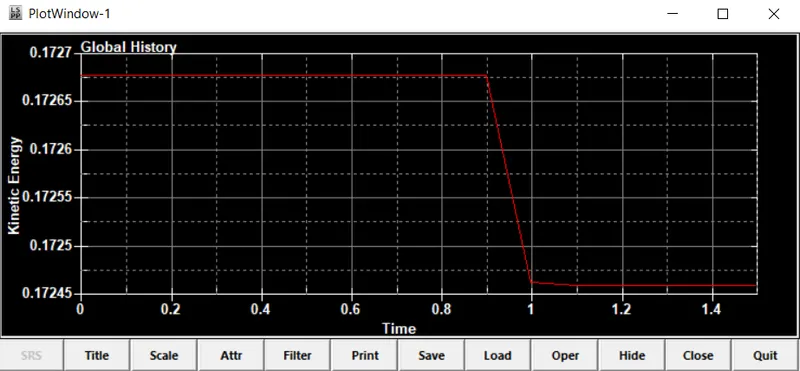
- We can observe the kinetic energy was constant until it hits the ground after that there is a drop in Kinetic energy when it hits the ground.
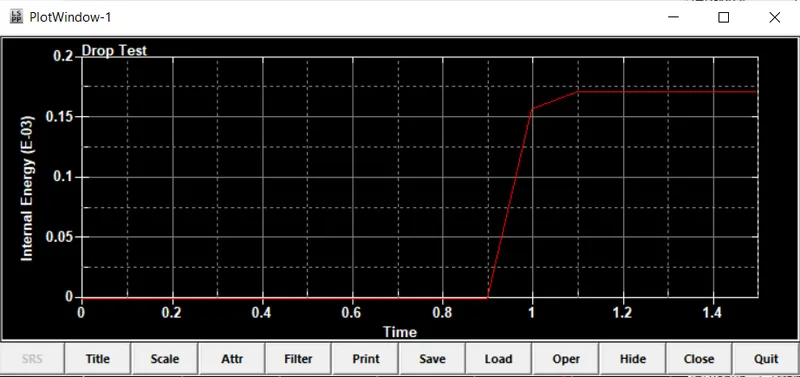
- The internal energy was created while the collision of the phone with the plate.