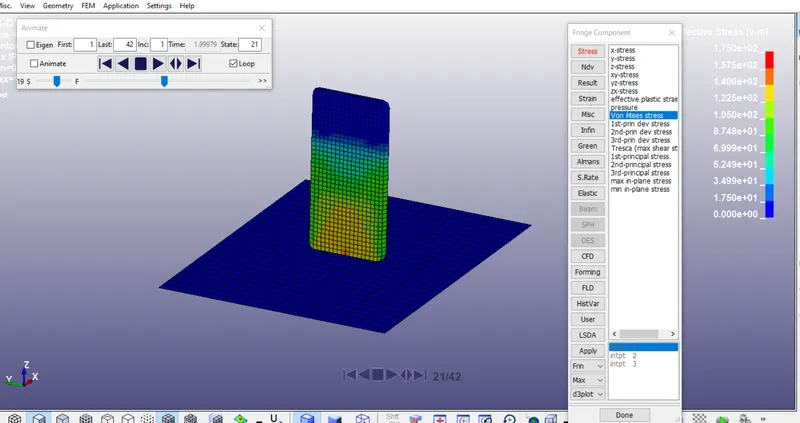
Week - 3 Drop test Challenge
AIM:
To create complete simulation file to perform a drop test from given basic .k file consisting of only nodes and elemnts. Essential keywords should be added to create a basic solver deck to simulation a drop test.
PROCEDURE:
STEP 1:
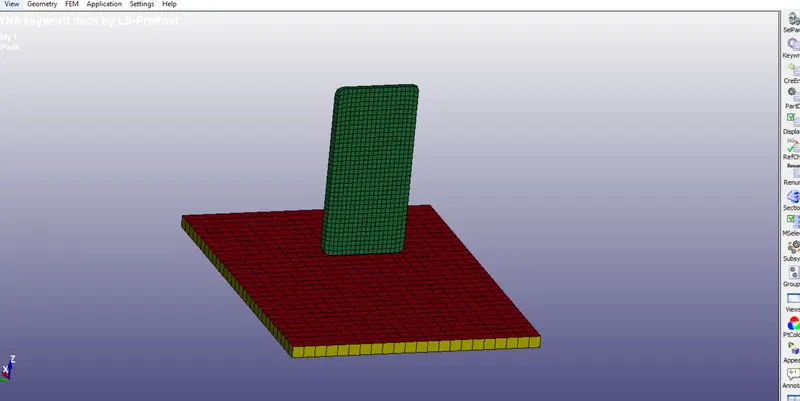
The given model.
STEP 2:
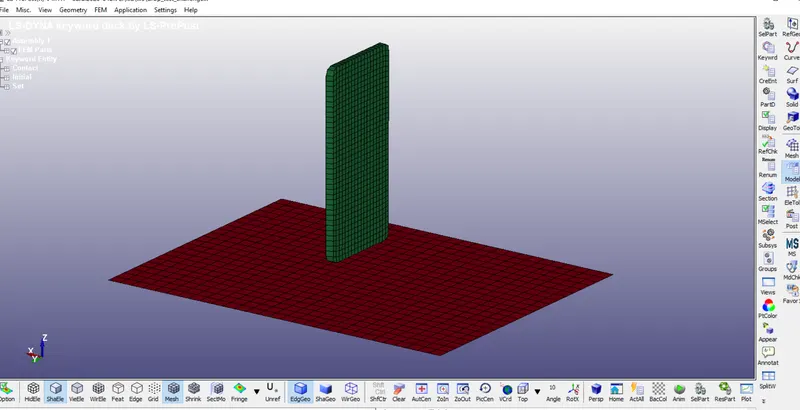
To delete a solid part in this model
STEP 3:
Take flat shell portion as rigid material
Then, cellphone as aluminum material
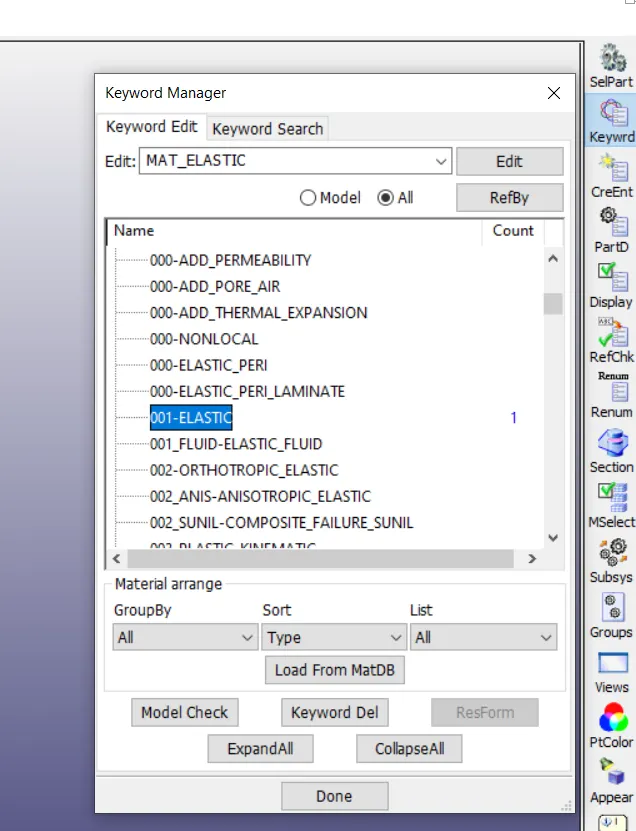
Go to model----keyword manager----select MAT--->elastic for cellphone
Then, select Mat---> rigid material for fllor
STEP 4:
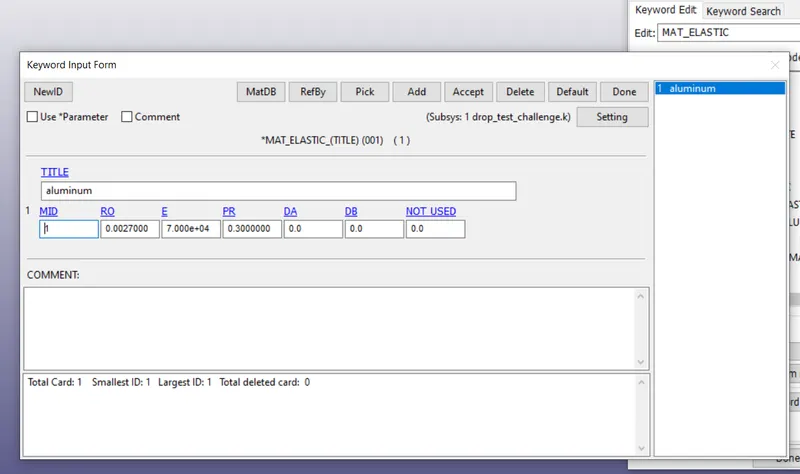
Apply the value for alumininum that is solid part
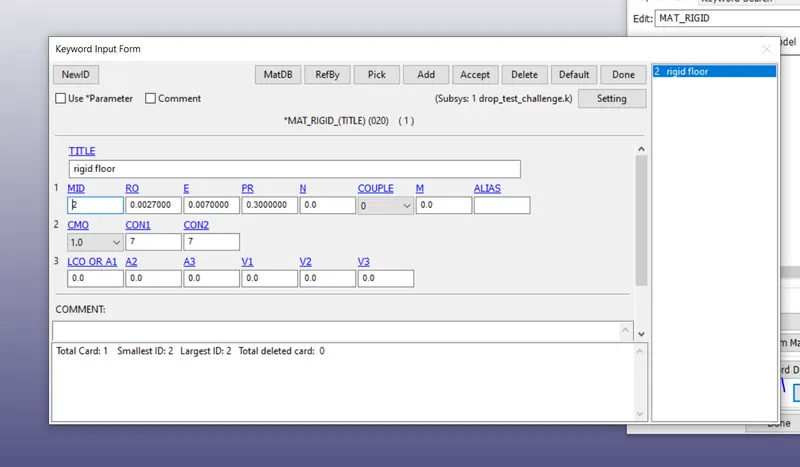
Apply MAT---> rigid for floor region.
STEP 5 :
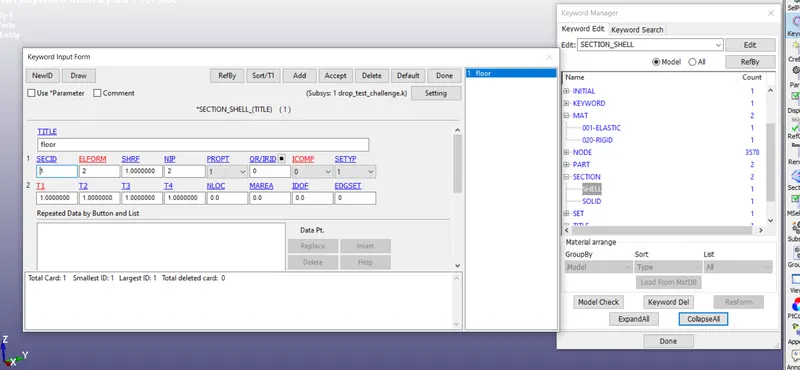
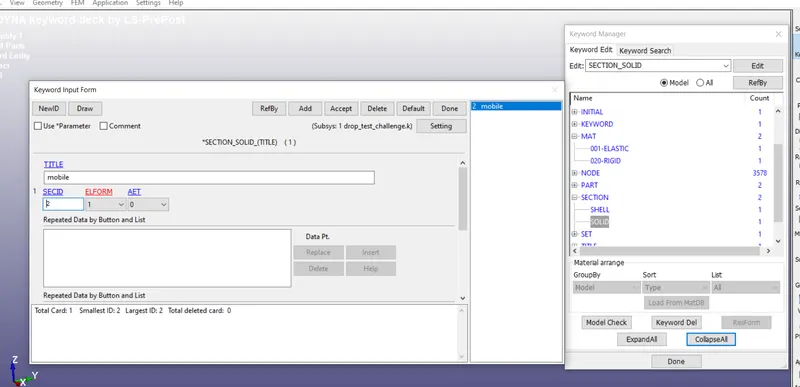
Do section---select shell---apply values
STEP 5:
Now, do control---termination---apply values
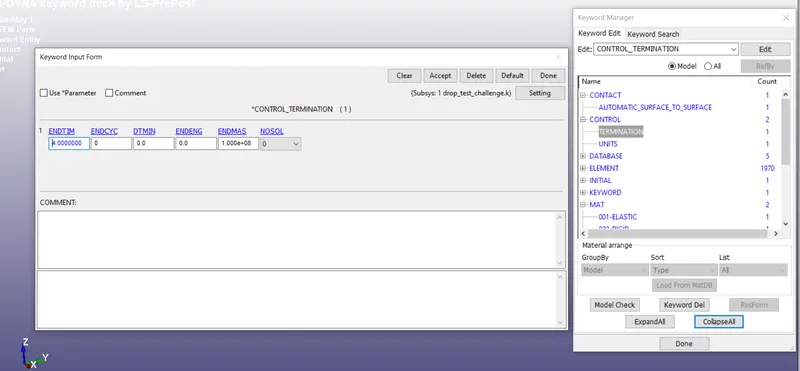
Apply unit value
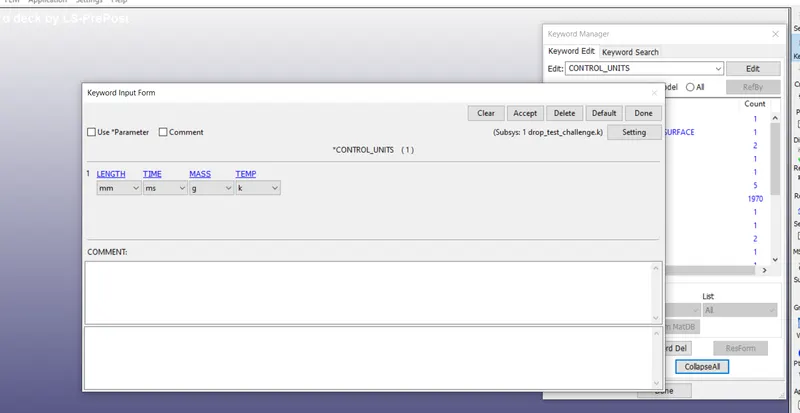
STEP 6:
Now, database --Nodeout-ELOUT-GLSTAT
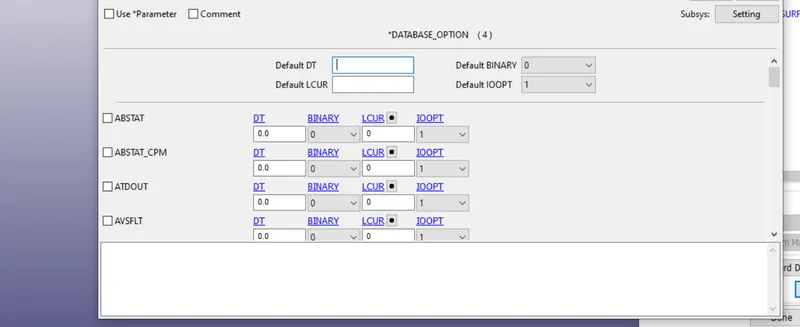
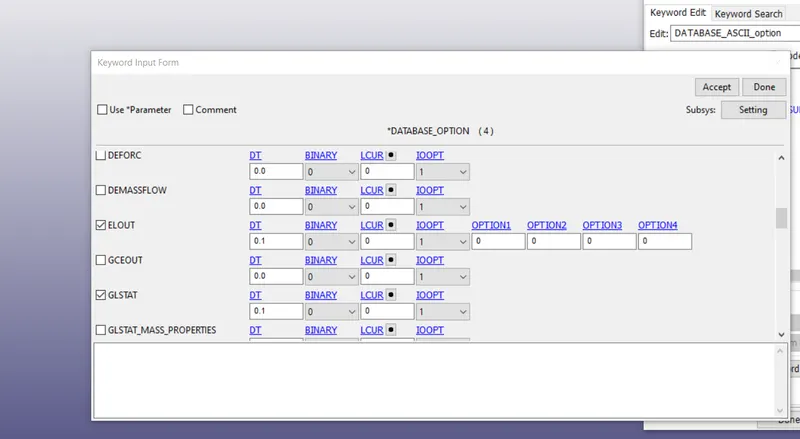
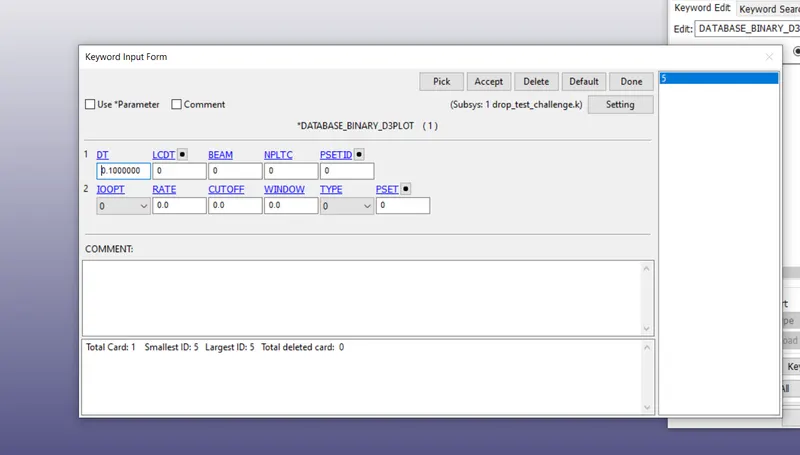
STEP 7:
Go to keyword---model check---select keyword check ----proceed.
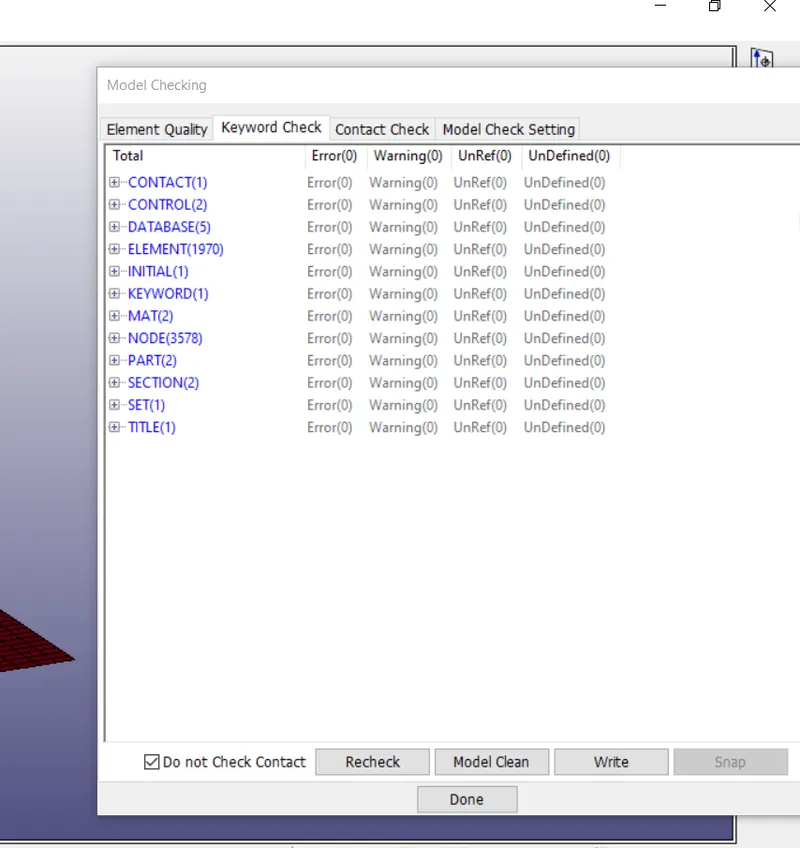
STEP 8:
Go to initial velocity---put value in Z axis----to the flow direction
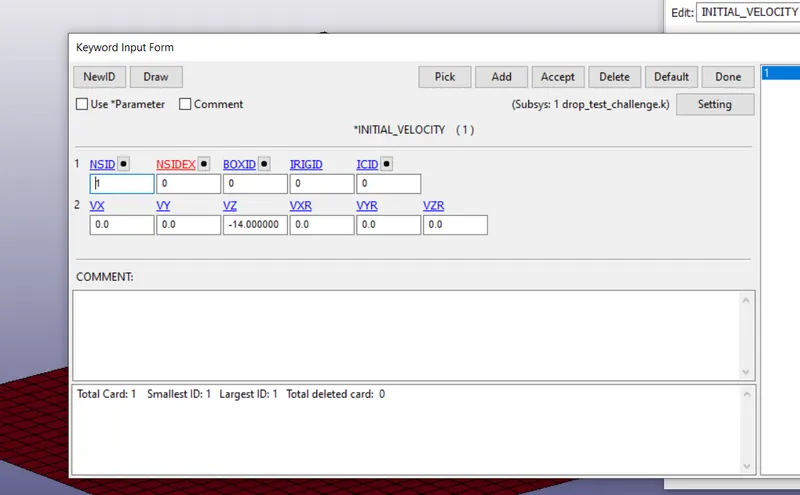
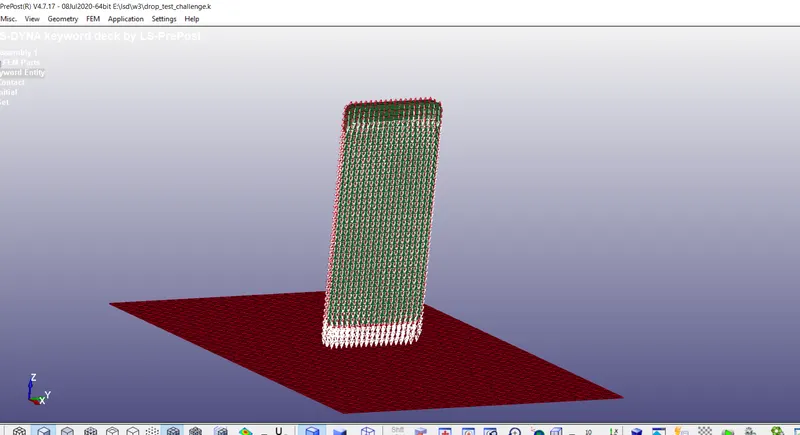
STEP 9:
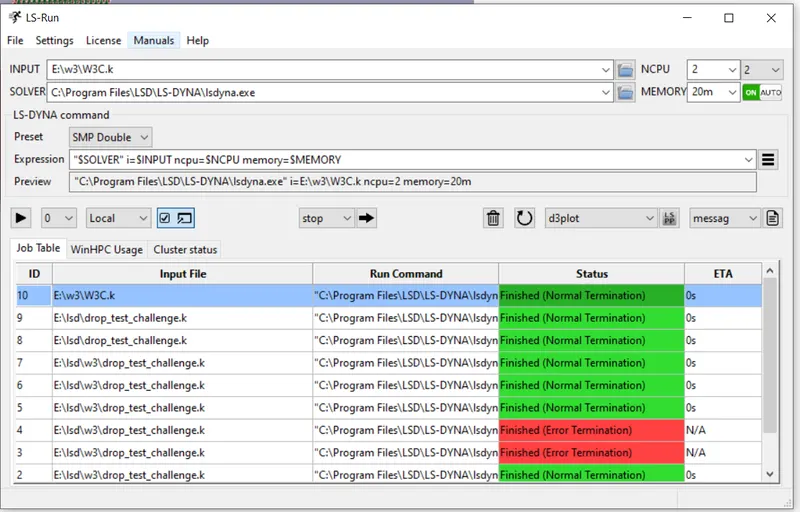
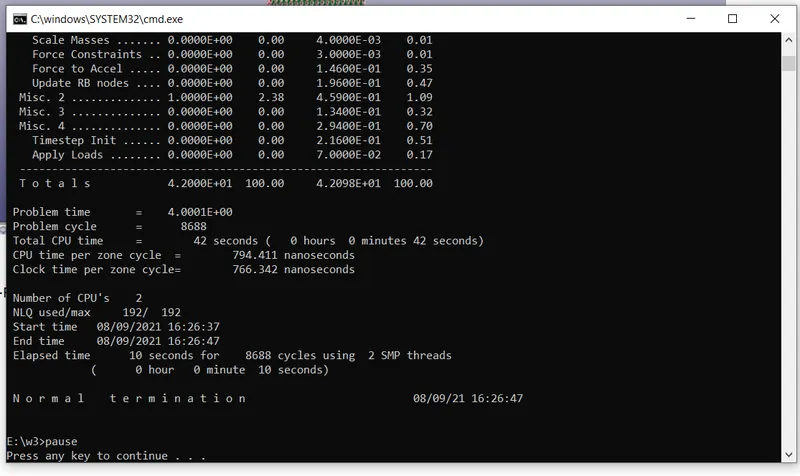
Go to LS-RUN to run the ismulation.
STEP 10:
The simualtion has done
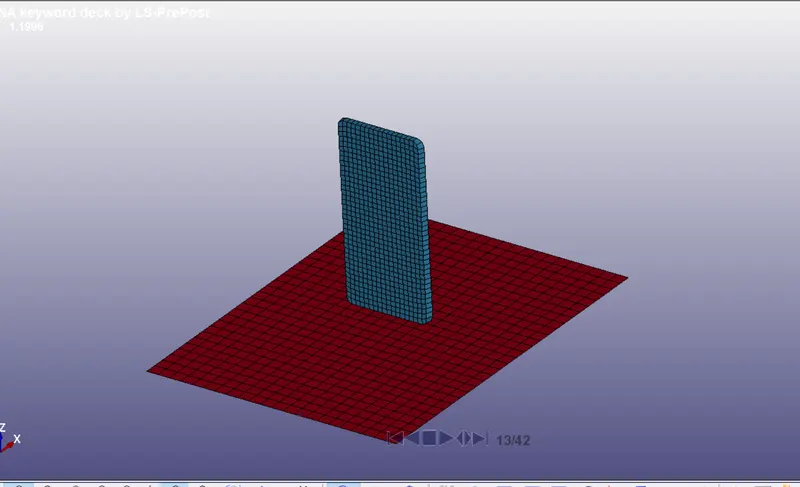
RESULT:
Open the binary plot file to check the result.