Week 3 Challenge : CFD meshing on Turbocharger
CFD meshing on Turbocharger
Aim: To mesh the turbocharger model with given criterias.
Objective: Surface mesh target length for specific parts.
- Blade stage-1 = 1 mm
- Blade stage-2 = 1 mm
- Impeller = 2 mm
- Shaft rotor = 1 mm
- Turbo casing = 5 mm
- Compressor casing = 5 mm
- Inlet casing cover = 5 mm
Procedure:
Open the model.
Topology clean-up:
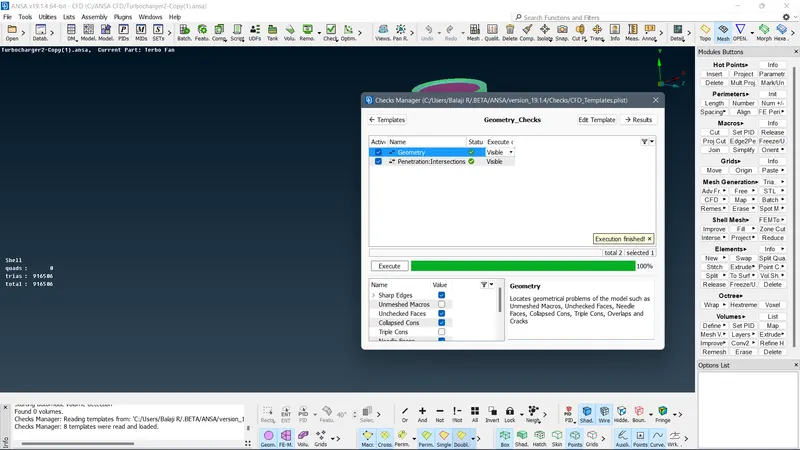
Check for errors in geometry checks.
Delete the unwanted parts using universal delete option.
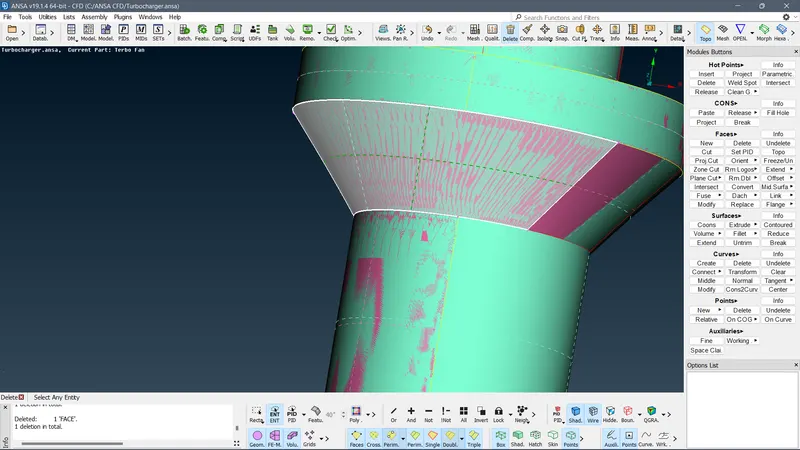
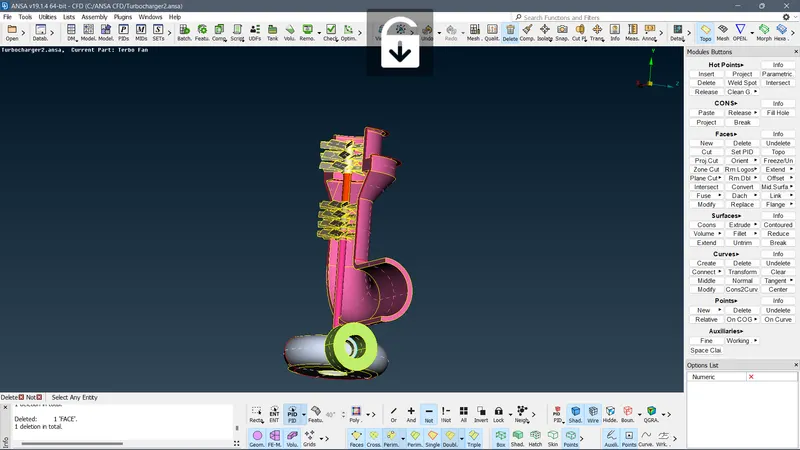
Delete the pink colored parts and surface.
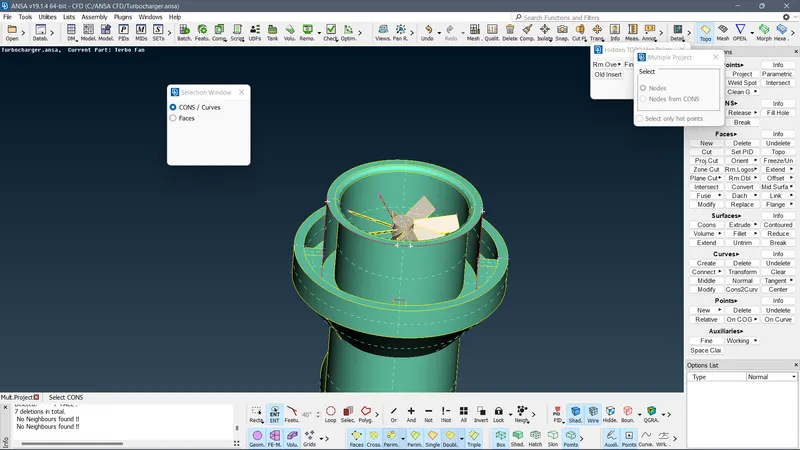
Project the hot points and create new faces, fill the remaining by holes.
Checks manager
Meshing:
Mesh the components as per the given target lengths.
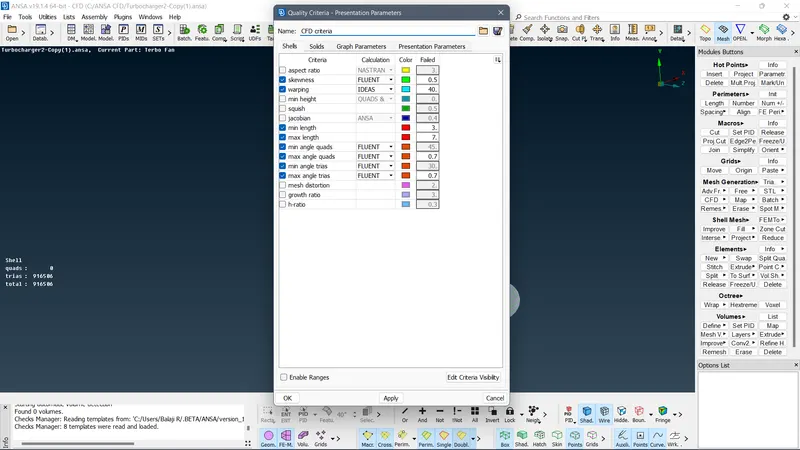
Quality : Change max and min length as per the individual target lengths.
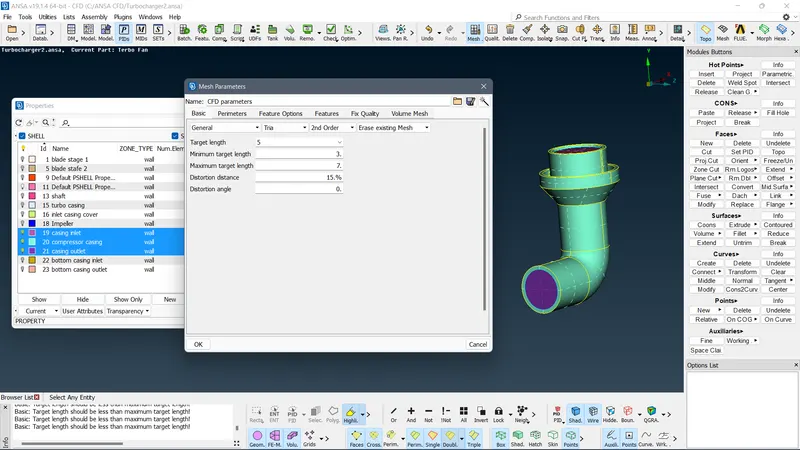
Mesh Parameters: Select shape as Tria and assign Target length and min and max target length as required.
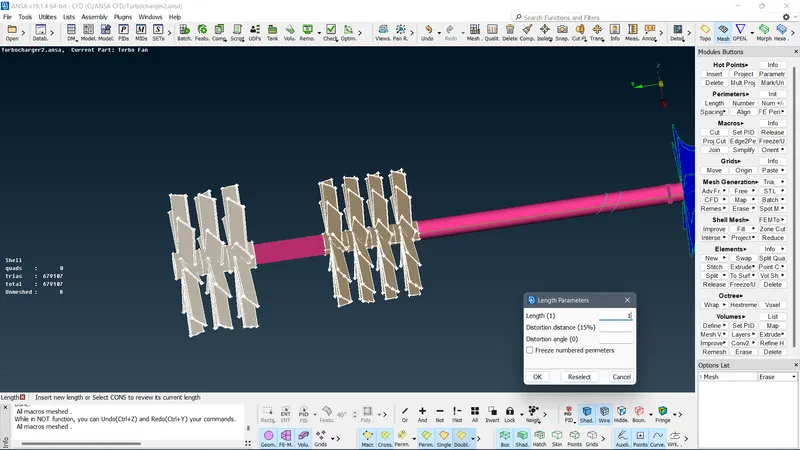
Perimeters --> Length --> Parameters --> Select otline --> Assign length accordingly
Perimeters --> Length --> Macros --> Select PIDs --> Assign length accordingly
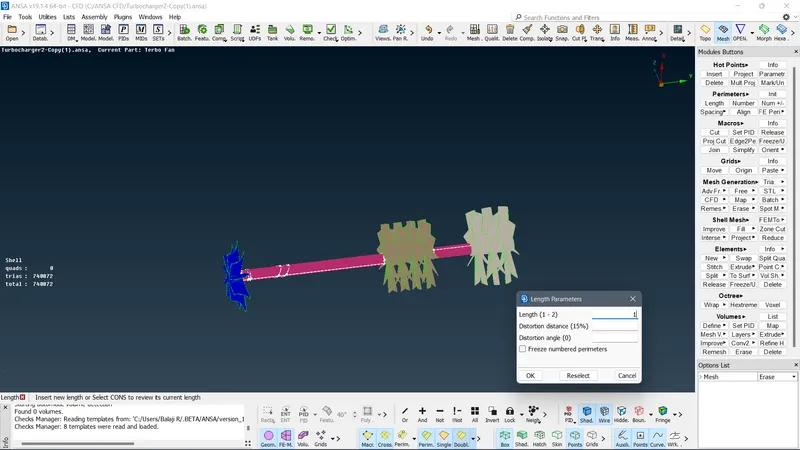
Fully meshed model:
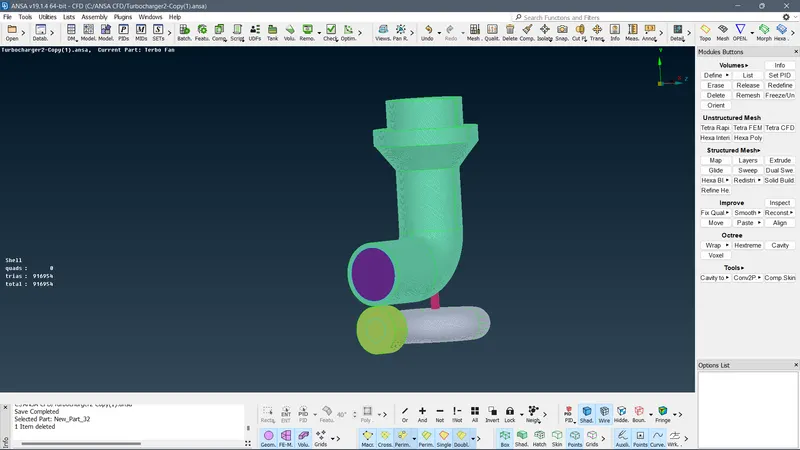
Volume mesh:
Select Vol. Mesh option
Auto-detect the volumes:
Volumes -->Define --> (choose whole db)--> ok
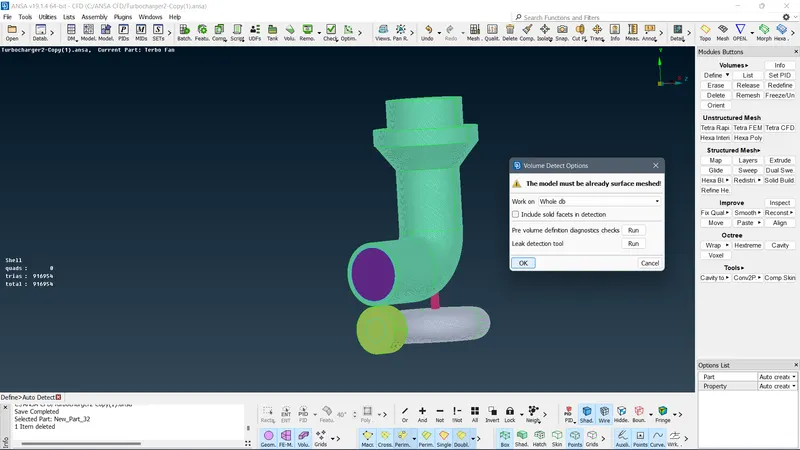
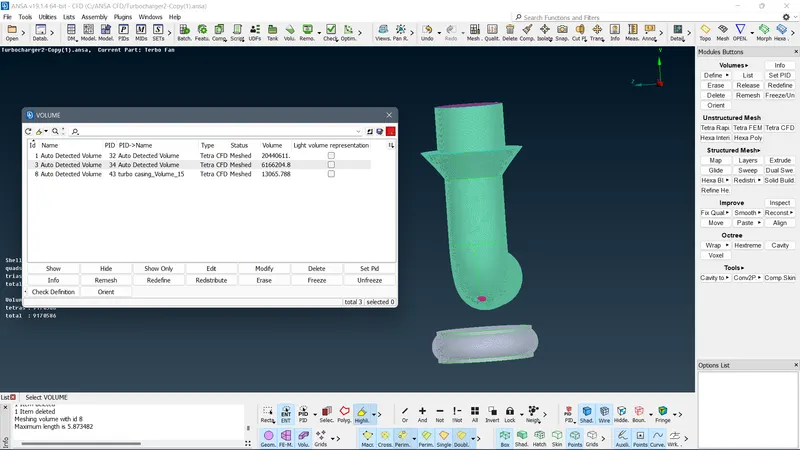
Delete the un-necessary parts, keeping only the fluid flow parts.
Select parts --> Remesh --> Tetra CFD --> apply.
Cut section of the volume along X-Y plane
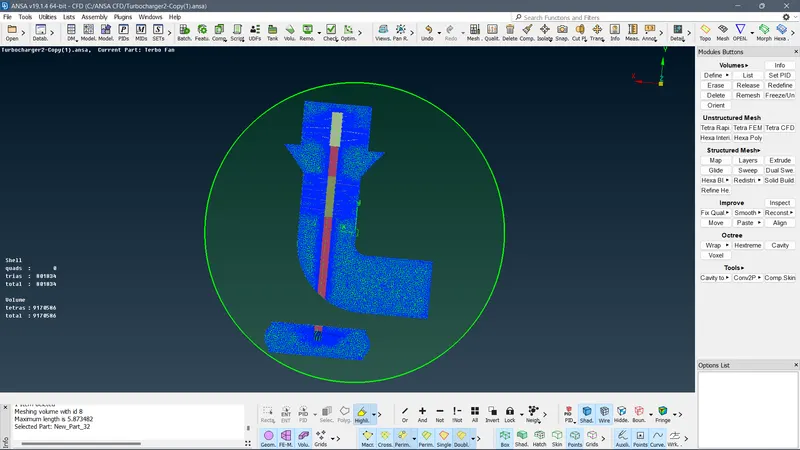
Conclusion:
All the parts are meshed accordingly to the given target lengths.