Week 3 Challenge : CFD meshing on Turbocharger
Aim:
To produce a volumetric mesh for the given turbocharger model according to the given target lengths after cleaning the geometry of its errors.
Procedure:
1. Open the given ansa model with File->Open and start checking the model for geometry errors.
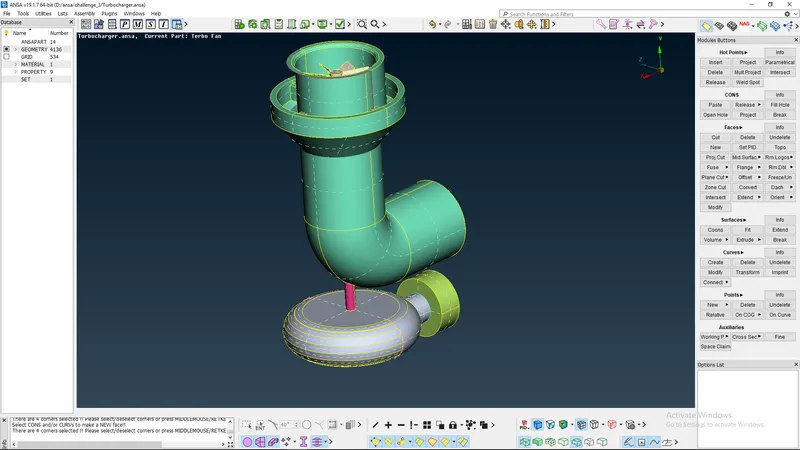
2. Correct the single CONS, remove duplicate surfaces and create missing surfaces by creating new surfaces using COONS option.
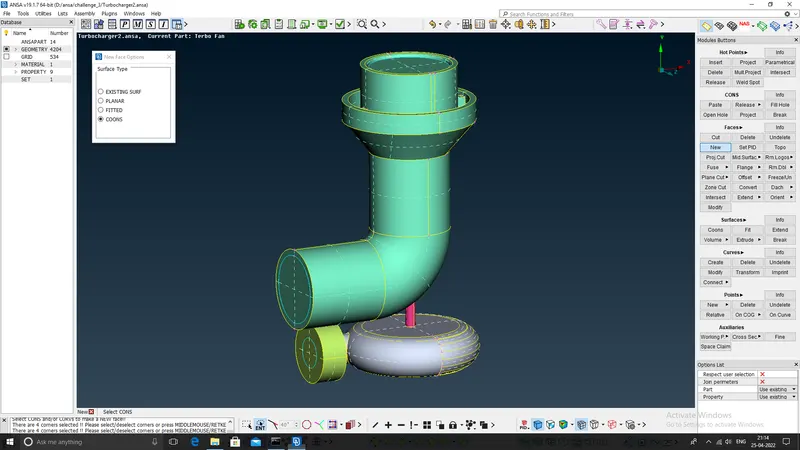
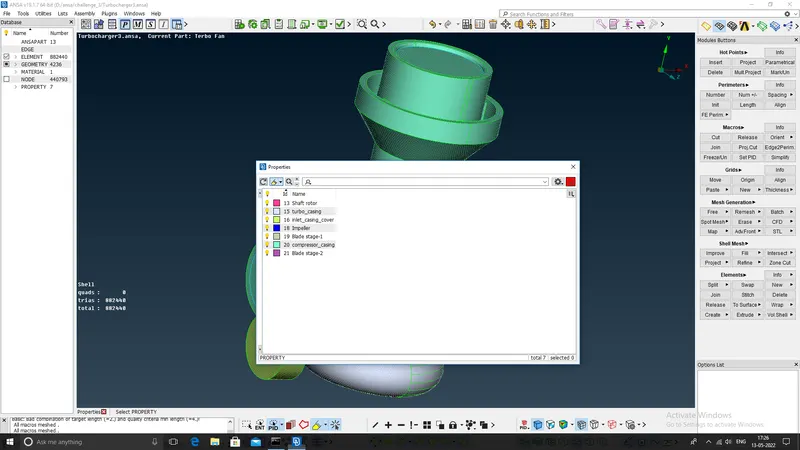
3. After correcting the geometry errors, assign the components to different PID's to facilitate surface meshing. Then with the help of the given target lengths, complete the surface mesh of the PID's.
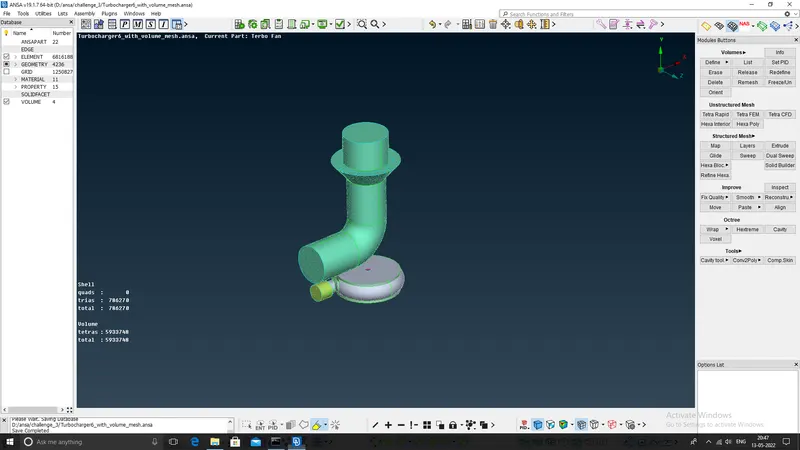
4. After surface meshing, go to volume meshing deck and choose Define option. This will display the possible volumes. Keep the required volumes and remove the unwanted ones. Then mesh the volumes using Tetra Rapid option.
Conclusion:
This challenge helped me in cementing the previous meshing experience with ANSA. This is the also the first challenge for creating a volumetric mesh. It helped me in developing a better understanding of the ANSA meshing software. I have attached only the surface mesh ansa file, as the volumetric mesh is of bigger size and I was not able to upload the volume mesh file in skill lync portal.