Week 3 Challenge : CFD meshing on Turbocharger
CFD meshing on Turbocharger
Aim: To check for geometrical errors and generate volumes using the given target length.
Objectives: for a given model clear the errors, assign PIDs, and create a surface mesh using the given target lengths and then generate volumes.
Procedure:
- After opening the given .ansa file, view all the entities and observe the errors then check for geometrical errors using the checks manager.
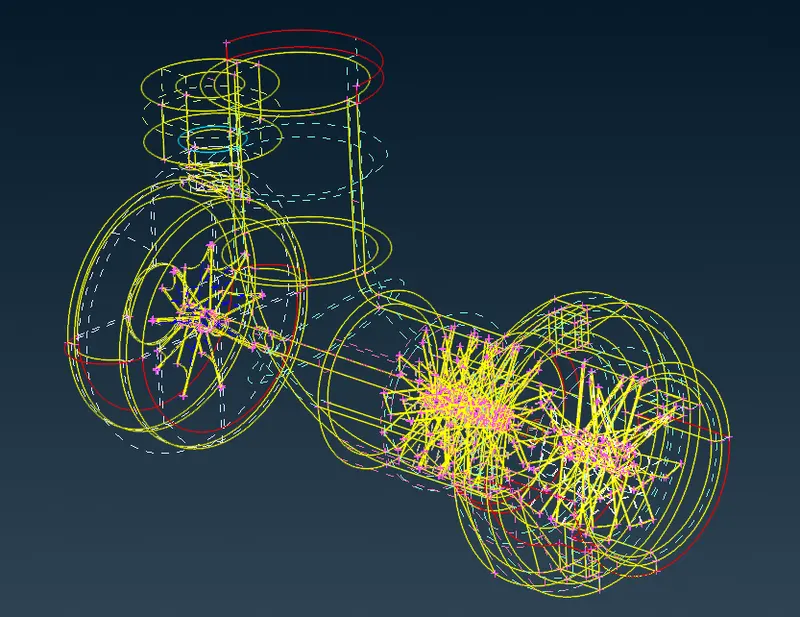
- as we can see in the above fig. there are both single cons and double cons present in the geometry.
- When seen in the PID view mode, it is also spotted that duplicate entities and PIDs are present.
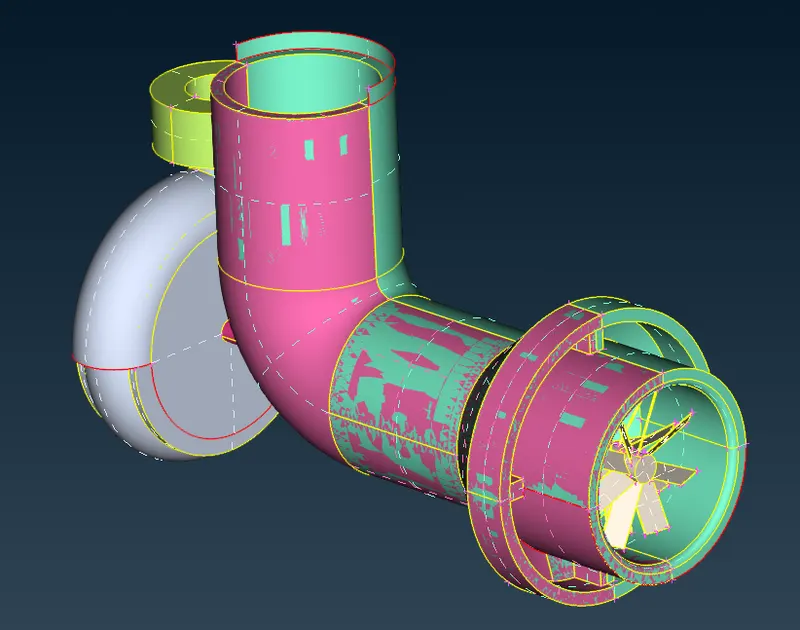
- Start by deleting the Duplicate PIDs and extra surfaces.
- Create faces using the new option.
-
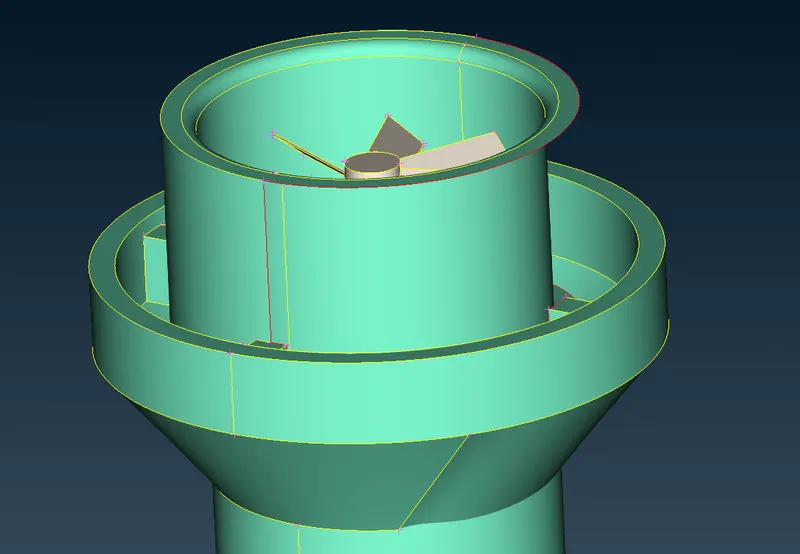
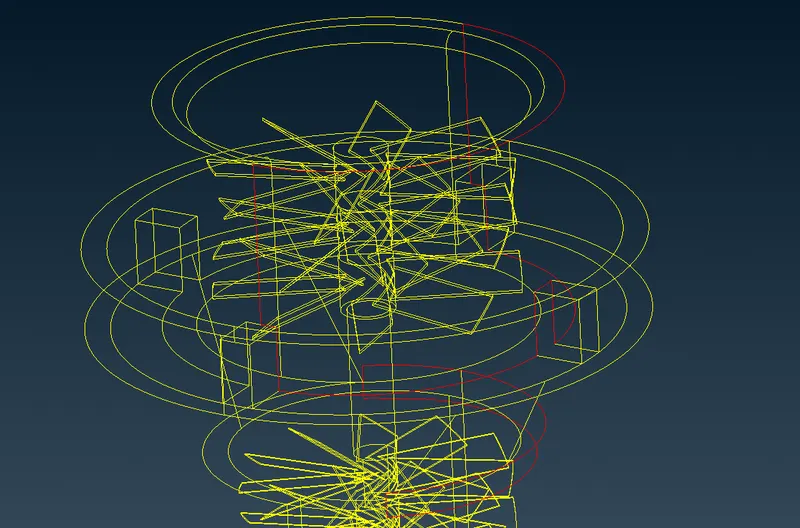
- In the above region, using the project option from the Hot points group, project the hot points to the curved cons to create the face partly by part to get the desired entity
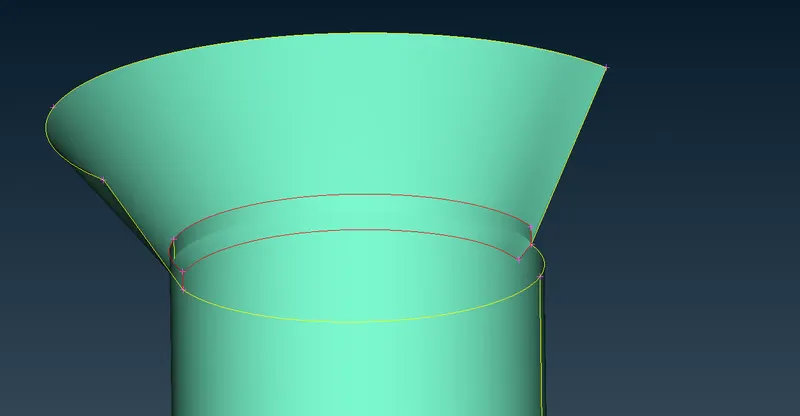
- Using the intersect option, select the first and second groups of entities to intersect and create cons for the intersecting faces. then delete the unwanted faces.
-
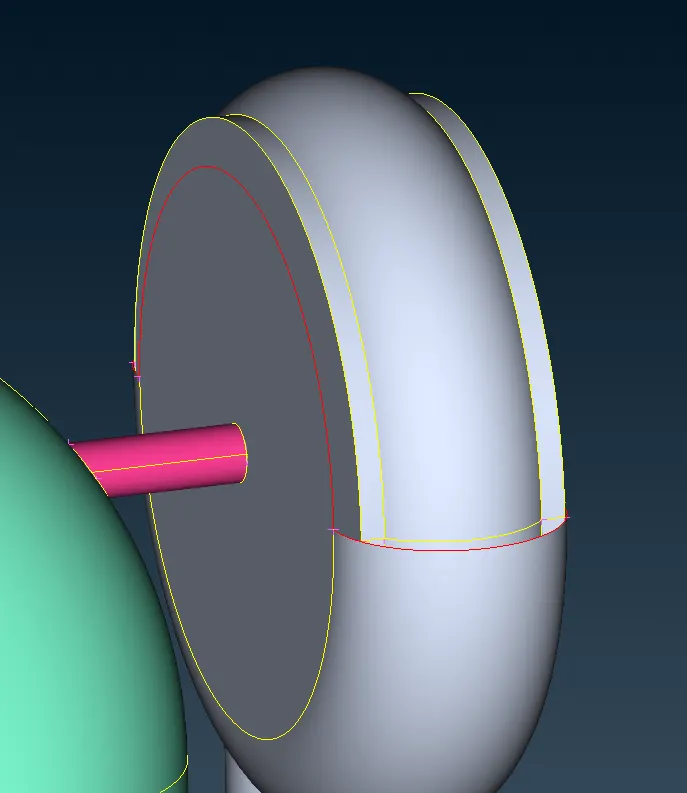
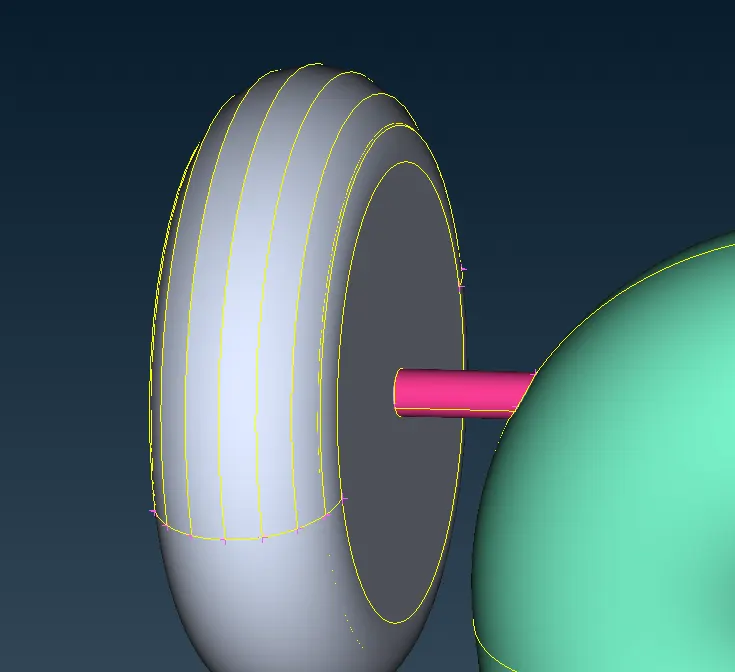
- On the compressor casing, exact curvature is not possible with a single selection. so multiple hot points are created using the parametric option from the hot points group and then faces are created piece by piece.
- After clearing all single cons, do a topo option on all the entities, we will find triple cons, as there are many intersecting surfaces. Delete all the unwanted faces.
-
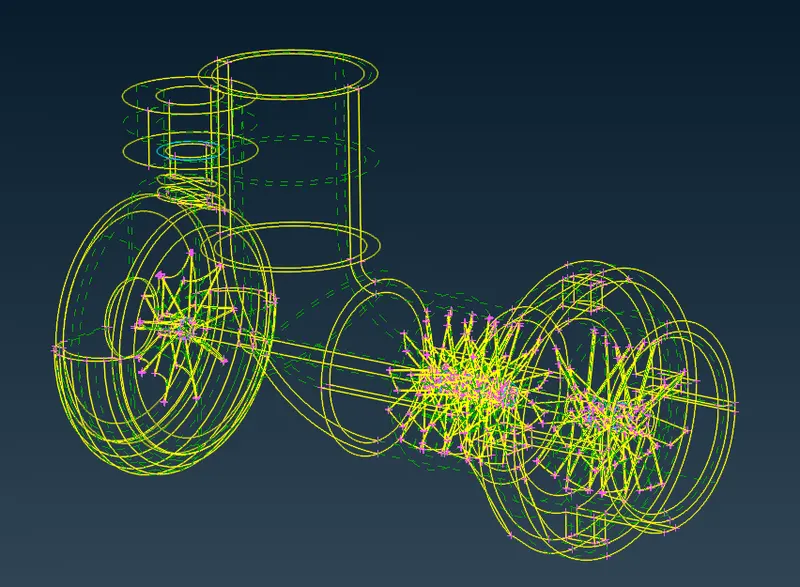
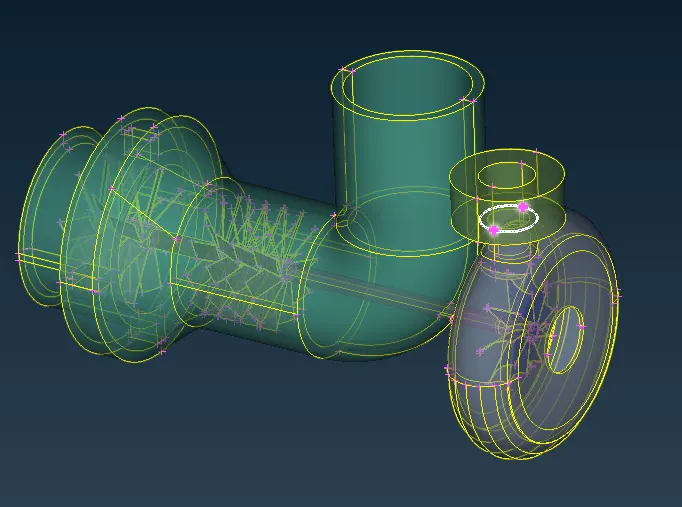
- Look at whether the existing triple cons are acceptable or not. Then we can go for water-tight model creation.
- Close all the openings with the new faces
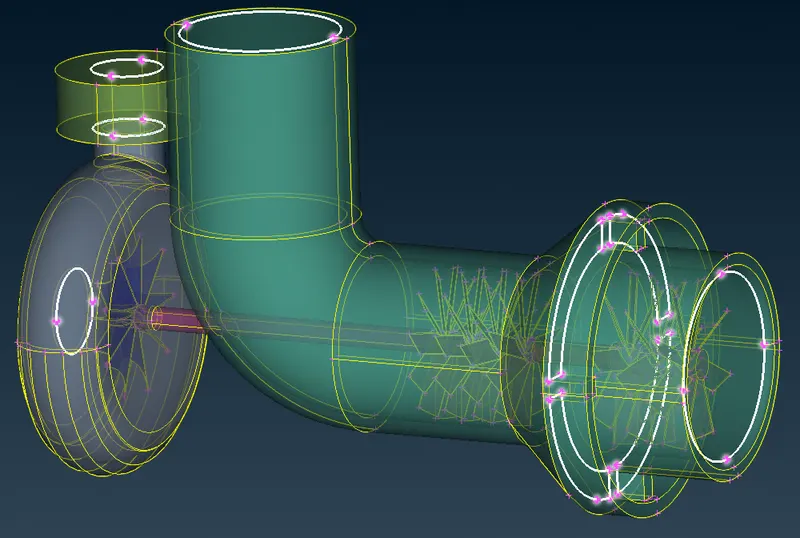
- After creating a water-tight model, assign PIDs according to the given names.
-
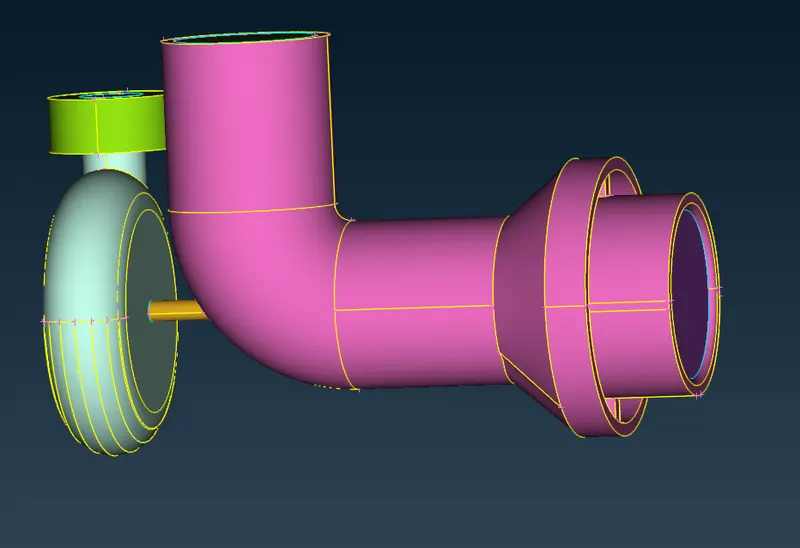
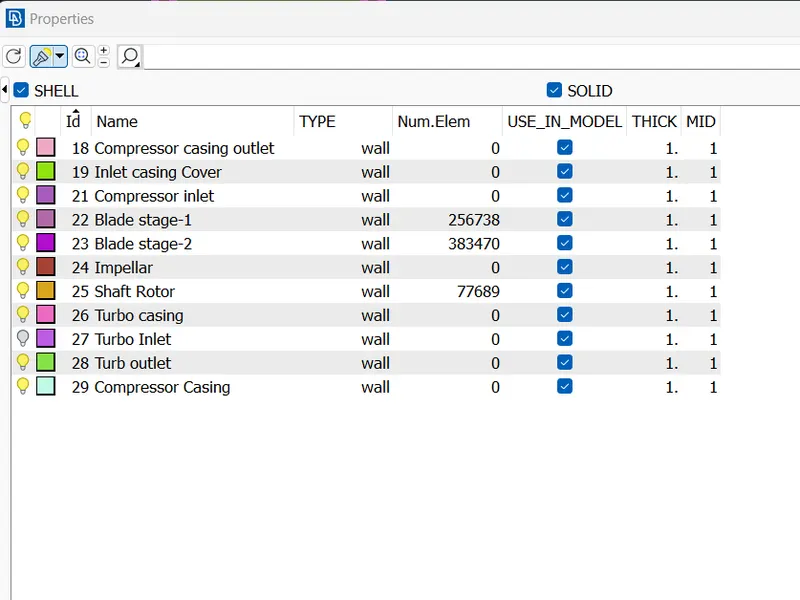
- From the Mesh menu, start by assigning the target length to each PID and mesh using the Spot mesh option.
-
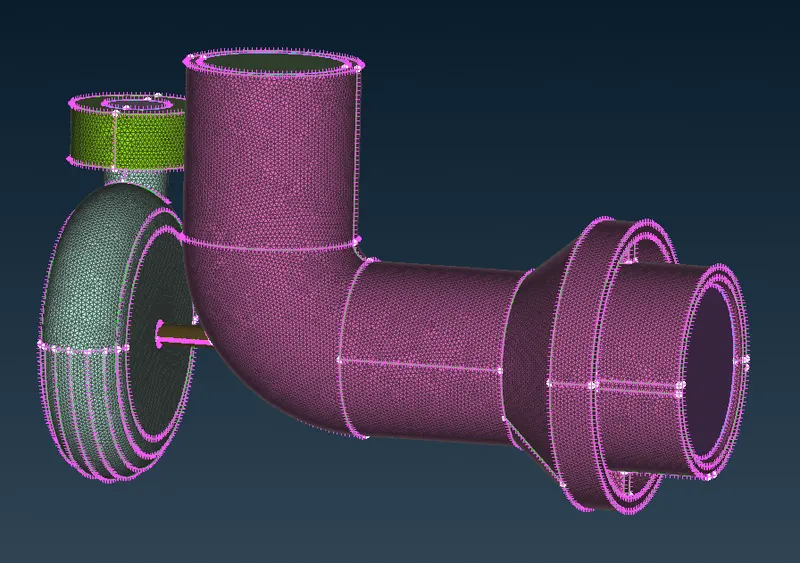
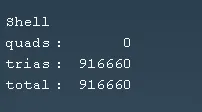
- After generating the mesh, verify if there are any unmeshed faces and mesh if any are found.
- Once the surface mesh is created, From the Volume mesh menu define volumes for the whole region.
- check for the required volumes and use tetra CFD mesh to generate mesh for all the volumes.
-
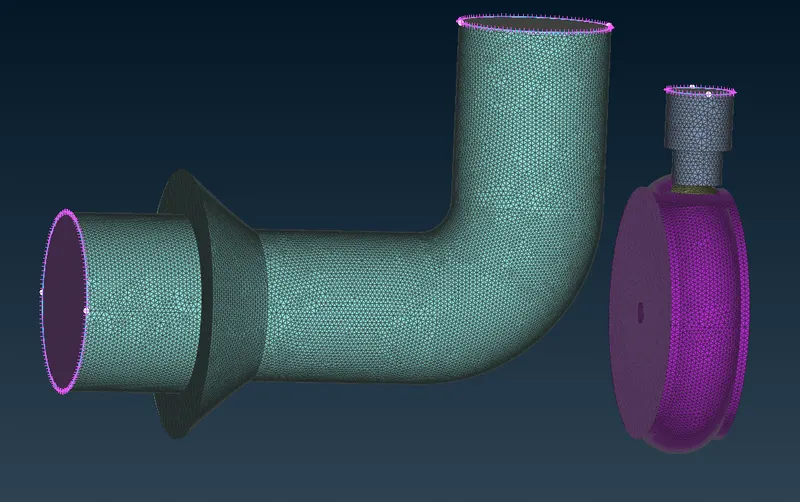
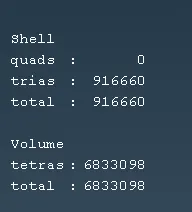
- Verify if any unmeshed volumes are present and complete the meshing procedure.
Conclusion:
- The volume mesh generation is completed. First, we cleared the geometrical errors, surfaces meshed all entities, and then defined volumes using the target lengths.
- Initially, the penetration error persisted, later the intersecting surfaces is found and deleted.
- Over the meshing process, using the various options like projecting hot points, creating points using the parametrical option, creating new faces, deleting, intersecting, and many others the model is meshed and also the procedure is learned.