Week 3 Challenge : CFD meshing on Turbocharger
AIM/OBJECTIVE : CFD meshing on turbo charging
Procedure : There have three steps to complete the volumetric meshing, steps are mention below,
1. TOPO MODULE / TOPO CLEANER
2. SURFACE MESHING
3. VOLUMETRIC MESHING
1. TOPO MODULE / TOPO CLEANER :
Now i have opened Turbocharging model which have been provided.
In this model, have some gliching(Surface overlaping). need to be removed by delete option permanently.
Wheather , there have some overlap surfaces, then need to check for single cons & triples cones by PERFORMING TOPO.
Select TOPO MODULE -> TOPO
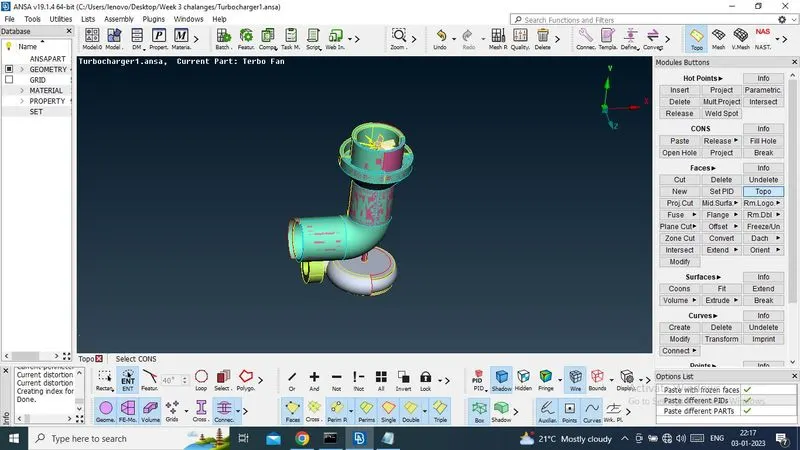
Now solve the triple cons to single cons, after that , i will asign the PID.
Now select the all overlap surface by selecting cross edges and delete it.
Target to delet Pink colour overlap surface.
Select DELETE + PID(region) -> mouse middile click
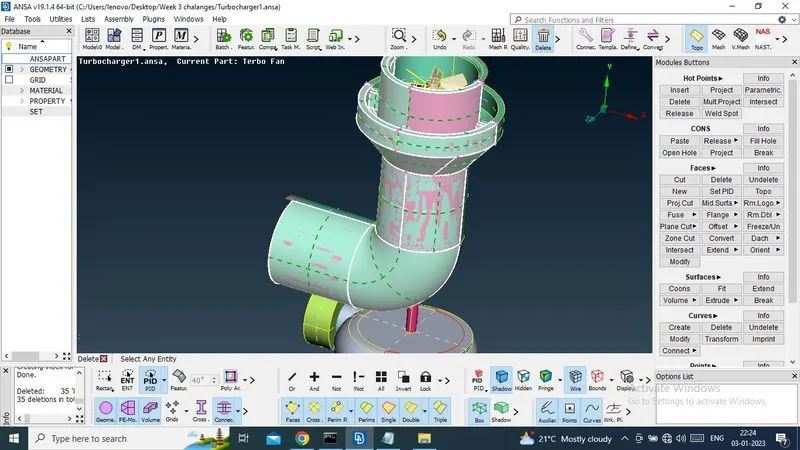
Now it has been deleted.
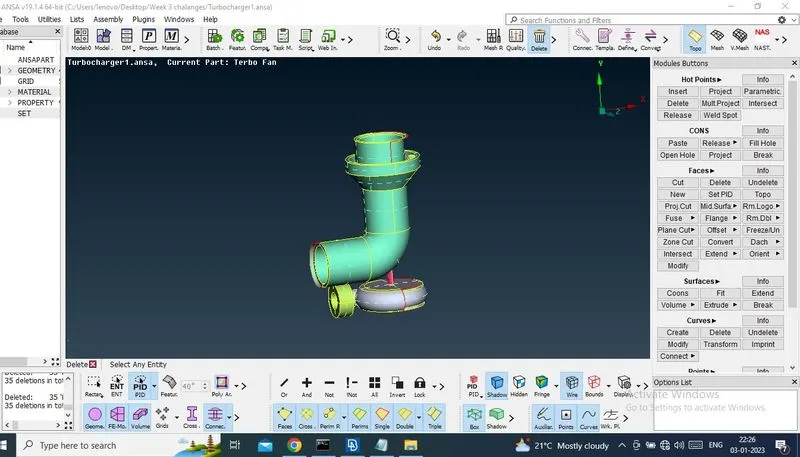
After that, need to check, if there have any pink colour surfce.
Select, NOT option with pid region and hide all green colour surface.But there have no pink colour surface.
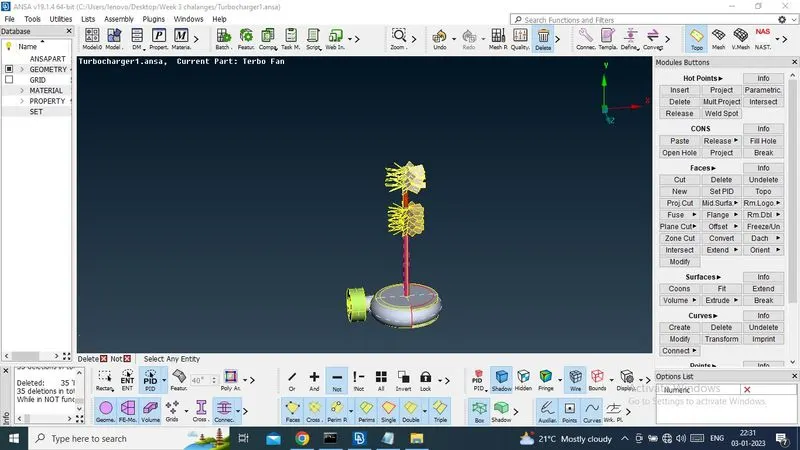
Now ,need to delete extra surface of green surfaces.
Select delete + ENT(Region)->mouse middle click
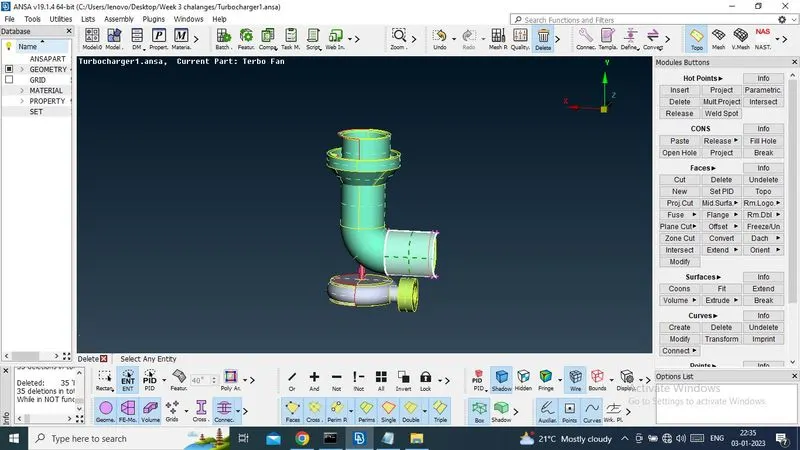
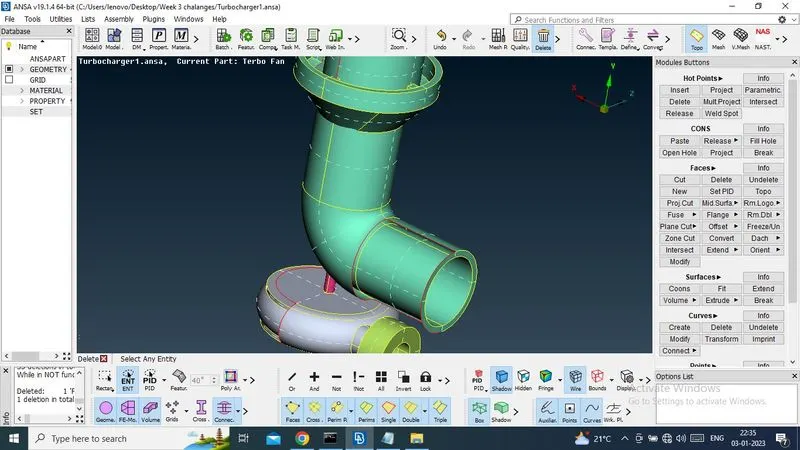
Now creat new surface by helping NEW option.
NEW -> COONS -> LOOP -> AND MIDDLE CLICK (cHECK SELECTING IS PROPERLY OR NOT SELECT CTRL+SHIFT)
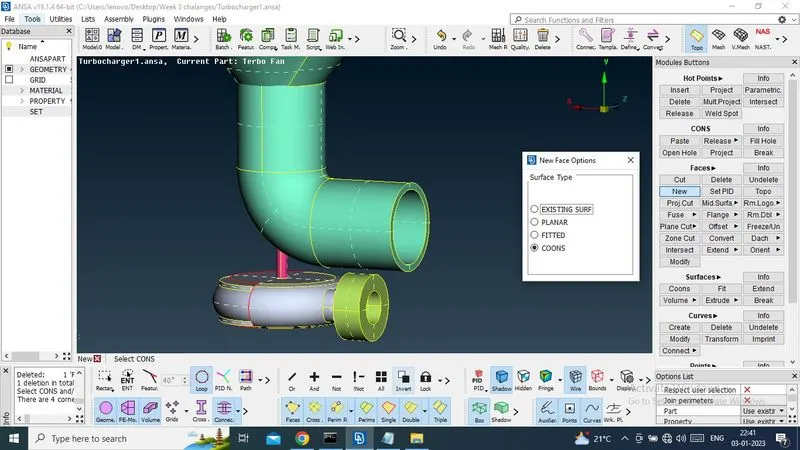
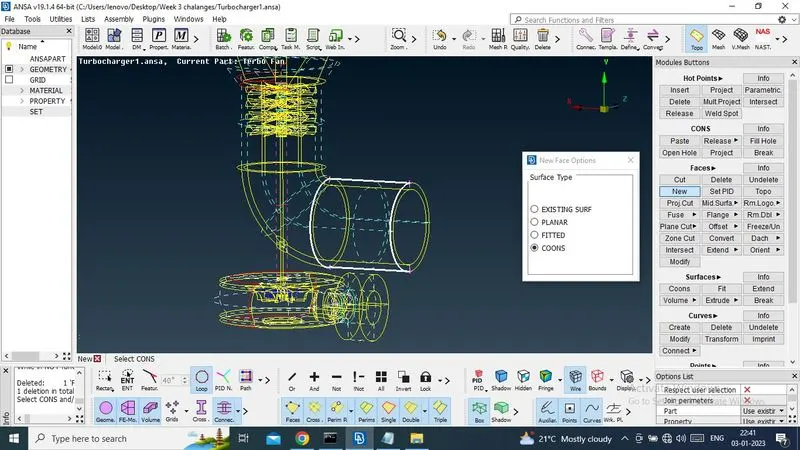
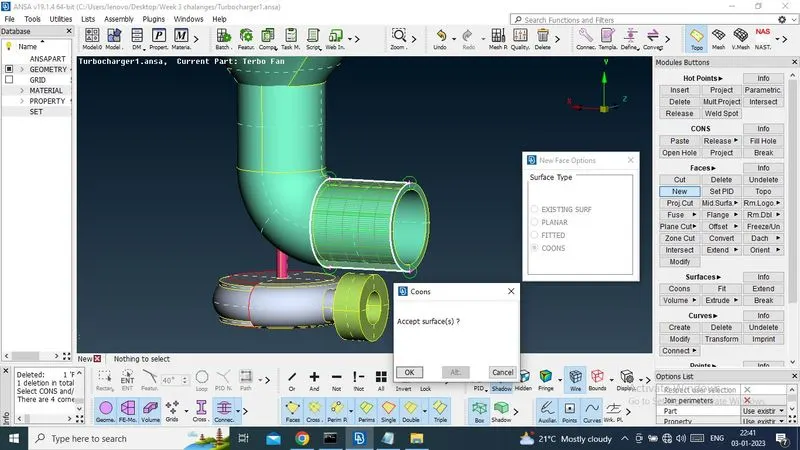
Now creat new surfaces where have present single cons.
There have some hot points on single cons to project to another single cons of top surface, for easy to creat new surfaces.
Select Projects -> select-> hot points -> midille click -> select single cons -> midle click.
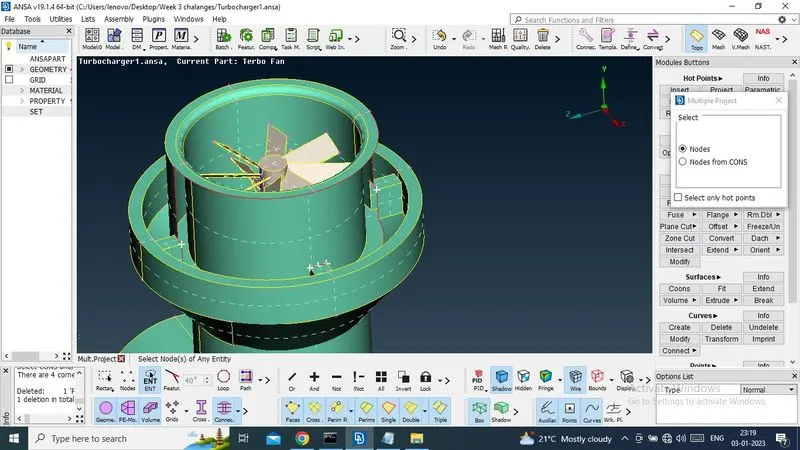
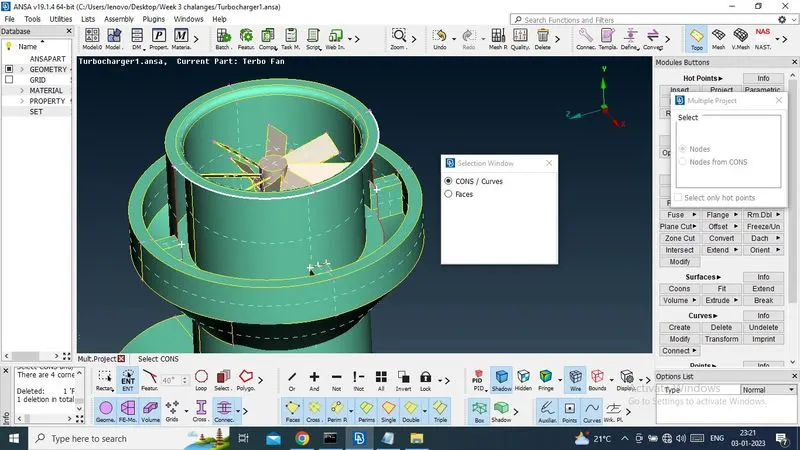
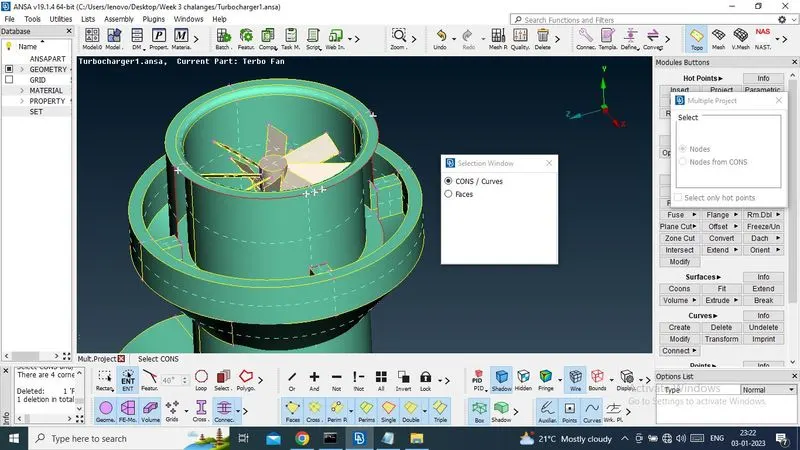
And now hot points has been projected.
Now, i will creat individual surface accordingly.
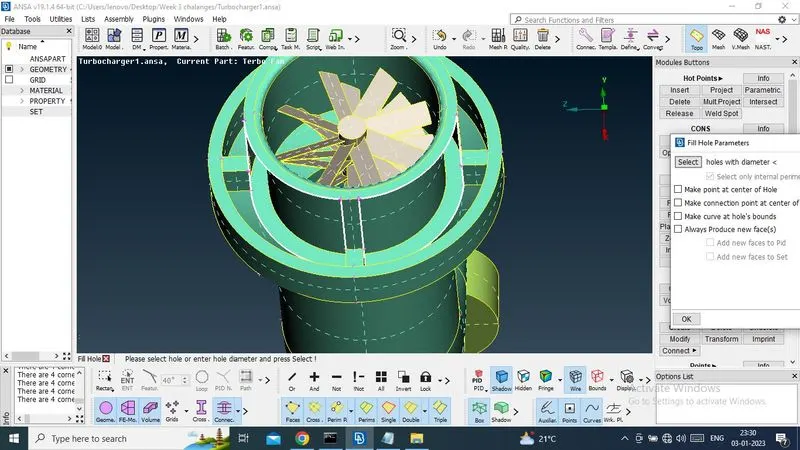
Select NEW -> fill hole or New->COONS -> midille click .
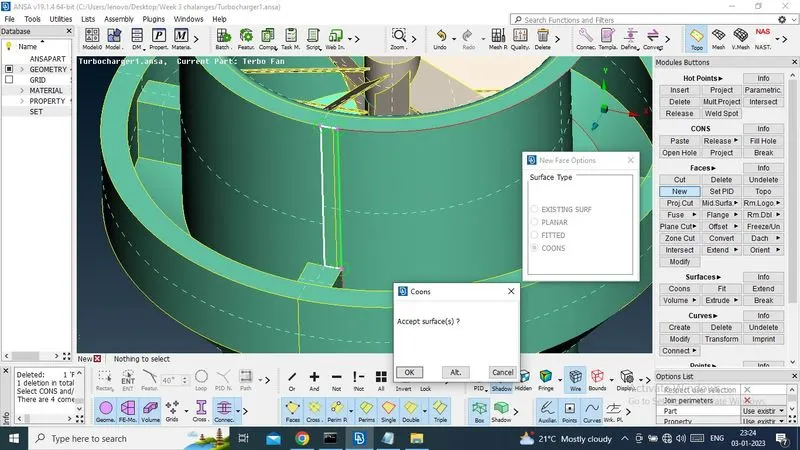
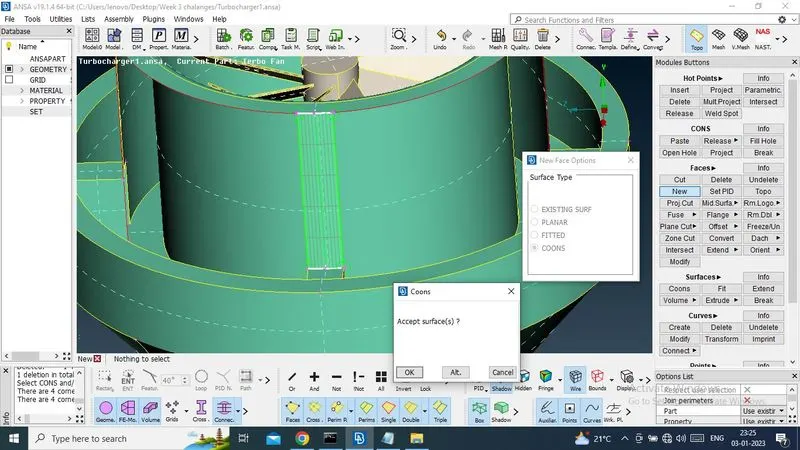
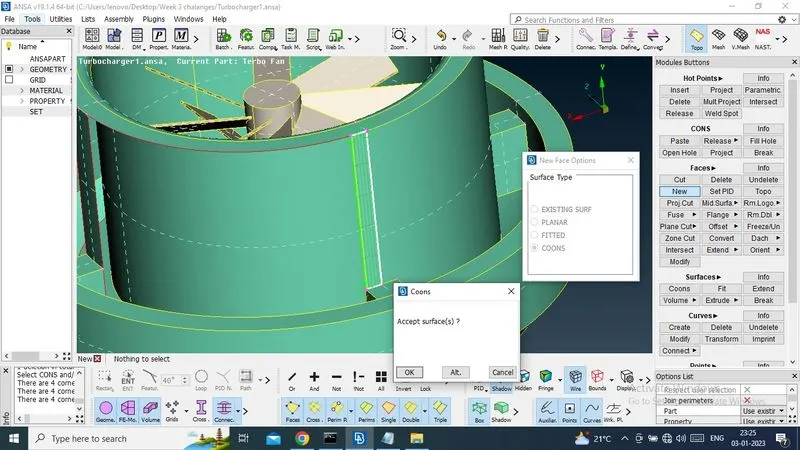
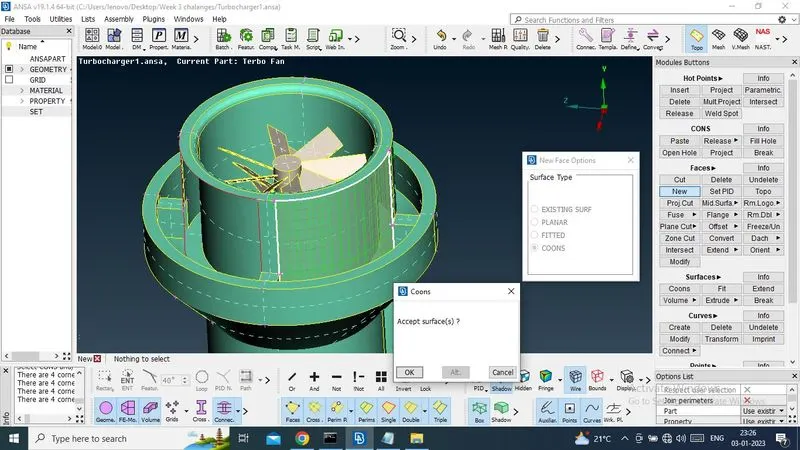
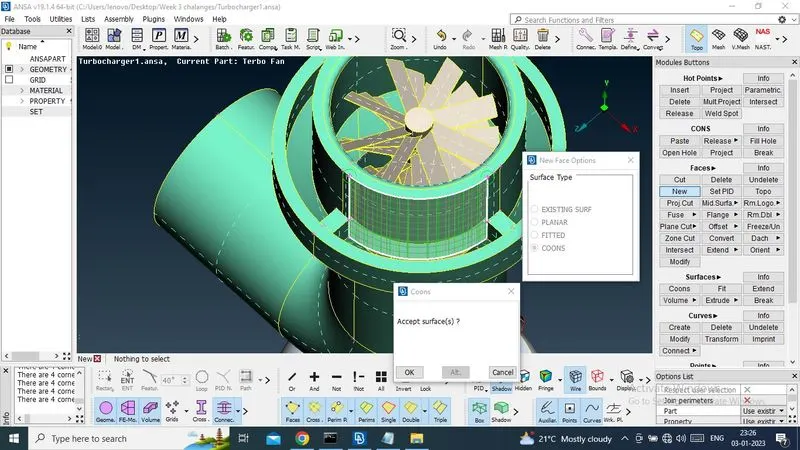
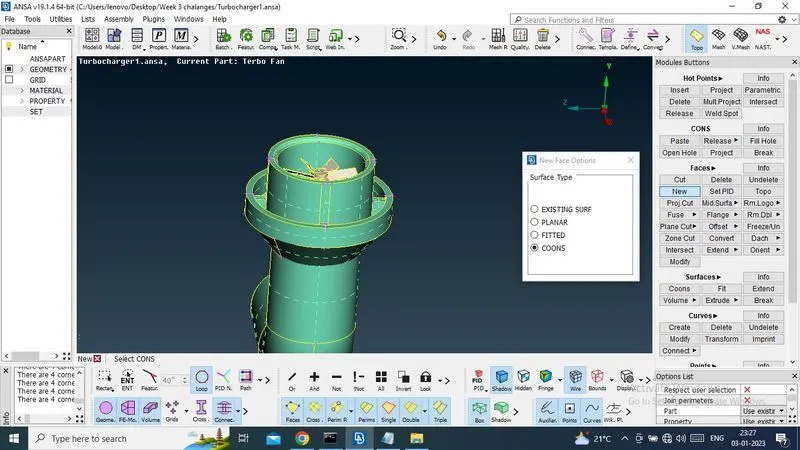
Now check if any single cons has been present or not . select only wire frame mode.
Yes there have some single cone(red colour lines). and need to creat new surfaces.
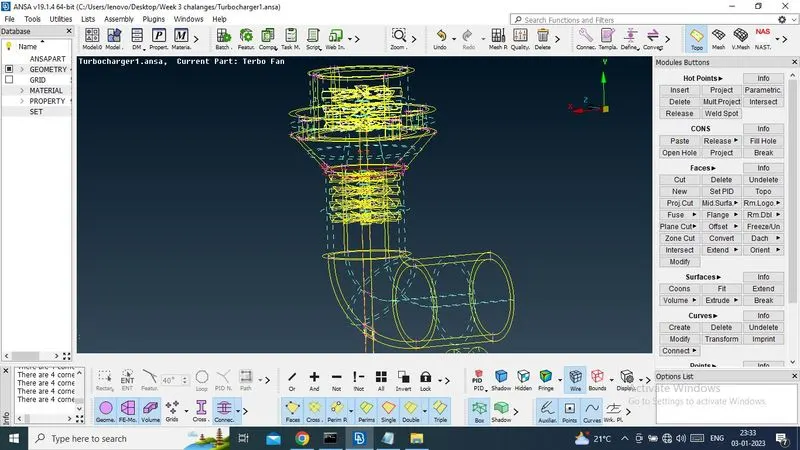
Now i am hiding unnecessary surface.
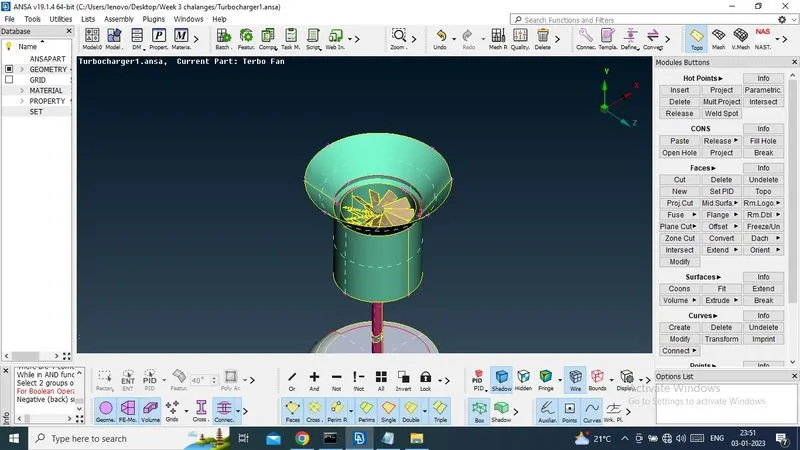
Now i am using intersect option to creat new surfaces.
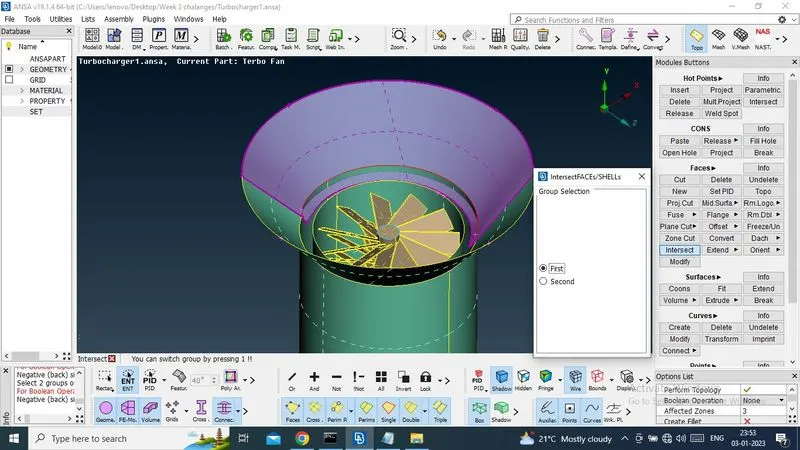
Now select first group of surfaces, which is swon as purple colour and midile click.
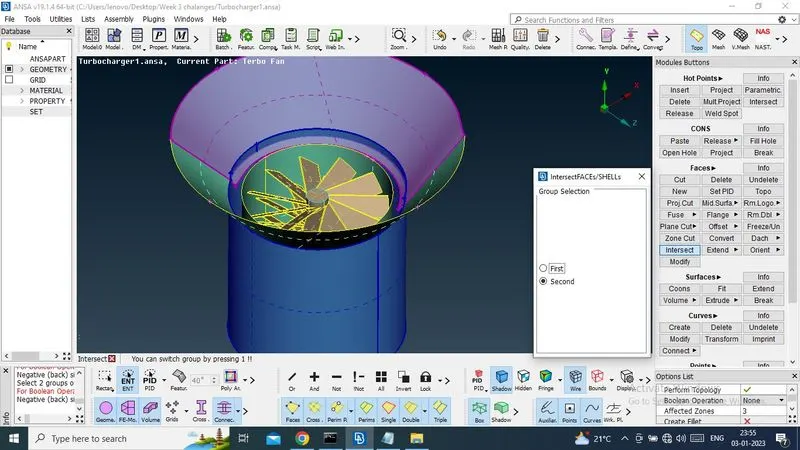
Now select second group of surfaces, which is shown as blue colourand midile colour.
Now do midile click and creat a new surfaces.
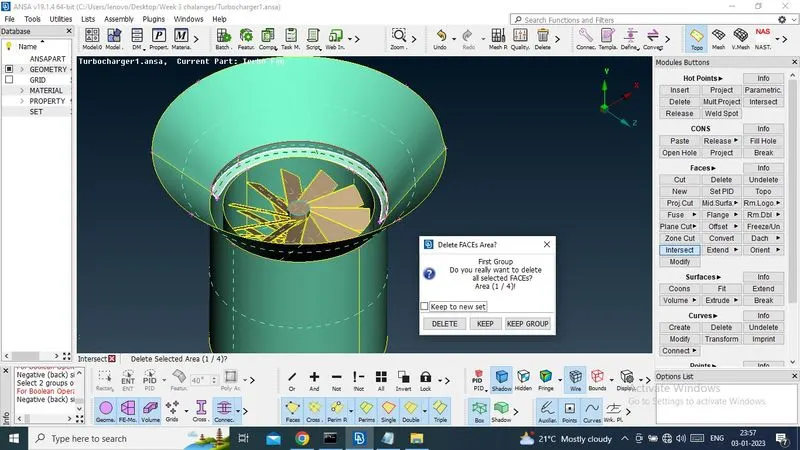
Now triple cons has been creatd.
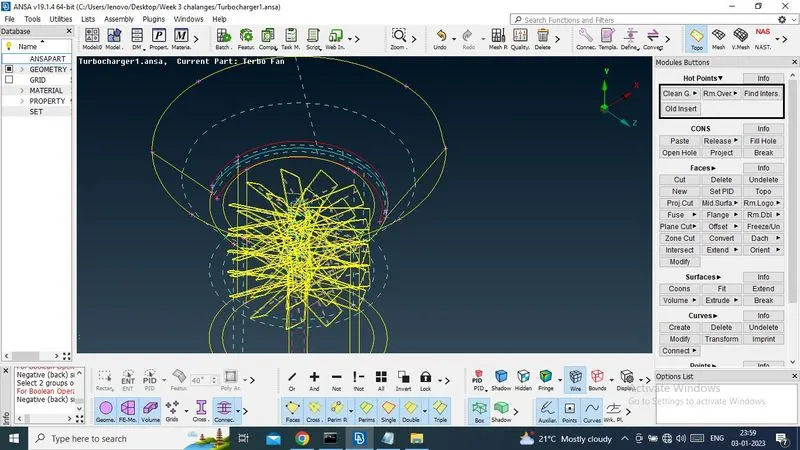
But need to delete unnecesurry surfaces.Check selection.
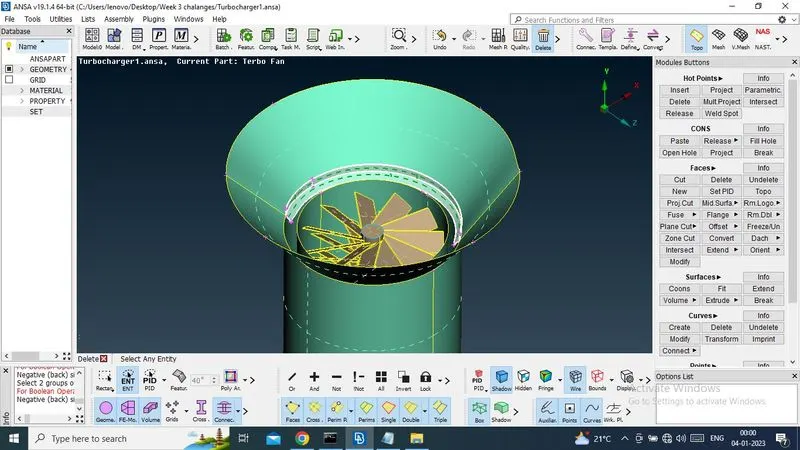
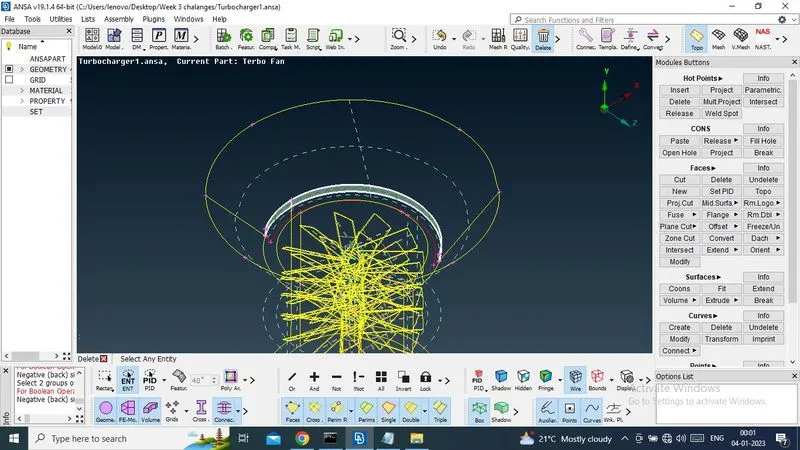
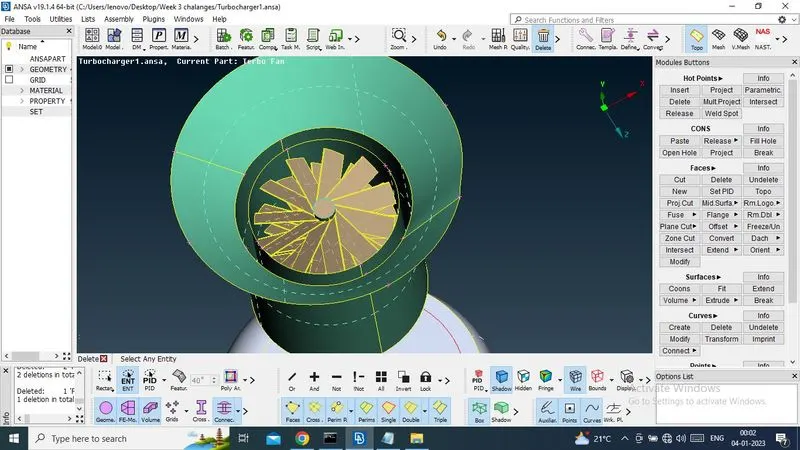
Now here have triple cone it need tobe release to single cons.
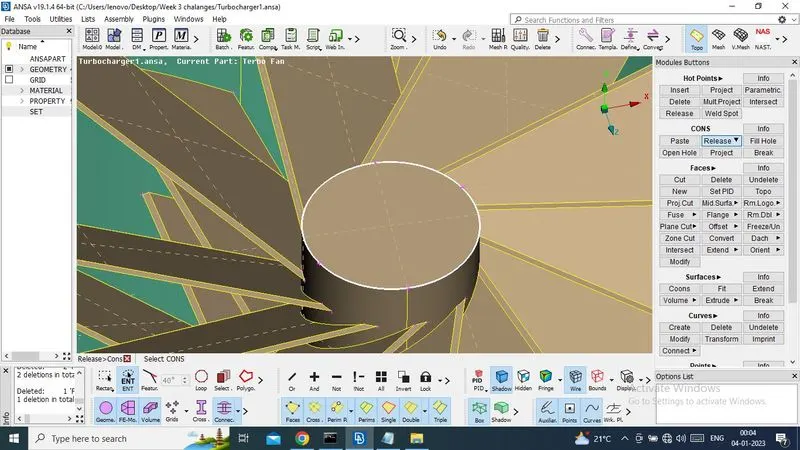
Now it shows unnecessary hotpoints.so need to delet hot points.
Select delet option and delete it.
Now using topo option and triple cons converted into double cons.
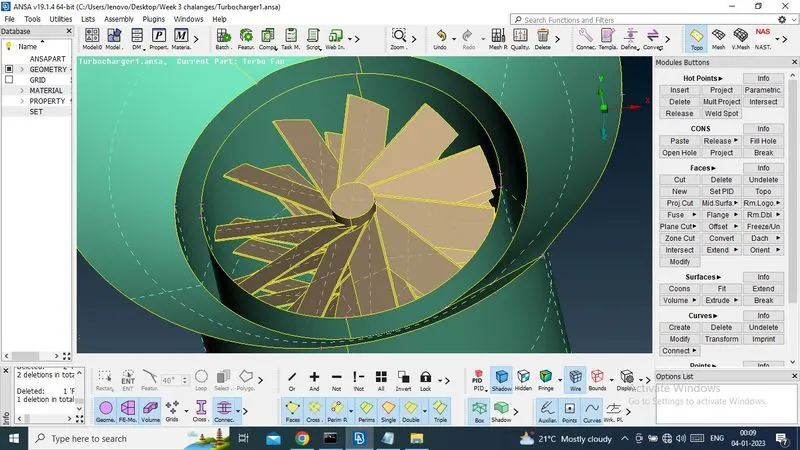
Now need to create botom cashing surfaces.
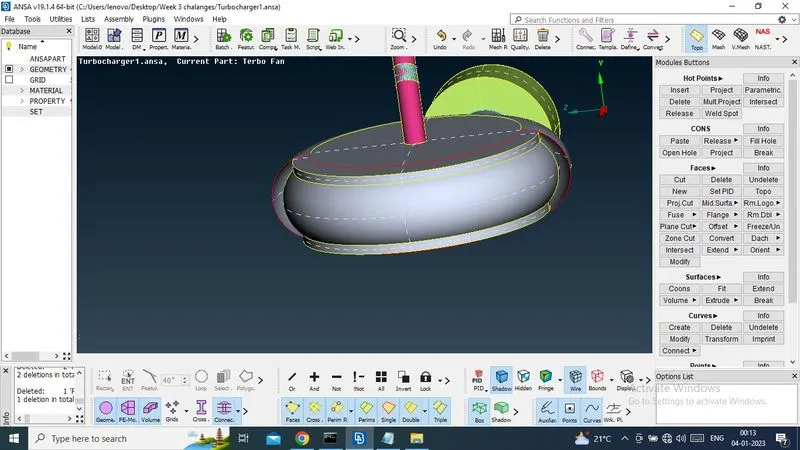
So ,now need to creat some hot point to creat a smole surfaces.
Select parametric -> value will be 0.5mm -> creat 7 hot points and same will be both sides.
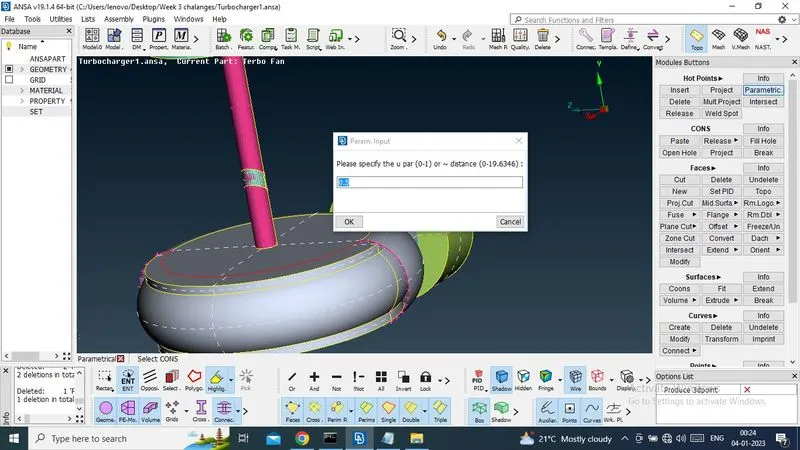
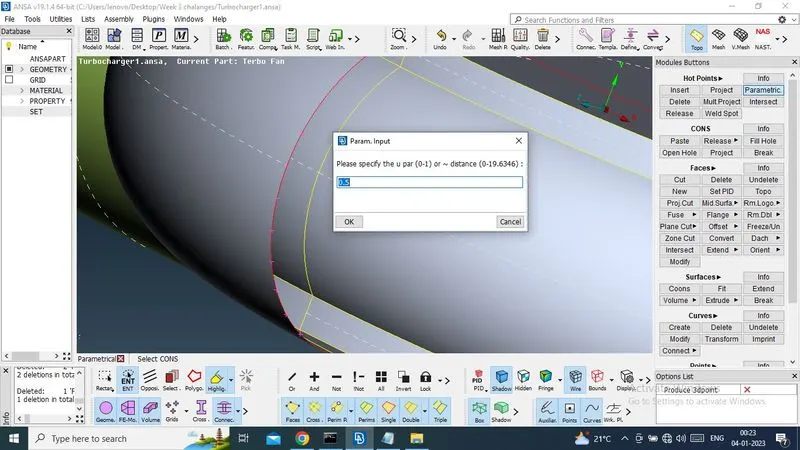
No creating new surfaces.
Select new->coons->midle click.
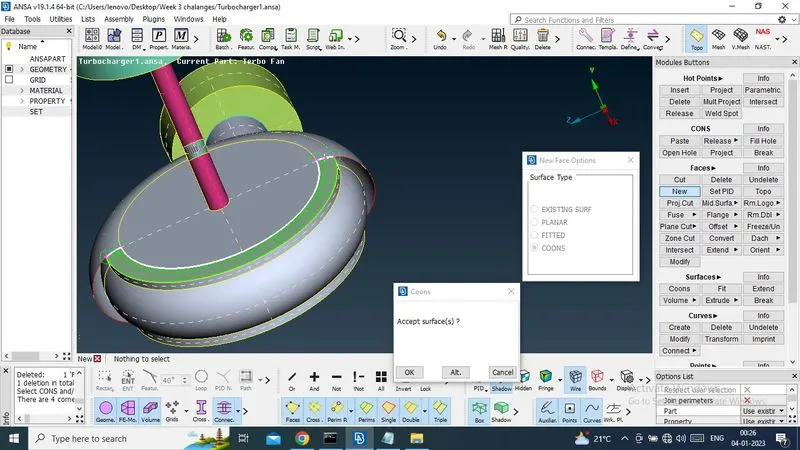
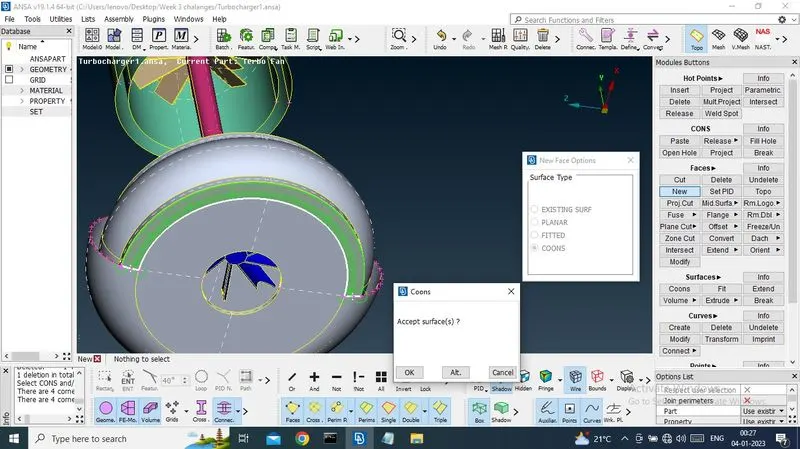
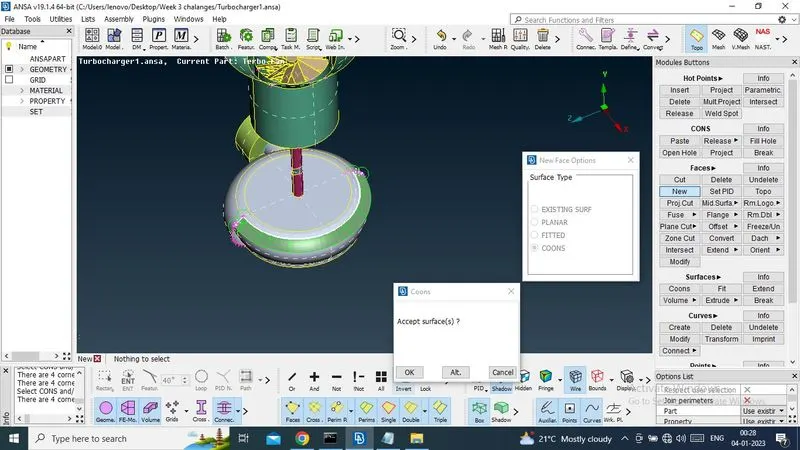
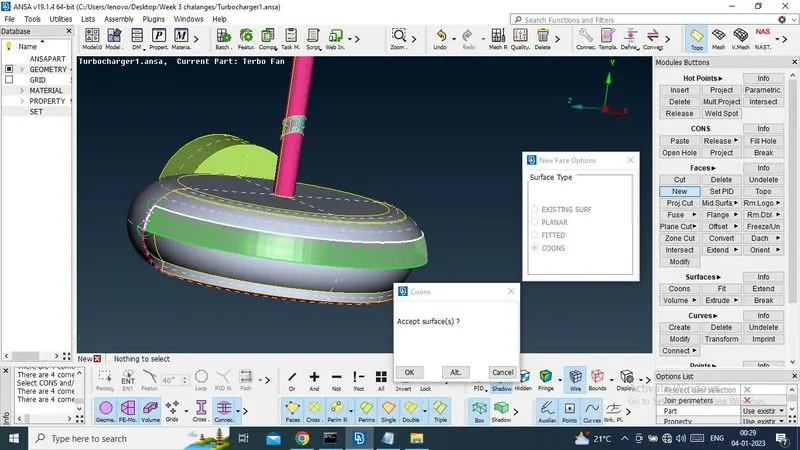
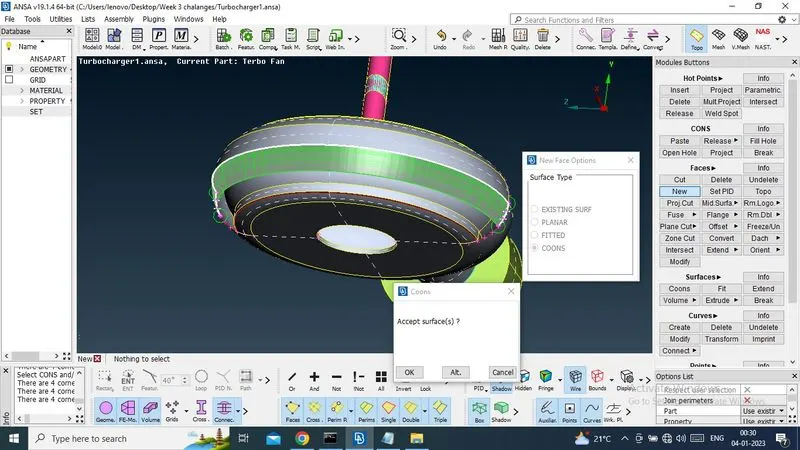
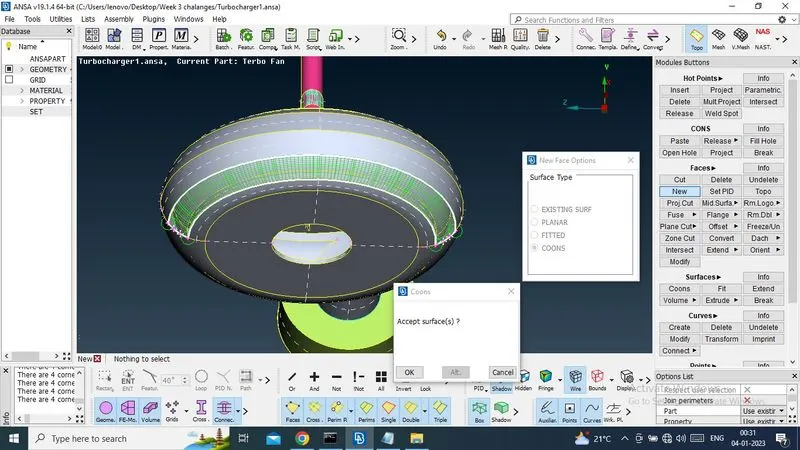
Now surface has been created
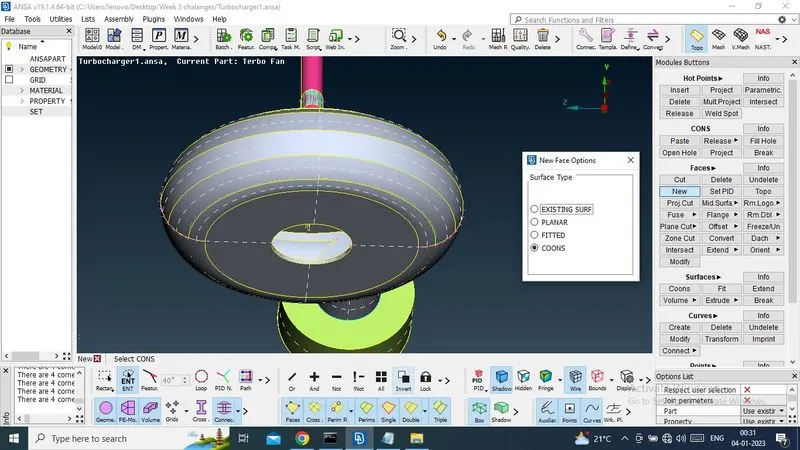
Now need to check geometry check, if any single cons are present or not.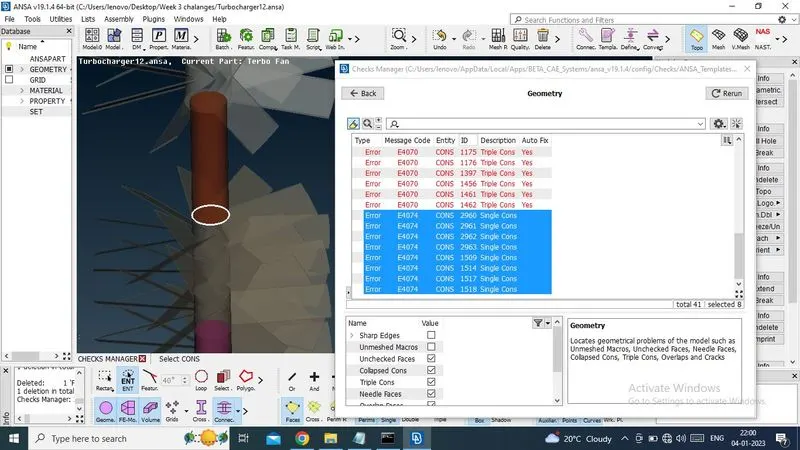
Now i do TOPO to convert it to tripple cons.
Now recheck , only tripple cons present over here.
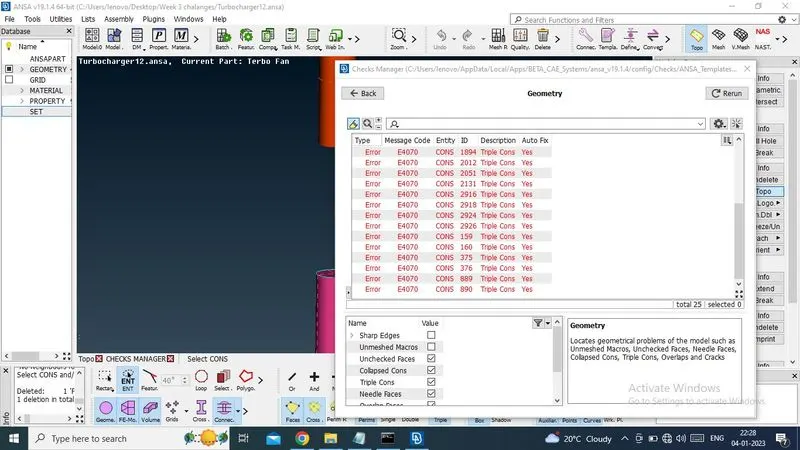
Now need to remove tripple cons one by one. which not needed.
For this perticular triple cons it will be allowable for this region.
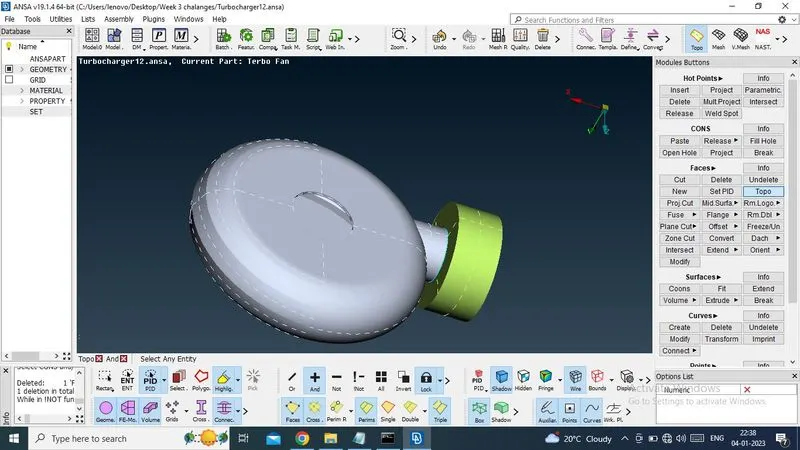
Now removed another tripple cons , which is present in model blue colour line.
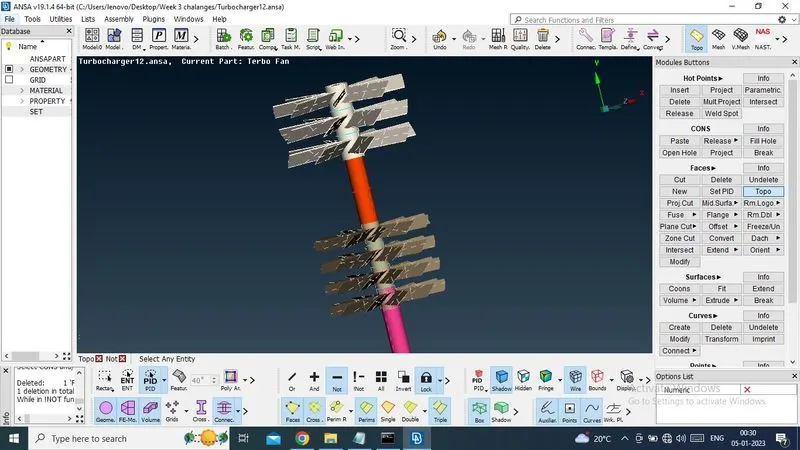
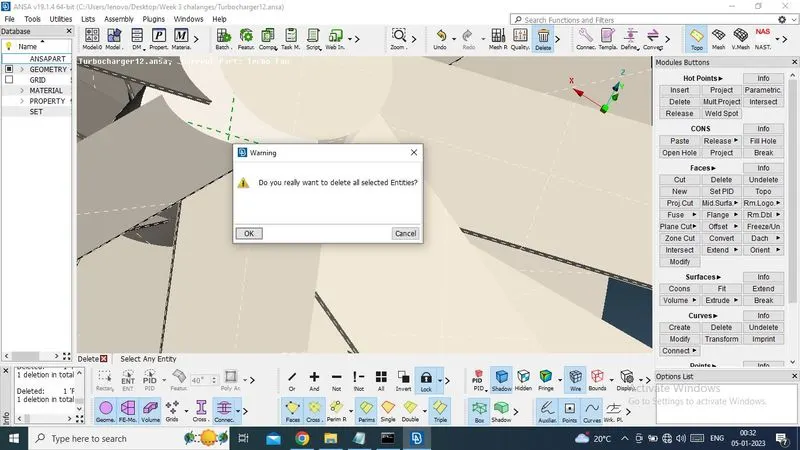
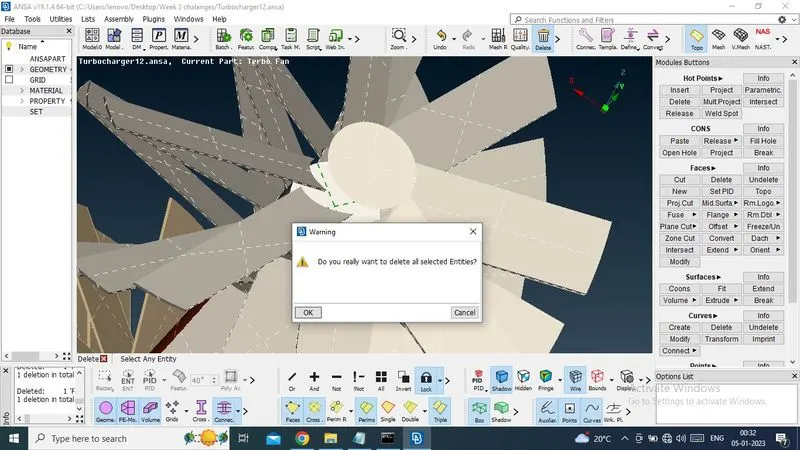
Now i have removed all tripple cons in top area.
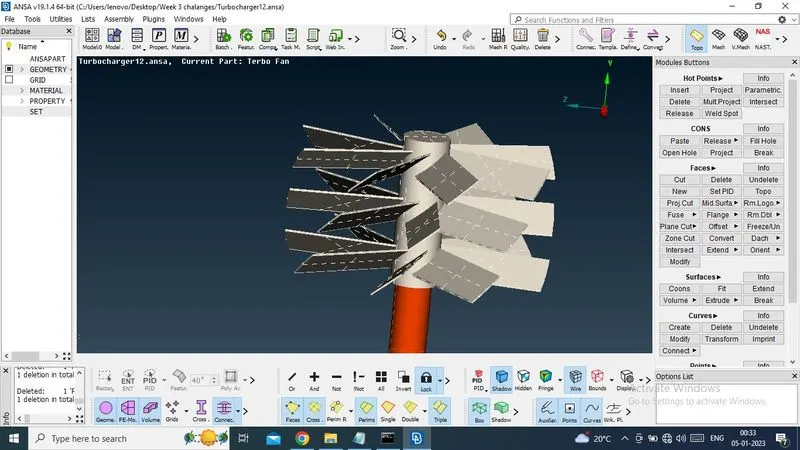
Now in this rigion ,i need brown sutface, not required pink colour surface, thats why we are creating double cons on pink surface and surface has been deleted.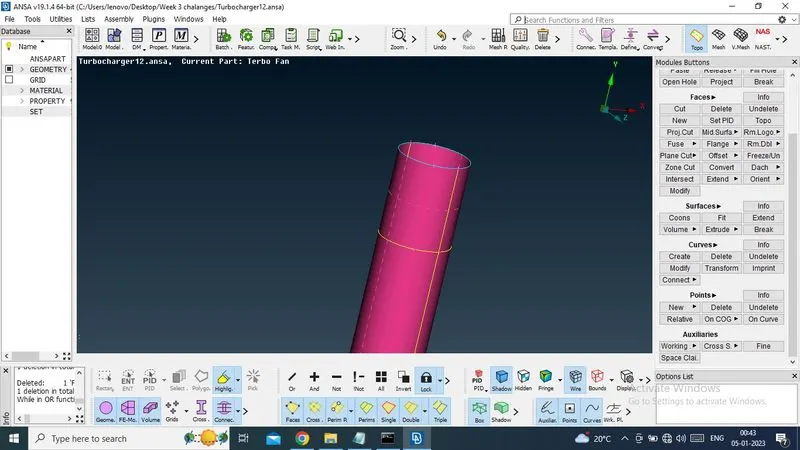
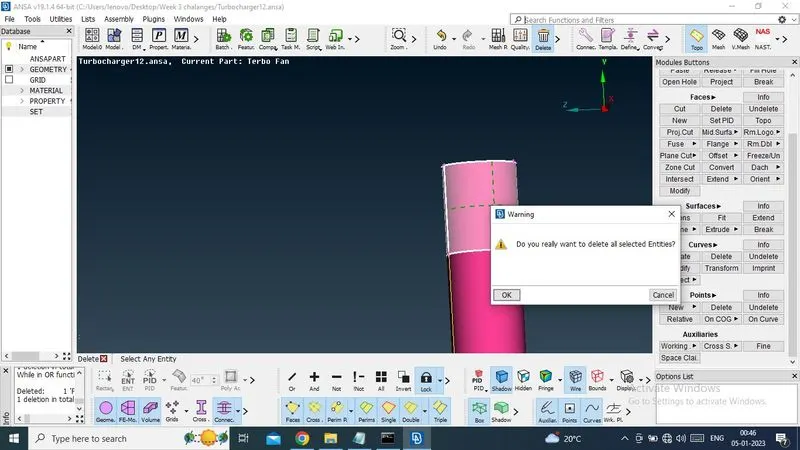
Surface has been removed and tripple cons has been removed.
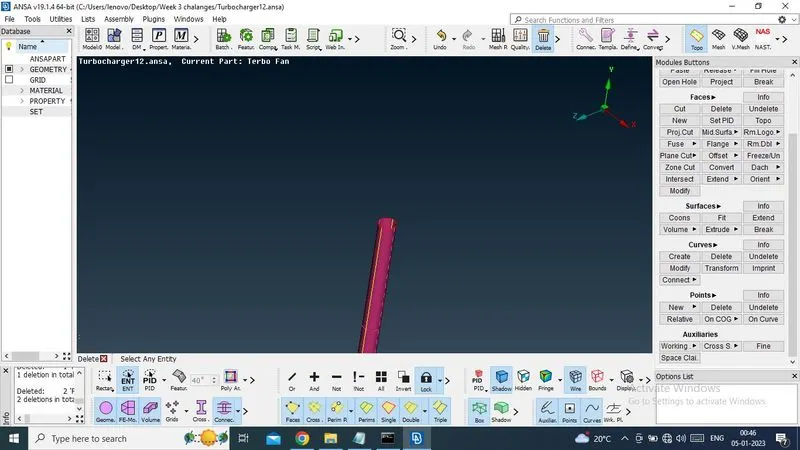
Now there have created single cone, need to be removed that single cons by using TOPO.
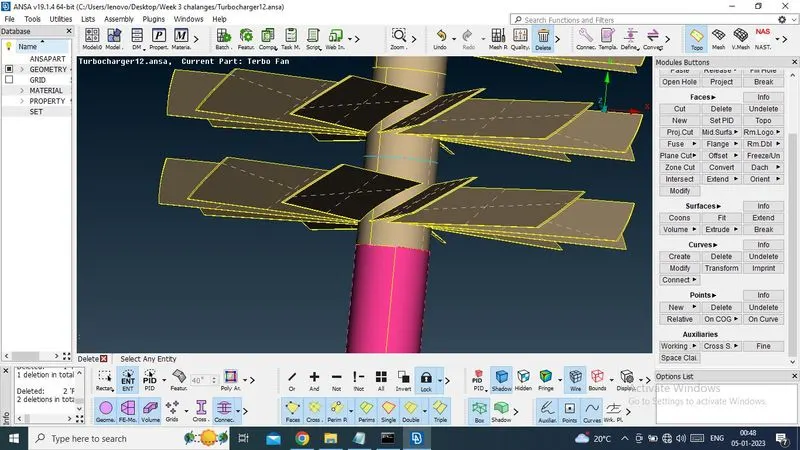
After doing TOPO ,tripple cons has been created , need to be deleted.
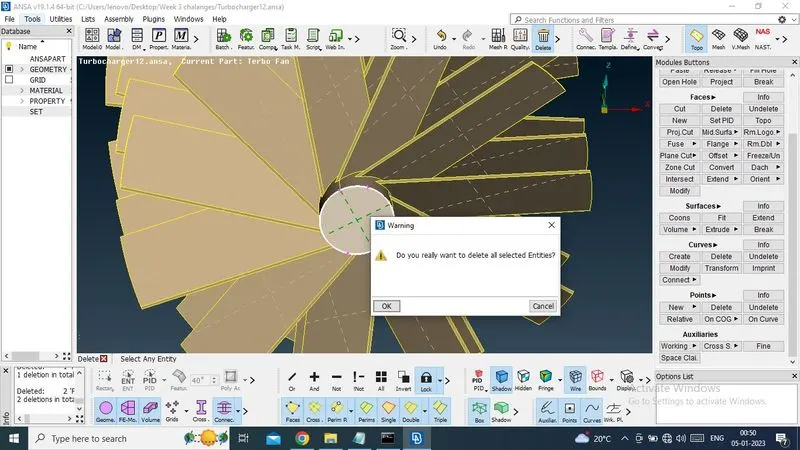
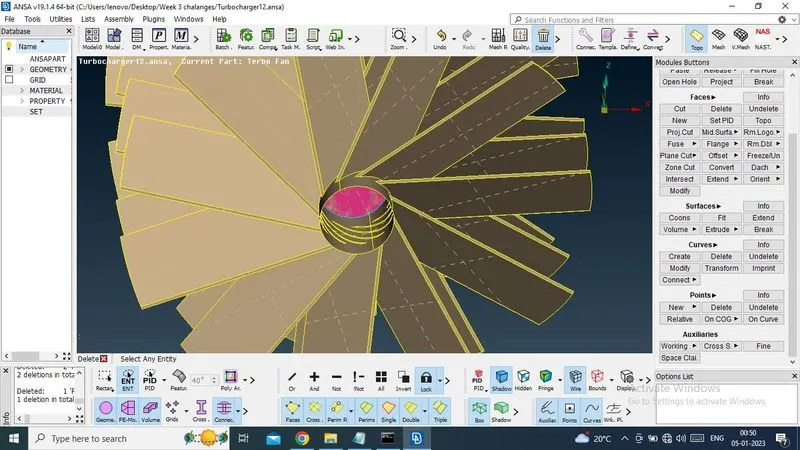
Now there have no single and tripple cons.
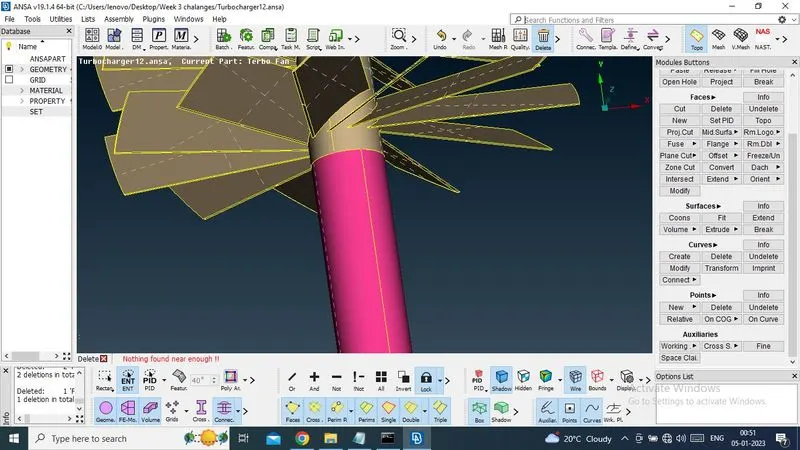
Now there have also triple con on blue surface, need to remove by delete option.
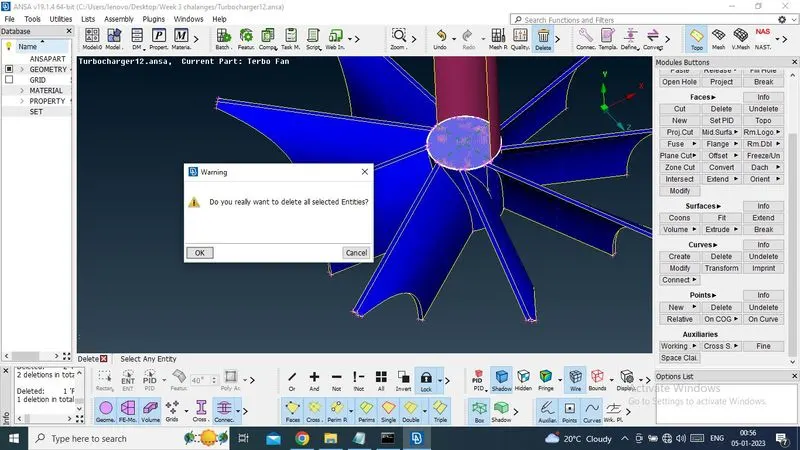
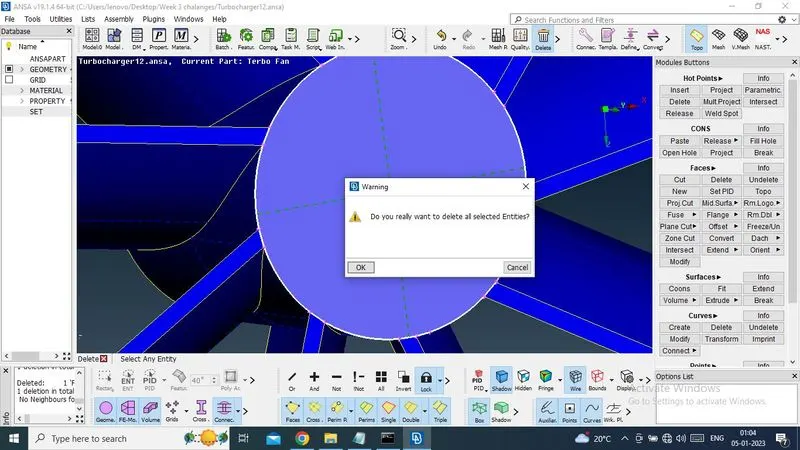
Now there have no triple cons except first one.
Now check geometry, found no single cons and triple cons present here.
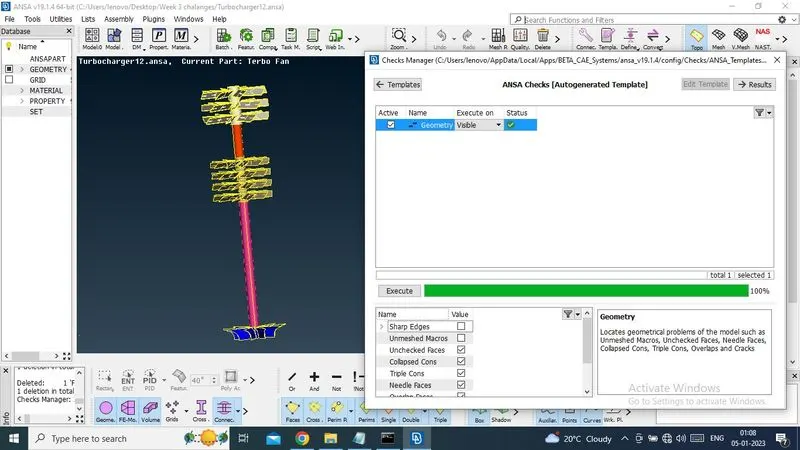
Now there have only two tripple cons present in model which is acceptable.
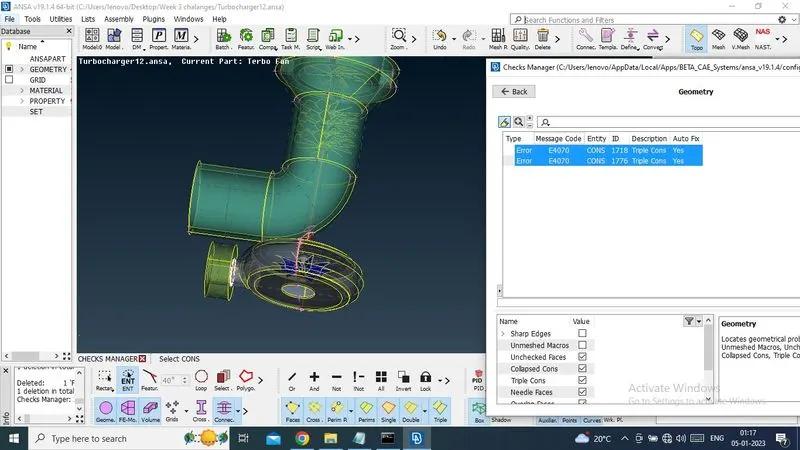
For volumetric mesh need to be closed geometry.
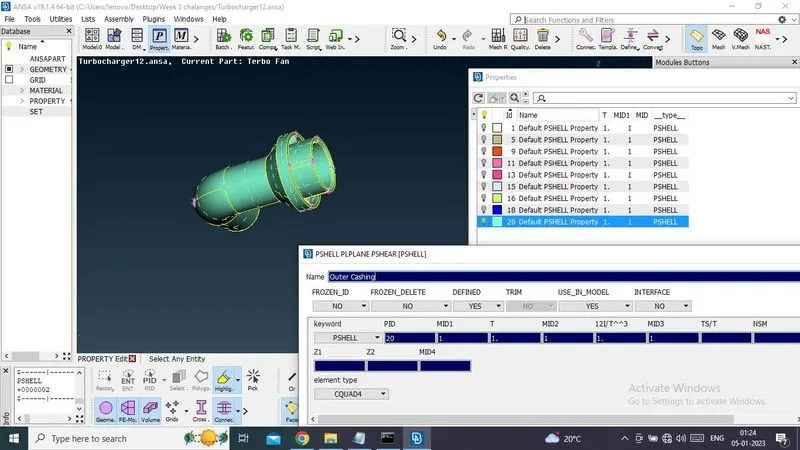
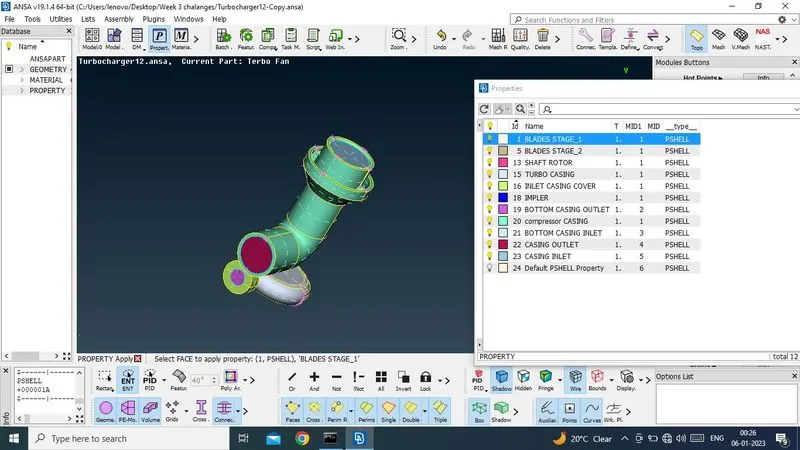
Now create new PID and rename and define individually.
2. SURFACE MESHING :
1. Compressor casing - target length =5 ,min =3 and max = 7 , element - tria, set in quality criteria and mesh parameter
Perimeter and machos will be same.
2. Turbo Casing - target length =5 ,min =3 and max = 7 , element - tria, set in quality criteria and mesh parameter
Perimeter and machos will be same.
3.inlet casing cover - target length =5 ,min =3 and max = 7 , element - tria, set in quality criteria and mesh parameter
Perimeter and machos will be same.
4. impeler - target length =2 ,min =1 and max = 3 , element - tria, set in quality criteria and mesh parameter
Perimeter and machos will be same.
5.Blade stage_1 - target length =1 ,min =0.5 and max = 2 , element - tria, set in quality criteria and mesh parameter
Perimeter and machos will be same.
6.Blade stage_2 - target length =1 ,min =0.5 and max = 2 , element - tria, set in quality criteria and mesh parameter
Perimeter and machos will be same.
7.Shaft Rotor - target length =1 ,min =0.5 and max = 2 , element - tria, set in quality criteria and mesh parameter
Perimeter and machos will be same.
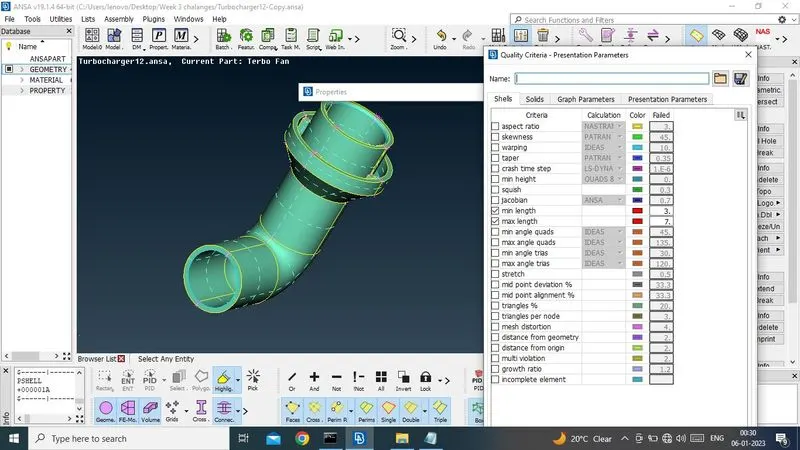
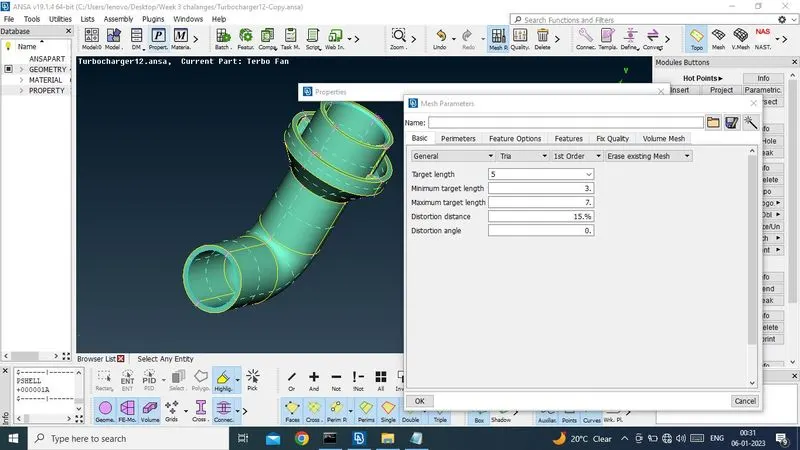
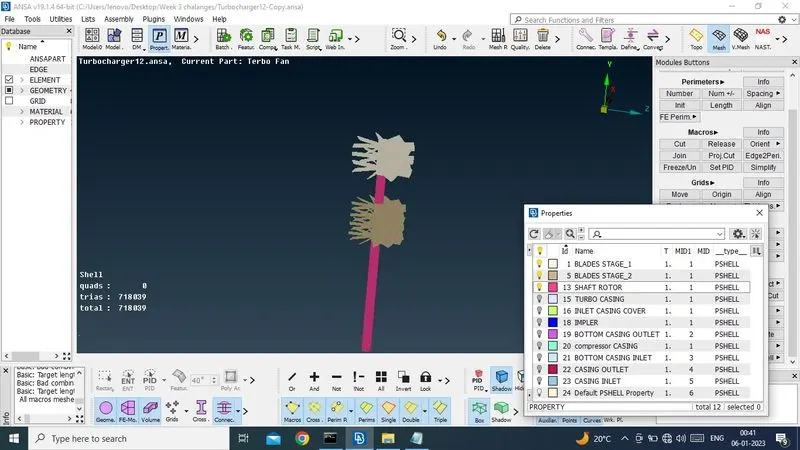
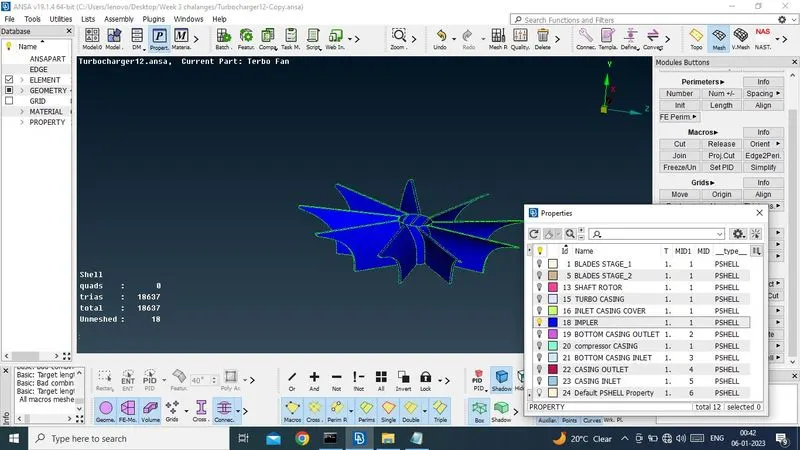
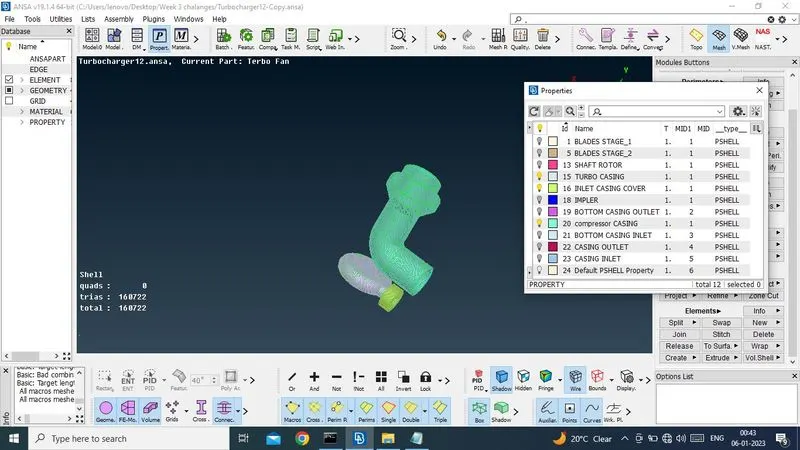
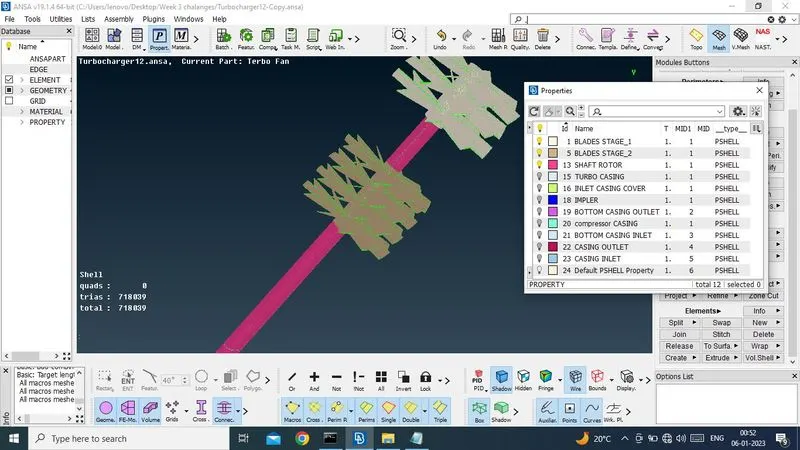
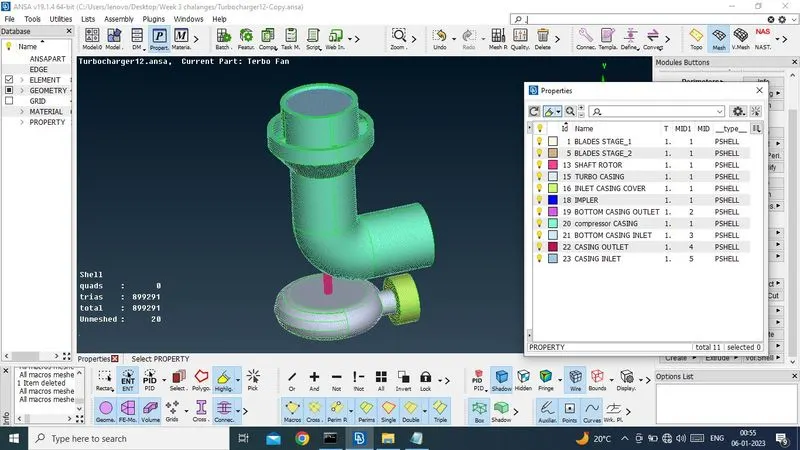
Now i cut tow surface where mesh length 1 to 5 mm.
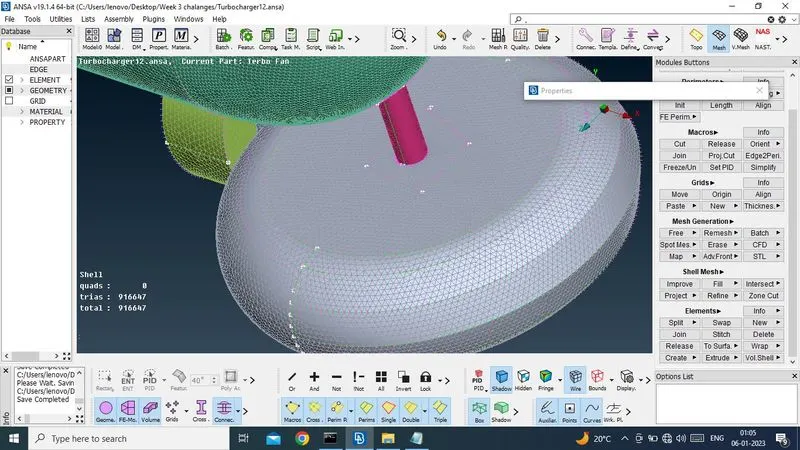
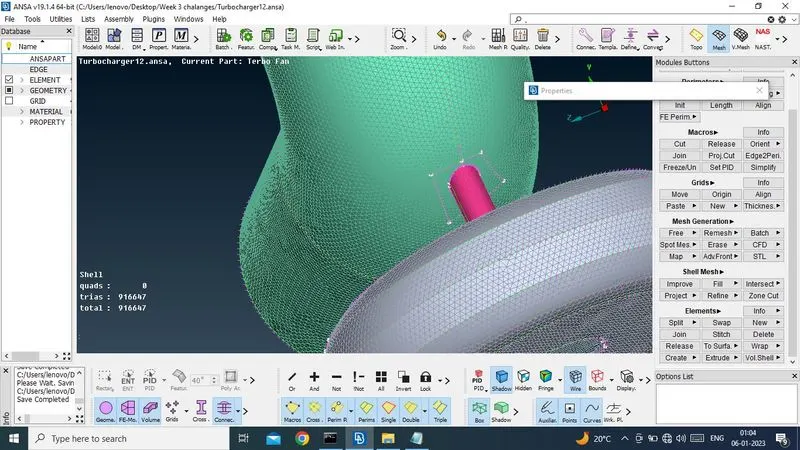
Now surface meshing has been done.
3. VOLUMETRIC MESHING
now going for volumetric meshing.
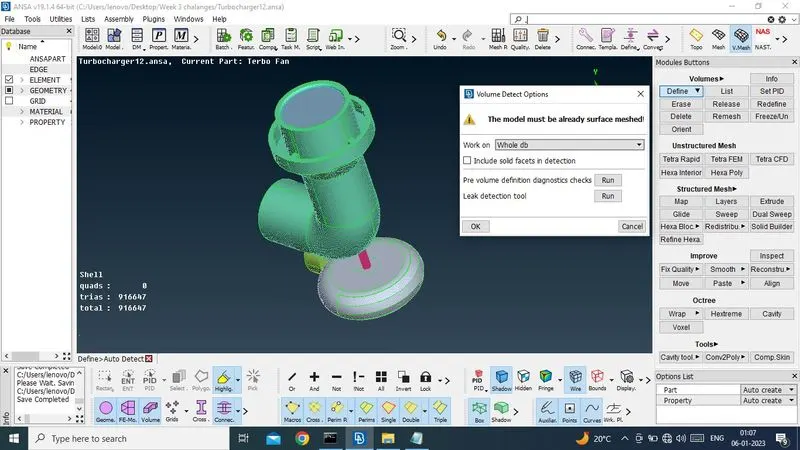
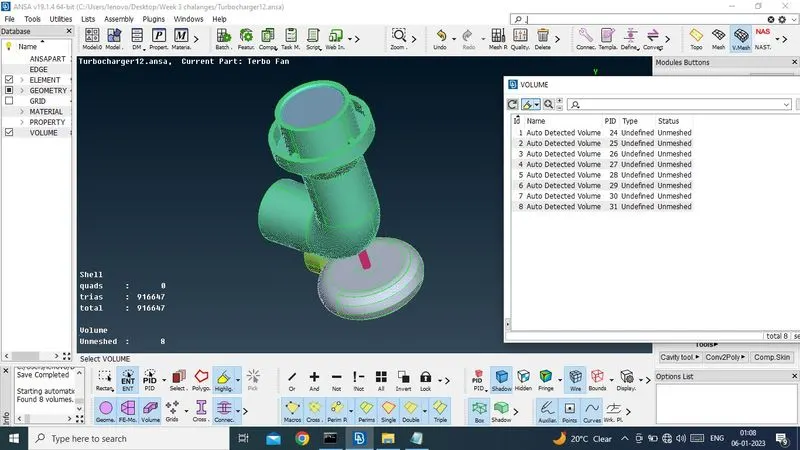
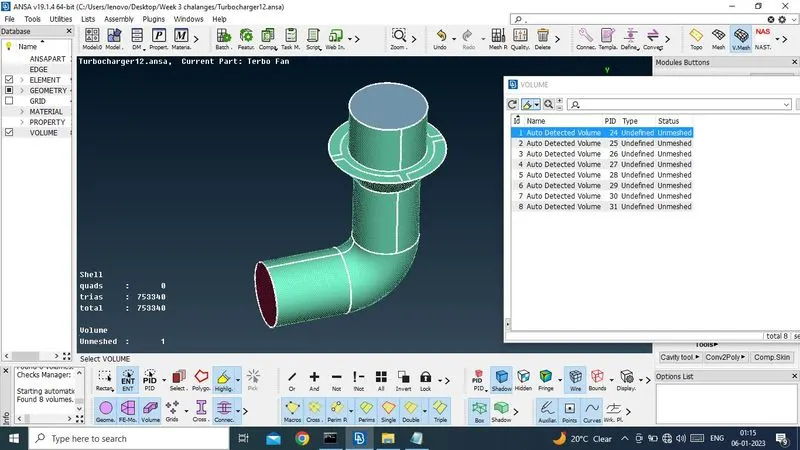
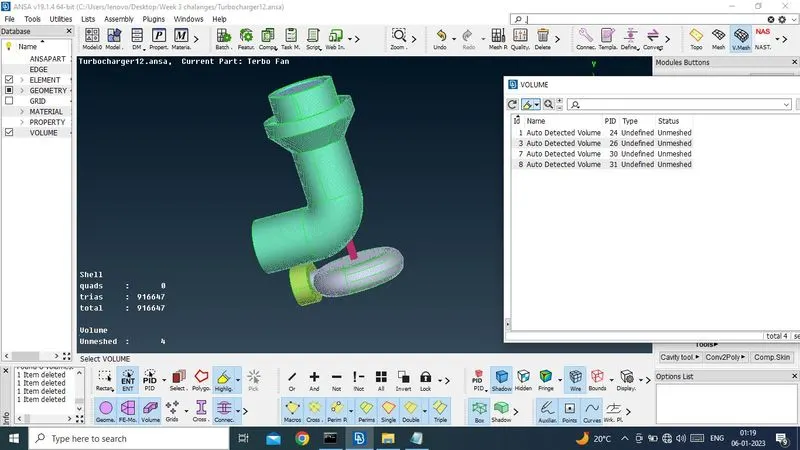
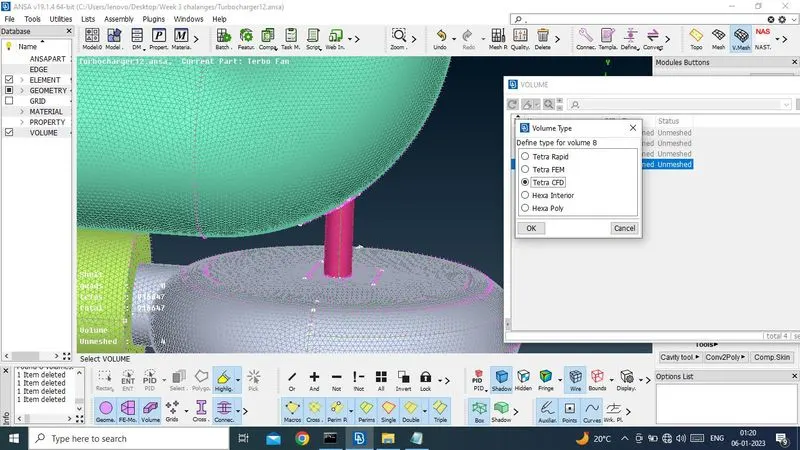
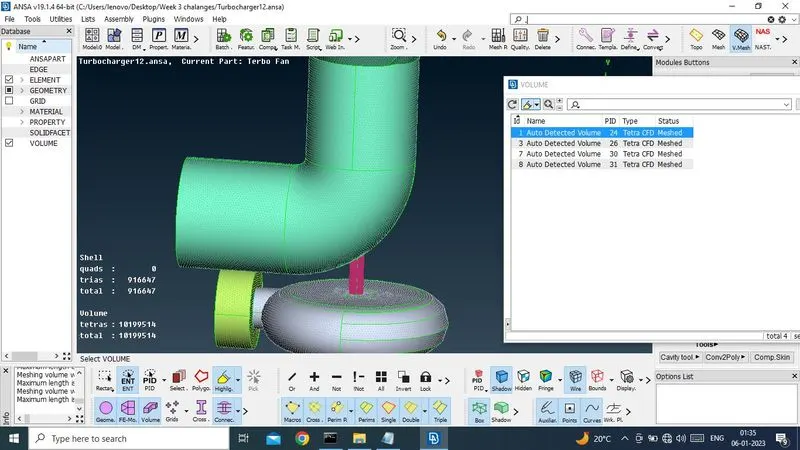
Now volumetric mesh has been completed.
crosection of volume.
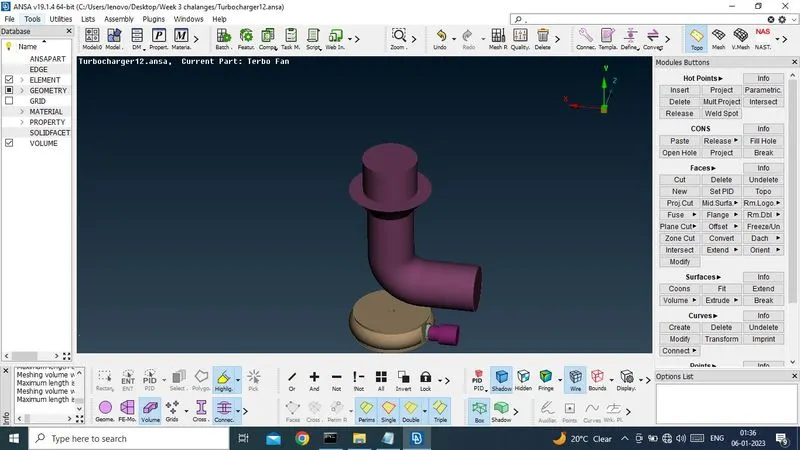
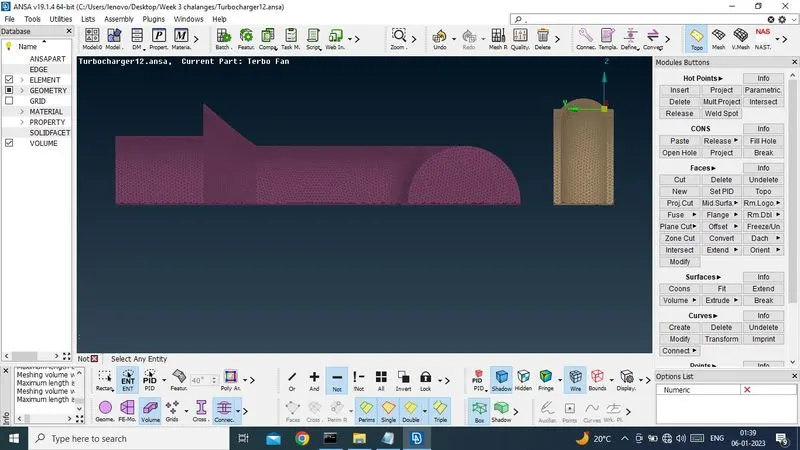
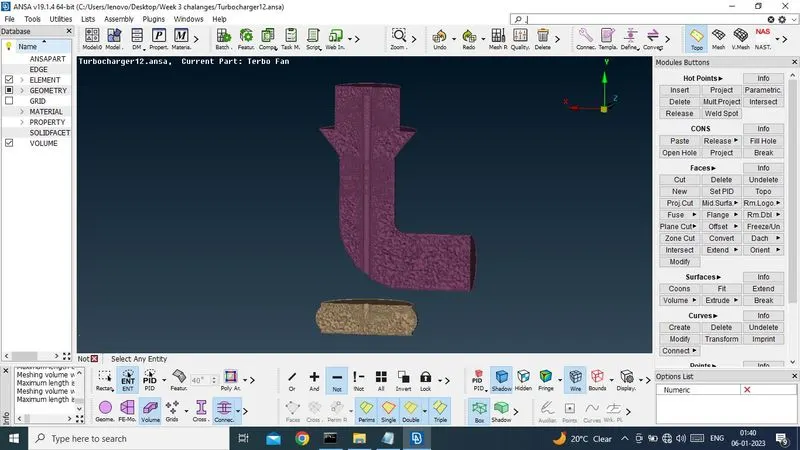
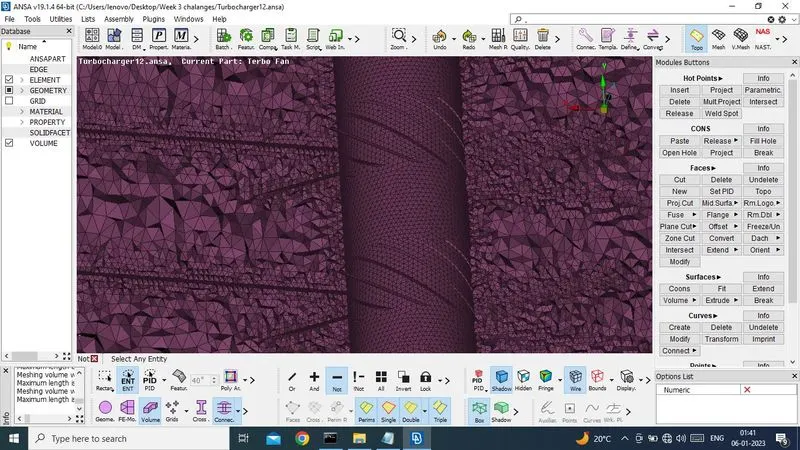
Conclusion : Small mesh length,small elements & Big mesh length ,big elemints.
Notes. - This is not part of examination. I can't upload ANSA file. I tried several times. But it is not done.I have arise ticket also. But no response.Please tell me how i upload ANSA file. This file is 600MB. But after compress, it has been convert to 230MB. After that, also it cant be uploaded.