Week 5 Challenge : Surface wrap on Automotive Assembly
AIM - Surface wrap on Automotive Assembly
PROCEDURE - There have three parts individual parts -
1.Engine
2.Gear Box
3.Transmission Part
For surface wraping, following few steps mention bellow,
First of all, need to delete all unwanted surface from three individual models.
After that, marge all three parts, and close all holes before surface wraping
Doing surface wrape of the Assembly
1.Engine -
First i have deleted all unchecked geometry
After that, i have deleted all unwanted surfaces, which, there have no link with main model,
After that, i have deleted, all ring surfaces and sphere surfaces, and only circural surface which is unwanted.
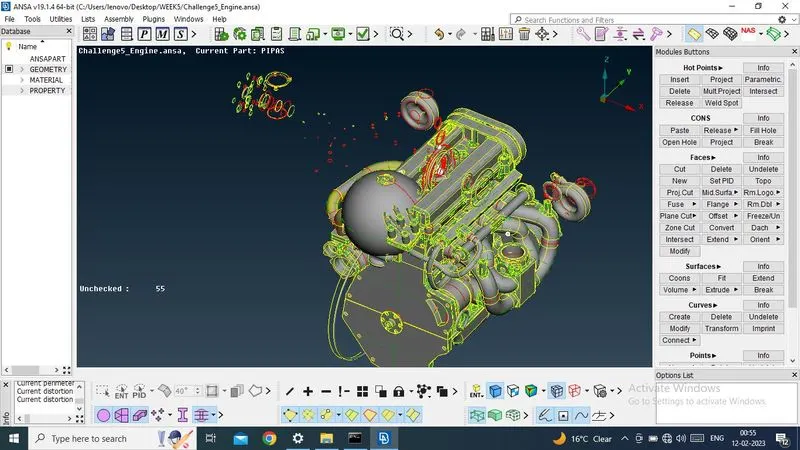
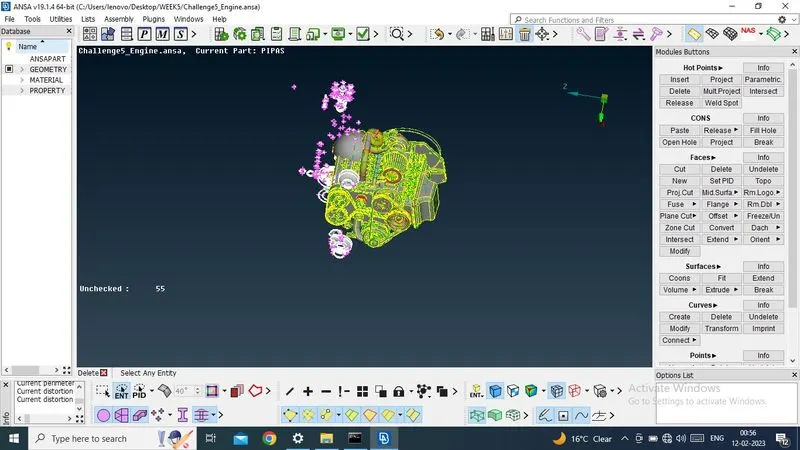
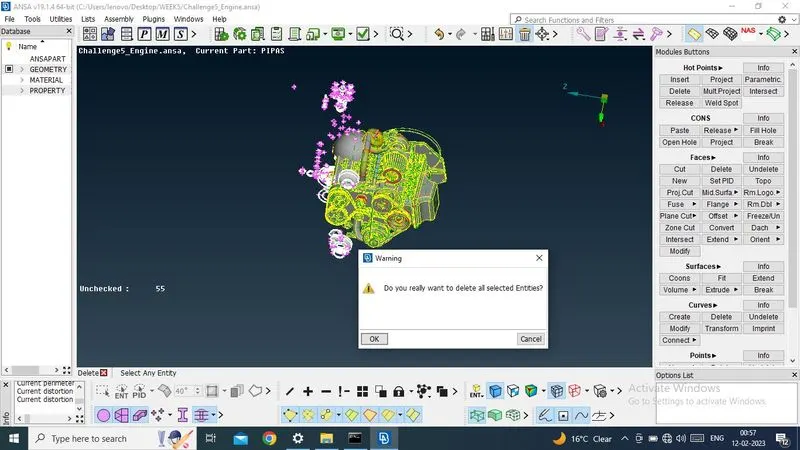
Now i have isolated main body parts, so that it will be easy to identify, unwanted surface
After that i have deleted, all unwanted surfaces which is not required
1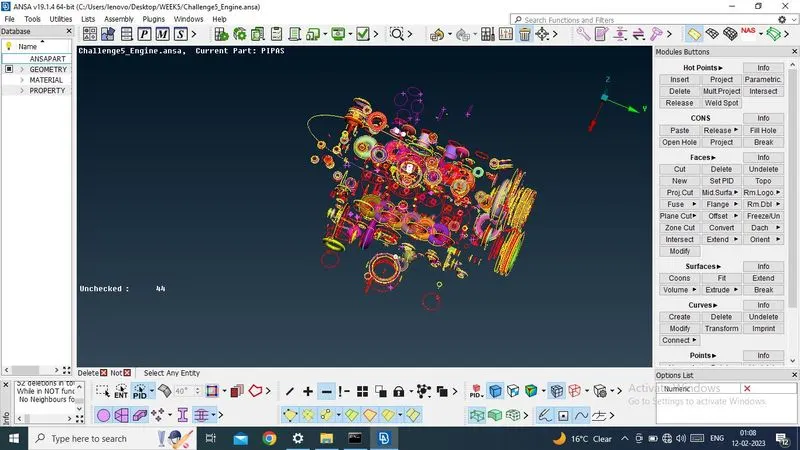
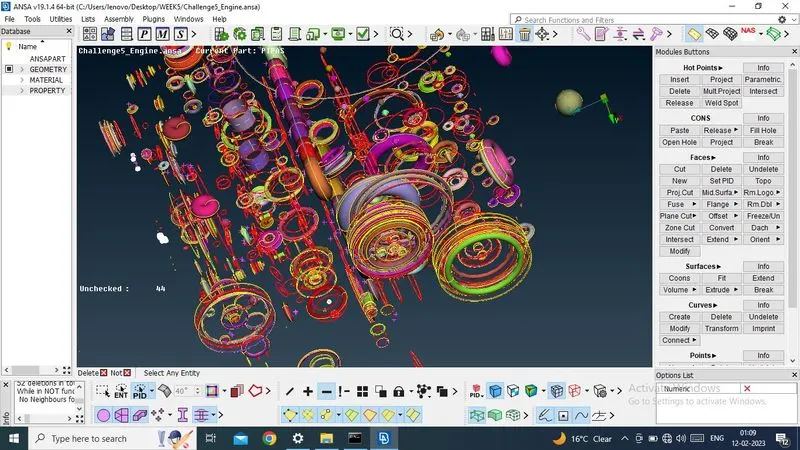
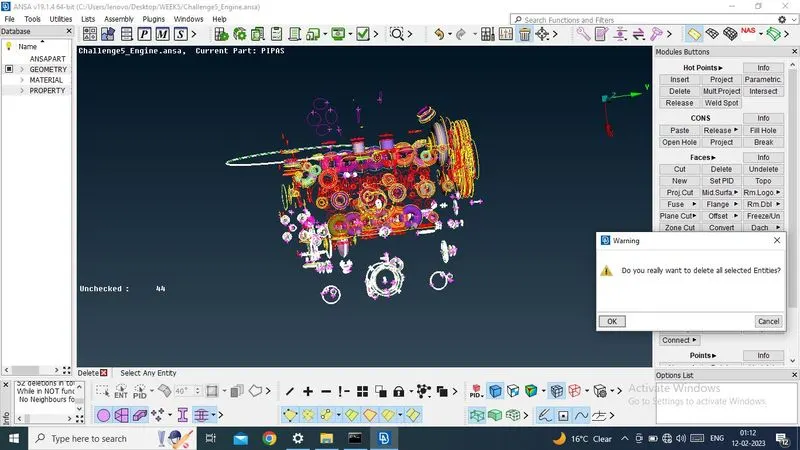
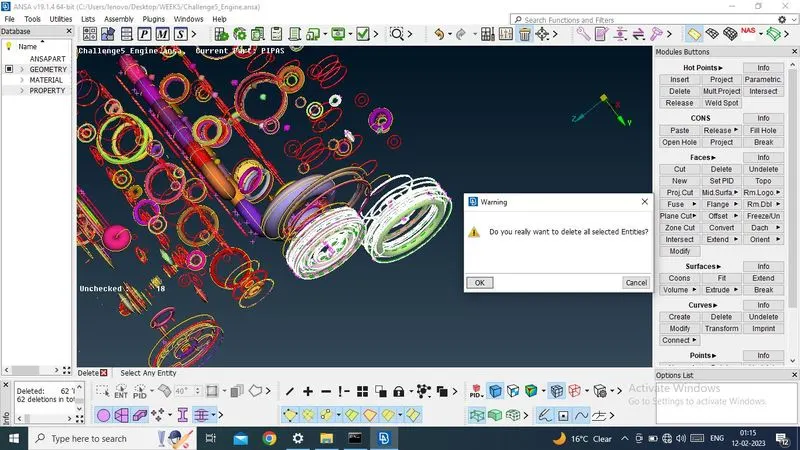
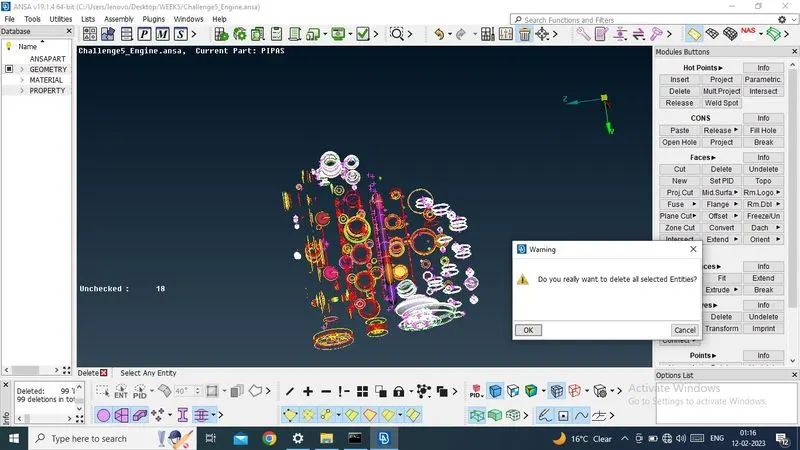
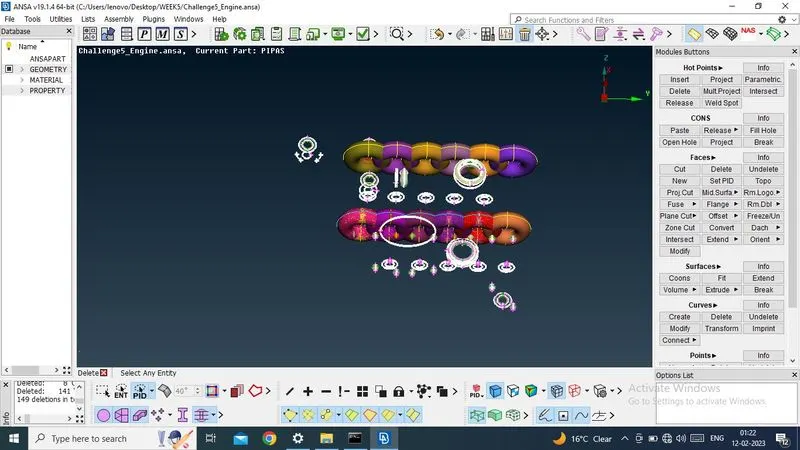
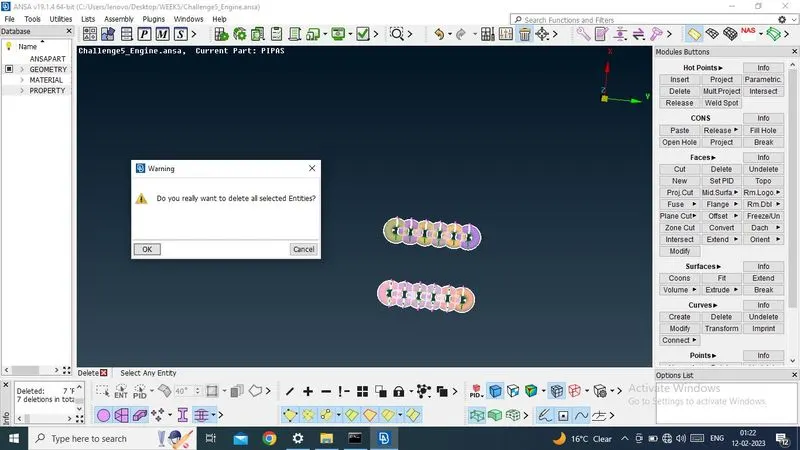
Now i have deleted all unwanted surfces and now model has been cleaned.
Now this engine part is ready for marge.
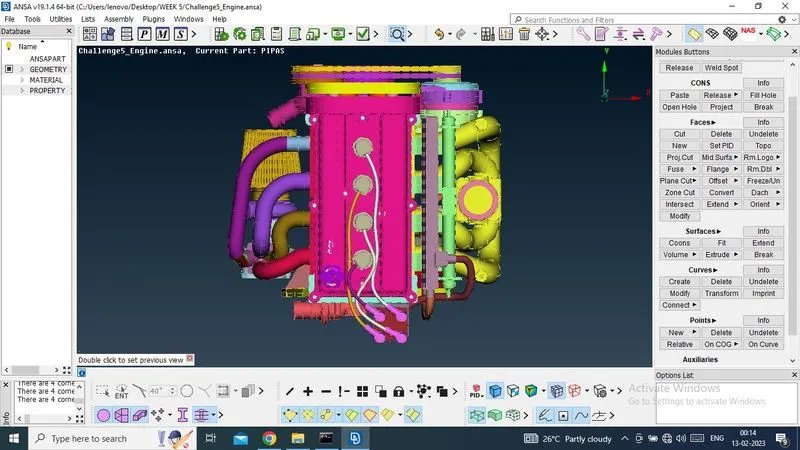
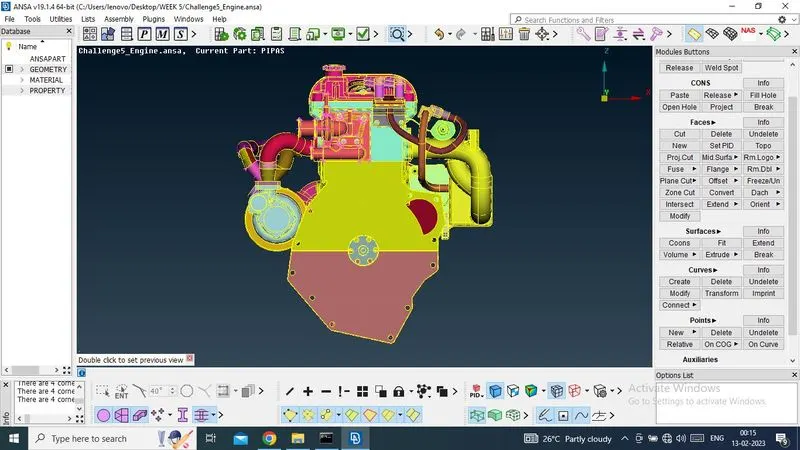
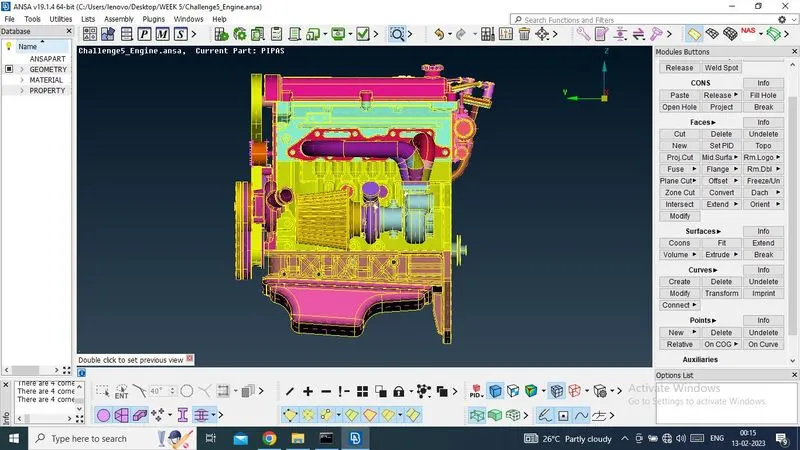
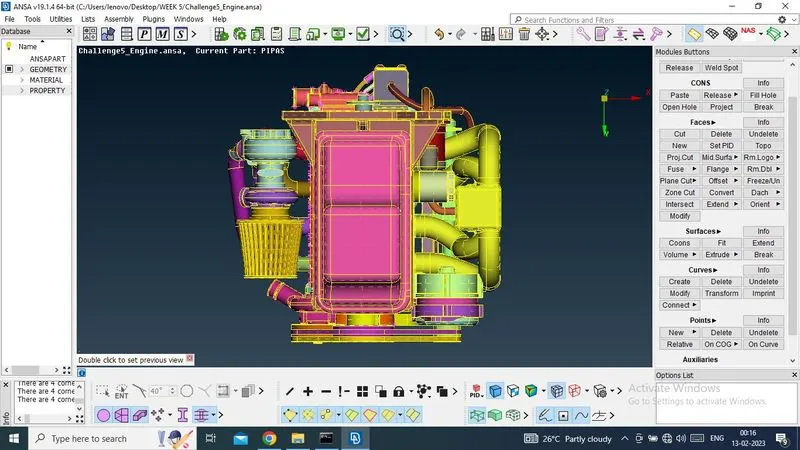
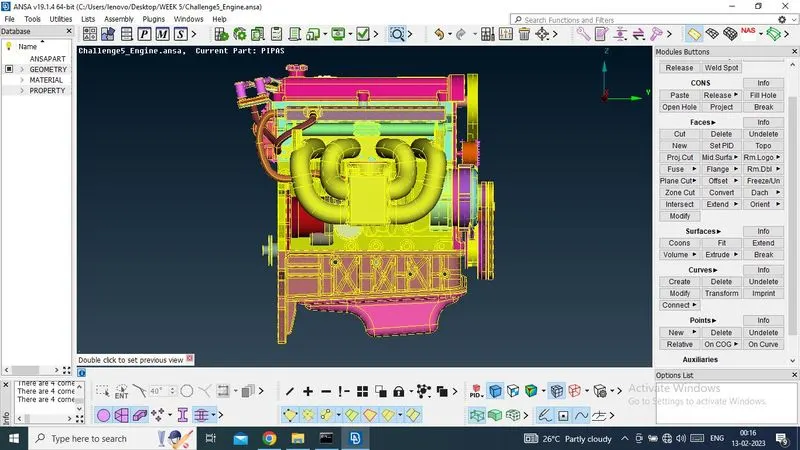
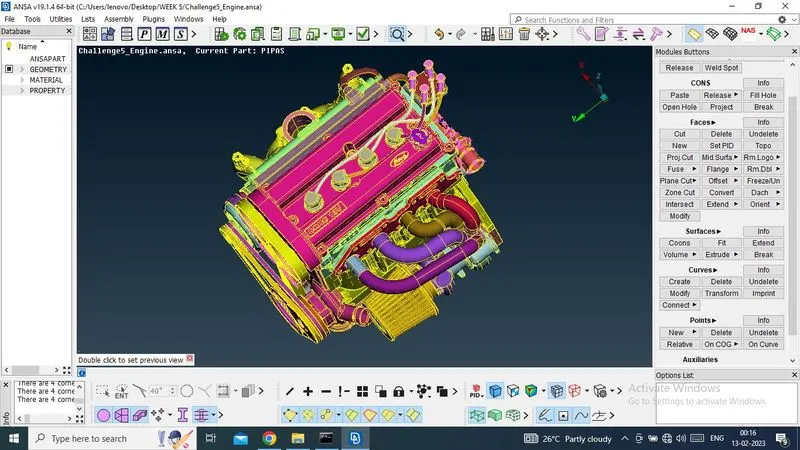
2.Gear Box -
In this part, there have present few tripple cons and unwanted surface.
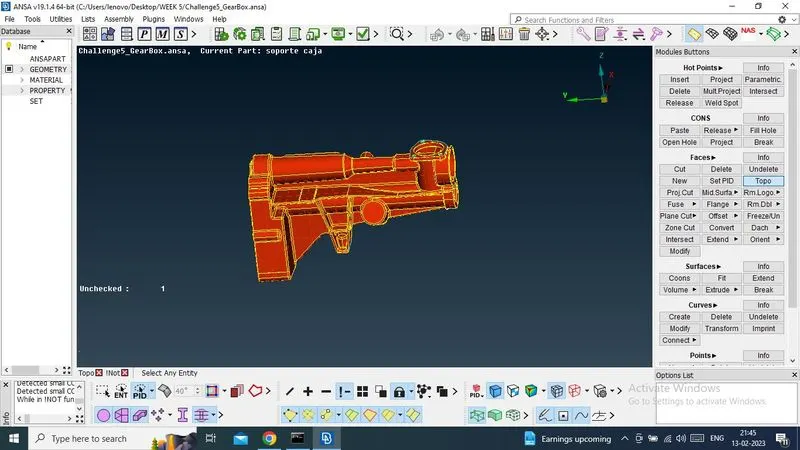
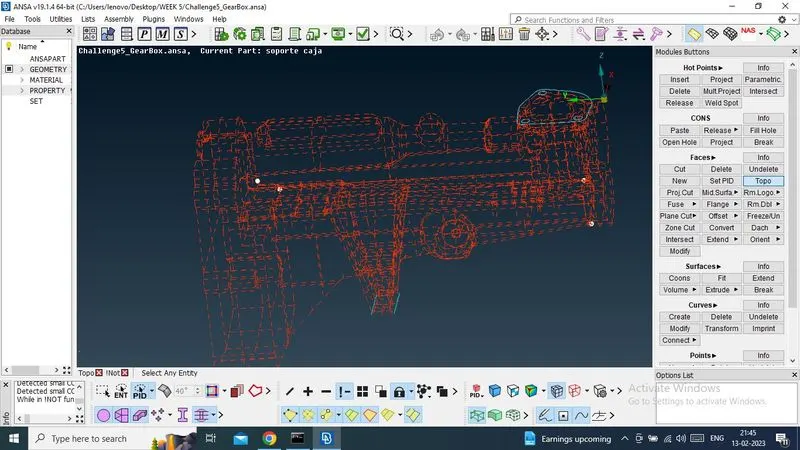
Now, I need to isolate the parts one by one and resolve the tripple cons and delete the unwanted surfaces.
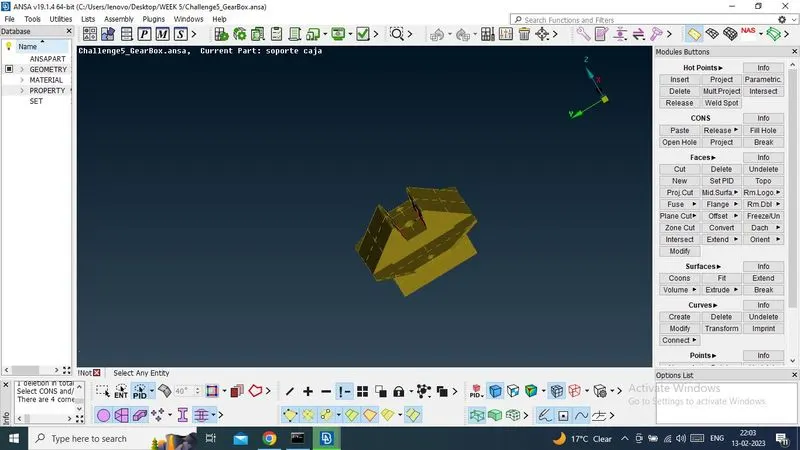
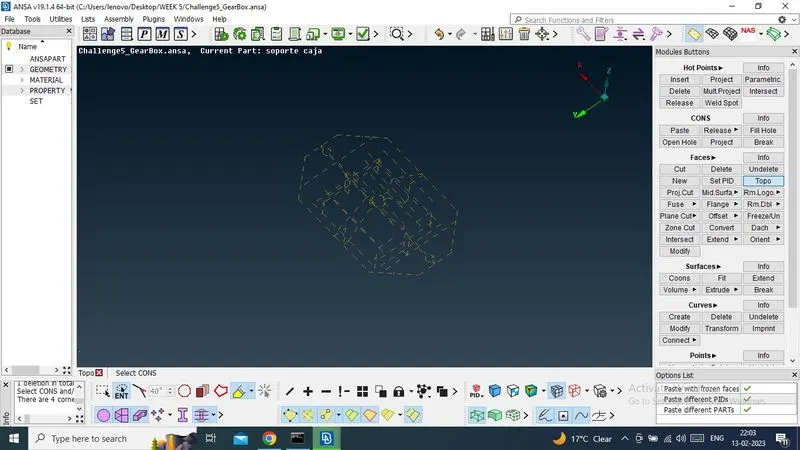
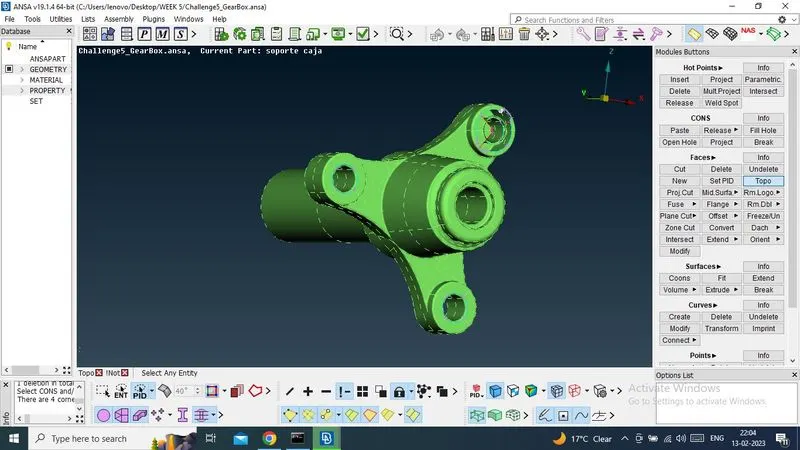
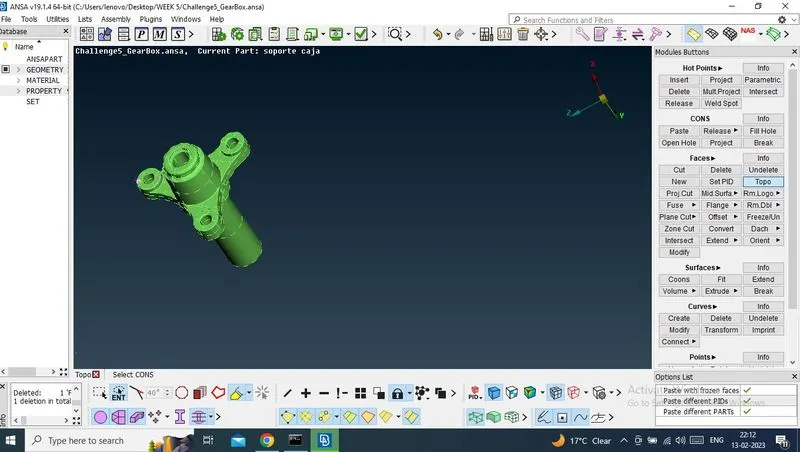
Now i have resolved all tripple cons and deleted all unwanted surfces and now model has been cleaned.
Now this engine part is ready for marge.
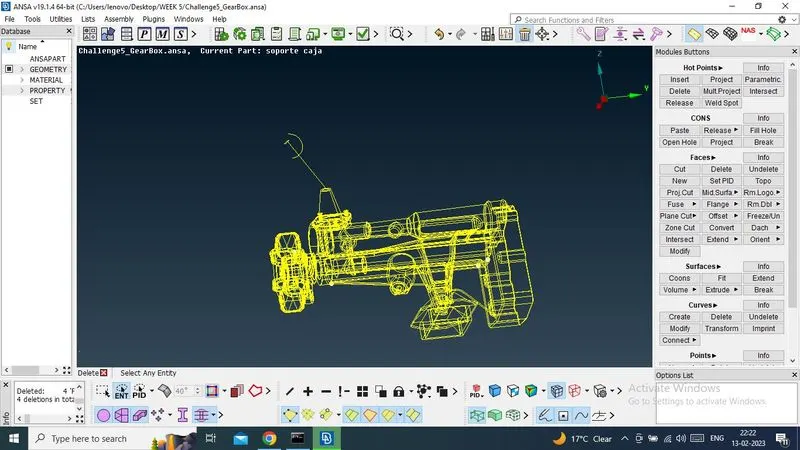
3.Transmission Part -
In this part, there have present some tripple cons, single cons and unwanted surface.
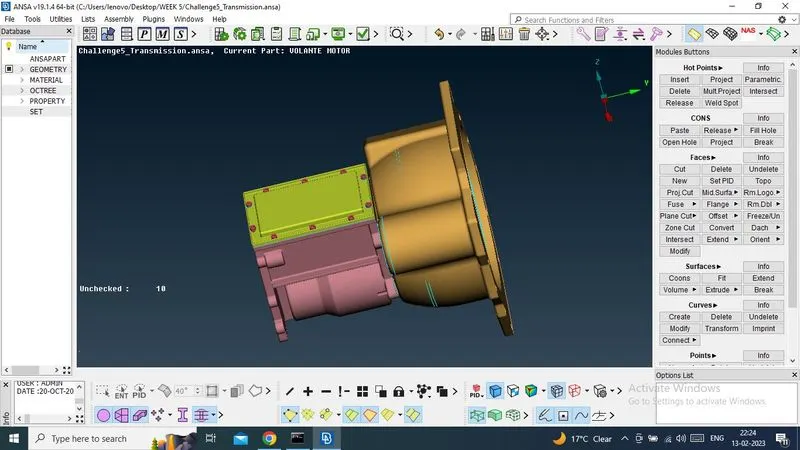
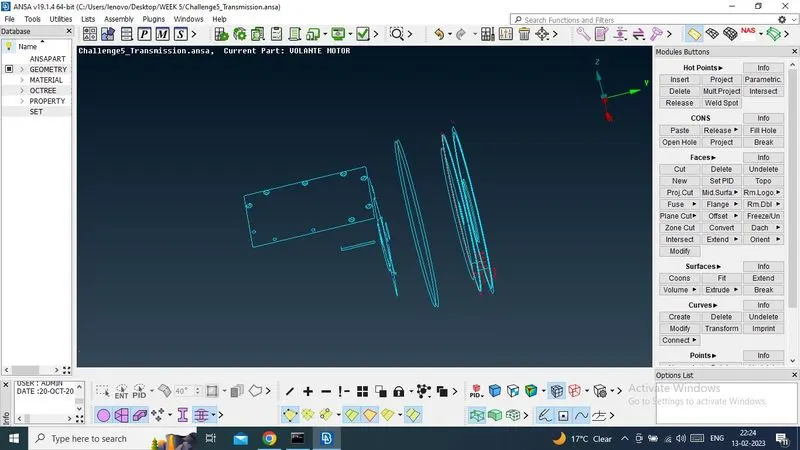
Now, I need to isolate the parts one by one and resolve the tripple cons, single cons and delete the unwanted surfaces.
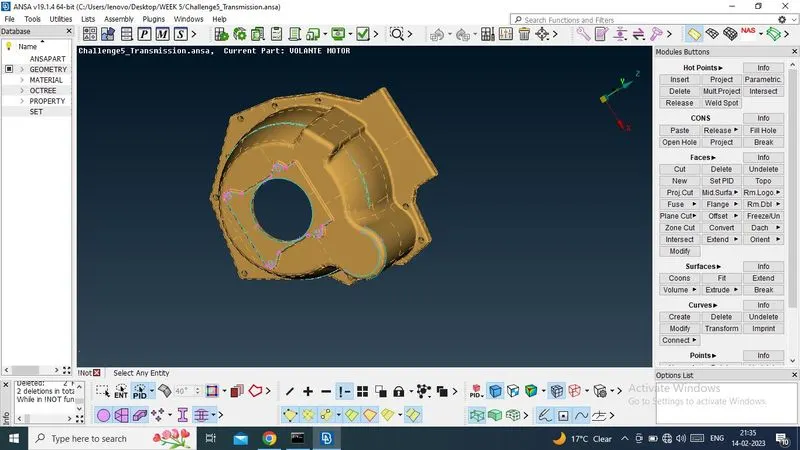
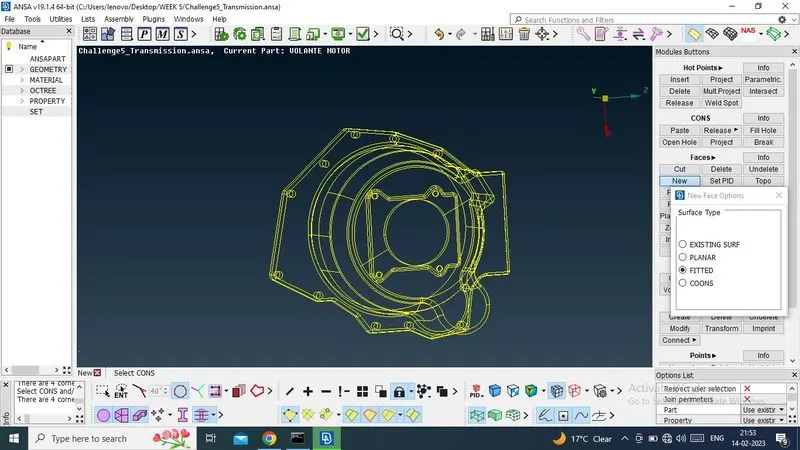
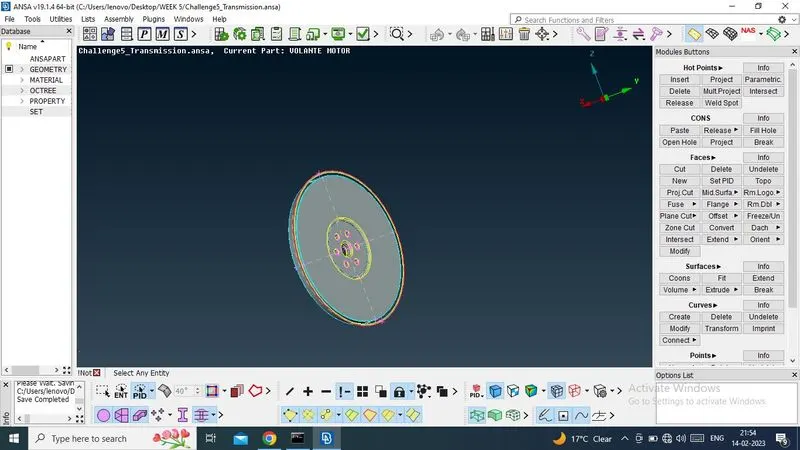
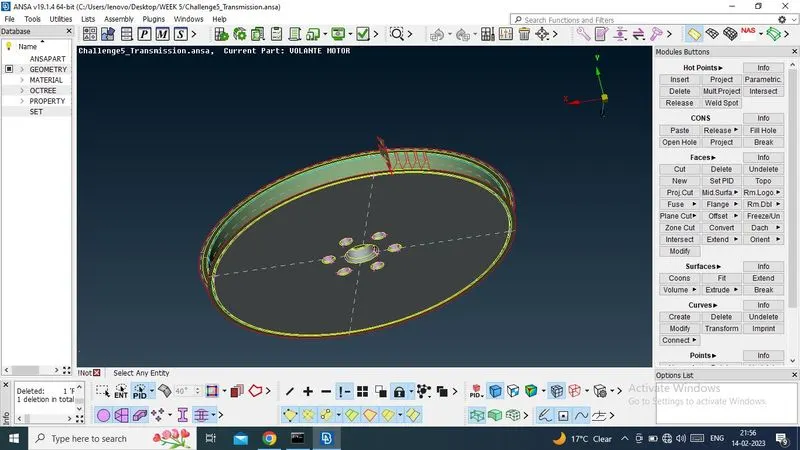
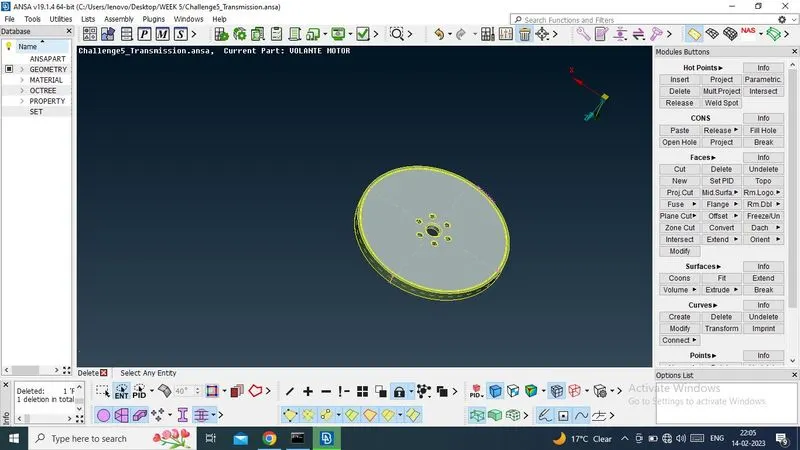
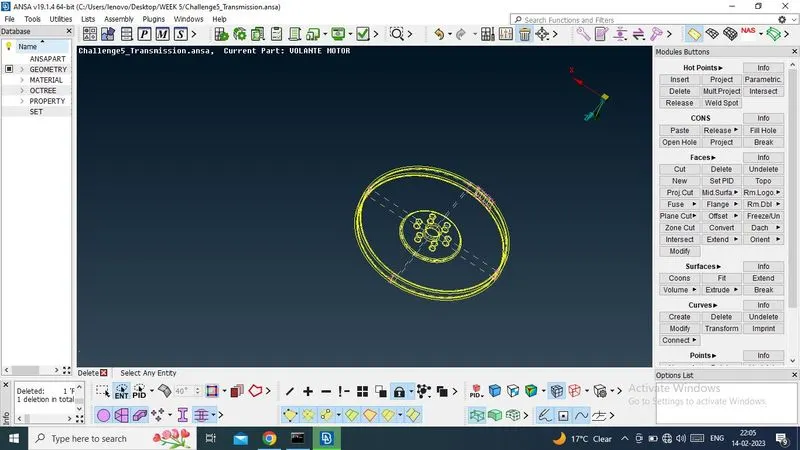
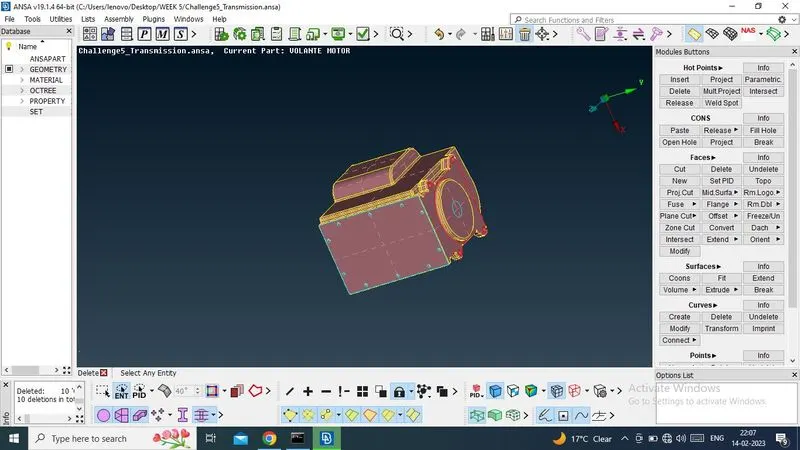
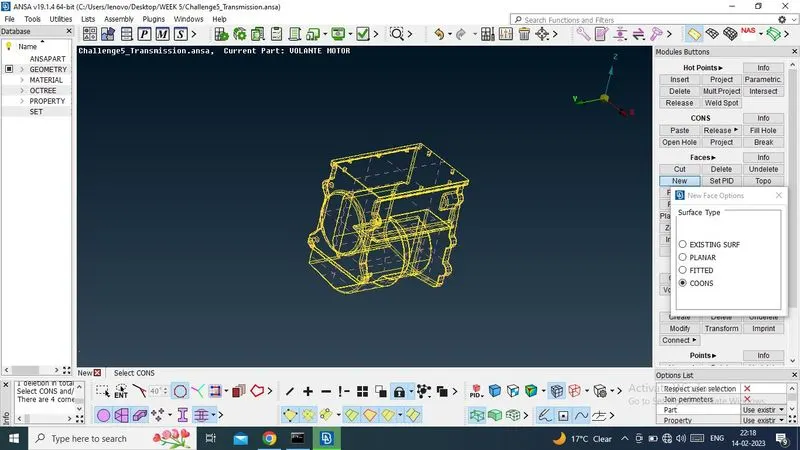
Now i have resolved all tripple cons and deleted all unwanted surfces and now model has been cleaned.
Now this engine part is ready for marge.
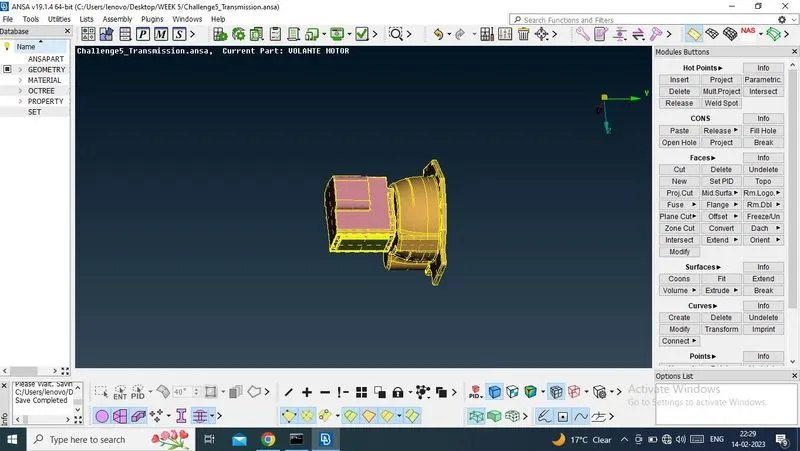
Marge the all three parts - Engine, Gear Box, Transmission by marge option(Select File -> Marge)
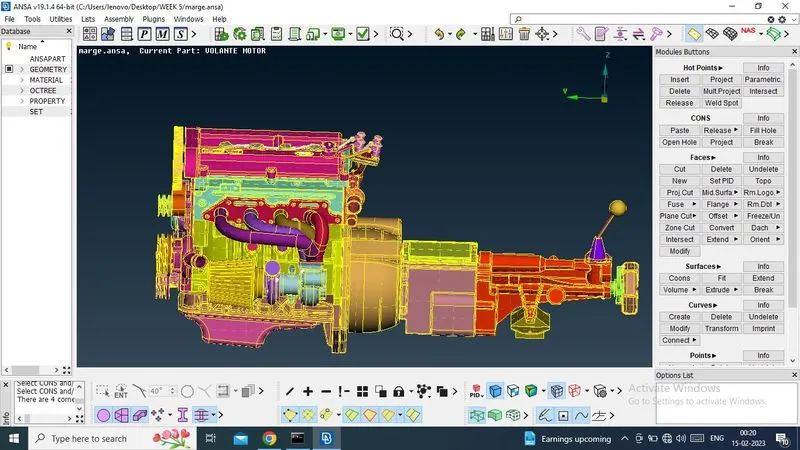
Now, part is prepared for surface wraping, before that , i need to fill every single holes, other wise wraping will not get well quality.
so, i am starting to fill the hole by New option (New -> Coons/Fitted)
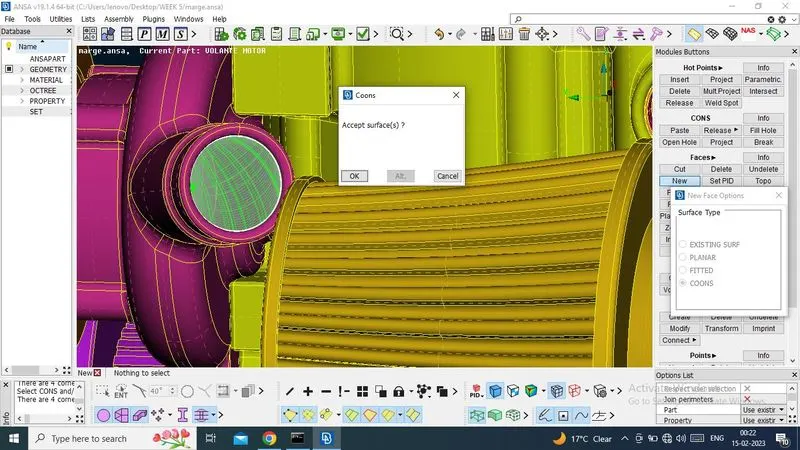
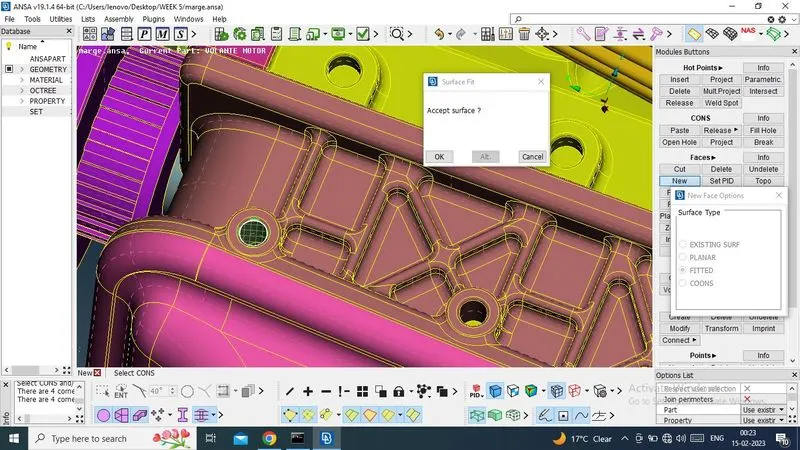
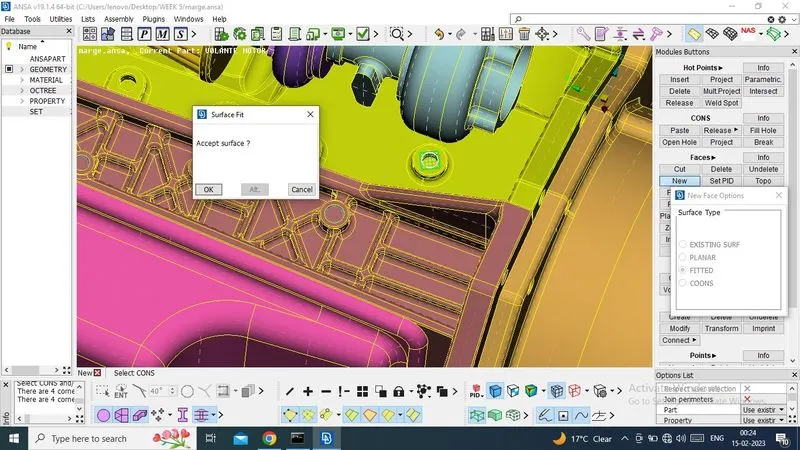
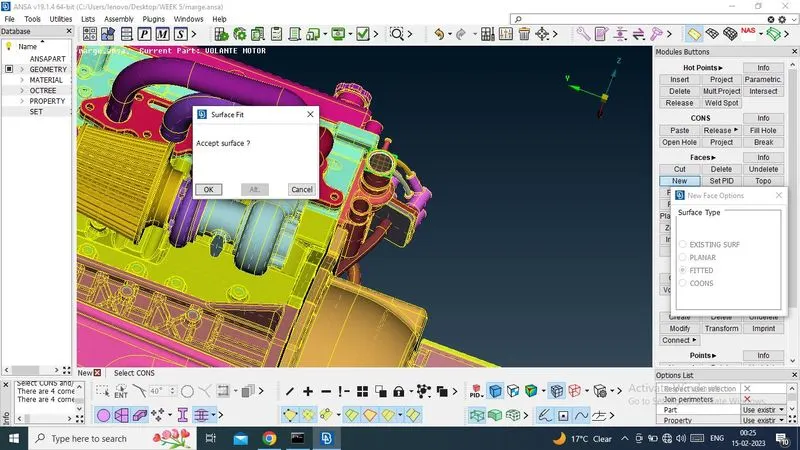
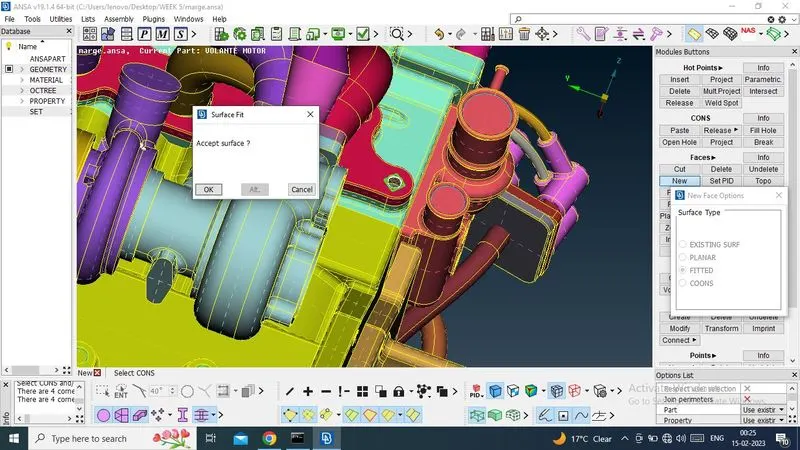
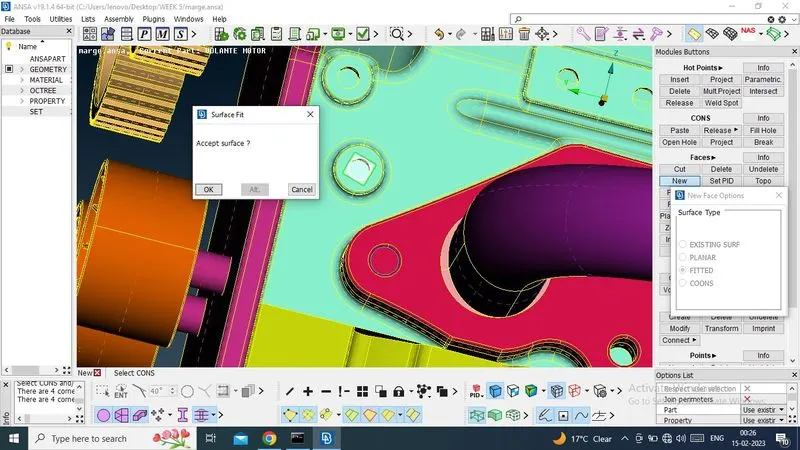
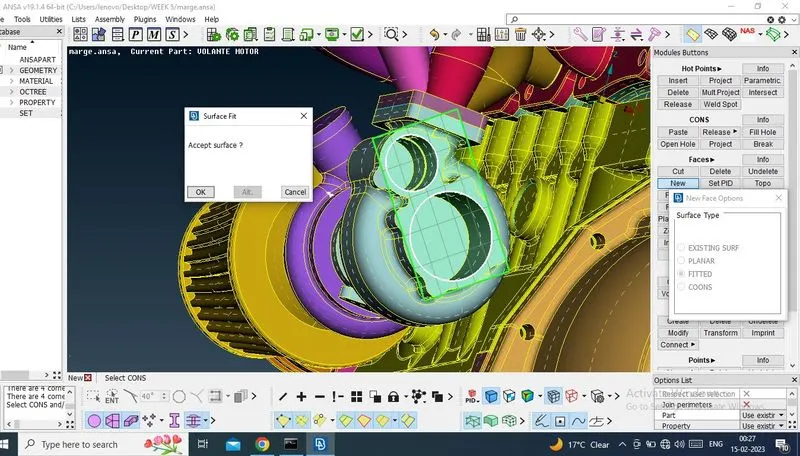
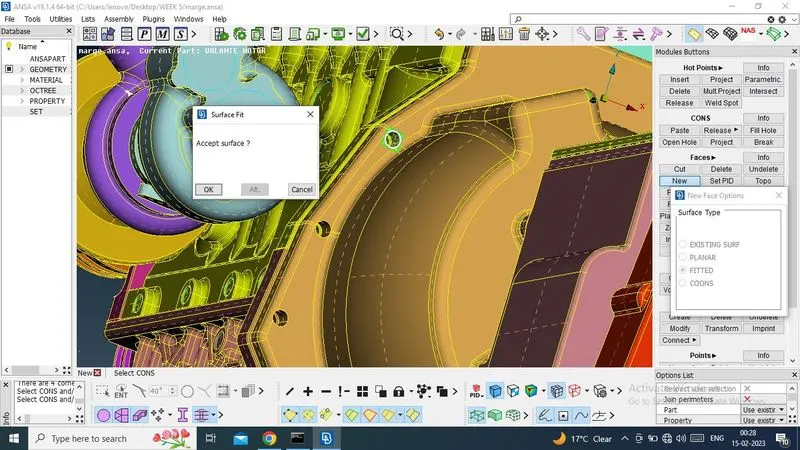
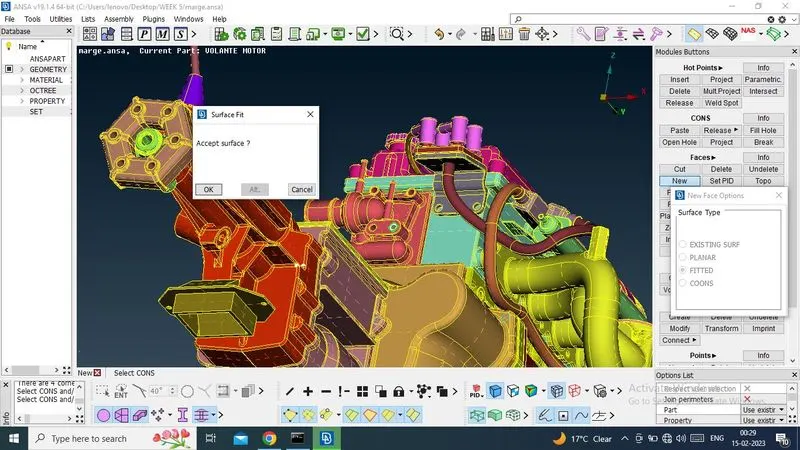
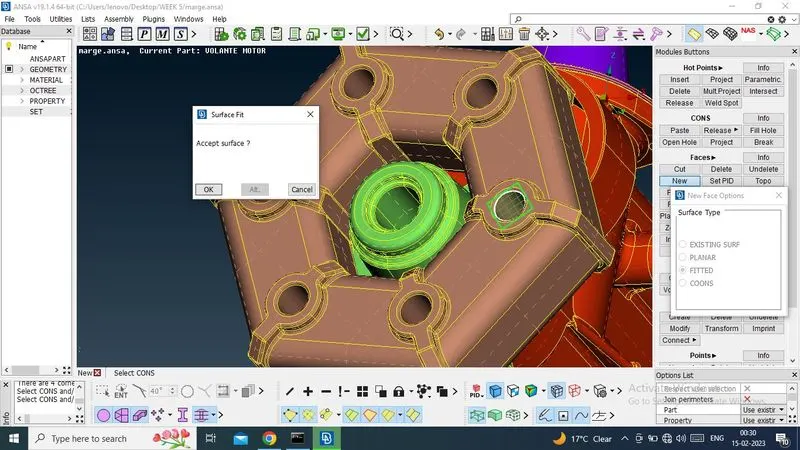
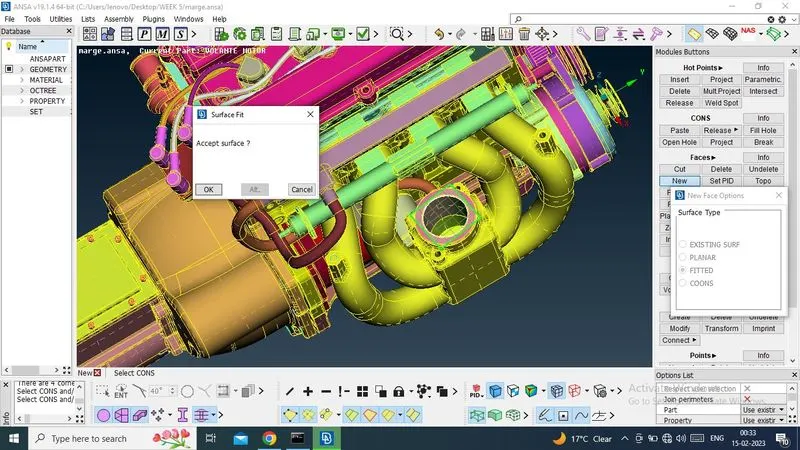
Now, i have filled all the hole for surface wraping
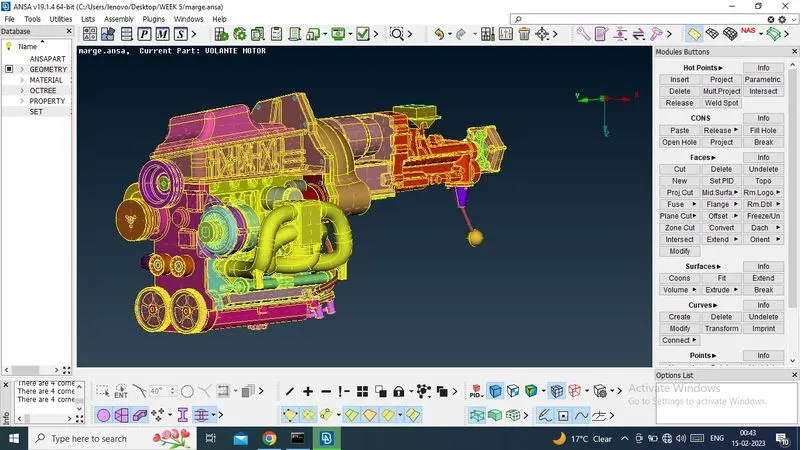
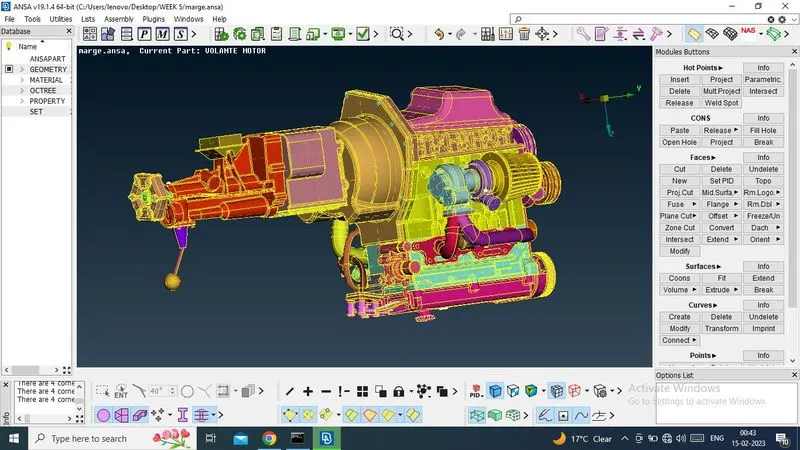
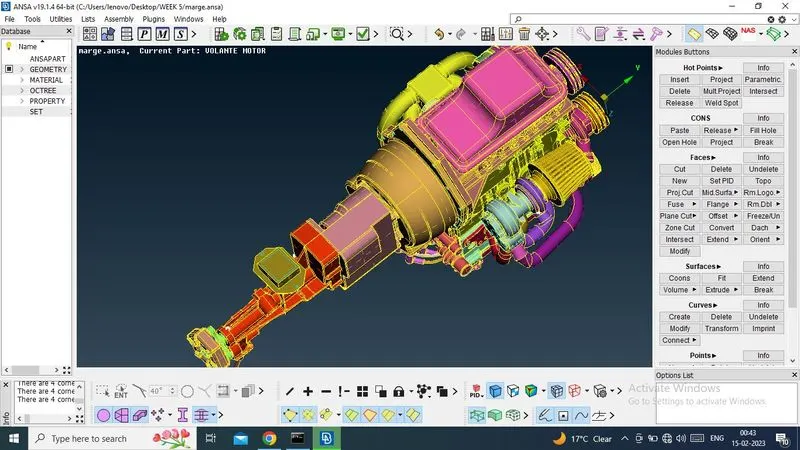
SURFACE WRAP -
Now, i have start surface wrap,
So, select Surface mesh and then select WRAP -> Constant Wrap
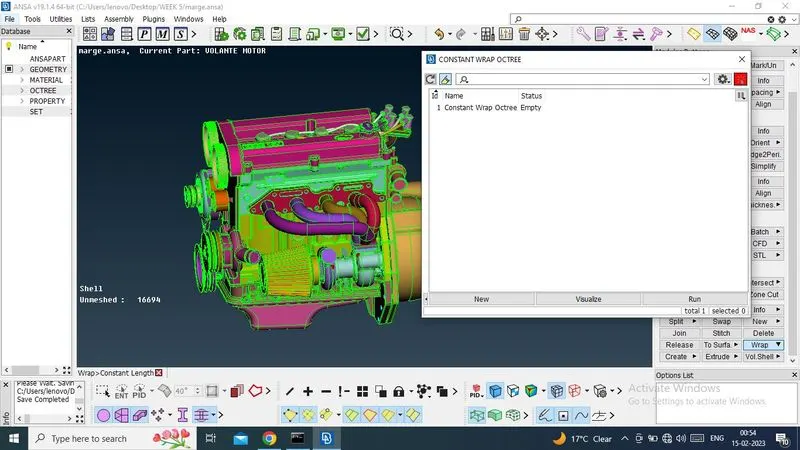
Now i have gave Constant Wrap Octree:Paremeters-New Name - FULL_WRAP and Target Length for wrap , that is 3mm
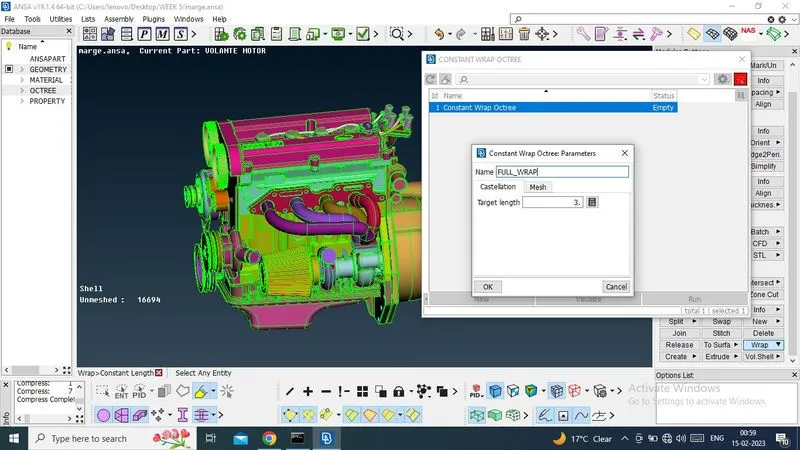
Now,i can see, there have total 112 PID, i have to sent all PID to OCTREE SCENARIO section box, for surface wraping.
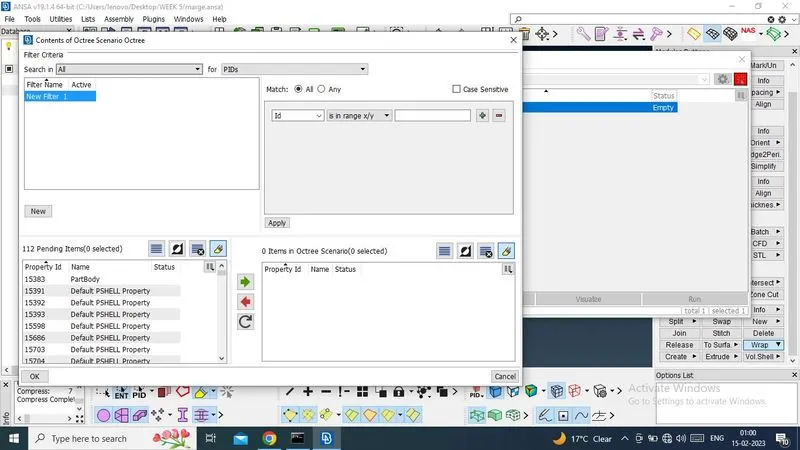
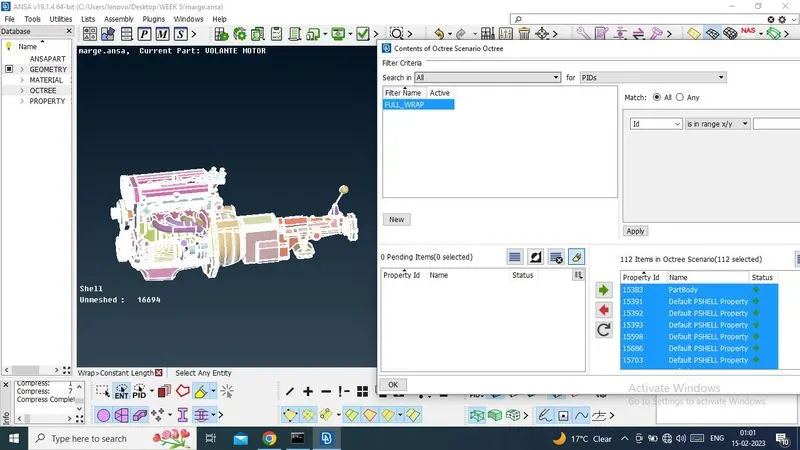
Now Select ok.
And it is ready for creating SURFACE WRAPING by the select RUN
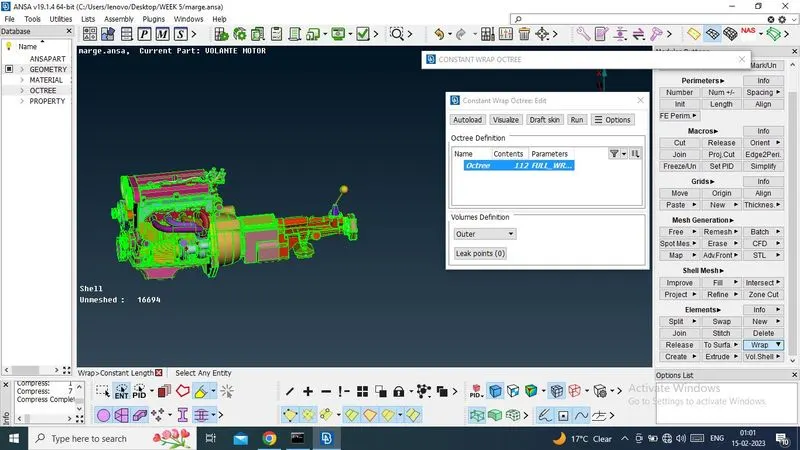
Now Surface Wrap has been created. Status is READY.
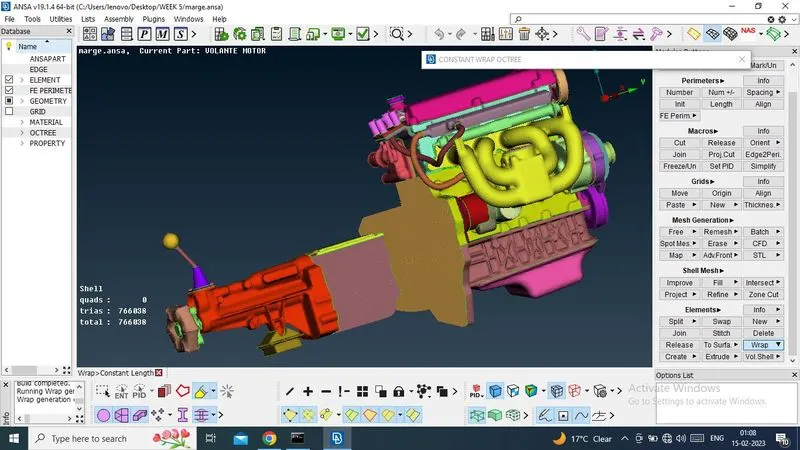
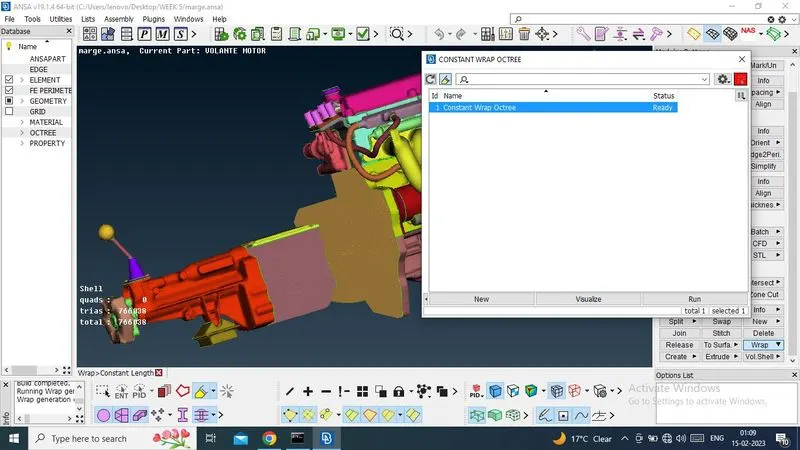
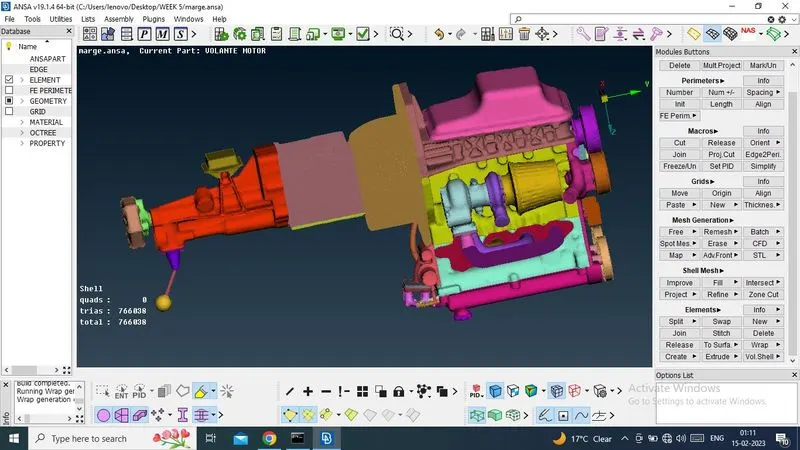
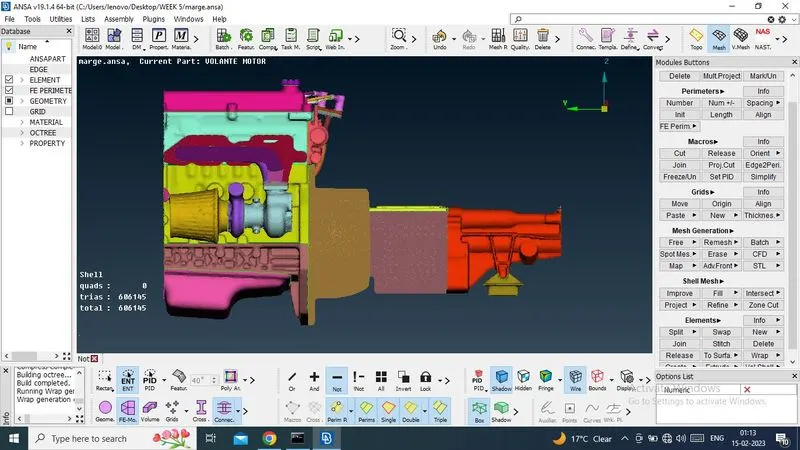
Now, its time for checking, There have created single surface or not.
Thats why, i have hide both end surface and check .
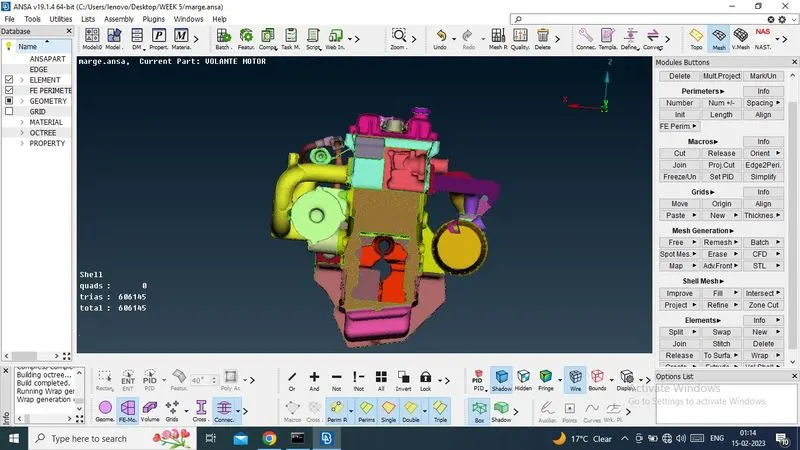
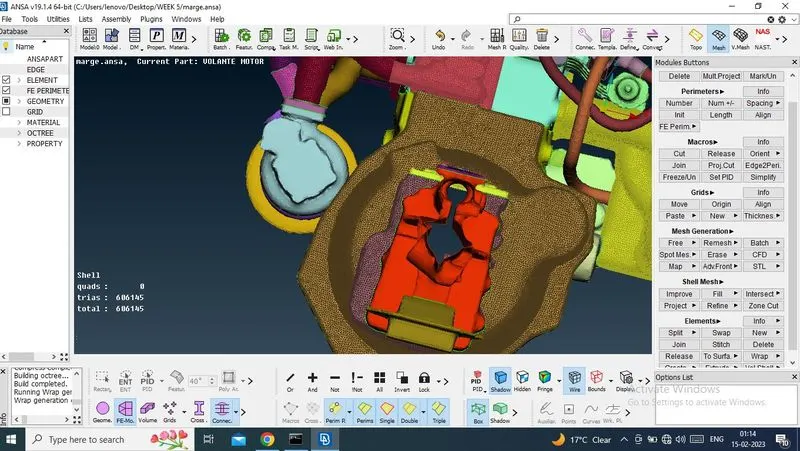
Now it is visible from one end to other end. Means surface wrap has been created by one surface.
Notes. - This is not part of examination. I can't upload ANSA file. I tried several times. But it is not done.