Week 3 Challenge : CFD meshing on Turbocharger
Aim -
To perform surface and volumetric meshing of turbocharger.
Procedute -
Step 1 - Topo Cleanup.
Step 2 - Closing the model of all openings.
Step 3 - Creating PSHELLs.
Step 4 - Surface Mesh.
Step 5 - Volumetric Mesh.
Step 1 & Step 2 - Topo Cleanup & Closing the model of all openings.
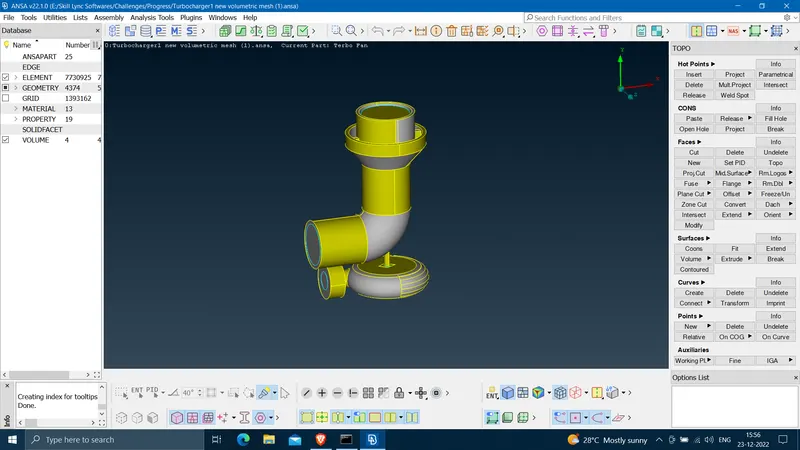
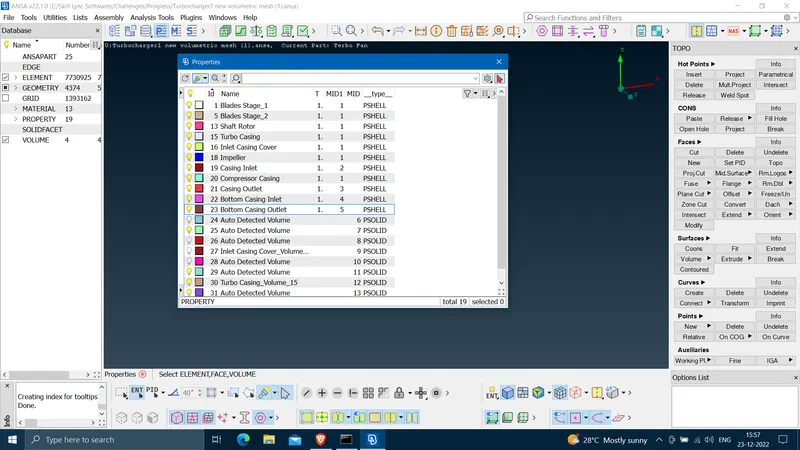
Step 3 - Creating PSHELLs.
Step 4 - Surface Meshing-
Firstly check entire model is free of possible single cons and uneccesary tripple cons.
Then go to quality criteria and min. , max. length values depending on given meshing element size.
Then go to mesh parameters and change element type to 'Tria' and enter element size.
Now, either isolate or select the respective surface of the model by using available tools that is to be meshed.
Go to Mesh option and choose Length option from the Parameters option. A check box will appear. For every option i.e. perimeter, macros select a surface and enter mesh size in the respective dialogue box.
Go to Mesh Generation option and press and hold on spot mesh option and drag it to either visible or select depending on ones choice. After surface mesh model looks as follows-
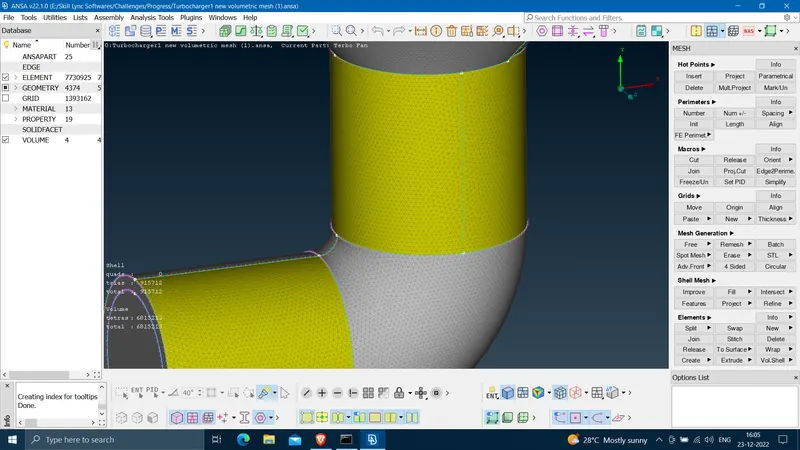
Step 5 - Volumetric Meshing-
Go to Volume Mesh.
Go to Volumes and select 'Define'. Now a dialogue box will appear chose whole database option and let the ANSA auto detect number of volumes from out model.
Keep required volumes and delete others.
In the same dialogue box there will be written as 'Unmeshed' click on it and choose respective meshing element i.e. Tetra CFD. Right click on the respective volume and click on 'Remesh'. The volume will be meshed. Do i the same for all the volumes.
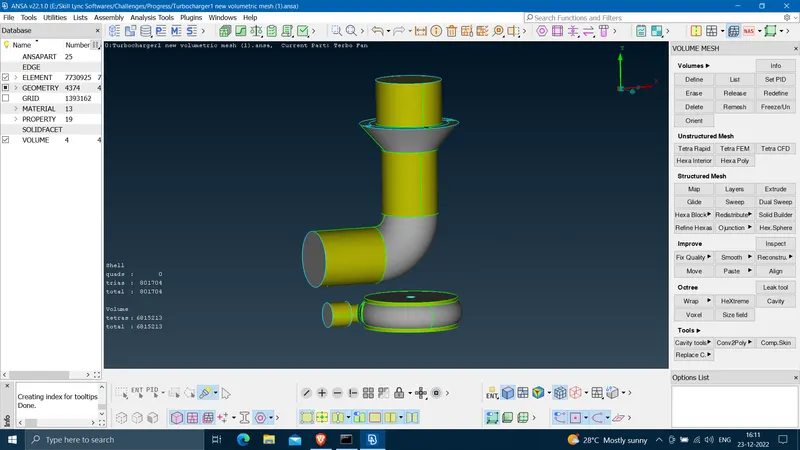
Learning Outcome-
- Understood volumetric meshing operation.
- Understood surface meshing in a better manner.
- Understood topo cleanup operation more thoroughly.
Result -
Please check shared files for results.