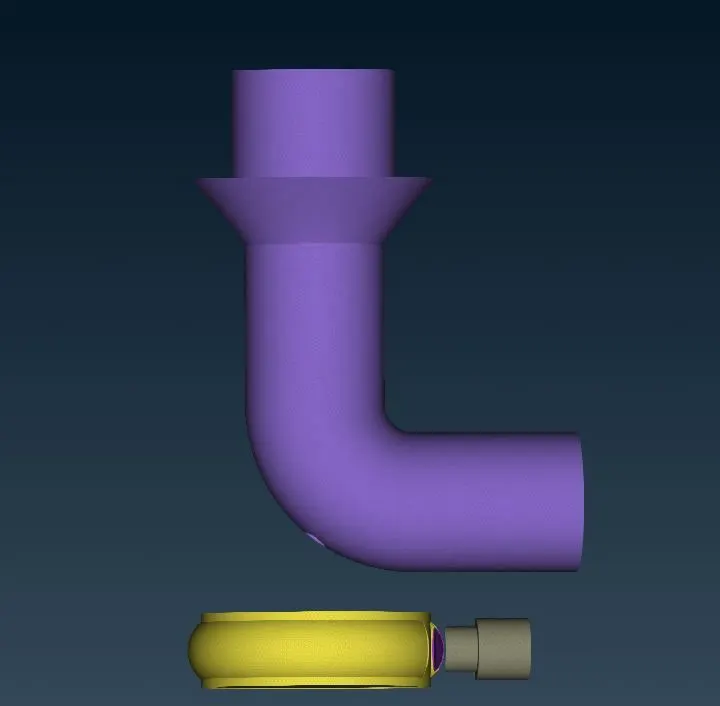
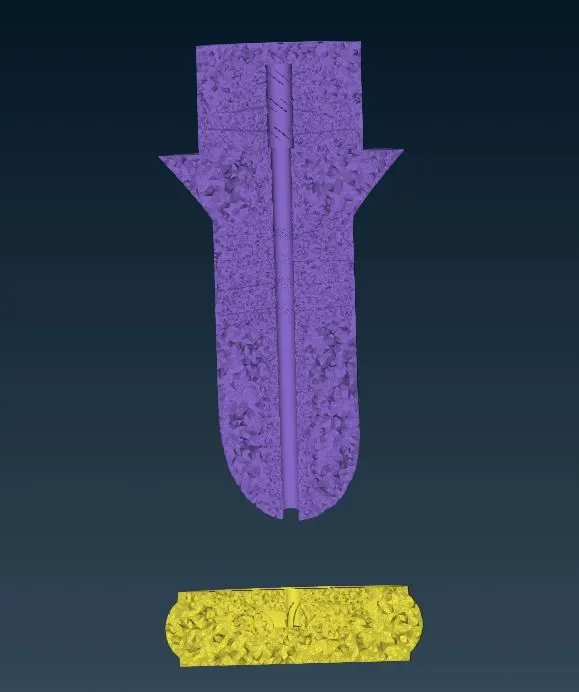
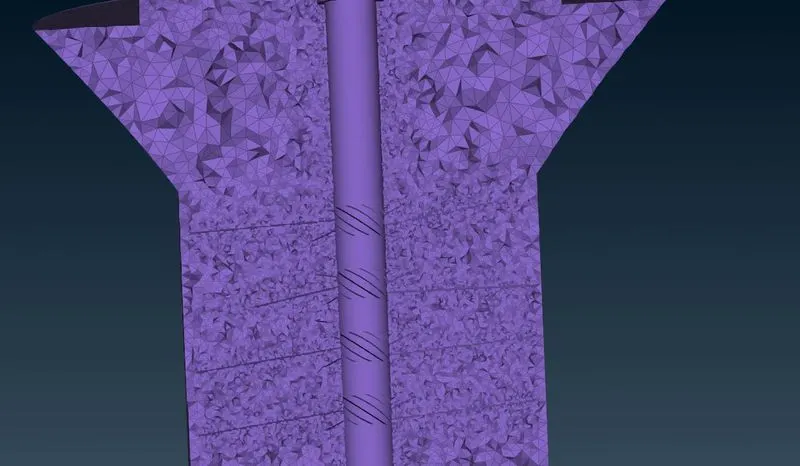
Week 3 Challenge : CFD meshing on Turbocharger
Aim:
- To check for the geometrical errors to make appropriate volumes.
Case 1:
- Create and assign PIDs . Perform surface mesh with the given target lengths as per PIDs.
- Blade stage-1 = 1 mm
- Blade stage-2 = 1 mm
- Impeller = 2 mm
- Shaft rotor = 1 mm
- Turbo casing = 5 mm
- Compressor casing = 5 mm
- Inlet casing cover = 5 mm
Case 2:
- Perform Volumetric mesh for the required volumes.
Procedure:
- Open ANSA import the Turbocharger model in the geometry window.
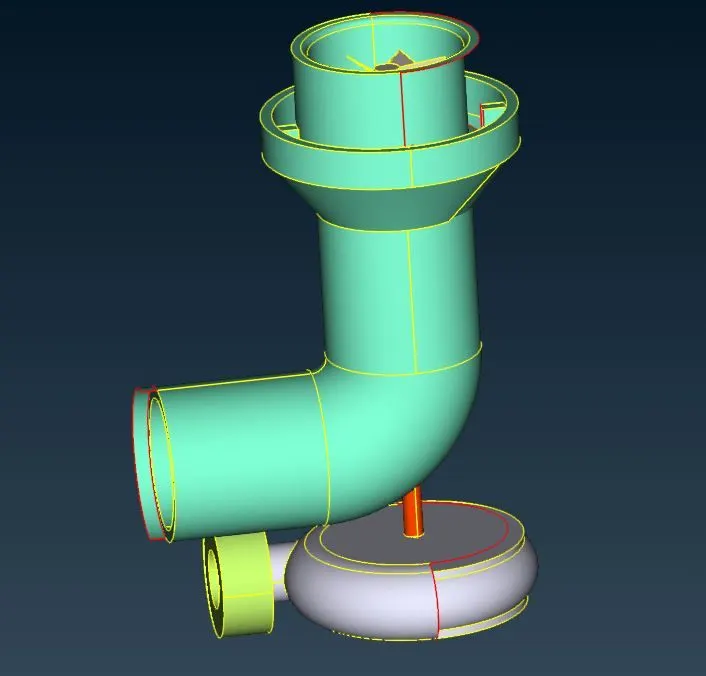
- Go to checks -geometry to identify the error.
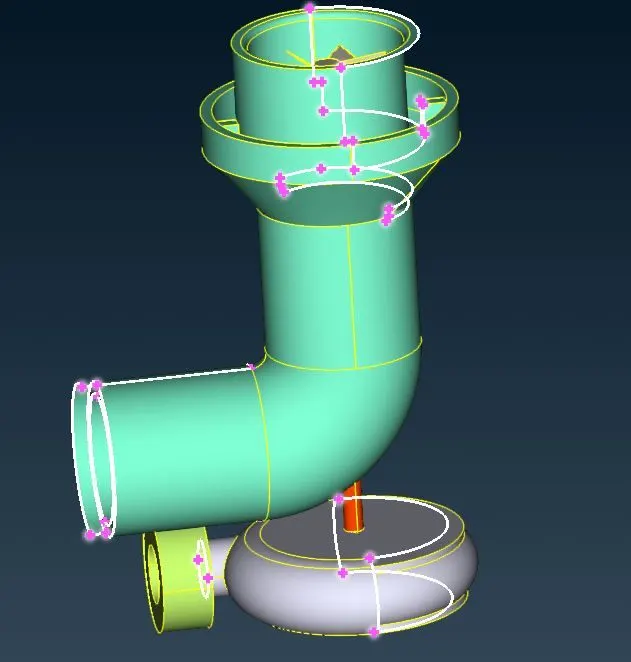
- Correct the errors by creating new face and using fill hole option and delete overslap faces and triple cons.
- Create and assign approprite PIDs.
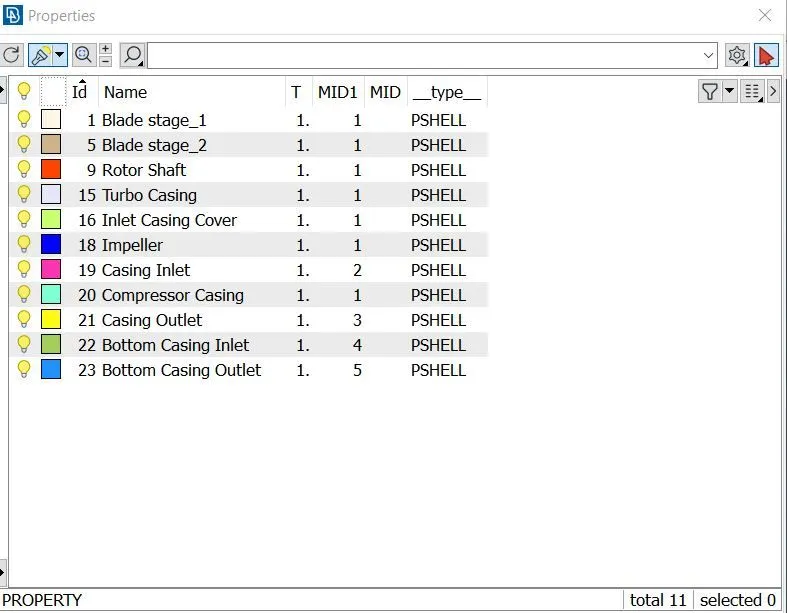
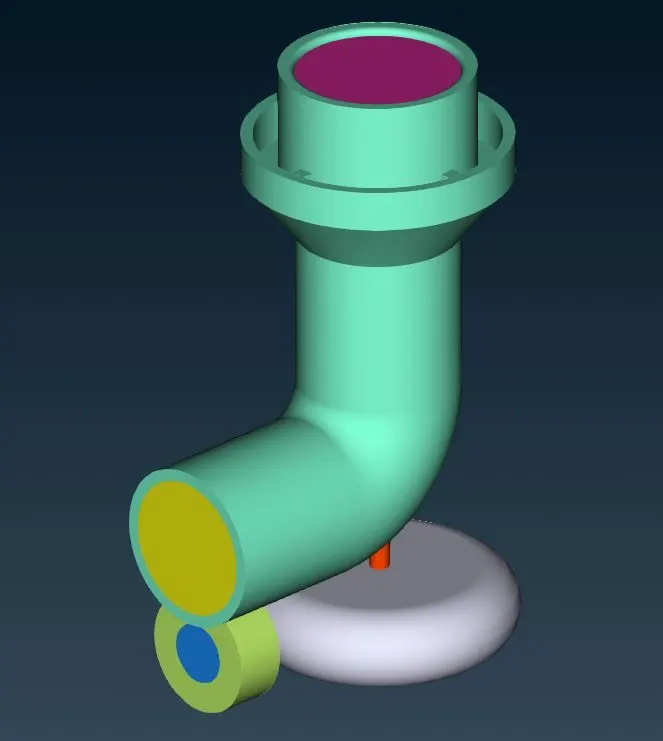
Turbocharger:
Blade stage_1:
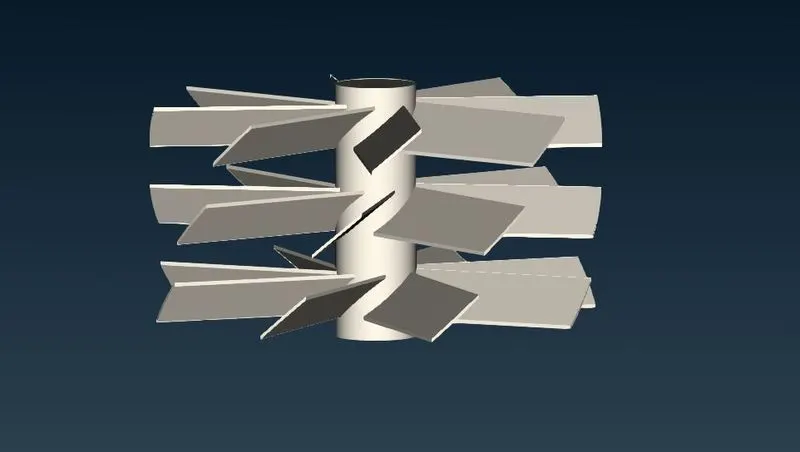
Blade stage_2:
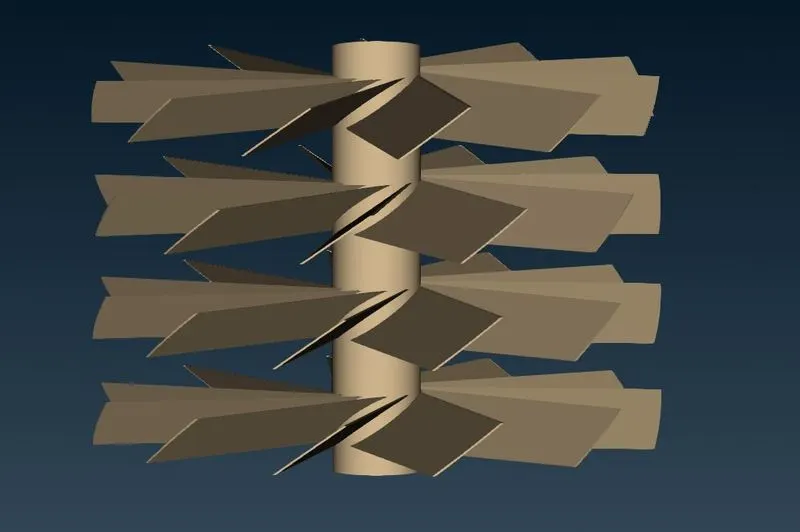
Rotor Shaft:
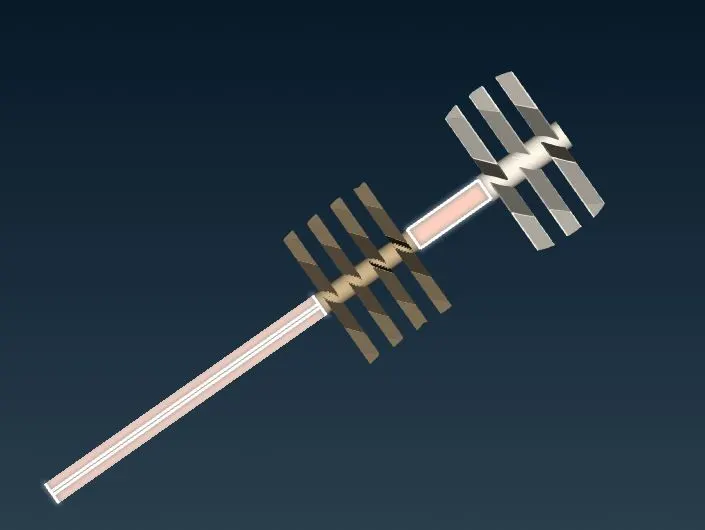
Impeller:
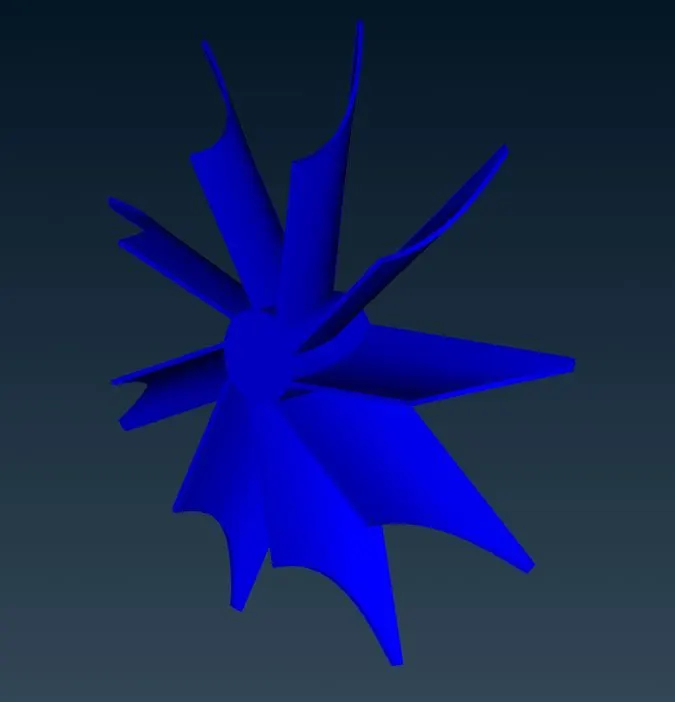
Turbo Casing:
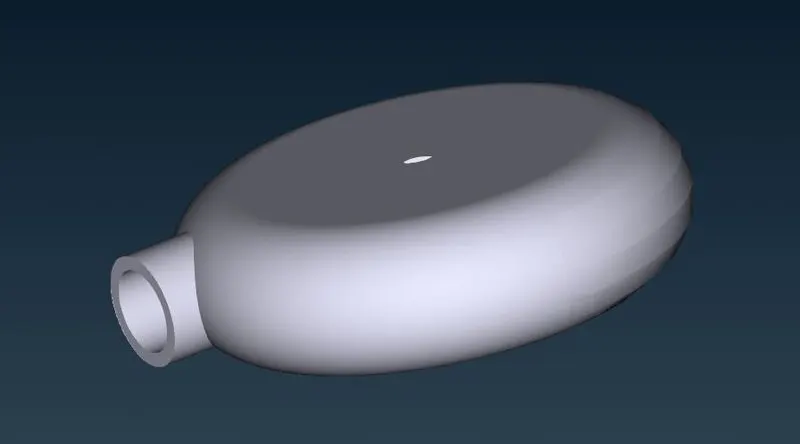
Inlet Casing Cover:
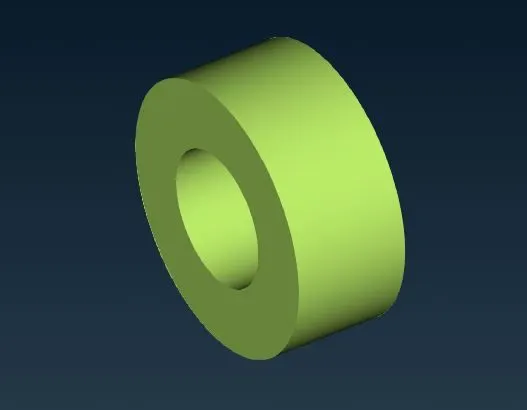
Bottom Casing Inlet:
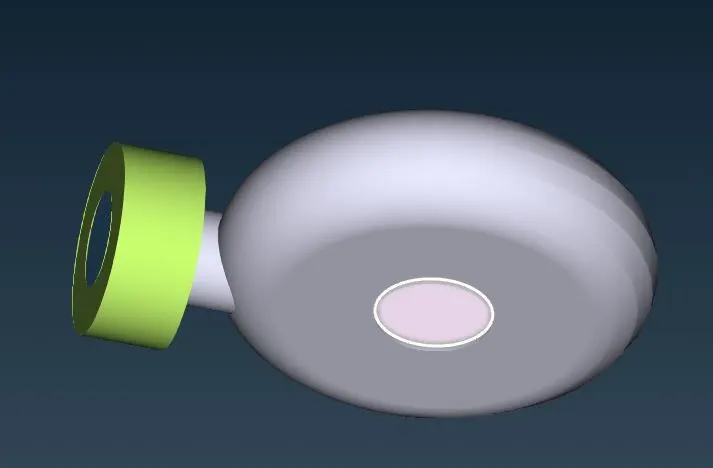
Bottom Casing Outlet:
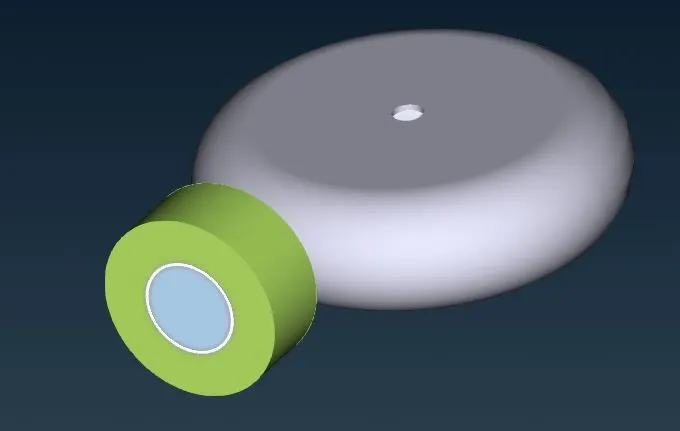
Compressor Casing:
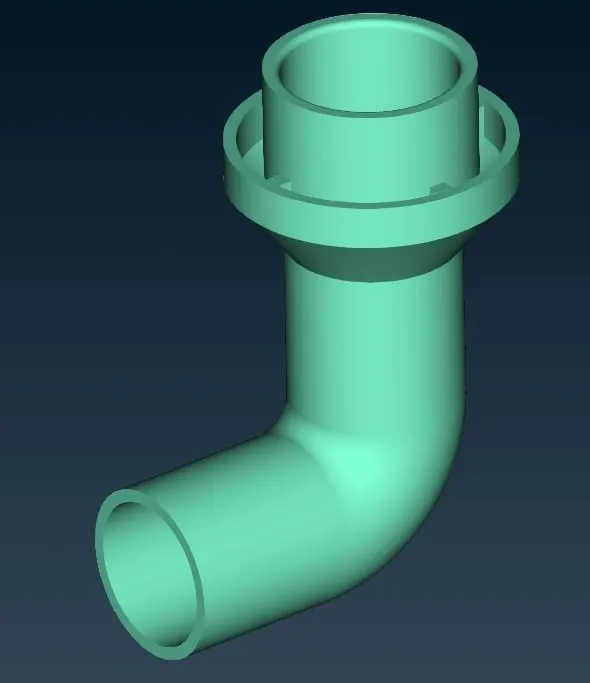
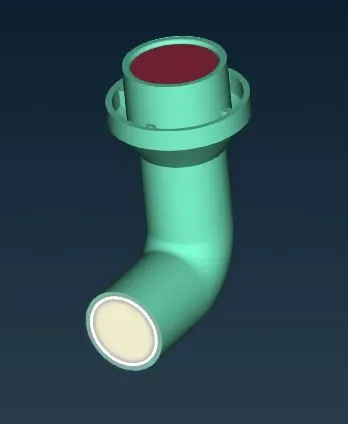
Casing Inlet:
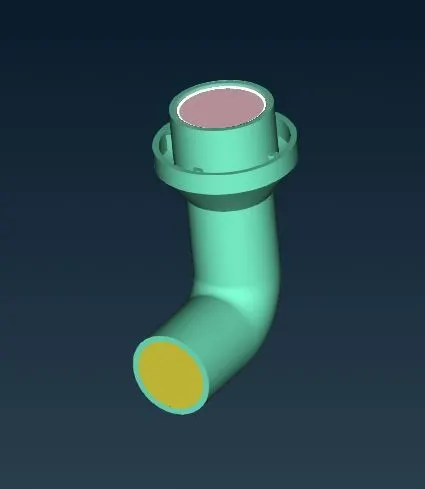
Casing Outlet:
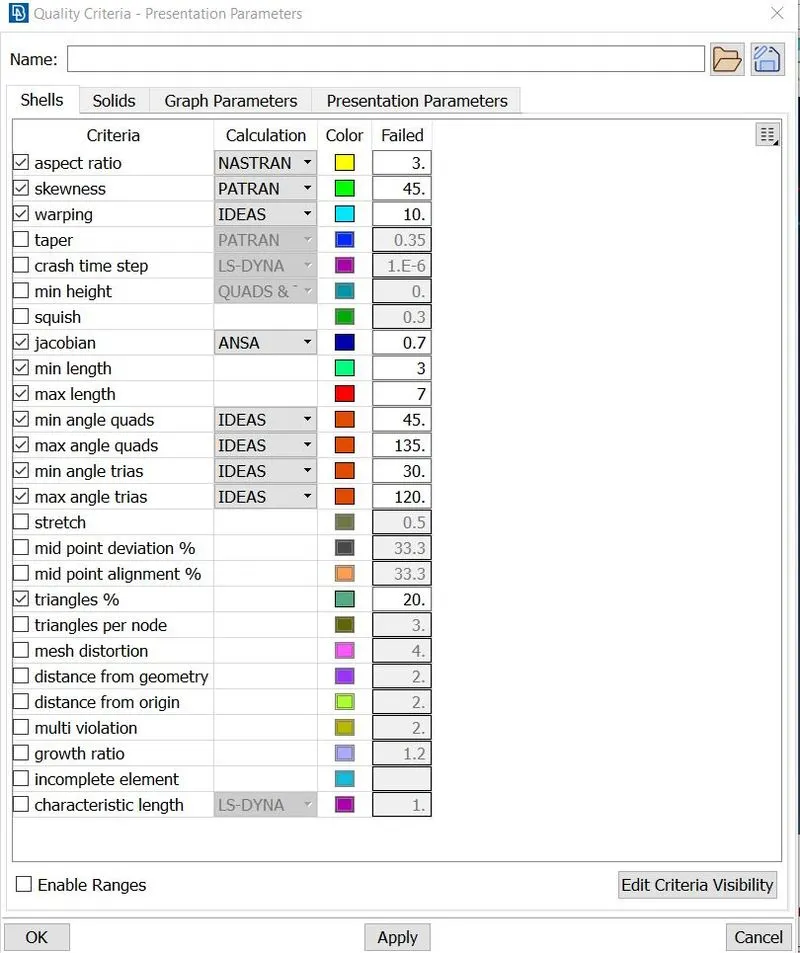
- Then go to classical mesh change the mesh parameter and quality criteria as follows. And change the type ino tria.
- And then go to generate mesh-Spot mesh Select the appropriate PIDs and generate the mesh.
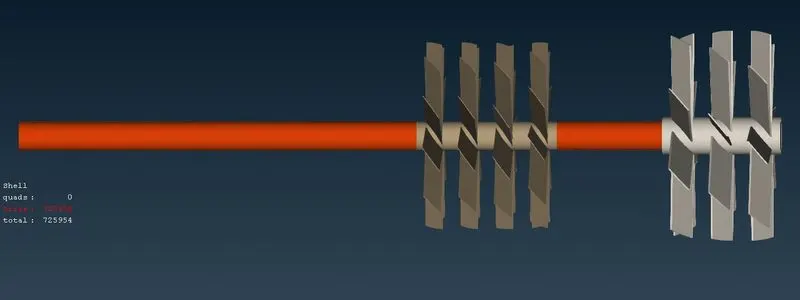
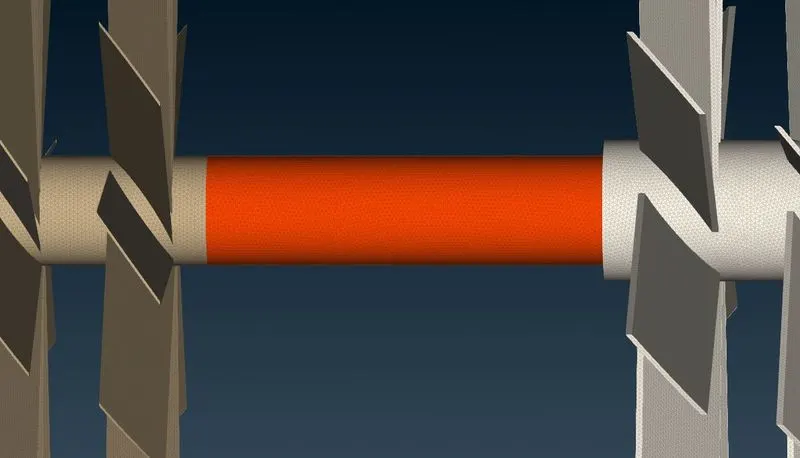
Surface mesh:
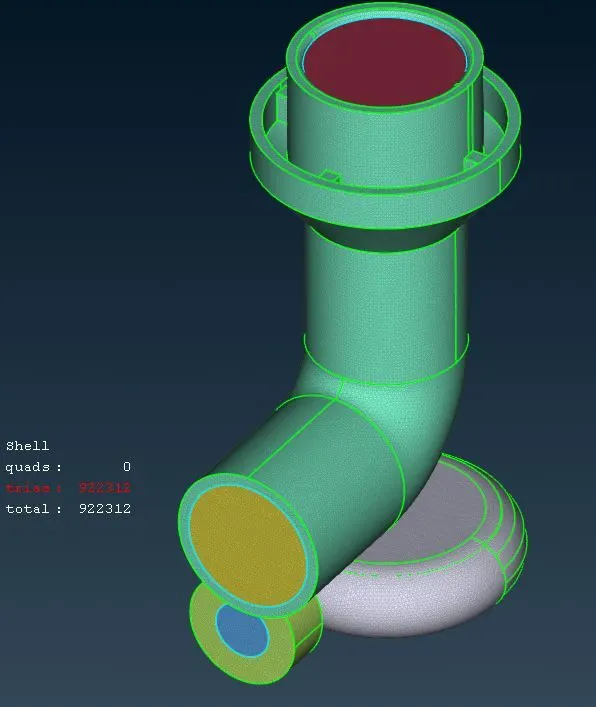
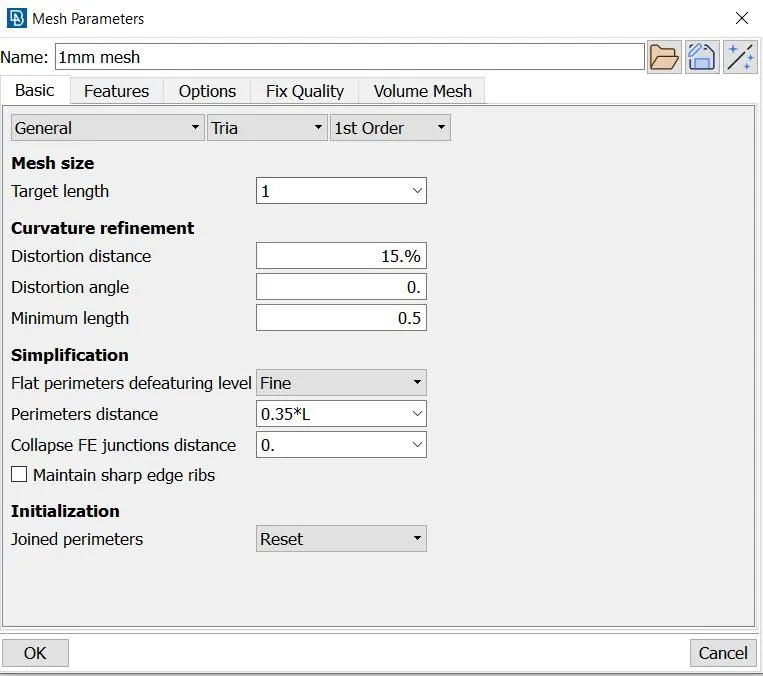
Mesh size = 1 mm
Type = Tria
PIDs = Blade stage_1, Blade stage_2 and Rotor shaft.
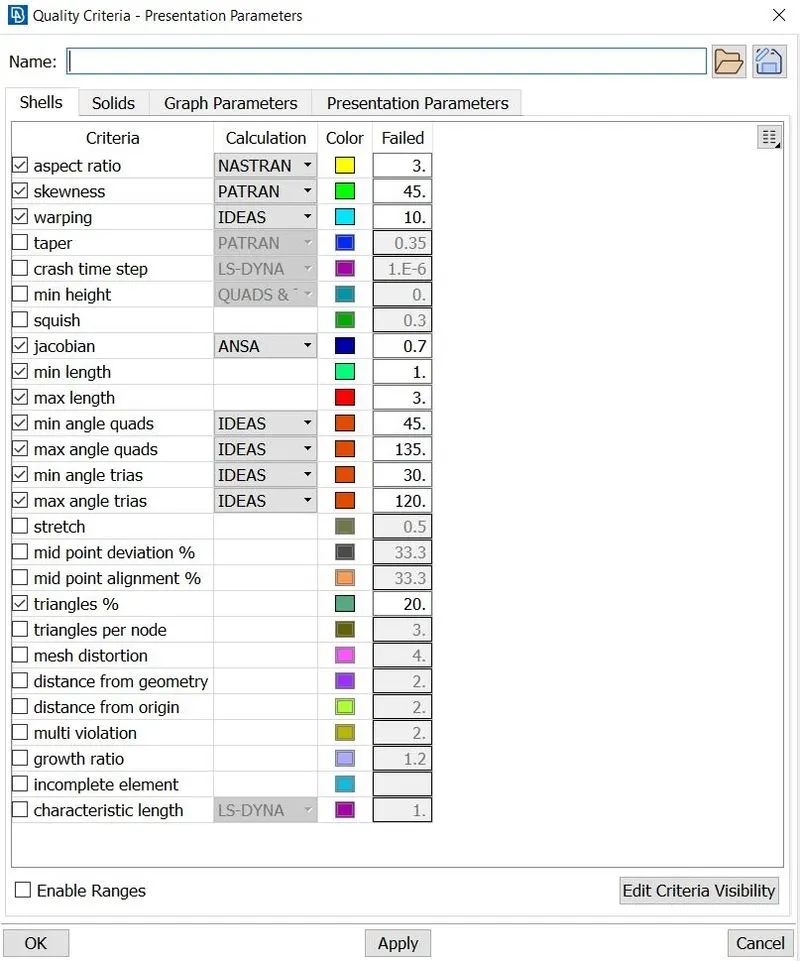
Quality Criteria:
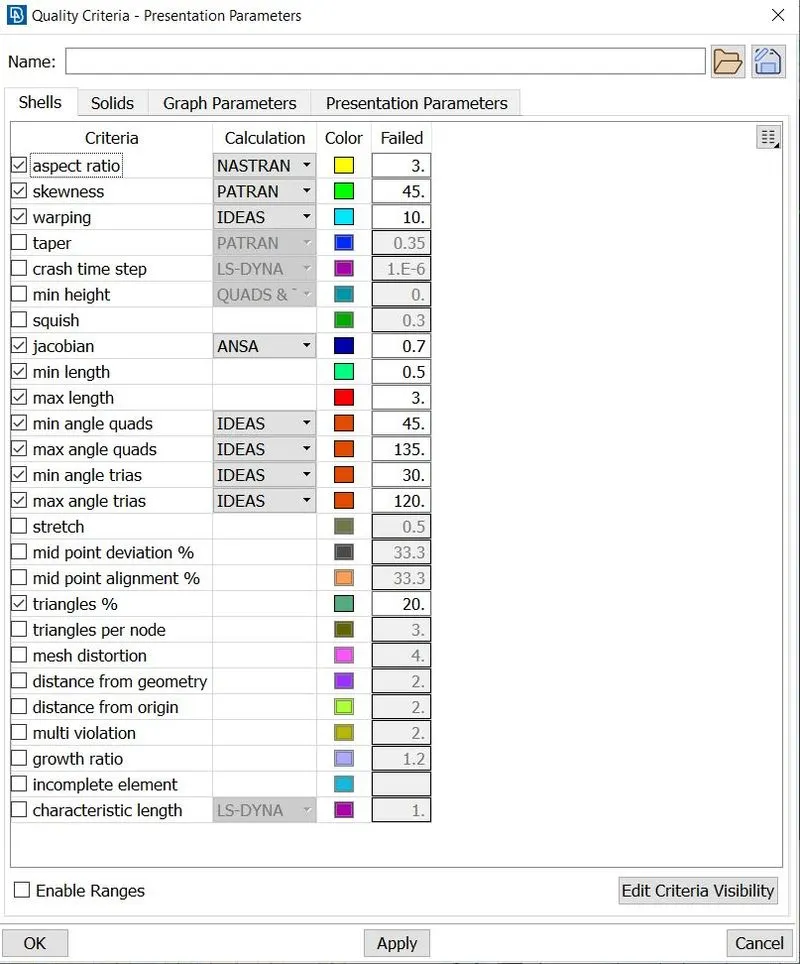
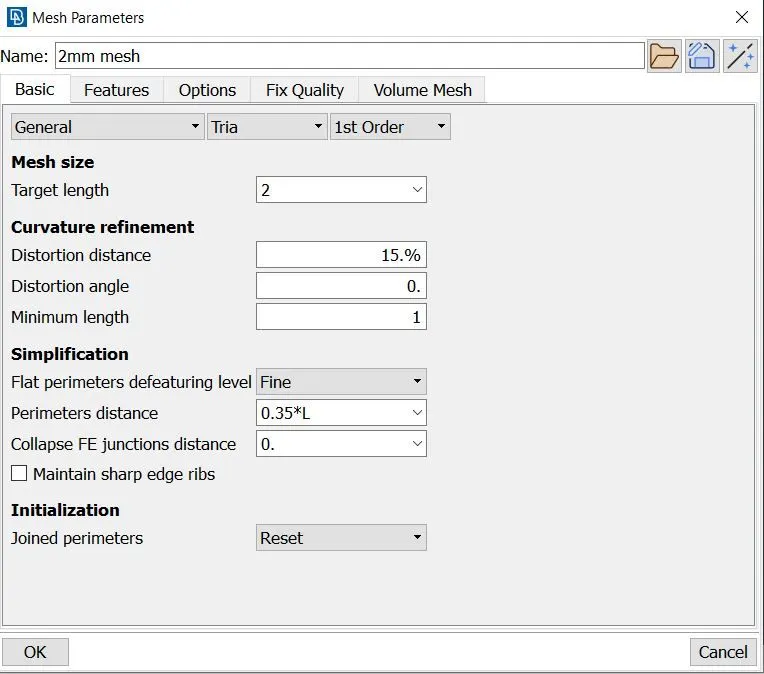
Mesh parameter:
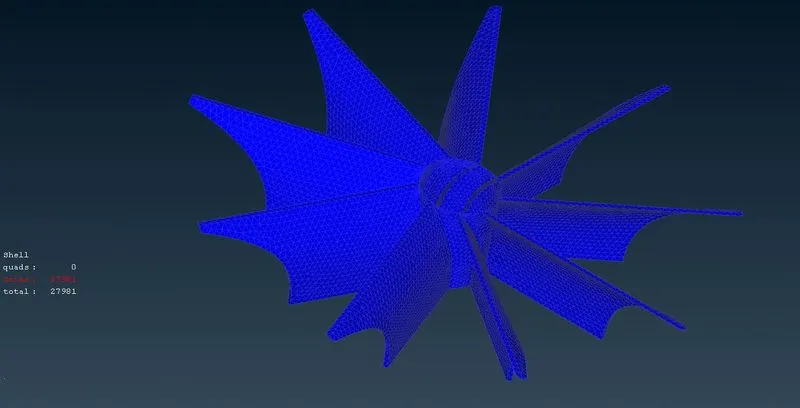
Mesh size = 2 mm
Type = Tria
PIDs =Impeller
Quality Criteria:
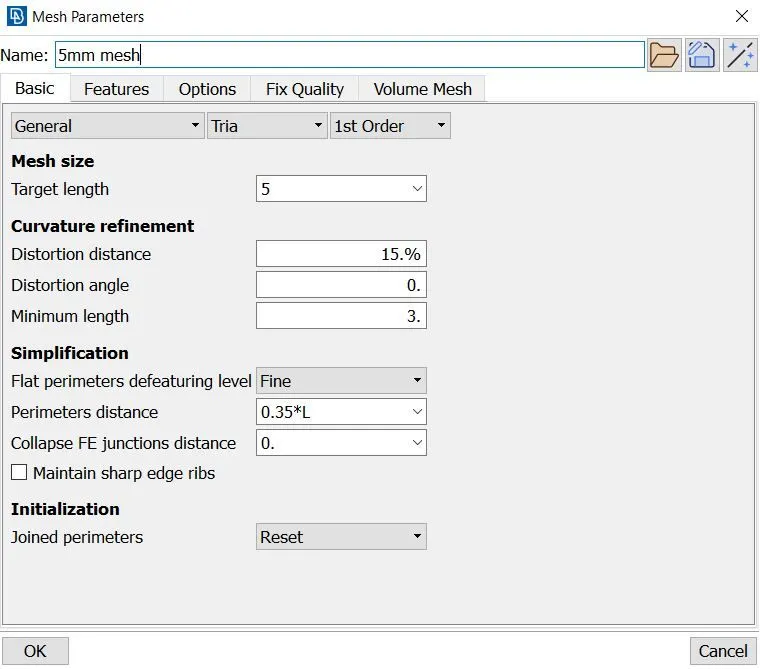
Mesh parameter:
Mesh size = 5 mm
Type = Tria
PIDs = Turbo Casing, Casing Inlet, Casing Oulet, Inlet Casing Cover, Compressor Casing, Bottom Casing Inlet, Bottom Casing Outlet.
Quality Criteria:
Mesh parameter:
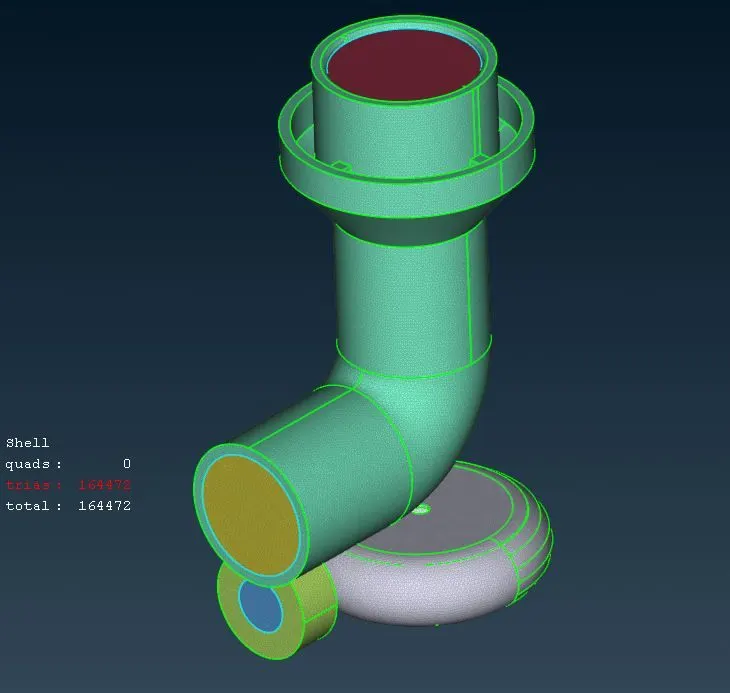
- After the surface mesh go to volume mesh define the volumes to be meshed.
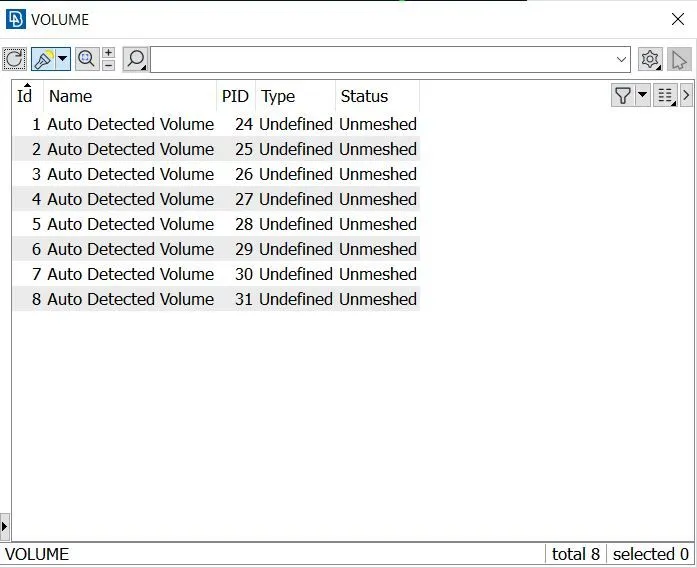
- Keep the required volumes delete other.
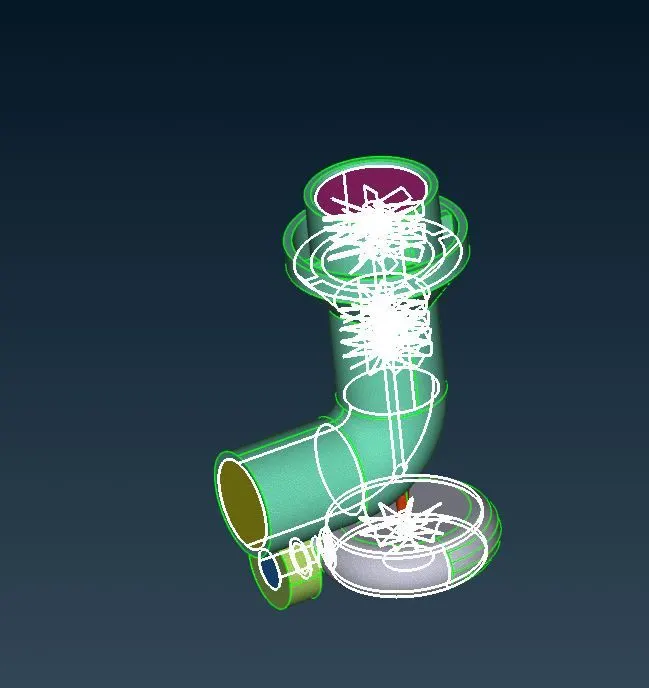
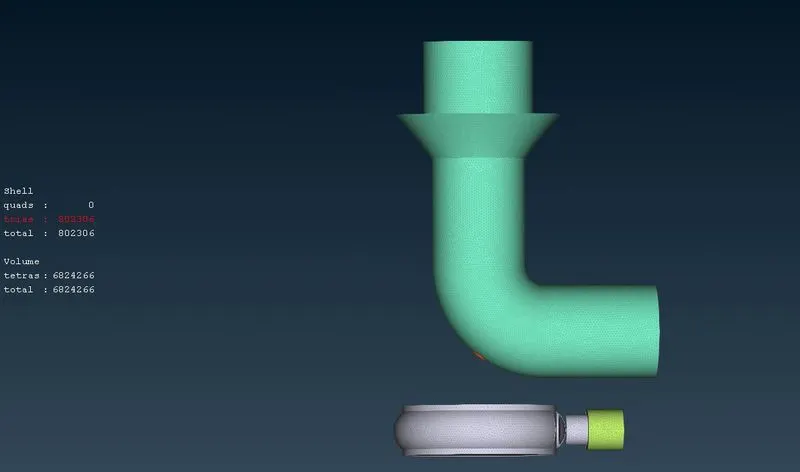
- Change the structure into Tetra CFD.
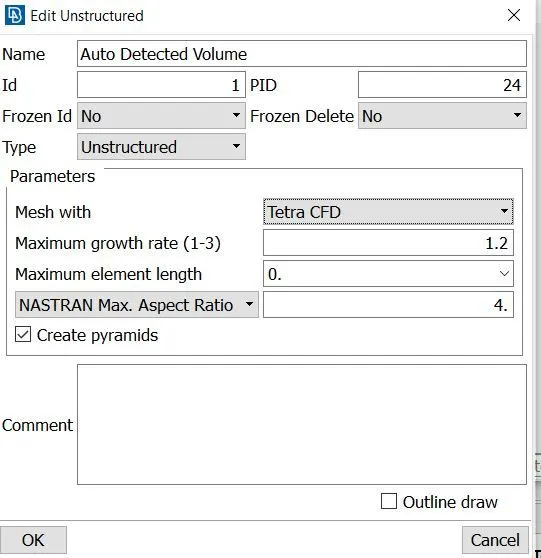
- Then generate the Voume mesh.
Volumetric Mesh: