Week 3 Challenge : CFD meshing on Turbocharger
Aim : CFD meshing on Turbocharger.
Procedure:
- Import the geometry in to the interface.
- Do the topo cleanup.
- Use the New tool with loop optgion to create the new surafce .
- Use the 'Transform' tool to do the topo cleanup on the upper ring on the compressor casing.
- Create the hot point on the center Turbo casing while the topo cleanup and set the all three coordinates to create the smooth surafe on the Turbo casing.
- Clear all the overlaped surface on the Blade and shaft, make the shaft hollow.
- Clear the overlaped surface on the shaft which is connect the Compressor casing and turbo casing.
- Use the Transform
- Create the mesh with different mesh size:
- Blade stage-1 = 1 mm
- Blade stage-2 = 1 mm
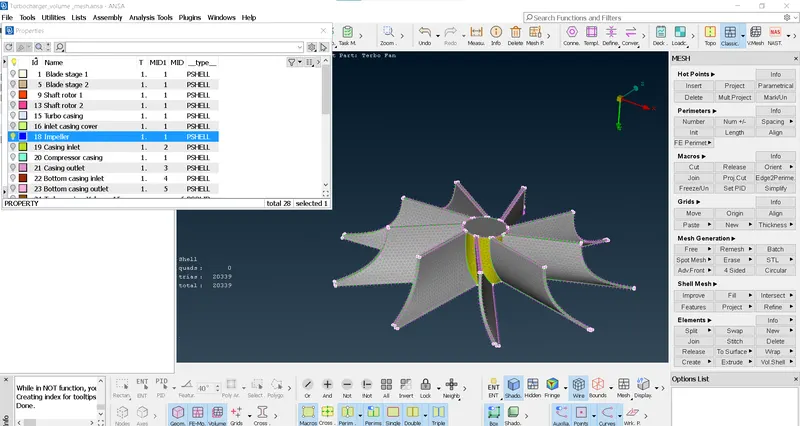
- Impeller = 2 mm
- Shaft rotor = 1 mm
- Turbo casing = 5 mm
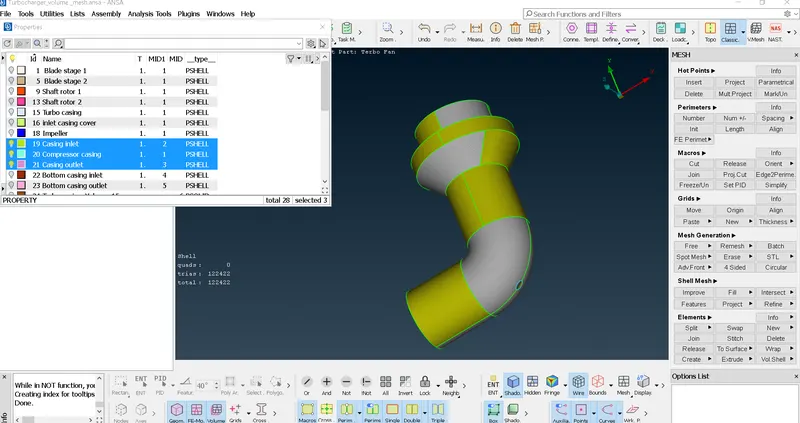
- Compressor casing = 5 mm
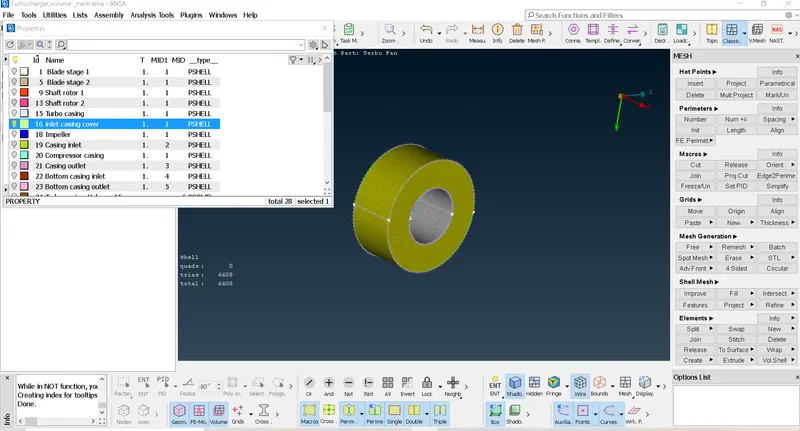
- Inlet casing cover = 5 mm
Now we have to create the volumetric mesh with the help of V-Mesh and delete the unwanted surface and mesh the remaining surface with tetra CFD mesh .
Result:
Creating surafce
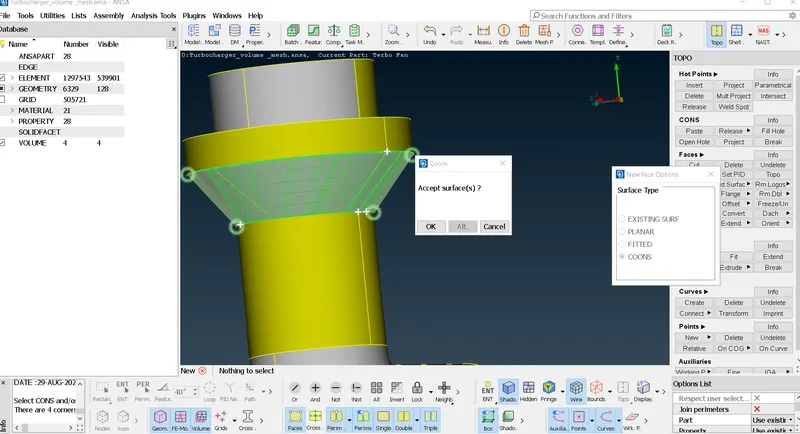
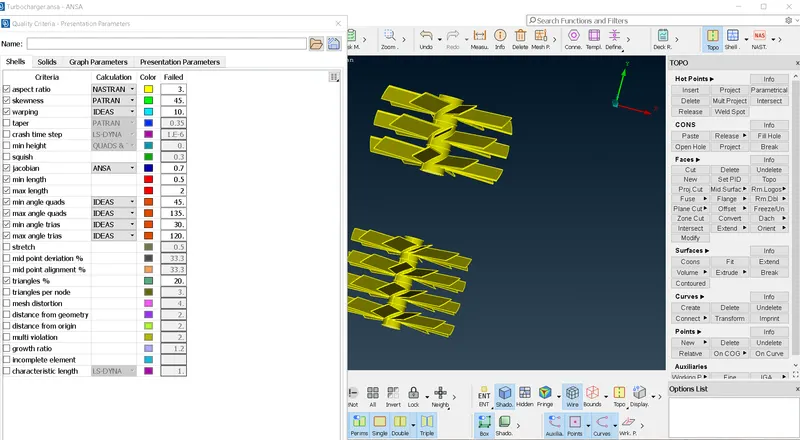
Blade and Shaft
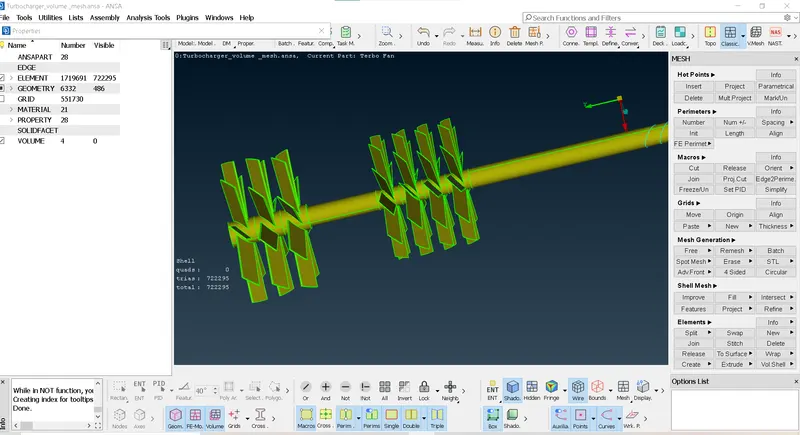
Blade
Impeller
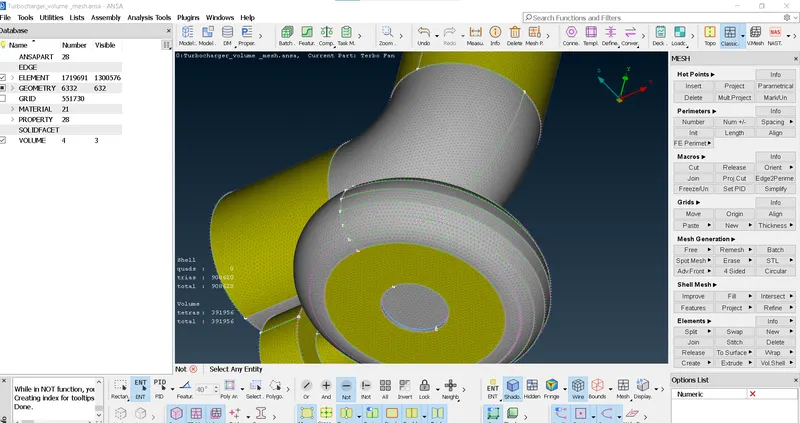
Turbo casing
Compressor casing
Inlet casing Cover
Transform Tool used
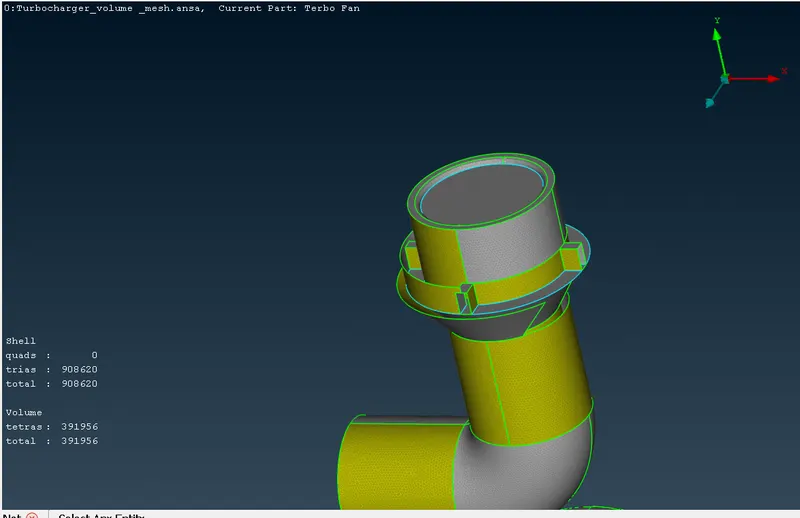
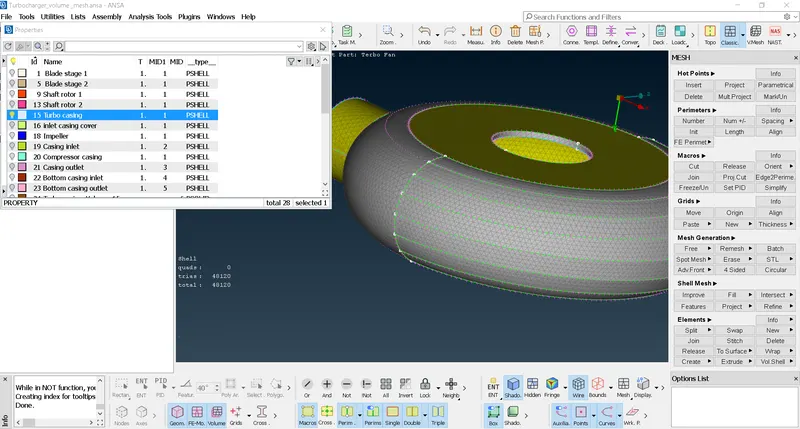
Meshed Turbo casing and created surafce on the Turbo casing
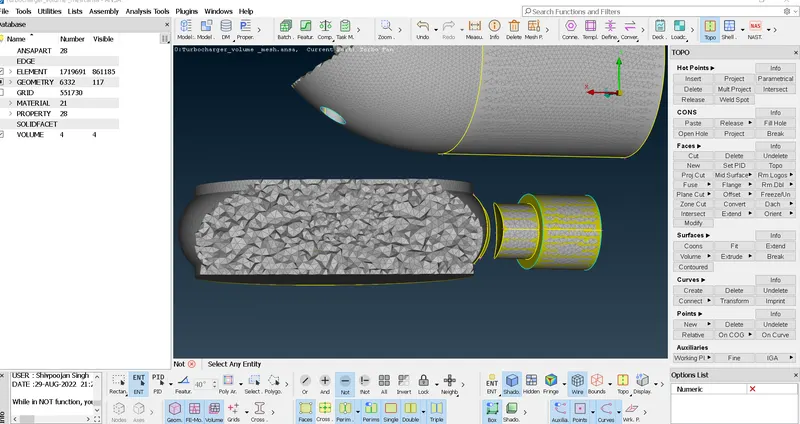
Cutted volumetric Mesh
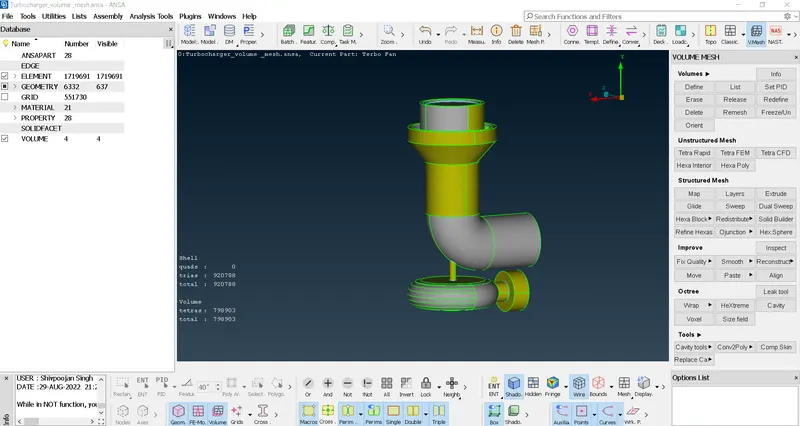
Volumetric Mesh of Turbochrager
Learning Outcomes:
- Learnt about the transform tool which is help to create the surafce on the middle on the surface while connecting the hot point and line on the surface.
- Learnt about the paste tool which is help to paste the on sutafce on the other.
- Learnt about the how to create the setup the coordinates on the basis of hot point and create the surafce.
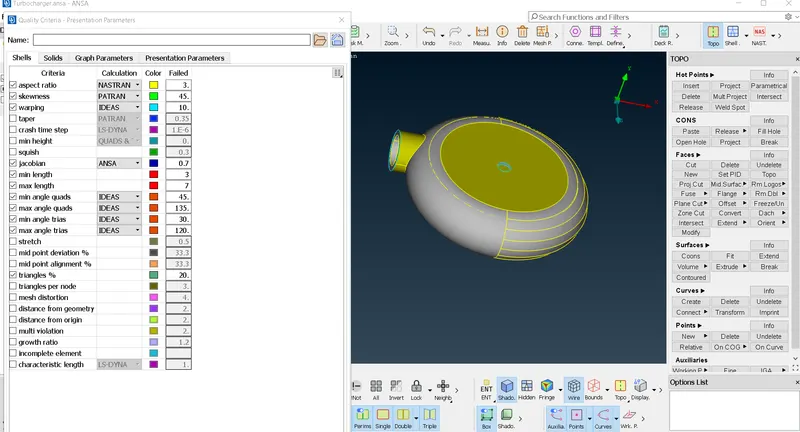
- Learnt about to set up the quality criteria range.
- Learnt about the how to create the volumetric mesh.
Conclusion:
- Volumetric mesh can be achieved only after craeting the surface mesh.
- different mesh size length on the different surafce will be show error because of connectivity therefore we can give the mesh rabge to avoid the earsing of the mesh.
- We can delete the overlaped surafce with the universal delete option.