Week 3 Challenge : CFD meshing on Turbocharger
Aim:- check for the geometrical errors for turbocharger model. Create and assign PIDs. Perform surface mesh with the given target lengths as per PIDs.
Objectve:-
1. Remove all the toplogical error. (include intersection & penetration error)
2. Perform Classic Mesh.
Given Parameters
- Blade stage-1 = 1 mm
- Blade stage-2 = 1 mm
- Impeller = 2 mm
- Shaft rotor = 1 mm
- Turbo casing = 5 mm
- Compressor casing = 5 mm
- Inlet casing cover = 5 mm
3. Perform Volumetric mesh.
Procedure:-
1. Load the turbocharger model with .ansa as format in ansa software.
file>open>go to appropiate location>select .ansa file
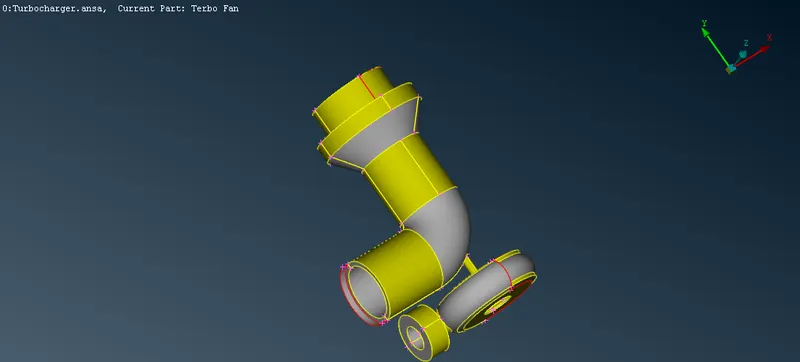
2. Now Switch to Wire frame mode to examine the error.
3. Set Draw Mode to PID in order to see overlapping.
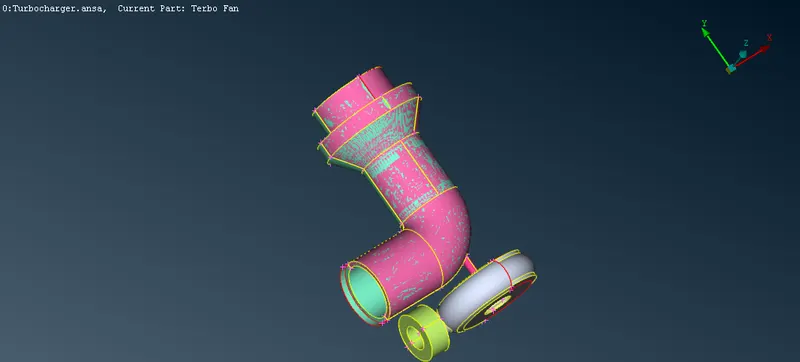
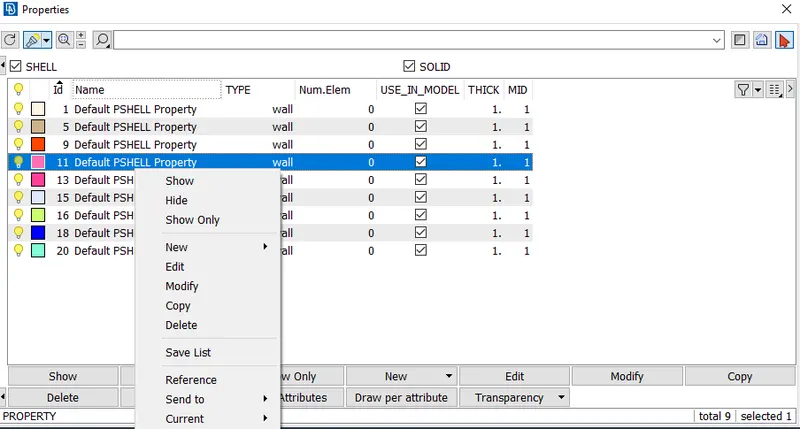
4. Delete the overlapping surface using universal delete option. make sure you selected the correct surface to delete. or we can use property manager to delete unwanted PID.
universal delete option>select the face>muuse middle button.
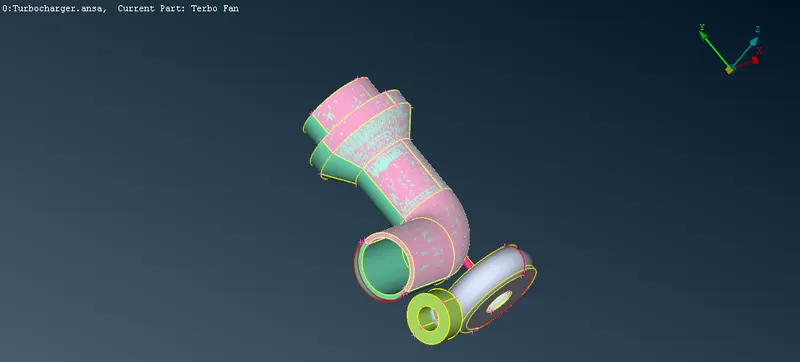
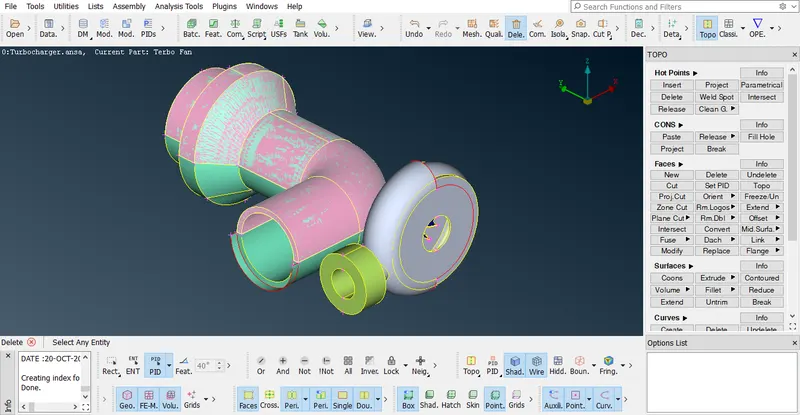
Pid Manager>select the appropiate pid by examine the color>right click and delete.
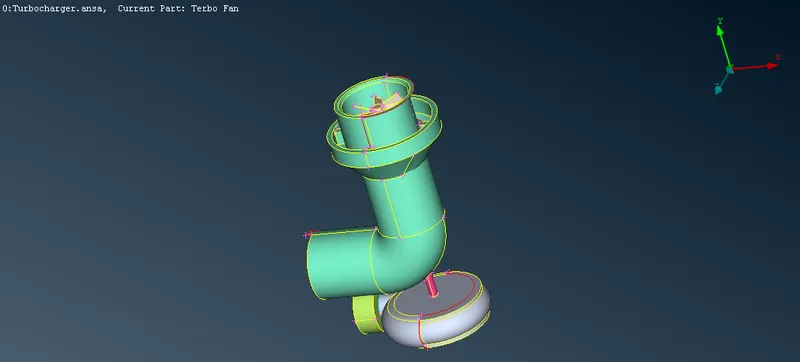
5. To eliminate Single cons.
1. to eliminate this
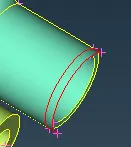
Topo>cons>project>select the cos>press middle mouse button to confirm>select face>press middle mouse button to confrim
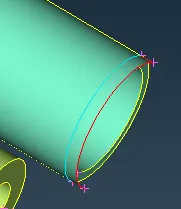
Now we can use universal delete option to delete the unwanted surface.
2. to eliminate this
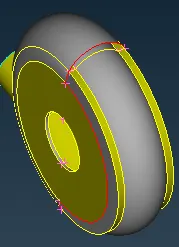
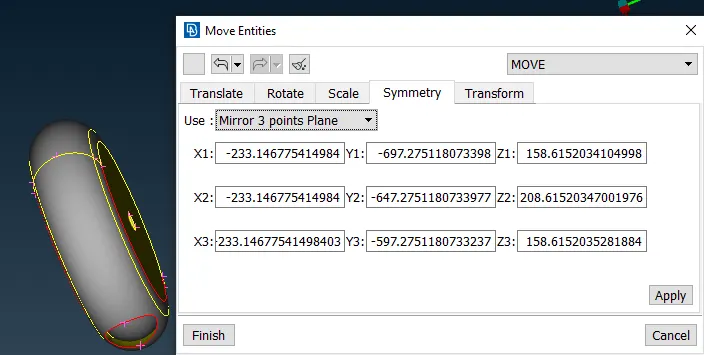
i use transform we use Mirror 3 point plane
insert one hot point as per requirement.
transform>copy>entity>select the surface >middle mouse button>symmetry>mirro 3 point plane>select 3 points>ok>finish

now we use fill hole to close the open vent.
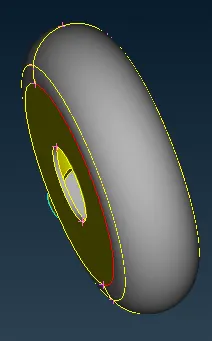
to eliminate the remaining singles cons use topo.
topo>box selection>middle mouse button.
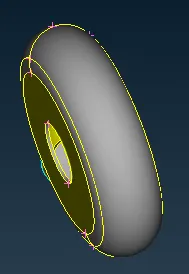
3. to eliminate this
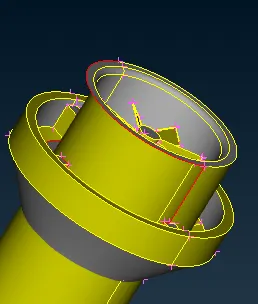
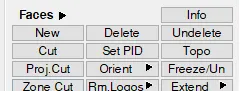
face>new>con
3 different surfaces created.
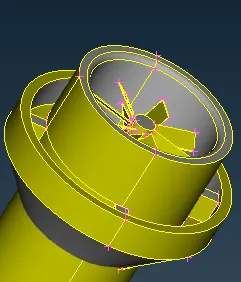
4. to eliminate this
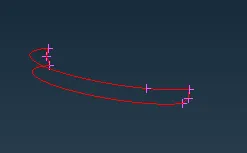
create and delete the surfaces to get the proper shape.
6. Image showing no single cons.
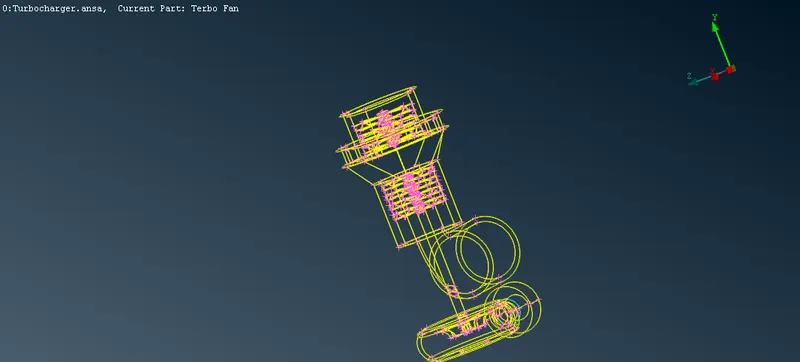
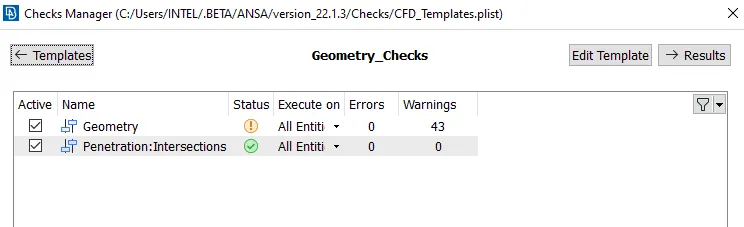
7. go to check manager to check error
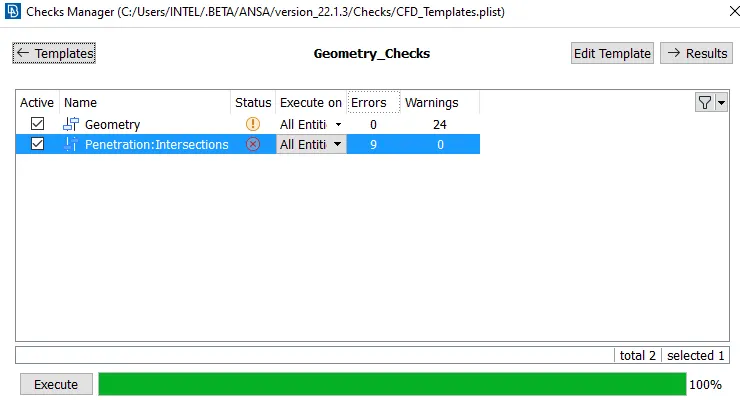
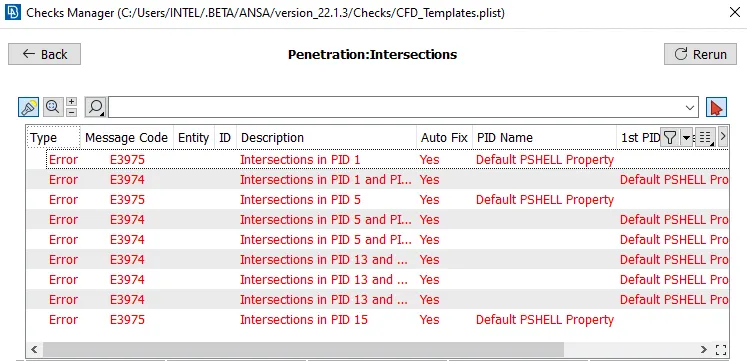
8. Eliminating all the penetration and intersection and overlapping error.
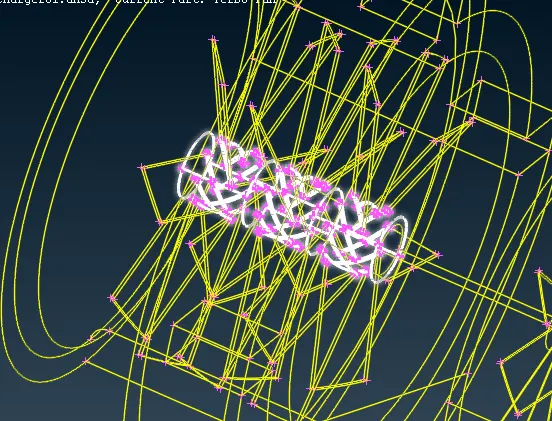
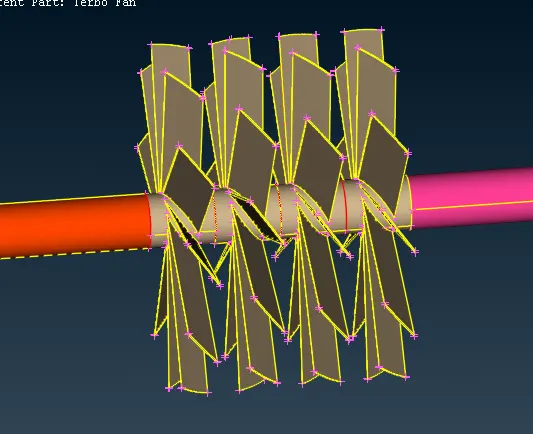
use topo here. topo matches the faces.
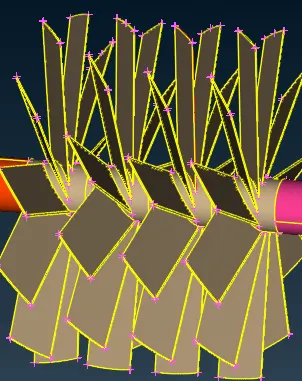
9. after eliminating all the penetration and intersection and overlapping check the model again.
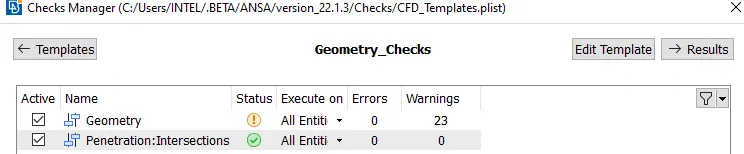
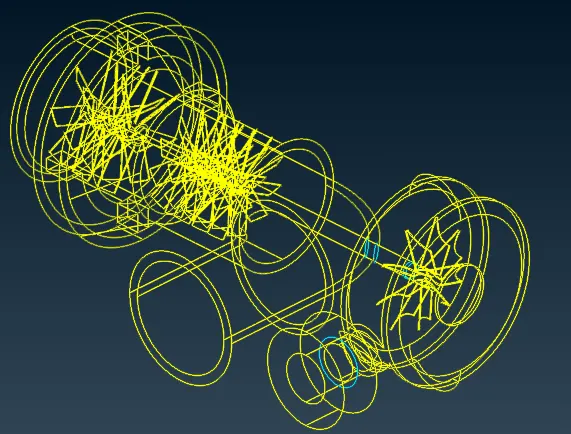
10. close all the opened surfaces.
11. now check again for error.
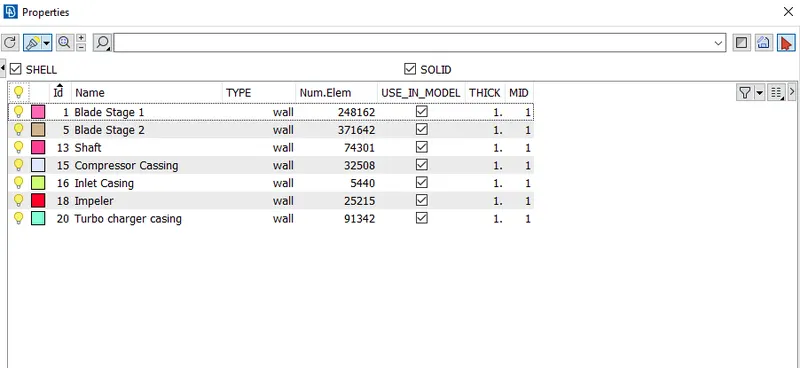
12. assign the Pids
13. now we can move to create mesh as per the given problem.
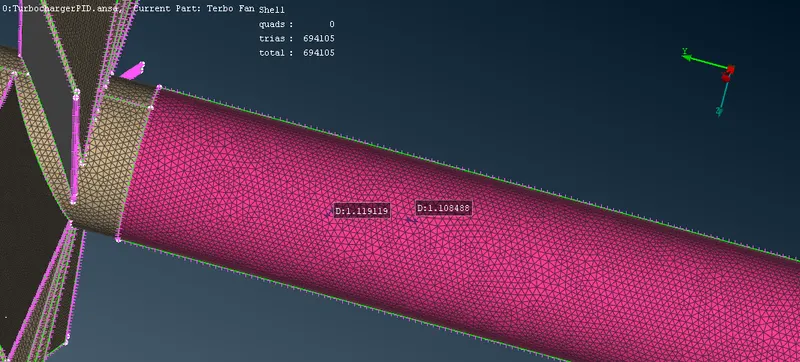
Mesh length for blade stage 1, blade stage 2 and shaft is 1mm.
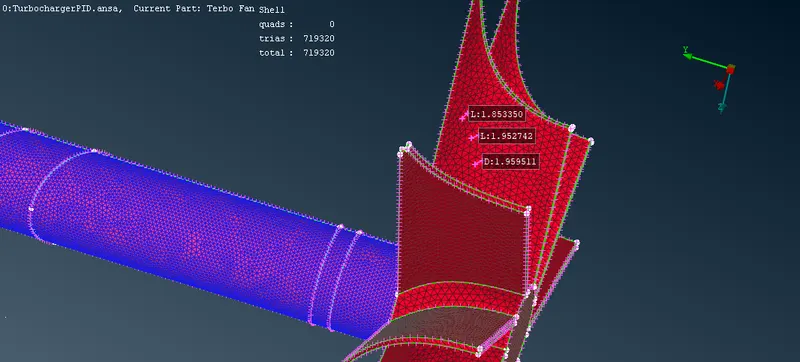
Mesh length for blade is 2mm.
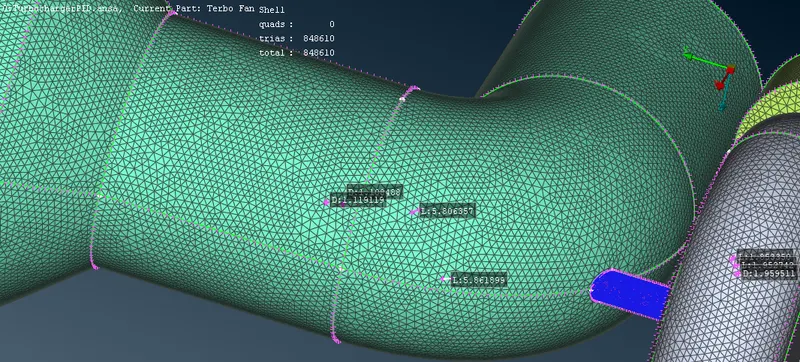
Mesh length for turbo charger casing, impeler casing and inlet casing is 5mm.
14. vmesh module from top right corner.
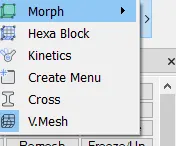
click v-mesh
in volume click define.
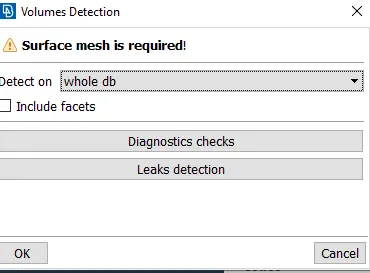
press ok
a list of volume appears which is predicted list now we need to select the fluid volume.
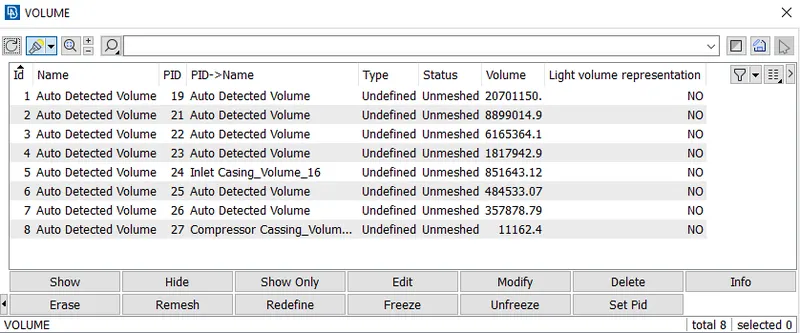
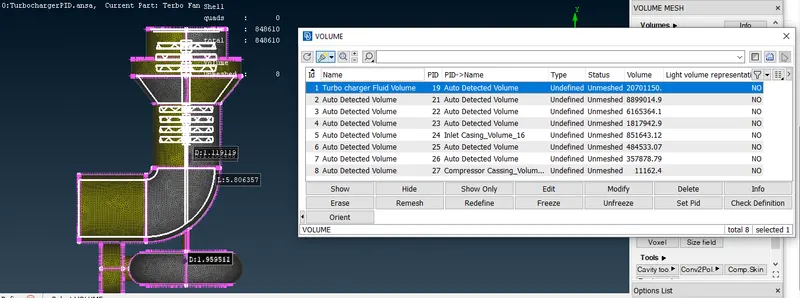
it is woeking fluid volume. so we keep this
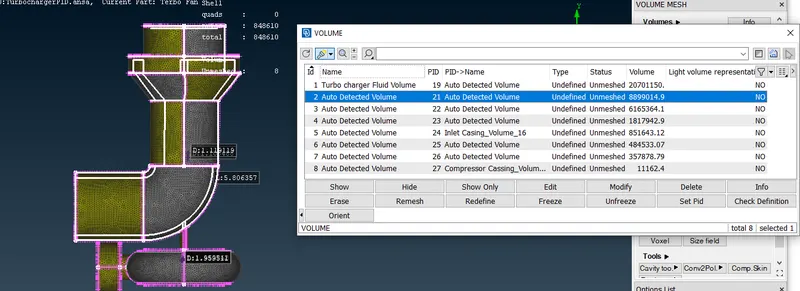
it is the solid volume which is not needed so we can delete this in similar manner we select all the wanted and unwanted volumes
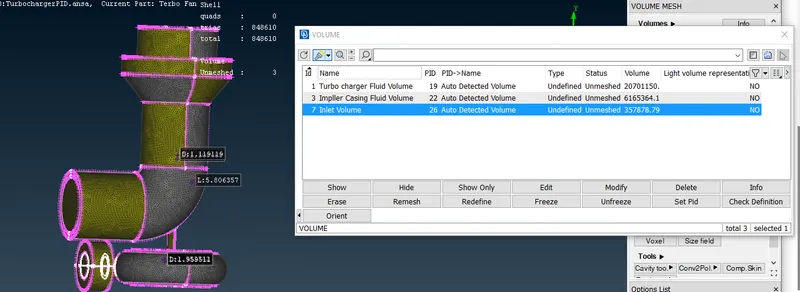
there are 3 unmeshed volume. we need to remesh them. to do this select are the 3 unmesh volume. right click and choose remesh.
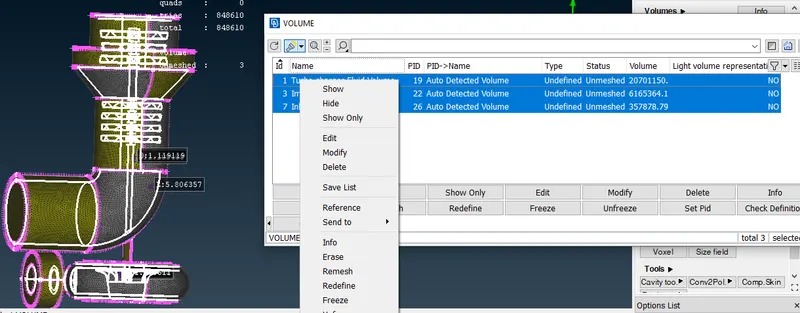
15. IN order to make a clear view we can use cut plane option.
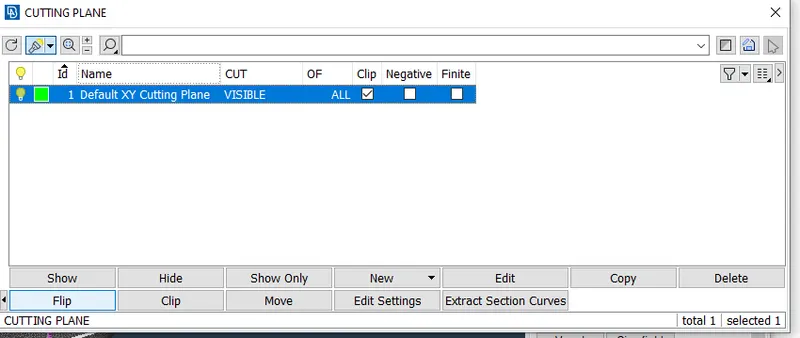
cut plane>new>select the plane>choose a point.
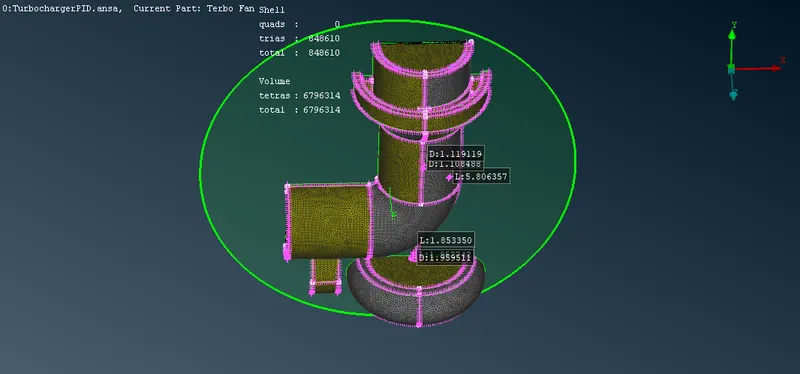
we created a section but in opposite direction. in order to flip this.
cut plane>list>select the plane>flip
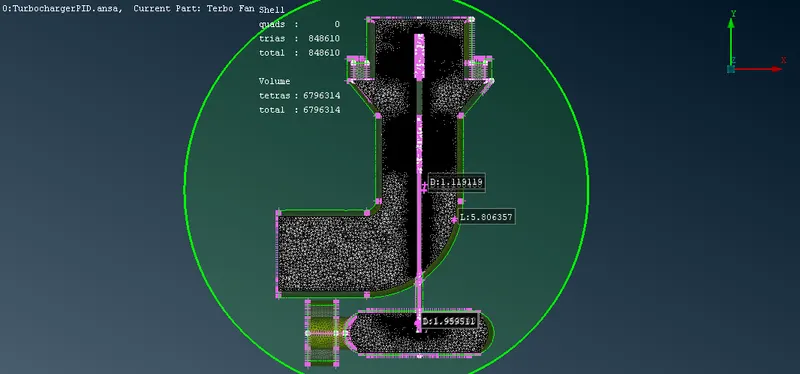
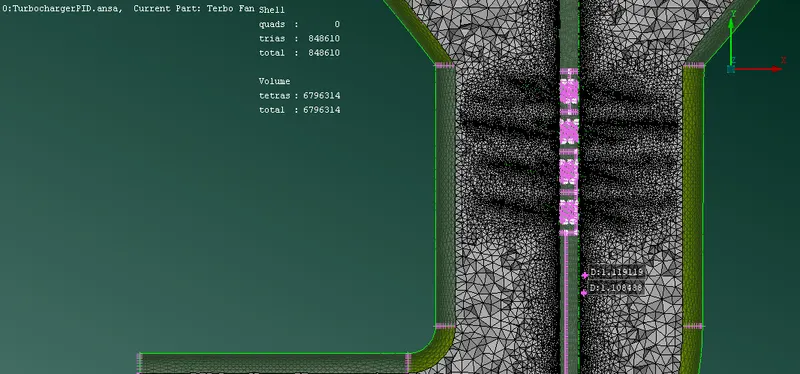
Result:-
Learing Outcomes:-
1. basic procedure for creating volumetric mesh.
2. topological error and to remove them.
3. creating cfd mesh
4. in topo mode
project option
removing operlapping intersection and penetration.
extend:- it extent the surface to the selected coons.
intersect:- to create instersection between to penetrated surfaces.
offset:- to produce a offset
orient:- to change the orientation.
transform:- to copy/move a entity to a fixed destination.
5. in mesh mode
spacing , type of spacing:- linear, geometric, bell curve, bi-geometric
6. in volumetric mesh
define, things to produce volumetric mesh, type of volumetric mesh, generating remesh on required volumes.