Week-3 Challenge: ADVISOR Tool
QA:1
For EV_defaults_in file, providing cargo mass as 500 kg with all other default conditions ;
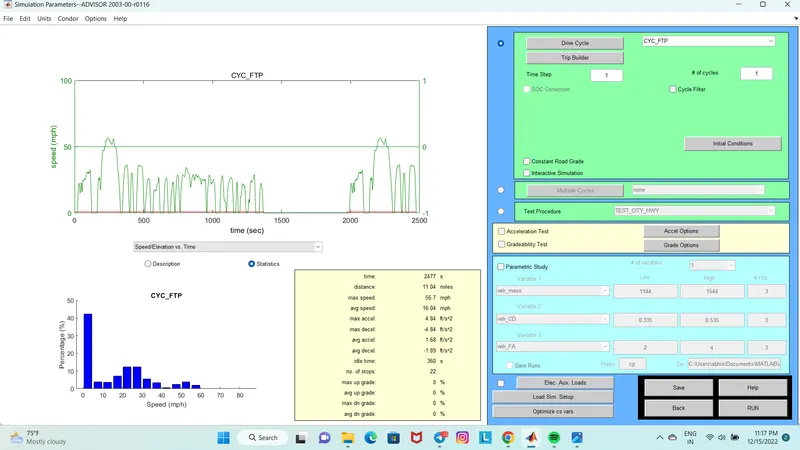
In this test we are increasing the cargo mass to 500kg and keeping all the parameters same ,first we are setting the drive cycle to 1 and RUNNING the file thus getting the result as shown .
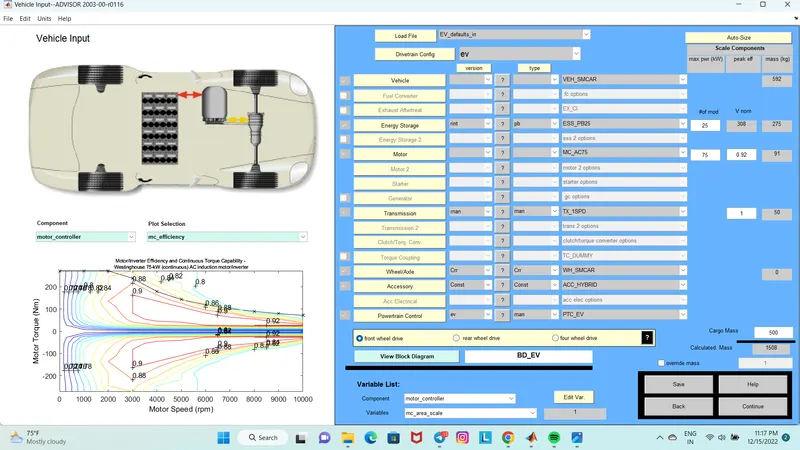
*Drive cycle =1
Distance travelled = 17.8 km
Result :
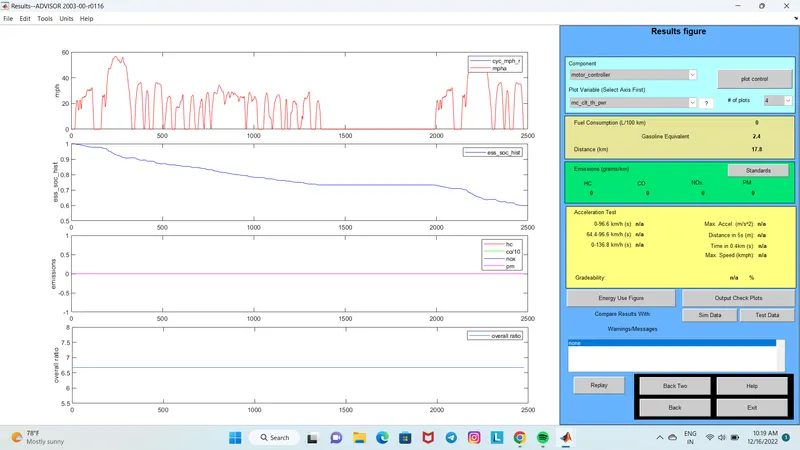
In this case the vehicle could travel 17.8km with 1 drive cycle .
*Drive cycle =2
Distance travelled = 35.5km
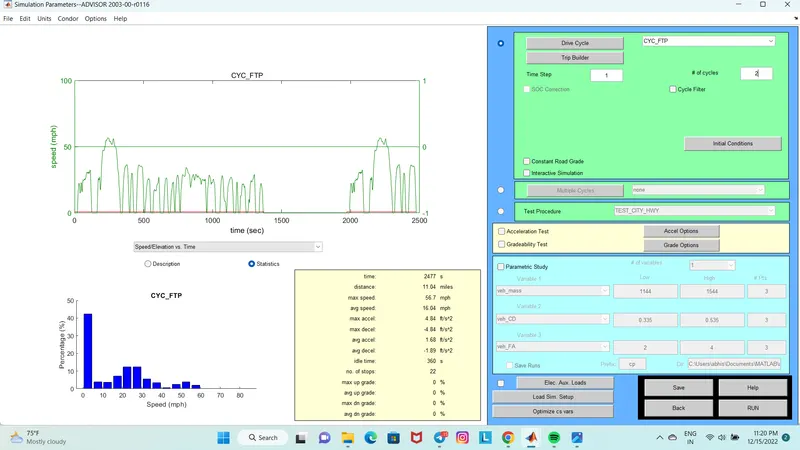
Result :
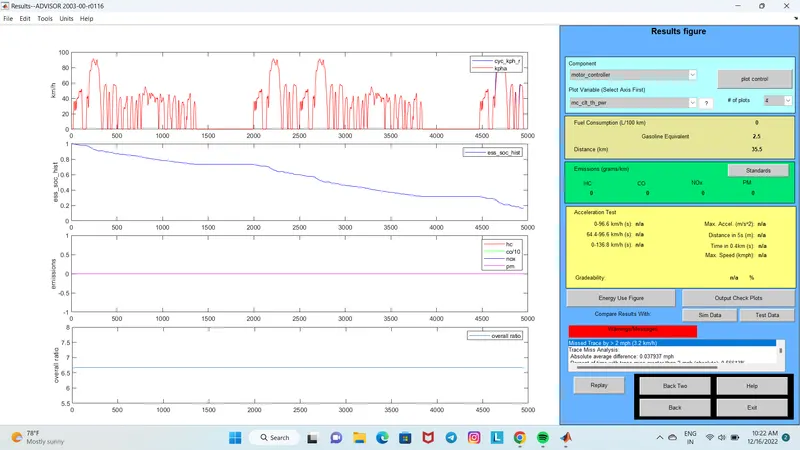
In this case the vehicle could travel 35.5km with 2 drive cycle.
*Drive cycle =3
Distance travelled =41.4 km
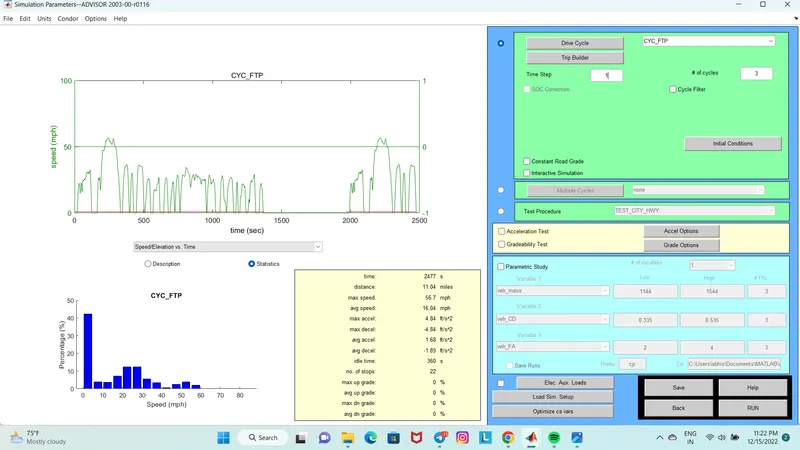
Result :
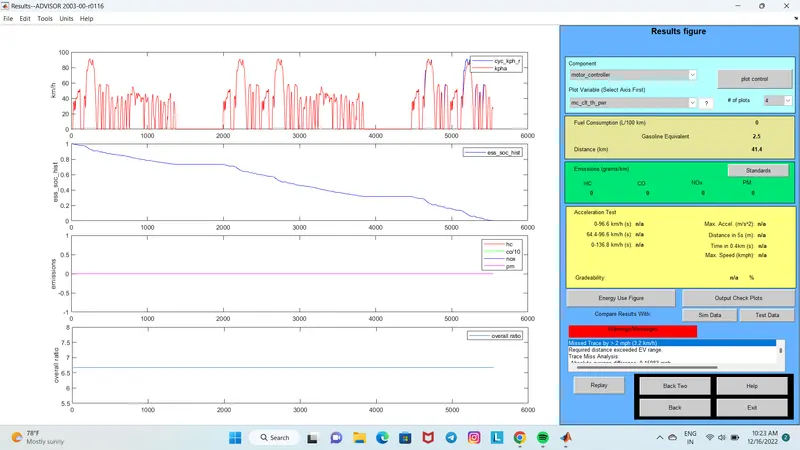
In this case the vehicle could travel 41.4km with 3 drive cycle
*Drive cycle =4
Distance travelled =41.4 km
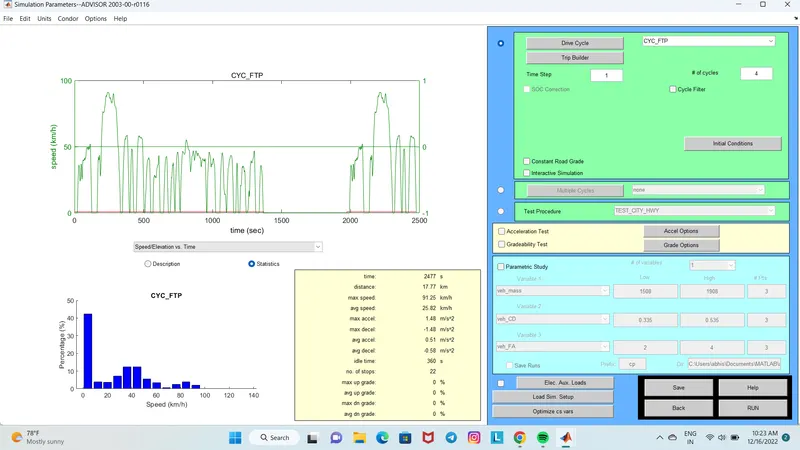
Result :
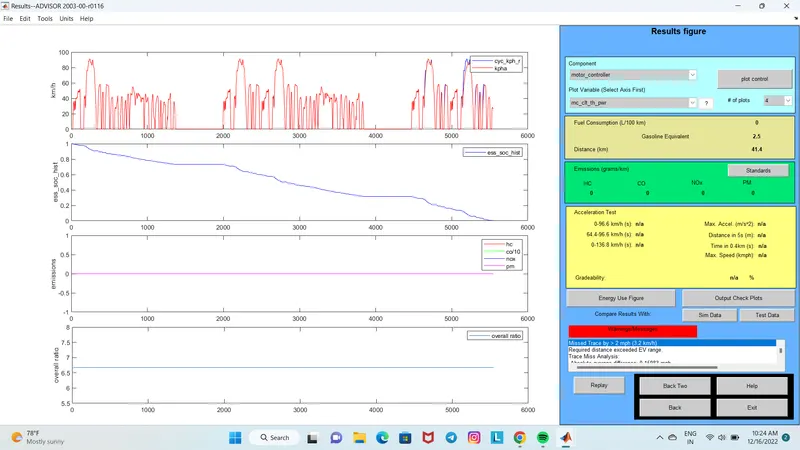
In this case although the drive cycle was increased to 4 there is no change in the distance travelled compared to the previous case.(41.4km)
The minimum distance travel by car is 17.8 km with drive cycle CYC_FTP – 1 whereas the maximum distance travel by car is 41.4 which consumes 100% of battery in 3 and 4 drive cycles.
Therefore EV_default cannot travel distance of 45 km due to insufficient SOC.
QA:2
Here the battery capacity is being changed from 25 module to 28 modules keeping all the parameters same.
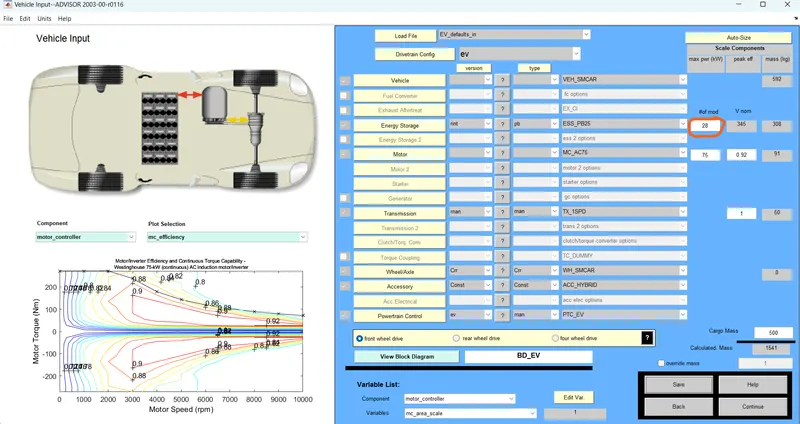
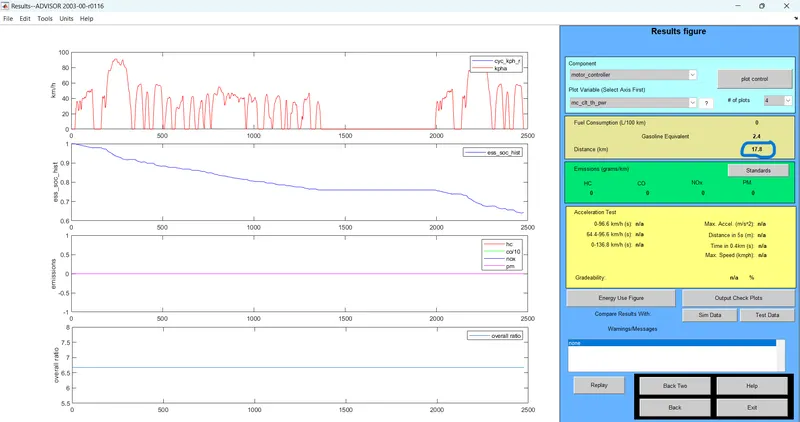
Driving cycle =1
Distance travelled =17.8 km
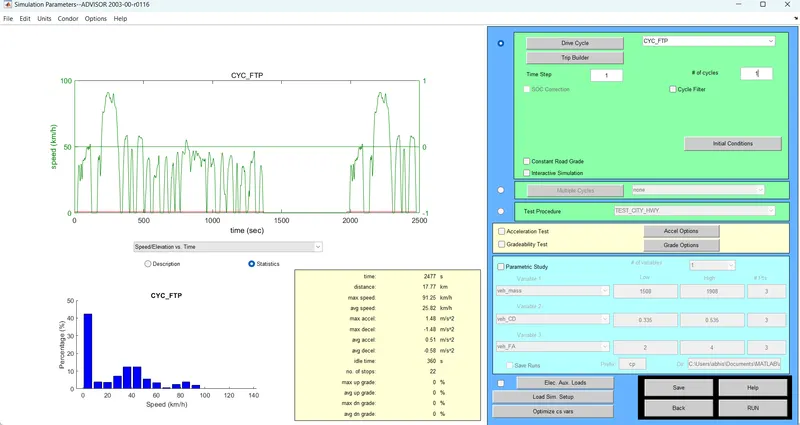
Result :
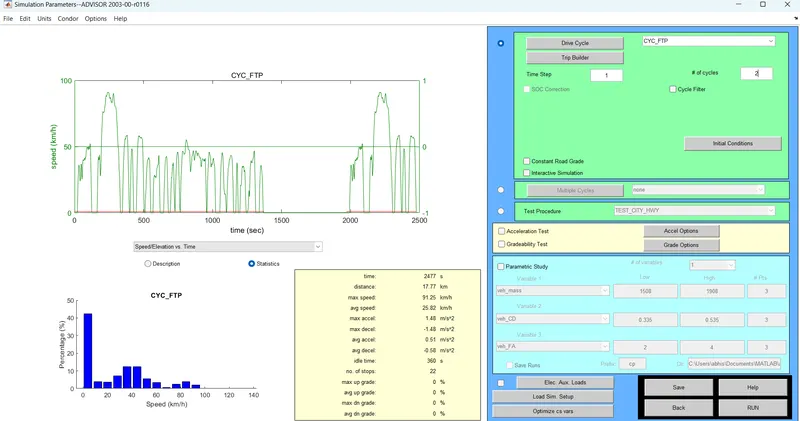
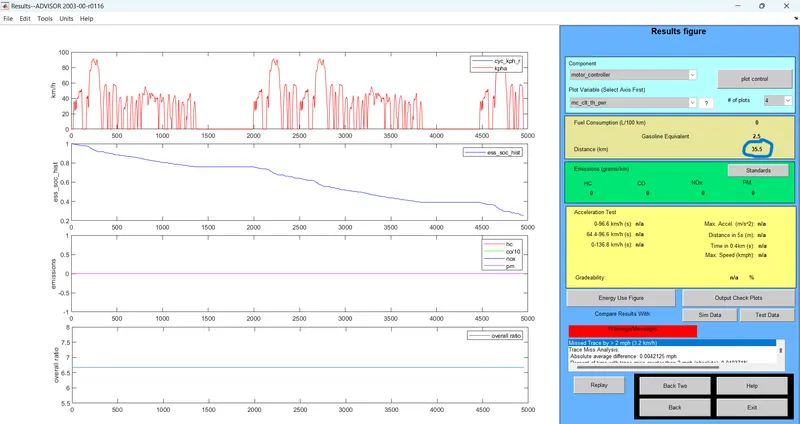
Driving cycle =2
Distance travelled =35.5 km
Result :
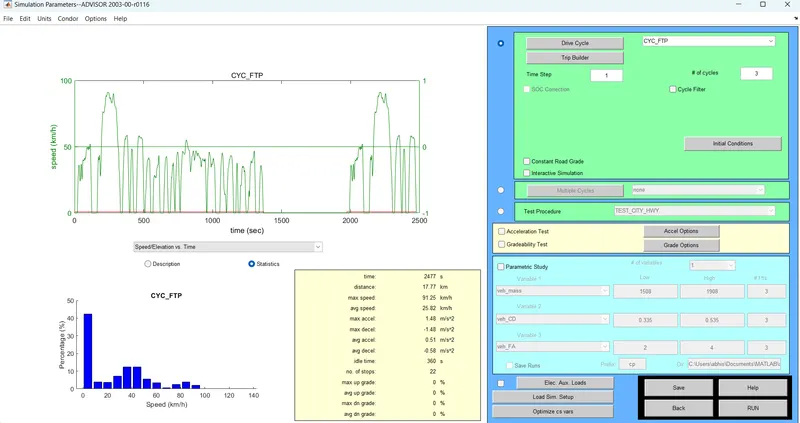
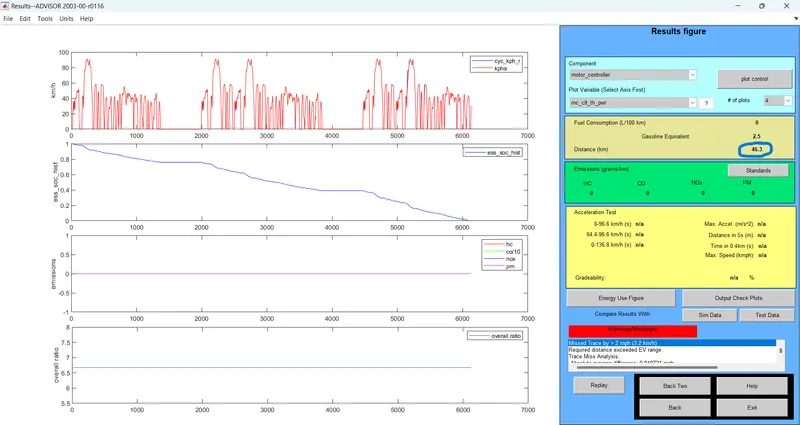
Driving cycle =3
Distance travelled =46.3 km
Result :
Conclusion :
As we can see when the battery capacity was changed from 25 modules to 28 modules the distance travelled by the vehicle got changed by changing the driving cycle from 1 to 3 ,but during the driving cycles 1 and 2 we got distance as 17.8km and 35.5 km respectively as these values are less than out target distance ie 45km, we changed the driving cycle to 3 and clicked the RUN button and we got the result as 46.3km .So from this we can understand that to travel 45km of distance we need a 28 module /345 volt /3 #of cycles.
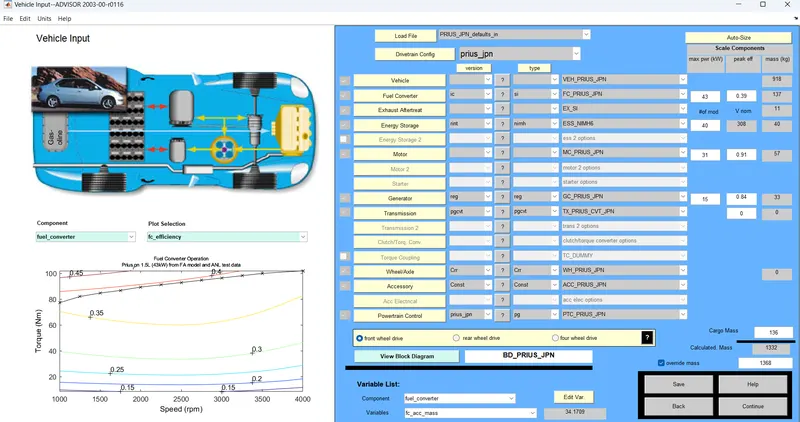
QA:3 Performing gradeability test with PRIUS_Jpn_defaults_in file.
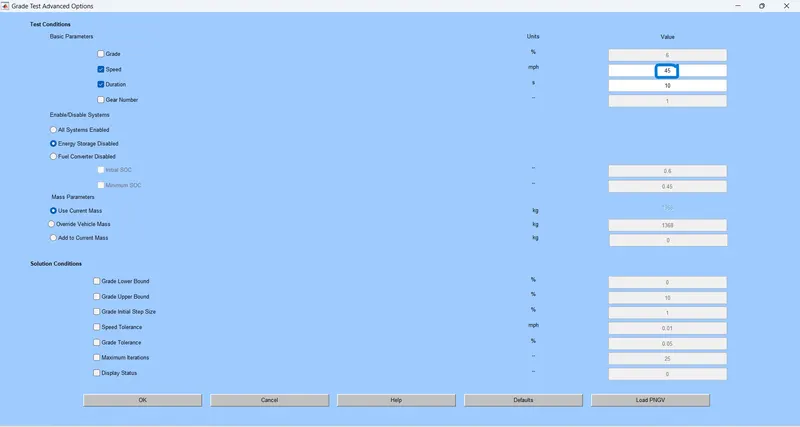
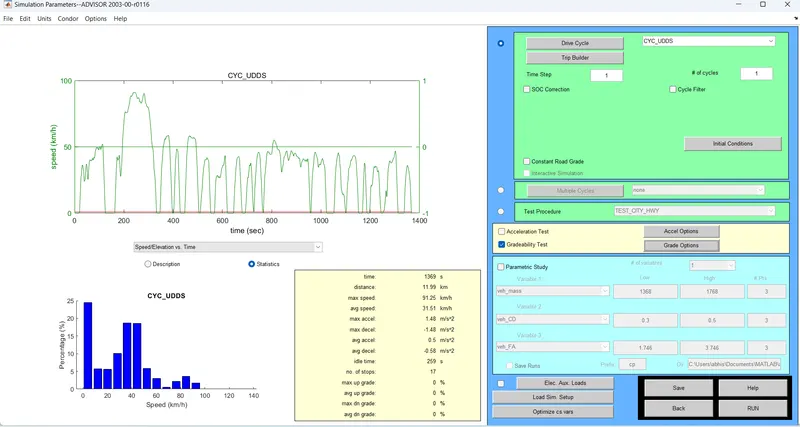
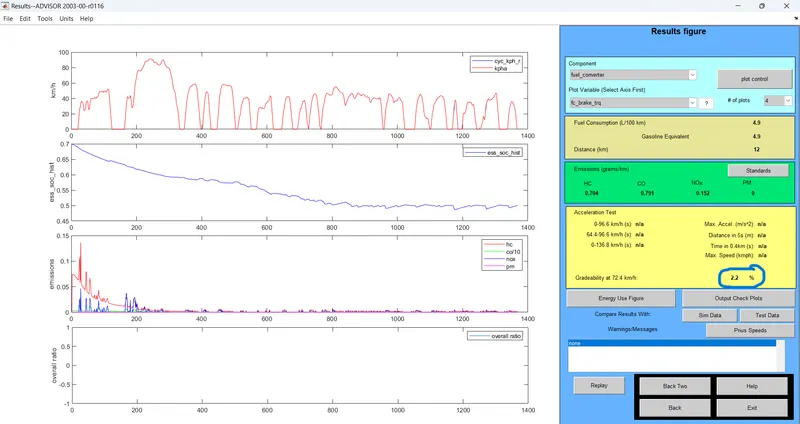
In this test we are changing the speed of the vehicle in an increasing manner.Here the speed of the vehicle can be adjusted by clicking the gradeability test and changing the values in 'Grade options'.And after running the file we can see the result showing the distance travelled by the vehicle and also its gradeability.
Case :1 speed =45mph
Gradeability test option in set 'ON' :
RESULT: Distance =12km and gradeability =2.2%
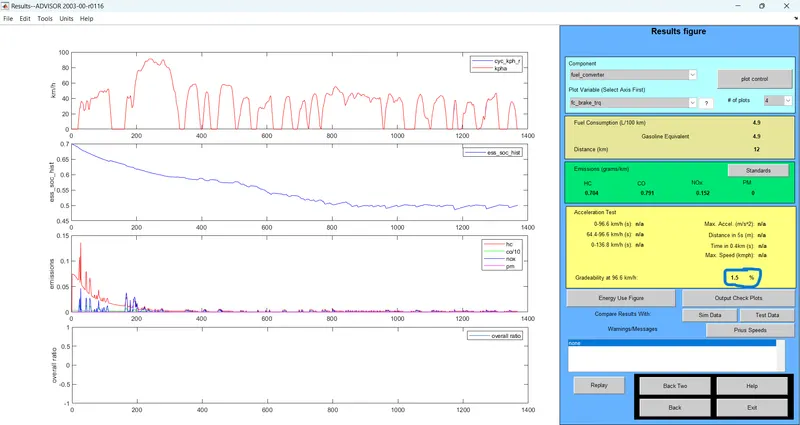
Case:2 speed=60 mph
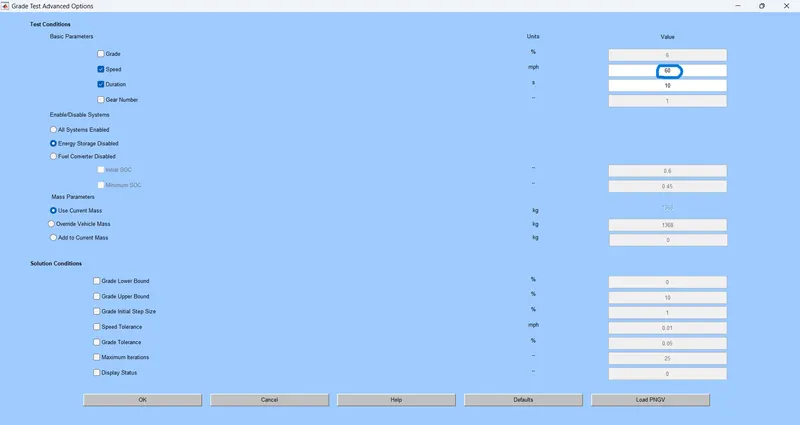
RESULT: Distance=12 km and gradeability =1.5%
Case :3 speed= 70 mph
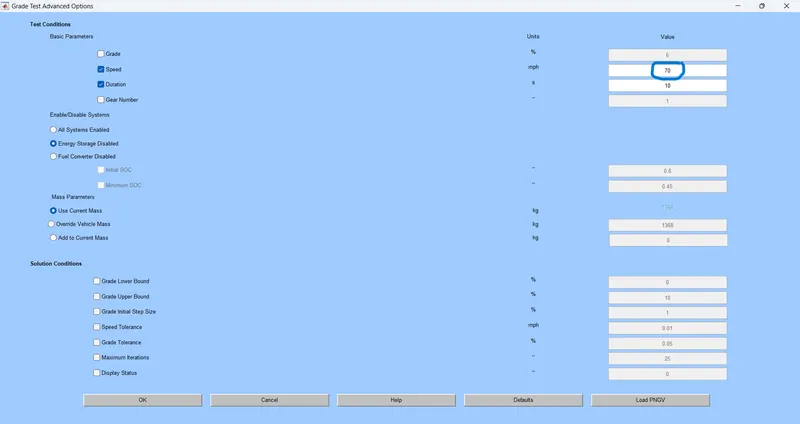
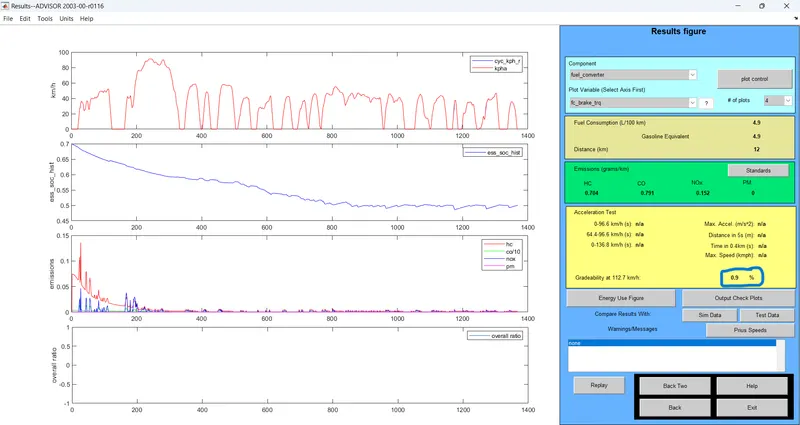
RESULT: Distance =12 km and gradeability =0.9%
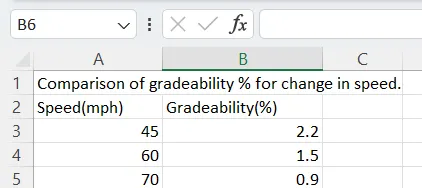
| Comparison of gradeability % for change in speed. | ||
| Speed(mph) | Gradeability(%) | |
| 45 | 2.2 | |
| 60 | 1.5 | |
| 70 | 0.9 | |
From the above tables, it can be seen that when vehicle speed increases there is a decrease in gradeability .
∴ when vehicle speed increases there is a decrease in gradeability.