Week-3 Challenge: ADVISOR Tool
1.
Procedure for simulating the vehicle in ADVISOR:
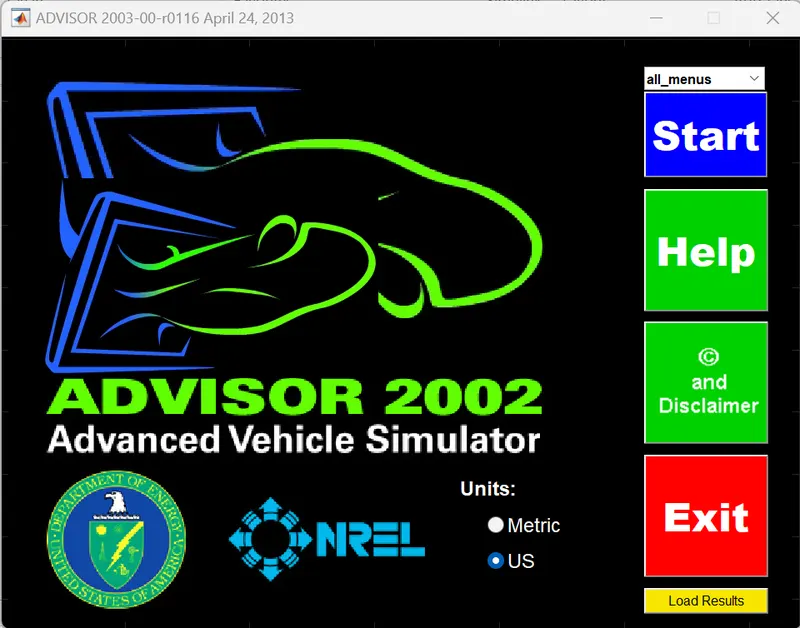
- Open the ADVISOR tool and click on the Metric option (the distance is measured in km in India). Then, click START to open the vehicle input in ADVISOR Simulator.
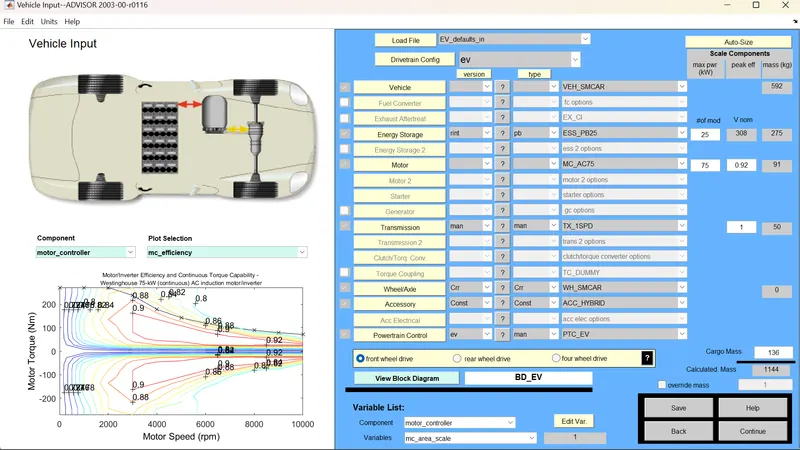
- Search for the 'EV_defaults_in' file from the Load File and click the file to open.
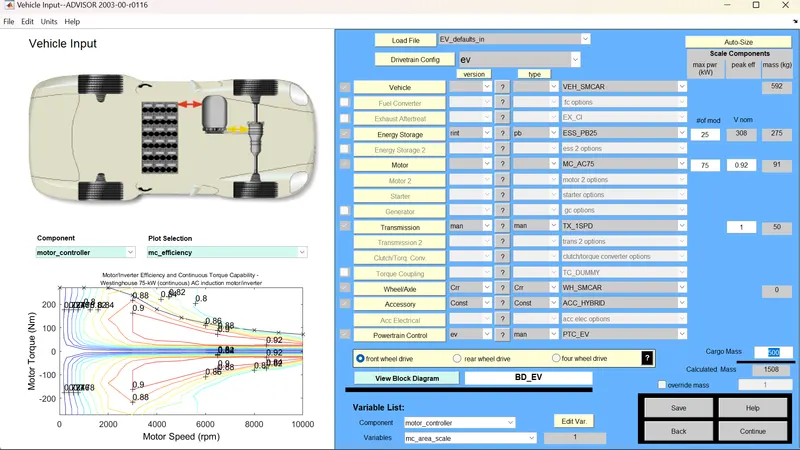
- Now change the parameter Cargo Mass present in EV_defaults_in to 500 kg.
- Then click on Continue to open the simulation parameters. The simulation parameters consist of different drive cycles and an individual own drive cycle by giving different data to the Simulink parameter like acceleration test, gradeability test, parametric study, etc. Now, search for the CYC_FTD file Drive Cycle list in the ADVISOR tool.
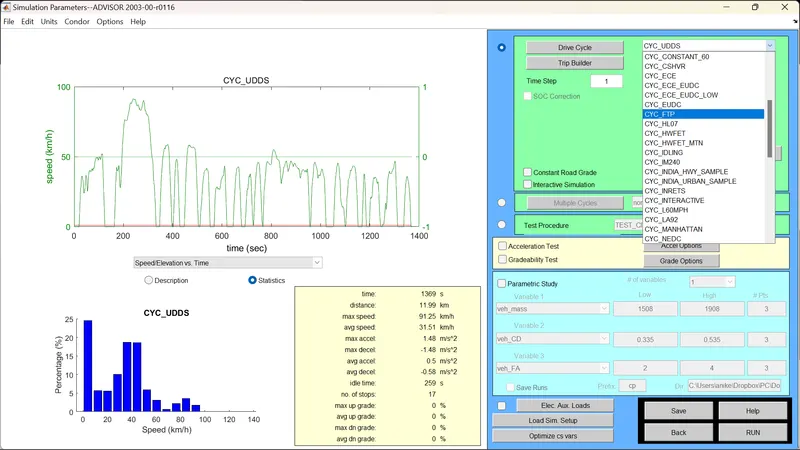
- Now click on RUN to get the result.
Observations:
a. Default Conditions:
- For the number of cycles equal to 1, the vehicle traveled a distance of 12 km.

- For the number of cycles equal to 2, the vehicle traveled a distance of 24 km.

- For the number of cycles equal to 5, the vehicle traveled a distance of 48.5 km.

- For the number of cycles equal to 10, the vehicle traveled a distance of 48.5 km.
b. At 500 kg Cargo mass:
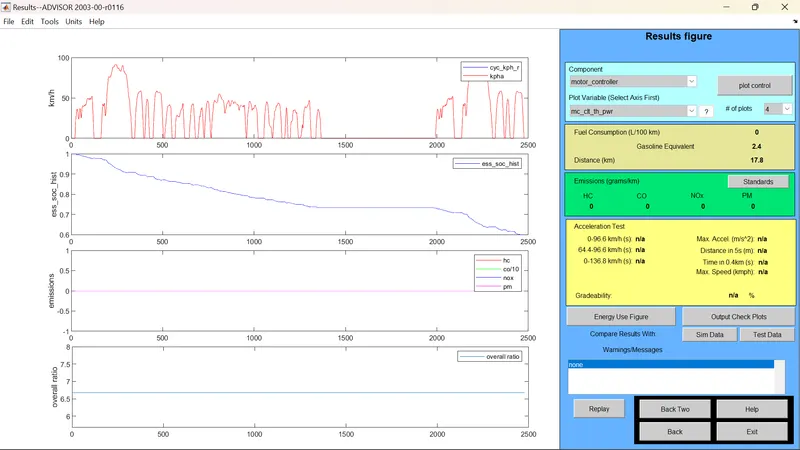
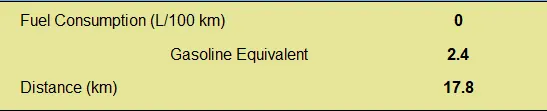
- For the number of cycles equal to 1, the vehicle traveled a distance of 17.8 km.
- For the number of cycles equal to 2, the vehicle traveled a distance of 35.5 km.

- For the number of cycles equal to 3, the vehicle traveled a distance of 41.4 km.

- For the number of cycles equal to 10, the vehicle traveled a distance of 41.4 km.
Result:
- From the above observation, we can say that the vehicle cannot travel for 45 km with FTP Drive Cycle because with 500 kg, the vehicle can only travel up to 41.4 km.
Conclusion:
So, we can conclude by saying that an increase in weight leads to a loss in power to travel a greater distance.
2. Repeat the steps as shown above. Here, we'll also be changing the battery capacity along with cargo mass.
Observations:
a. If the battery is below 25 modules, say 20 modules.
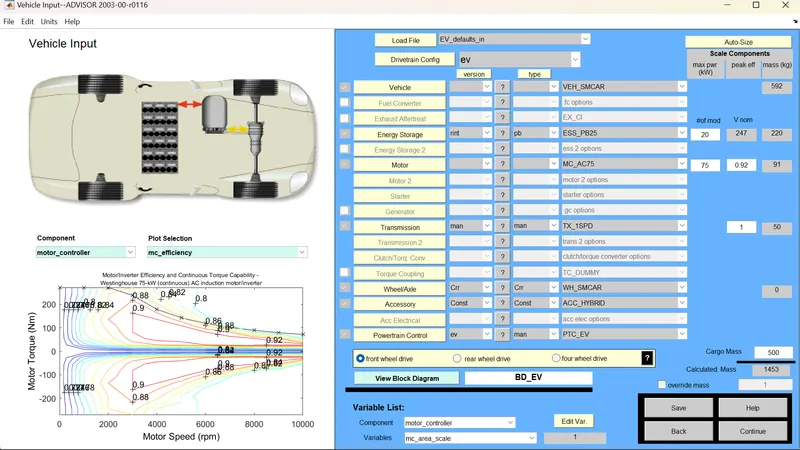
- For the number of cycles equal to 1, the vehicle traveled a distance of 17.8 km.

- For the number of cycles equal to 2, the vehicle traveled a distance of 33.5 km.

- For the number of cycles equal to 5, the vehicle traveled a distance of 33.5 km.
- For the number of cycles equal to 10, the vehicle traveled a distance of 33.5 km.
b. If the battery is above 25 modules, say 30 modules.
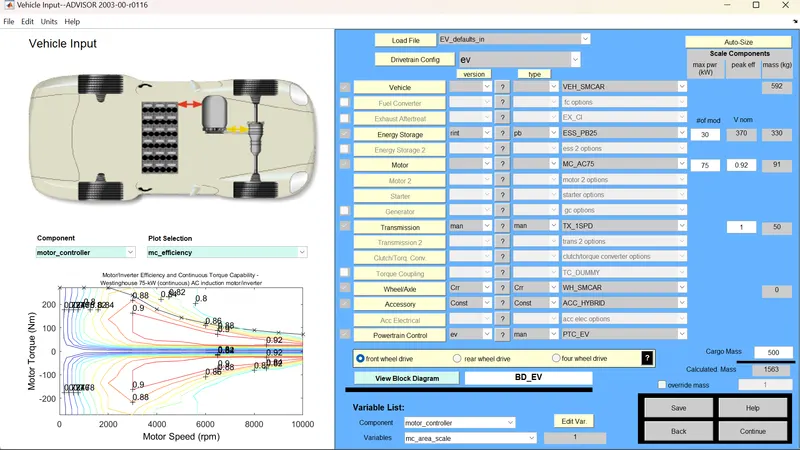
- For the number of cycles equal to 1, the vehicle traveled a distance of 17.8 km.
- For the number of cycles equal to 2, the vehicle traveled a distance of 35.5 km.

- For the number of cycles equal to 5, the vehicle traveled a distance of 49.1 km.

- For the number of cycles equal to 10, the vehicle traveled a distance of 49.1 km.
Results:
- Whenever the battery capacity is more than 30 modules, the vehicle travels more.
Conclusions:
- The battery capacity which is power or energy storage determines the vehicle to travel a certain distance.
- If the energy is more, the distance traveled by the vehicle is more and vice versa.
3. Repeat the steps as shown in Q1. In step ii, Search for the 'PRIUS_Jpn_defaults_in' file from the Load File and click the file to open.
Now perform the Gradeability test:
- Open the Grade Options Menu Folders
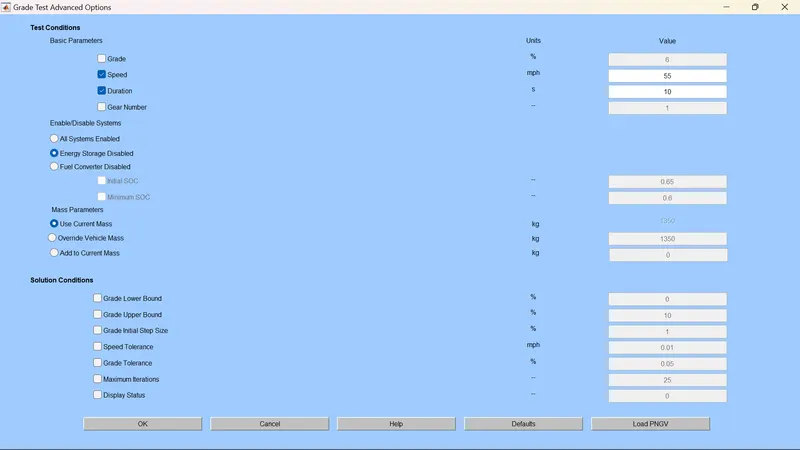
- All System Enabled from Energy Storage Disabled and keep speed value at 55 mph (88.5 kmph).
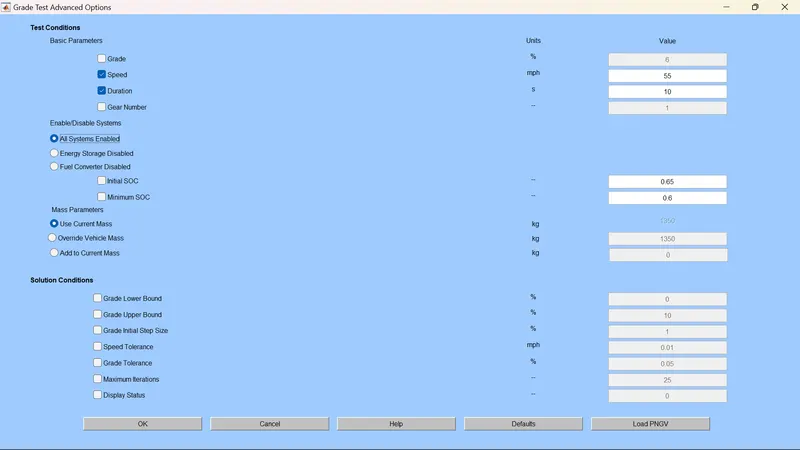
- By varying the speed value which is given below from Simulink result for Gradeability, we got the values that present below:
- At 1 mph (1.6 kmph),

- At 10 mph (16.1 kmph),

- At 40 mph (64.4 kmph),

So, by keeping the All System Enable, Speed vs Gradeability is taken from the ADVISOR tool in the table result.
Observation:
If speed is less, the gradeability percentage is more and vice versa.
Conclusion:Therefore, we can conclude by saying that the speed and gradeability percentage are inversely proportional to each other.