Week-3 Challenge: ADVISOR Tool
Challenge01: For EV_defaults_in file, Taking cargo mass is 500 kg with all other default conditions, checking can the vehicle travel for 45 km with FTP drive cycle.
- First of all open Advisor tool following MATLAB path.
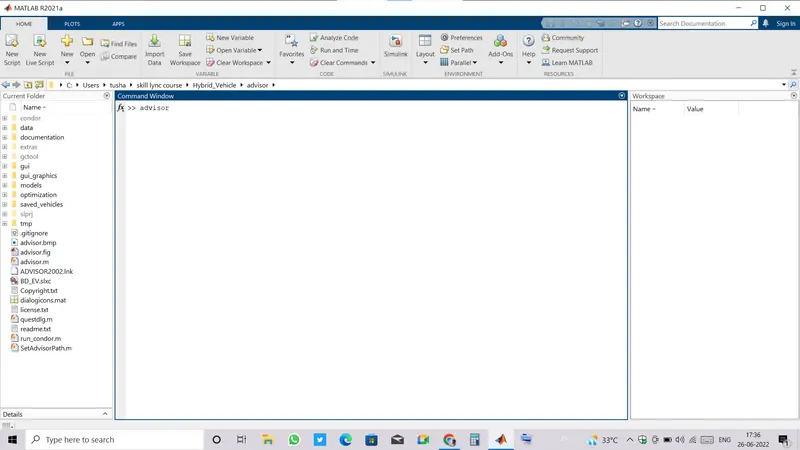
- After chhosing the MATLAB path, just write advisor in command window and press enter, advisor window will open up right ahead.
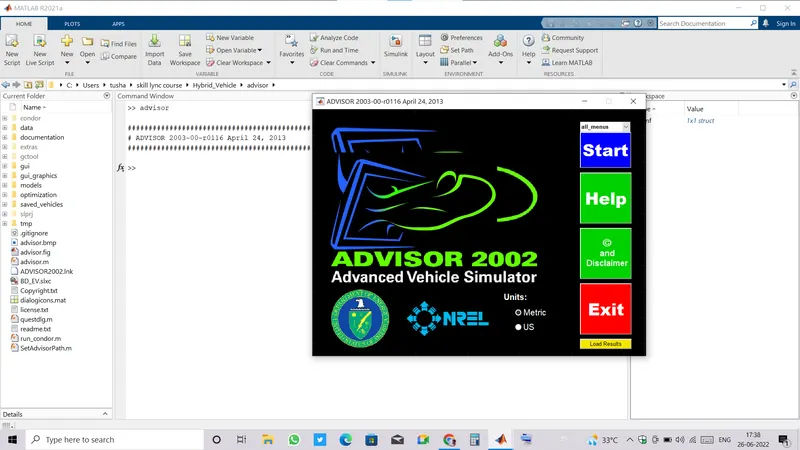
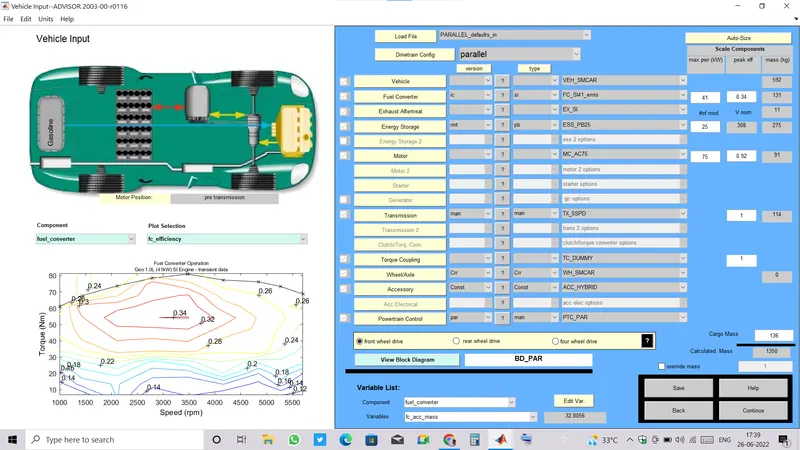
- Click on Start, advisor tool is open with its default values and ready to take inputs.
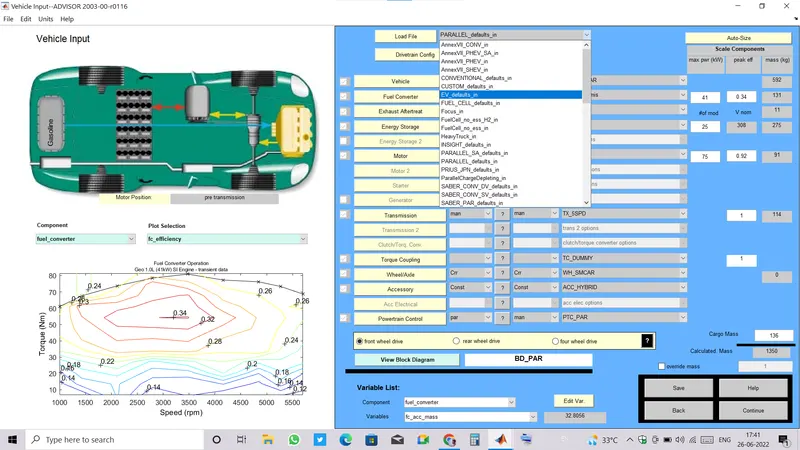
- At the very top of tool window beside Load file, choose EV_default_in.
- Now change the Cargo value from its default value to 500 kg and click to continue.
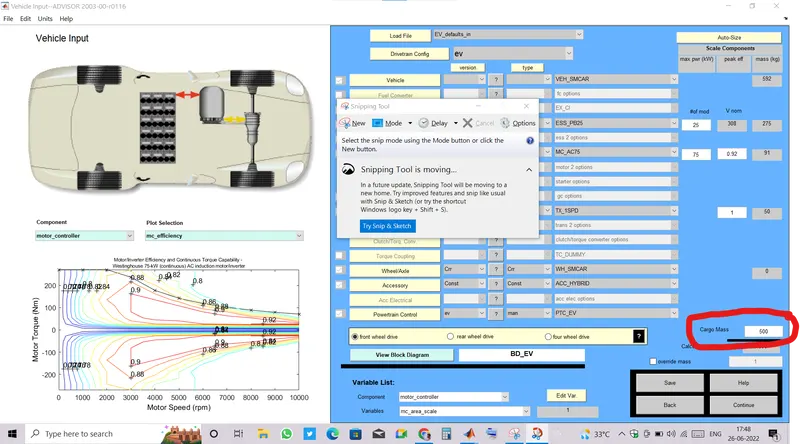
- At the top right corner, there is the list of Drive cycles, just click onto dropdown and select FTP cycle.
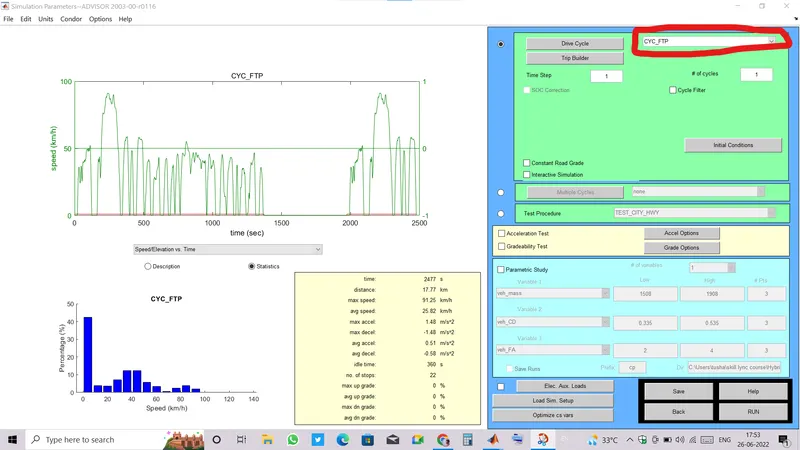
- We can see at this drive cycle the vehicle can move upto 17.77 km per cycle.
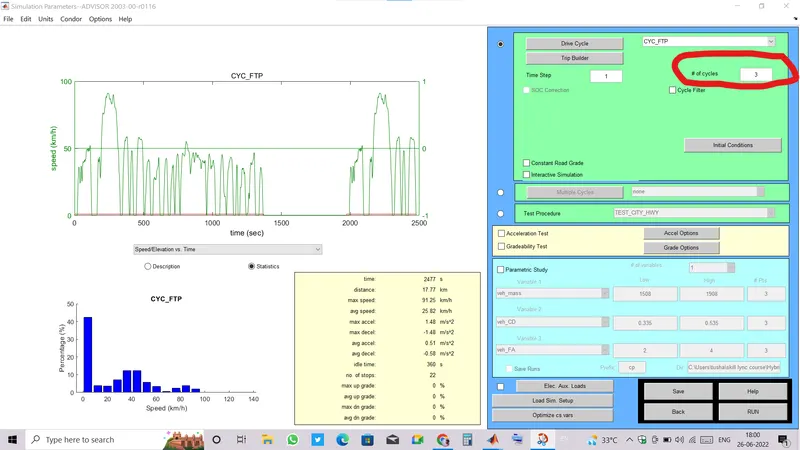
- To check whether the vehicle move 45 km we need to choose atleast 3 cycles.
- We are all set to run it, to run advisor tool just see at the bottom there is RUN command.
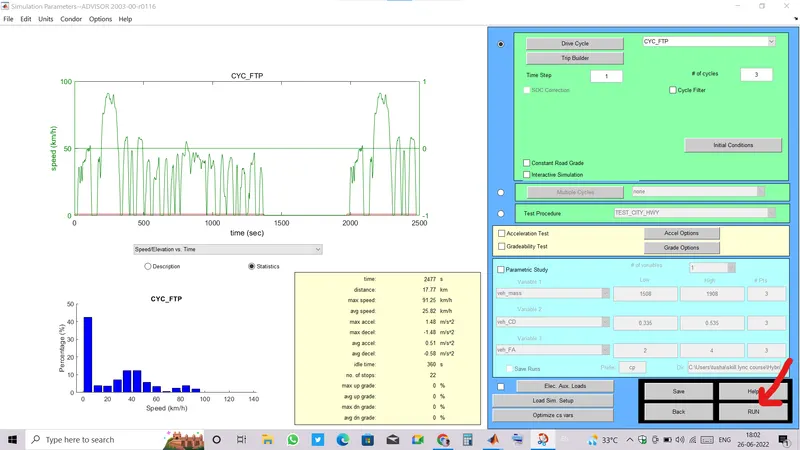
- After we run it, it'll take few seconds to simulate and then there come a result window.
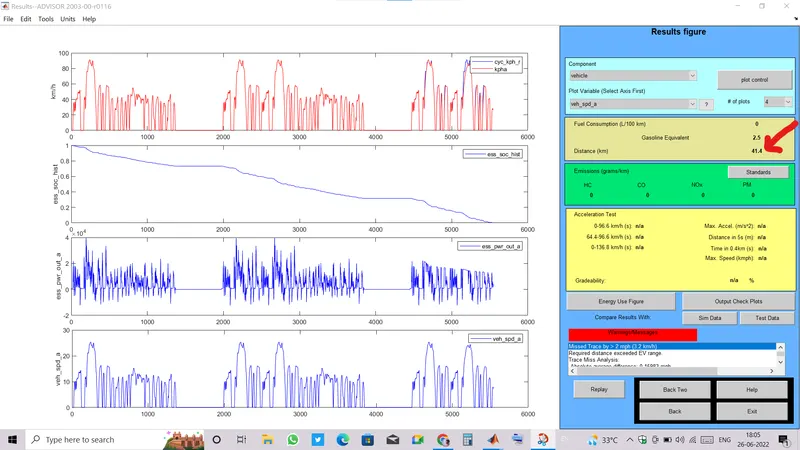
- We can clearly see the third Cycle is not completed and the distance covered by vehicle ar FTP drive cycle is only 41.4 km because of the SOC fell down to zero till that distance and vehicle can not run further until battery gets charged.
Challenge02: In the above case, try changing the battery capacity and repeat the simulation:
- changing battery model to somewhat with larger number of module.
- Previously Pb25 with 25 number of modules was used, now changing it to Pb85 which has 46 number of modules.
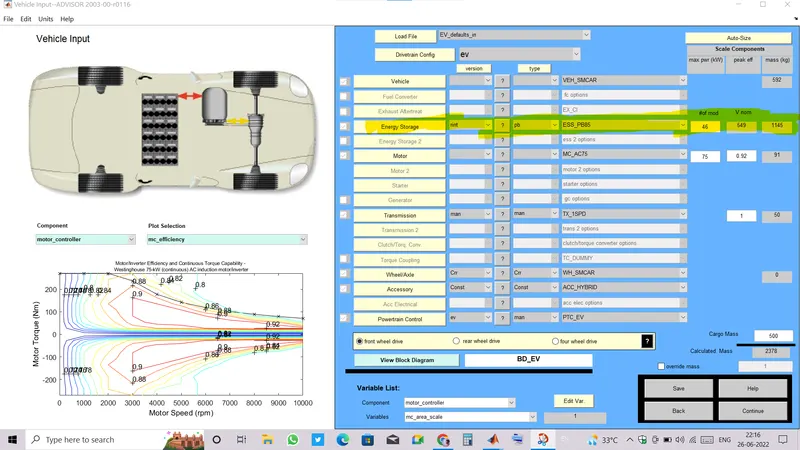
- Now running the tool with previously given data.
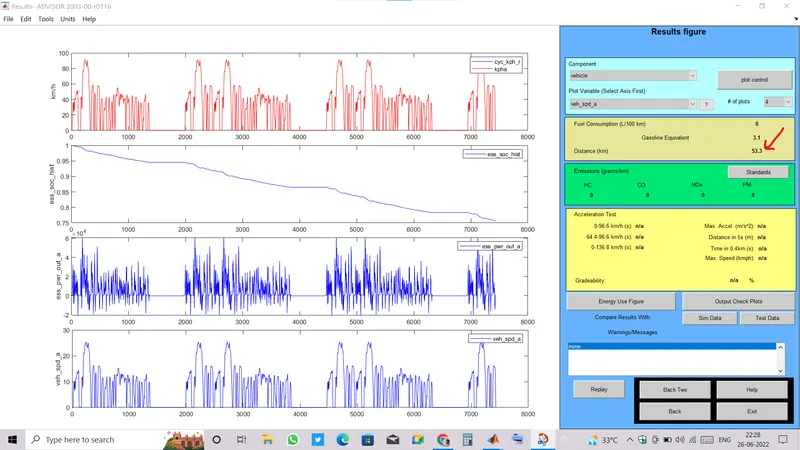
- We can see that by changing the battery capacity, our vehicle is now can travel upto 53.3 kms till fully discharged.
Challenge03: Performing gradeability test with PRIUS_Jpn_defaults_in file:
- Open advisor tool as we did before.
- At the very top, there is Load file dropdown , select PRIUS_defaults_in file.
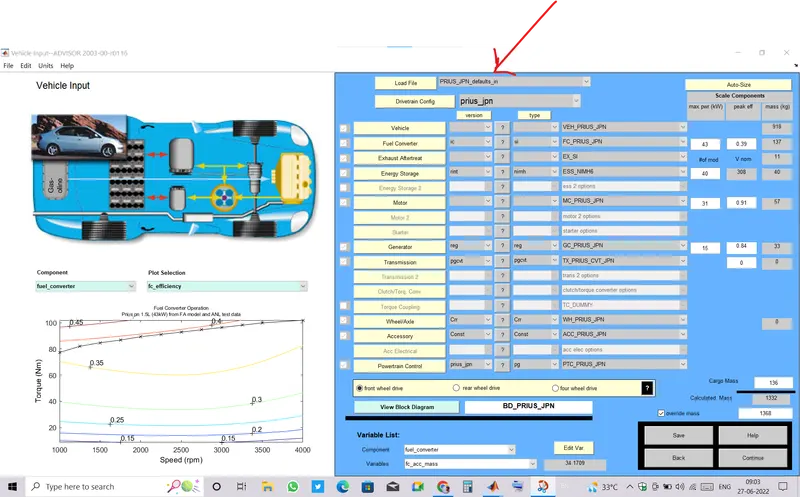
- Then click on Continue.
- And select Drive cycle and tik the checkbox of gradeability test.
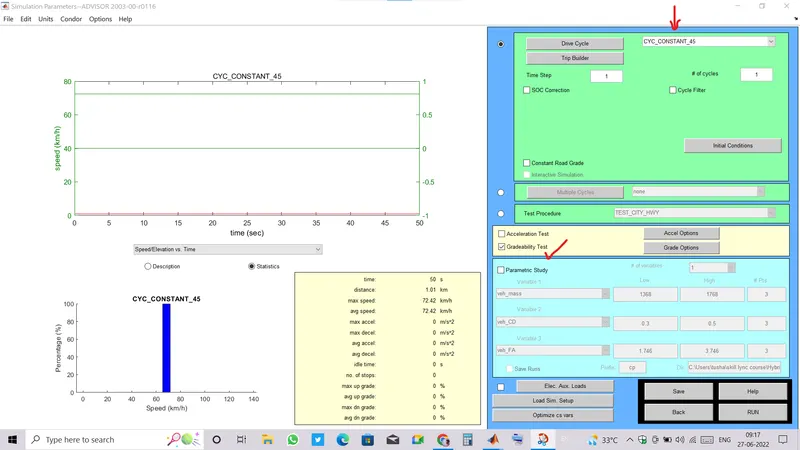
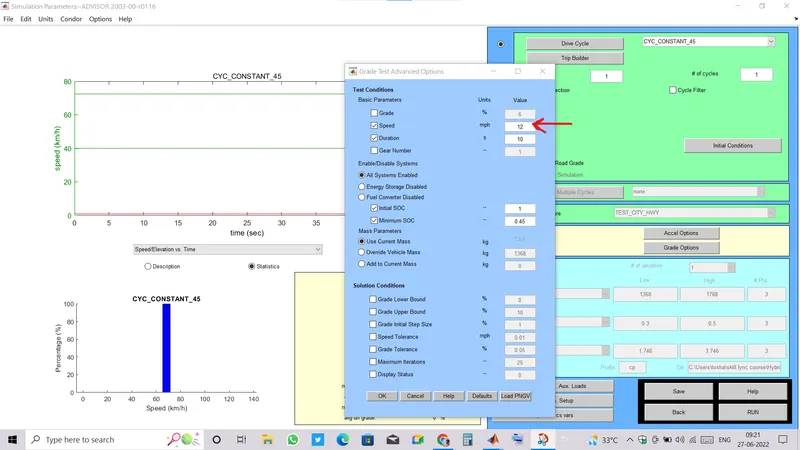
- Now go to grade options and run the tool by changing the speed and observe changes in gradeability.
- Running at 12 mph speed.
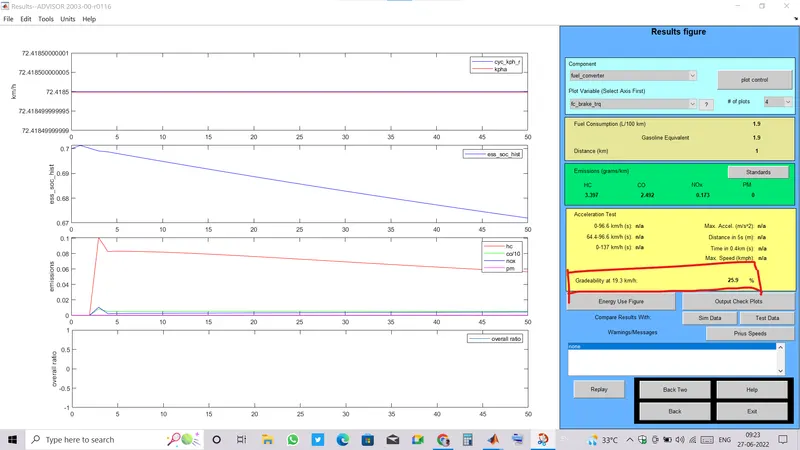
RESULT:
- At speed 12 mph.
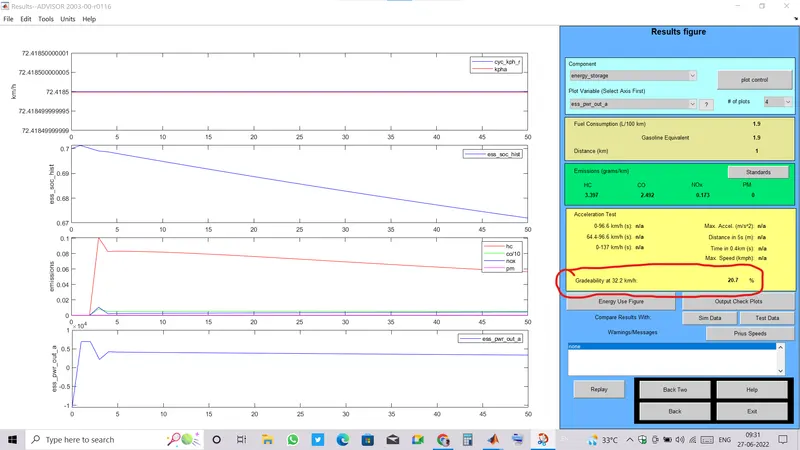
- At speed 20 mph.
- At speed 25 mph.
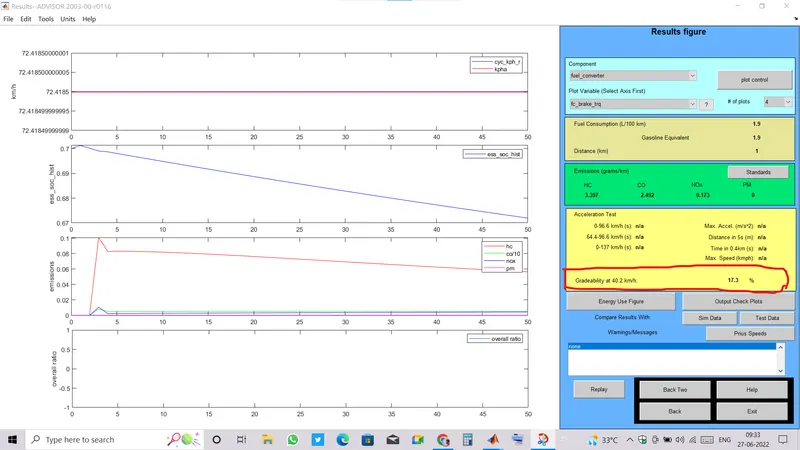
- At speed 30 mph.
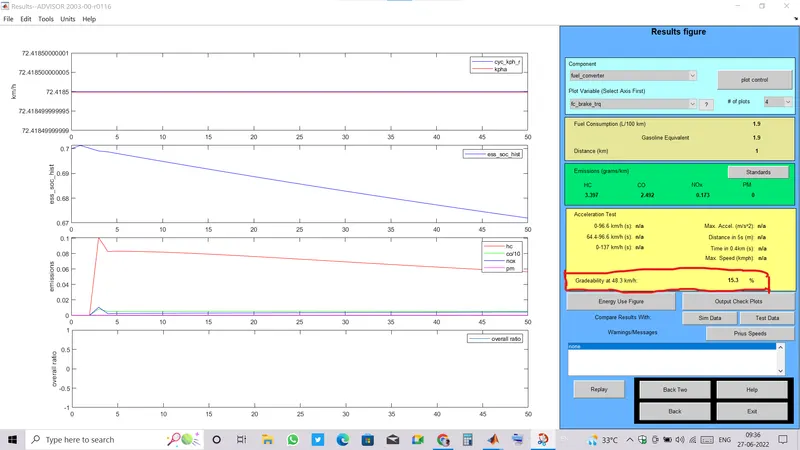
- At speed 35 mph.
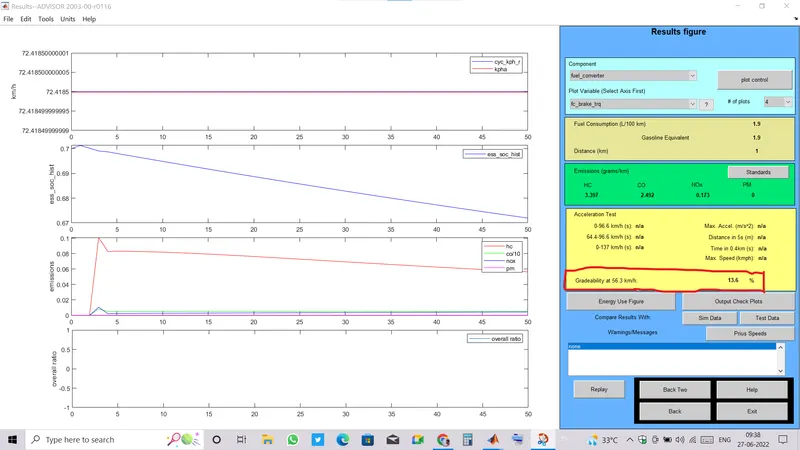
CONCLUSION:
- It can be observed that with increasing the speed , gradeability is decreasing.
- The felation between gradeability with speed can be derived from the hill climp power equation: Phc = m*g*sin(Inclination angle)* v , if hill climb power is constant then the gradeability is in inverse relation with speed.
S.NO. SPEED(mph) GRADEABILTY(%) 1 12 25.9 2 20 20.7 3 25 17.3 4 30 15.3 5 35 13.6