Week-3 Challenge: ADVISOR Tool
*For EV_defaults_in file, if cargo mass is 500 kg with all other default conditions, can the vehicle travel for 45 km with FTP drive cycle.
First open the advisor tool in matlab and select the metric.
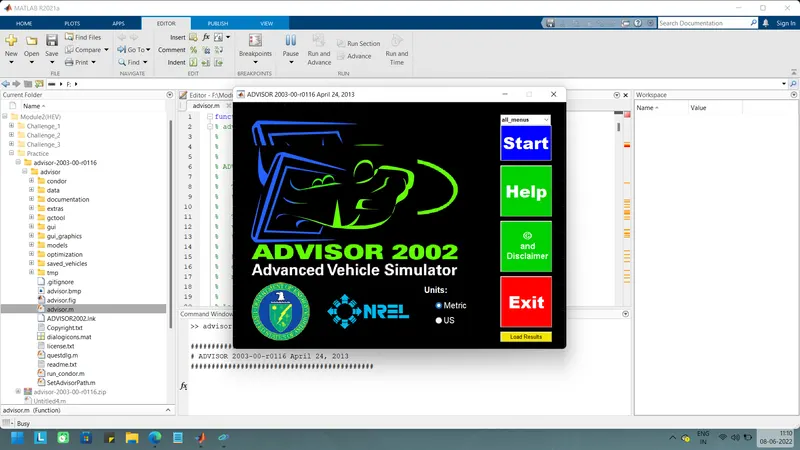
Start the tool & in that change the vehicle as EV_defaults_in in that vehicle change the cargo mass as 500 and remaining all are default condions.
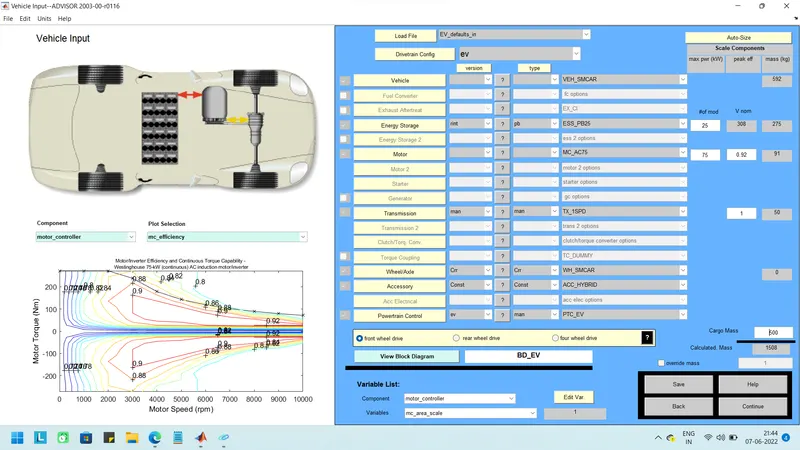
Then press continue and change the drive cycle as FTP & the vehicle travel for 45km. And change no.of cycles to 3 because of each drive cycle is 14km.
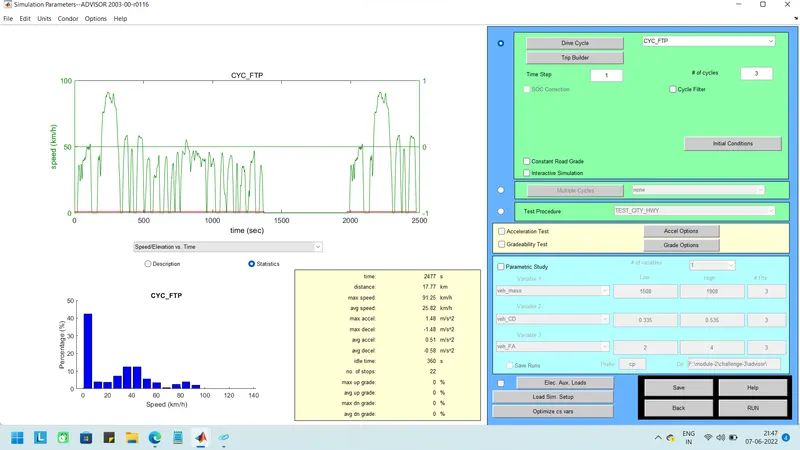
Then run the simulation the results are shown below.
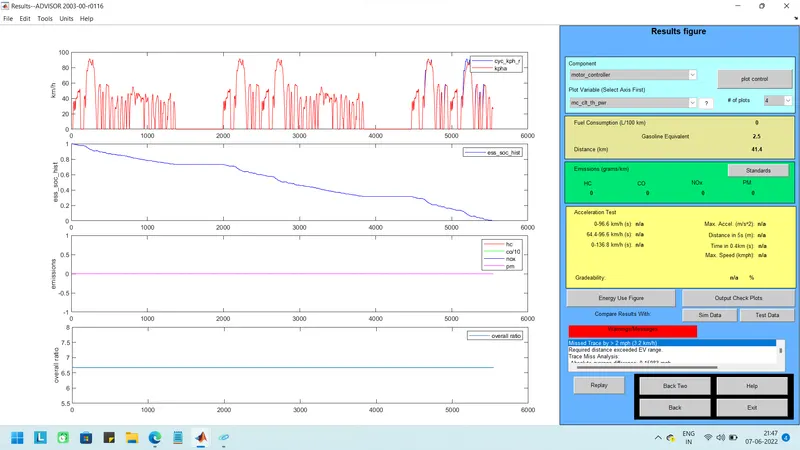
In the results first plot is related to drive cycle (velocity per time it has three cycles).
Second plot is related to state of charge vehicle is traveled 41.4 km then the state of charge is came to zero.
Third one is emissions this an electric vehicle so their is no emissions so it shows zero.
*2
Same in the above vehicle i am changing the battery capacity as no .of modules is set to 50 for it.
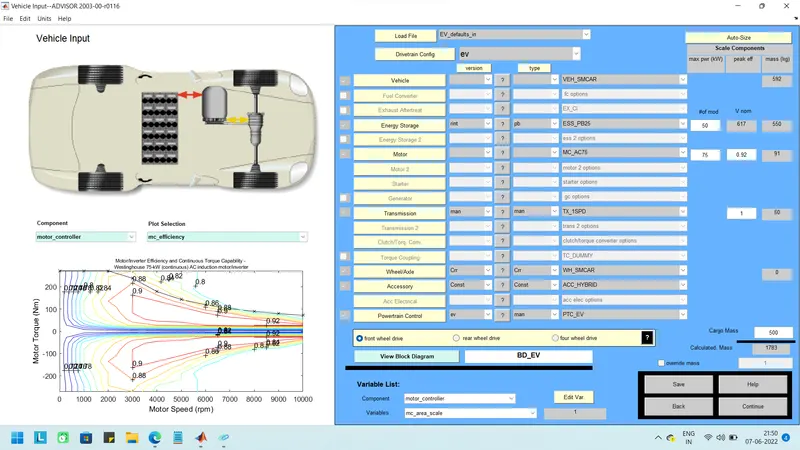
Then press continue and change the drive cycle as FTP & the vehicle can travel for 45km. And change no.of cycles to 3 because of each drive cycle is 14km.
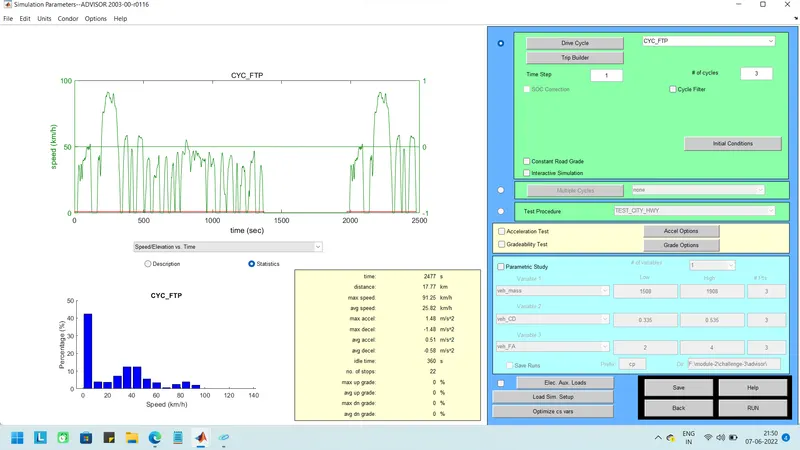
Then run the simulation the results are shown below.
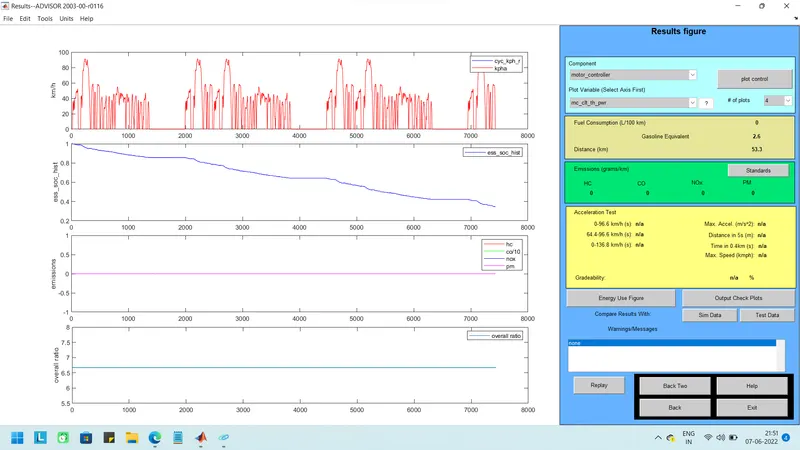
In the results first plot is related to drive cycle (velocity per time it has three cycles).
Second one shows then the battery capacity is changed to 50 modules then the vehicle is travel for a distance of 53.3km then the state of charge is came to 20%. it means battery capacity is increased then the vehicle travel distance is also increased.
Third one is emissions this an electric vehicle so their is no emissions so it shows zero.
The motor controller temperature is 45 deg.Then reached the temp as 45 the cooling is activated so the temp is not increased more the 45.
*3 Perform gradeability test with PRIUS_Jpn_defaults_in file
Start the tool & in that change the vehicle as PRIUS_Jpn_defaults_in.
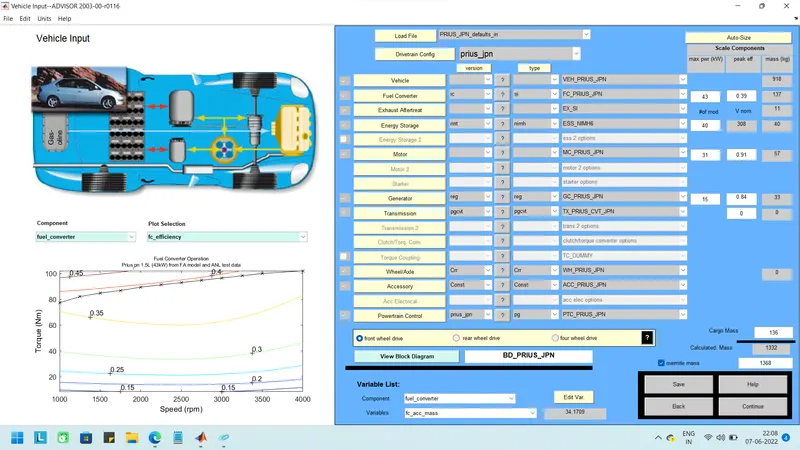
And then select the drive cyle click the continue and select the gradeability test and click on grade options in that change speed as 55MPH(88.5km/h)
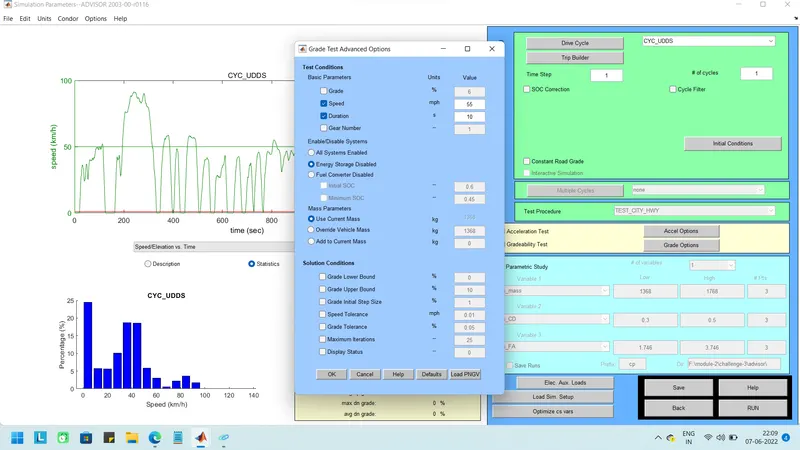
Run the simulation in that the speed is 88.5km/h then gradeability is 1.7%
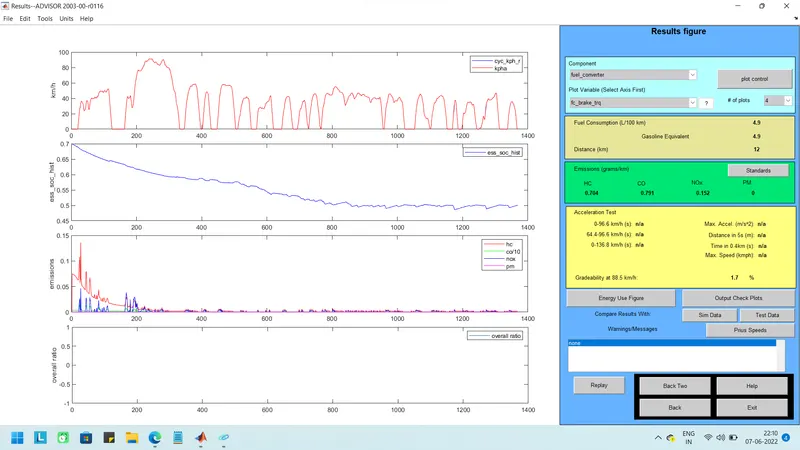
For checking the performance of vehicle for testing the gradeability by changing the speed now i am set the speed as 78.9km/h then the gradeability is 2%.
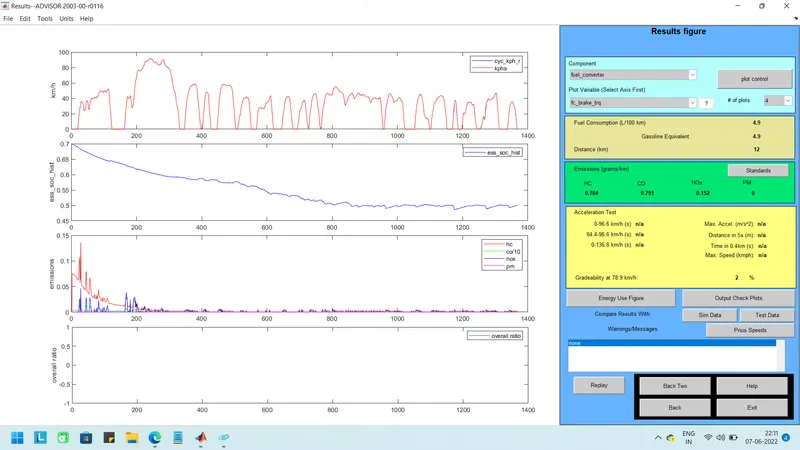
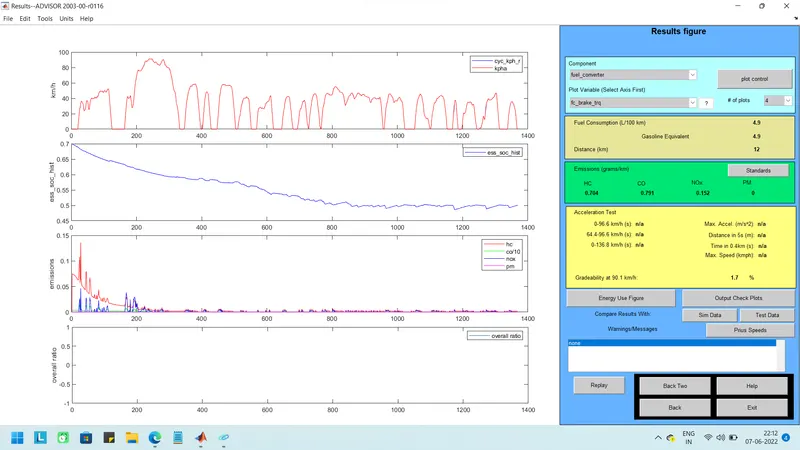
Then changing the speed as 90.1km/h then the gradeability is 1.7%
Then changing the speed as 96.6km/h then the gradeability is 1.5%.
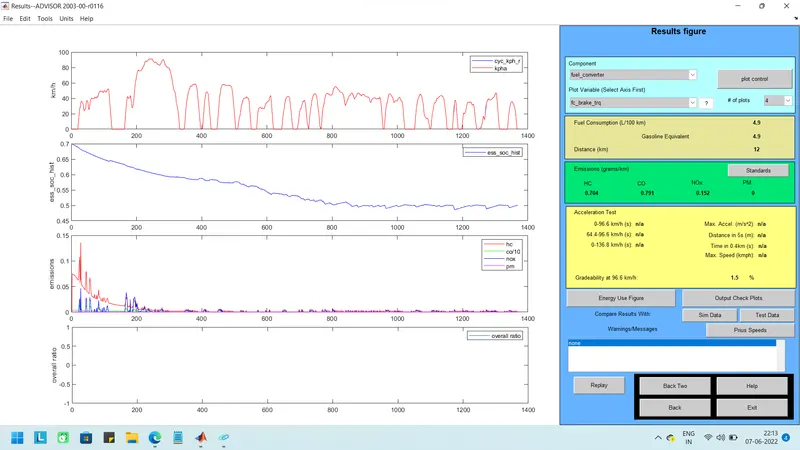
speed is changed to 104.6km/h then the gradeability is 1.2%.
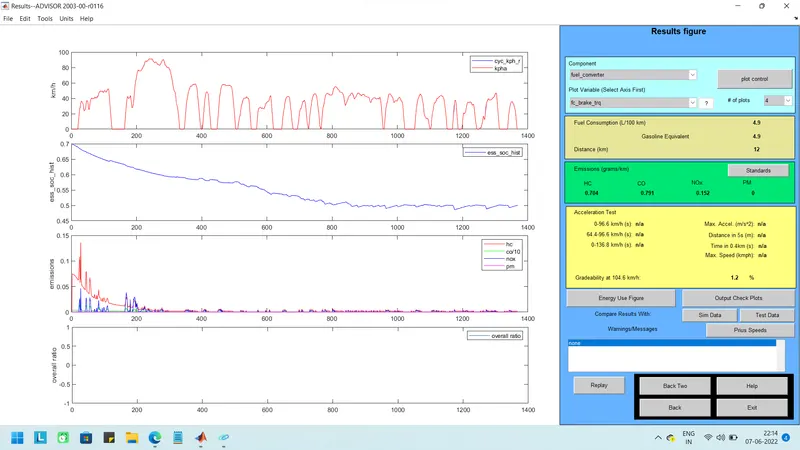
finally i am comparing the speed and gradeability by creatting the table.
speed (km/h) Gradeability(%)
88.5 1.7
78.9 2
90.1 1.7
96.6 1.5
104.6 1.2
The speed increases the gradeability is also decreased. the speed decreased then gradeability is increased.