Week-3 Challenge: ADVISOR Tool
1.
1)the advisor source file is downloaded.
2)the"advisor.m' function file is opened in the matlab by using the location of the downloaded advisor source file
3)"advisor" command is given in the command window.
4)a new advisor window opens.
5)select the units as "metric" and start the model.
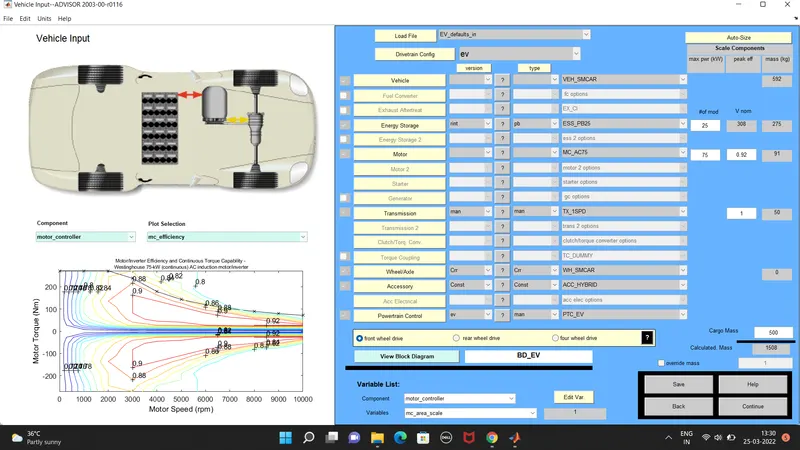
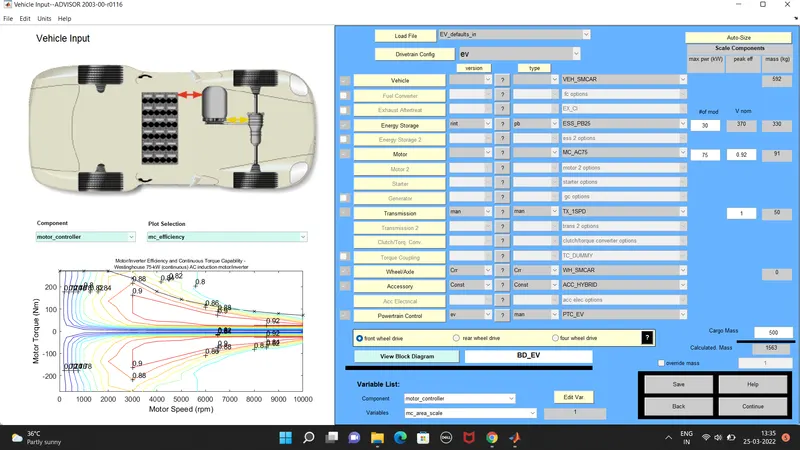
6)the EV_Default_in" file is loaded and the cargo mass is changed to "500"
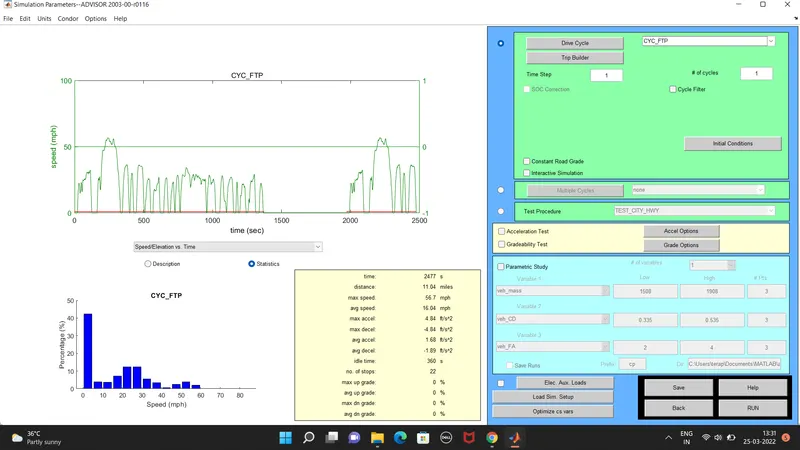
7)continued to the next page and the drive cycle is given as"CYC_FTP" and run the model.
the sult page is loaded where the distance is covered is "17.8" and 45km is not reached in the default condition.
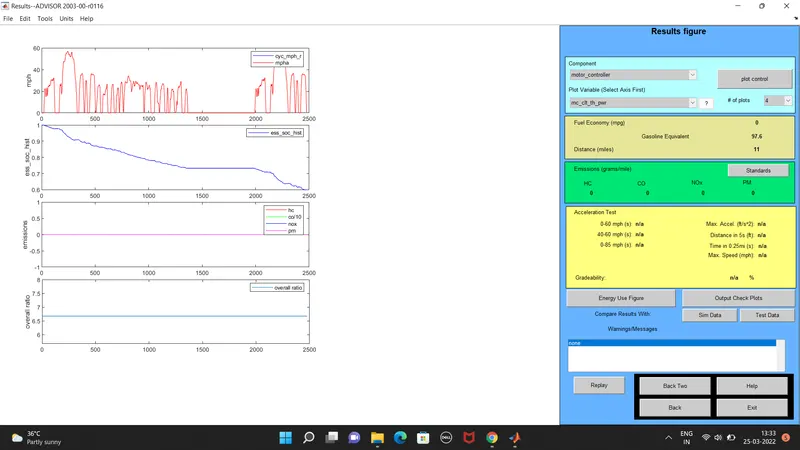
2. in the above case, try changing the battery capacity and repeat the simulation.
1)the battery capacity alone is changed in the previous model to by changing the number of modules to'30'
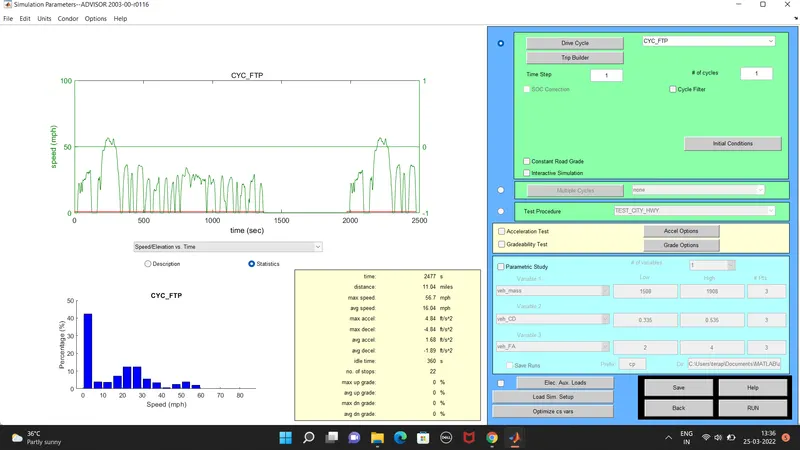
2)continued to the next page with the same drive cycle"CYC_FTP" is used with 3 number of cycles and run.
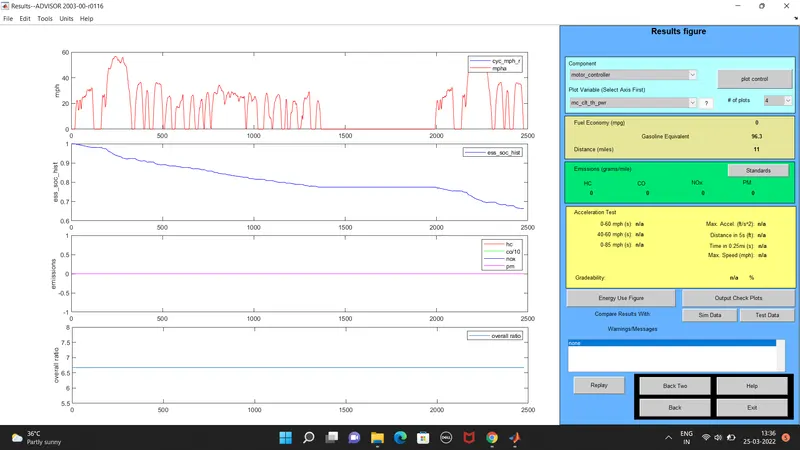
3)the result page is loaded where the distance covered is"49.1"km
3. perform gradeability test ith PRIUS_Jpn_defaults_in file
1)the advisor source file is downloaded.
2)the "advisor.m" function file is opened in the matlab.
3)"advisor" command is given in the command window.
4)new advisor window opens.
5)the "PRIUS_Jpn_defaults_in" file is loaded
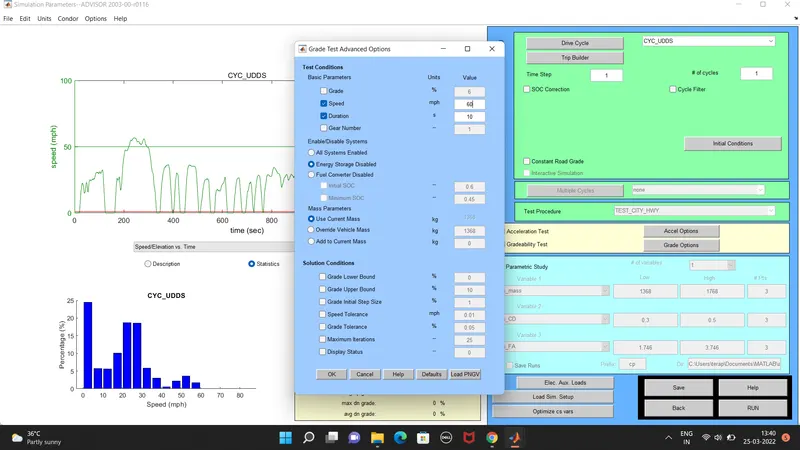
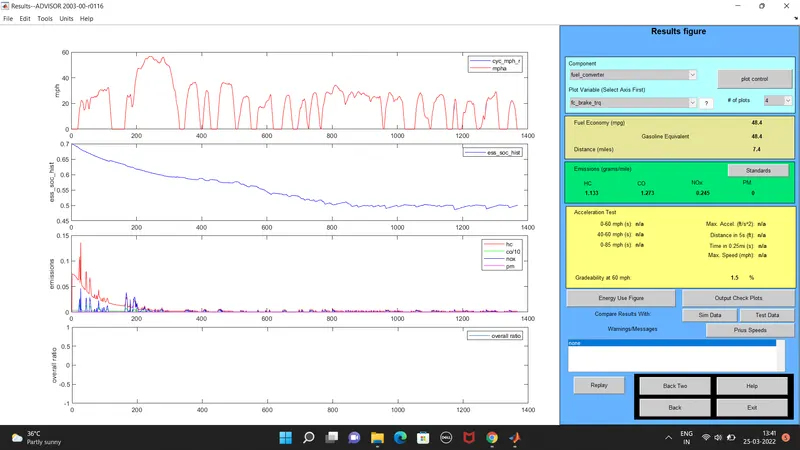
6)contniued to the next page and the gradability test is enabled.
7)new window opens where speed is changed
8)all energy storage is checked and the simulation is done.