Week-3 Challenge: ADVISOR Tool
Advisor tool:-ADVISOR, NREL’s ADvanced VehIcle SimulatOR, is a set of model, data, and script text files for use with Matlab and Simulink. It is designed for rapid analysis of the performance and fuel economy of conventional, electric, and hybrid vehicles. ADVISOR also provides a backbone for the detailed simulation and analysis of user-defined drivetrain components, a starting point of verified vehicle data and algorithms from which to take full advantage of the modelling flexibility of Simulink and analytic power of MATLAB.
now consider the below case where we took the Advisor tool and we had selected EV_defaults_in file and we took the weight as 500 kg
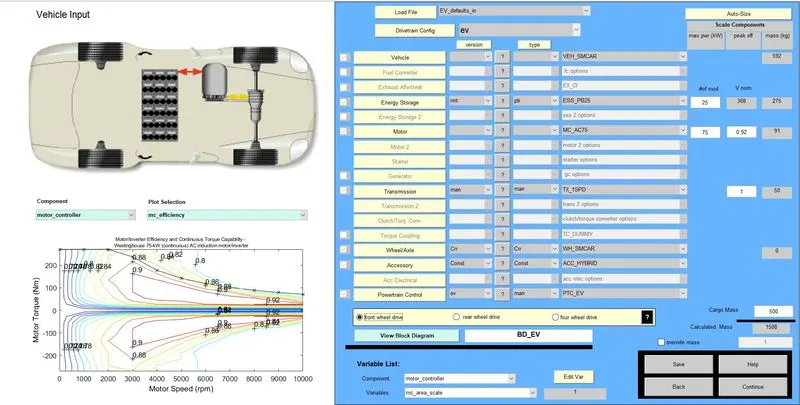
Fig 1:-GUI of EV as defualut
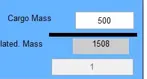
Fig 2:-Masses changed to 500kg
now in this case we need to select the driving cycle and we selected the FTP cycle and the output is shown below
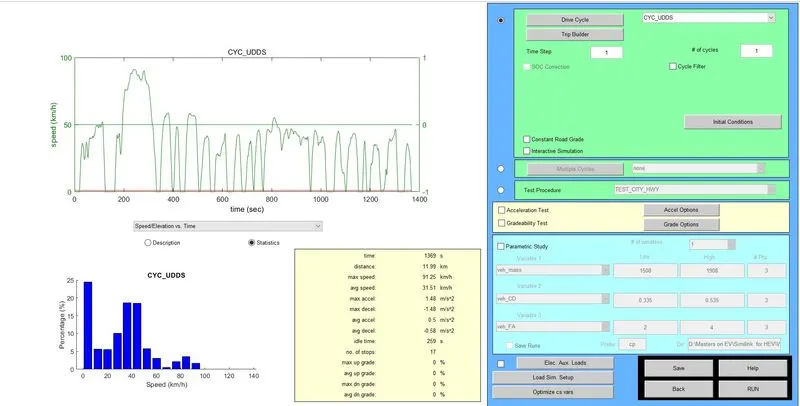
Fig 3: FTP cycle GUI
The cycle is 1 and terp time is also 1 and we had not selected any other function.
output is shown in fig 4
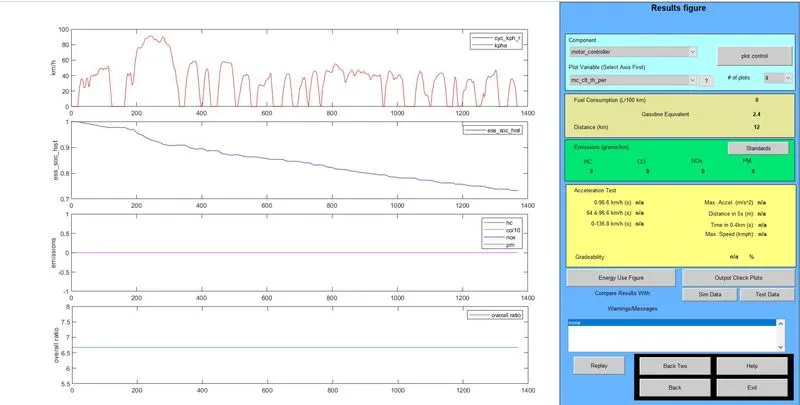
Fig 4:-Shows the various parameter which we selected and are
- kmph v/s time:-This will tell us the distance covered by an EV with respect to time.
- Sov v/s Time:- This will tell us the SOC depleted as the function of both time and distance.
- Emission:-This is zero because of Electric vehicles.
- Overall ratio:-This will tell the ratio and its constant value of between 6.5 to 7.
- but the distance travelled is just 12 Km
- Now for 45 km we need to come back from the same 2 steps the process that is changing the number of cycles
- after a lot of ilteration, we come to the conclusion that it's not possible to run the EV till 45 km .The reason is that the battery is not sufficient
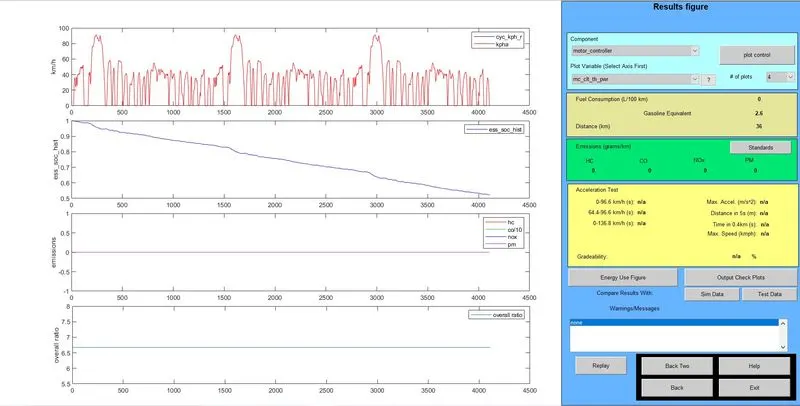
Fig 5:-For 6 number of cycle output is shown
Q2:-Change the battery Ah capacity
now that the battery capacity has changed from 25kWh(V-308) to 40kWh (V-308).and the 1 step is as shown below
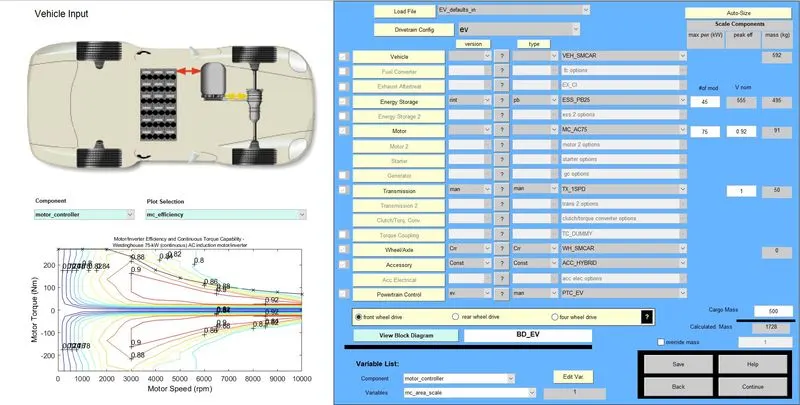
Fig6:-kWr changed to 45 other parameters were same.
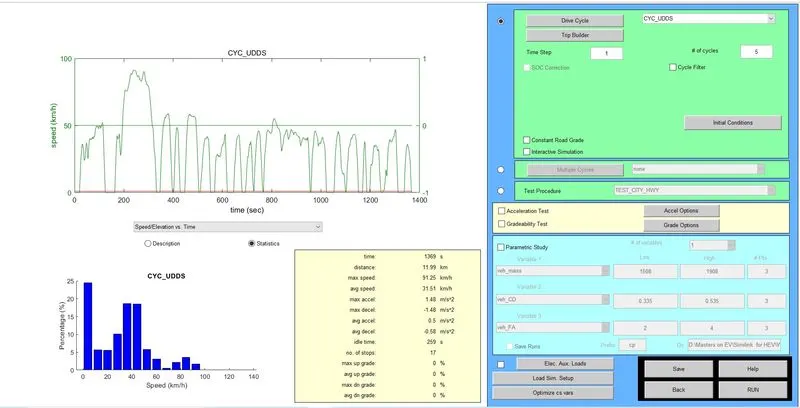
Fig 7:- input of changed impage
Fig 8:-output of the changed image
and here can run till 34 km in a single charge
Q3:-Perform gradeability test with PRIUS_Jpn_defaults_in file
gradeability:-The steepness of grade that a motor vehicle is capable of climbing at an efficient speed.
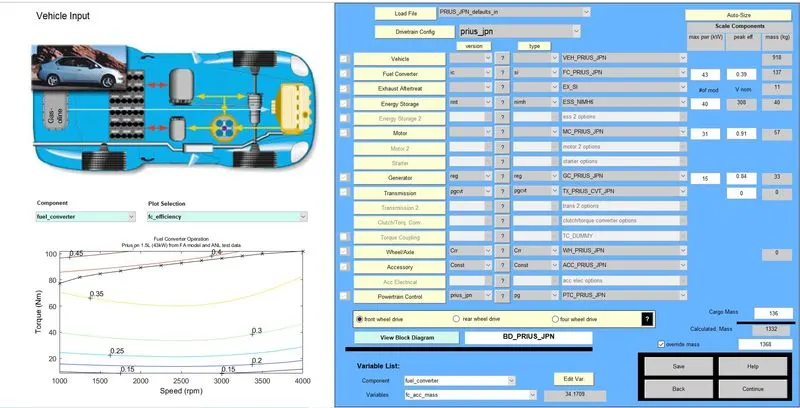
Fig 9 :-Gui of Toyota priyus
going forward that we want to check the greadblity and that can be obtained in next gui
we need to open this
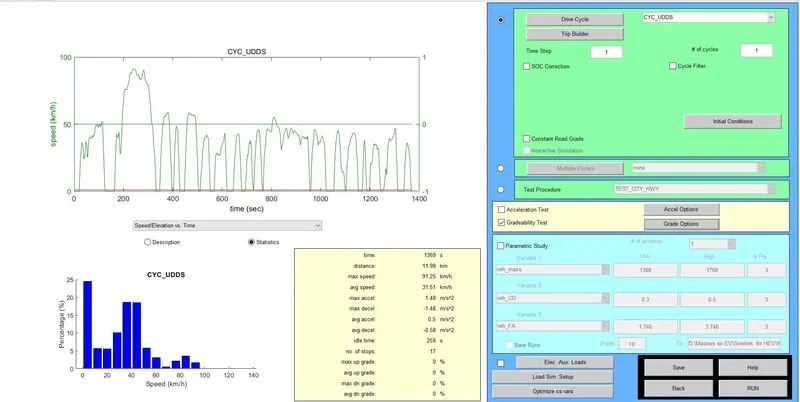
Fig 10:-next step image
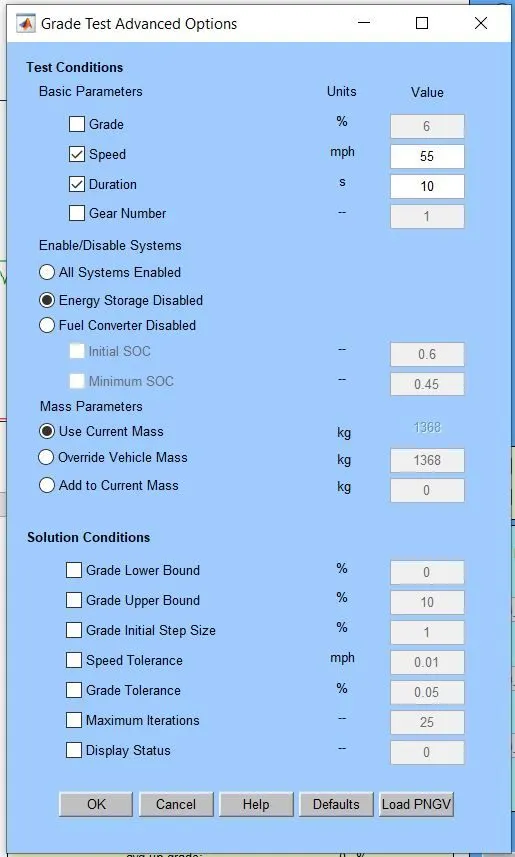
Fig 11:-greadblity option pop up
Now if we are going to simulate the result that output will be visible as below
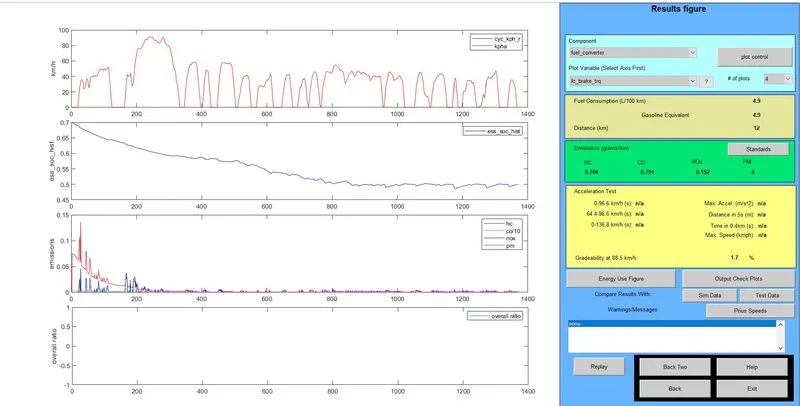
Fig 12:-outut of prius EV
here we can see that gereadblity can be seen as 1.7% so we need to look t various data and is shown below
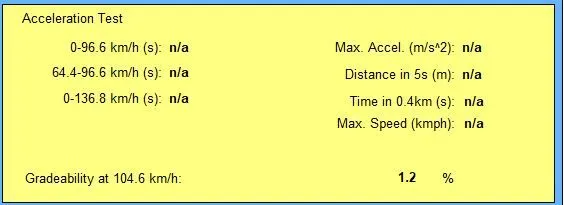
Fig 13:-greadblity at 65 km
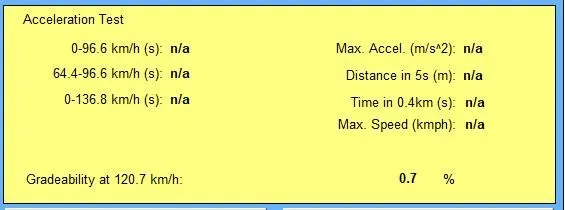
Fig14:-Greadblity at 75 km
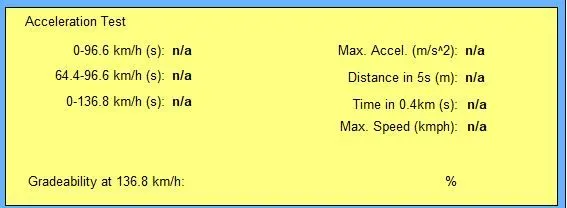
Fig15:-Greadblity at 85 km
| Sl number | Speed at km | Gradeablity in % |
| 1 | 55 | 1.7 |
| 2 | 65 | 1.2 |
| 3 | 75 | 0.7 |
| 4 | 85 | -- |
as we increase the speed that Gradebilty will decrease
Conclusion:-
- Simulation has been done for EV in advisor mode and by changing weight to 500 kg of cargo mass and results were shown
- it is impossible to get 45 km for and details were given above.
- the same simulation has been done by chaining its Kwh value as discussed above.
- Prius model has been simulated and the effect of speed and Greadblity is discussed.