Week-3 Challenge: ADVISOR Tool
Q_1. For EV_defaults_in file, if cargo mass is 500 kg with all other default conditions, can the vehicle travel for 45 km with FTP drive cycle? Conclude observations.
For the performing the action, the advisor too is needed
for opening the advisor tool type "Advisor" in the command window.
after opening the Advisor programm select the EV_defaults_in file for the predefined vehicle data.
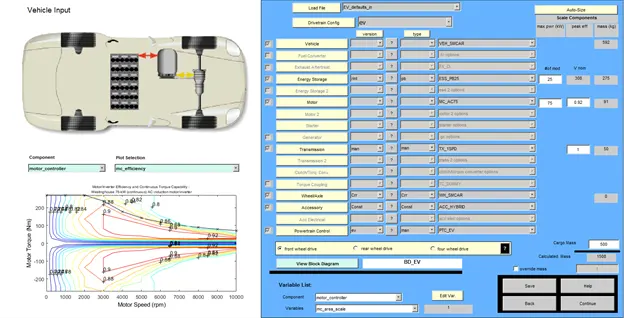
Now, according to the question change the cargo mass to 500 kg. Here the battery modules are 25.
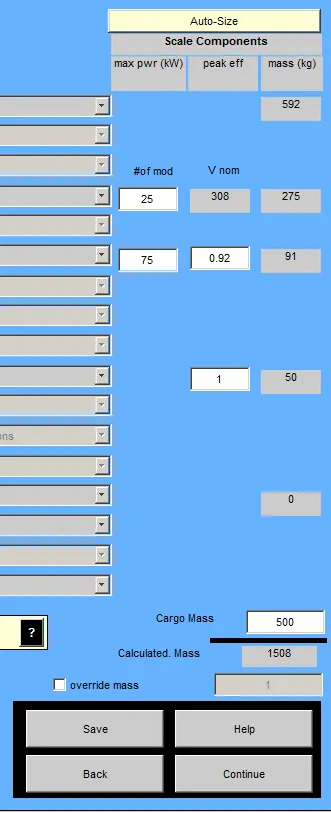
Now click on the continue
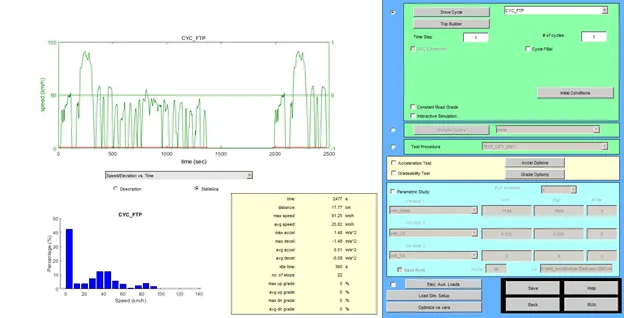
As per the question given select the CYC_FTP drive cycle and keeping all the data same run the advisor tool.
For 1 cycle
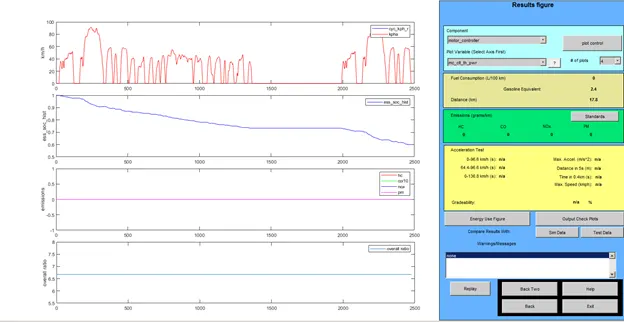

As can seen from the above results the vehicle uses almost 40% of SOC to travell 17.18km.
So the battery can survive upto more cycle to reach the desired distance of 45km.
Give try for No of cycle 3
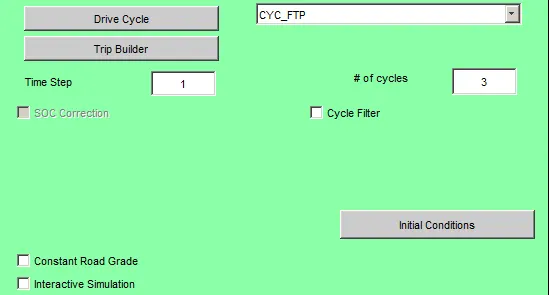
result for the 3 cycles
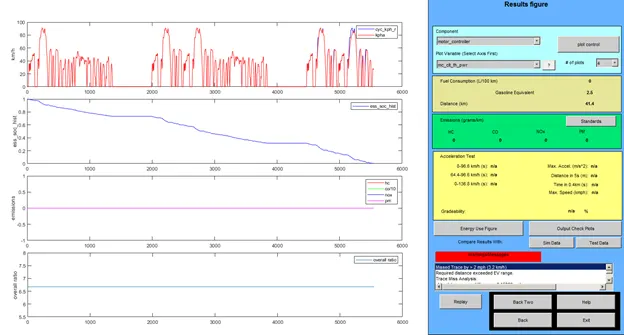
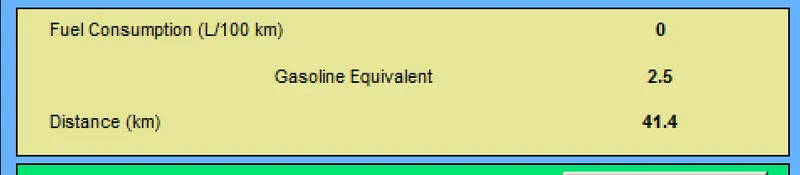
For 3 cycles as seen from above result the battery drain out and the SOC is 0%.
Battery can not survive be beyond the 41.4 km of distance( For battery module of 25).
It is not sufficiet to travell till 45 km as battery drain out before that.
Q_2 Changing the battery capacity
Change the battery capacity
Default no of battery module= 25
Default nominal voltage = 308 V
Now try to changing the battery modules To 27
Running for the 4 cycles
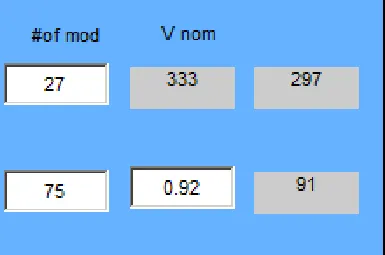
Result After changing to 27 battery modules. Battery nominl voltage become 333 V as the battery module increased.
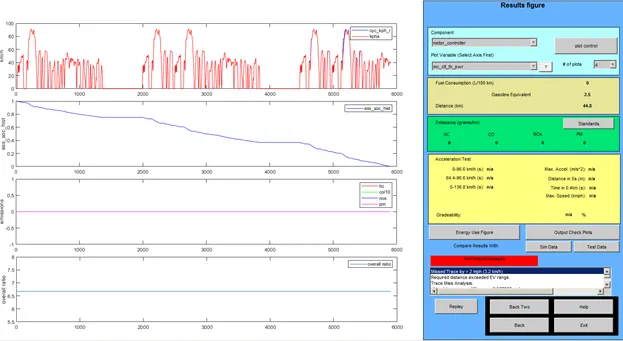
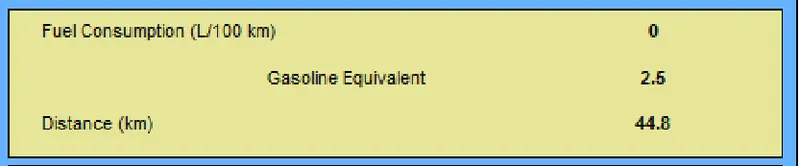
The distance travelled by the vehicle is 44.8 V before the battery drain out to 0% SOC.
Let's increase more :-)
Increas to 28 modules of battery.
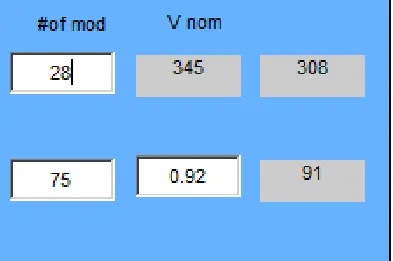
The nominal voltage is increased to 345 V for battery module of 28.
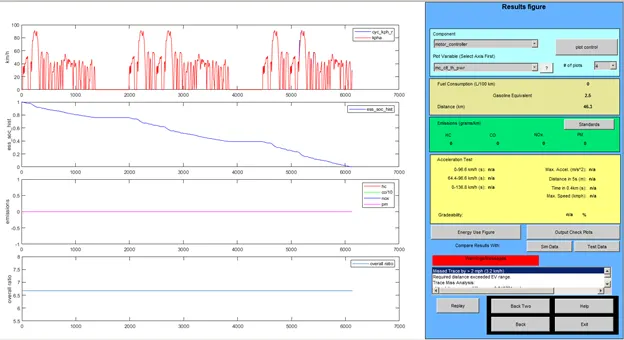

The distance travelled by the vehicle is 46.3 km before it drain out to SOC of 0%.
Hence to travel above the 45km the minimum battery modules required are 28.
Q_3 Perform gradeability test with PRIUS_Jpn_defaults_in file
Compare your results in table and conclude.
Similar to above process open the "Advissor tool" and
select the PRIUs_Jpn_defaults_in file as pe the question.
keeping all the data same press continue.
Again select the CYC_FTP drive cycle and run for 1 cycle.
And as we need to perform the gradeability test, it is needed to select the check box for including the test.

Inside the Grade option various setings are given
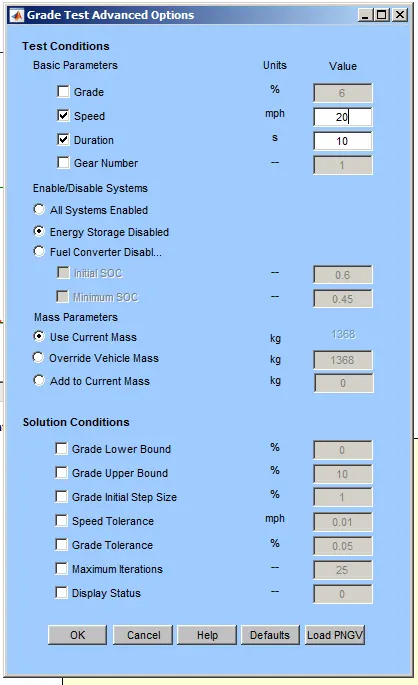
Here
Grade -> defines the grade for the vehicle
speed-> it defines the speed during the gradeability test duration
Duration -> it defines the period for which the gradeability test will done
Now all the above options are optional
Here the speed and the duration are selected for the test.
speed{20,30,40,50 miles per hour} will be changed first for fixed duration and the percentage gradeability will be observed for given speed.
After that first cycle with fixed duration, in the second cycle the duration will be changed.
For duration of 10 sec
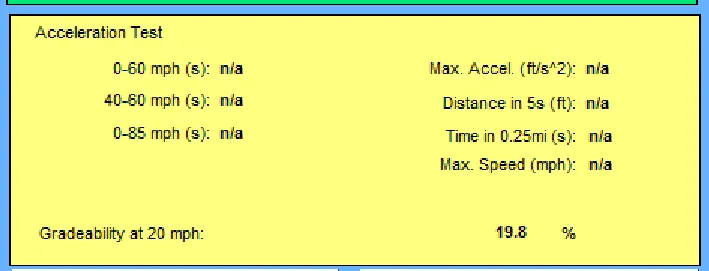
1. Speed -> 20 mph
gradeability from the result is 19.8%
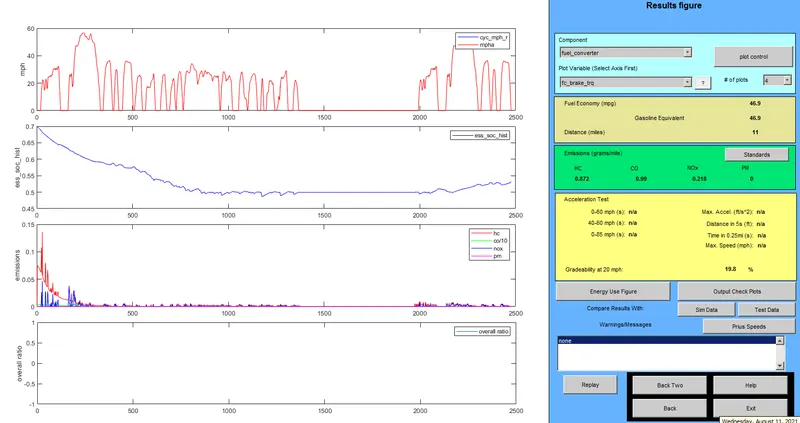
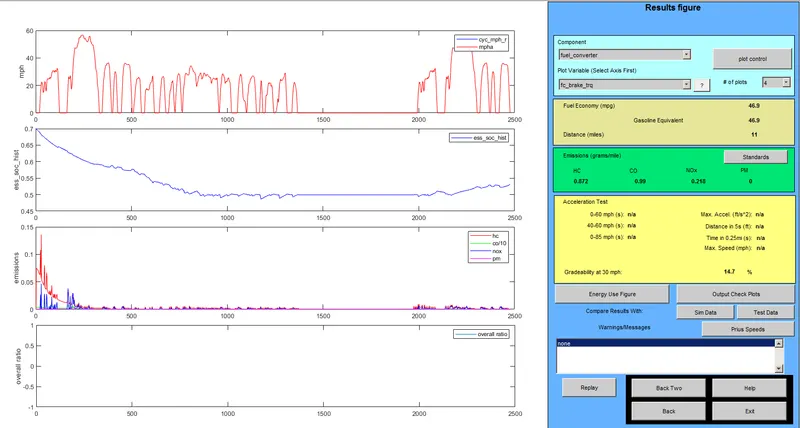
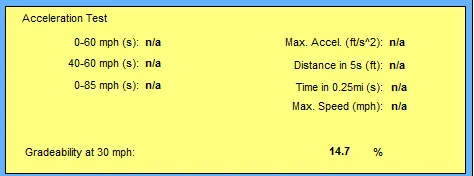
2. Speed->30 mph
gradeability from the result is 14.7%
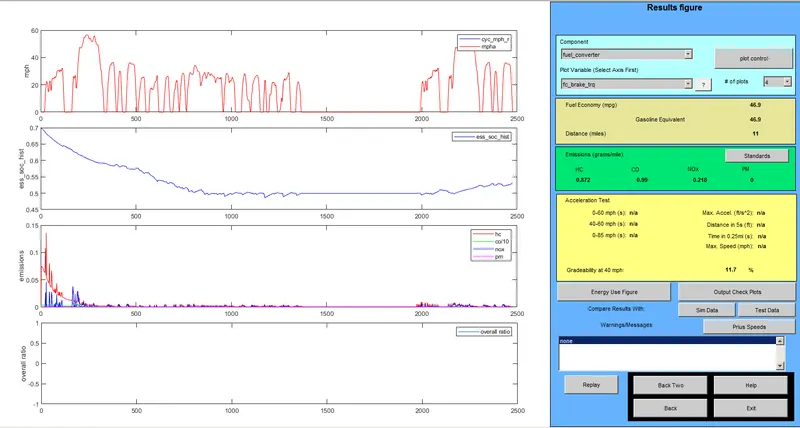
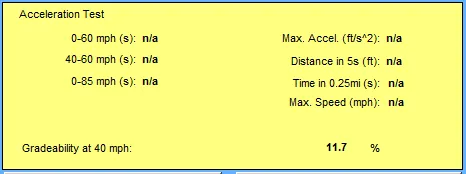
3. Speed-> 40mph
gradeability from the result is 11.7%
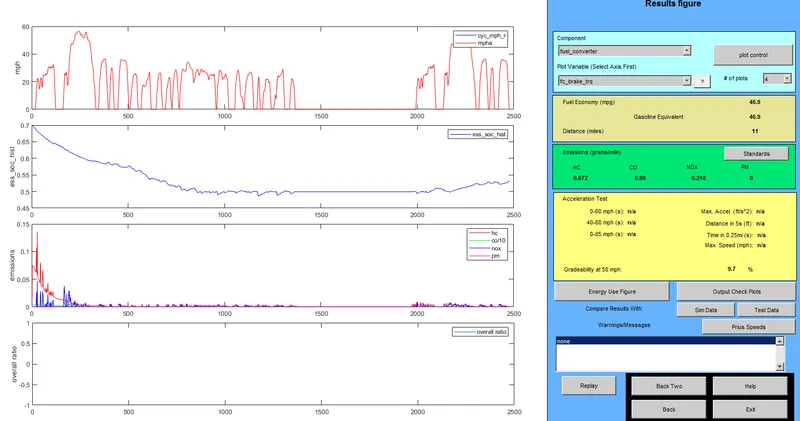
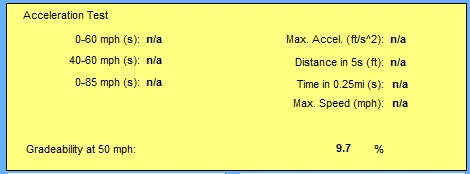
4. Speed -> 50mph
Greadabilility from the reult is 9.7%
Speed(mph) gradeability%
20 19.8
30 14.7
40 11.7
50 9.7
AS seen from the result as we increase the speed in gradeability test the percentage gradeabilty is decreases.
The reverse is also true. As the gradeability increases the speed of the vehicle is decreases.